Image to Image AI, Free Online
Upload a photo. Say what to change in plain words. Get a new picture back.
- Free to try
- No app needed
- No watermark
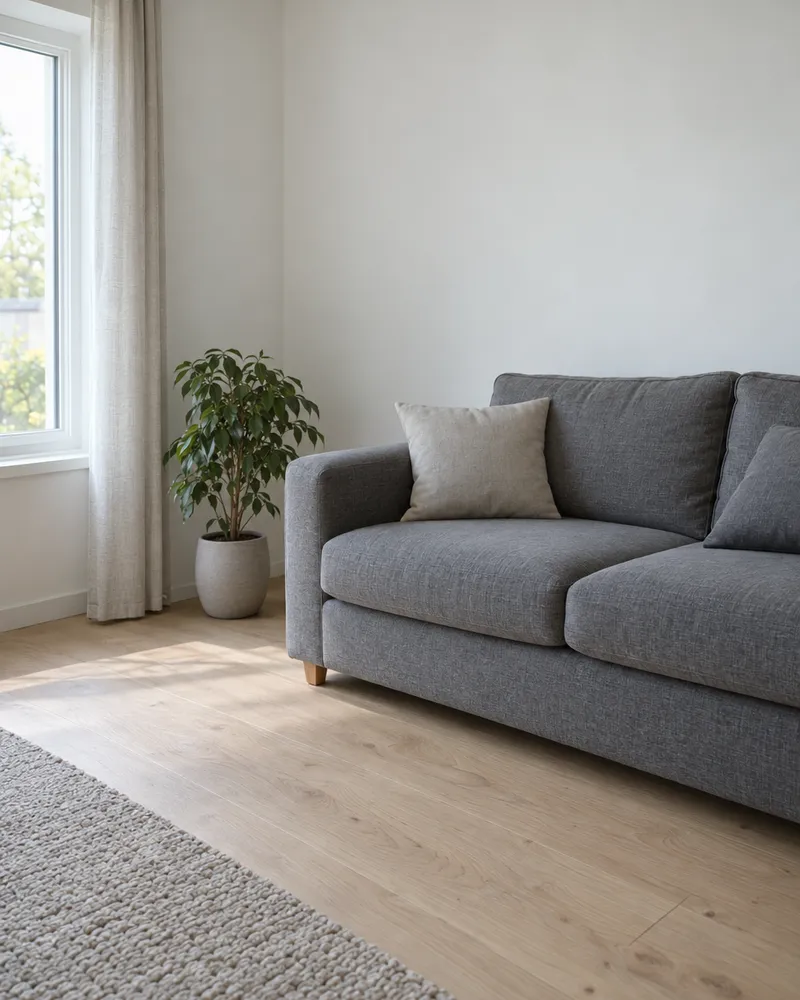
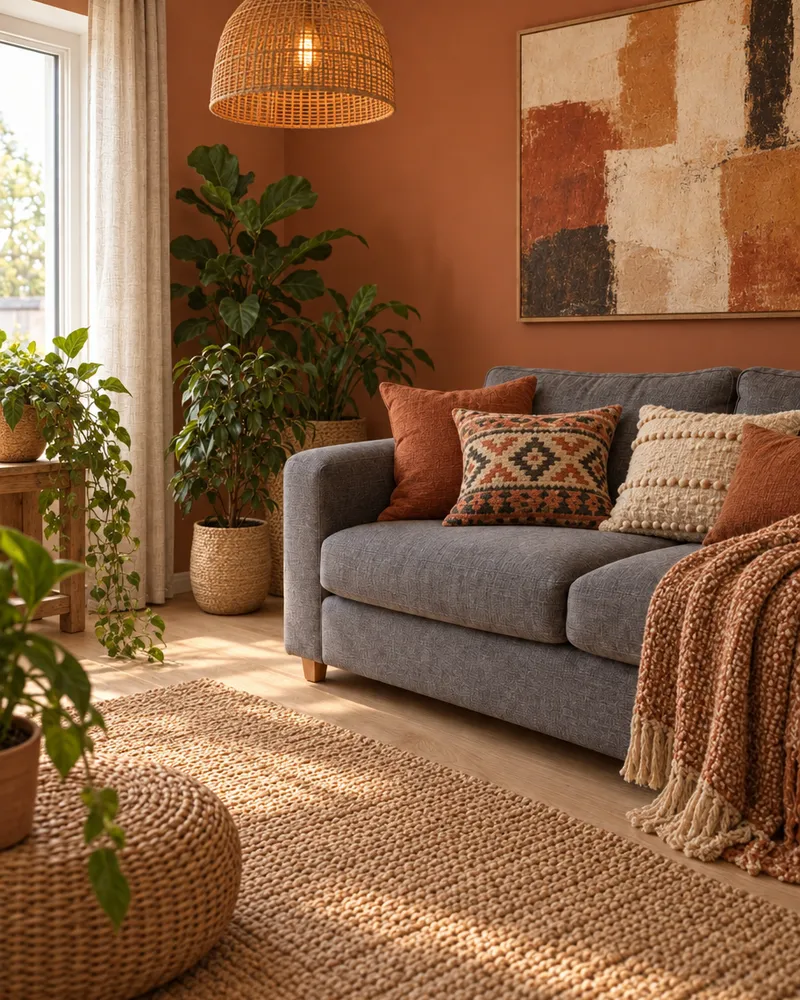
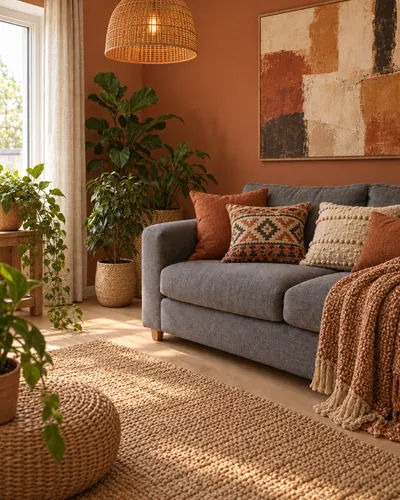
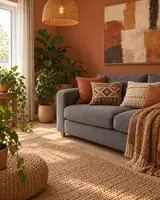
Turn this exact room into a warm bohemian space: paint the wall terracotta, hang a large abstract canvas above the sofa, add a rattan pendant lamp, patterned cushions, a woven throw and a jute rug, more plants. Keep the same sofa, the same framing and the same camera angle. No text, no letters, no numbers, no logos, no watermark, no brand markings anywhere.
How to use image to image AI
Three steps. It works on your phone too.
Step 1
Upload a photo
A JPG, PNG or WebP, up to 10MB.
Step 2
Type the change
Use plain words. Say what should stay the same too.
Step 3
Pick a model and go
You see the price first. Download with no watermark.
Image to image AI examples
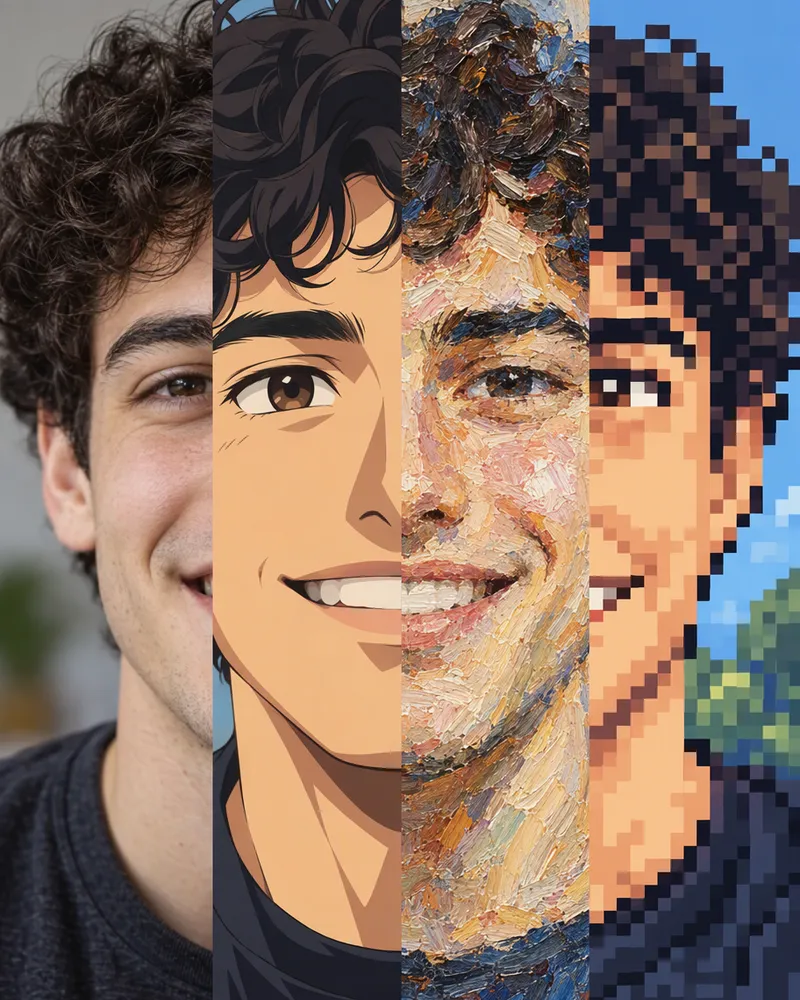
Each picture was made from the small photo in its corner. Tap one to try that style on your photo.
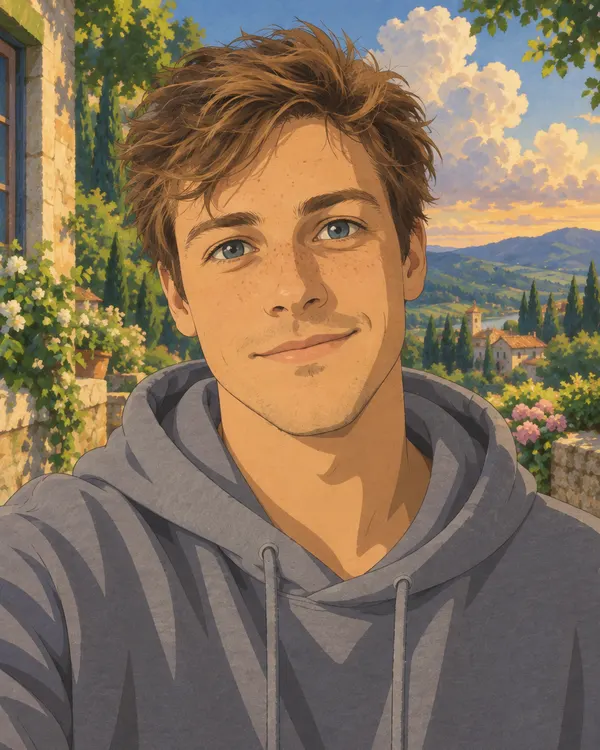
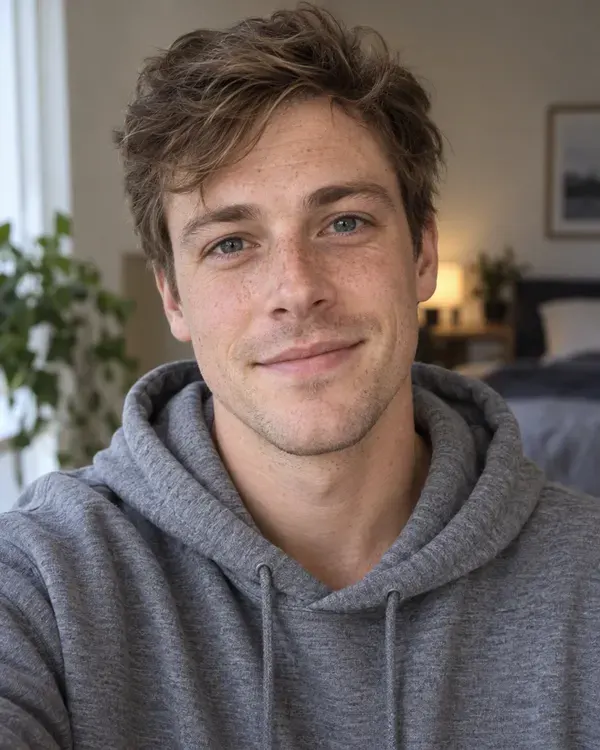
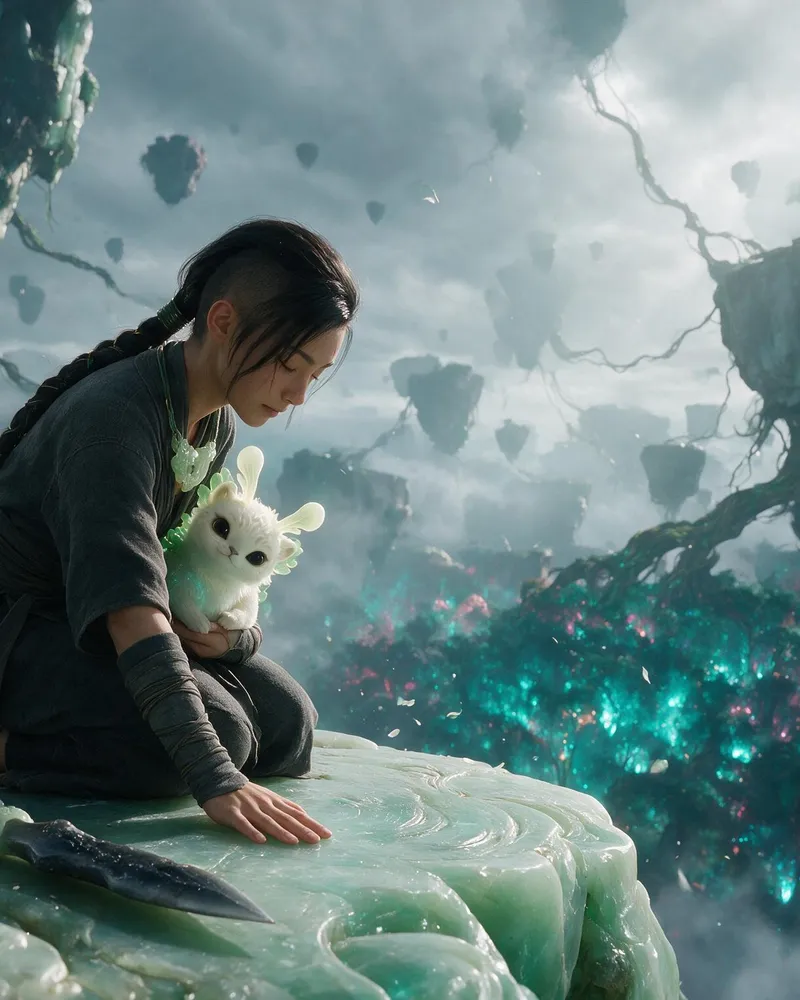
Painted Anime Film
Your photo as a frame from a hand painted anime film
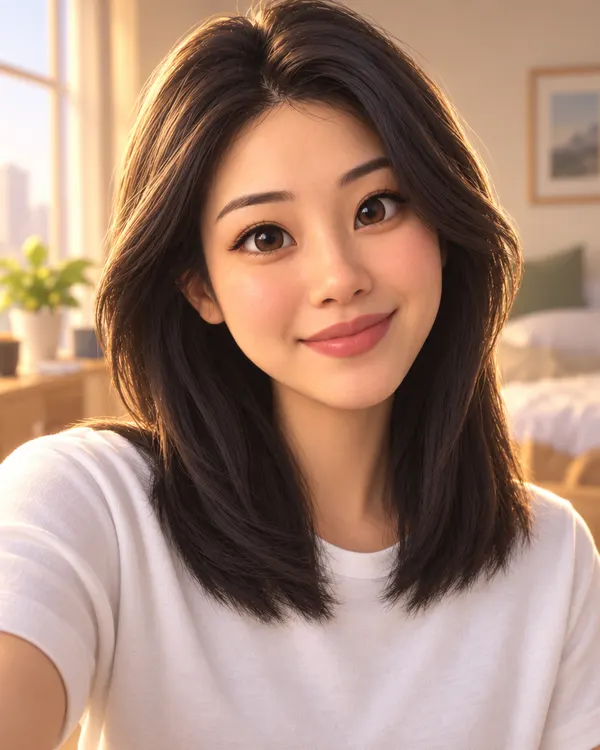
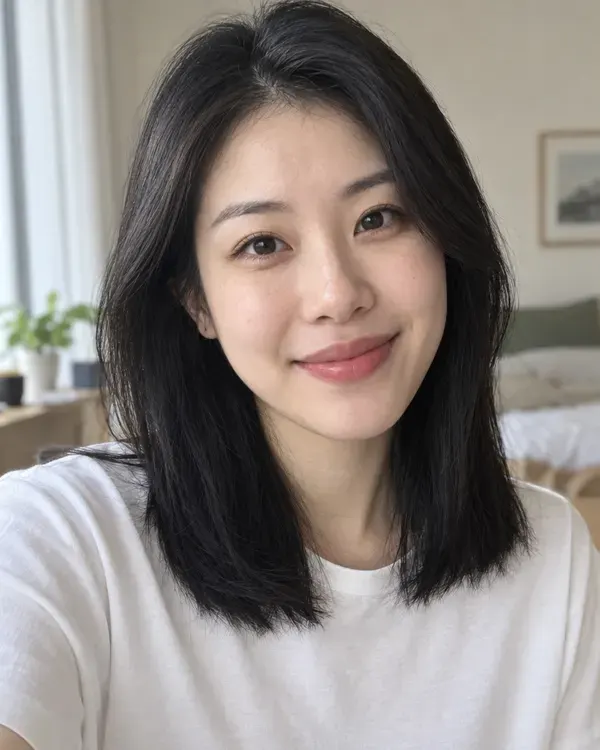
3D Movie Hero
You as the star of a 3D animated family film
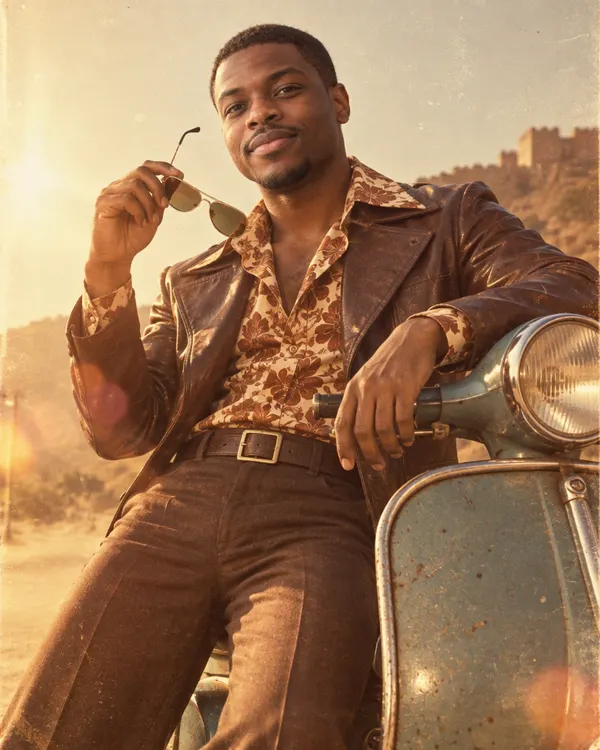
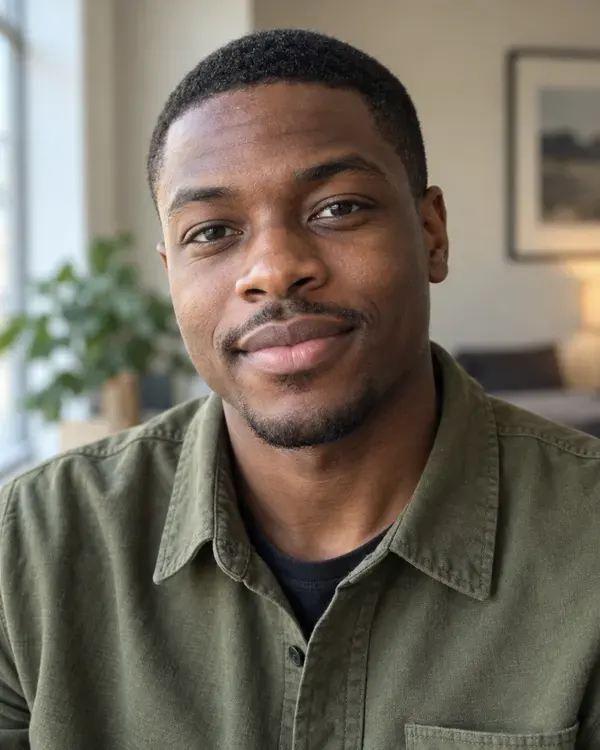
70s Film Star
The hero shot from a 70s Hindi film
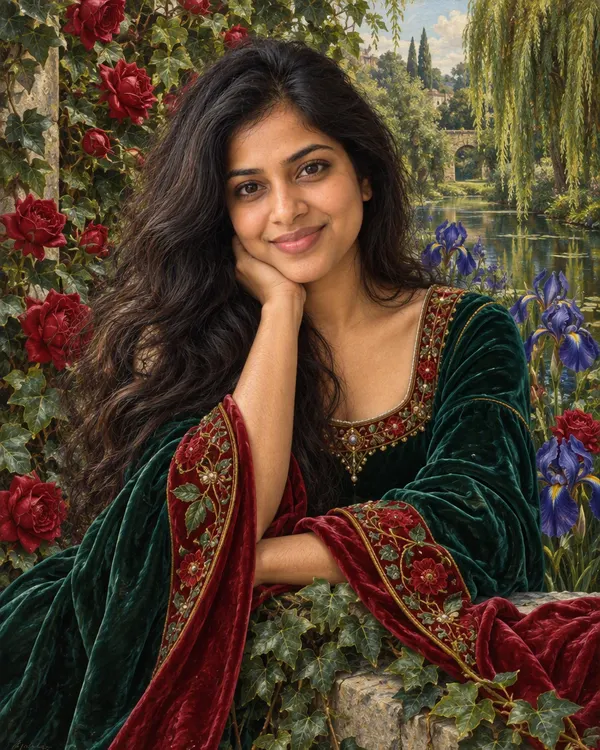
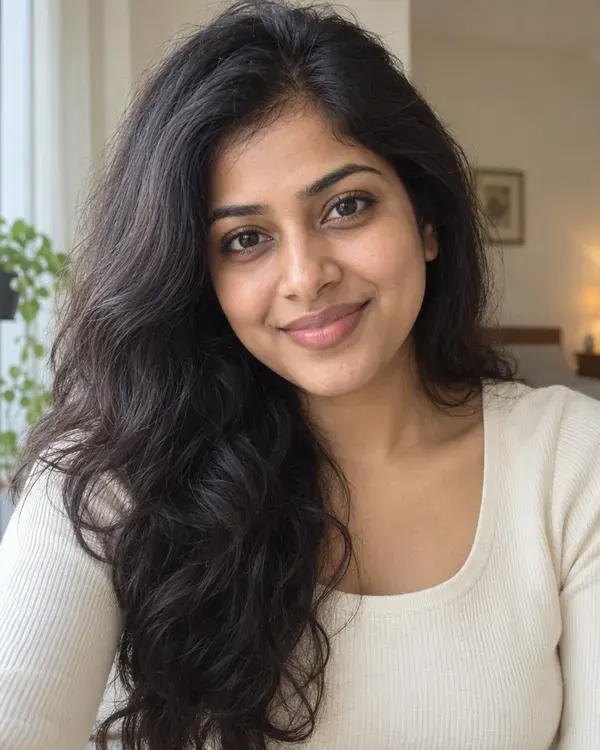
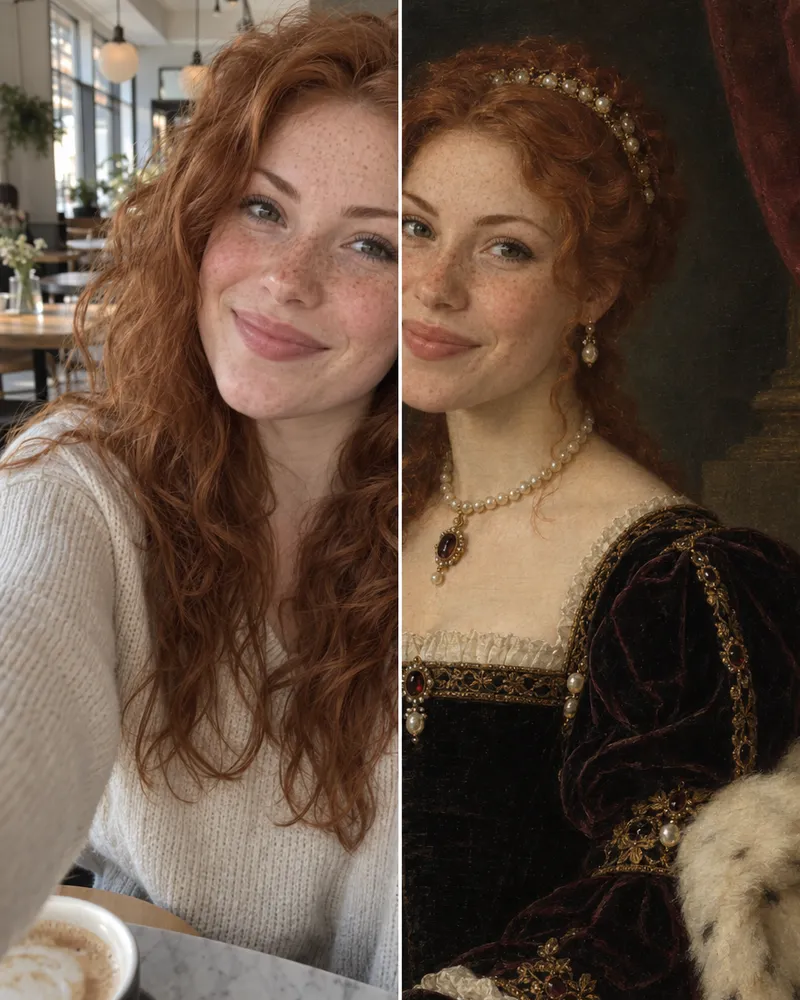
Pre Raphaelite Dream
Romantic, jewel toned and full of flowers
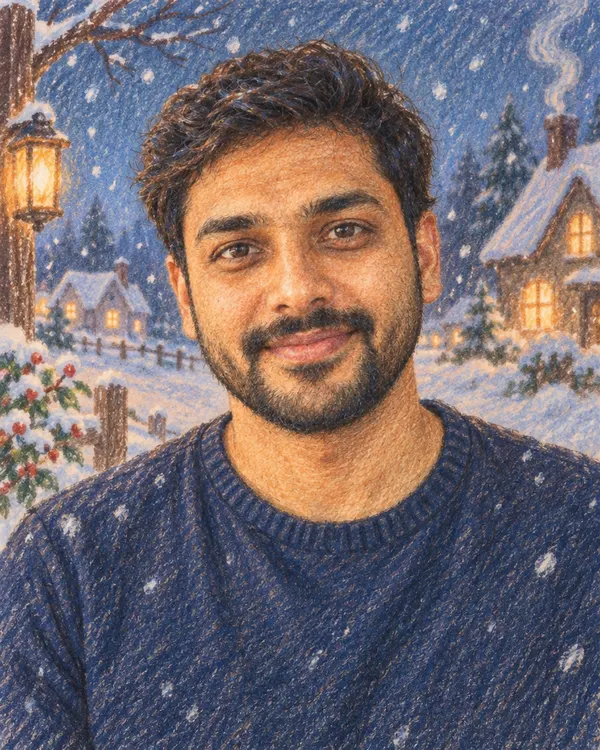
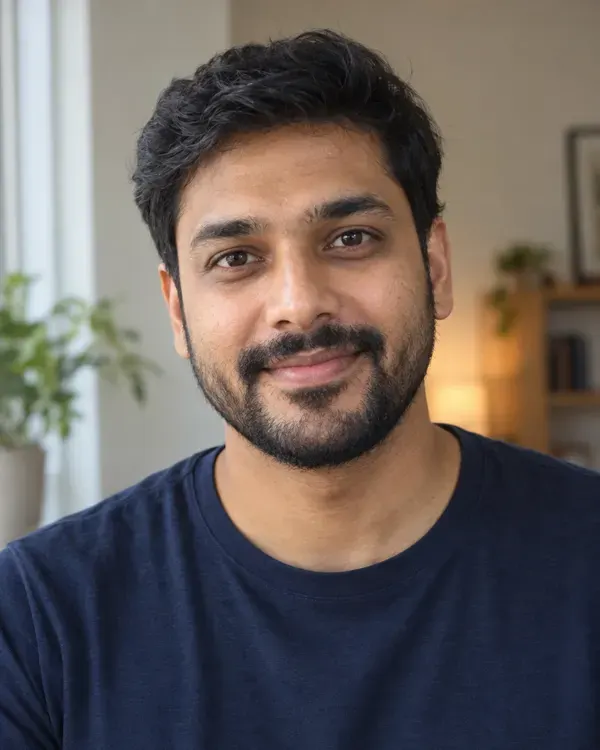
Pencil Crayon Film
A soft colored pencil cartoon from an old winter film
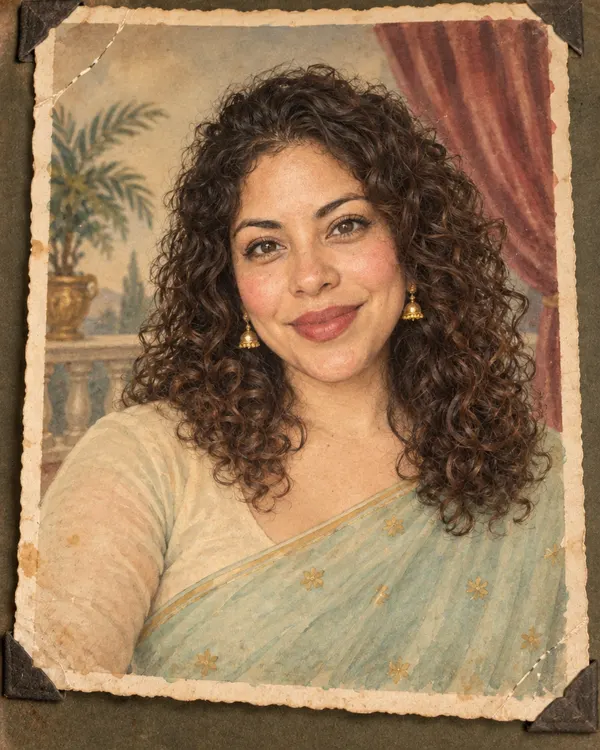
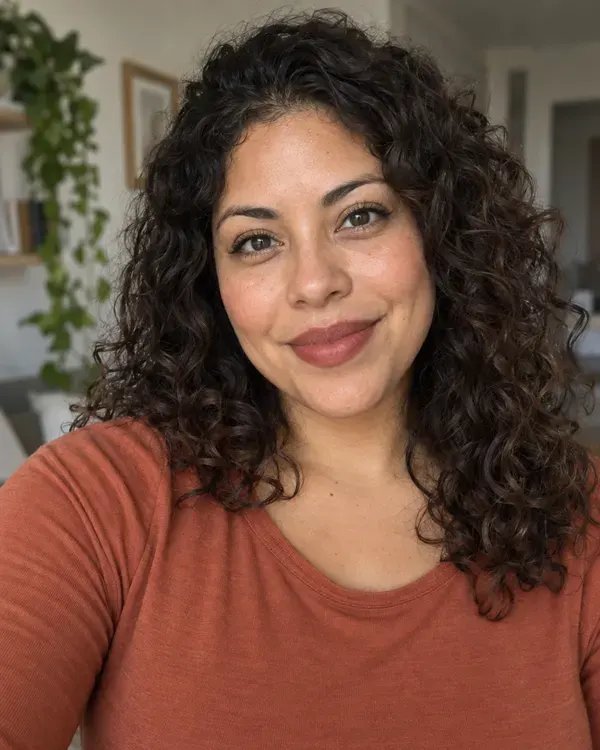
Hand Tinted Photo
An old studio photo tinted by hand in 1950s India
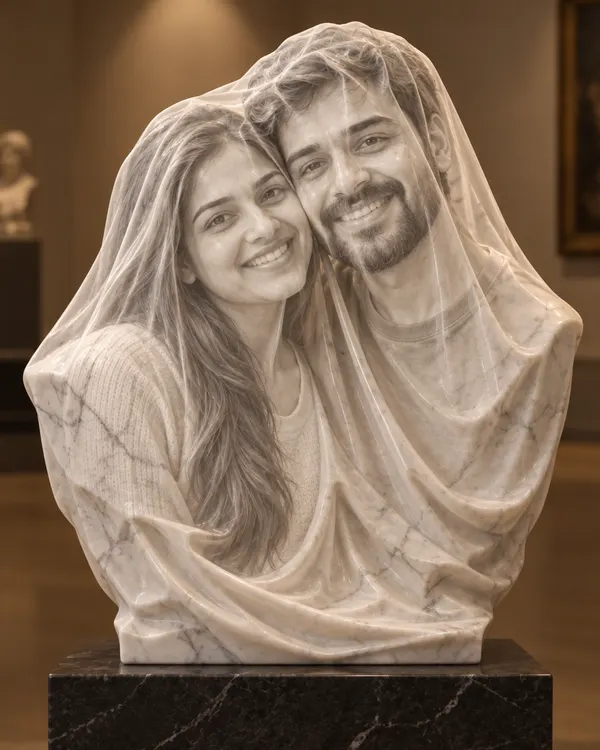
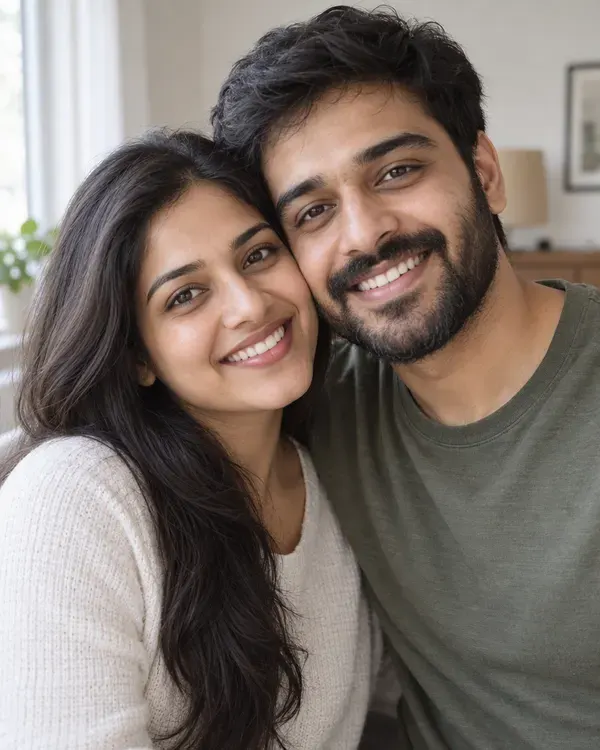
Veiled Marble
Carved in marble behind a veil you can see through
Or type your own change
Upload a photo and say what to change
Start now
How to write a good prompt
This real prompt made the room above. Each number shows what that part changed.
The prompt
Turn this exact room into a warm bohemian space: paint the wall terracotta, hang a large abstract canvas above the sofa, add a rattan pendant lamp, patterned cushions, a woven throw and a jute rug, more plants. Keep the same sofa, the same framing and the same camera angle. No text, no letters, no numbers, no logos, no watermark, no brand markings anywhere.
- Name the new lookStart with the look you want.
- Change one thingSay what it is and what it becomes.
- Say whereWords like “above the sofa” put things in place.
- List what to addName each new thing.
- Say what staysTell it what must not change.
- Say what to leave outStop stray words and logos.
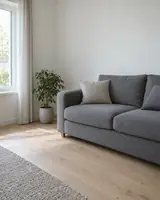 Your photo
Which model should I pick?
Every model shows its price before you start. Not sure? Start with the first one.
| Model | Good for | Photos in one edit | Tokens |
|---|---|---|---|
| Qwen Image 2 | Lowest price, the first pick | Up to 3 | 7 |
| Qwen Image 3 | A 2K result | Up to 3 | 9 |
| Seedream V5 | Many photos, low price | Up to 10 | 9 |
| Nano Banana 2 Fast | Mixing photos, wider frames | Up to 14 | 10 |
| Nano Banana 2.1 | Google's newest model | Up to 14 | 17 |
| GPT Image 2 Edit | OpenAI's model, wider frames | Up to 14 | 20 |
- Good for
- Lowest price, the first pick
- Photos in one edit
- Up to 3
- Tokens
- 7
- Good for
- A 2K result
- Photos in one edit
- Up to 3
- Tokens
- 9
- Good for
- Many photos, low price
- Photos in one edit
- Up to 10
- Tokens
- 9
- Good for
- Mixing photos, wider frames
- Photos in one edit
- Up to 14
- Tokens
- 10
- Good for
- Google's newest model
- Photos in one edit
- Up to 14
- Tokens
- 17
- Good for
- OpenAI's model, wider frames
- Photos in one edit
- Up to 14
- Tokens
- 20
More models can start from a photo in the AI image generator, like Flux 2 Pro, Nano Banana Pro, Seedream V4 and GPT Image 2.5 Sunburst.
How much does it cost?
You see the price before you start.
One edit, from
7tokens
Up to 20 on the top model. The price shows on the button before you start.
Free tokens when you sign up
New accounts get free tokens to try it. They work on every image model. No card needed.
Try it freeA failed edit gives your tokens backNo watermark
More AI image tools
Other ways to change a photo, or to make a new one.
- Styles and filters
Pick a look. No typing.
- Image reference
Use a photo as a guide
- Face Gen photo
Your face in a new picture
- Image to video
Make your picture move
- Remove BG
Cut out a person or thing
- Upscale an image
Make a photo bigger and sharper
- Create an image
No photo? Start from words
- Vector
Logos and icons from words

Questions people ask
What is image to image AI?
It makes a new picture from a photo you already have. You upload a photo and say what to change in plain words. The AI makes a new version and tries to keep what you did not ask it to change, like the person, the pose or the framing. On Enhance AI it runs in the AI photo editor. The AI photo filter does the same job with ready made styles.
Is image to image AI free on Enhance AI?
You can try it for free. New accounts get free tokens, and you do not need a card. The free tokens work on every image model. Each edit then costs tokens: 7 on the lowest priced model and 20 on the top one. If an edit fails, the tokens go back to your balance. When you need more, plans start at $19, paid one time. Yearly plans are 20% off.
Do I need an account?
Yes. The photo editor and the AI filter need a free account, which keeps your pictures and tokens in one place. If you only need a sharper photo, the AI image enhancer works with no account, up to 3 photos a day.
How do I turn a photo into anime, a painting or a sketch?
There are two ways. In the photo editor, open Style Transfer and pick one of 25 looks, like Anime, Oil Painting, Watercolor or Sketch. It costs what your model costs, from 7 tokens. Or open the AI filter, pick a ready style, and it redraws the whole photo for 20 tokens. The style examples on this page come from the AI filter.
Will my face stay the same?
Mostly. The AI works from your photo, and in every example here the face is easy to recognise. Small changes can still slip in, most often with big style changes or group photos. A style can also change your clothes and the background, and if your photo stops at the shoulders, the AI makes up the rest. Words on signs and labels can come back changed too. Add "keep the face the same" to your prompt, and check the picture before you share it.
Which AI model should I use?
Start with Qwen Image 2. At 7 tokens it has the lowest price, and it is the one the editor picks first. To mix several photos, use Nano Banana 2 Fast or GPT Image 2 Edit. To make the frame wider or taller, use Crop and Expand with those same two. For a 2K result from a Qwen model, pick Qwen Image 3. If one model misses, try the same prompt on another before you rewrite it.
Can I use more than one photo in one edit?
Yes. In AI Edit, add extra photos next to your main one, like a product, a pattern or a place. Nano Banana 2 Fast, Nano Banana 2.1 and GPT Image 2 Edit take up to 14 photos in one edit, Seedream V5 takes up to 10, and the Qwen models take up to 3. That count includes your main photo.
What photos can I upload?
JPG, PNG and WebP photos up to 10MB each. A sharp photo with one clear subject works best. If yours is small or blurry, sharpen it first with Upscale in the editor.
What else can the photo editor do?
It has 12 tools: AI Edit, Layers, Change Region, Magic Eraser, Style Transfer, Crop and Expand, Image Adjustments, Change Light, Camera Angle, Color Palette, Upscale and Remove Background. Remove Background costs 2 tokens, Camera Angle 5, Upscale 2 or 3, and Layers 115 or 185. Image Adjustments, like brightness and contrast, are free. Tools where you pick a model, like Magic Eraser and Change Light, cost what that model costs.
Can I use the pictures I make?
Yes. Our Terms say you own the pictures you make, and you can use them for personal or commercial work, like ads, client work and products you sell. You must own, or have permission to use, every photo you upload, and you are responsible for what you make and share. Pictures download with no watermark. By default, we do not use your photos to train AI without your consent. Download the pictures you want to keep, because older ones in the editor history can expire.
How is it different from text to image?
Text to image starts from words alone, so the AI makes up everything, people included. Image to image starts from your photo and keeps your subject, though you should still check faces. A basic photo filter only changes colors and light. On Enhance AI, text to image is the AI image generator, and simple color changes are Image Adjustments in the editor, for free.
How were the examples on this page made?
Each picture was made from the photo shown with it, with GPT Image 2.5. The room used the prompt shown above. Each style used that style's own prompt from the AI filter. You can use GPT Image 2.5 with your own photo in the AI image generator. The AI filter runs GPT Image 2, so your result can look a little different.
Try image to image AI on your photo
Upload a photo, type the change and download your new picture.
Upload a photo- Free to try
- No app needed
- No watermark