Free AI Image Generator
Type what you want to see and get a picture, right here in your browser. No app needed, no watermark.
3 free images a day, no account needed. Or tap a picture to use its prompt.
How to make an AI image
Three steps. It works on your phone too.
Step 1
Type your idea
Say what you want to see, in simple words.
Step 2
Pick a shape
Square, portrait or landscape. Then press Generate.
Step 3
Download it
Save your picture. There is no watermark.
See what a prompt can make
Real pictures. Each one was made from the words under it.
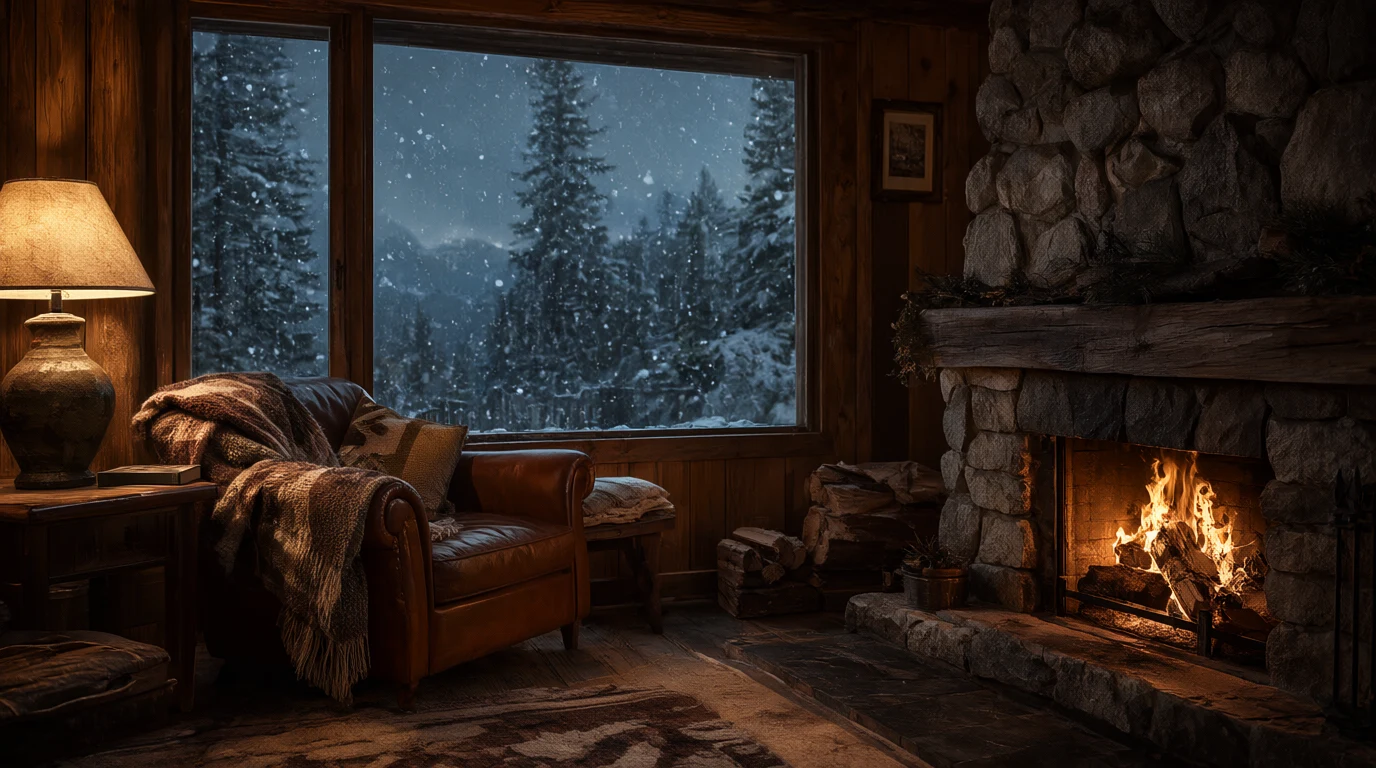
Made with Qwen Image 2.1
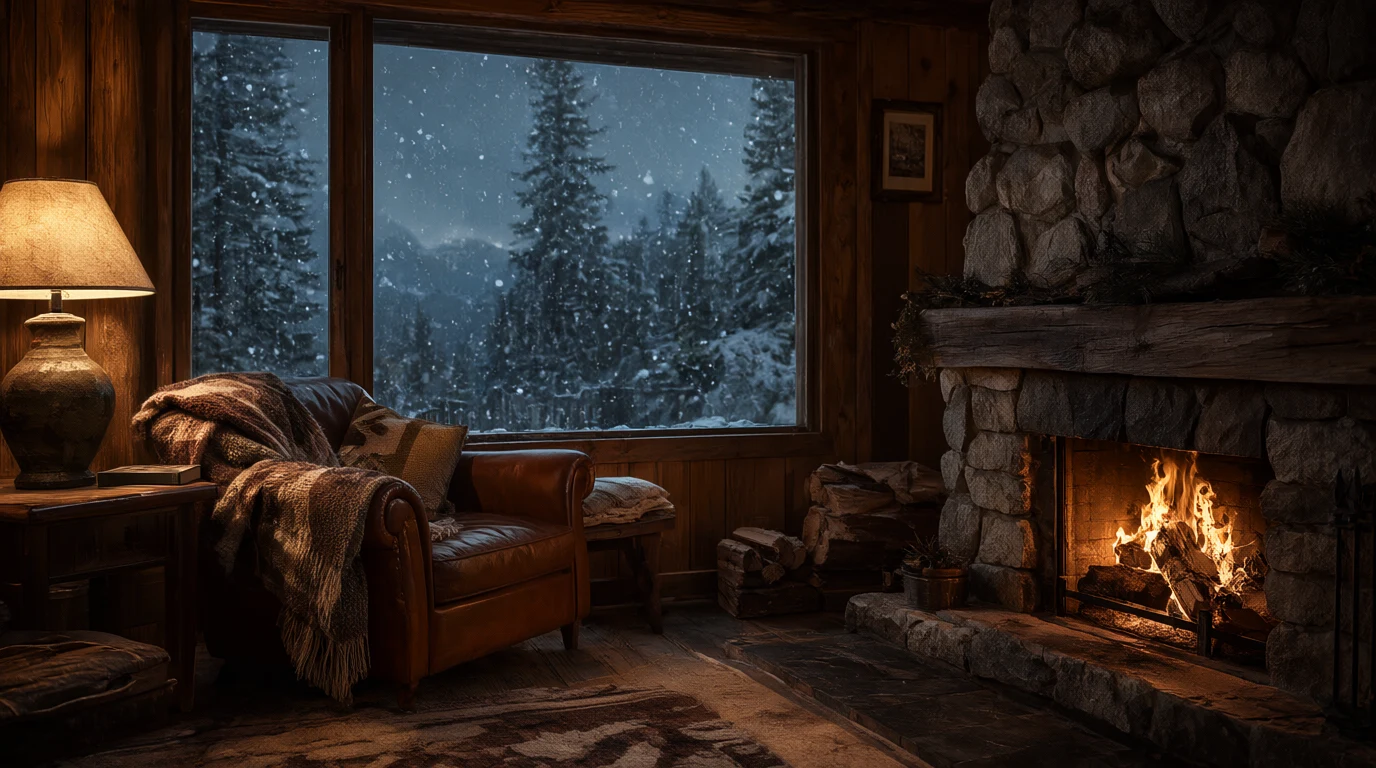
“A cozy mountain cabin interior at dusk, a crackling stone fireplace, a wool blanket over a leather armchair, snow falling past a large window with pine trees outside, warm lamp light, photorealistic.”
Try this prompt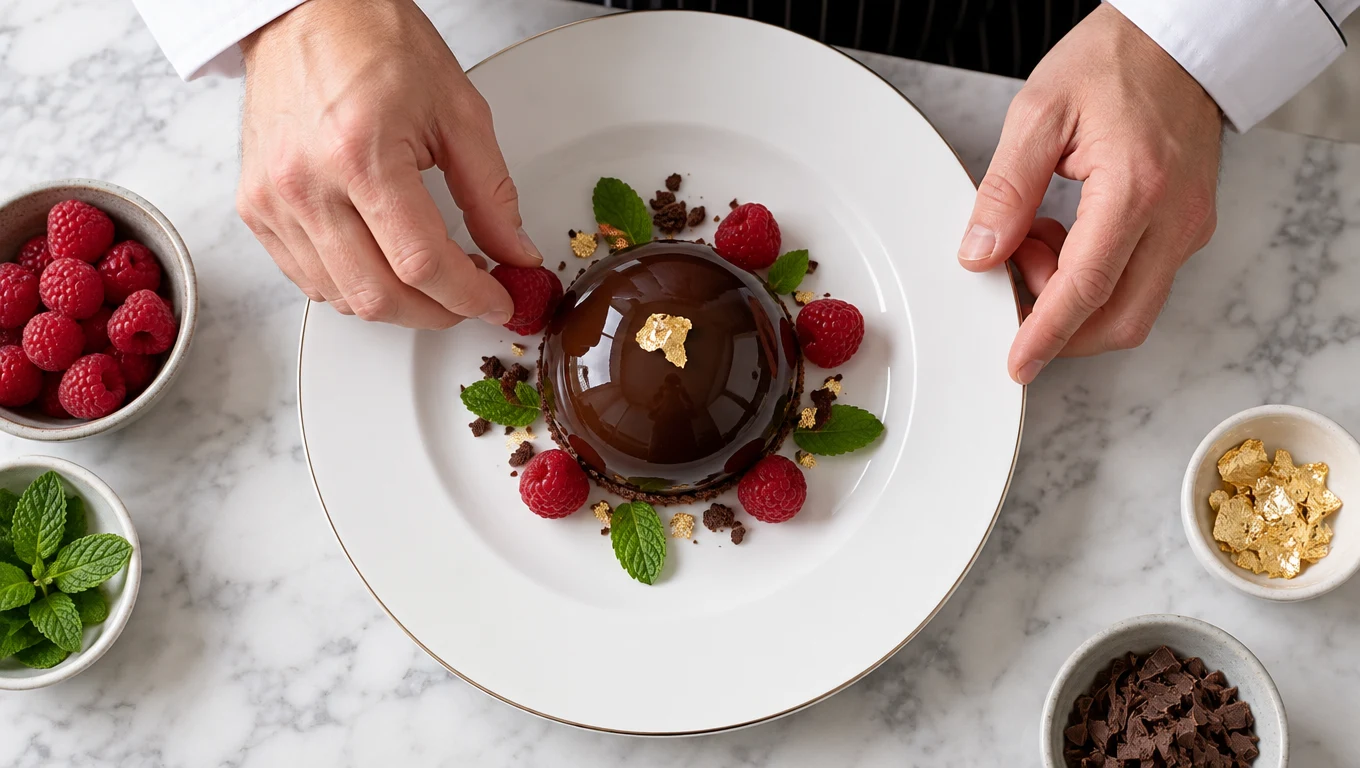
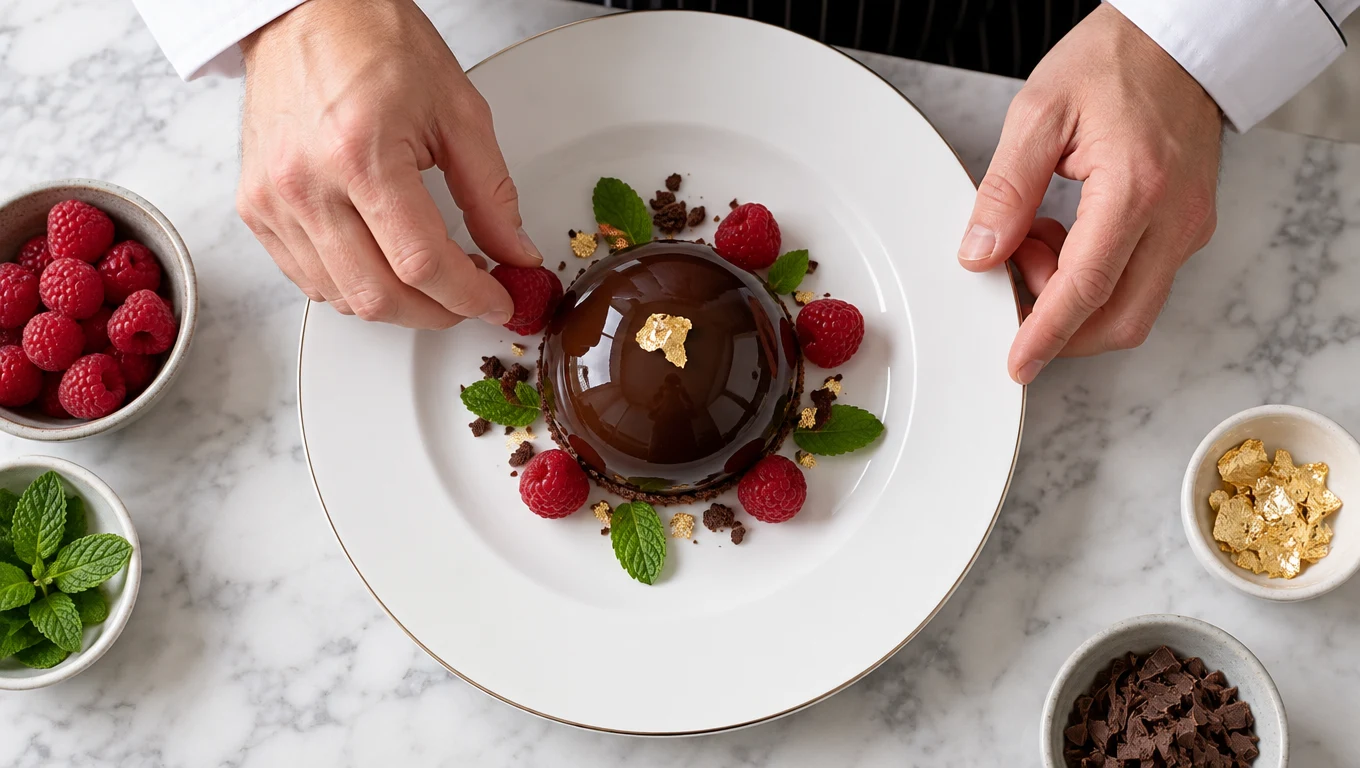
Made with GPT Image 2.5 Sunburst
“Overhead view of a chef's hands placing raspberries around a glossy chocolate dome on a white plate, mint leaves and a flake of gold leaf, marble counter, crisp studio light.”
Try this prompt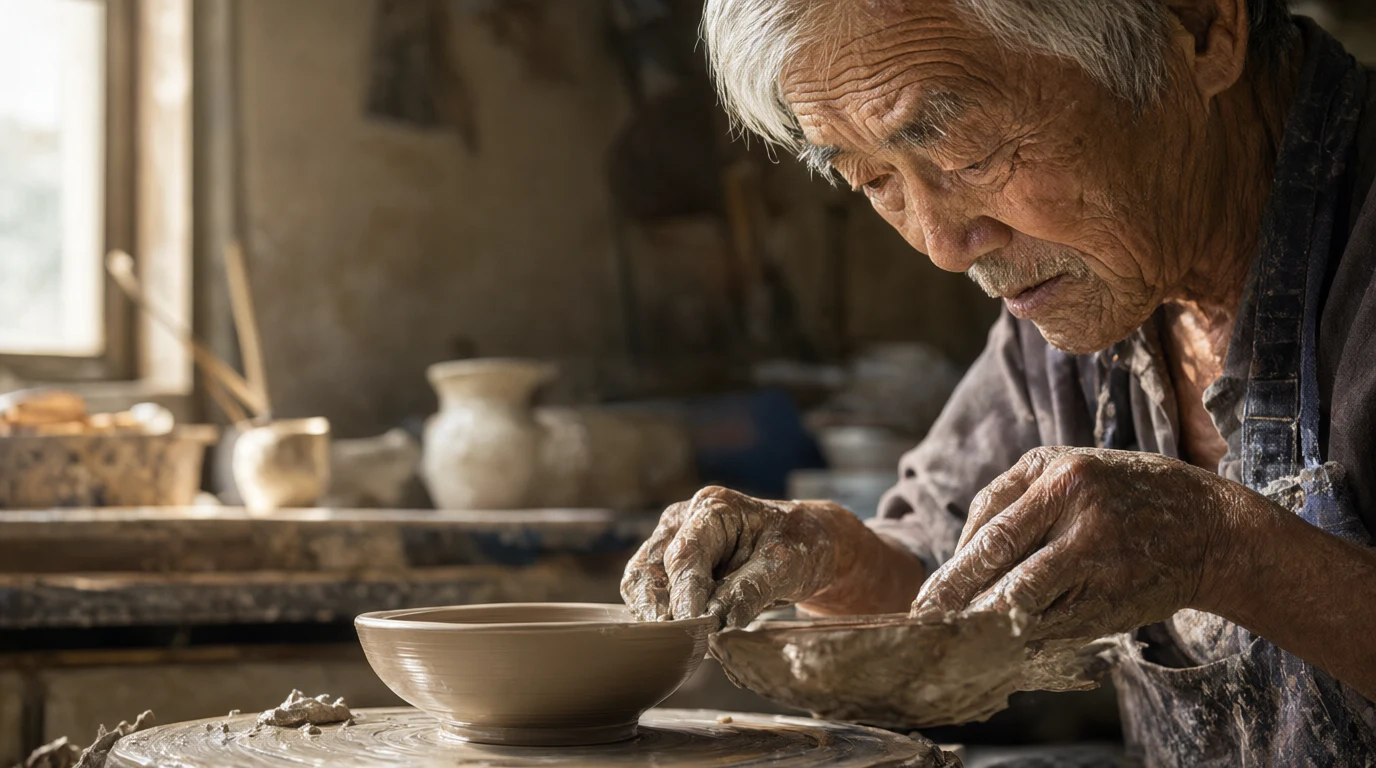
Made with Qwen Image 2.1
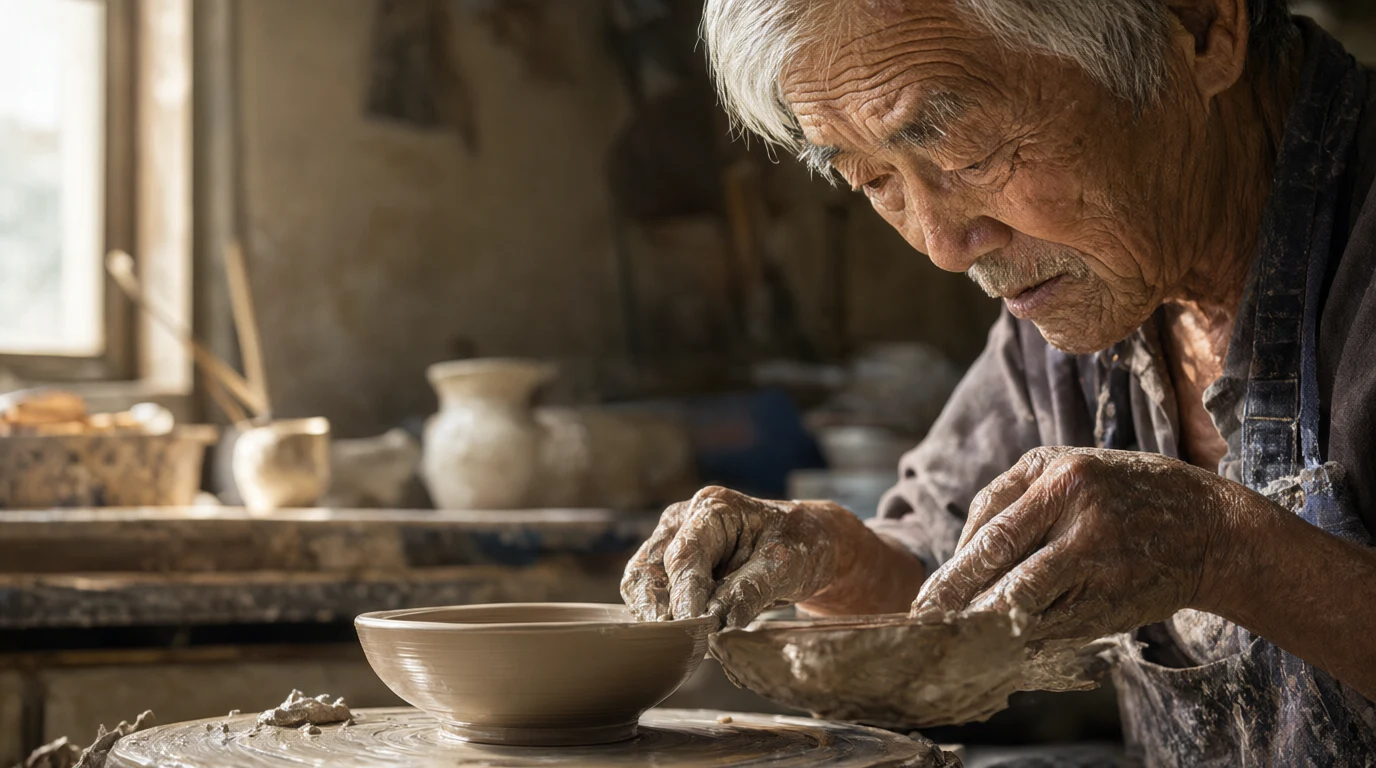
“A portrait of an elderly potter with silver hair and clay covered hands shaping a bowl on a wheel in a sunlit workshop, deep wrinkles and fine skin texture, 85mm photograph.”
Try this prompt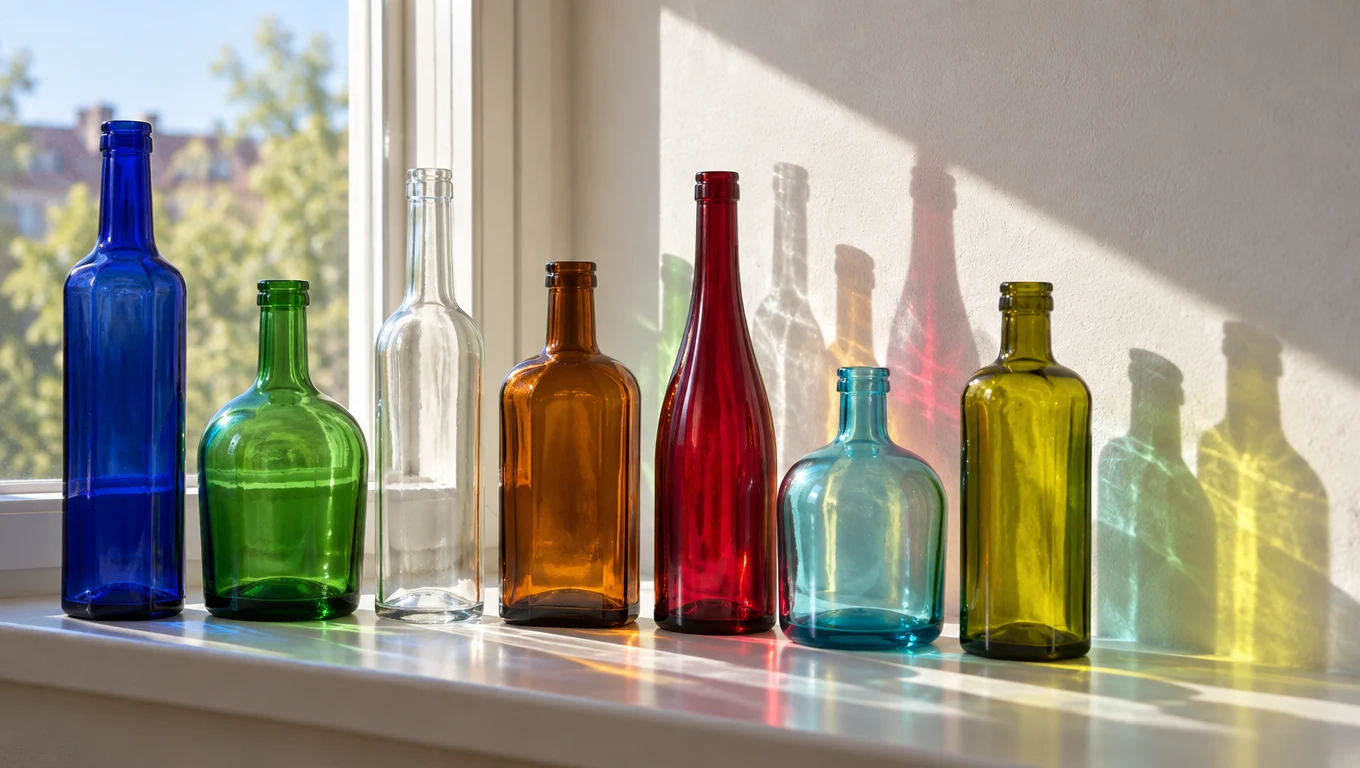
Made with GPT Image 2.5 Sunburst
“Seven plain glass bottles of different shapes and colors lined up on a sunny windowsill, light passing through them and casting colored shadows on a white wall.”
Try this prompt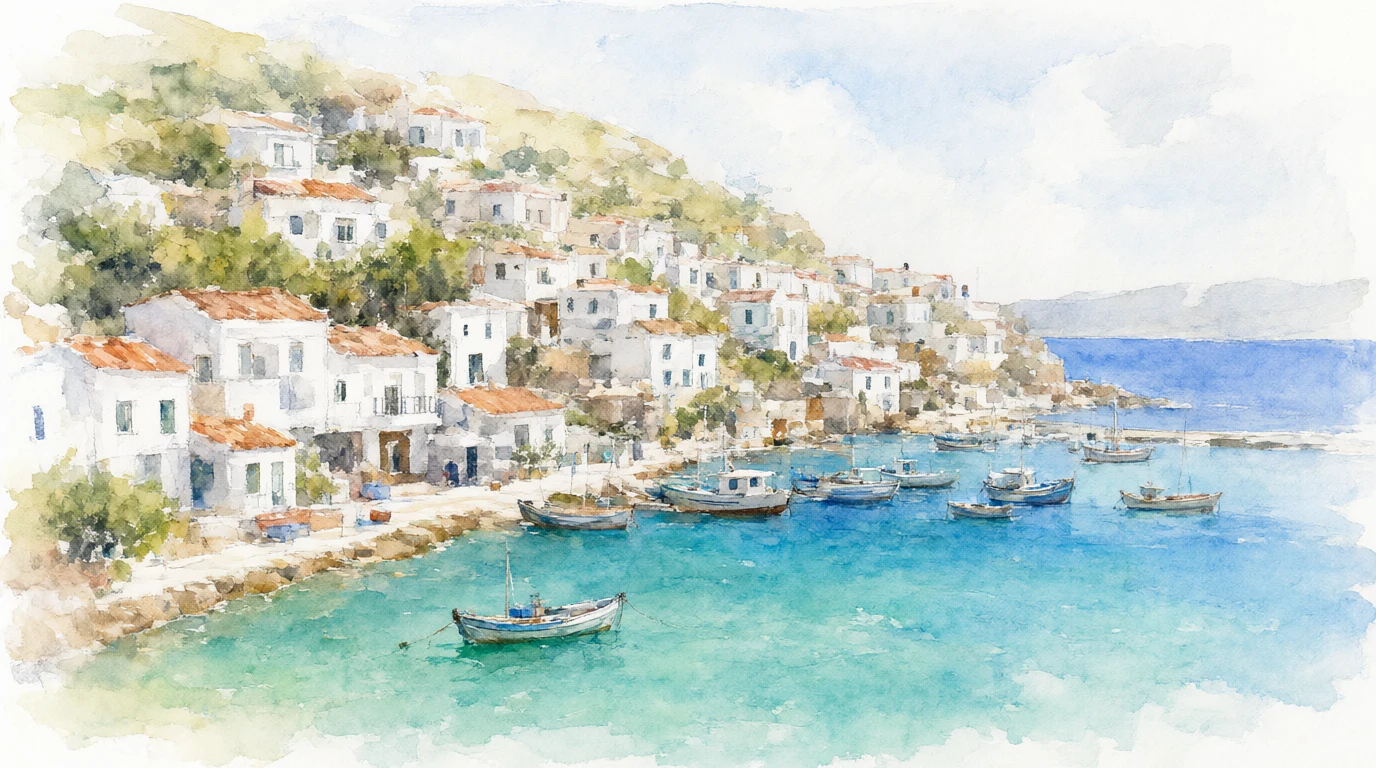
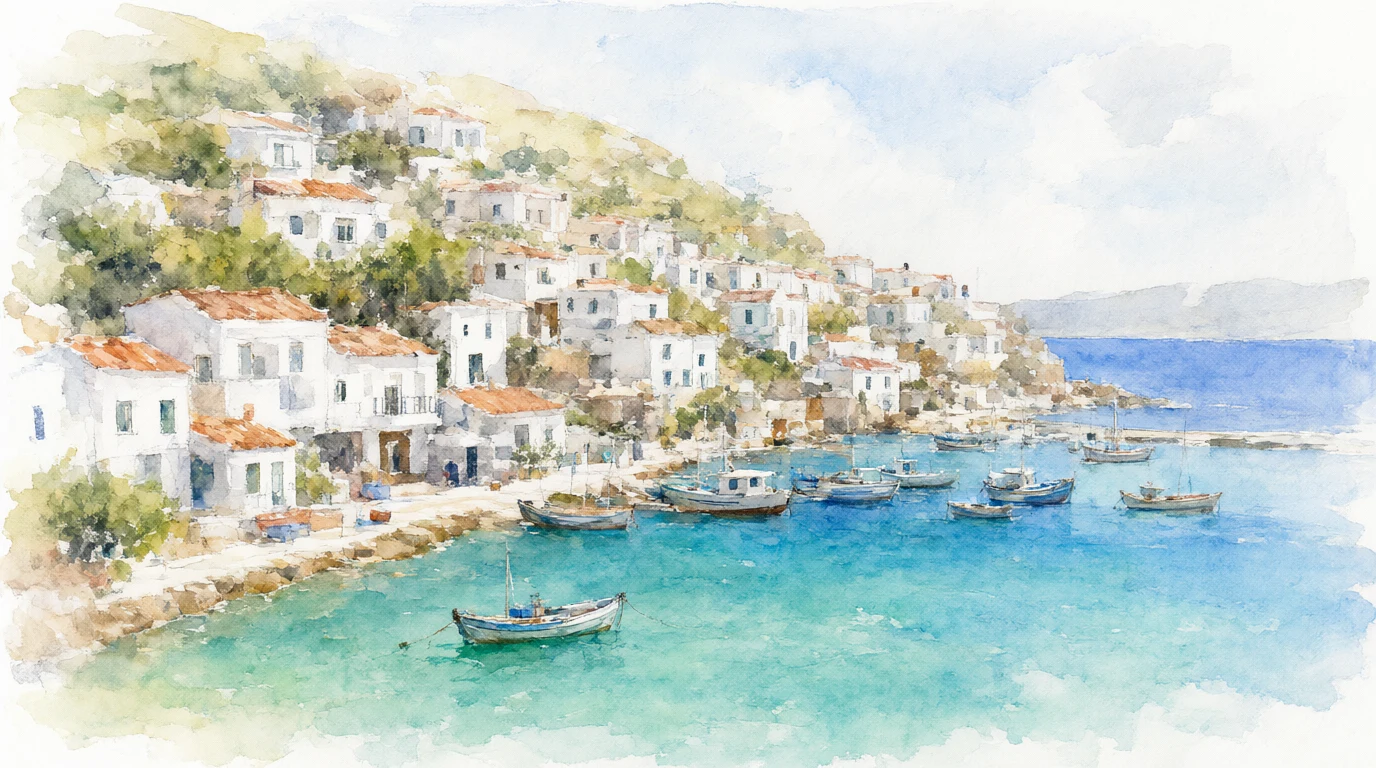
Made with Qwen Image 2.1
“A watercolor painting of a coastal village with white houses stacked on a hillside above a turquoise bay, small fishing boats in the harbour, loose brush strokes and soft washes of color.”
Try this prompt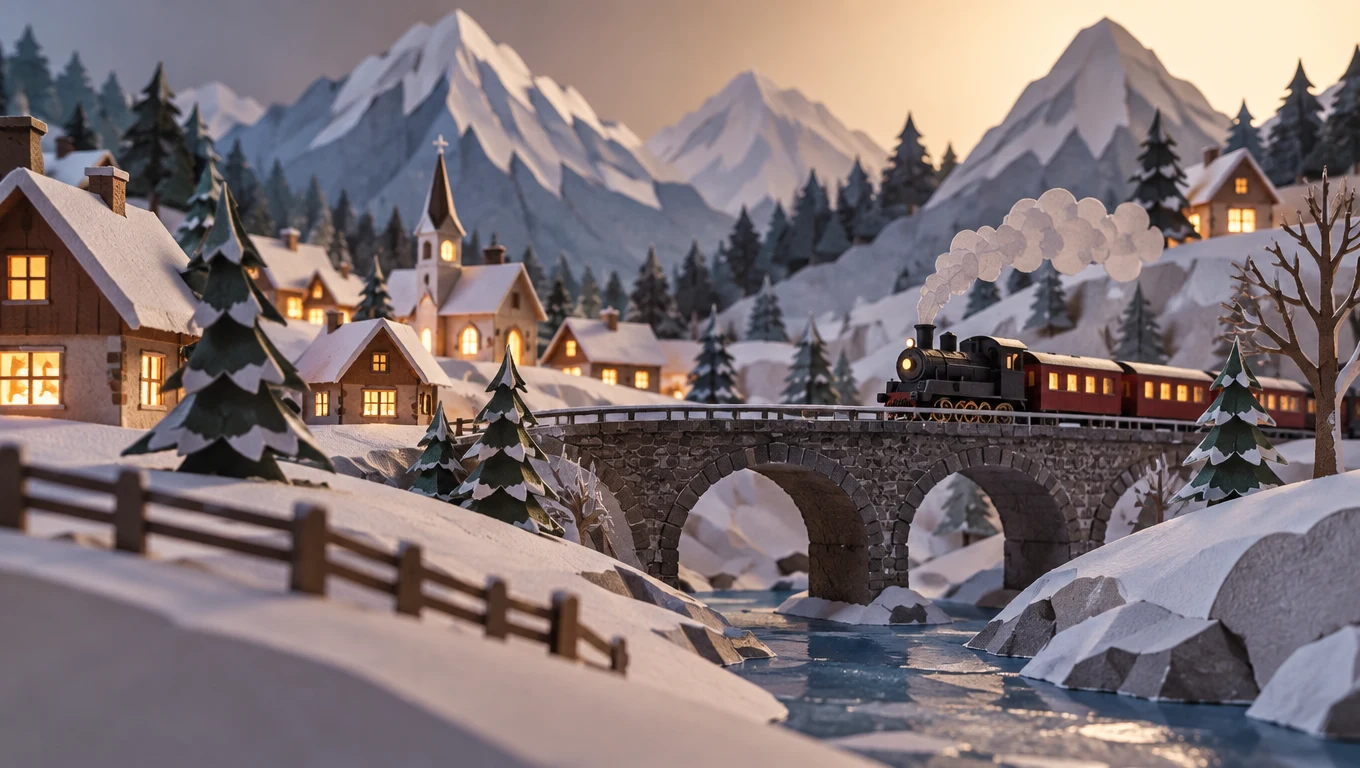
Made with GPT Image 2.5 Sunburst
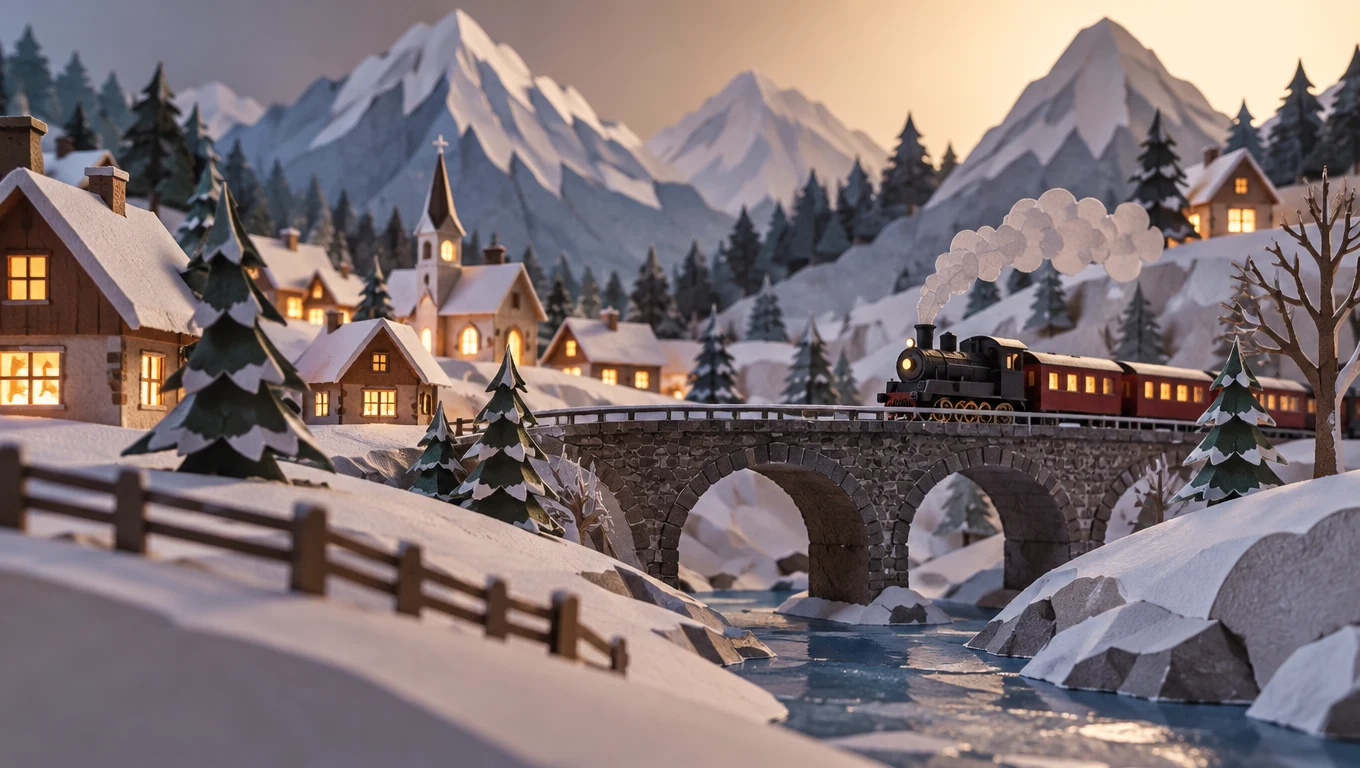
“A paper craft diorama of a mountain village in winter, layered cut paper hills, tiny houses with glowing windows, a small train crossing a stone bridge, soft studio lighting, low angle photo.”
Try this prompt
How to write a good prompt
One real prompt, part by part, next to the picture it made.
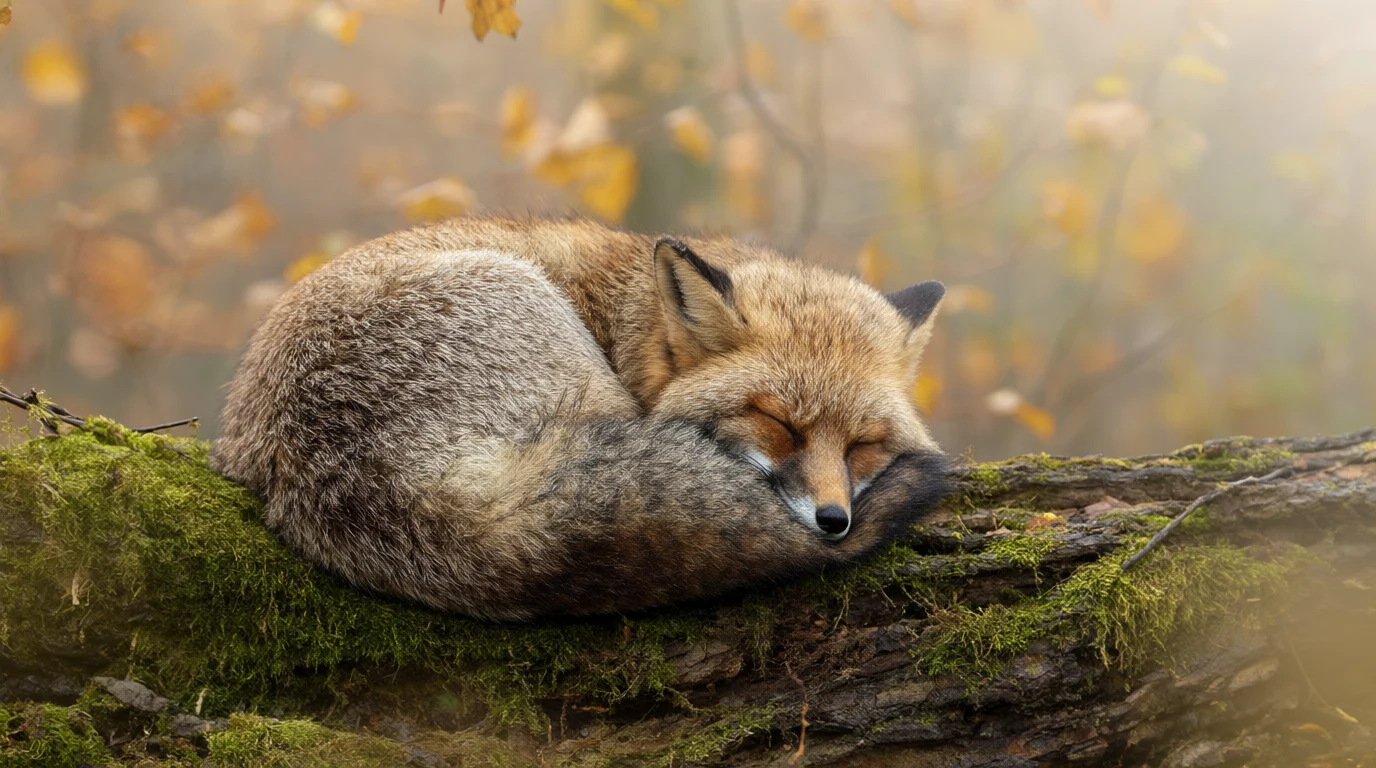
The prompt
A red fox curled up asleep on a mossy log in a misty autumn forest, soft morning light through golden leaves, fine fur detail, wildlife photography.
- SubjectSay the main thing first.
- ActionSay what it is doing.
- SceneSay where it is.
- LightMorning sun, soft light or neon at night.
- StylePhoto, watercolor, anime or 3D.
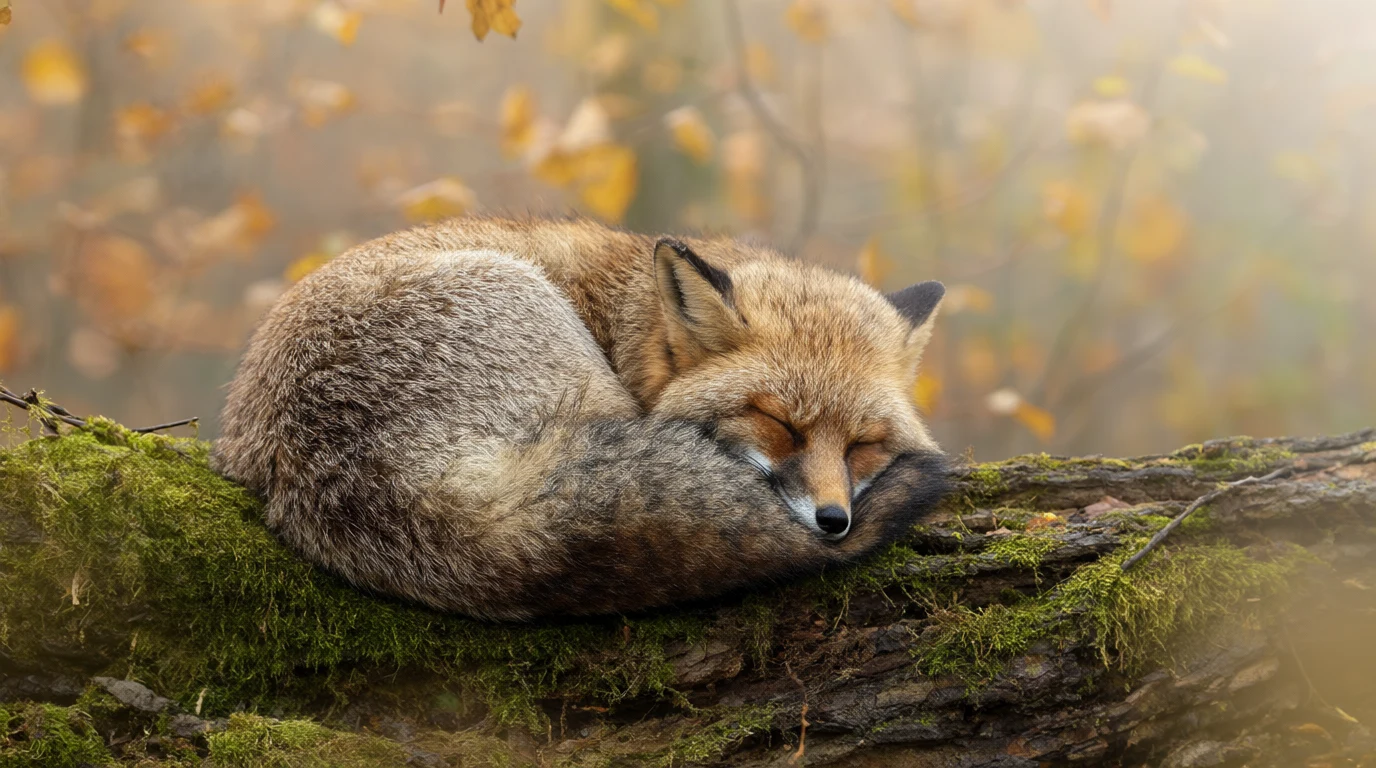 Made with Qwen Image 2.1
Want more? Pick a model
In the playground you choose the AI model. Each one costs a set number of tokens per image. Here are some good ones, cheapest first.
| Model | Tokens per image | Good for |
|---|---|---|
| Flux Red | 1 | Cheap drafts. Up to 4 images at once, from text only. |
| Flux 2 Klein 9B | 3 | Low cost. Can edit with up to 3 photos. |
| Qwen Image 2.1 | 6 | Realistic photos and art, by Alibaba. |
| Seedream 5.0 Flash | 8 | Fast, everyday images, by ByteDance. |
| Qwen Image 2 | 8 | Words on posters and signs. Up to 3 photos. |
| GPT Image 2.5 Sunburst | 10 | Fine detail, by OpenAI. |
| Seedream 5.0 Pro | 10 | Posters, logos and big lettering. |
| Recraft V4 | 12 | Design quality photos and art. |
| Flux 2 Pro | 15 | Polished images with better text. Up to 3 photos. |
| GPT Image 2 | 20 | Clear words and prompts with lots of detail. 1 photo. |
| Nano Banana Pro | 40 | Google's Pro model. Guide it with up to 10 photos. |
- Tokens per image
- 1
- Good for
- Cheap drafts. Up to 4 images at once, from text only.
- Tokens per image
- 3
- Good for
- Low cost. Can edit with up to 3 photos.
- Tokens per image
- 6
- Good for
- Realistic photos and art, by Alibaba.
- Tokens per image
- 8
- Good for
- Fast, everyday images, by ByteDance.
- Tokens per image
- 8
- Good for
- Words on posters and signs. Up to 3 photos.
- Tokens per image
- 10
- Good for
- Fine detail, by OpenAI.
- Tokens per image
- 10
- Good for
- Posters, logos and big lettering.
- Tokens per image
- 12
- Good for
- Design quality photos and art.
- Tokens per image
- 15
- Good for
- Polished images with better text. Up to 3 photos.
- Tokens per image
- 20
- Good for
- Clear words and prompts with lots of detail. 1 photo.
- Tokens per image
- 40
- Good for
- Google's Pro model. Guide it with up to 10 photos.
- Flux Red
Cheap drafts. Up to 4 images at once, from text only.
1token
- Flux 2 Klein 9B
Low cost. Can edit with up to 3 photos.
3tokens
- Qwen Image 2.1
Realistic photos and art, by Alibaba.
6tokens
- Seedream 5.0 Flash
Fast, everyday images, by ByteDance.
8tokens
- Qwen Image 2
Words on posters and signs. Up to 3 photos.
8tokens
- GPT Image 2.5 Sunburst
Fine detail, by OpenAI.
10tokens
- Seedream 5.0 Pro
Posters, logos and big lettering.
10tokens
- Recraft V4
Design quality photos and art.
12tokens
- Flux 2 Pro
Polished images with better text. Up to 3 photos.
15tokens
- GPT Image 2
Clear words and prompts with lots of detail. 1 photo.
20tokens
- Nano Banana Pro
Google's Pro model. Guide it with up to 10 photos.
40tokens
Tap a name to see that model. Every model is in the model directory, and the Flux AI page covers the whole Flux family.
How much does it cost?
3 images a day are free here. In the playground you pay per image, in tokens.
One image in the playground
1token
That is Flux Red. Qwen Image 2.1 is 6 and GPT Image 2 is 20.
Do more with your picture
Other tools on Enhance AI for the image you just made.
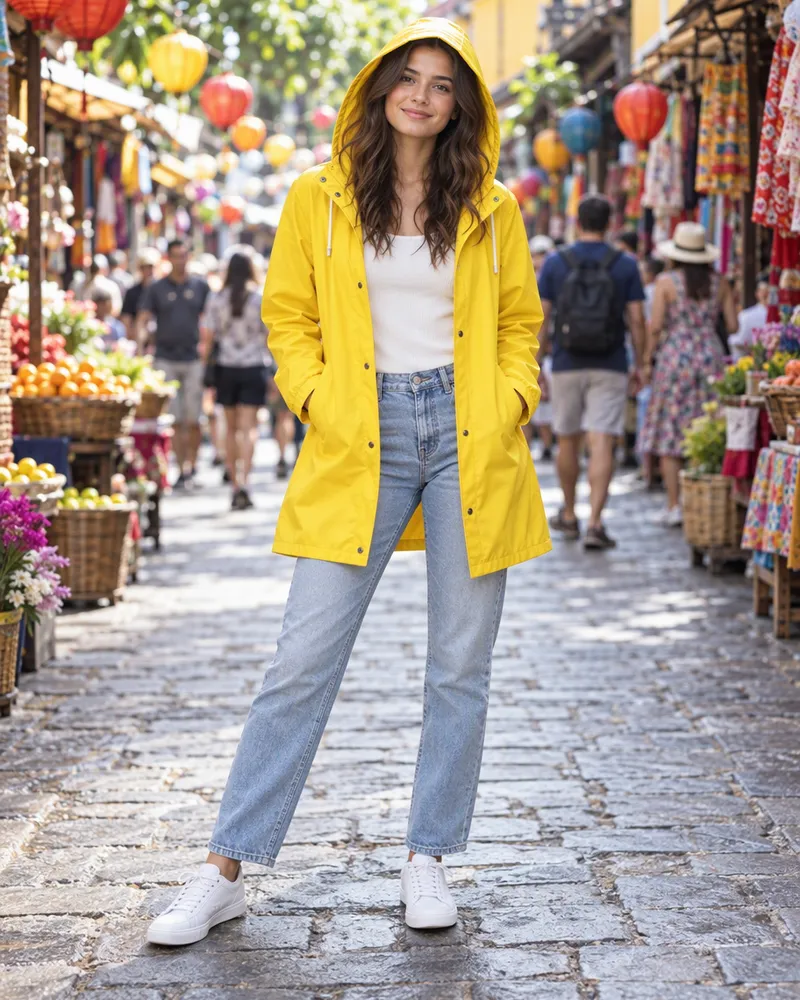
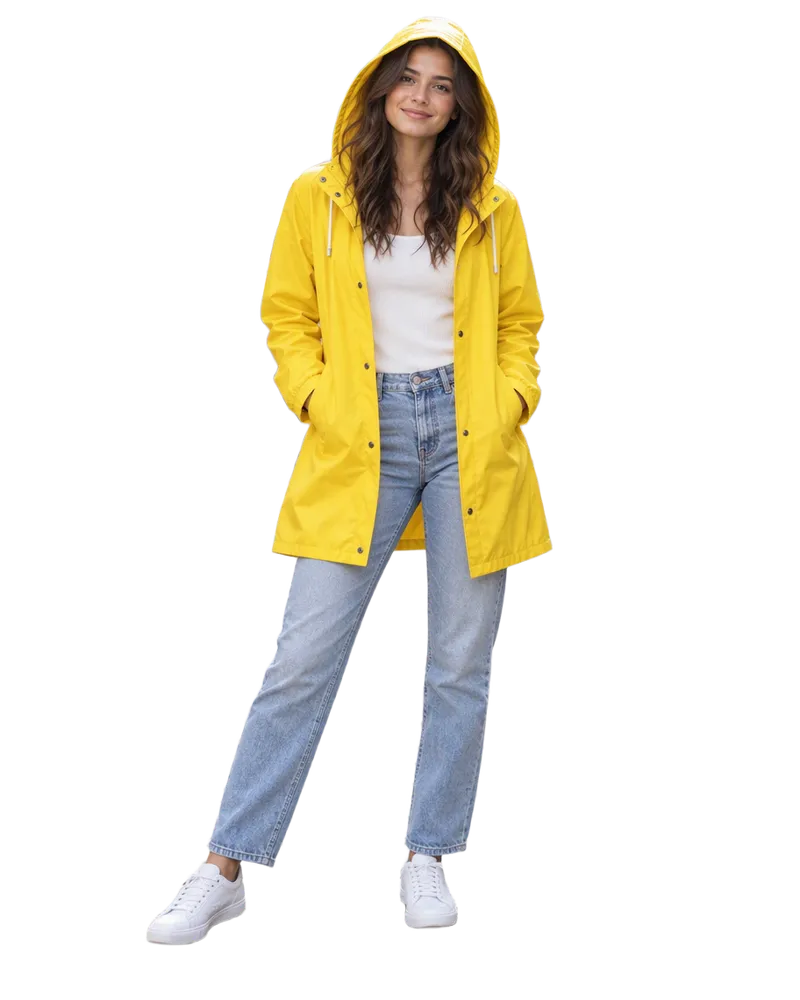
- AI image editor
Change any part by typing.
- Image upscaler
Make it bigger and sharper.
- Background remover
Get a clean cutout.
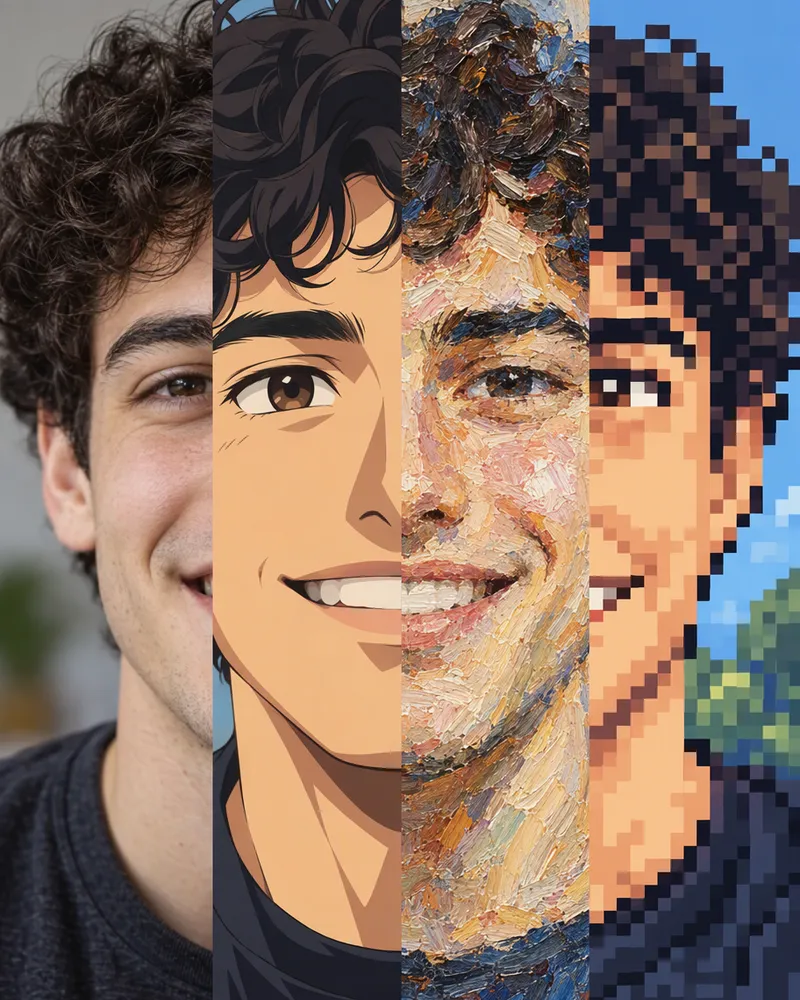
- Styles and filters
Anime, painting and more.
- Image to image
Start from your own photo.
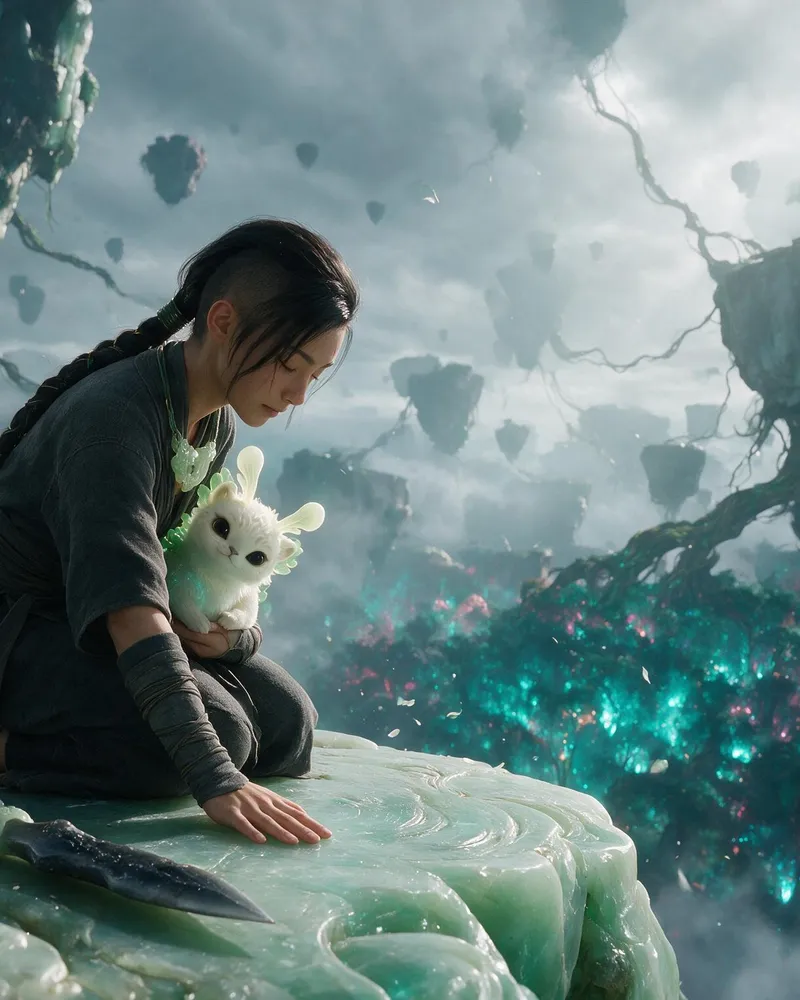
- Image to video
Make your picture move.

Questions people ask
Is this AI image generator really free?
Yes. The generator at the top of this page makes 3 images a day for free, with no account. For more, sign up free and you get free tokens to use in the playground. No card is needed. When the tokens run out, plans start at $19, paid one time.
Do I need an account or an app?
No. The free generator works online in your browser, on a phone or a computer, with no account. Images made here are not saved for you, so download the ones you like. The playground, with more models and settings, needs a free account.
Which AI model does the free generator use?
Z Image Turbo. It makes square, portrait or landscape images up to 1024 pixels on a side. The pictures on this page were made with Qwen Image 2.1 and GPT Image 2.5 Sunburst, so your free result will look different. You can pick those, and many more, in the playground.
How many tokens does one image cost?
It depends on the model. In the table on this page it goes from 1 token on Flux Red to 40 on Nano Banana Pro. Every model shows its price in the playground's model list. If a run fails, you get your tokens back.
Can I use my free tokens on any model?
Yes. Signup tokens work on every image model, including GPT Image 2 and Nano Banana Pro. They last longer on a cheap model like Flux Red at 1 token than on Nano Banana Pro at 40. The tokens are a one time gift, not a daily refill.
Can I use the images for my business?
Yes. You own the images you make and can use them for personal or commercial work, like ads, client work and products you sell. You are responsible for what you create and for any photo you upload. Read section 6 of the Terms for the exact words.
Is there a watermark?
No. You get the image the AI makes, with nothing stamped on it. That is true on this page and in the playground.
How do I write a good prompt?
Say the main thing first. Then say what it is doing, where it is, the light and a style, like photo, watercolor, anime or 3D. The fox prompt on this page shows each part. In the playground you can also pick a style preset, which adds style words for you at no extra cost.
Can the AI put words in my picture?
Yes. Put the exact words in quotes, like a sign that says "OPEN". Use a model that is good with text, like GPT Image 2, Seedream 5.0 Pro or Qwen Image 2. Check the spelling before you use the image.
What sizes can I make?
The free generator makes square, portrait and landscape images. In the playground you pick a shape like 1:1, 3:2, 2:3, 9:16, 16:9 or 21:9, and the list depends on the model. For a bigger file, use the AI image upscaler.
Can I start from my own photo?
Yes, in the playground, on models that take reference photos. Flux 2 Klein 9B and Qwen Image 2 take up to 3, GPT Image 2 takes 1 and Nano Banana Pro takes up to 10. To change a photo you already have, the AI image editor is easier.
Can free tokens make videos?
No. Videos are paid from your wallet, which starts at zero on a new account. The video studio shows the price before you make one.
Make your first AI image now
Type an idea in the box at the top. 3 images a day are free, with no account.
Start creating- No account needed
- No watermark
More from Enhance AI