Free AI Image Upscaler, Up to 16x
Make a small picture up to 16 times bigger and sharper, free and online. Add it here and get a PNG back, with no watermark.
or drop it here
PNG, JPG or WebP, up to 8MB
3 free photos a day. No sign up, no watermark.
Can you upscale an image 16x for free?
Yes, if your picture is small. 16x means 16 times wider and 16 times taller. There is no 16x button: the free tool always makes at least 2 megapixels, so pictures up to about 88 x 88 pixels, like icons, grow 16x. Bigger pictures grow less.
2x
Pictures up to about 1,400 x 1,400 pixels
4x
Pictures up to about 350 x 350 pixels
8x
Pictures up to about 175 x 175 pixels
16x
Pictures up to about 88 x 88 pixels, like icons
Bigger picture? Sign in and open the full upscaler. Pick Fast and the 8x button under Upscale factor. It makes 8 megapixels, so pictures up to about 175 x 175 pixels grow 16x, for 3 tokens. Or pick Clarity and set Output quality to 64. Pictures up to 500 x 500 pixels grow 16x, for 384 tokens.
How to upscale an image for free
Three steps. It works on your phone too.
 384 x 384 px
Step 1
Pick a photo
Add a PNG, JPG or WebP. Photos up to 8 megapixels work.
Step 2
Tap Enhance photo
The AI draws the new pixels. It usually takes under a minute.
Step 3
Download your PNG
Full size, no watermark. Save it right away.
See the difference
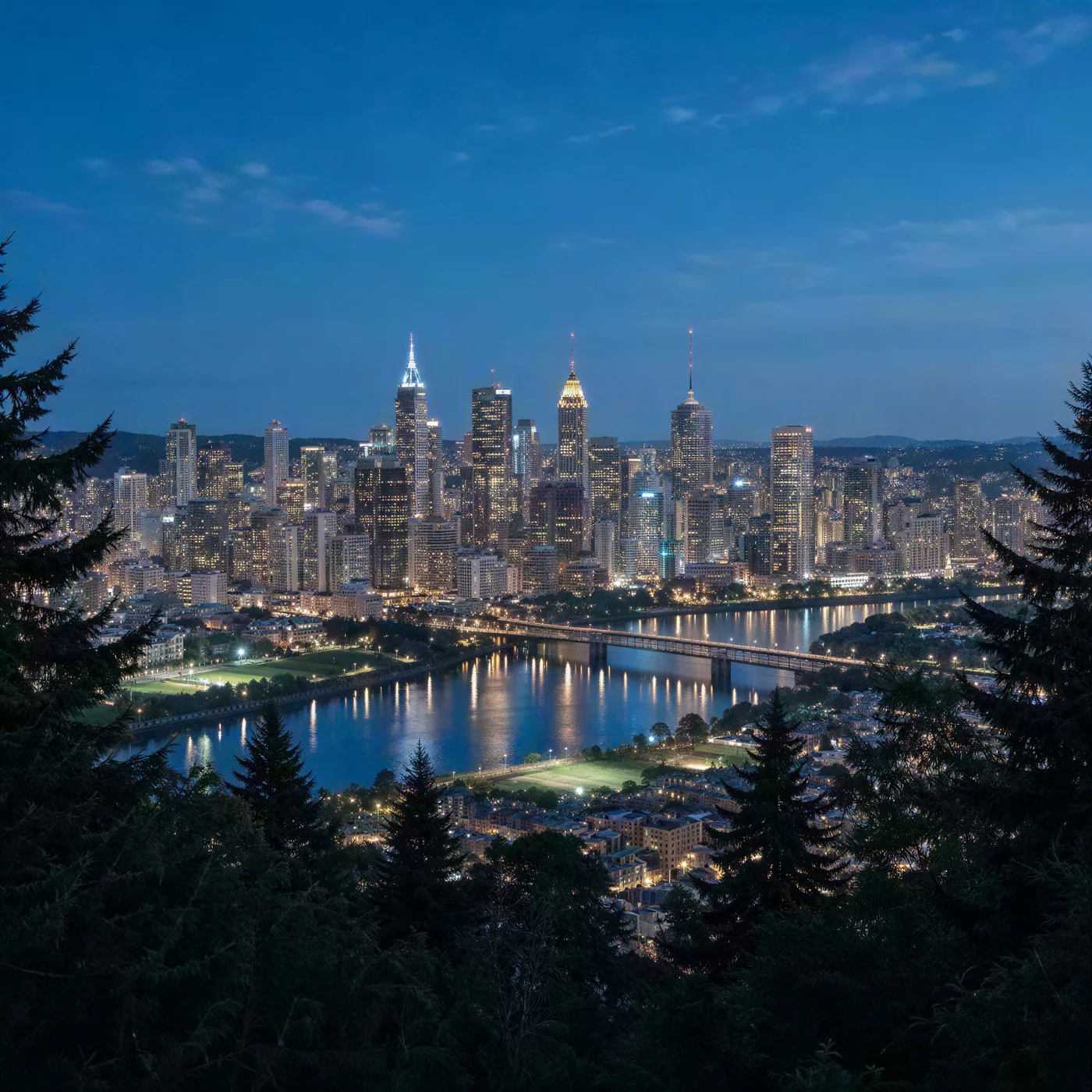
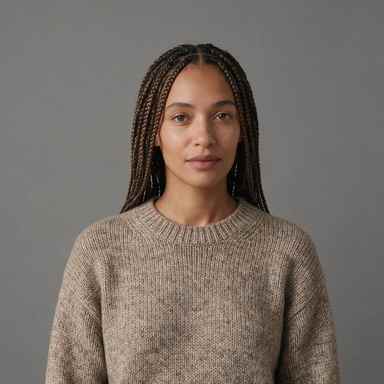
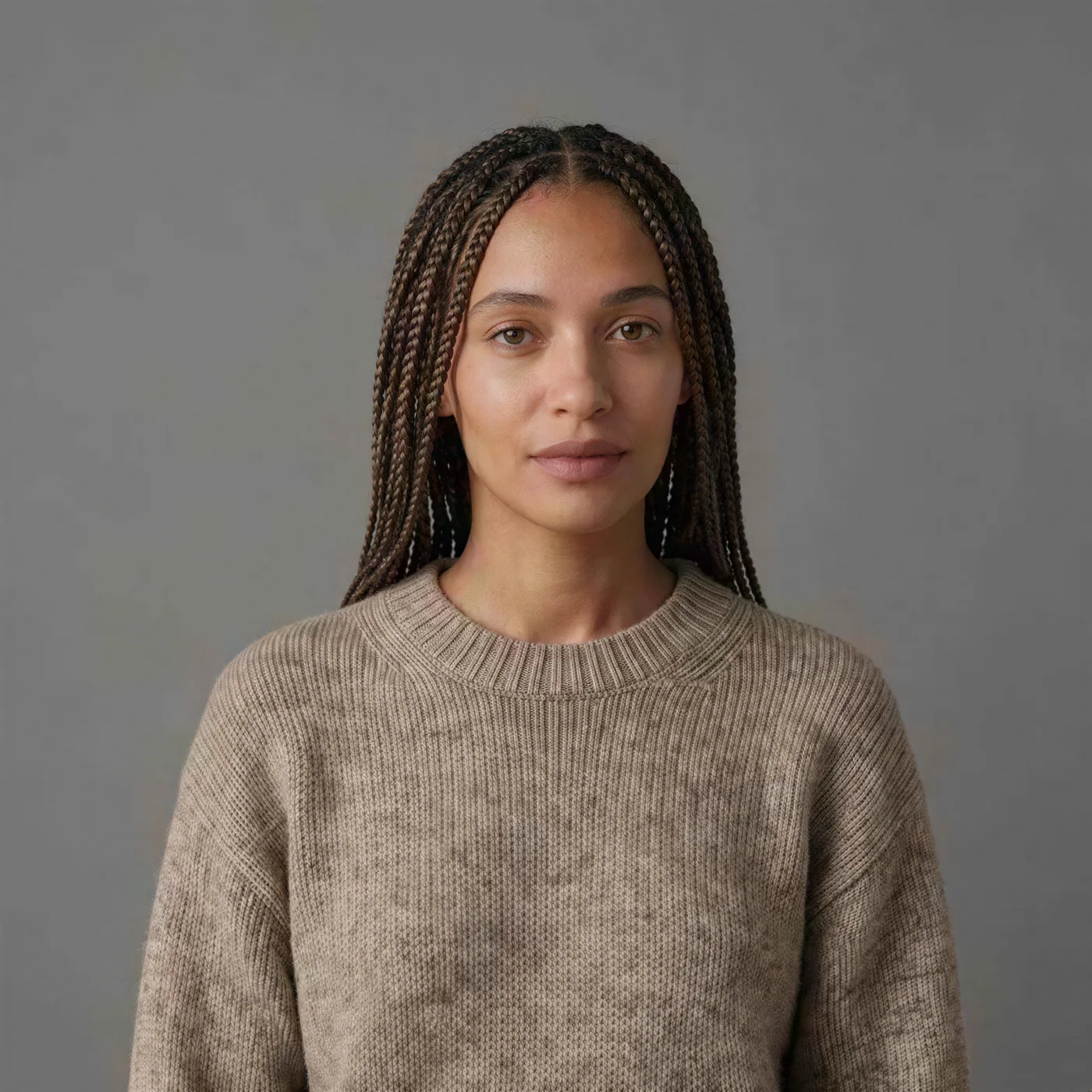
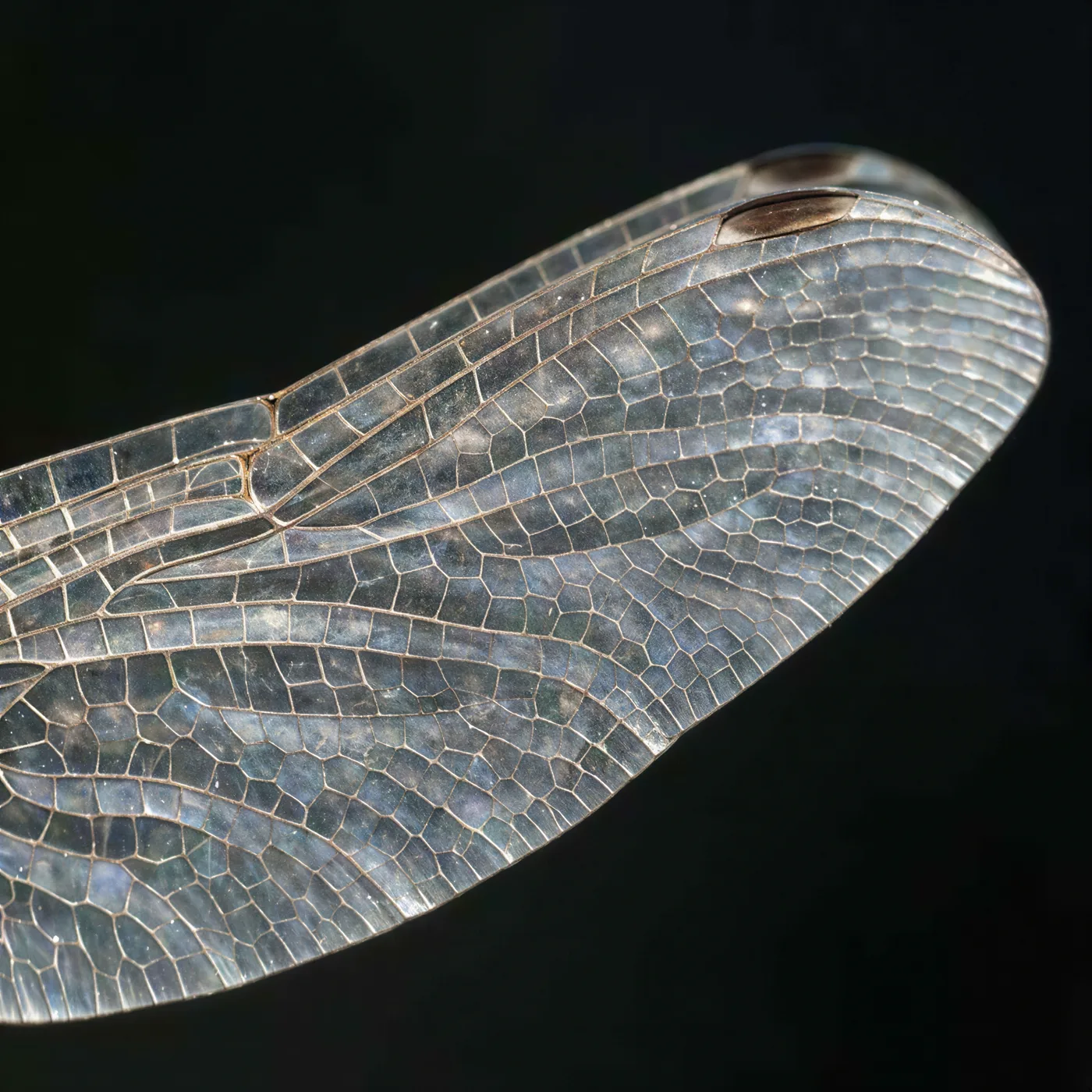
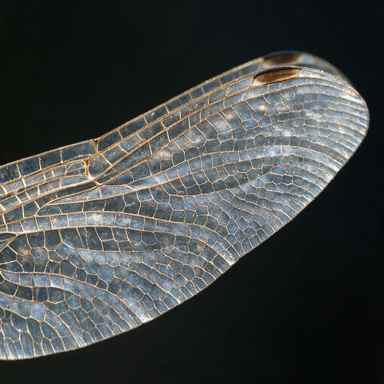
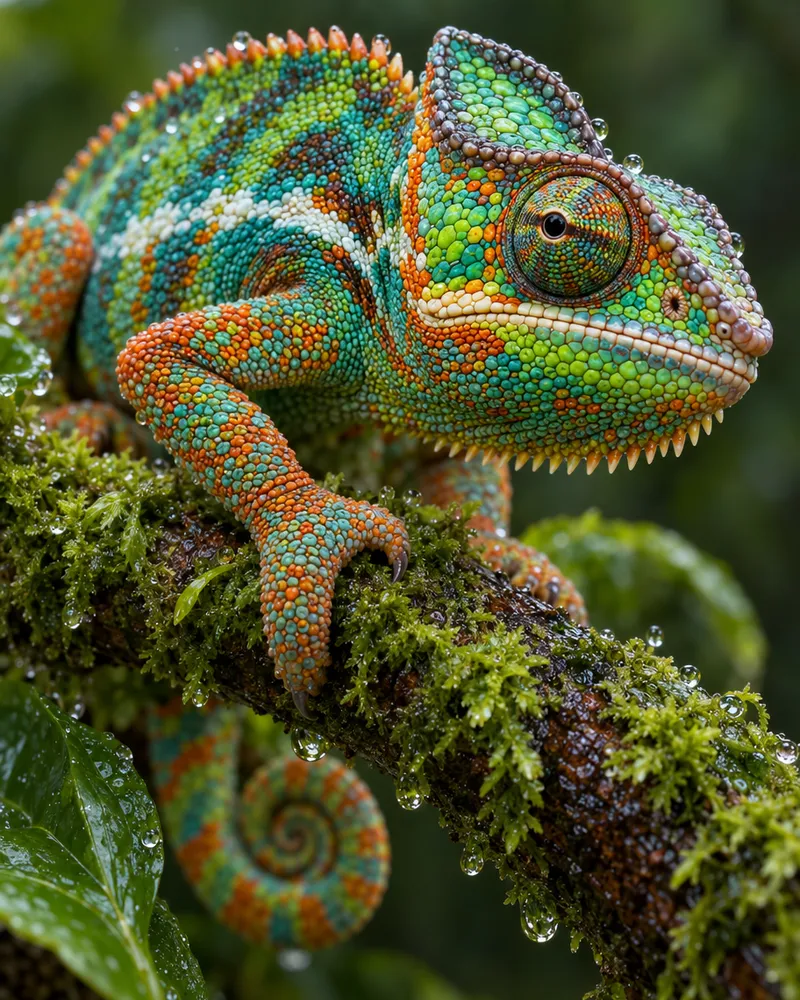
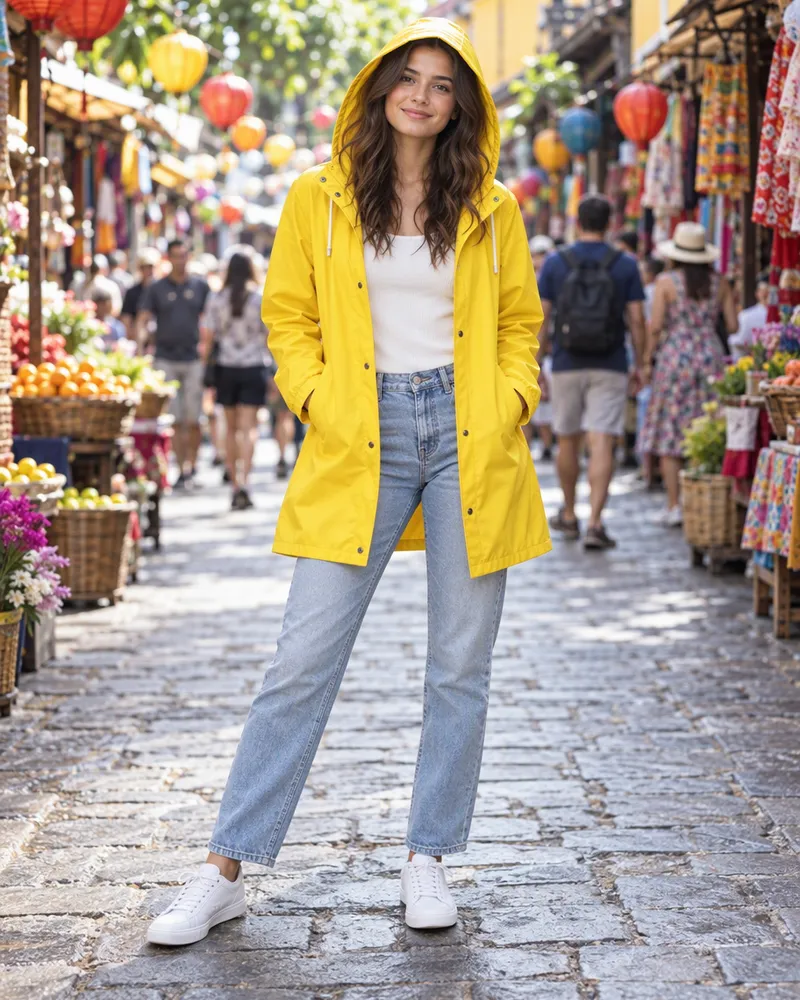
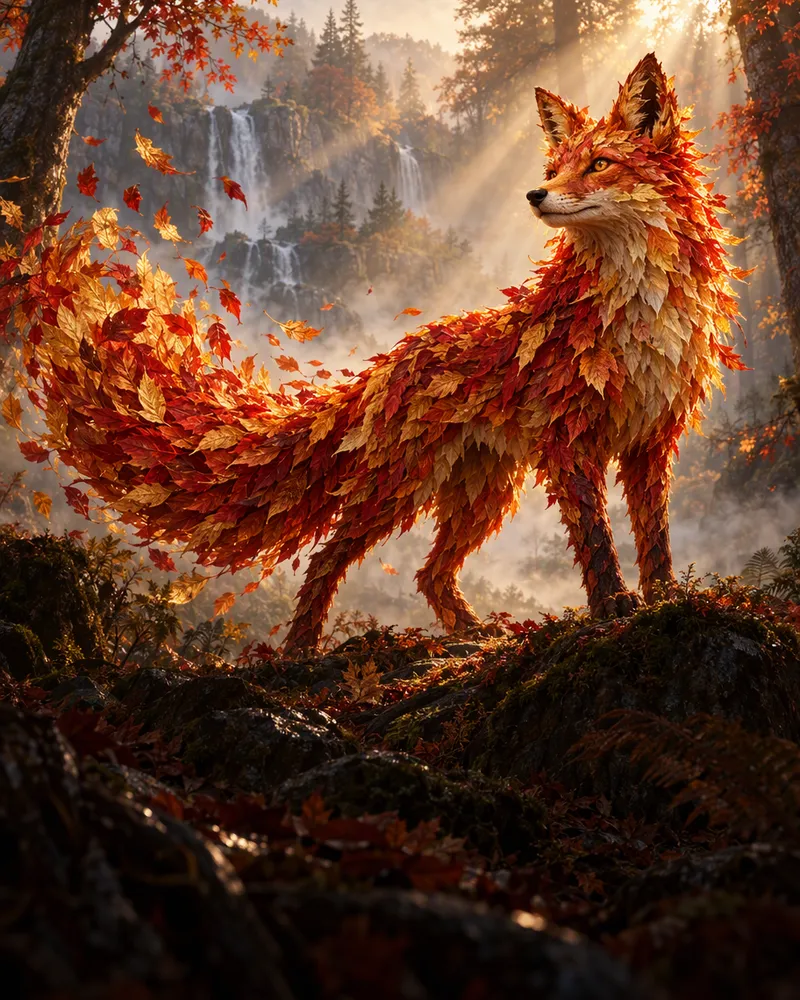
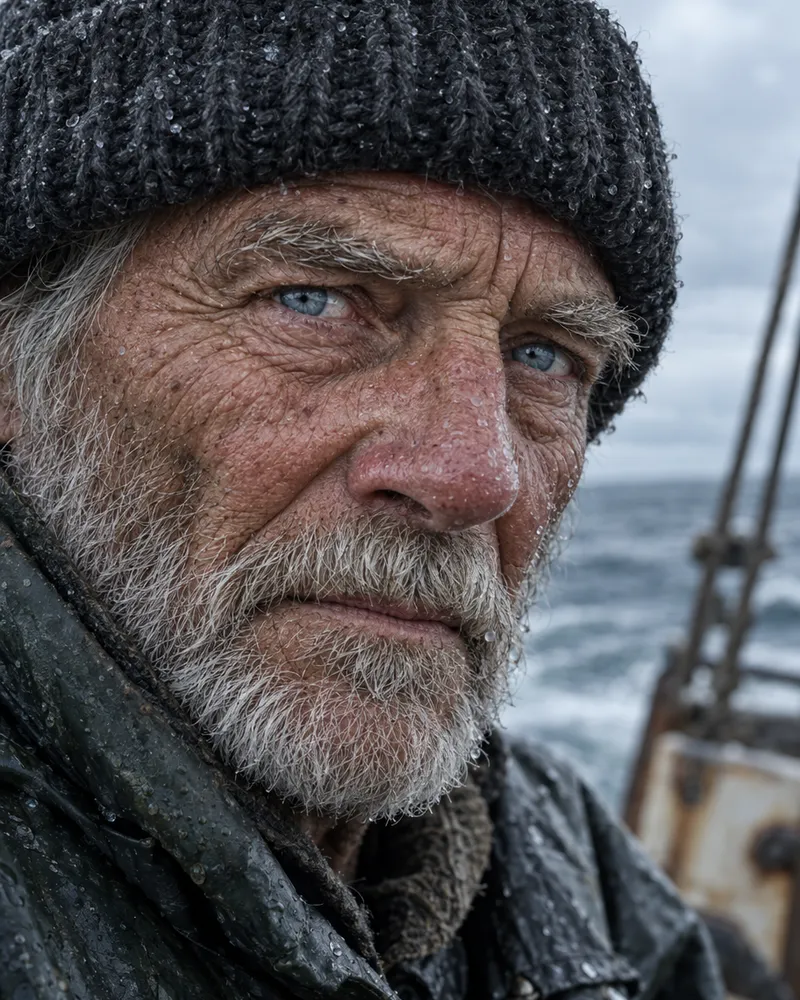
Each before is a small photo 384 pixels wide. Each after is what the AI made from it at 4 megapixels, the same as Fast at 4x: 2,048 pixels wide, about 5x. Drag the line to compare.
 BeforeAfterBeforeAfterBeforeAfter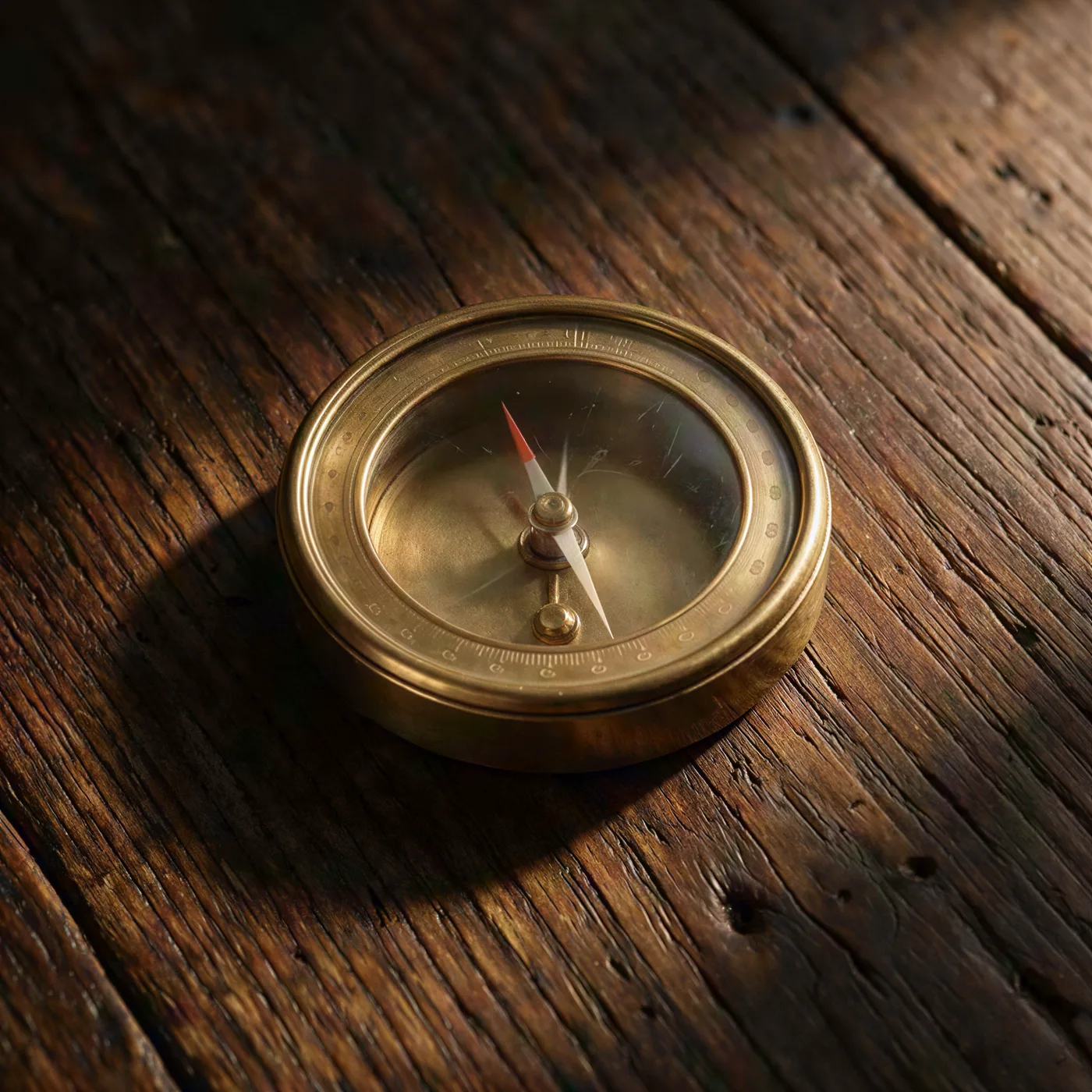
 BeforeAfter
Need 2K, 4K or 8K?
Sign in to the full upscaler and pick one of three AI models. You see the token cost before you start.
| Option | You pick | Best for | Cost |
|---|---|---|---|
| Fast | 2x, 4x, 6x or 8x, which make 2 to 8 megapixels | Small images and icons | 2 tokens on 2x, 3 on the rest |
| Standard | 2K, 4K or 8K | Wallpapers and screens | 2 tokens, 3 for 8K |
| Clarity | Output quality, 4 to 64 megapixels | Big prints and 16x | 6 tokens a megapixel |
Fast
- You pick
- 2x, 4x, 6x or 8x, which make 2 to 8 megapixels
- Best for
- Small images and icons
- Cost
- 2 tokens on 2x, 3 on the rest
Standard
- You pick
- 2K, 4K or 8K
- Best for
- Wallpapers and screens
- Cost
- 2 tokens, 3 for 8K
Clarity
- You pick
- Output quality, 4 to 64 megapixels
- Best for
- Big prints and 16x
- Cost
- 6 tokens a megapixel
How much does it cost?
The tool on this page is free. The full upscaler uses tokens.
Free tool on this page
3free a day
No account. Results up to 8 megapixels, as a PNG with no watermark.
Free tokens on signup
New accounts get free tokens for the full upscaler. No card needed.
Get free tokensCost shows before you startTokens back if a job failsNo watermark, free or paid
More tools for your photos
- Full upscaler
2K, 4K, 8K and up to 64 megapixels.
- Erase background
Cut out the person or thing in your photo.
- Create an image
Make a picture from words, then upscale it.
- Upscale a video
Make a video sharper, up to 4K.



Questions people ask
Is this AI image upscaler really free?
Yes. The tool at the top of this page gives you 3 free upscales a day. You need no account, no email and no card. Want more? Sign up and you get free tokens, with no card needed. In the full upscaler, Fast and Standard cost 2 or 3 tokens a photo. Plans start at $19, paid one time.
Can I upscale an image 16x for free?
Yes, if the image is small. 16x means 16 times wider and 16 times taller. There is no 16x button: the free tool always makes at least 2 megapixels, so a picture of about 88 x 88 pixels comes back about 16 times bigger, with no account. A normal photo cannot grow 16x for free: a 1,000 pixel photo would have to become 16,000 pixels wide, and the free tool stops at 8 megapixels. Signed in, pick Fast and the 8x button under Upscale factor. It makes an 8 megapixel picture, so it does 16x on pictures up to about 175 x 175, for 3 tokens. Or pick Clarity and set Output quality to 64. That makes 64 megapixels, so it does 16x on pictures up to 500 x 500, for 384 tokens.
How big can the result be? Is it HD?
Yes, it is bigger than HD. The free tool always makes at least 2 megapixels, which is more pixels than HD (1280 x 720), so a 500 x 500 photo comes back about 1,400 x 1,400. It goes up to 8 megapixels, about 3,300 x 2,500 pixels for a normal 4:3 photo. A megapixel is a million pixels. Signed in, Standard goes up to 8K, and Clarity goes up to 64 megapixels, which is 8,000 x 8,000 for a square picture.
Do I need to sign up?
Not for the free tool. It works without an account, 3 times a day. The 3 are counted over the last 24 hours for each internet connection, so people on the same wifi share them. You need an account for more upscales, for 2K, 4K and 8K, or for pictures bigger than 8 megapixels.
Does it add a watermark?
No. The free tool, free tokens and paid plans all give you pictures with no watermark. The free tool gives you a full size PNG.
Which photos can I upload?
The free tool takes PNG, JPG and WebP photos up to 8 megapixels. It turns away bigger photos, because its results stop at 8 megapixels and would not come out any bigger. Many phone photos are 12 megapixels or more, so they are big enough already. Signed in, the full upscaler takes PNG and JPG files up to 20MB.
How is this different from resizing?
A normal resize stretches the pixels you already have, so edges go soft and small details turn into blocks. An AI upscaler draws new pixels that fit the picture, so hair, fabric and fine lines come back sharp. It can also add small details that were never there, so check faces and text before you use the result.
Will it fix a blurry photo?
It helps when a photo is soft because it is small or saved at low quality. It cannot undo a shaky photo or missed focus. On tiny faces and small text it has to guess, so letters and faces can change. It also smooths pixel art, so the blocky look goes soft. For pixel art, a plain resize that keeps the blocks works better.
Are the examples on this page real?
Yes. Each before is a small 384 pixel JPEG saved at low quality. Each after is what the free tool's AI model made from that exact file, set to 4 megapixels, so it came back 2,048 pixels wide. That is the same as Fast with the 4x button in the full upscaler. On a photo that small, the free tool itself makes 2 megapixels, about 1,400 pixels wide. The page shows smaller copies of the results so it loads fast. Nothing was fixed by hand.
How much does the full upscaler cost?
It uses tokens, and you see the cost before you start. Standard costs 2 tokens for 2K or 4K and 3 for 8K. Fast costs 2 tokens on its 2x button and 3 on 4x, 6x or 8x. Clarity costs 6 tokens per megapixel, from 24 at 4 megapixels to 384 at 64, and lets you choose how much new detail it adds. If a job fails, you get your tokens back. Plans start at $19 one time, with no subscription.
Can I use the upscaled image commercially?
Yes. You own what you make and can use it for personal or commercial work, like ads, client work and products you sell. Upscaling does not change who owns the original photo, so you need to own the photo you upload or have permission to use it. You stay responsible for the photo and the result. Section 6 of the terms and conditions has the exact wording.
What happens to my photo?
The free tool sends your photo to the upscaling model and does not save it to any Enhance AI account, so download the result before you leave. Signed in upscales stay in your upscale history until you delete them. Our Terms say Enhance AI will not use your personal content to train AI models without your consent.
Make your small photo big and sharp
Add a photo and get it back bigger. 3 free a day, no sign up.
Upscale a photo free- No sign up
- No watermark
- No app needed