AI Reels Maker for Photos and Music
Add your photos and a song. Enhance AI turns them into one short video, set to your music. Ready for Instagram Reels, YouTube Shorts and TikTok.
- No app needed
- 1 to 7 photos and one song
- See the price first

How to make a reel with AI
Three steps. It works on your phone.
Step 1
Add photos and a song
Pick 1 to 7 photos from your gallery and one song.
- 9:161:116:9540p720p1080p
Step 2
Pick 9:16
Choose the tall shape for Reels and Shorts, a quality, and subtitles if you want them.
- MP4
Step 3
Make it and post
Press Generate, download your video and post it.
Pick photos that work
Better photos in, a better reel out.

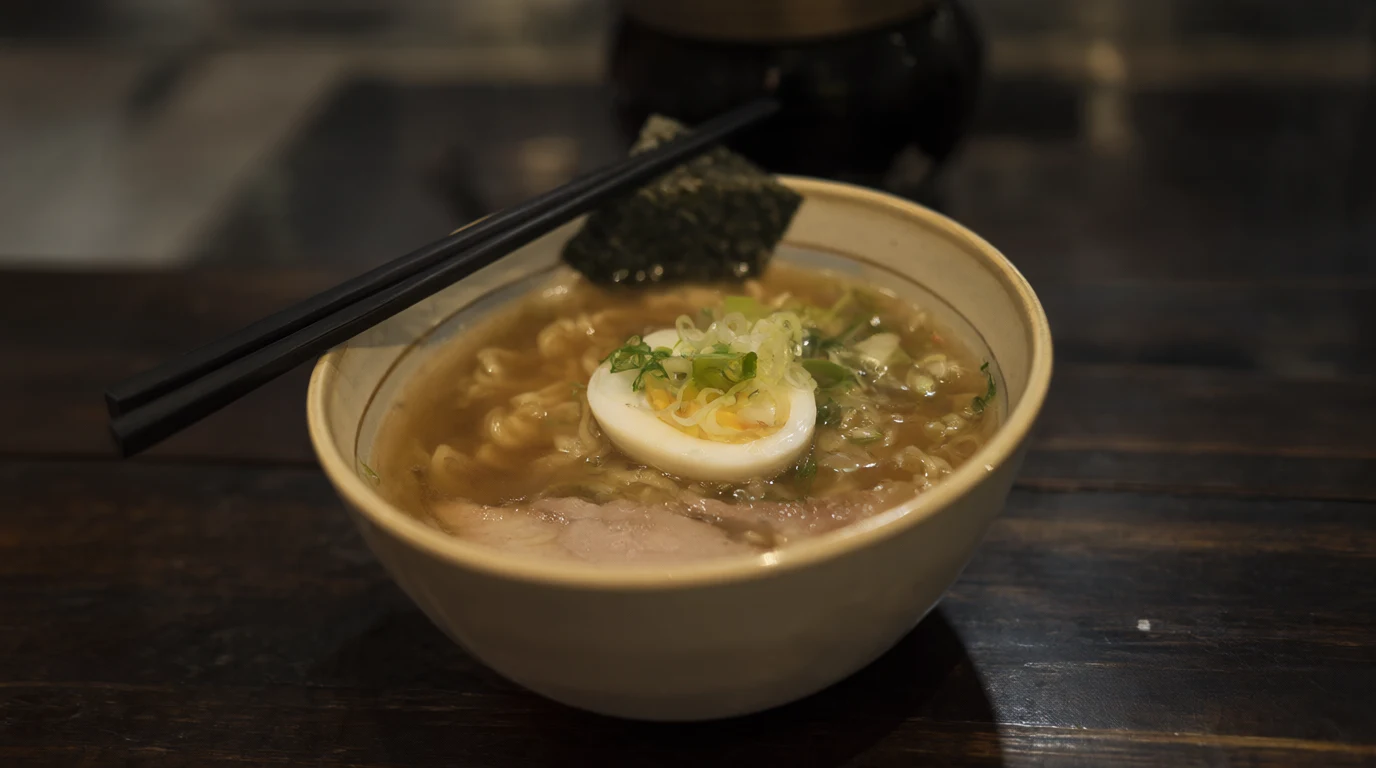
Good Blurry Sharp photos
Hold the phone still. Skip blurry shots.
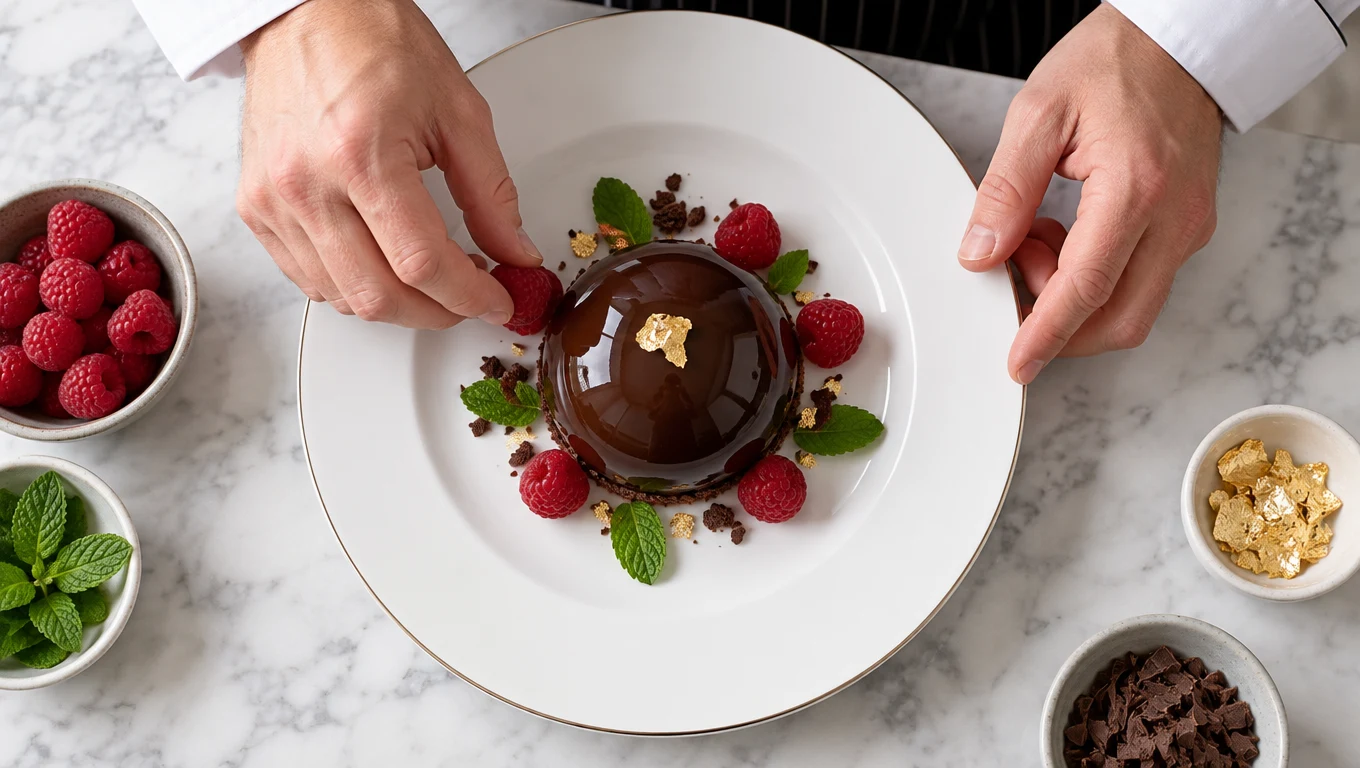
Good Too dark Bright photos
Daylight or a well lit room works best.
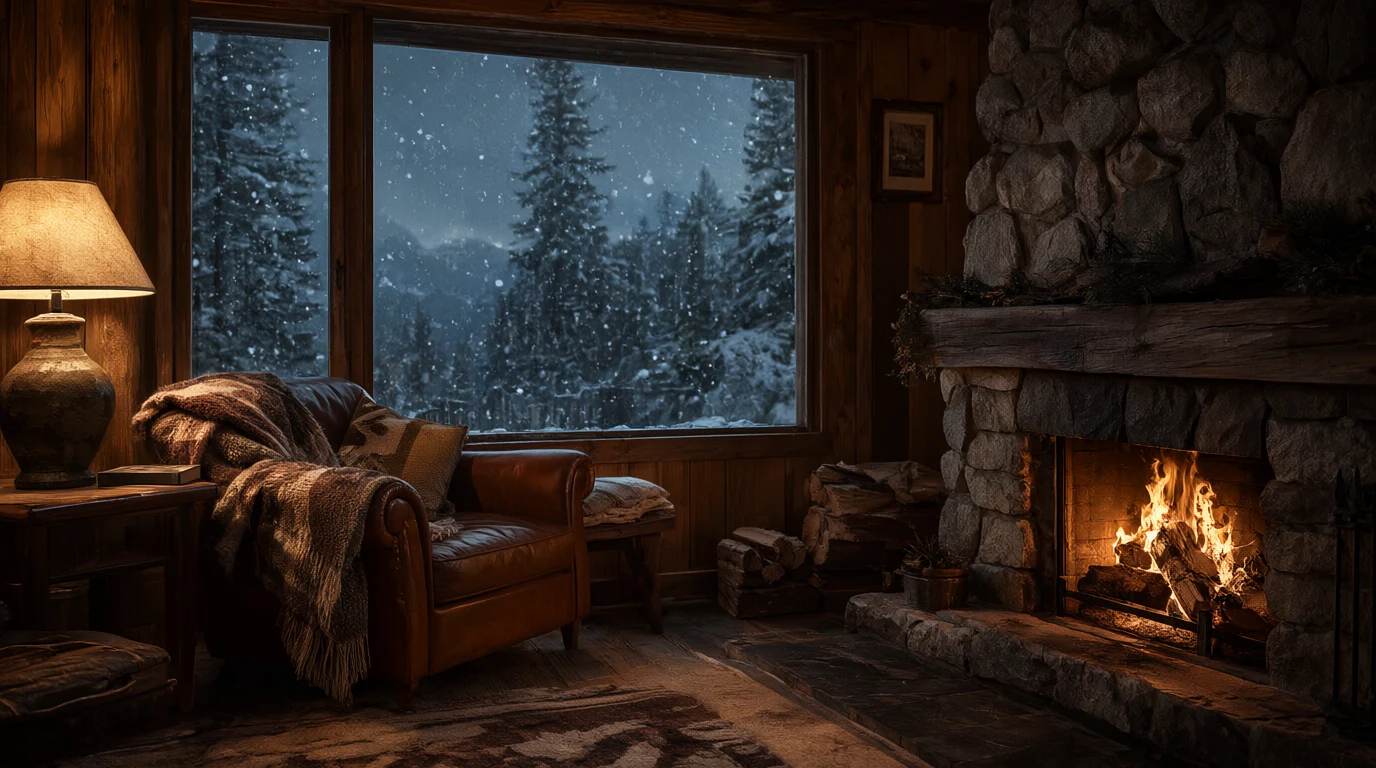
Good Too small Fill the frame
Get close so the main thing is big.
Good 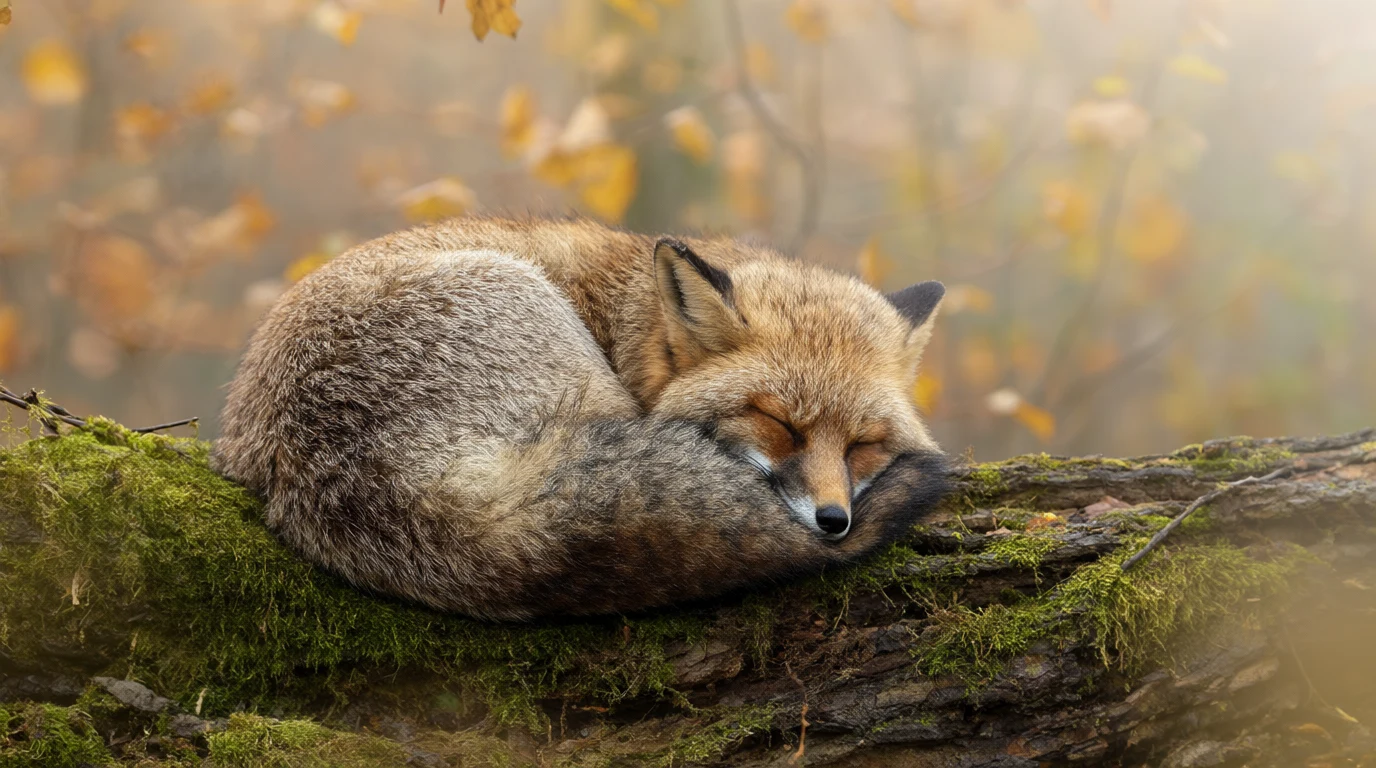




Collage One photo at a time
Add each photo on its own, not a collage.
How much does a reel cost?
You pay for the length of your song. You see the price before you press Generate.
| Your song | 540p | 720p | 1080p |
|---|---|---|---|
| 15 second song | $0.90 | $1.20 | $1.50 |
| 30 second song | $1.80 | $2.40 | $3.00 |
| 60 second song | $3.60 | $4.80 | $5.00 |
15 second song
- 540p
- $0.90
- 720p
- $1.20
- 1080p
- $1.50
30 second song
- 540p
- $1.80
- 720p
- $2.40
- 1080p
- $3.00
60 second song
- 540p
- $3.60
- 720p
- $4.80
- 1080p
- $5.00
A 30 second reel at 720p
$2.40
A 15 second song at 540p is $0.90. Longer songs cost more.
Sign up free
No card needed. New accounts get free tokens for images and other tools. Reels are paid from your wallet.
Create a free accountFailed reels are refundedReels kept for 15 daysWorks on phone and computer
Make every part of your reel
Need a song, a voice or a moving shot? Make it here too.
- AI Music Generator
Make your own song for the reel.
- Text to Speech
Turn your words into a voice over.
- Image to Video
Make one photo move.
- Text to Video
Make a clip from words.

Put the people in your photo in a video
Add one photo of a person and say what they do. WAN 3.0 Reference puts them in a new scene. Video is paid from your wallet.
Real clips made with WAN 3.0 Reference. The small picture is the photo each one came from.
Questions people ask
What is the AI Reels Maker?
You add your photos and a song. The AI makes one short video from them, set to your music. Make it 9:16 and it is ready for Instagram Reels, YouTube Shorts and TikTok. It runs on Vidu One Click V2 MV.
How many photos can I add?
From 1 to 7 photos. Pick your best ones. Clear, bright photos give the best reel.
Which sizes and quality can I pick?
Sizes: 9:16 (tall, for Reels, Shorts, TikTok and Pinterest), 16:9 (wide), 1:1 (square), 4:3 and 3:4. The tool starts on 16:9, so pick 9:16 for a reel. Quality: 540p, 720p or 1080p. It starts on 720p. 1080p looks sharpest and costs a little more.Instagram Reels generatorYouTube Shorts generatorTikTok video generatorPinterest video generator
How much does a reel cost?
The price depends on how long your song is and the quality you pick. A 30 second song costs $2.40 at 720p. A 15 second song at 540p costs $0.90. You see the price after you add your song, before you press Generate.
Is the reels maker free?
No. Reels are paid from your wallet. New accounts get free tokens, but those are for images and other tools, not video. You can top up from $5. There is no subscription.See prices
Can I add subtitles?
Yes. Turn on the Subtitles switch before you press Generate.
Can I tell the AI what I want?
Yes, if you like. There is a box for a few words about the mood or the story. You can also leave it empty.
Which song should I use?
Use a song you have the rights to use. You can also make your own song with the AI Music Generator on Enhance AI.AI Music Generator
What if my reel fails?
If a reel fails, the money goes back to your wallet.
How long is my reel kept?
Your reel is saved in your account for 15 days. Download it to keep it.
Can I use my reel for my business?
Yes. You own the reels you make and can use them for personal or business work, like ads, client work and posts that sell your products. You also need the rights to the photos and the song you upload.
Do I need to download an app?
No. It works online, in the browser on your phone or computer.
Make your first reel today
Add your photos and a song, pick 9:16 and see the price before you make it.
Make a reel- No app needed
- No subscription
- See the price first
More from Enhance AI