Nano Banana 2.1 Google's newest image model is live. Make pictures from text or edit with up to 14 photos.
Try itAI Video Upscaler to HD and 4K
Upload a low quality video and pick 1080p, 2K or 4K. The AI makes it bigger and adds detail.
- No app needed
- Price shown before you pay
- No watermark added
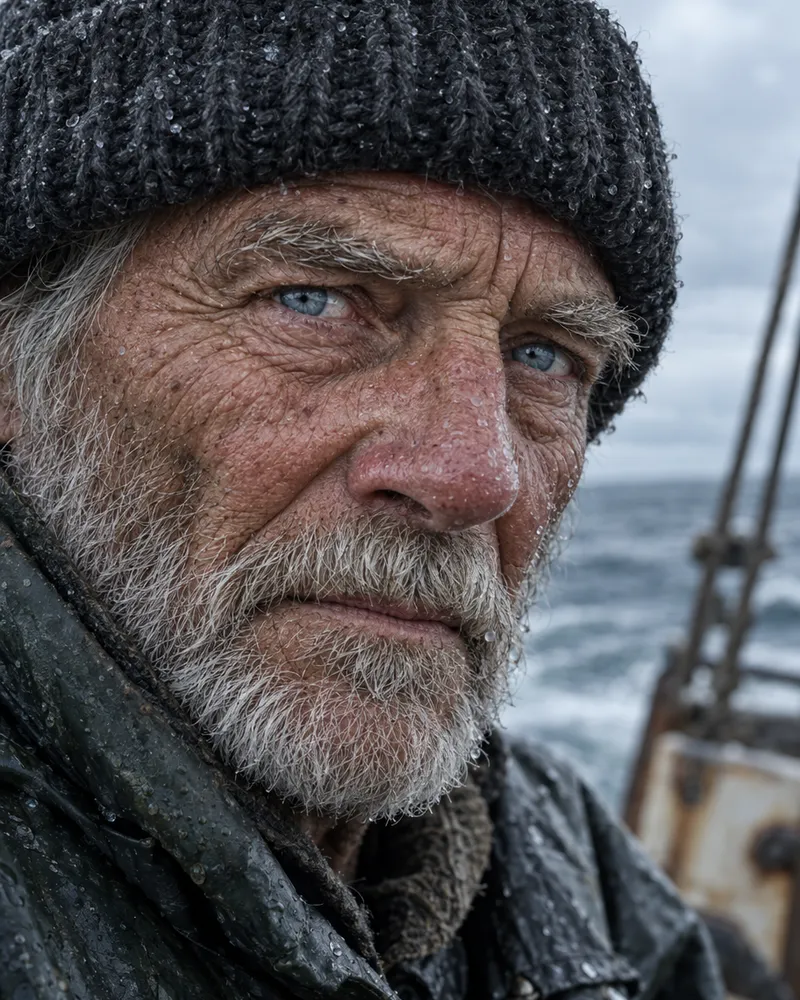

How to upscale a video
Three steps. It works on your phone too.
- Upload480p
Step 1
Upload your video
MP4, MOV or WebM, up to 100MB.
- 1080p2K4K
Step 2
Pick a size
Choose 1080p, 2K or 4K. The price shows before you pay.
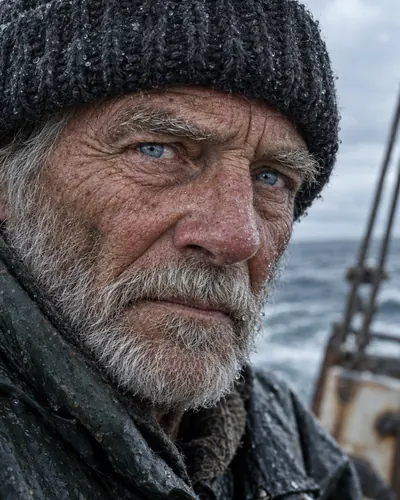 Download4K
Step 3
Download it
It runs in the background. Save it from your history.
Tips for the best result
A better video in gives a better video out.
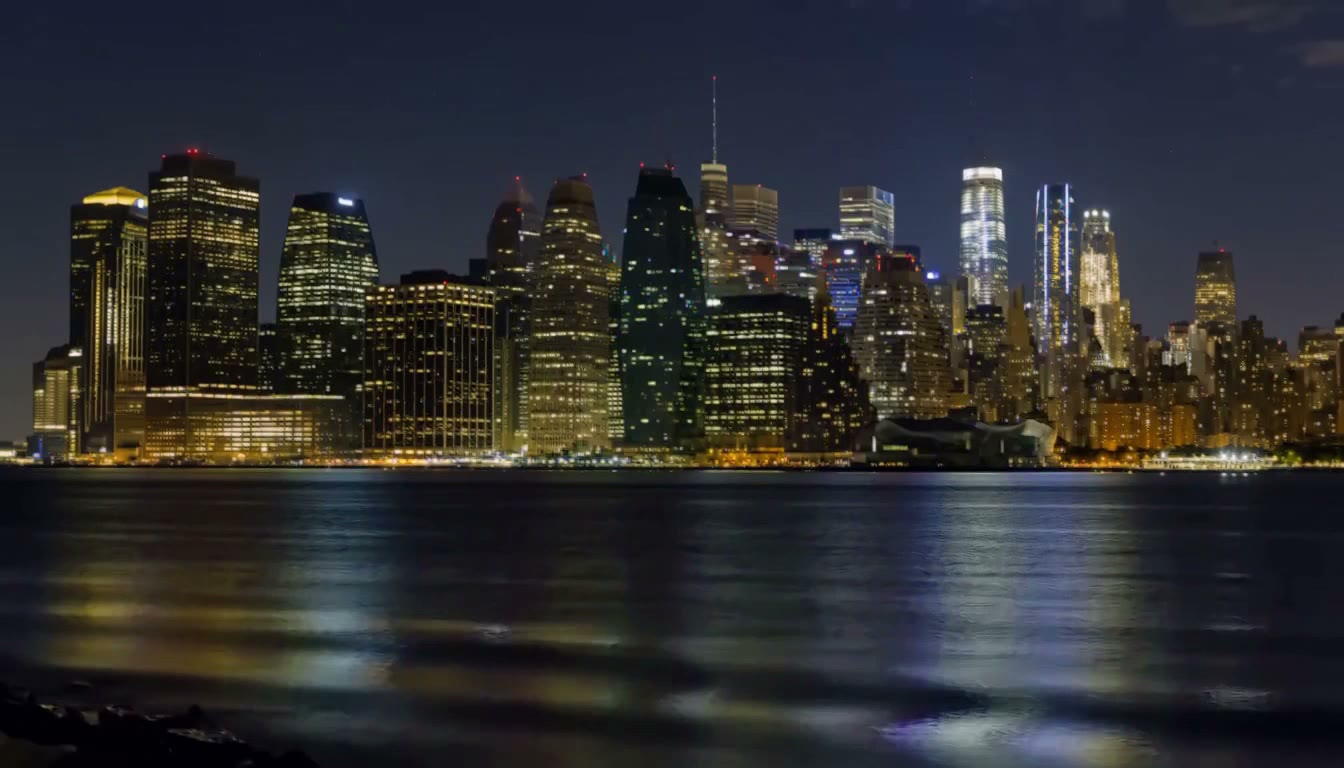
Good Chat app copy Use the original file
Not a copy from a chat app. Each copy loses detail.
Good Blurry Steady and in focus
Upscaling cannot fix a shaky or out of focus shot.
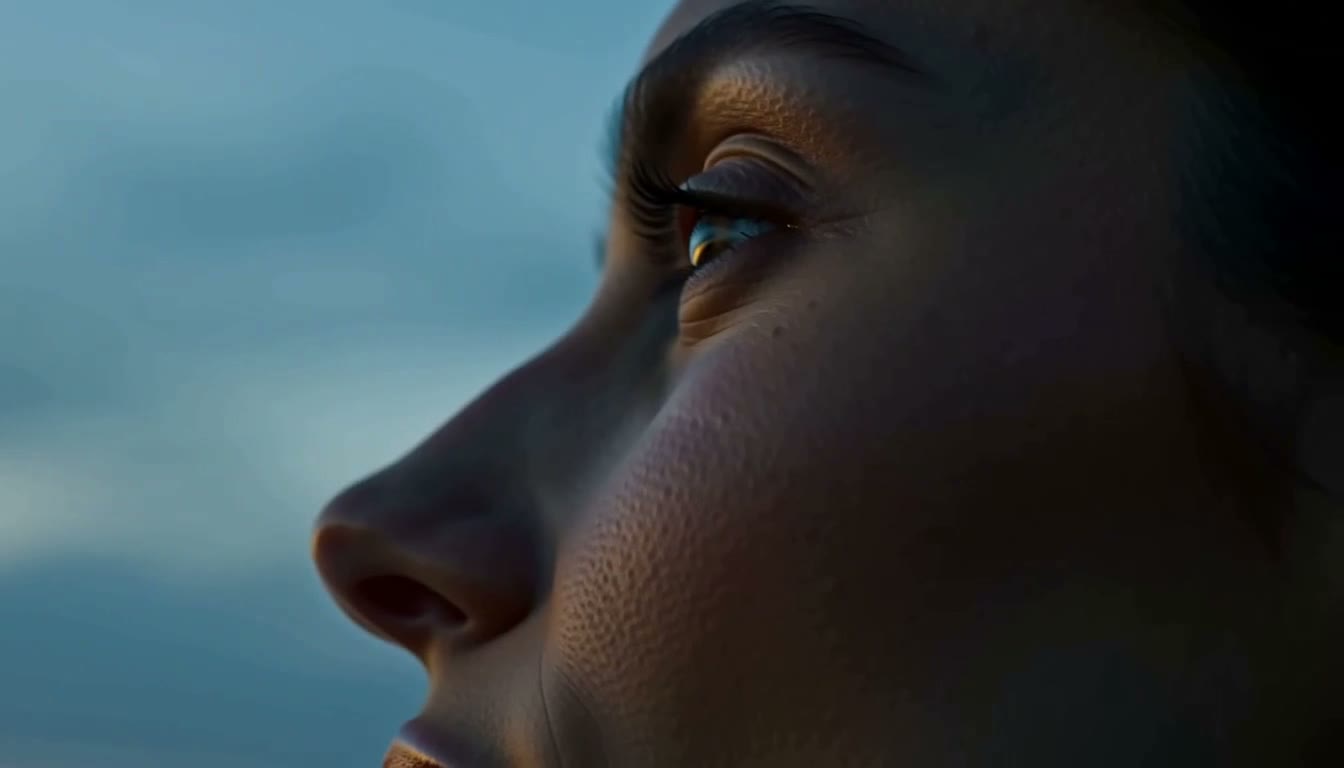
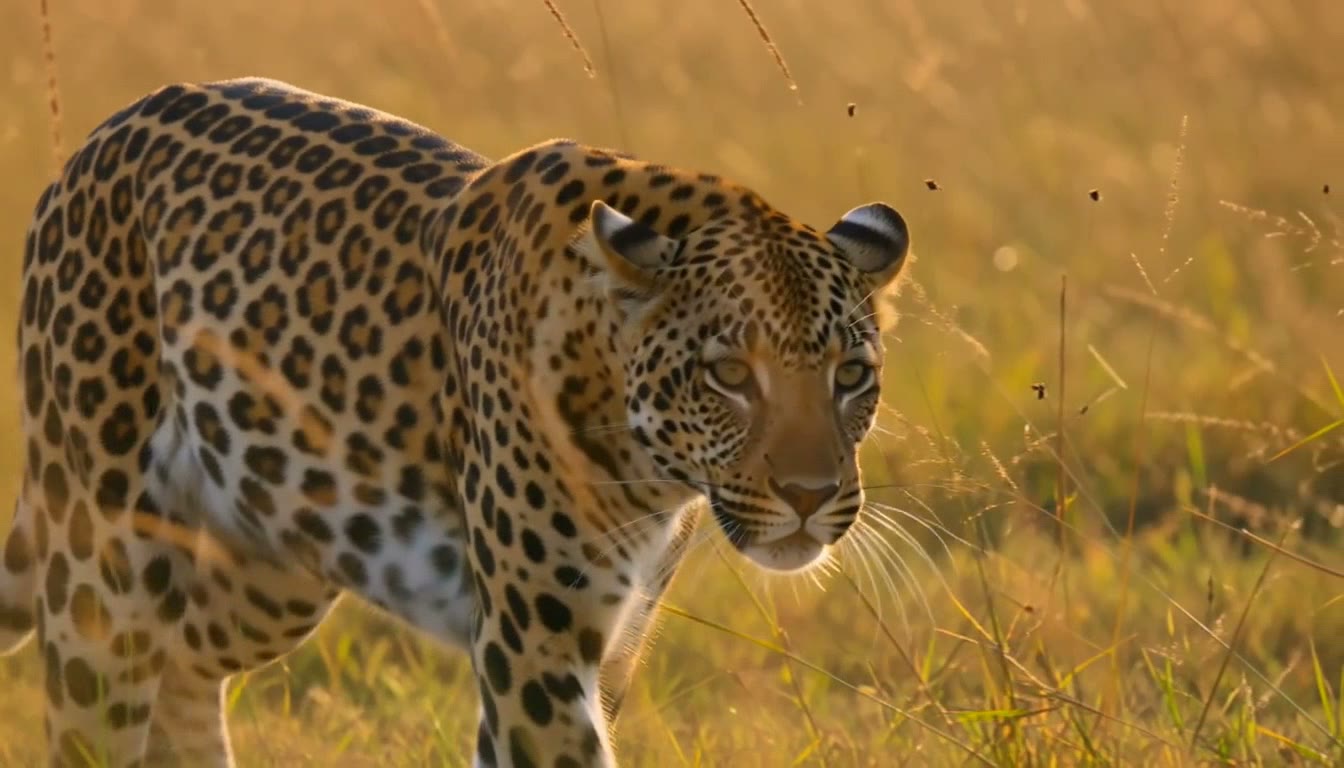
Good Too small Big faces work best
Small faces can come back a little different.
Models and prices
Pick a model and a size. Your exact price shows before you pay.
| Model | Sizes | 10 second clip | 60 second clip |
|---|---|---|---|
| SeedVR2 Video UpscalerOpens first | 720p, 1080p, 2K, 4K |
|
|
| ByteDance Video UpscalerLowest price | 1080p, 2K, 4K |
|
|
| LTX Video 2 Upscaler | 720p, 1080p, 2K, 4K |
|
|
| Ultimate Video Upscaler | 720p, 1080p, 2K, 4K |
|
|
| Video Upscaler Pro | 720p, 1080p, 2K, 4K |
|
|
| Bria Video UpscalerChoose your file type, even ProResClips up to 60 seconds | 2x or 4x |
|
|
| Crystal Video UpscalerNever over $45 a job | 1 to 200 megapixels |
|
|
| Runway Upscale V1Nothing to set | Up to 4K |
|
|
| Video FPS IncreaserSmoother motion | Same size |
|
|
| RIFE Frame InterpolationSmoother motion | Same size |
|
|
SeedVR2 Video UpscalerOpens first
- Sizes
- 720p, 1080p, 2K, 4K
- 10 second clip
- 1080p$0.80
- 2K$1.00
- 4K$1.20
- 60 second clip
- 1080p$4.80
- 2K$5.00
- 4K$6.00
ByteDance Video UpscalerLowest price
- Sizes
- 1080p, 2K, 4K
- 10 second clip
- 1080p$0.14
- 2K$0.29
- 4K$0.58
- 60 second clip
- 1080p$0.86
- 2K$1.73
- 4K$3.46
- Sizes
- 720p, 1080p, 2K, 4K
- 10 second clip
- 1080p$0.60
- 2K$1.00
- 4K$1.60
- 60 second clip
- 1080p$3.60
- 2K$5.00
- 4K$8.00
- Sizes
- 720p, 1080p, 2K, 4K
- 10 second clip
- 1080p$0.60
- 2K$1.00
- 4K$1.60
- 60 second clip
- 1080p$3.60
- 2K$5.00
- 4K$8.00
- Sizes
- 720p, 1080p, 2K, 4K
- 10 second clip
- 1080p$0.80
- 2K$1.00
- 4K$1.40
- 60 second clip
- 1080p$4.80
- 2K$5.00
- 4K$7.00
Bria Video UpscalerChoose your file type, even ProResClips up to 60 seconds
- Sizes
- 2x or 4x
- 10 second clip
- 2x or 4x$2.80
- 60 second clip
- 2x or 4x$14.00
Crystal Video UpscalerNever over $45 a job
- Sizes
- 1 to 200 megapixels
- 10 second clip
- 2 MP$4.00
- 8 MP$13.33
- 60 second clip
- 2 MP$17.14
- 8 MP$45.00
Runway Upscale V1Nothing to set
- Sizes
- Up to 4K
- 10 second clip
- $0.44
- 60 second clip
- $2.64
Video FPS IncreaserSmoother motion
- Sizes
- Same size
- 10 second clip
- $0.16
- 60 second clip
- $0.96
RIFE Frame InterpolationSmoother motion
- Sizes
- Same size
- 10 second clip
- $0.20
- 60 second clip
- $1.20
How you pay
You pay for each video you upscale. No subscription.
10 seconds at 1080p
$0.14and up
On ByteDance Video Upscaler, the lowest price. 10 seconds at 4K is $0.58.
Upscale photos free
Our photo upscaler needs no account. You get 3 photos a day, free.
Upscale a photoTop up your wallet
$5or more
Pay for each video as you go. If a job fails, the money comes back.
See plansUse it with other tools



Questions people ask
What is an AI video upscaler?
It makes a video bigger and adds detail. For example, it can turn a 480p or 720p video into 1080p, 2K or 4K. Normal resizing only stretches the pixels, so the video gets bigger but stays soft. An AI upscaler has learned what skin, hair, cloth and leaves look like, so it draws that detail in. Video needs its own AI models, because the new detail has to stay steady from one frame to the next.
Is the AI video upscaler free?
No. Every video upscale is paid from your wallet, and a new account starts with an empty wallet. You can top up from $5. The price shows on the Upscale button before you pay, from $0.14 for 10 seconds at 1080p on ByteDance Video Upscaler. You do not need a card to sign up. Want to upscale a photo? Our photo upscaler is free and needs no account, 3 photos a day.
Can I use my tokens to upscale a video?
No. Tokens pay for the image, music and speech tools. That goes for the free tokens you get when you sign up and for the tokens in plans, which start at $19 one time. Video jobs, upscaling included, are paid from your wallet.
What sizes can I upscale a video to?
It depends on the model. LTX Video 2 Upscaler, Video Upscaler Pro, Ultimate Video Upscaler and SeedVR2 Video Upscaler take 720p, 1080p, 2K or 4K. ByteDance Video Upscaler takes 1080p, 2K or 4K. Bria Video Upscaler makes it 2x or 4x bigger. Crystal Video Upscaler lets you set the size in megapixels, from 1 to 200. Runway Upscale V1 has nothing to set. The change is easiest to see when the jump is big, so 480p to 1080p shows more than 1080p to 4K.
How much does it cost to upscale a video?
It depends on the model, the size you pick and how long your video is. On SeedVR2 Video Upscaler, the one the Upscale tab opens with, 10 seconds costs $0.80 at 1080p, $1.00 at 2K and $1.20 at 4K. The lowest price is ByteDance Video Upscaler, at $0.14 for 10 seconds at 1080p. A 30 second clip costs $2.40 at 1080p or $3.60 at 4K on SeedVR2 Video Upscaler, and $0.43 or $1.73 on ByteDance Video Upscaler. Most models charge per second with a 5 second minimum, and the price per second drops on bigger jobs. There is no subscription. You pay for each job from your wallet.
Which upscaler should I pick?
Start with SeedVR2 Video Upscaler, the one the Upscale tab opens with. LTX Video 2 Upscaler, Video Upscaler Pro and Ultimate Video Upscaler offer the same sizes. ByteDance Video Upscaler is the lowest price at every size. Bria Video Upscaler lets you choose the file you get back, including ProRes. Crystal Video Upscaler lets you set the exact size in megapixels. Runway Upscale V1 has nothing to set. The best test is to run the same 5 seconds through two models and compare.
What files can I upload?
MP4, MOV or WebM files up to 100MB, or a link to one. Bria Video Upscaler takes clips up to 60 seconds. You pay by the length of the clip, so a short 5 or 10 second test is a cheap way to see what a model does with your video.
Can it fix a blurry or old video?
It helps most with video that is clean but small, like old family videos or clips saved from chat apps. It can clean up some noise and blocky patches as it makes the video bigger. It cannot bring back what the camera never caught, so motion blur and a missed focus stay soft. Very blocky video can end up with texture that was never there, and small faces and text can come back a little different, so check them before you share. For choppy motion, use Video FPS Increaser or RIFE Frame Interpolation instead. They add frames and keep the size.
How long does upscaling take?
It depends on the model and the length of your clip. The studio shows the usual wait under the Upscale button, for models it has enough data on. For SeedVR2 Video Upscaler it says "usually about 5 min, up to 7". The job runs in the background and the result lands in your history. Finished videos are kept for 15 days, so download yours in time.
Is there a watermark, and can I use the video?
Enhance AI adds no watermark. You own what you make, and you can use the video for personal or commercial work, like ads, client work and products you sell. You need to own the video you upload, or have permission to use it.
What happens if an upscale fails?
The money goes back to your wallet on its own. The job shows as failed in your history, with the reason. You can run it again or try another model.
Can I upscale a video I made on Enhance AI?
Yes. A finished video in the studio has an Upscale button, and so do the videos in your library. It opens the same models and prices with your clip already added, so there is nothing to download and upload again.
Upscale your video to HD and 4K
Upload a clip, pick a size and see the price before you pay.
Upscale my video- No app needed
- No subscription
- No watermark added
More from Enhance AI