Anime Face Generator from Your Photo
Upload one photo and pick an anime style. Get your face drawn as an anime character. It still looks like you.
- Free to try
- No app needed
- No watermark
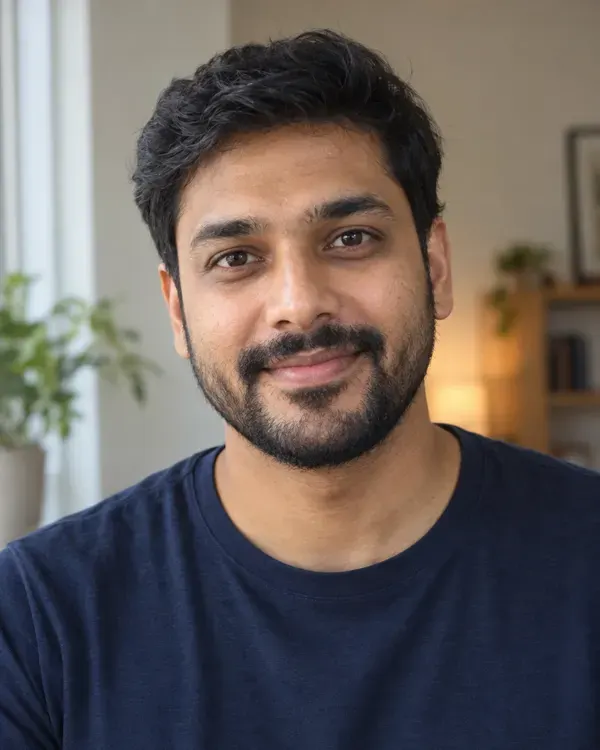 Your photo
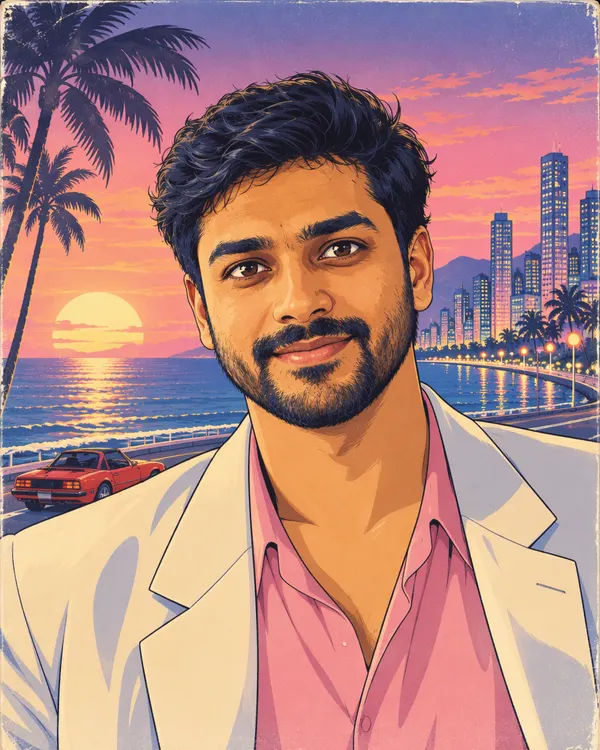 City Pop Anime
How to turn your photo into anime
Three steps. It works on your phone.
Step 1
Upload your photo
One clear photo. Just you, or you and one more.
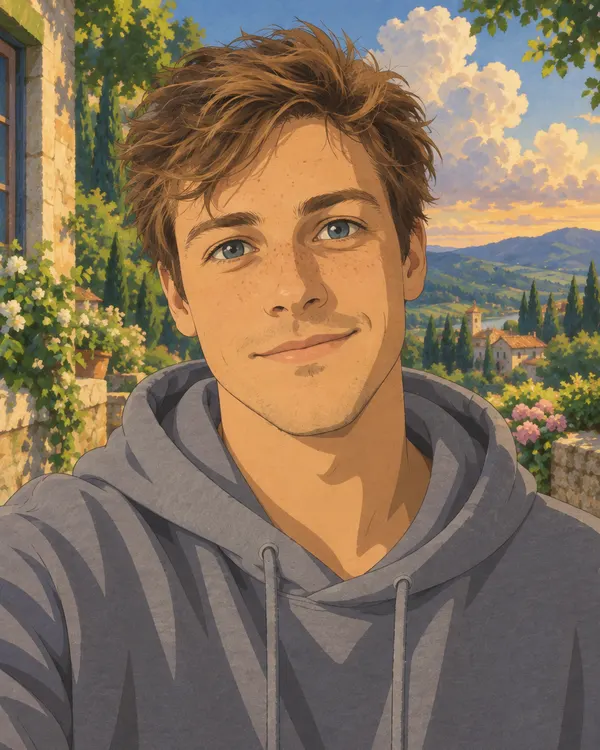
Step 2
Pick an anime style
Tap Apply style. Each photo uses 20 tokens.
Step 3
Download and share
Save it. Use it as your DP or send it on WhatsApp.
One face, many anime looks
All four came from the same photo. Tap a look to try it on yours.
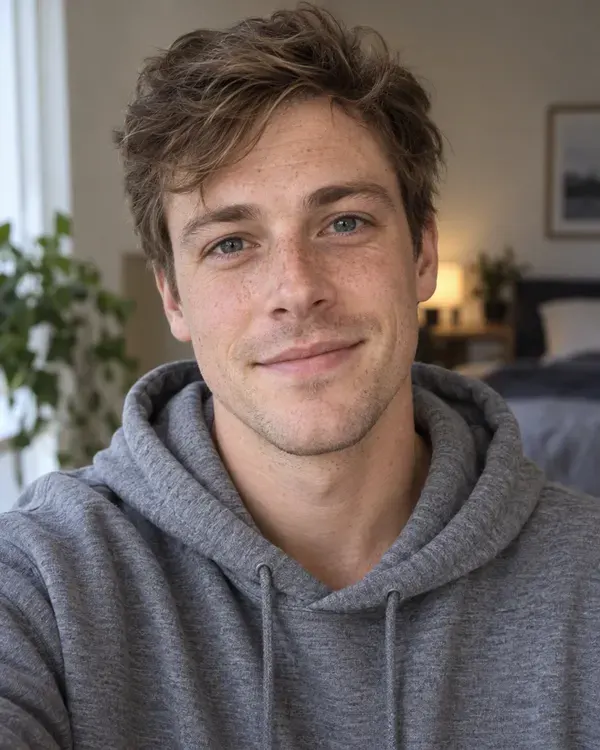
Your photo
- Your photo
One photo
Painted Anime Film
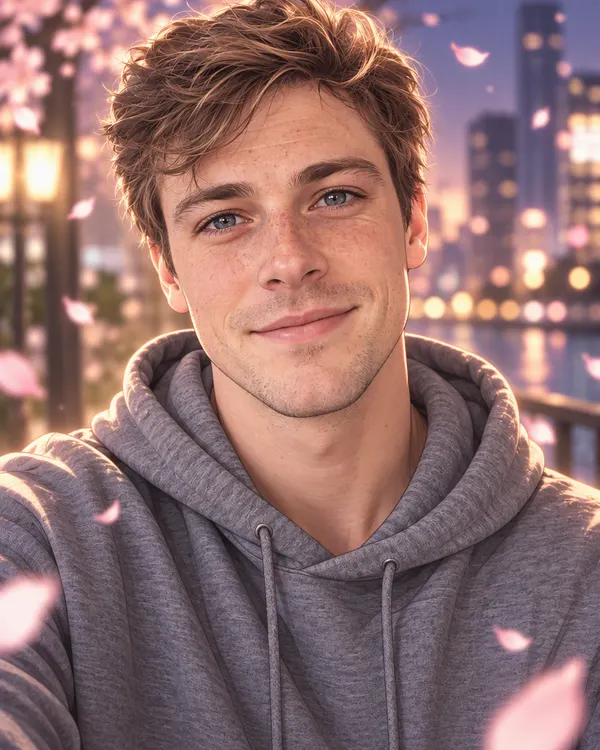
Korean Web Comic
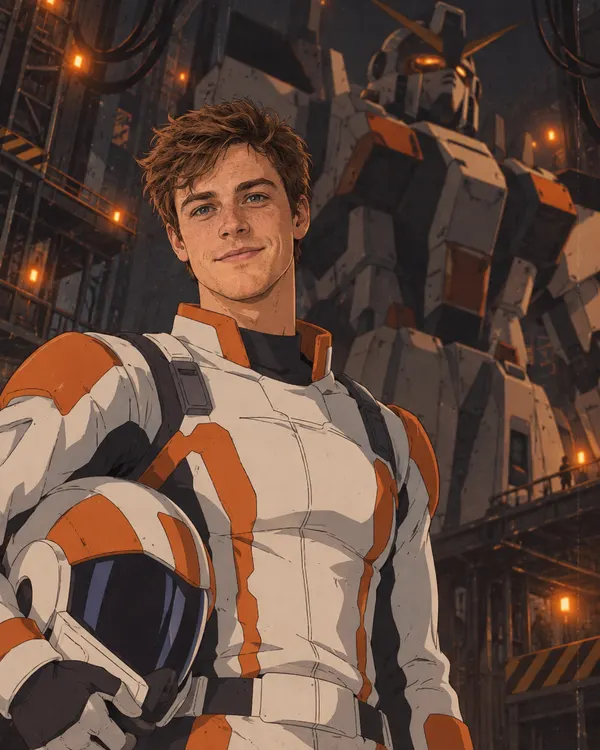
Mecha Pilot
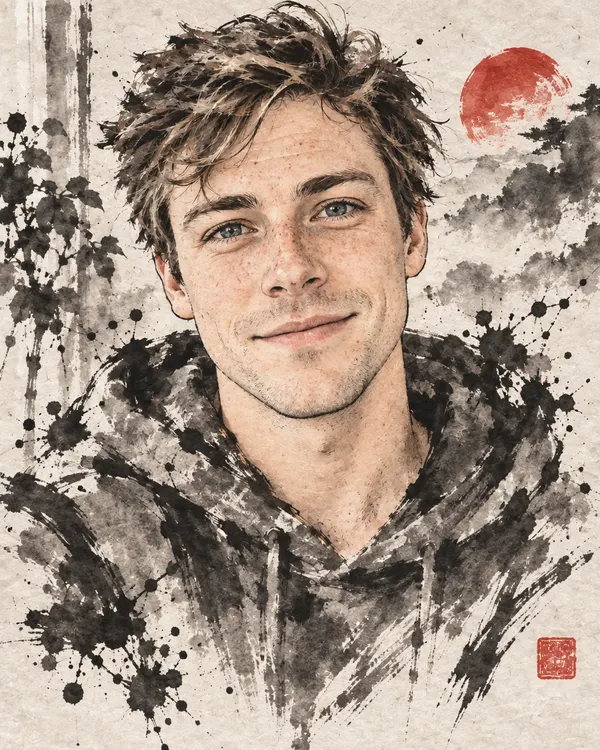
Ink Brush Anime
Pick your anime style
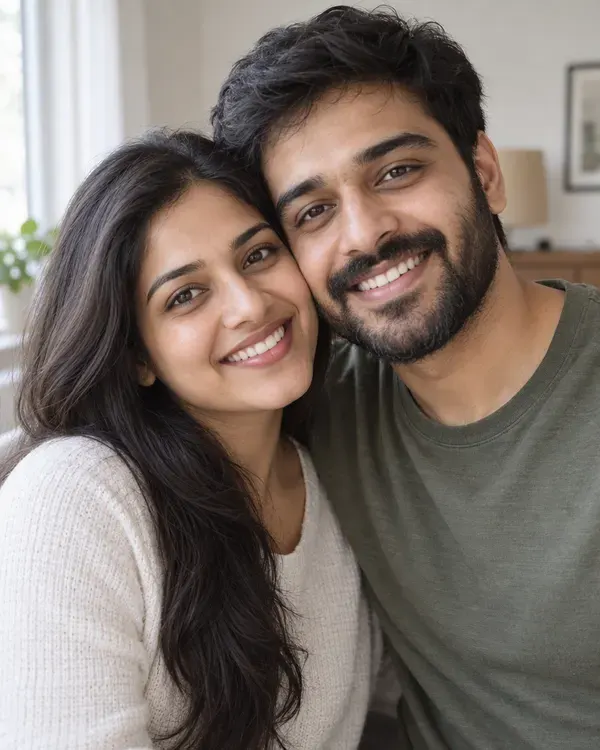
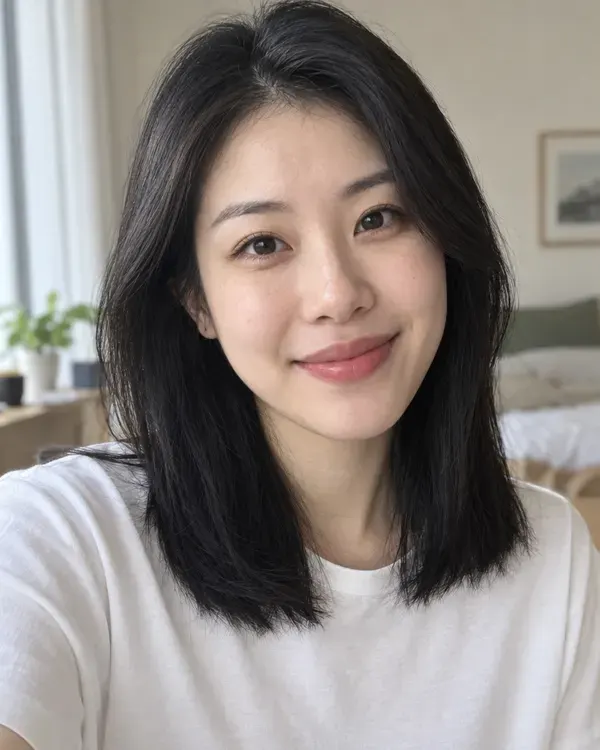
Tap a style to try it on your photo. The small circle shows the photo each example started from.
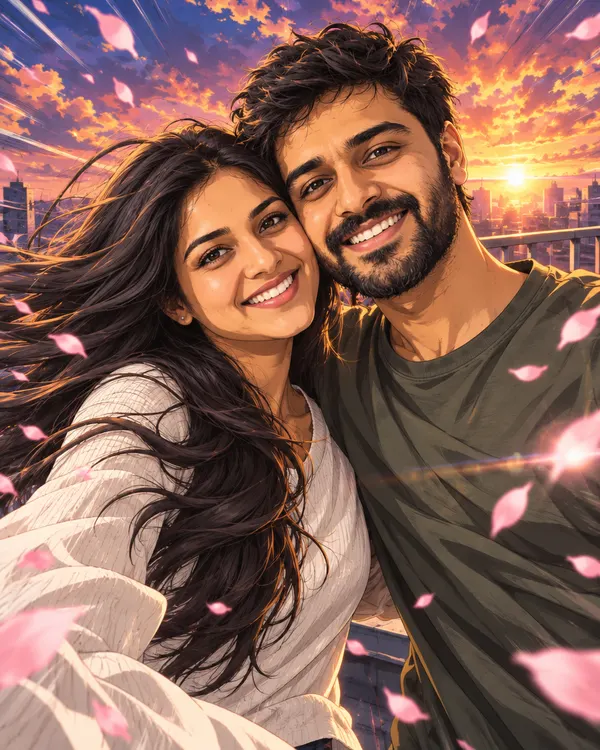
Anime Opening Scene
The hero shot from an anime title sequence
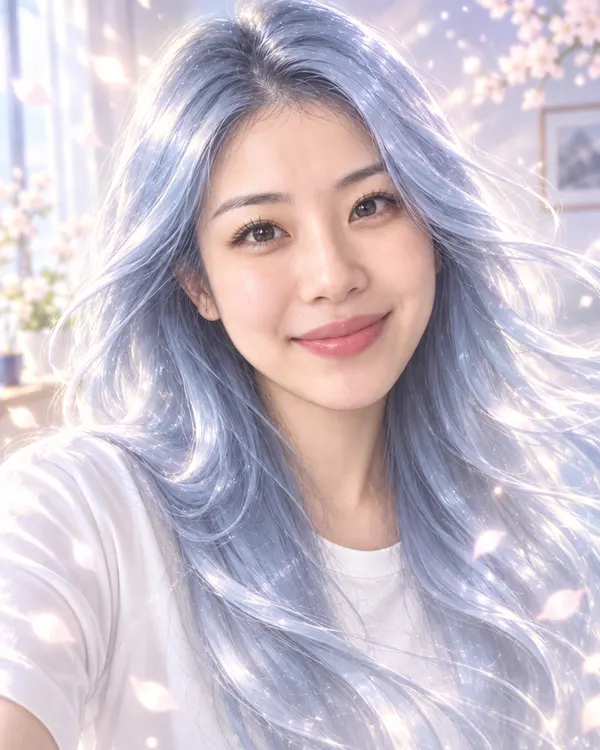
Icy Manga Glow
You in manga style with long flowing icy blue hair
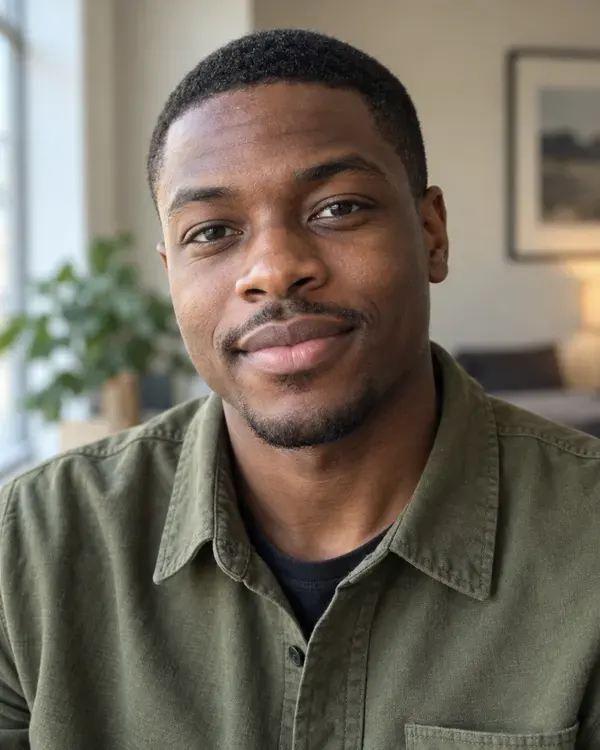
Romance Manga Panel
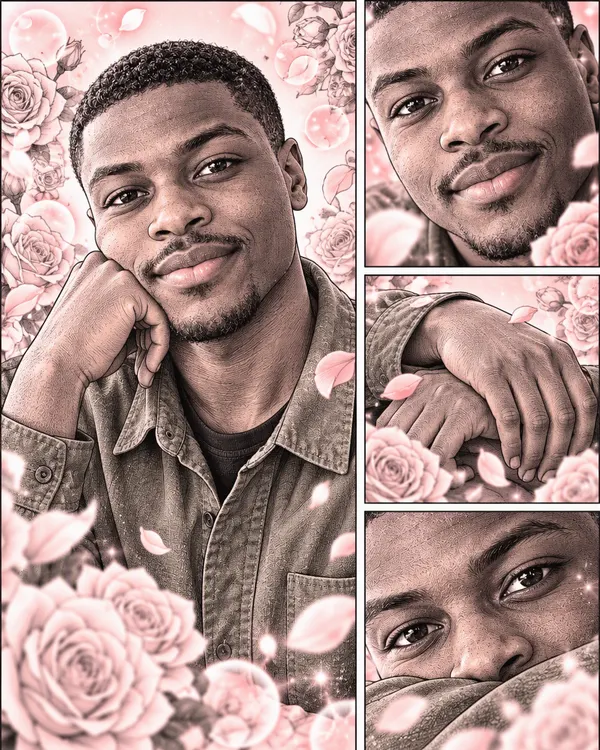
A soft romance manga page with roses and bubbles
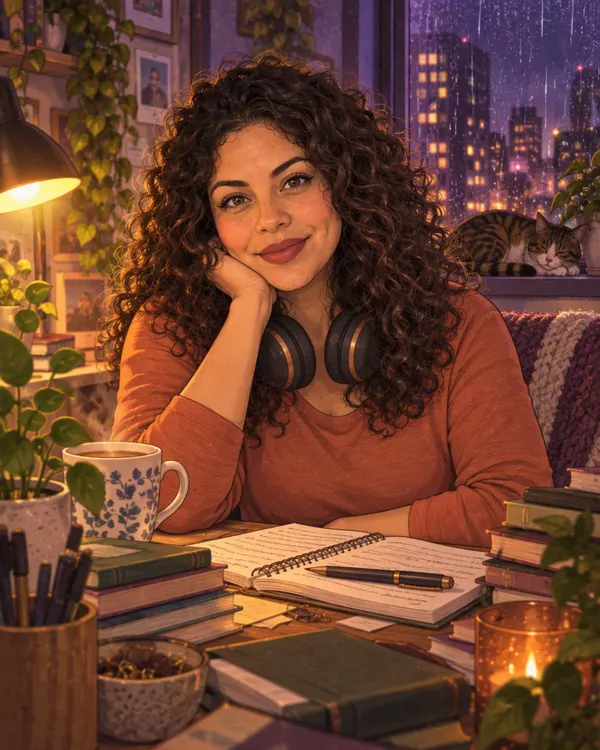
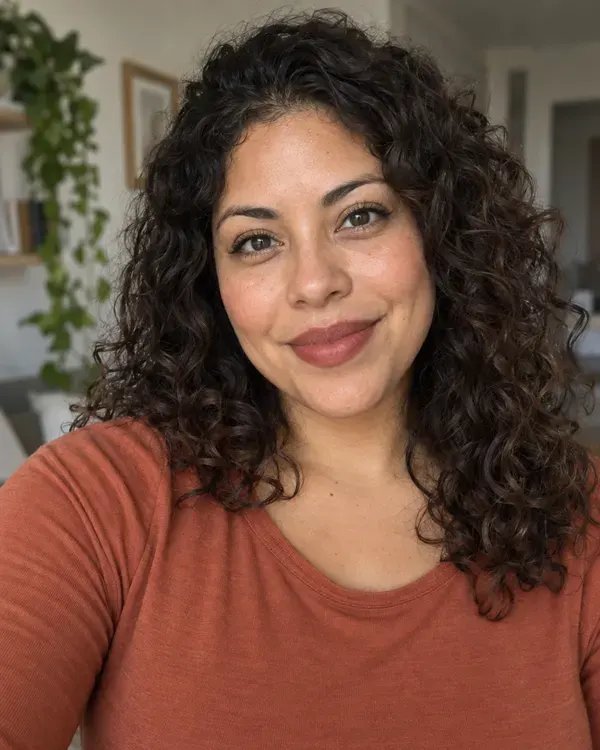
Midnight Study Anime
A cozy late night anime room with rain outside
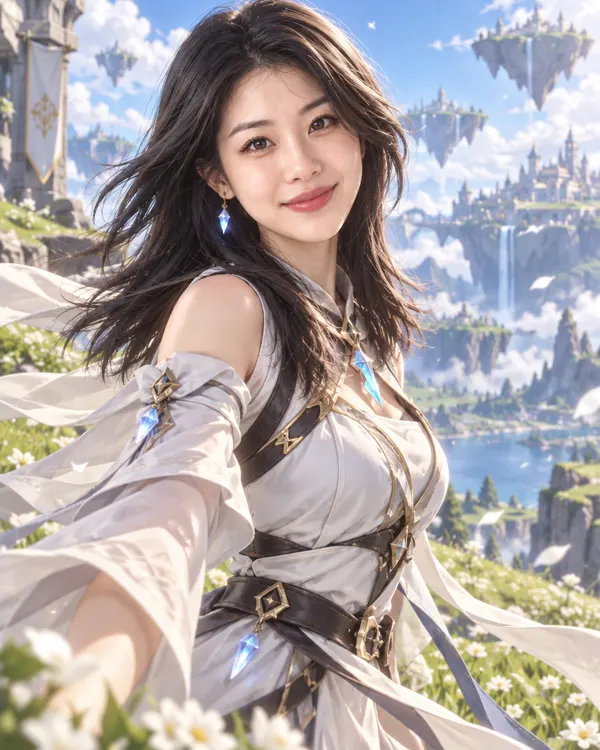
Anime Game Hero
A cel shaded 3D hero from an open world anime game
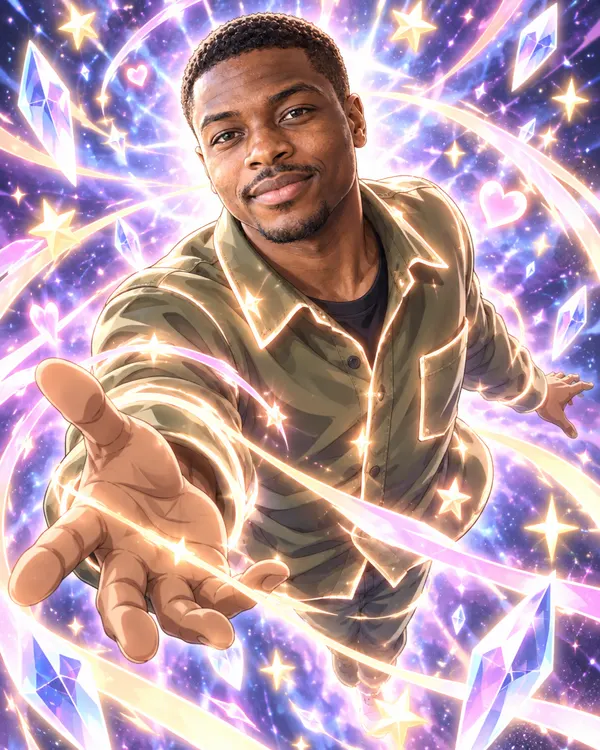
Magic Transform Scene
A magical anime transformation in ribbons of light
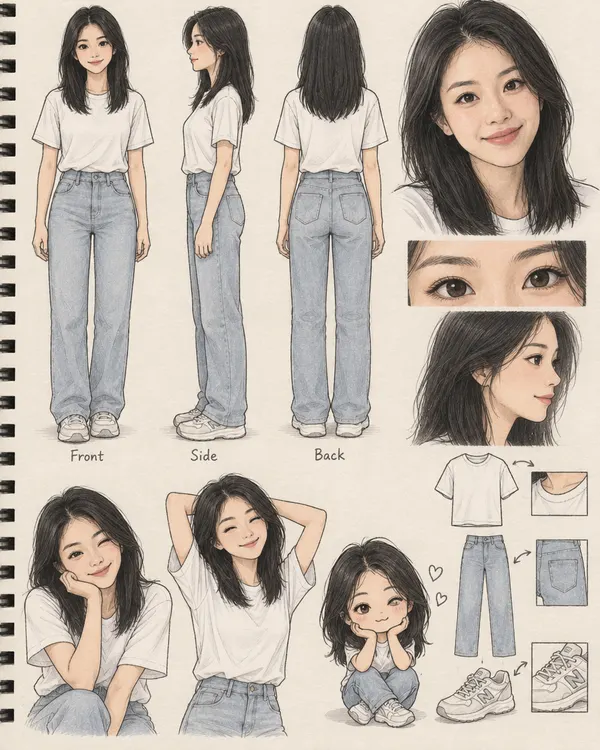
Character Design Sheet
Your own animation character sheet with poses
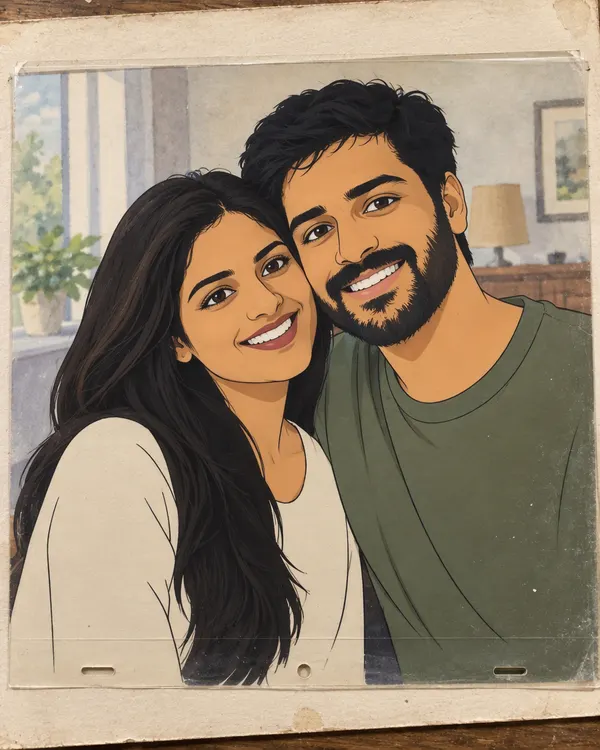
Vintage Animation Cel
A hand painted animation cel laid over its backdrop
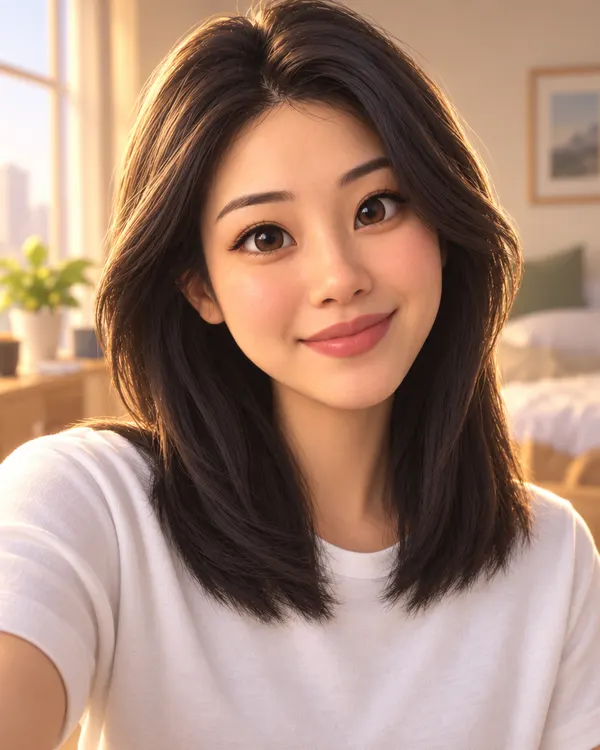
3D Movie Hero
You as the star of a 3D animated family film
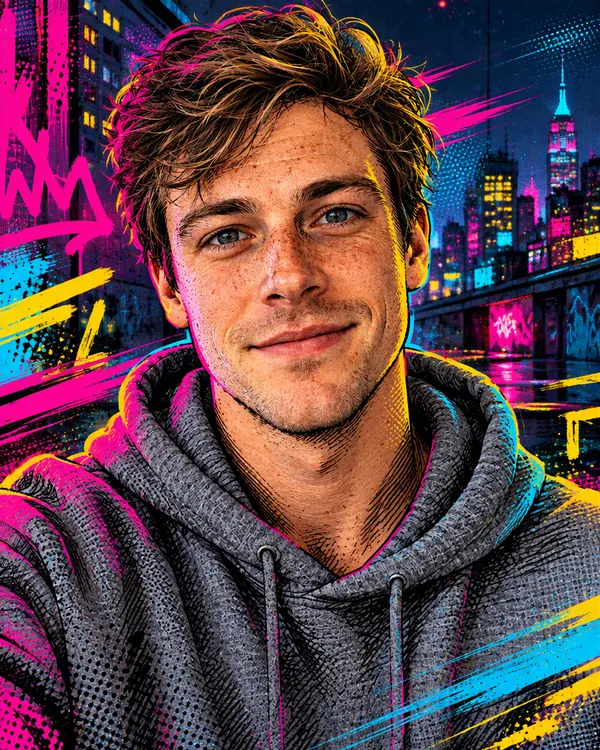
Comic Print Hero
A 3D comic hero made of ink lines and print dots
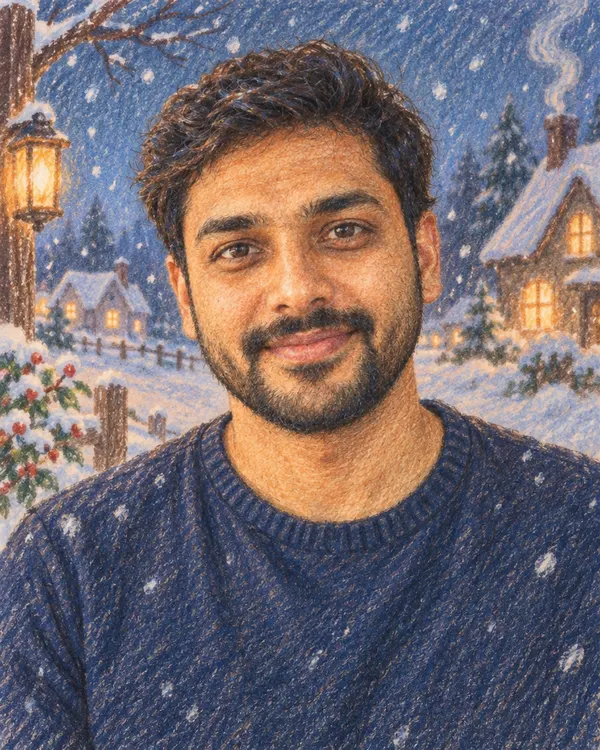
Pencil Crayon Film
A soft colored pencil cartoon from an old winter film
Try it on your photo
Upload a photo and pick any anime style
Start now
See alsoGhibli AI image generatorAI caricature generatorAI sticker generatorAll AI photo filters
Tips for the best anime face
A better photo in gives a better anime picture out.
Good Too small Big, clear face
Look at the camera. Keep your face big in the photo.
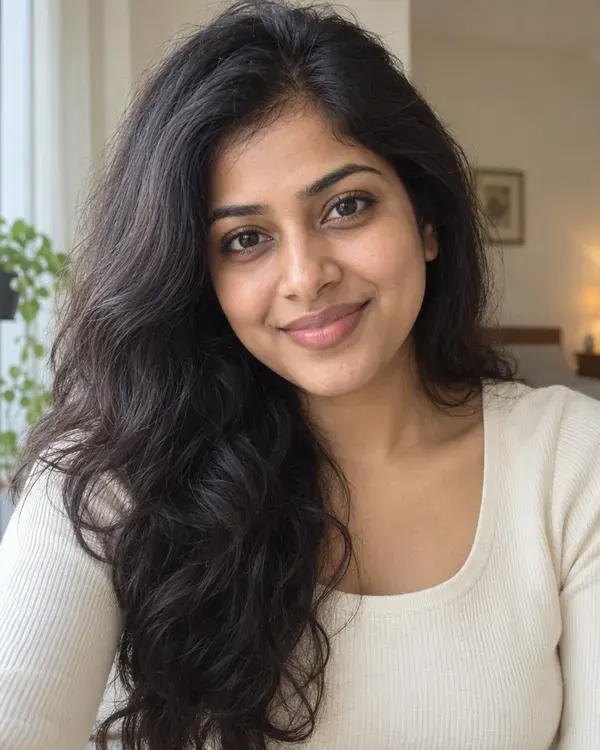
Good Too dark Good light
Daylight shows your real skin tone and hair color.
Good Blurry Sharp photo
Hold the phone still and use your best photo.
Good Too many One or two people
Big group? Crop close so every face is bigger.
How much does it cost?
You see the price before you start.
One anime picture
20tokens
Every anime style costs the same, and so does a mix of two. No watermark.
More tools for your photos
- Face Gen
Put your real face on another photo.
- AI image generator
Make anime art from words, no photo.
- Image to video
Make your anime picture move.
- AI image enhancer
Fix a blurry photo first.

Questions people ask
How do I turn my photo into anime?
Open the AI filter on Enhance AI and pick a style from the Anime and Cartoon shelf. Upload one clear photo and tap Apply style. Your anime picture shows up in the history on the same page. Download it from there.
Is this anime face generator free?
You can try it for free. New accounts get free tokens, and you do not need a card. Each anime picture uses 20 tokens. When you need more, plans start at $19, paid one time, and yearly plans are 20% off.
Will the anime face still look like me?
That is the idea. Each anime style tells the AI to keep you easy to spot, with your own skin tone. Most also keep your face, age, hair and expression. Icy Manga Glow gives you long icy blue hair on purpose. It is still AI, so small things like your clothes can change. A clear, bright photo gives the best likeness.
Which anime styles can I pick?
There are many. A few of them: Painted Anime Film, City Pop Anime, Korean Web Comic, Romance Manga Panel, Icy Manga Glow, Anime Game Hero, Mecha Pilot, Magic Transform Scene and Vintage Animation Cel. The shelf also has cartoon looks like 3D Movie Hero and Big Head Caricature. Character Design Sheet draws you from the front, side and back, with a few poses and a small chibi version.
Can I mix two styles?
Yes. Turn on style mixing, pick two styles, like Painted Anime Film and Korean Web Comic, and choose how much of each you want. A mix costs the same 20 tokens.
What photos can I upload?
One photo in PNG, JPG or WEBP, up to 20MB. A front facing photo where your face is big and sharp works best. Couple photos work too. For a big group, crop close first so every face is bigger.
What size is the picture? Is there a watermark?
About 1K. That looks sharp as a WhatsApp DP, an Instagram DP or a Discord avatar, and on phone screens. It is not big enough for a poster. There is no watermark.
Can I make anime art from text, with no photo?
Yes, with a different tool. Type what you want in the AI image generator on Enhance AI, or try the Ghibli AI image generator for soft, hand drawn anime worlds.
Is this the same as Face Gen?
No. Here the AI redraws your whole photo as anime. Face Gen puts your real face onto another photo. Enhance AI has both.
What happens to my photo?
It is saved in your Enhance AI account and sent to the AI model that makes your picture, OpenAI GPT Image 2, through our AI provider. Our privacy policy explains how long data is kept and how to have it deleted.
Do I need to download an app?
No. It works online, in the browser on your phone or computer.
Can I use it as my profile picture or for cosplay?
Yes. You own what you make and can use it for personal or commercial work. People use it as a DP, as a cosplay reference or as a start for their own manga character. If the photo shows someone else, ask them before you share it.
Make your anime face today
Upload one photo, pick an anime style and get a new DP that still looks like you.
Make my anime face- Free to try
- No app needed
- No watermark