AI Caricature Generator from Your Photo
Upload one photo. Get a funny big head drawing of you, with props from your life. It still looks like you.
- Free to try
- No app needed
- No watermark
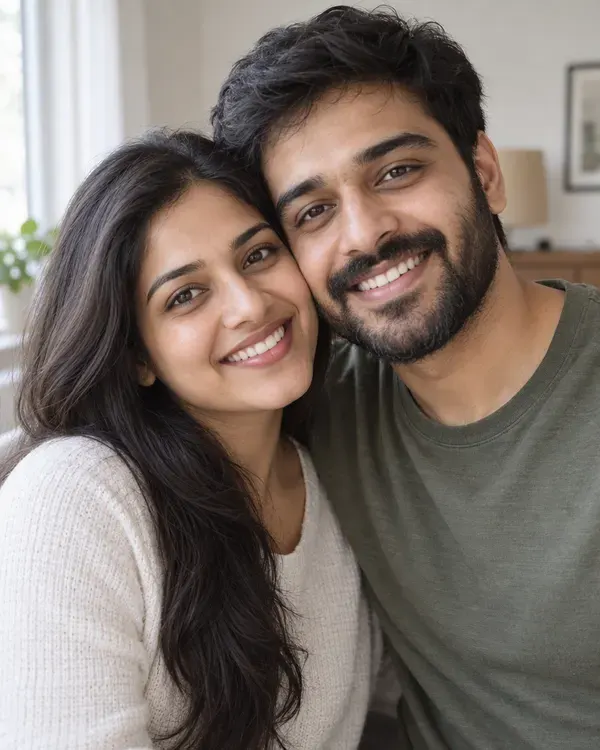 Your photo
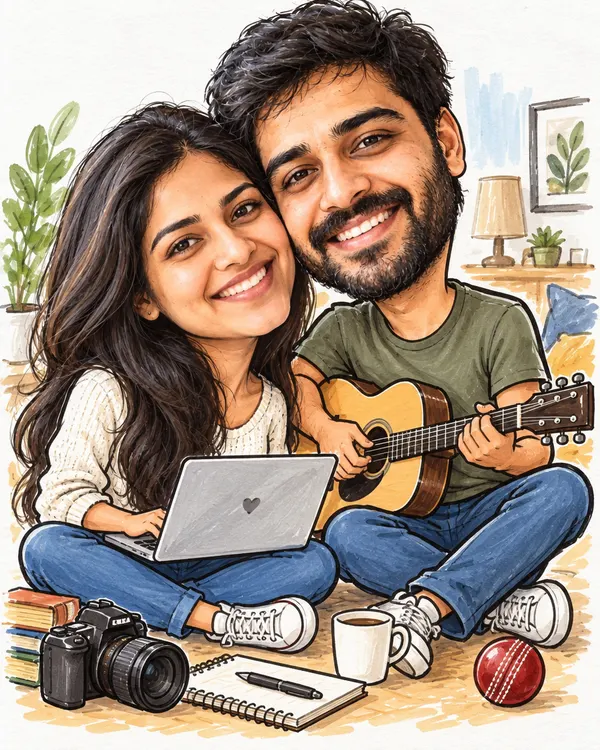 Big Head Caricature
How to make a caricature from your photo
Three steps. It works on your phone.
Step 1
Upload your photo
One clear photo. Just you, or you and one more.
Step 2
Pick Big Head Caricature
Tap Apply style. Each photo uses 20 tokens.
Step 3
Download and share
Save it. Print it on a card or send it on WhatsApp.
What the AI keeps, adds and guesses
This is the result from the photo at the top. Your face stays yours. Only the head gets bigger.
- Faces and hairKeptSame faces, skin tone and hair as their photo.
- TopsKeptThe cream sweater and the green t shirt from their photo.
- Big heads, small bodiesAddedThe heads grow and the bodies shrink, like a drawing from an artist at a fair.
- Big smilesAddedEveryone gets a big, happy smile.
- PropsGuessedTheir photo gave no clues, so the AI picked a laptop, a guitar, a camera and a cricket ball.
- Marker on paperAddedLoose marker lines and soft paint on white paper.
More fun ways to draw you
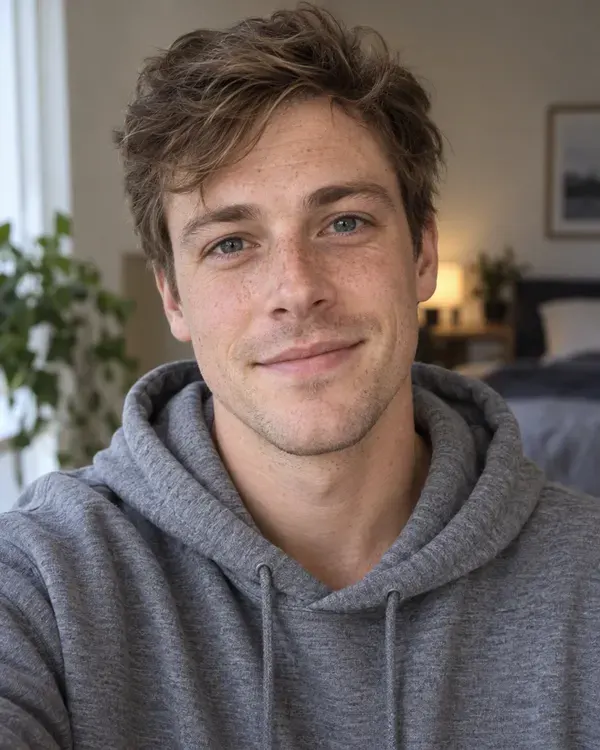
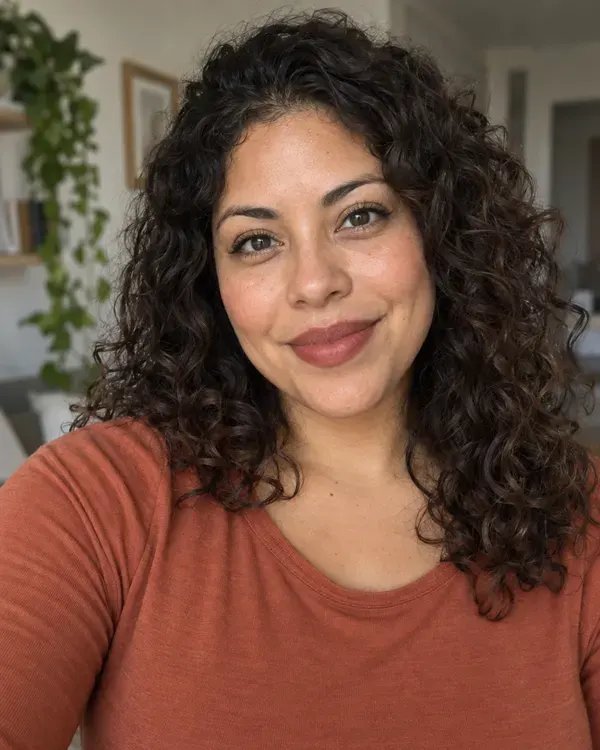
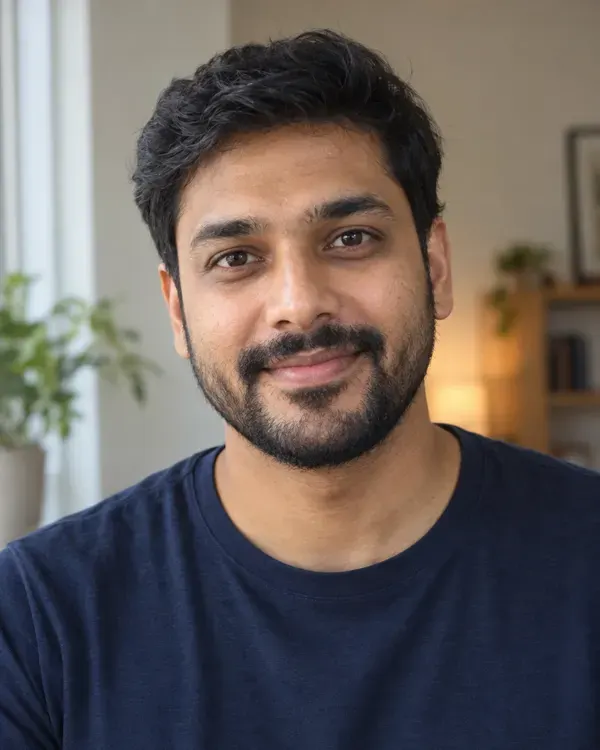
Tap a style to try it on your photo. The small circle shows the photo each example started from.
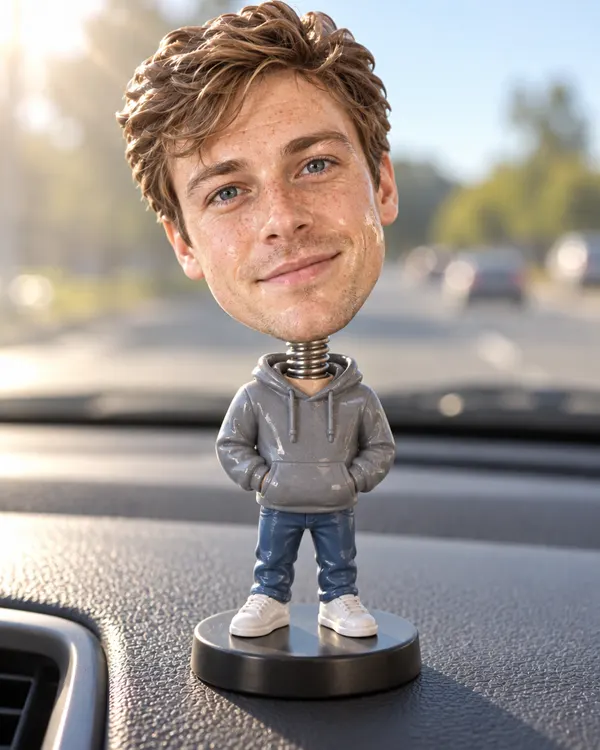
Bobblehead
A big head toy of you nodding on a car dashboard
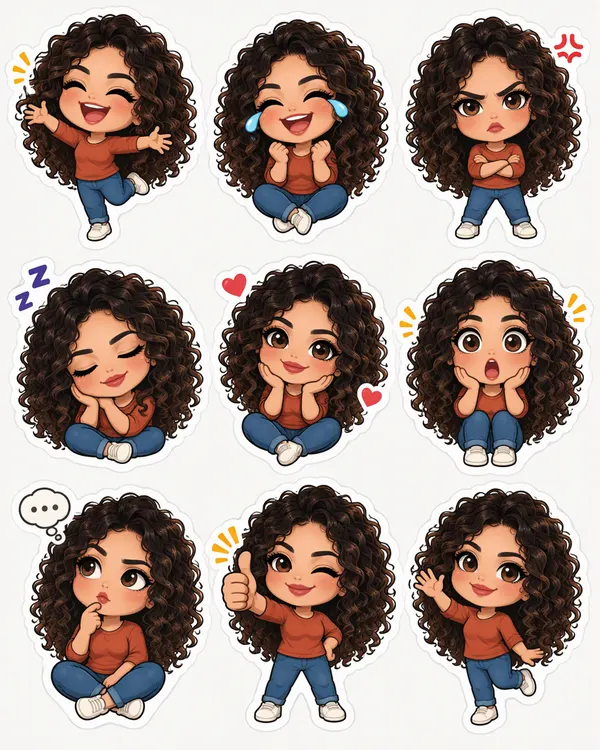
Sticker Sheet
Nine cute sticker faces of you for your chats
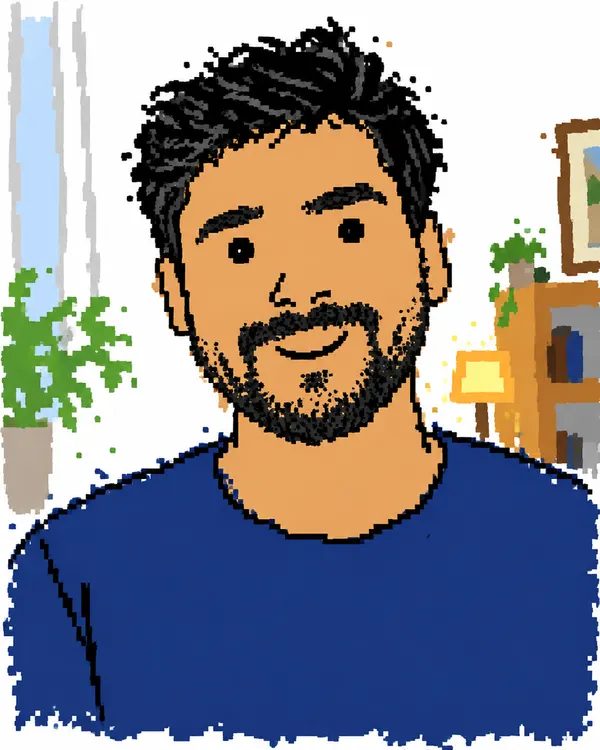
Bad Drawing
Redrawn badly on purpose, like a 90s paint program
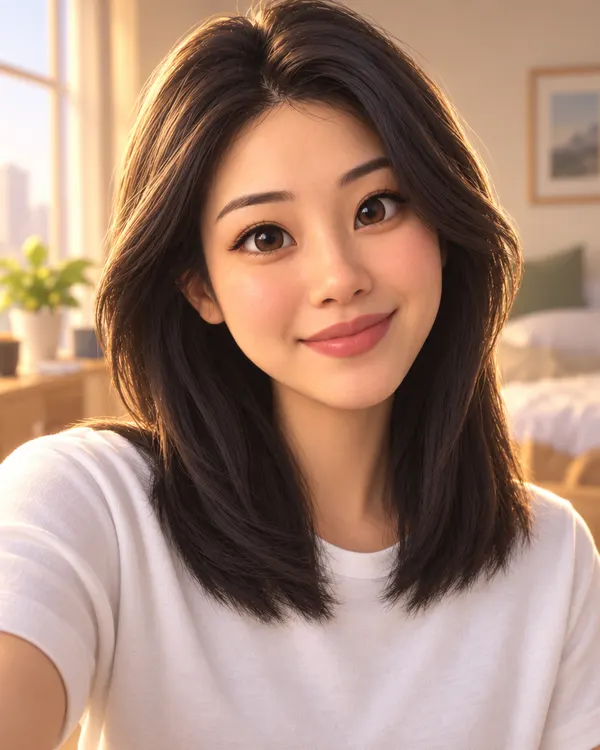
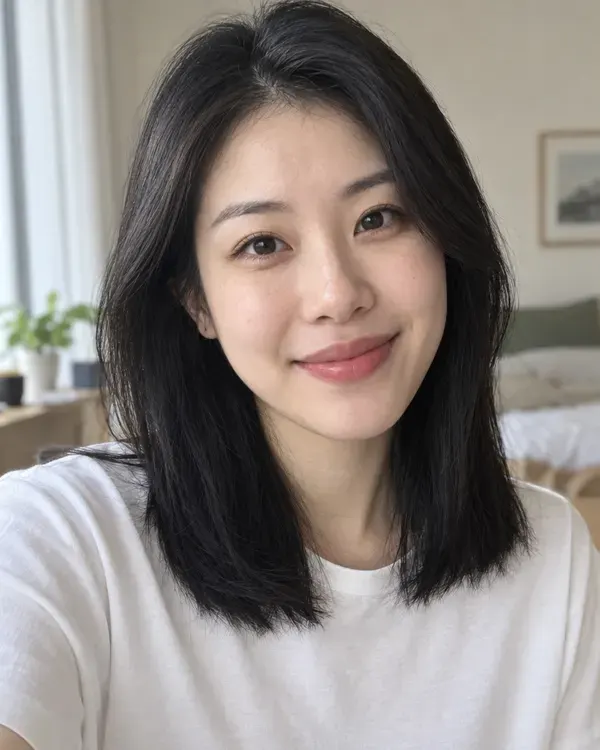
3D Movie Hero
You as the star of a 3D animated family film
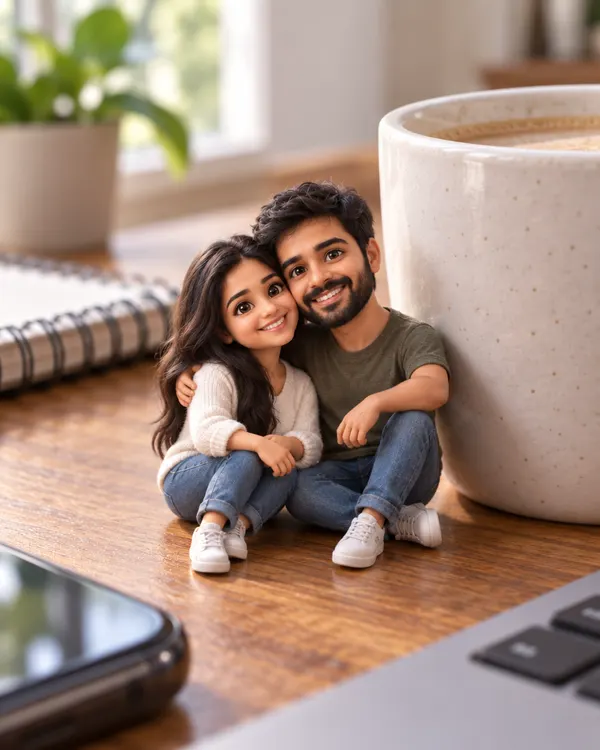
Pocket Sized Me
A tiny animated you, hanging out in your real photo
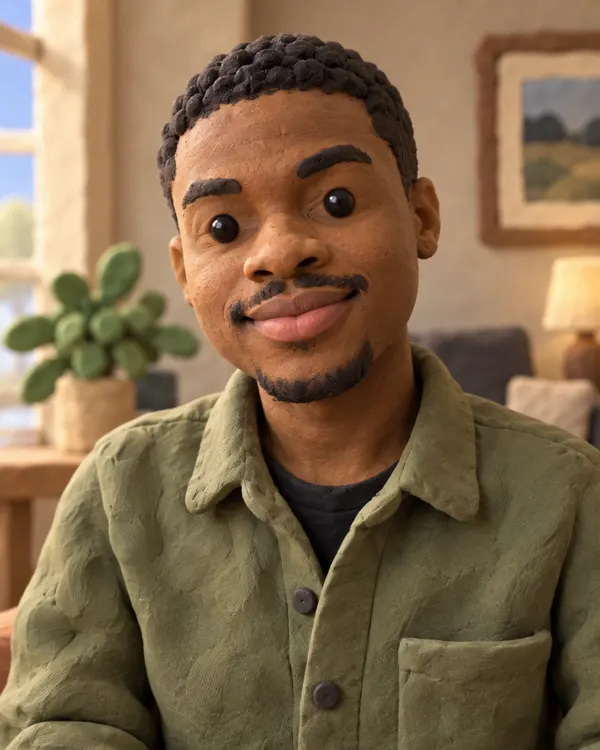
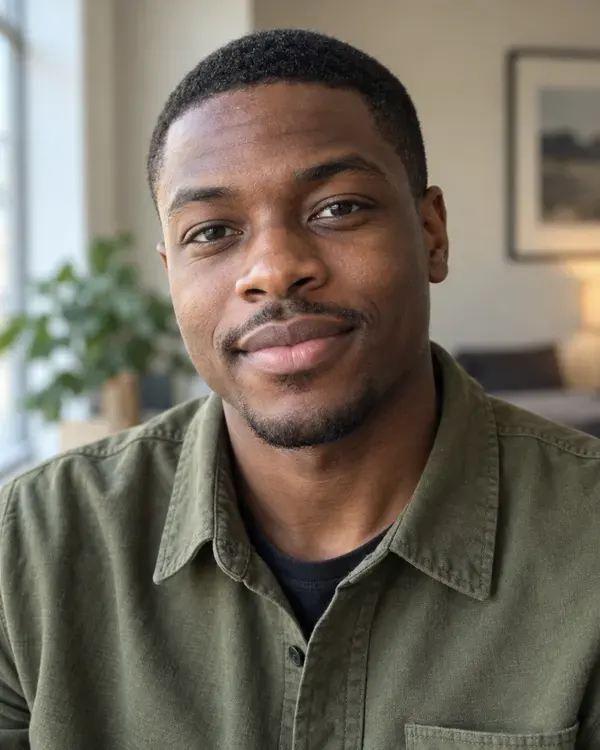
Lumpy Clay
A lumpy clay figure of you for a stop motion film
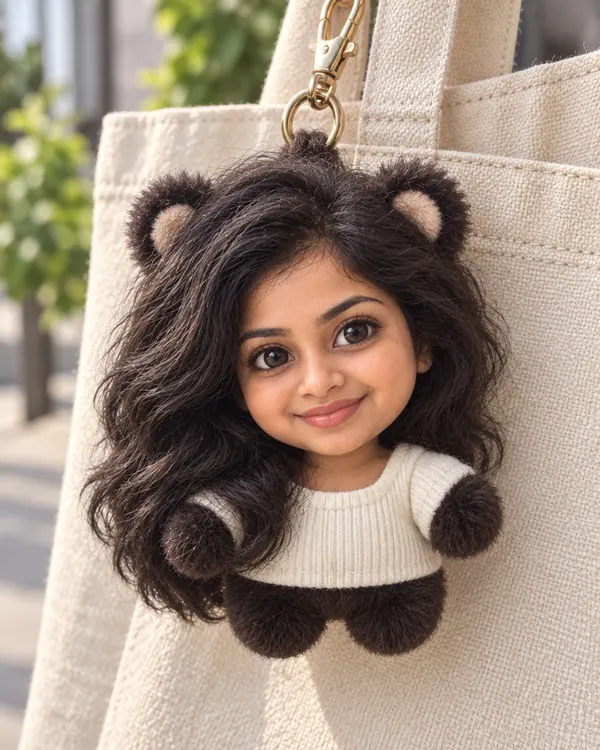
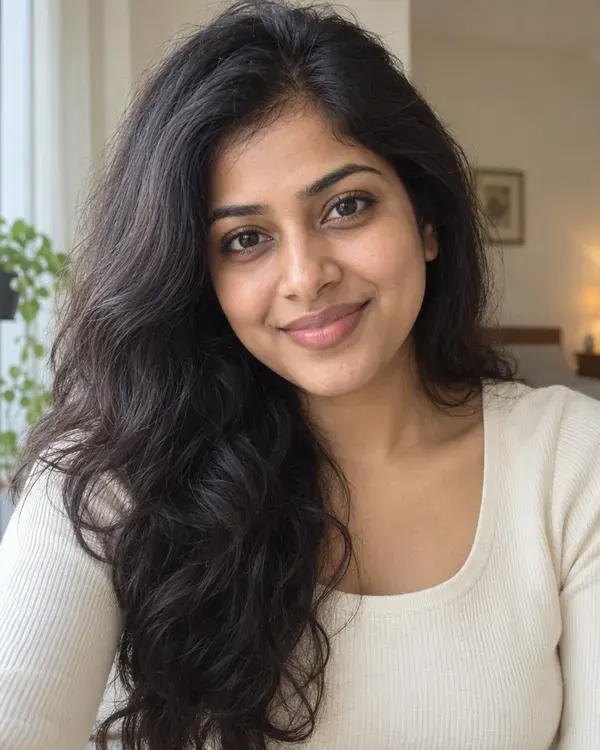
Fuzzy Bag Charm
You as a cheeky fluffy monster charm on a bag
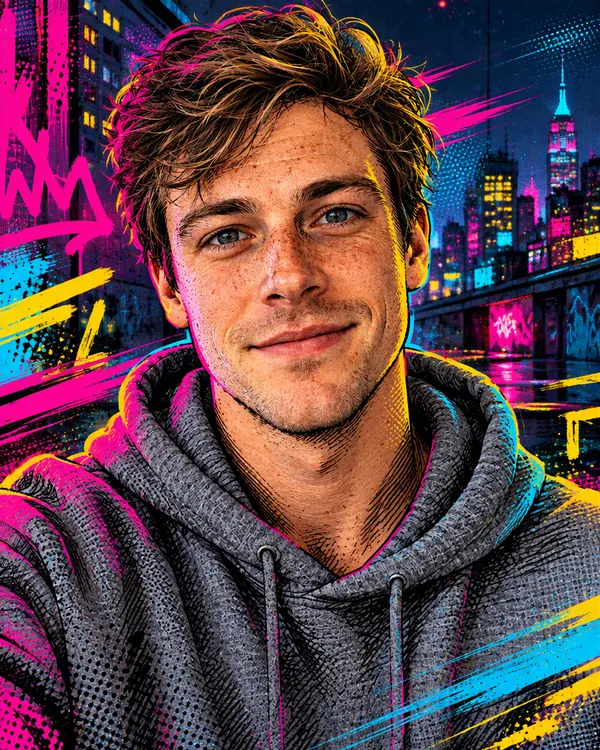
Comic Print Hero
A 3D comic hero made of ink lines and print dots
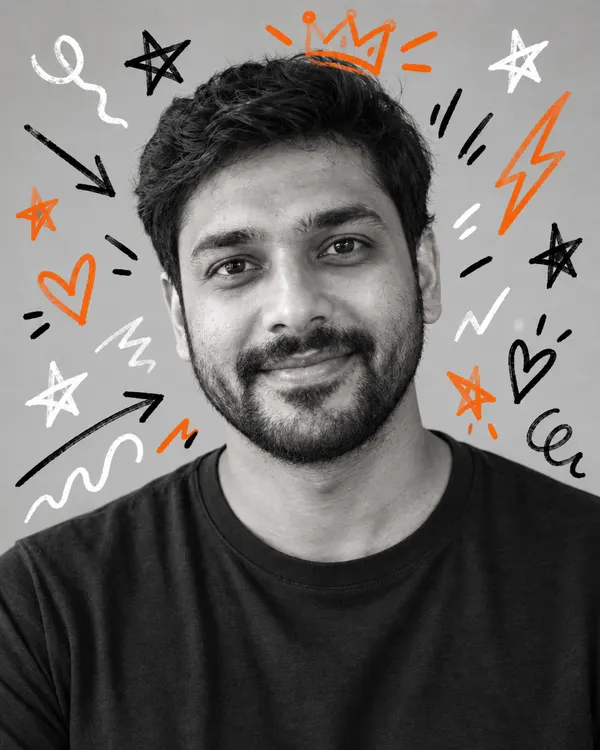
Doodle Portrait
Black and white you, with marker doodles all around
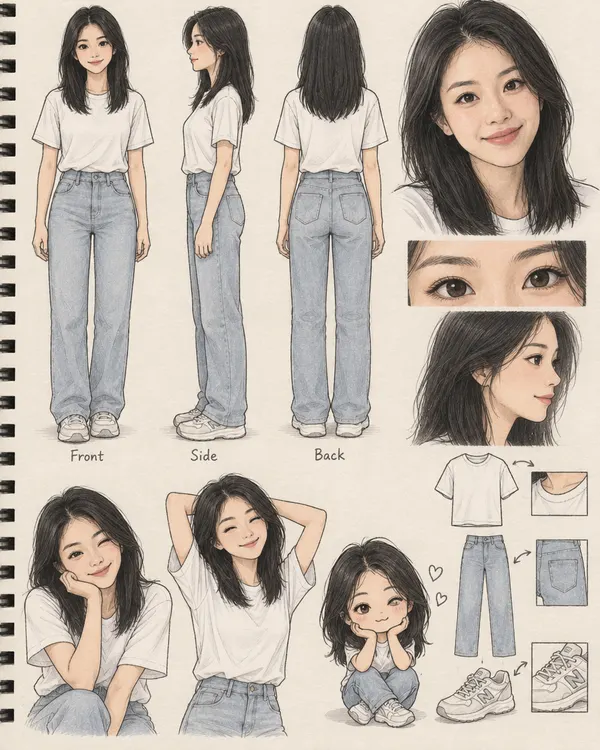
Character Design Sheet
Your own animation character sheet with poses
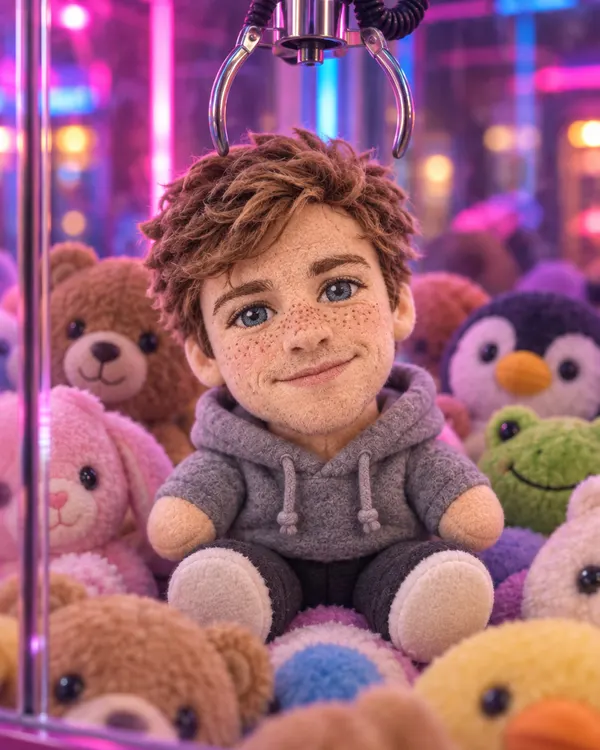
Claw Machine Prize
You as the plush everyone wants in the claw machine
Try it on your photo
Upload a photo and get your caricature
Start now
See alsoAI sticker generatorAI action figure generatorAnime face generatorAI headshot generator
Tips for the best caricature
A better photo in gives a better drawing out.
Good Too small Big, clear face
Look at the camera. Keep your face big in the photo.
Good Too dark Good light
Daylight shows your real skin tone and hair color.
Good Blurry Sharp photo
Hold the phone still and use your best photo.
Good Too many One or two people
Big group? Crop close so every face is bigger.
How much does it cost?
You see the price before you start.
One caricature
20tokens
Every style costs the same, and so does a mix of two. Your drawing comes with no watermark.
More tools for your photos
- AI photo filter
Anime, toys, old film and many more looks.
- Image to video
Make your caricature move.
- AI image enhancer
Fix a blurry photo first.
- Image to image
Change a photo with words.



Questions people ask
How do I make a caricature from my photo?
Open the Big Head Caricature style in the AI filter on Enhance AI. Upload one clear photo and tap Apply style. Your caricature shows up in the history on the same page. Download it from there.
Is this AI caricature generator free?
You can try it for free. New accounts get free tokens, and you do not need a card. Each caricature uses 20 tokens. When you need more, plans start at $19, paid one time, and yearly plans are 20% off.
Will the caricature still look like me?
That is the idea. The style keeps your face shape, eyes, nose, lips, skin tone, age, hair and glasses. Only your head gets bigger, and you get a big smile. A clear, bright photo gives the best likeness.
Does it make fun of the person?
No. Only the size of the head changes. The style never makes lips, noses, eyes or ears bigger for a joke, and there is no setting for a mean drawing.
Where do the props come from?
The AI looks at your clothes and background and guesses your job or hobby. Then it draws a few things that fit, like a laptop, a camera, a guitar or a cricket bat. If your photo gives no clues, it picks common props on its own. You cannot type the props. To get your guitar in the drawing, hold your guitar in the photo, or write your own prompt with image to image AI on Enhance AI.
Can I make a couple or family caricature?
Yes. The example on this page started from a photo of a couple, and each person got their own props. One or two people work best. In a big group every face is small, so crop close first.
Can I add a name or a birthday message?
No. The style leaves words off the drawing. Add your name or message later in any photo editor.
What size is the picture? Is there a watermark?
About 1K. That looks sharp on WhatsApp, Instagram and phone screens, and it is fine for a card or a small print. It is not big enough for a poster. There is no watermark.
Will my caricature look like the example?
Not exactly. Every drawing is made fresh, so the pose and the props change each time, even with the same photo. Each new try uses 20 tokens.
Can I mix it with another style?
Yes. Turn on style mixing, pick Big Head Caricature and a second style, like Sticker Sheet, and choose how much of each you want. A mix costs the same 20 tokens.
Do I need to download an app?
No. It works online, in the browser on your phone or computer.
Can I print it or share it?
Yes. You own what you make and can use it for personal or commercial work. It works well as a birthday card, a farewell card or a profile picture. If the photo shows someone else, ask them before you share it.
Make your caricature today
Upload one photo and get a funny big head drawing that still looks like you.
Make my caricature- Free to try
- No app needed
- No watermark