It is free to try. Making an account is free, with no card. New accounts get free tokens, and they work on every image model. With the three models on this page, a cover costs 1 to 20 tokens. When your tokens run out, plans start at $19, paid one time. No account yet? Our free image generator makes 3 pictures a day with no account.
How do I make an album cover with AI?
Type your song's mood, the main picture and the colors. Add the title in quotes if you want words on it. In the studio, pick the square 1:1 size, then press Generate. Download the cover you like. Not happy? Change a few words and try again. Each try uses tokens.
What size is the cover?
Pick the 1:1 size and your cover comes out square, 1024 x 1024 pixels. Some music stores ask for a bigger file when you release a song, so check what yours needs. To make your cover bigger, use the image upscaler. Signed in, it goes up to 4K and more.
Can I add my song title and artist name?
Yes. Write the words in your prompt, in quotes, like the title "Midnight Chai". GPT Image 2 is the best pick for words. In our tests, it spelled every word right. AI can still get a letter wrong, so check every word before you release.
Which model should I use?
For a title or artist name on the cover, use GPT Image 2 (20 tokens). For quick everyday covers, use GPT Image 2.5 Flare (10 tokens). To try lots of ideas cheaply, use Flux Red (1 token). You can switch models any time in the studio, and every major AI model is there too. See all models.
Can I put my own photo on the cover?
Yes. Open Styles and filters, upload your photo and pick City Pop Anime (an 80s record sleeve) or Millennium Chrome (a 1999 CD cover). It tries to keep your face the same. Each photo costs 20 tokens and comes out at about 1K. The examples on this page were made with a newer AI model than the tool uses, so your result can look a little different.
Can I make covers for any genre?
Yes. Say the genre and the mood in your prompt: lo fi, hip hop, rock, pop, EDM, jazz, a Bollywood song or a bhajan. Then add one main picture and two or three colors. Short and clear works best.
Can I make a playlist cover?
Yes. Describe the mood of the playlist, like "gym songs" or "rainy day chill", and pick the square size. It works the same way as an album cover.
Can I use the cover for my release?
Yes. You own the covers you make and can use them for personal or commercial work, like your release, merch you sell and ads. You are responsible for what you make, so do not copy another artist's cover, a logo or a famous face. Section 6 of our Terms has the details.
Is there a watermark?
No. Covers made with free tokens and with paid plans both come with no watermark.
Do I need to download an app?
No. It works online, in the browser on your phone or computer.
Can it make the song too?
Yes. The AI music generator makes a song from a few words, and it also tries to make a small square cover for each song. For a bigger cover with your title on it, make one here.
Make your album cover today
Describe your song or start from your photo. Download a square cover.
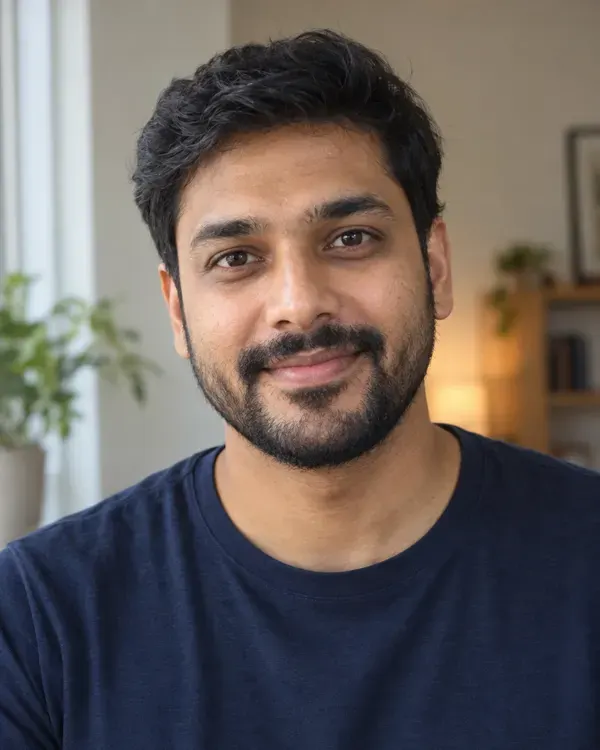 Your photo
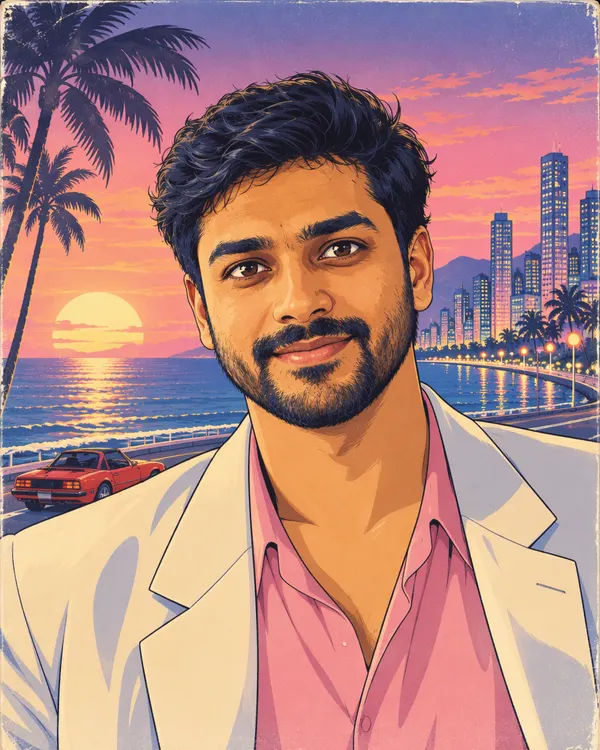 City Pop Anime
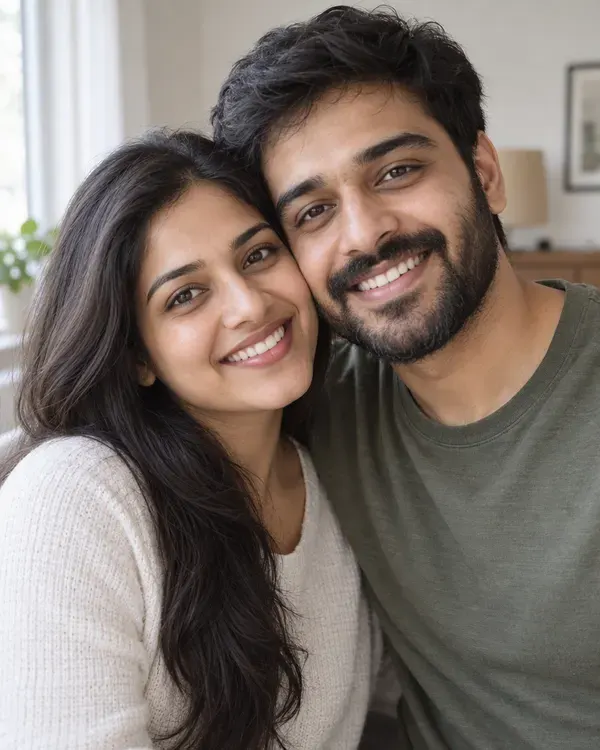 Your photo
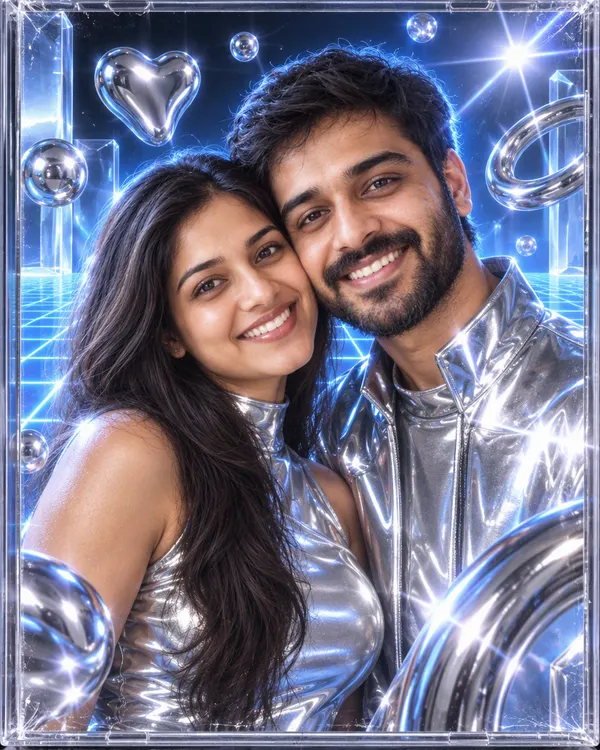 Millennium Chrome