15 Second AI Video Generator
Type an idea or add a photo. Get a full 15 second video, made in one go. Use it on Reels, Shorts and TikTok.
Pick a model
WAN 3.0 makes up to 30 seconds. Set Duration to 15 in the studio, then press Generate.
- No app needed
- See the price first
- No watermark
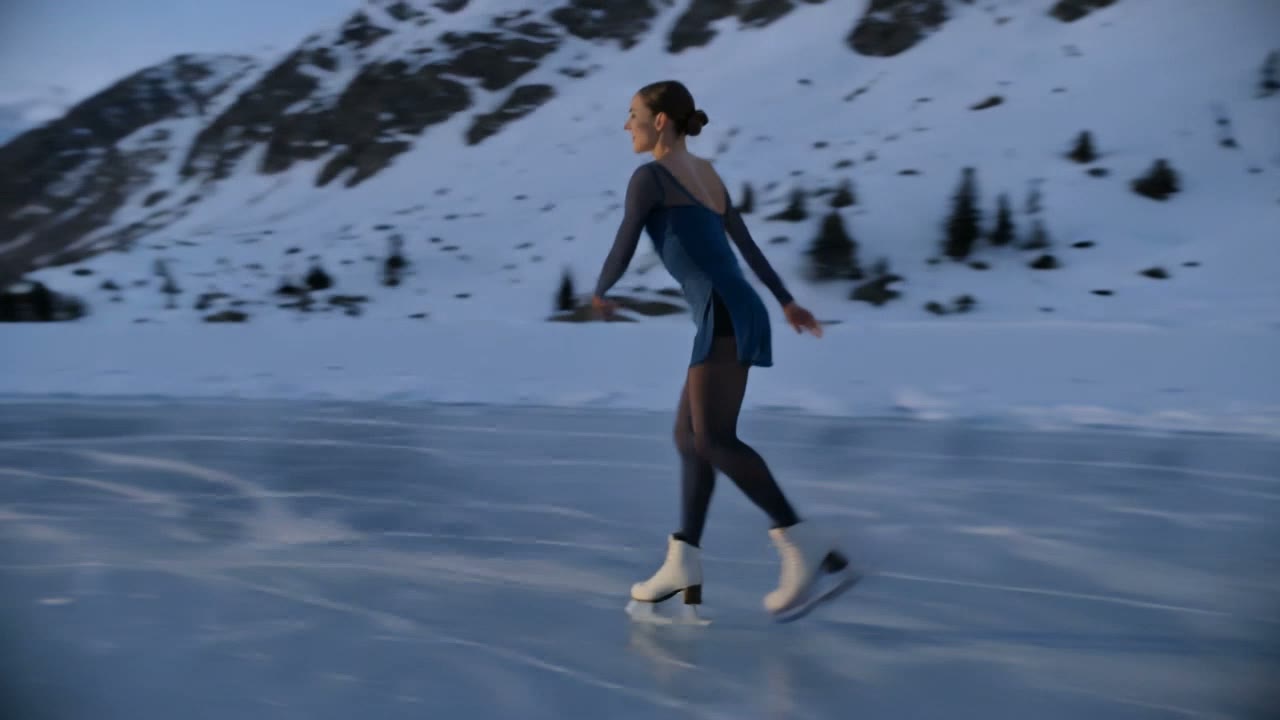 5 second example · Kling V30:05
Timeline
Duration 15 s
Turn photos and a song into a Reel.
Can AI make a 15 second video in one go?
Yes. Models like WAN 3.0, Kling V3 and Seedance 2.5 make a full 15 second clip in one go, so you do not have to join short clips. Set Duration to 15 in the studio and press Generate. One 15 second clip costs from $0.36, on LTX Video 2 19B at 480p.
- One clip, a full 15 seconds
- From $0.36 a clip
- Price shown before you start
- No watermark
How to make a 15 second video
Three steps. It works on your phone too.
Step 1
Type your idea
Say what happens and how it ends. Or add a photo to start from.
- WAN 3.09:16720pGenerate $1.885 s10 s15 s
Step 2
Set Duration to 15
Pick a model that goes up to 15 seconds and a shape, like 9:16 for Reels. The price shows on the button.
 MP4
MP4Step 3
Make it and download
Top up from $5, press Generate and save your MP4.
Real clips and the prompts behind them
Made with Kling V3 from the words under each clip. Tap a clip to play it.
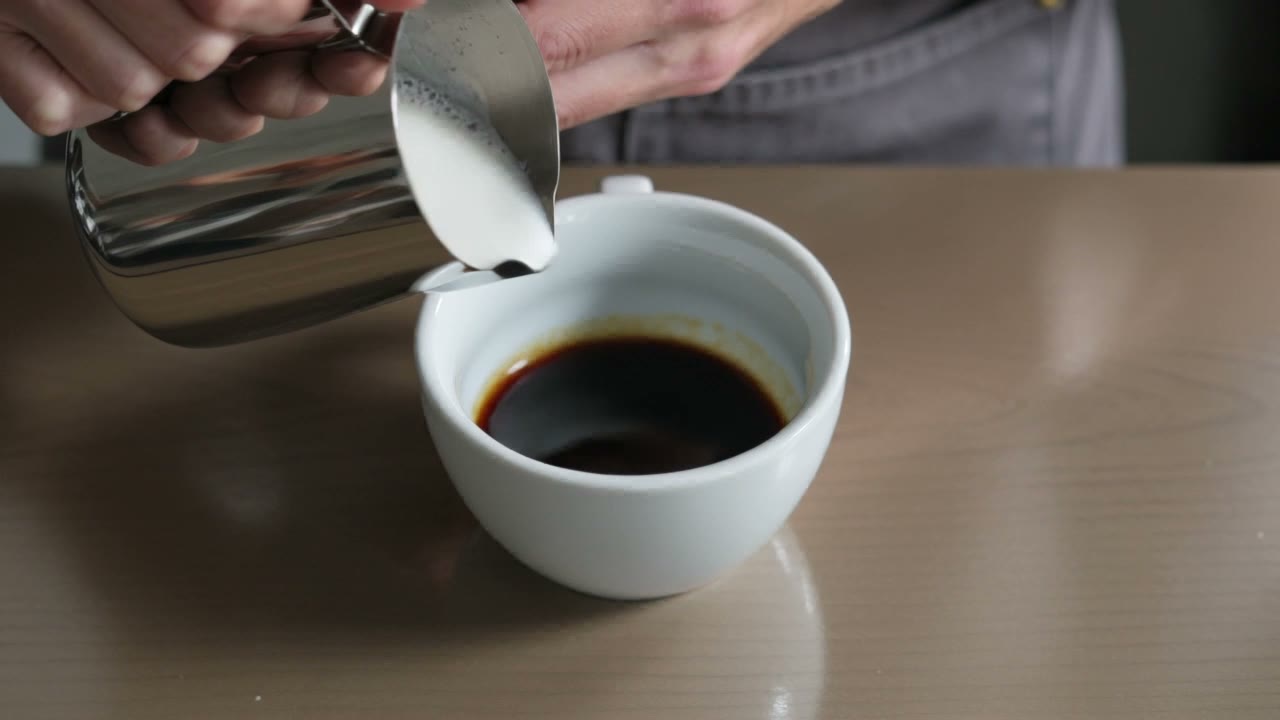
Kling V3 · 5 seconds · 720p
“A barista pours steamed milk into a plain white cup of espresso and a leaf pattern slowly forms in the foam, close up from above, soft morning window light, shallow depth of field.”
Try this promptKling V3 · 5 seconds · 720p
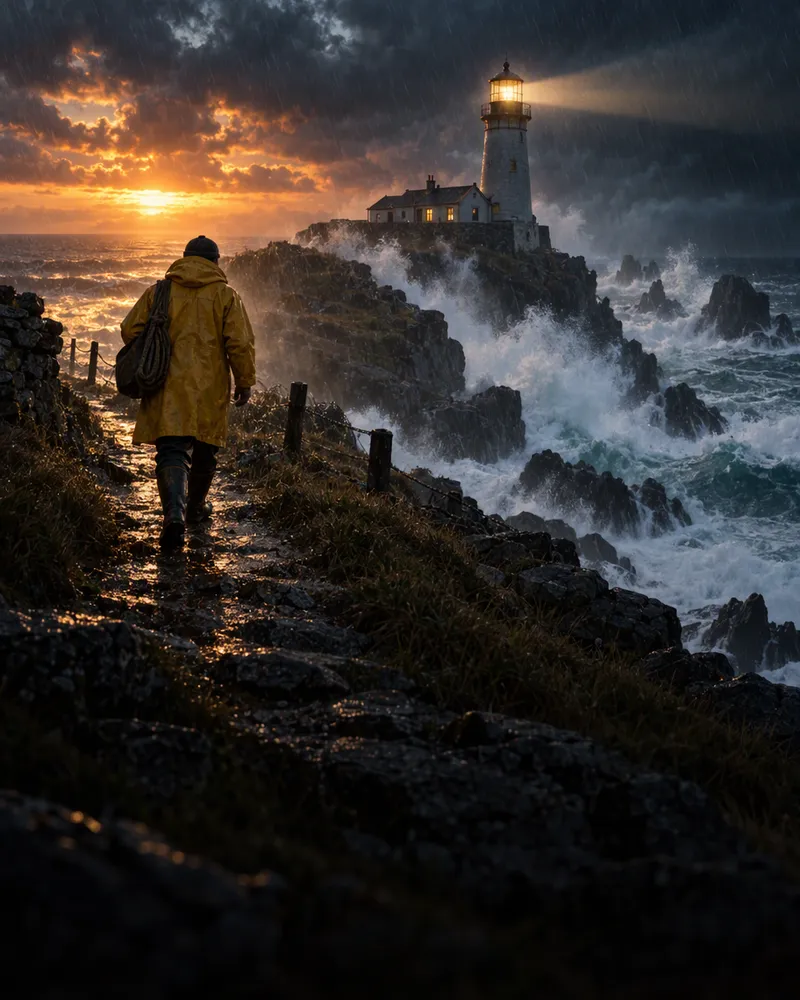
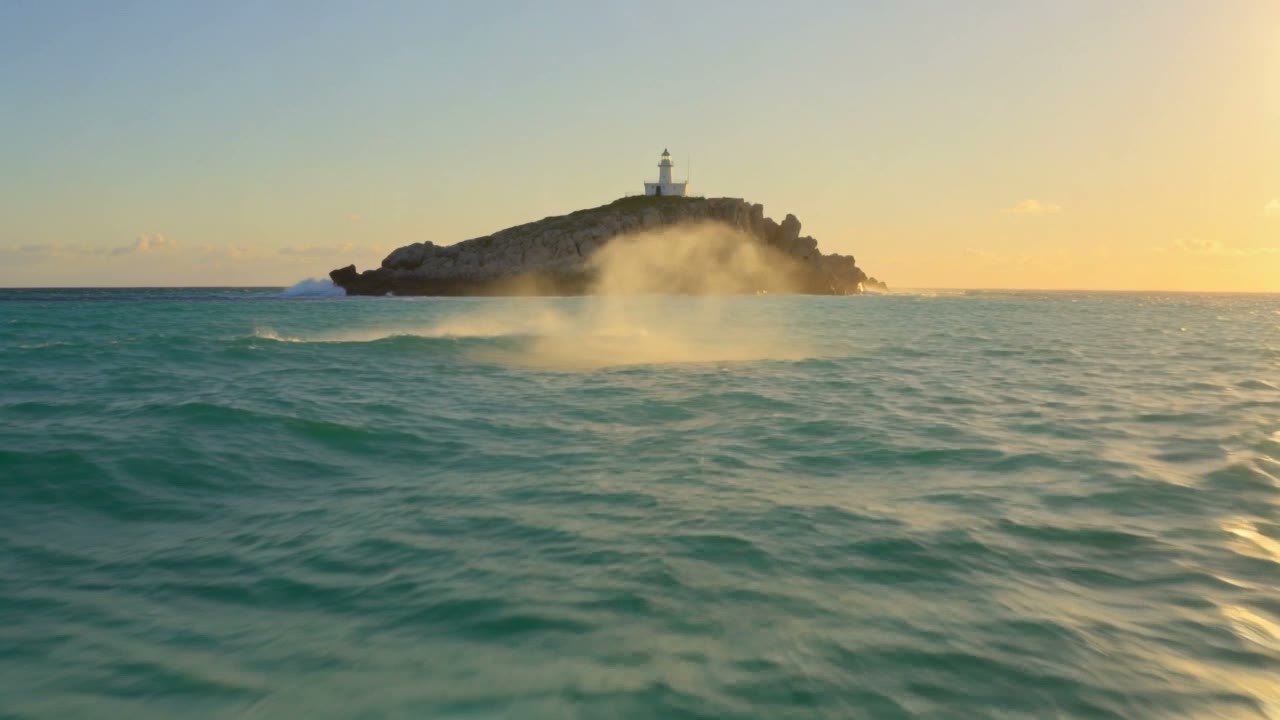
“A low drone shot flies over turquoise waves toward a rocky island with a small white lighthouse, sea spray glowing in golden sunset light.”
Try this prompt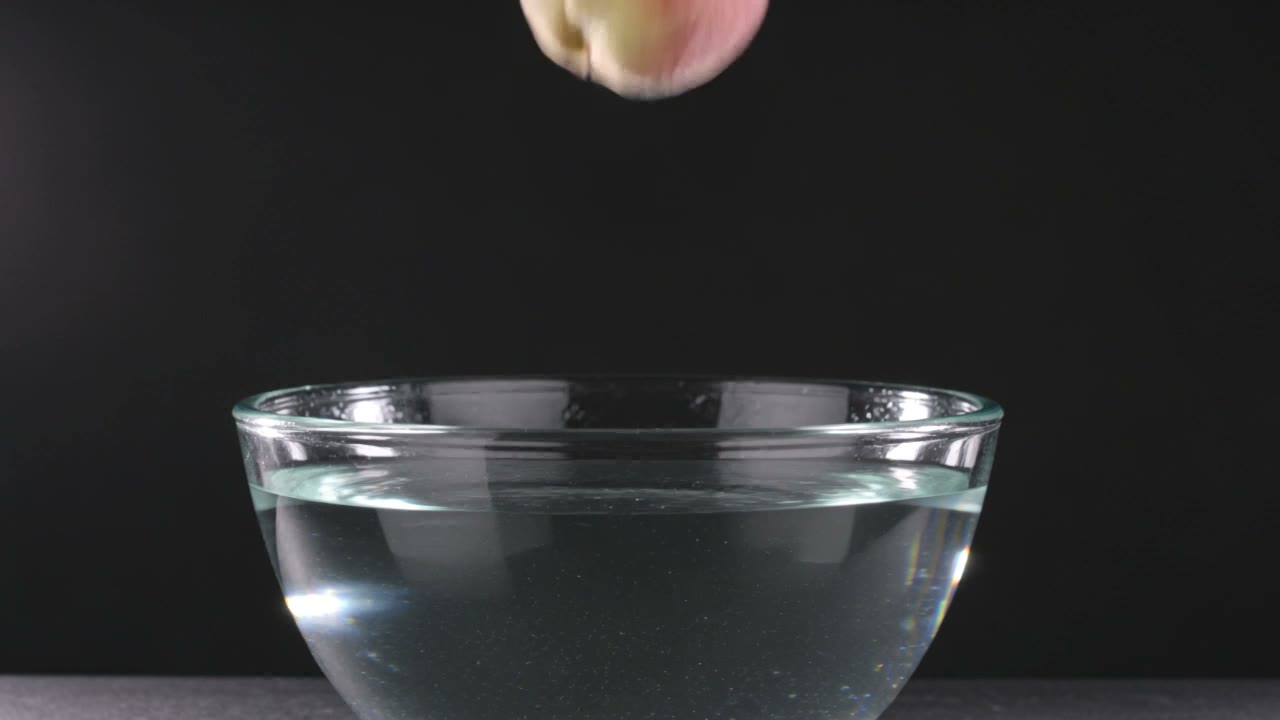
Kling V3 · 5 seconds · 720p
“A ripe peach drops into a glass bowl of clear water in slow motion, splashes and bubbles catching bright studio light against a black background.”
Try this prompt
How to write a good video prompt
One real prompt in five parts. Write yours in the same order.
The prompt
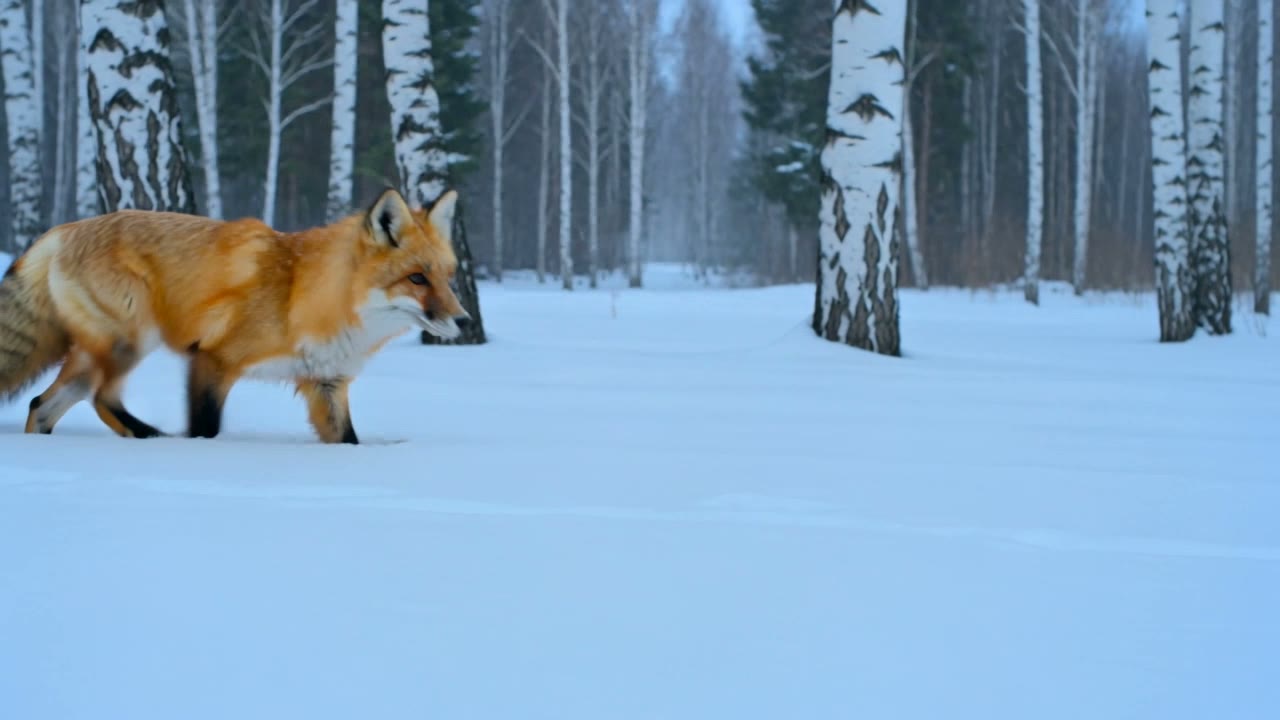
A red fox trots through fresh snow in a quiet birch forest while snowflakes fall, the camera tracks alongside it at ground level, soft blue winter light.
- SubjectWho or what the video is about.
- ActionWhat it does. One clear action.
- SceneWhere it happens.
- CameraHow the camera moves. Pick one move.
- LightThe light sets the mood.
Models that make 15 seconds in one go
Good ones to start with. Each price is for one 15 second clip.
| Model | 15 seconds costs | Quality | Sound | Longest clip |
|---|---|---|---|---|
| LTX Video 2 19B | $0.36 to $0.72 | 480p to 1080p | No switch | 20 seconds |
| WAN 3.0 | $0.94 to $3.75 | 480p to 1080p | Yes | 30 seconds |
| MiniMax H3 Max | $1.50 to $2.40 | 480p to 768p | No switch | 15 seconds |
| Kling V3 | $2.52 | 720p | Optional | 15 seconds |
| Seedance 2.0 Mini | $1.35 to $5.63 | 480p to 1080p | Yes | 15 seconds |
| Seedance 2.5 | $5.00 to $33.75 | 480p to 4K | Yes | 30 seconds |
LTX Video 2 19B
- 15 seconds costs
- $0.36 to $0.72
- Quality
- 480p to 1080p
- Sound
- No switch
- Longest clip
- 20 seconds
- 15 seconds costs
- $0.94 to $3.75
- Quality
- 480p to 1080p
- Sound
- Yes
- Longest clip
- 30 seconds
MiniMax H3 Max
- 15 seconds costs
- $1.50 to $2.40
- Quality
- 480p to 768p
- Sound
- No switch
- Longest clip
- 15 seconds
- 15 seconds costs
- $2.52
- Quality
- 720p
- Sound
- Optional
- Longest clip
- 15 seconds
Seedance 2.0 Mini
- 15 seconds costs
- $1.35 to $5.63
- Quality
- 480p to 1080p
- Sound
- Yes
- Longest clip
- 15 seconds
- 15 seconds costs
- $5.00 to $33.75
- Quality
- 480p to 4K
- Sound
- Yes
- Longest clip
- 30 seconds
How much does a 15 second video cost?
You pay per clip from your wallet. You see the price before you press Generate.
One 15 second clip, from
$0.36at 480p
On LTX Video 2 19B. WAN 3.0 with sound is $0.94 at 480p.
Sign up free
No card needed. New accounts get free tokens for images and other tools. Video is paid from your wallet.
Create a free accountTop up your wallet
$5to start
Enough for 5 WAN 3.0 clips of 15 seconds at 480p. No subscription.
See plansFailed clips are refundedNo watermarkVideos kept for 15 days
Have a photo? Put it in a video
Add a photo of a person and say what they do. WAN 3.0 Reference puts them in a new scene, up to 30 seconds long.
 Made with WAN 3.0 Reference
Questions people ask
Which AI can make a full 15 second video in one go?
A 15 second AI video generator turns your words or a photo into a full 15 second video. Many video models on Enhance AI can make one, so you do not have to join short clips together. The table above has LTX Video 2 19B, WAN 3.0, MiniMax H3 Max, Kling V3, Seedance 2.0 Mini and Seedance 2.5. These can make 15 seconds too: HappyHorse 1.1, Kling V4, Kling Video O3, MiniMax H3, Seedance 2.0, Seedance 2.0 Fast, Seedance 2.0 Mini Turbo, Seedance 2.5 Turbo, Spanda (from a photo only), Vidu 3, WAN 2.6, WAN 2.7, WAN 3.0 Prime, WAN 3.0 Pro, WAN 3.0 Vibe and WAN 3.0 Vibe Pro. Other models stop at 5, 8 or 10 seconds, so pick one that goes up to 15.AI video generatorMiniMax H3Seedance 2.0Vidu 3WAN 2.7
How much does a 15 second AI video cost?
It depends on the model and the quality. Today one 15 second clip costs $0.94 on WAN 3.0 at 480p, $1.88 at 720p, $2.52 on Kling V3 and $9.00 on Seedance 2.5 at 720p. The lowest price is $0.36, on LTX Video 2 19B at 480p. The Generate button shows the price before you start, and nothing is charged until you press it. If a video fails, the money goes back to your wallet. Tip: make a cheap 480p test first. On WAN 3.0 that is $0.94, not $1.88.
Can I make a 15 second AI video for free?
No. Video is paid per clip from your wallet, and new accounts start with an empty wallet. Signing up is free and needs no card. You get free tokens, but tokens pay for images, music and speech, not video. You can top up from $5. That is enough for 5 WAN 3.0 clips of 15 seconds at 480p. Plans from $19, paid one time, add more tokens.See prices
How long does a 15 second clip take to make?
It depends on the model. From finished jobs in the studio: MiniMax H3 Max, usually under a minute. WAN 3.0, usually about 3 min, up to 6. Seedance 2.5, usually about 5 min, up to 11. Those times cover clips of every length, so 15 seconds can take a little longer. You can make up to 10 clips at the same time.
How do I plan a 15 second video?
Think of it in three parts. The first 2 seconds grab attention, so start with movement. From 2 to 12 seconds, show one subject doing one thing, with one camera move. Use the last 3 seconds to end: hold a still frame, or come back to how the clip started so it loops. Keep one scene per clip. For three scenes, make three clips and join them in a video editor. AI can smear words and logos, so add titles later in your editor.
Can I turn a photo into a 15 second video?
Yes. Every model in the table also works from a photo. Your photo becomes the first frame. Upload it in the studio, say what should move, set Duration to 15 and press Generate. All of them except LTX Video 2 19B also take an end photo, so you choose the last frame. Over 15 seconds a face can change a little, and starting from a photo helps keep it the same. Want the person in your photo in a whole new scene instead? Use Reference video. WAN 3.0 Reference makes up to 30 seconds.Image to videoReference video
What size should a 15 second video be for Reels, Shorts and TikTok?
Use 9:16, the tall shape all three use. Set Aspect Ratio to 9:16 in the studio before you press Generate. Every model in the table offers it. From a photo, the video usually keeps the photo's shape, so crop the photo to 9:16 first. Use 16:9 for normal YouTube videos and websites. Want a sharper clip before you post? Run it through the AI video upscaler.Reels generatorShorts generatorTikTok video generatorShort video generatorAI video upscaler
Do the videos have sound?
WAN 3.0, Seedance 2.0 Mini and Seedance 2.5 make sound with the picture. It is on by default. Kling V3 has a sound switch. With sound, 15 seconds costs $3.78 instead of $2.52. LTX Video 2 19B and MiniMax H3 Max have no sound switch in the studio. You can add sound to any finished clip with Add audio in the studio. It costs $0.002 a second, so $0.03 for 15 seconds.
Why make a video 15 seconds long?
It is long enough for a hook, one idea and an ending, and short enough that people watch to the end. It is also the longest normal YouTube ad that people cannot skip: Google takes 7 to 15 seconds for those. Reels, Shorts and TikTok play short videos on a loop, so a clip with a clean ending can play again and again.
Is there a watermark? How long are my videos kept?
Enhance AI does not add a watermark or a logo to your videos. You download a plain MP4. Finished videos stay in your studio history for 15 days and then they are deleted, so download the ones you want to keep.
Can I use the videos in ads or client work?
Yes. You own the videos you make and can use them for personal or commercial work, like ads, client work and products you sell. You are also responsible for what you type and upload and for the videos you make. Section 6 of the Terms has the exact words.Read the Terms
Can I make a video longer than 15 seconds?
Yes. WAN 3.0 and Seedance 2.5 go up to 30 seconds and LTX Video 2 19B goes up to 20 seconds, all in one go. You can also extend a finished clip in the studio. It carries on from where the clip ends.30 and 60 second videos
Make your first 15 second video
Pick a model, set Duration to 15 and see the price before you make it.
Make a video- No app needed
- No subscription
- No watermark