MiniMax
MiniMax H3 AI video generator
MiniMax H3 is a 2K video model that turns a prompt or a first frame into coherent, high motion video, with durations from 5 to 15 seconds.
$1.40 for a 5 second clip at 2K. Video is paid per clip from your wallet, no subscription. The studio shows the price before you pay, and top ups start at $5.
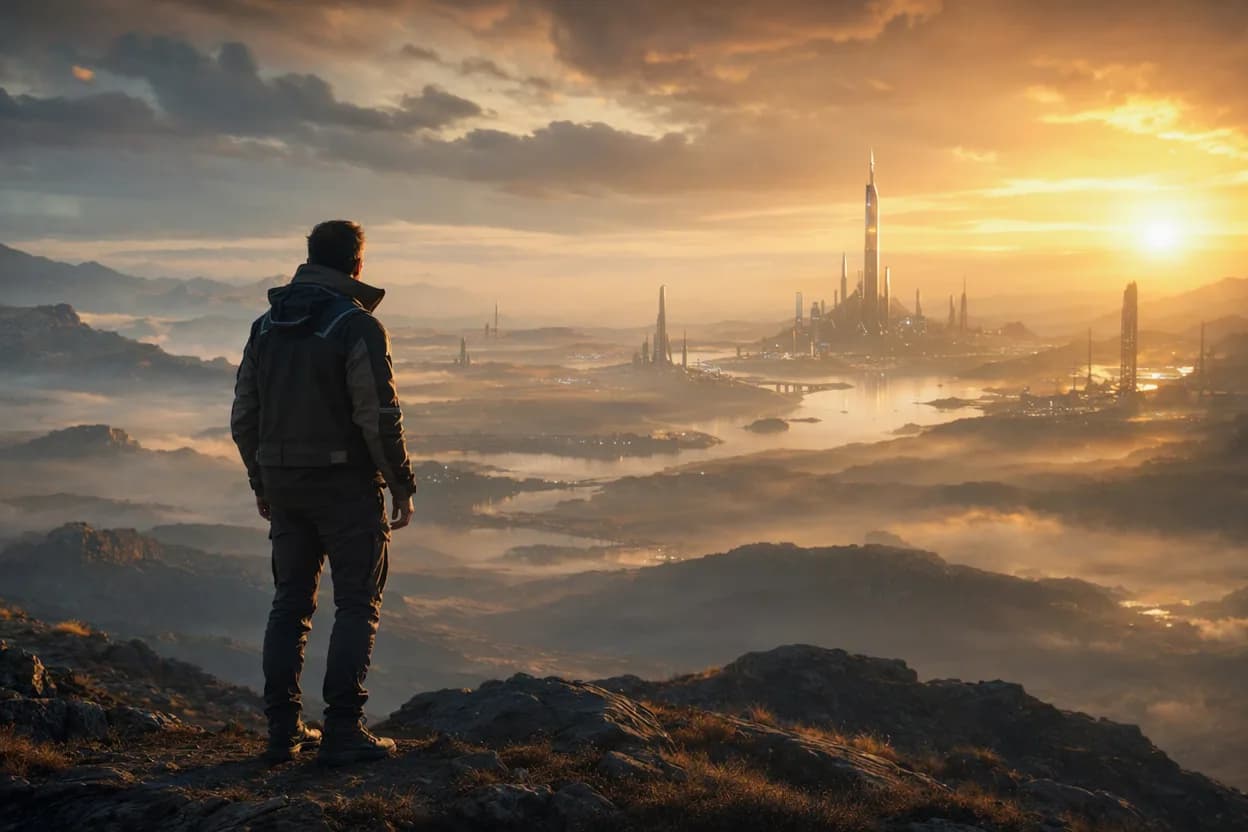
Example videos made on Enhance AI
These videos come from related models on the same account. The model that made each one is named under it.
Fog rolling through a redwood forest, shafts of light between giant trunks, a deer stepping across the trail. Gentle handheld camera, golden hour light, warm colour grade. Cinematic and photorealistic, natural motion. Photographic, natural, no text, no lettering, no captions, no subtitles, no watermark, no logo, no brand names, no product labels, no user interface, no screens, no recognisable fictional characters, no celebrities or recognisable real people.
Generated with MiniMax H3 Max
A fishing village harbour at first light, boats rocking, nets being hauled onto the quay. Steady shoulder level follow shot, harsh midday sun, deep shadows. Cinematic and photorealistic, natural motion. Photographic, natural, no text, no lettering, no captions, no subtitles, no watermark, no logo, no brand names, no product labels, no user interface, no screens, no recognisable fictional characters, no celebrities or recognisable real people.
Generated with MiniMax H3 Max
A thunderstorm building over wheat fields, wind bending the stalks, lightning far on the horizon. Low angle tracking shot, backlit with a soft lens flare, hazy air. Cinematic and photorealistic, natural motion. Photographic, natural, no text, no lettering, no captions, no subtitles, no watermark, no logo, no brand names, no product labels, no user interface, no screens, no recognisable fictional characters, no celebrities or recognisable real people.
Generated with MiniMax H3 Max
A cable car climbing above a snowy ridge, skiers carving fresh powder below. Static wide shot on a tripod, crisp clear daylight, vivid colours. Cinematic and photorealistic, natural motion. Photographic, natural, no text, no lettering, no captions, no subtitles, no watermark, no logo, no brand names, no product labels, no user interface, no screens, no recognisable fictional characters, no celebrities or recognisable real people.
Generated with MiniMax H3 Max
Lava flowing slowly into the sea at night, steam plumes glowing orange, waves crashing. Slow dolly push in, blue hour, cool tones with warm highlights. Cinematic and photorealistic, natural motion. Photographic, natural, no text, no lettering, no captions, no subtitles, no watermark, no logo, no brand names, no product labels, no user interface, no screens, no recognisable fictional characters, no celebrities or recognisable real people.
Generated with MiniMax H3 Max
A flock of flamingos taking flight from a pink salt lake, reflections rippling. Slow pull back revealing the wider scene, moody low key lighting, fine film grain. Cinematic and photorealistic, natural motion. Photographic, natural, no text, no lettering, no captions, no subtitles, no watermark, no logo, no brand names, no product labels, no user interface, no screens, no recognisable fictional characters, no celebrities or recognisable real people.
Generated with MiniMax H3 Max
Key features
MiniMax H3 turns a written prompt and a still image you upload into video inside Enhance AI. It produces clips from 5 to 15 seconds at 2K. On top of that it renders 21:9, 16:9, 4:3, 1:1, 3:4 and 9:16. MiniMax H3 is built by MiniMax. On Enhance AI it runs on the same account as every other model, with no separate subscription.
Clip length
MiniMax H3 renders clips from 5 to 15 seconds, and you pick the length before you render. Longer clips cost more because video is billed by length, so rough out an idea short and only render the full length once the shot works.
Resolution
MiniMax H3 renders at 2K. There is no resolution picker for this model, so every render comes back at the same size. For a bigger frame, run the finished clip through a video upscaler on the same account.
Input modes
Start from a written prompt or from a still image. Text to video gives MiniMax H3 the most freedom; image to video locks the first frame, so a product, a face or a location stays as you shot it while the motion is generated around it.
Aspect ratios
MiniMax H3 renders 21:9, 16:9, 4:3, 1:1, 3:4 and 9:16. Pick the ratio for the platform before you render rather than cropping afterwards: 9:16 for Reels and Shorts, 16:9 for YouTube, 1:1 for feeds and 21:9 for cinema. The whole frame is generated for that shape.
Specifications
- Provider
- MiniMax
- Price
- $1.40 for a 5 second clip at 2K
- Type
- Video and Image
- Released
- 31 July 2026
- Resolution
- 2K
- Modes
- Text to image, Text to video, Image to video
- Duration
- 5 to 15 seconds
- Aspect ratio
- 21:9, 16:9, 4:3, 1:1, 3:4, 9:16
MiniMax H3 models on Enhance AI
- MiniMax H3 MaxText to video, Image to video5 to 15 seconds480p or 768p$0.50 for a 5 second clip at 480pTry
- MiniMax H3 ReferenceReference to video4 to 15 seconds768p or 2K$1.00 for a 5 second clip at 768pTry
- H3 Video EditVideo editing3 to 15 seconds480p or 768p$0.65 for a 5 second source clip at 480pTry
- H3 Video ExtendVideo extension3 to 15 seconds480p or 768p$0.25 for a 5 second clip at 480pTry
How to use MiniMax H3 on Enhance AI
- 1
Sign in and pick MiniMax H3
Press Try on this page to open the Video Studio with MiniMax H3 selected. Video is paid per clip from your wallet, which starts empty, so top it up first.
- 2
Describe the clip or upload a frame
Write a prompt that says what is in the shot, where it is and how the camera moves, or upload a still image to animate as the first frame. Then pick a length from 5 to 15 seconds and an aspect ratio.
- 3
Generate, then download or extend
Press Generate. You see the price before you confirm, and the clip lands in your history, ready to download, upscale or extend.
Common questions
- What is MiniMax H3?
- MiniMax H3 is a video generation model from MiniMax. It turns a written prompt or a still image into video: 15 second clips at 2K.
- Can MiniMax H3 turn a photo into a video?
- Yes. Upload a still image, describe the movement you want, and MiniMax H3 animates it. It also works from a written prompt alone.
- When was MiniMax H3 released?
- MiniMax released MiniMax H3 on 31 July 2026. You can run it on Enhance AI now, along with every other video model on one account.
- How long can a MiniMax H3 clip be?
- MiniMax H3 produces clips from 5 to 15 seconds. Longer runs cost more, because video is billed by length rather than by generation.
- What resolution does MiniMax H3 output?
- MiniMax H3 renders at 2K.
- Is MiniMax H3 free to try?
- For images, yes: every new account gets free tokens on signup, no card required, and they cover MiniMax H3 images. For video, no: video is paid per clip from your wallet, and a new account starts with an empty wallet, so there are no free MiniMax H3 clips. Wallet top ups start at $5.
- What does it cost to run MiniMax H3?
- It costs $1.40 for a 5 second clip at 2K. MiniMax H3 renders are billed from your wallet by clip length, so a short clip costs less than a long one. You see the price for your settings before you render. MiniMax H3 images are billed in tokens instead, and you see that cost before you generate too.
More from MiniMax
Other video generation models
More from Enhance AI