Remove Background from Image, Free
Cut out the person, pet or product in your photo. You get a PNG with a transparent background and no watermark.
3 free cutouts a day, no account.
 Your photo
 Your PNG
How to remove the background from a photo
Three steps. It works on your phone.
Step 1
Choose a photo
Pick one from your phone or computer. PNG, JPG or WebP.
Step 2
Tap Remove background
The AI keeps the person or product and clears the rest.
Step 3
Download your PNG
Save it and use it on any color, photo or design.
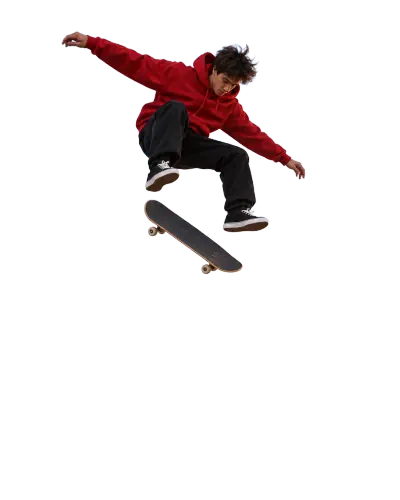
See a real before and after
Drag the line. The grey squares show the part that is now see through.
- BeforeAfter
A busy street  BeforeAfter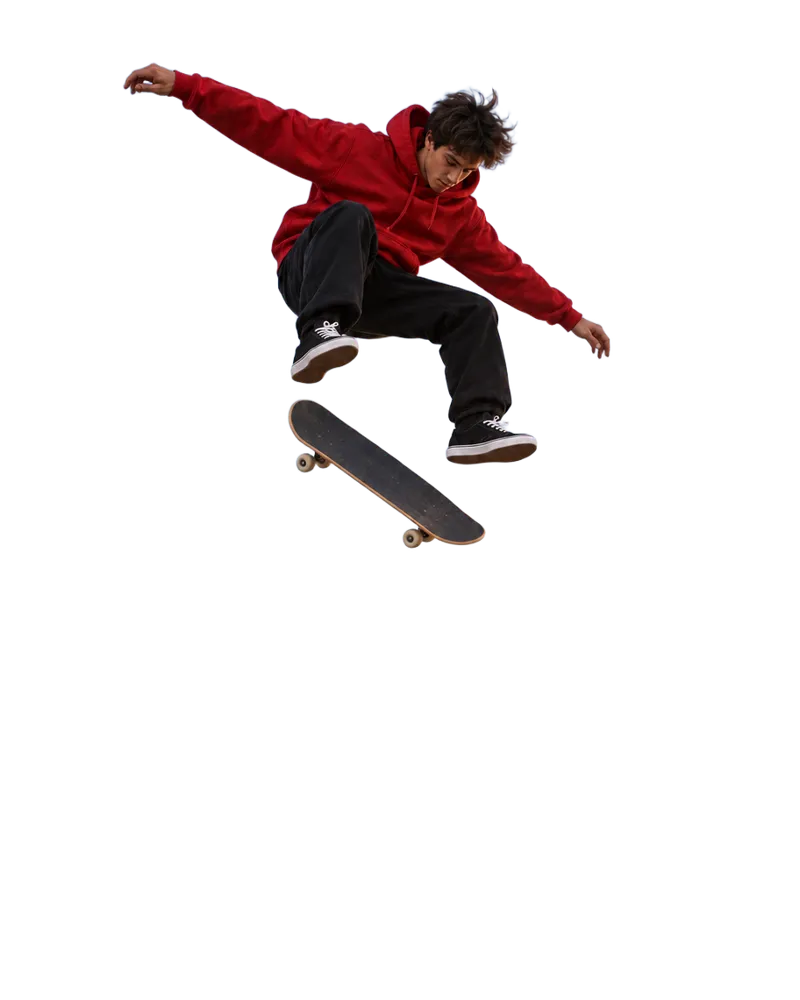
A plain sky Try it on your photo
3 free a day, no account
Start now
Which tool should I use?
Photos, videos and what to do next.
- Cut out photos
In your account. 1 token a photo, 10 at a time.
- Cut out videos
Remove the background from a video.
- Edit an image
Type a new background. 7 to 20 tokens.
- Upscale an image
Make a small photo bigger first. 3 free a day.


How much does it cost?
3 a day free. After that, 1 token a photo.
One photo in your account
1token
Every photo costs the same. The tool at the top of this page is free, 3 a day.
No watermarkTransparent PNGA failed cutout gives your token back
Questions people ask
Is this background remover free?
Yes. The tool at the top of this page is free. You get 3 cutouts a day, and you do not need an account. Want more? Sign up free. New accounts get free tokens, no card needed, and each photo costs 1 token. Plans start at $19, paid one time.
Do I need an account?
Not for the tool on this page. An account gives you the full tool: up to 10 photos working at once, zoom to check the edges and a before and after slider. It has a Video tab too.
Will my image have a watermark?
No. The PNG you download has no watermark and no logo.
What file do I get?
A PNG with a transparent background. Your subject stays and everything around it becomes see through, so you can put it on any color, photo or design.
Which photos can I upload?
On this page: PNG, JPG or WebP. A very big photo is made smaller first, to 4096 pixels on its longest side. In your account: JPG or PNG up to 20 MB. One clear subject, sharp focus and good light give the cleanest edges.
Can I remove backgrounds from many images at once?
There is no bulk upload. In your account you add photos one after another, and up to 10 can work at the same time. Each one costs 1 token.
Can I add a new background?
Not in this tool. It gives you a transparent PNG, which you can put on any background in a design app. Or open the AI image editor on Enhance AI and type the new scene, with a model like Qwen Image 2 or GPT Image 2. That costs 7 to 20 tokens, based on the model.
Can it remove the background from a video?
Yes, in your account. Open the Video tab and upload a clip from 5 to 120 seconds long. It costs 3 tokens a second, and you see the total before you start.
What if the edges are not clean?
Hair, fur, lace, smoke and glass are the hardest parts of any cutout, so zoom in before you download. A sharper photo, better light or a closer crop usually helps. In your account, a cutout that fails gives your token back.
Do I need to download an app?
No. It works online, in the browser on your phone or computer.
What happens to my photo?
It is sent to the AI model that removes the background. The cutout link works for about a week, so download what you want to keep. Our Terms say Enhance AI does not use your content to train AI models without your consent.
Can I use the cutout for my business?
Yes. You can use your cutouts for personal or commercial work, like product photos, ads and client work. You must own the photo you upload or have permission to use it. The Terms have the full wording.
Remove a background now
Pick a photo and get a clean PNG to use anywhere.
Remove background free- 3 free a day
- No account needed
- No watermark