Diwali Photo Editing with AI
Upload your photo and pick a Diwali style. We add diyas, rangoli, lights and fireworks. Your face stays the same.
- Free to try
- No app needed
- No watermark
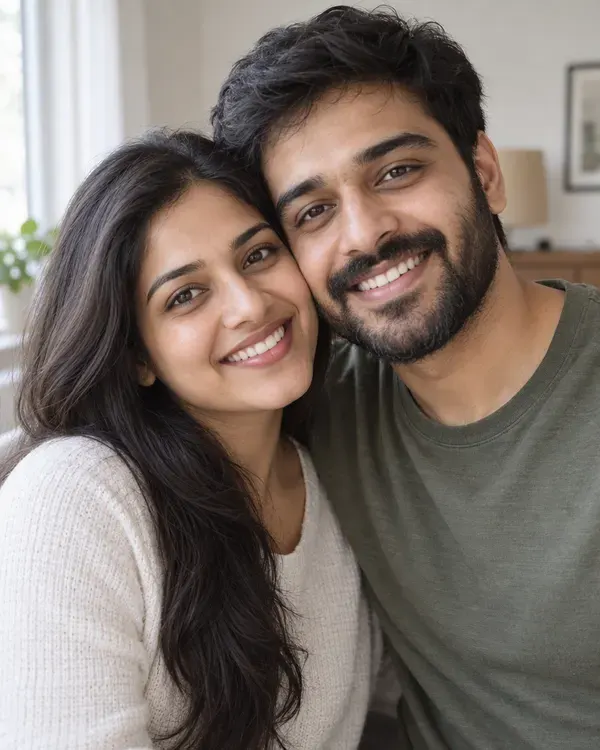 Your photo
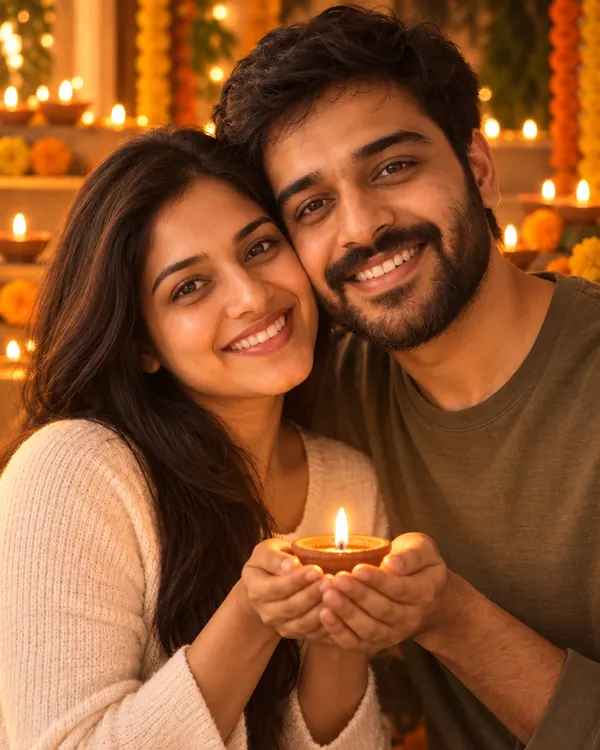 Diya Glow
How to edit your Diwali photo
Three steps. It works on your phone.
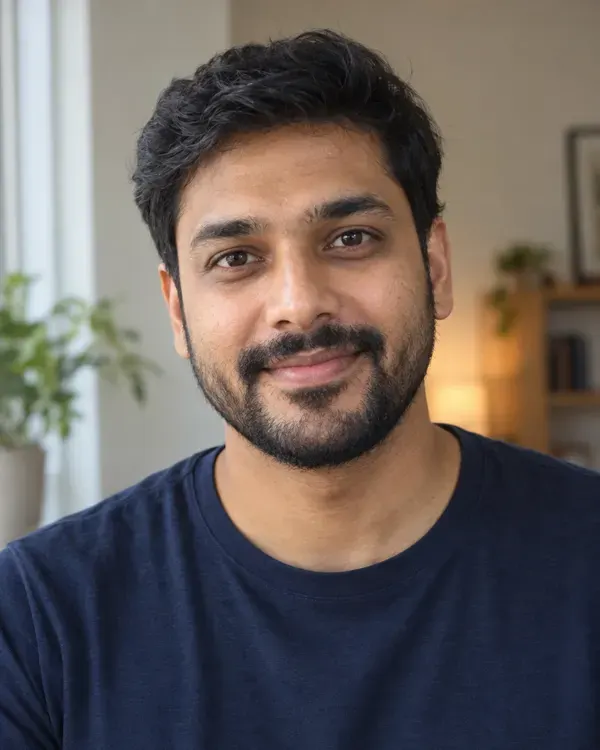
Step 1
Upload your photo
Choose a clear photo from your gallery.
Step 2
Pick a Diwali style
Tap the look you like. There are 10 to choose from.
Step 3
Download and share
Save it and send it on WhatsApp or post it on Instagram.
Pick your Diwali style
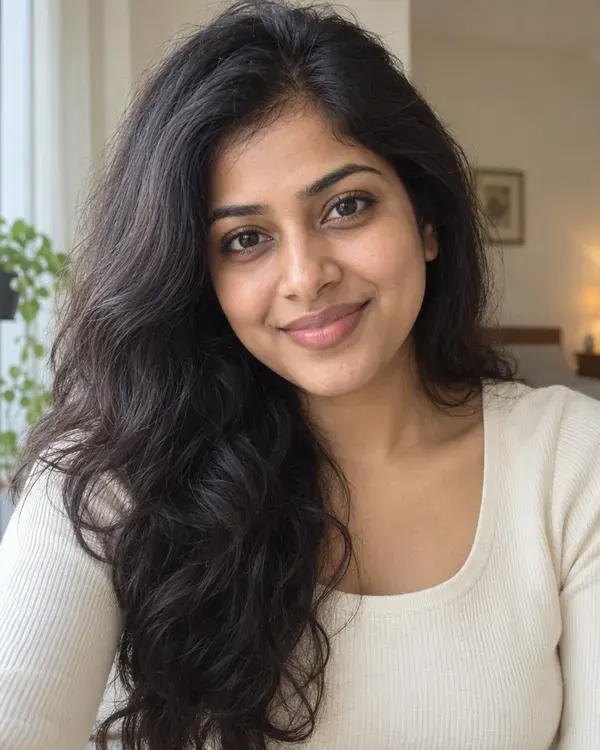
Tap a style to try it on your photo. The small circle shows the photo each example started from.
Diya Glow
You holding a lit diya in warm festival light
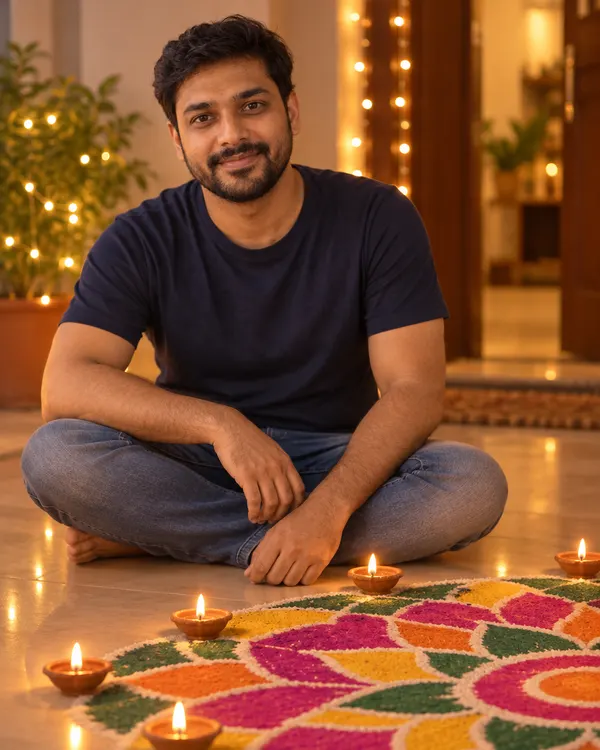
Rangoli Evening
Sitting by a bright rangoli with diyas at dusk
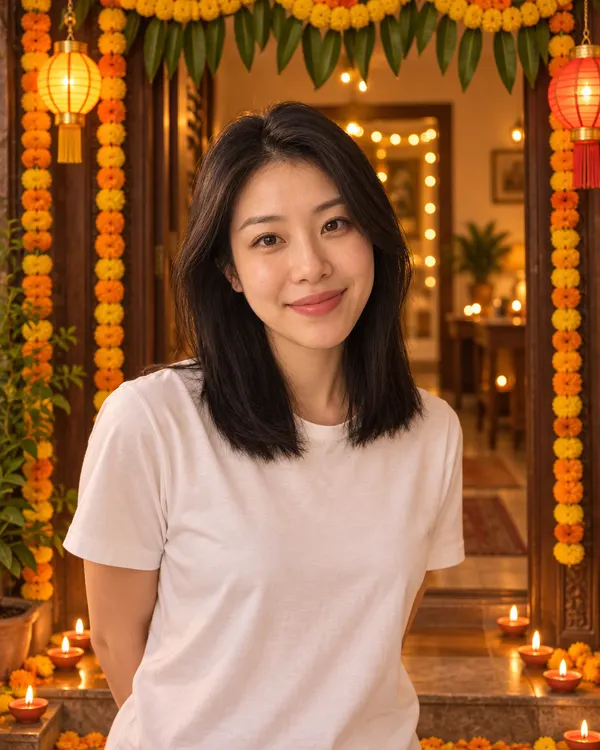
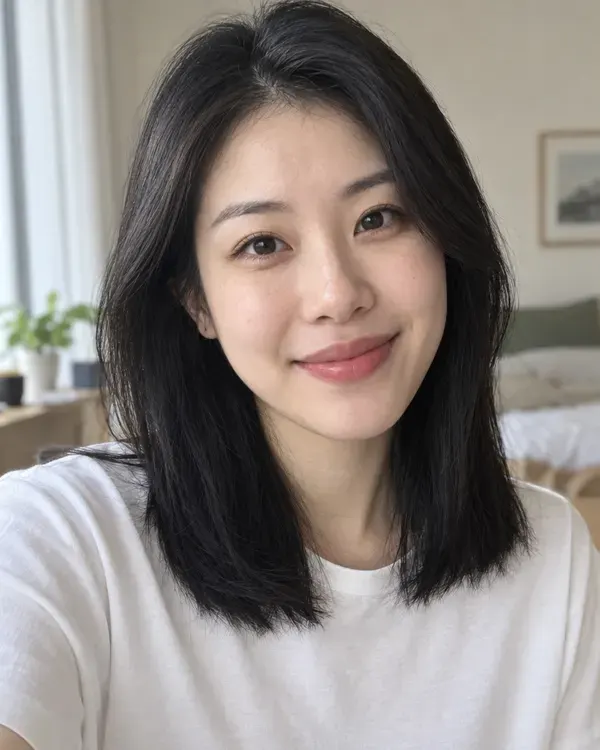
Marigold Doorway
At a doorway of marigold garlands and lanterns
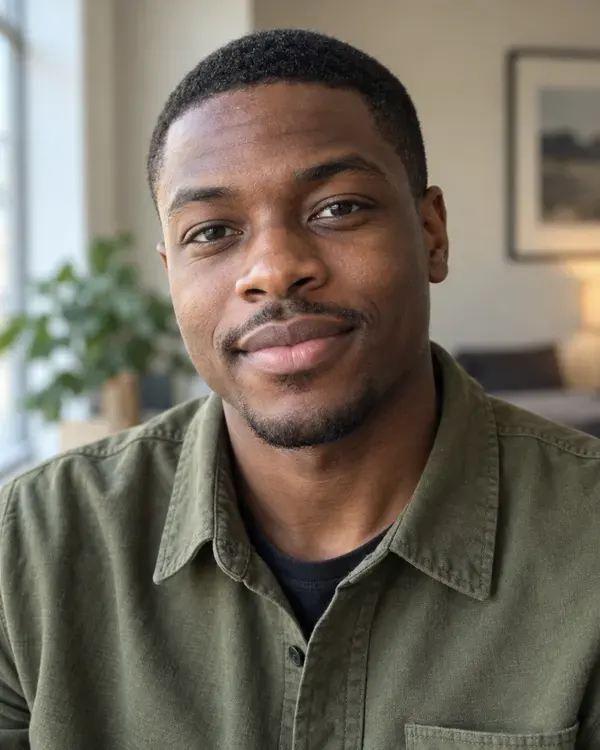
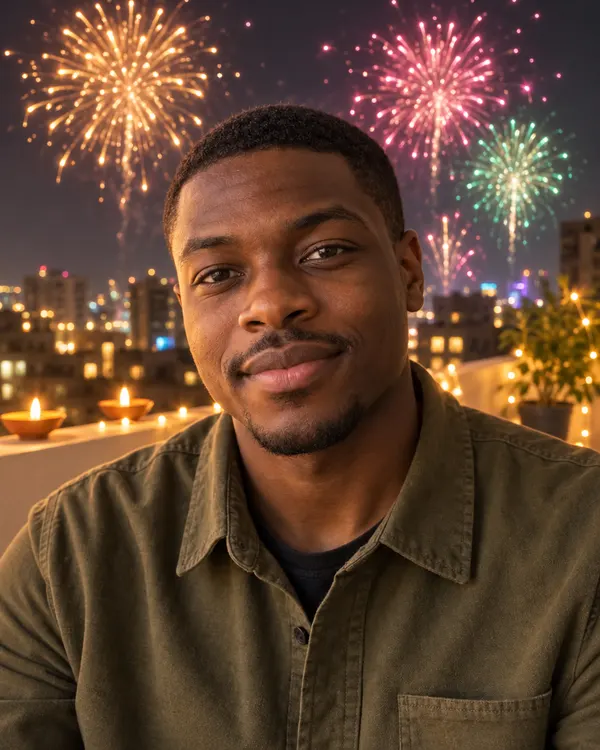
Fireworks Terrace
On a rooftop as fireworks fill the night sky
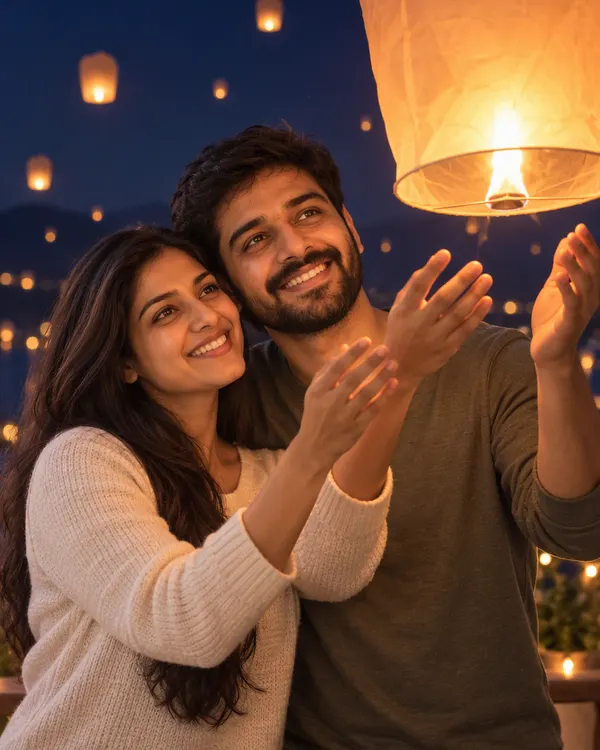
Sky Lantern Wish
Letting a glowing sky lantern rise into the night
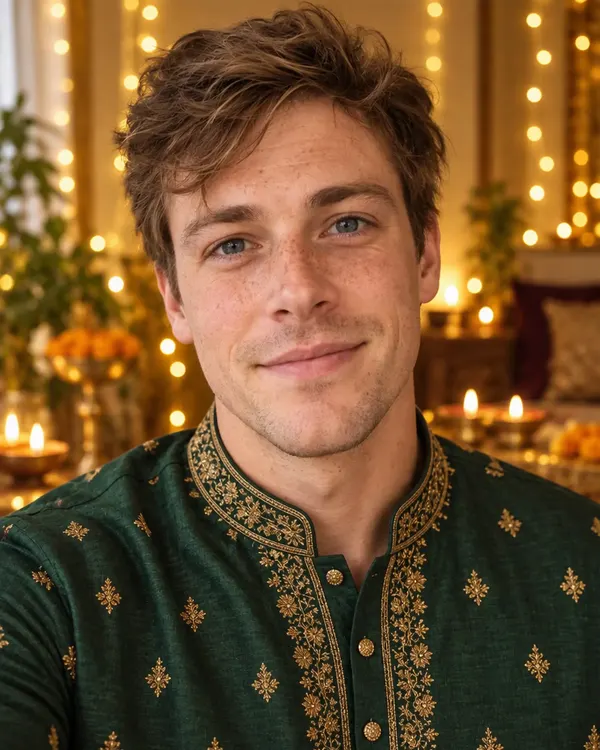

Festive Outfit
Your outfit turned into rich festive Indian wear
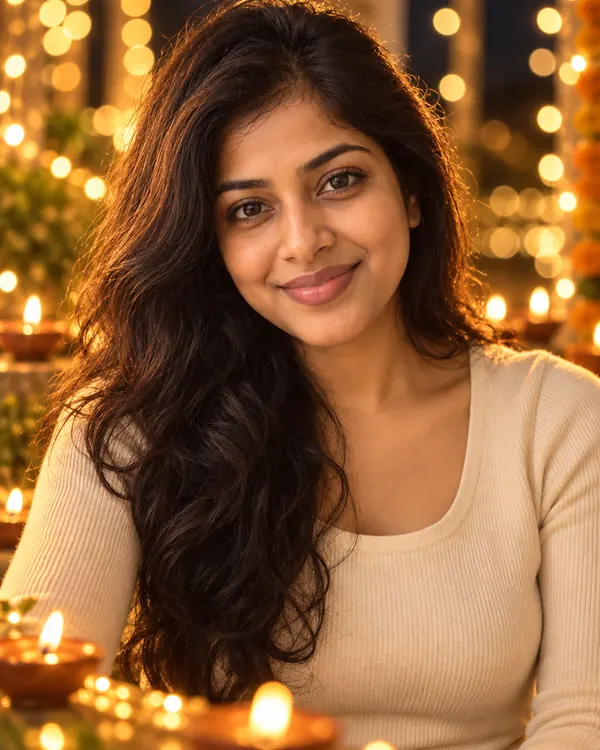
Fairy Light Bokeh
A cinematic portrait wrapped in Diwali lights
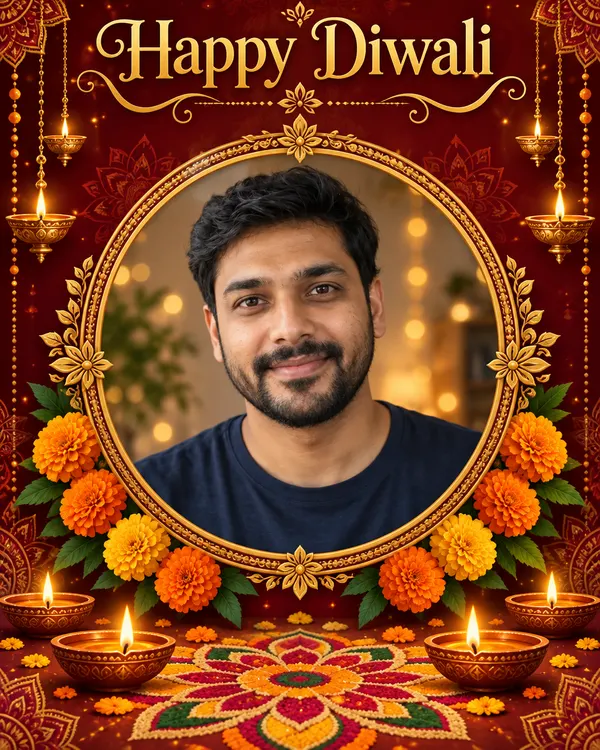
Diwali Card
Your photo framed on a Happy Diwali greeting card
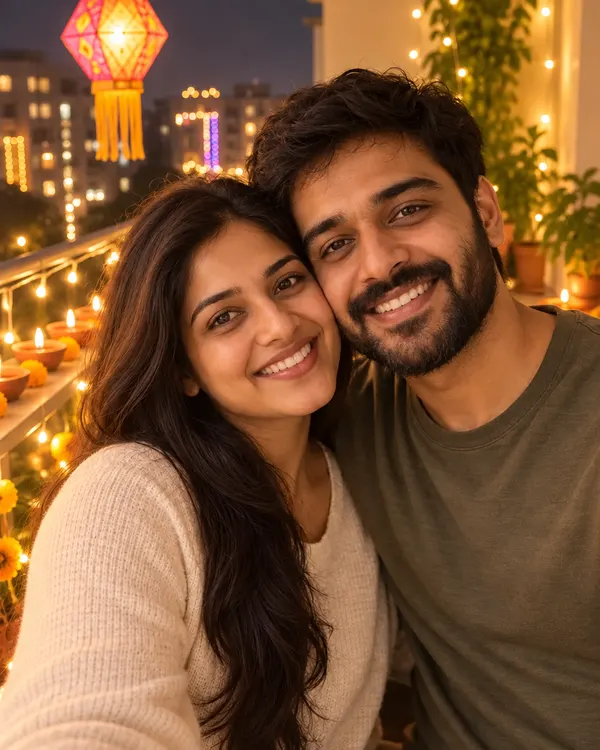
Festival Balcony
On a balcony strung with lights and diyas
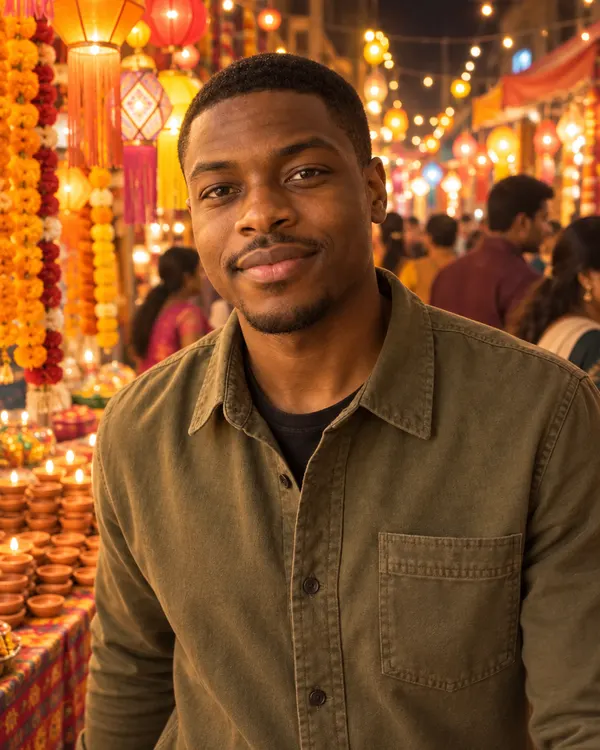
Lantern Market
Walking through a lantern lit market at night
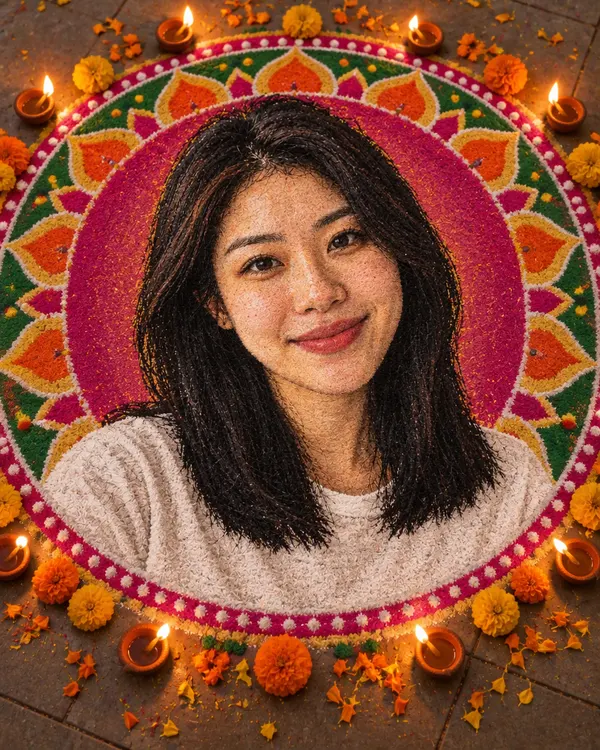
Rangoli Portrait
Your face drawn in colored powder with diyas around
Try it on your photo
Upload a photo and pick any Diwali style
Start now
Tips for the best photo
A better photo in gives a better Diwali photo out.
Good Too small Clear, big face
Look at the camera. Keep your face big in the photo.
Good Too dark Good light
Daylight or a bright room works best.
Good Blurry Sharp photo
Hold the phone still and use your best photo.
Good 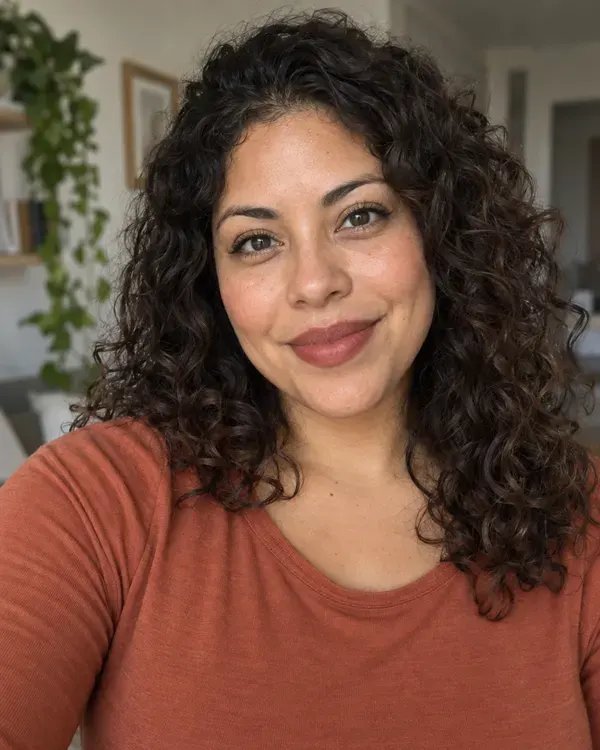
Too many One or two people
Big family? Crop close so every face is bigger.
How much does it cost?
You see the price before you start.
One Diwali photo
20tokens
Every Diwali style costs the same. Your photo comes with no watermark.
Turn your Diwali photo into a video
Make it move for your WhatsApp status. Upload your Diwali photo, say what should move, and get a short clip. Video is priced separately.
Your photo becomes the first frame of the video.
Questions people ask
Is Diwali photo editing free?
You can try it for free. New accounts get free tokens, and you do not need a card. Each Diwali photo uses 20 tokens. When you need more, plans start at $19, paid one time.
Will my face look the same?
That is the idea. Every Diwali style asks the AI to keep your face, skin tone, hair and expression as they are. It is still AI, so small things can change. Check the photo before you share it.
Can I edit a family photo?
Yes. One or two people give the best result. For a big family photo, crop it close first so every face is bigger.
Can I only change the background?
Almost. The AI redraws the whole photo as a Diwali scene and keeps you the same. Fairy Light Bokeh, Fireworks Terrace and Festival Balcony come closest to a simple background change. Diya Glow and Sky Lantern Wish also put a diya or a lantern in your hands.
Do I need to download an app?
No. It works online, in the browser on your phone or computer.
Is this an AI Diwali photo generator?
Yes, one that starts from your own photo. If you want Diwali AI images from a text prompt only, with no photo, use the AI image generator on Enhance AI.
Can I add my name to the Diwali card?
No. The Diwali Card style only writes Happy Diwali. Put your name and wishes in the message you send with it.
What size is the photo? Is there a watermark?
Photos come out at about 1K, which looks sharp on WhatsApp, Instagram and phone screens. It is not big enough for a large print. There is no watermark.
Why do hands sometimes look odd?
Some styles put a diya or a lantern in your hands, and AI is not perfect at hands. If they look wrong, try again. Each new try uses 20 tokens.
What happens to my photo?
It is saved in your Enhance AI account and sent to the AI model that makes your picture, OpenAI GPT Image 2, through our AI provider. Our privacy policy explains how long data is kept and how to have it deleted.
Make your Diwali photo today
Upload a photo, pick a style and send it to your family before Diwali.
Edit my photo- Free to try
- No app needed
- No watermark