AI Image Expander for Any Photo
Photo too tight? Pick a new shape or pull the edges out. AI fills the new space so it matches your photo.
- Free tokens to try
- No app needed
- No watermark
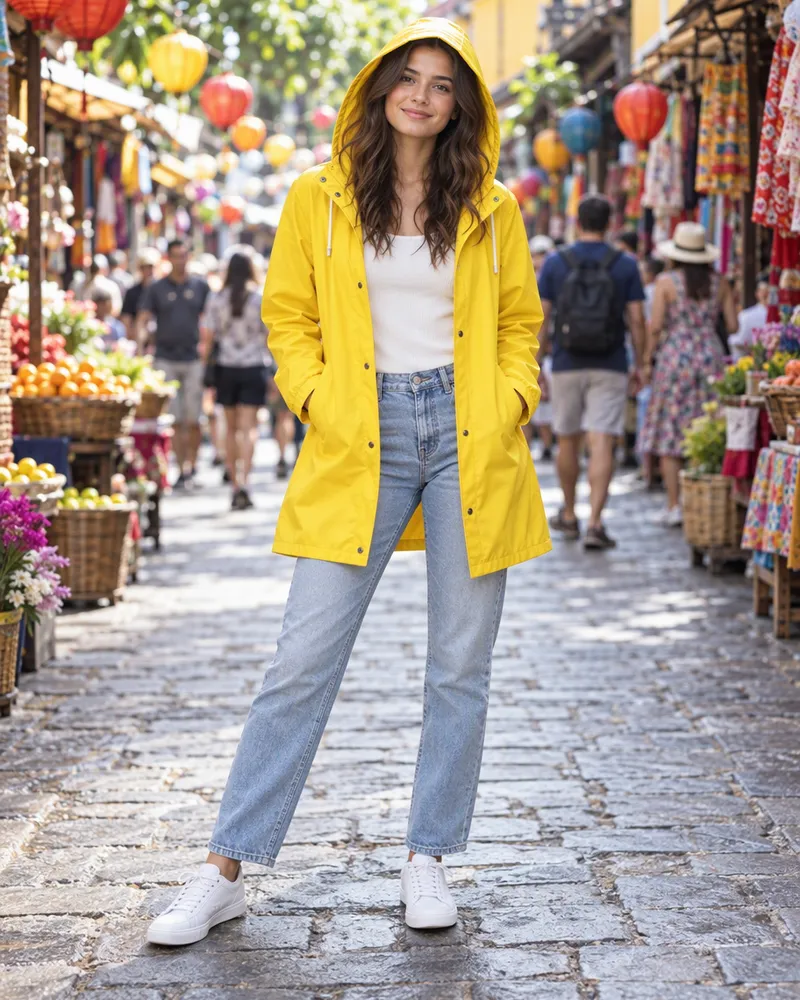
How to expand a photo
Three steps. It works on your phone too.
Step 1
Upload your photo
Open the photo editor and add any photo.
Step 2
Pick a shape or drag
Tap a shape like 16:9, or pull any edge out.
Step 3
Tap Expand
AI fills the new space to match. Then download it.
Pick a shape for any app
Tap a shape and AI fills the extra space. The grey squares show where.
- 16:9
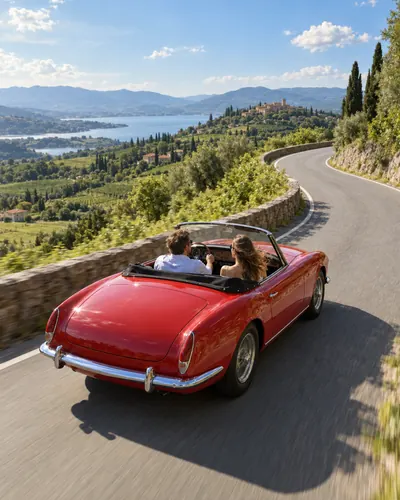
16:9 wide
YouTube thumbnails and laptop wallpapers
- 9:16
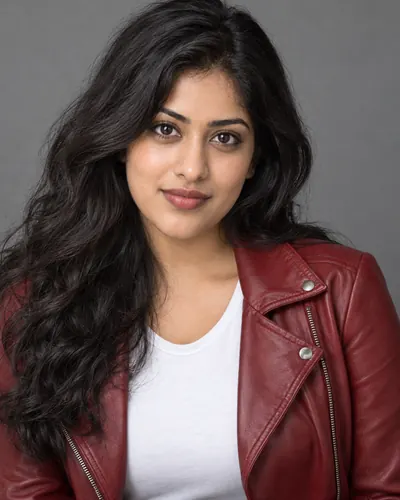
9:16 tall
Reels, stories and WhatsApp status
- 1:1
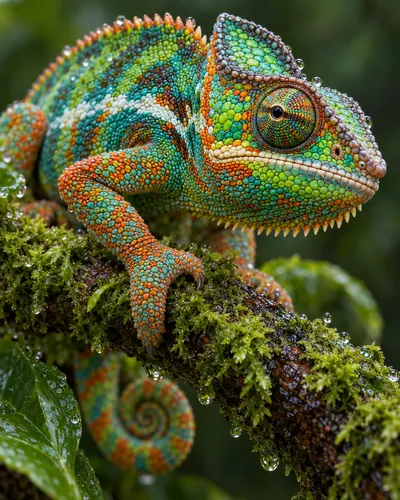
1:1 square
Instagram posts and profile photos
- 3:2
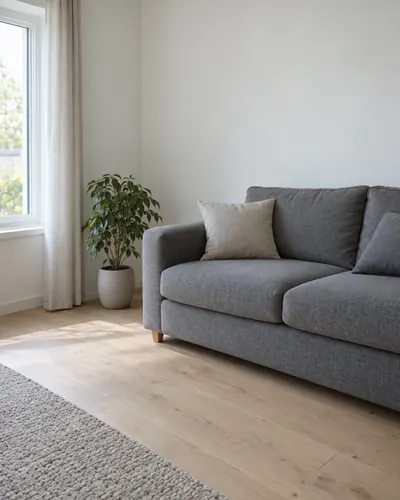
3:2 photo
Prints and photo albums
- 2.35:1
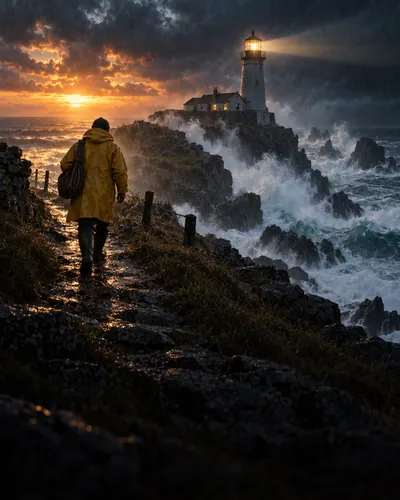
2.35:1 extra wide
Banners and website headers
- 4:3
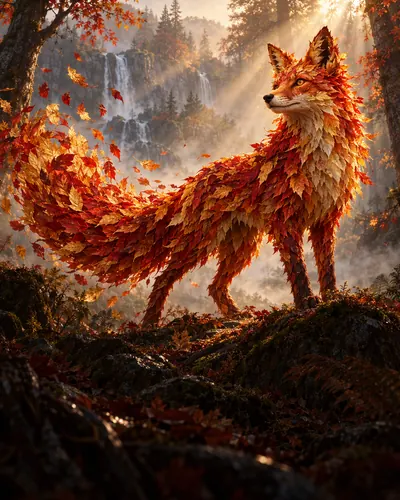
4:3 classic
Slides and presentations
- 2:3
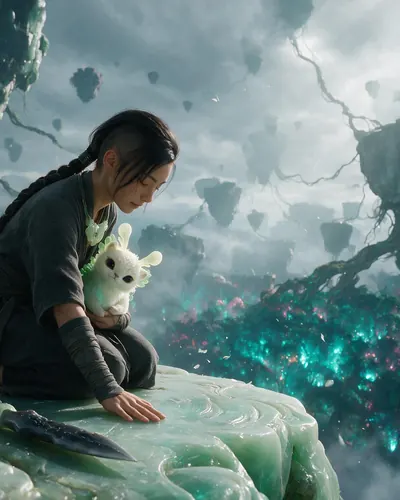
2:3 portrait
Pinterest pins and posters
Expand your photo
Upload a photo and pick any of the 10 shapes
Start now
Three AI models to pick from
All three fill the new space. They differ in price and look.
| Model | Tokens per expand | Made by | Good for |
|---|---|---|---|
| Nano Banana 2 Fast | 10 | Your first try. The lower price. | |
| Nano Banana 2.1 | 17 | Google's newest model. | |
| GPT Image 2 Edit | 20 | OpenAI | A second look when you want a different fill. |
- Tokens per expand
- 10
- Made by
- Good for
- Your first try. The lower price.
- Tokens per expand
- 17
- Made by
- Good for
- Google's newest model.
- Tokens per expand
- 20
- Made by
- OpenAI
- Good for
- A second look when you want a different fill.
How much does it cost?
You see the price before you start.
One expand
10tokens
With Nano Banana 2 Fast. GPT Image 2 Edit costs 20 tokens. No watermark.
Free tokens when you sign up
New accounts get free tokens. They work on any image model. No card needed.
Try it freeMore photo tools
Fix your photo before or after you expand it.
- Photo editor
Change your photo by typing what you want.
- Image enhancer
Make a blurry photo sharp. Free, 3 a day.
- Photo cutout
Remove the background. Free, 3 a day.
- Image to video
Turn your photo into a short video.

Questions people ask
What is an AI image expander?
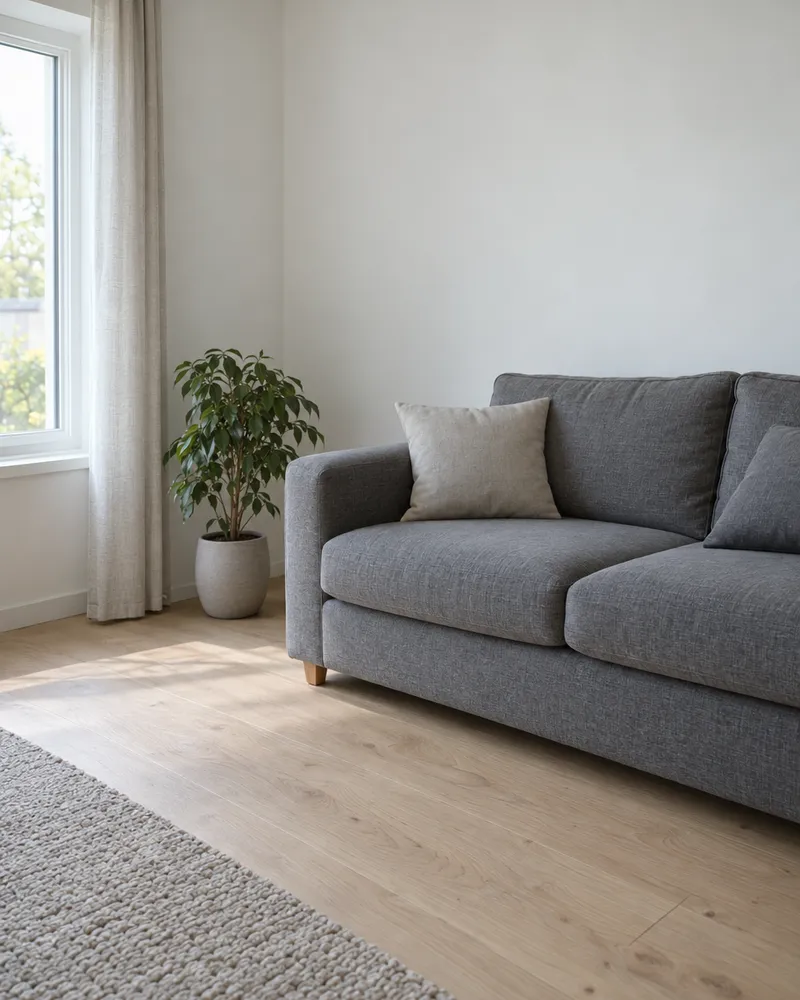
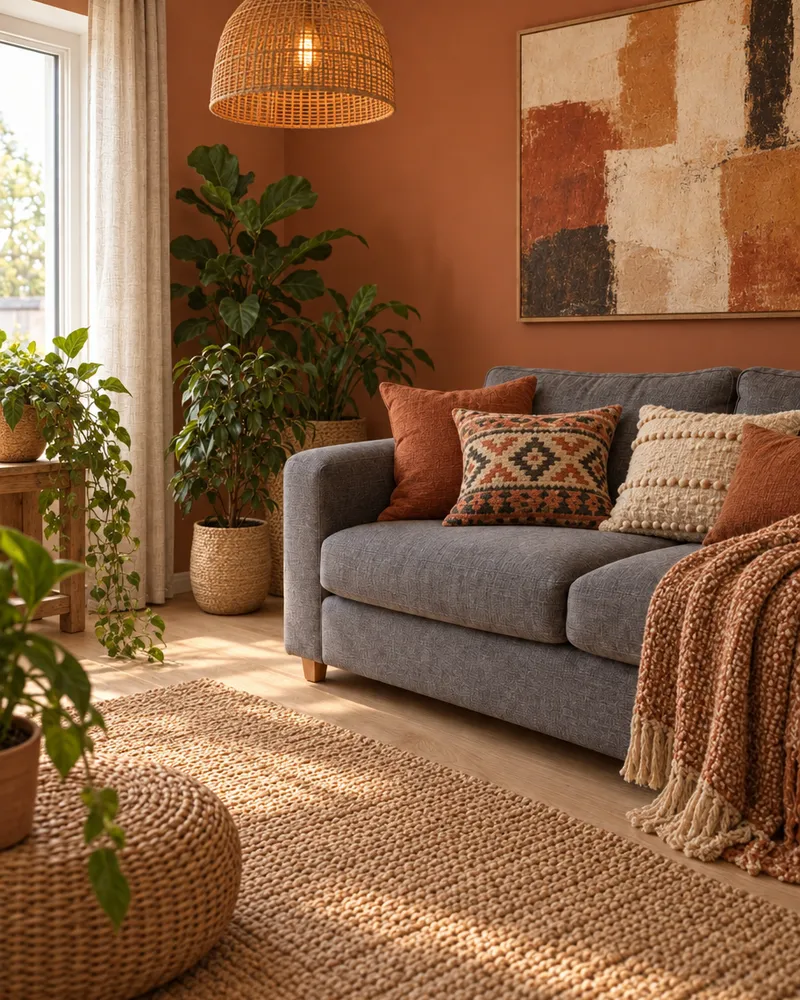
It makes your photo bigger on the outside. You add space around the photo, and AI paints new picture into that space so it matches the rest. People also call it uncrop or outpainting.
Is the AI image expander free?
You can try it for free. New accounts get free tokens, and you do not need a card. One expand uses 10 tokens with Nano Banana 2 Fast, 17 with Nano Banana 2.1 or 20 with GPT Image 2 Edit. When you need more, plans start at $19, paid one time. Yearly plans are 20% off.
How do I change the aspect ratio of a photo?
Open Crop and Expand in the photo editor and tap a shape. There are 10: 1:1, 4:5, 3:4, 2:3, 9:16, 5:4, 4:3, 3:2, 16:9 and 2.35:1. AI paints new picture into the extra space instead of stretching your photo.
Can I choose which side gets bigger?
Yes. Drag any edge of the photo: top, bottom, left or right. Each side can grow by up to half the size of your photo.
Can I tell the AI what to put in the new space?
Yes. Type it in the box, like "more sky" or "more of the beach". If you leave the box empty, the AI just carries on the scene.
Will my photo change?
The idea is to keep your photo and only fill the new space around it. It is still AI, so details inside your photo can change too. Check the result, and try again if something looks wrong. Each try uses tokens.
Which AI models can I use?
Three. Nano Banana 2 Fast from Google costs 10 tokens. Nano Banana 2.1 from Google costs 17 tokens. GPT Image 2 Edit from OpenAI costs 20 tokens. Start with Nano Banana 2 Fast, and switch if you want a different result. Free sign up tokens work on all three.
Do I need to download an app?
No. It works online in your browser, on a phone or a computer. You need a free Enhance AI account.
What photos can I upload?
Any normal photo file, like JPG, PNG or WebP, from your phone or computer.
Is there a watermark? Can I use the photo for work?
There is no watermark. You own the photos you make and can use them for personal or commercial work, like ads, client work and products you sell. Only upload photos you have the right to use.
Can I expand a photo without an account?
Not this tool. Three other tools work with no account: the AI image generator, the photo enhancer and the background remover, 3 a day each.
What happens to my photo?
It is saved in your Enhance AI account and sent to the AI model you picked, through our AI provider. Our privacy policy explains how long data is kept and how to have it deleted.
Expand your photo today
Upload a photo, pick a shape and let AI fill the rest.
Expand my photo- Free tokens to try
- No app needed
- No watermark