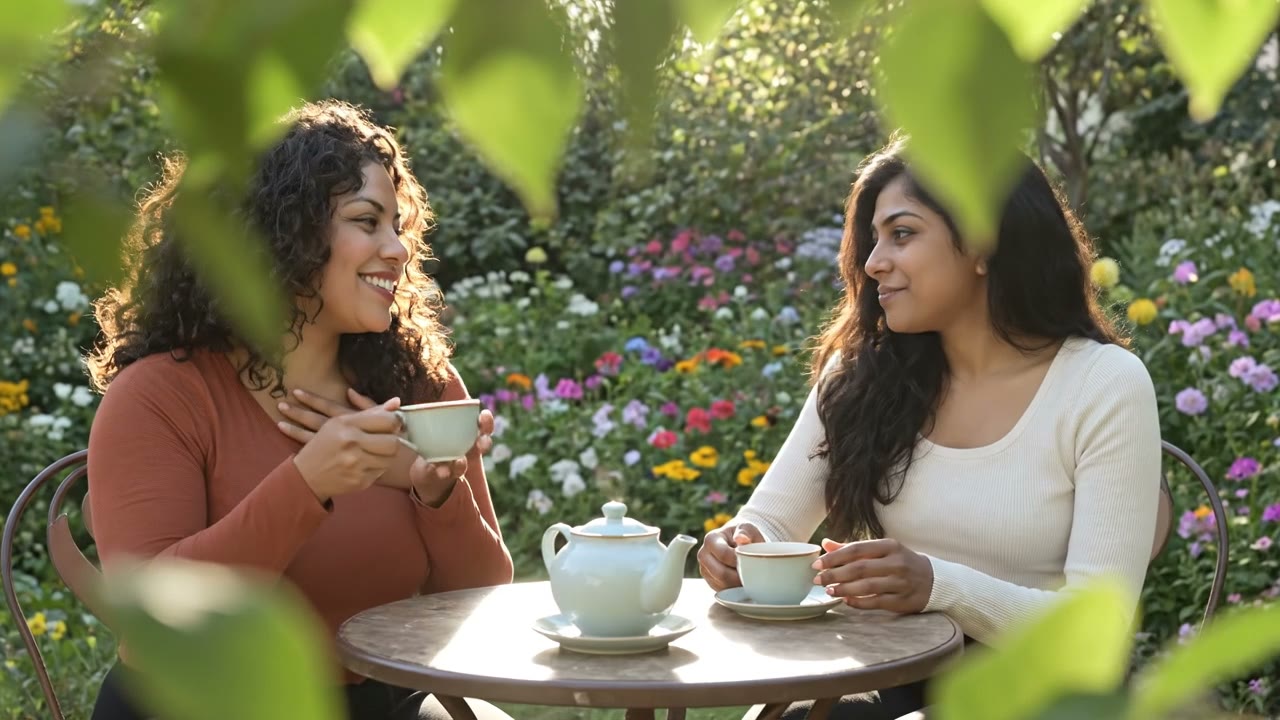
The two women from the reference images sit at a small garden table sharing tea, laughing as they talk, dappled afternoon sun through the leaves, gentle handheld camera.
Veo 3.1 Reference, 8 seconds, 720p
Veo 3.1 Reference
How to make a video from your photos
Three steps. It works on your phone too.
Image 1
Image 2
Step 1
Add your photos
One photo for each person, pet or thing.
12
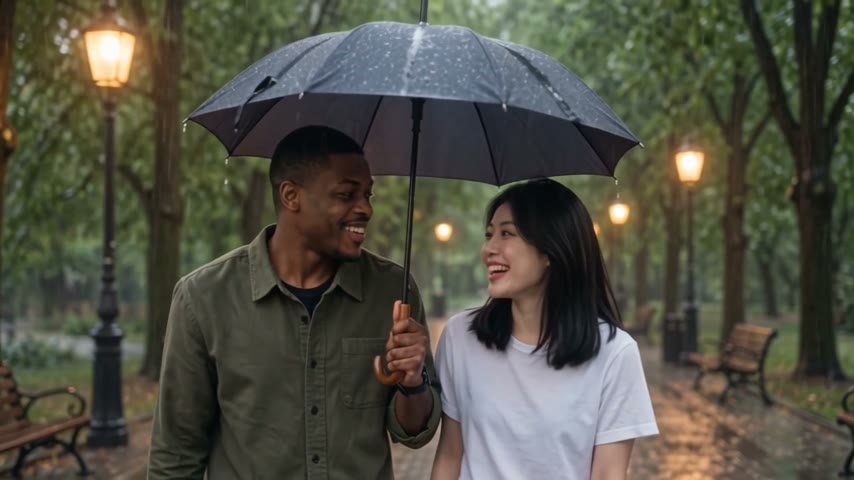
The man in Image 1 and the woman in Image 2 walk side by side under one dark umbrella along a tree lined park path in light rain, laughing together, warm lamps glowing behind them.
Step 2
Say who does what
Call each photo by its number: Image 1, Image 2.
WAN 3.0 Reference
Step 3
Get your video
Pick a model, check the price and press Generate.
Videos made from photos
Each video was made from the photo in the circle. Tap Try this prompt to use the same words.
Veo 3.1 Reference
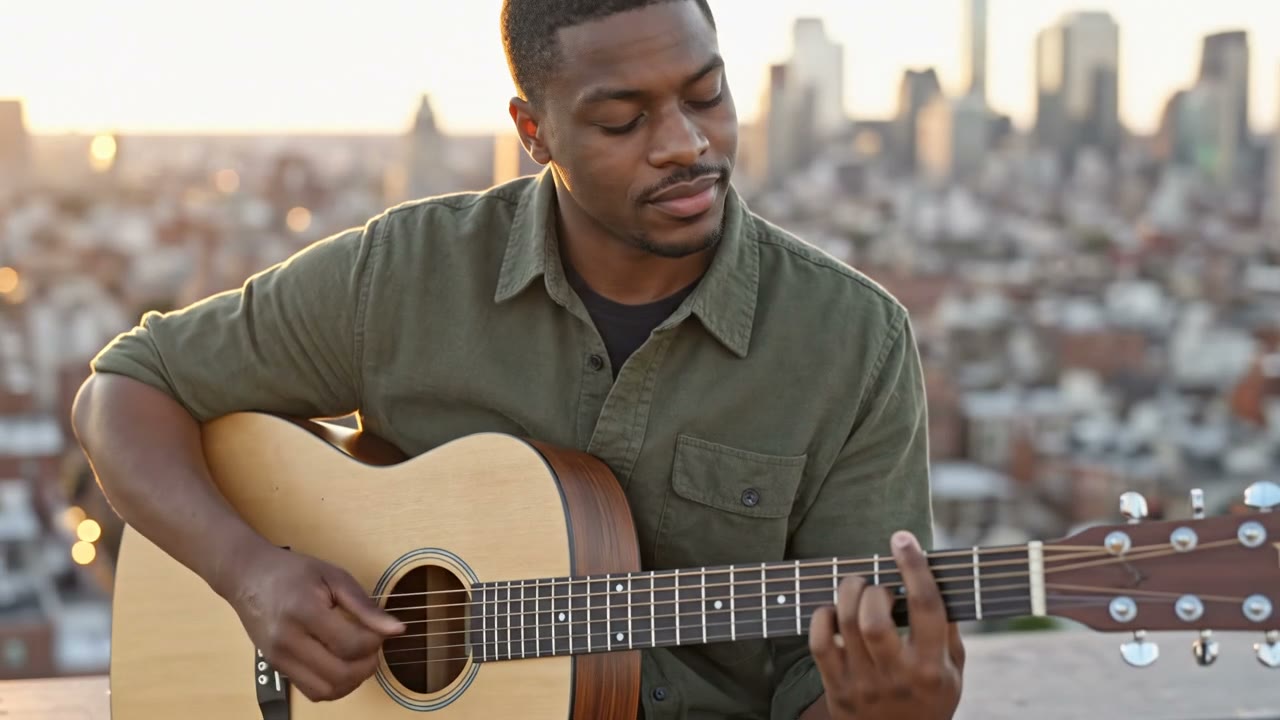
Plays guitar on a rooftop
“The man from the reference image plays a plain wooden acoustic guitar on a rooftop at golden hour, eyes half closed as he strums, the city softly blurred behind him, slow push in.”
“The woman from the reference image rides a bicycle along a quiet canal path in autumn as golden leaves drift down around her, the camera tracks beside her and she smiles.”
“The woman in Image 1 cooks in a bright home kitchen, tossing sliced vegetables in a pan as steam rises, then tastes from a wooden spoon and smiles, warm window light.”
“The woman in Image 1 walks through a tulip field at golden hour holding a bunch of yellow tulips, then turns toward the camera and smiles, smooth tracking shot.”
“The man from the reference image rows a small wooden boat across a misty lake at dawn, oars dipping into still water, the camera slowly circles the boat.”
One real prompt from this page, split into its parts.
The prompt
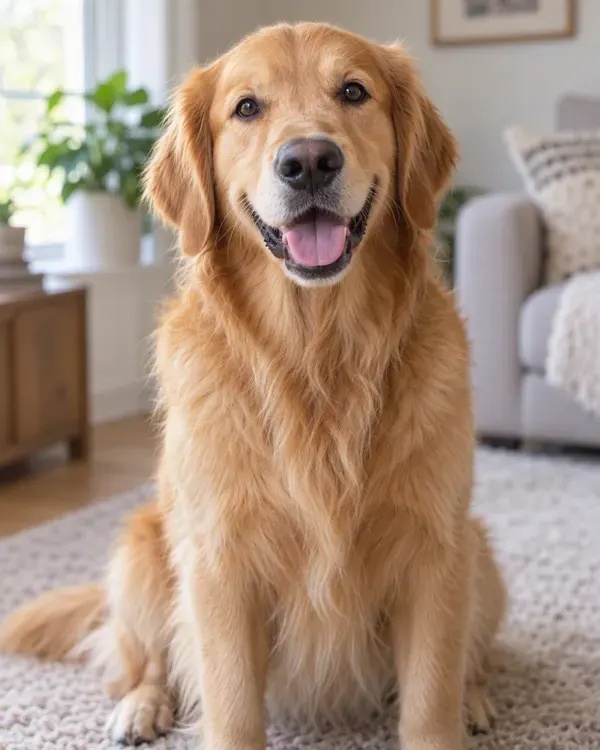
The man in Image 1 throws a red ball along a sandy beach and the golden retriever in Image 2 races after it through the shallow waves, bright morning light, handheld camera.
You give the AI one or more photos, like a person, a pet or a product, and write what should happen. The AI makes a new video with the same faces and things from your photos, in the scene you describe. It is in the Reference tab of the Enhance AI video studio, and it works in your browser on a phone or a computer, so there is no app to install.
How many photos can I use in one video?
It depends on the model. WAN 3.0 Reference takes up to 10 photos, and it can also take up to 5 short videos and 5 sound clips. MiniMax H3 Reference takes up to 9 photos, Kling Video O3 Std Reference and Grok Imagine Reference up to 7, and Veo 3.1 Reference 1 to 3. One photo is enough to start.
How do I tell the AI which photo is which?
Call them by their number, in the order you added them: Image 1, Image 2 and so on. For example: The man in Image 1 throws a ball and the dog in Image 2 runs after it. With one photo you can simply say the woman from the reference image.
Is video reference free?
No. Video is paid per clip from your wallet, and a new account starts with an empty wallet, so there are no free videos. Top ups start at $5 and you do not need a plan. The free tokens you get when you sign up work on any image model, so you can use them to make a photo to use as a reference. Plans start at $19, paid one time, and yearly plans are 20% off. Plans add tokens for image tools. Video always comes from the wallet.
How much does one video cost?
It depends on the model, the length and the quality. On 6 October 2026 a 5 second clip at 480p on WAN 3.0 Reference cost $0.31, and $0.63 at 720p. Grok Imagine Reference was $0.60 for 6 seconds at 720p, Kling Video O3 Std Reference $0.84 for 5 seconds, and Veo 3.1 Reference $3.20 for 8 seconds at 720p without sound or $5.33 with sound. The Generate button shows the price before you press it, and nothing is charged until you do.
Which models made the videos on this page?
Veo 3.1 Reference made the 8 second clips at 720p, and WAN 3.0 Reference made the 5 second clips at 480p. Each one was made from the photos shown with it. Tap Try this prompt next to any clip to open the studio with the same model and words. Then add your own photos.WAN 3.0 ReferenceVeo 3.1 Reference
How long can the video be, and how sharp?
WAN 3.0 Reference makes 2 to 30 seconds at 480p, 720p or 1080p. Veo 3.1 Reference makes 8 seconds at 720p, 1080p or 4K. Kling Video O3 Std Reference makes 3 to 15 seconds, MiniMax H3 Reference 4 to 15 seconds at 768p or 2K, and Grok Imagine Reference 6 or 10 seconds. Need it sharper later? The video upscaler takes a clip to 1080p, 2K or 4K.Video upscaler
What is the difference between Reference and Image to video?
Image to video uses your photo as the first frame, so the video starts exactly like your photo and then moves. Reference keeps the people, pets or things from your photos and puts them in a new scene that you describe, and it can mix several photos in one clip. Both are in the same video studio.Image to video
How long does it take?
It depends on the model. When a model has enough finished jobs to measure, the studio shows its usual wait under the Generate button. In September 2026 that was about 3 minutes (up to 6) for WAN 3.0 Reference and about 2 minutes (up to 3) for WAN 3.0 Prime Reference. You can leave the page while it works. The video waits in your history.
What photos work best?
Clear, bright photos with one person, pet or thing in each, and the face easy to see. Use a different photo for each person you want in the video. Keep the prompt simple: who is in it, what they do, where it is, the light and the camera. Busy backgrounds, tiny faces and text on clothes are harder for the AI to keep the same.
What if a video fails, or I do not like it?
If a video fails, the money goes back to your wallet on its own. A video that finishes is charged even if it is not what you wanted. So try a new idea as a short, low quality clip first, then make the long or sharp one.
Can I use the videos, and how long are they kept?
Yes. You own the videos you make and can use them for personal or commercial work, like ads, client work and products you sell. You must own the photos you upload, or have permission to use them, and that matters most with photos of people. Section 6 of the Terms has the full wording. Enhance AI does not add a watermark to your videos. Finished videos are deleted after 15 days, so download the ones you want to keep.Read the Terms
Put your photos in a video
Add your photos, say who does what and see the price before you pay.