AI Photo Editor: Type the Change
Upload a photo and say what you want. Erase things, remove the background, fix the light or try a new style.
- Free to try
- No app needed
- No watermark
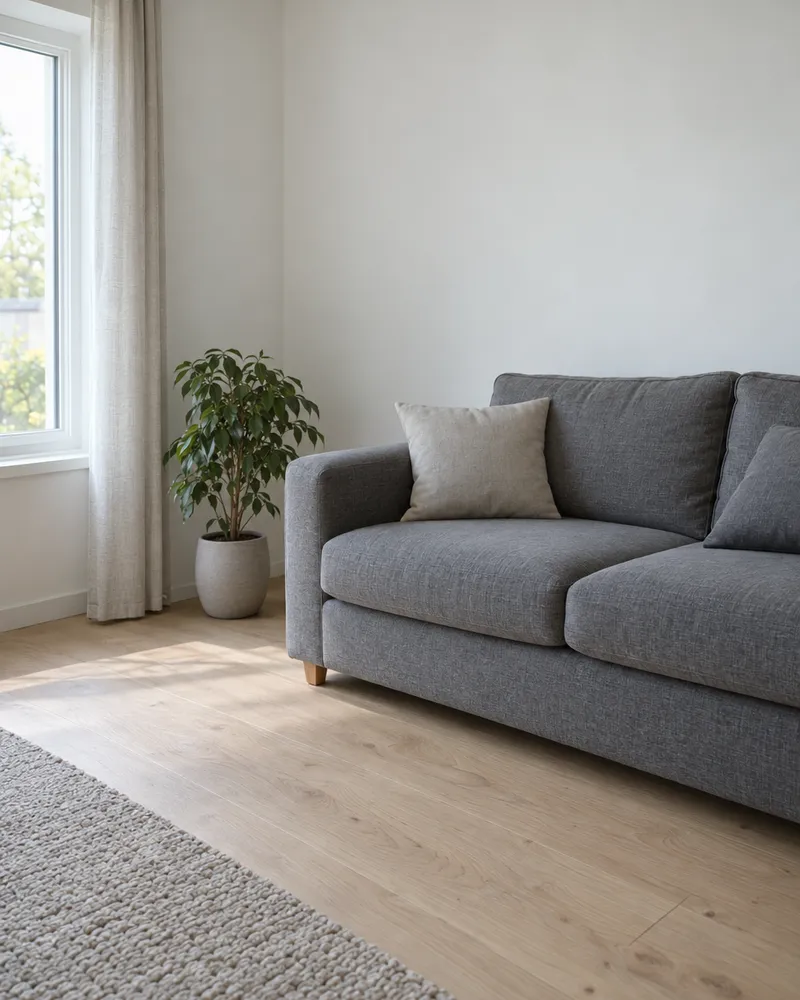
How to edit a photo with AI
Three steps. It works online, even on your phone.
Step 1
Upload your photo
A JPG, PNG or WebP, up to 10 MB.
Step 2
Type the change
Say what to change and what to keep.
Step 3
Download it
No watermark. Or tap the result to keep editing.
What can the AI photo editor do?
The small circle shows the photo each picture started from.
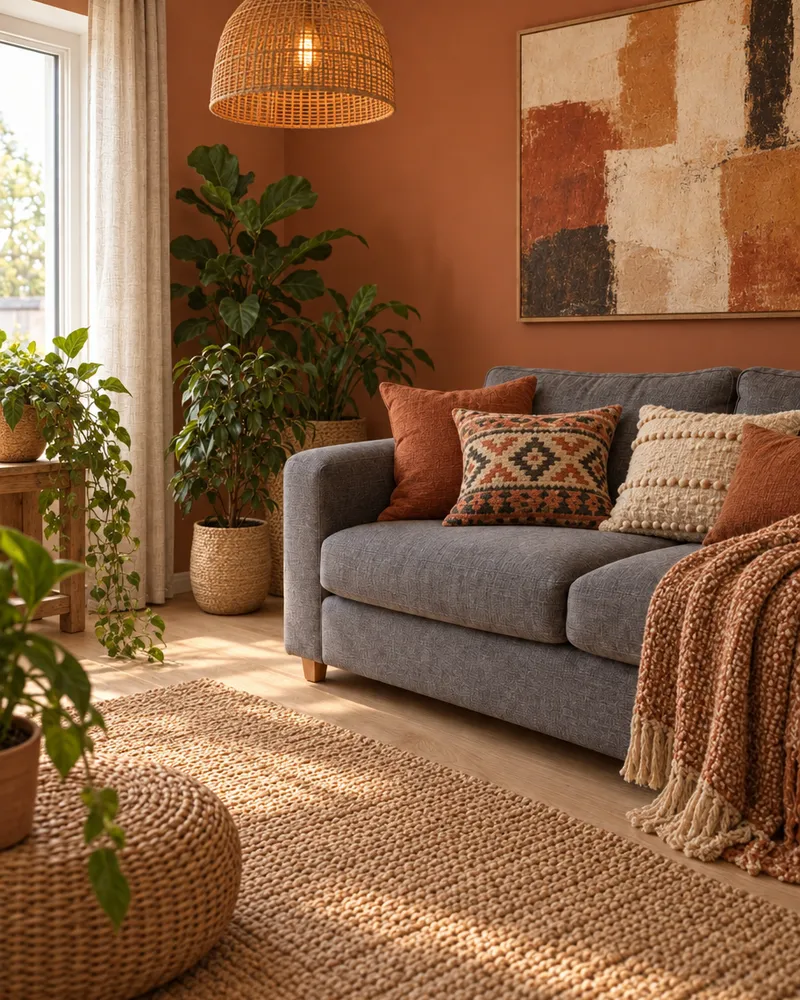
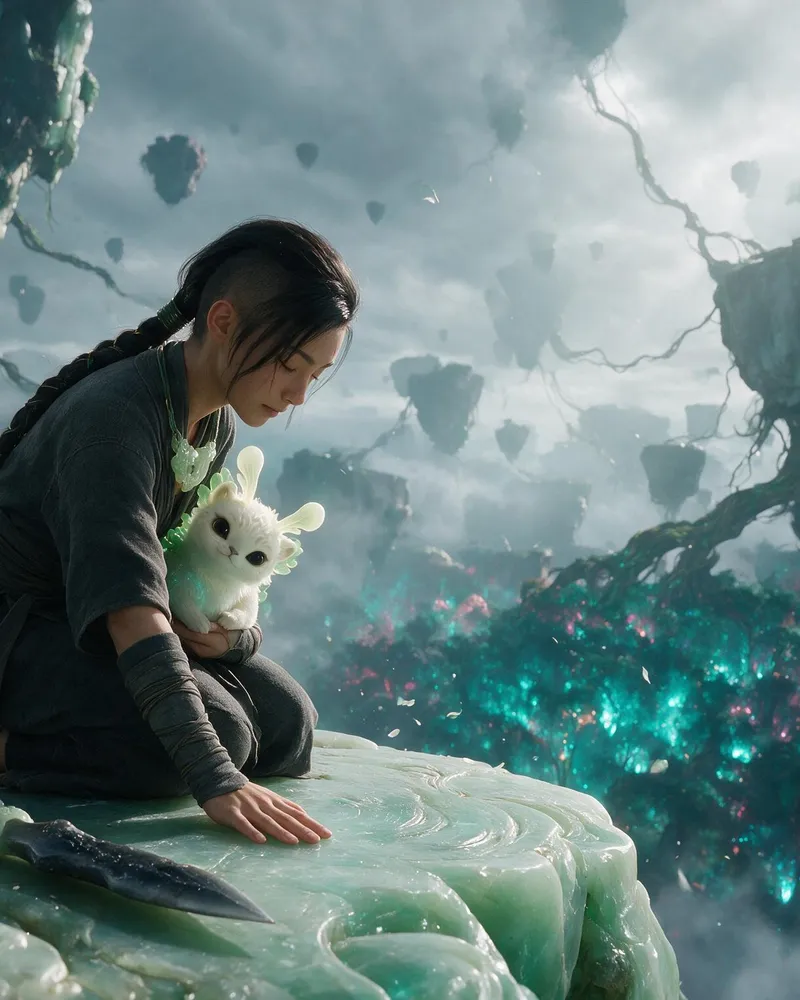
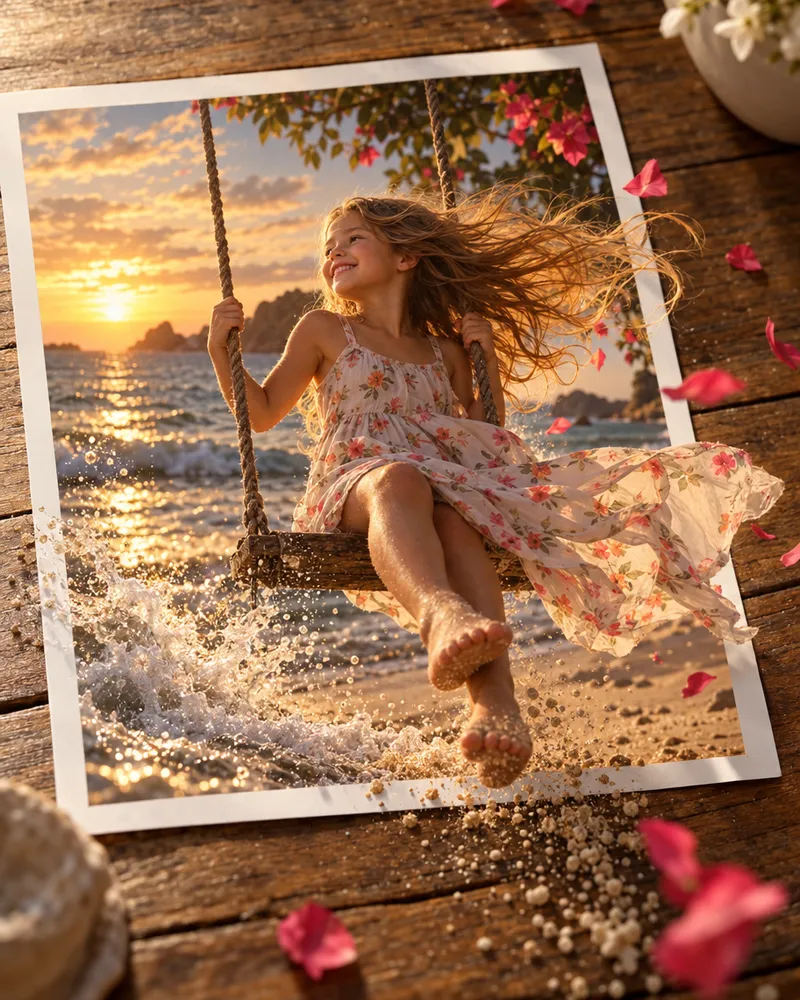
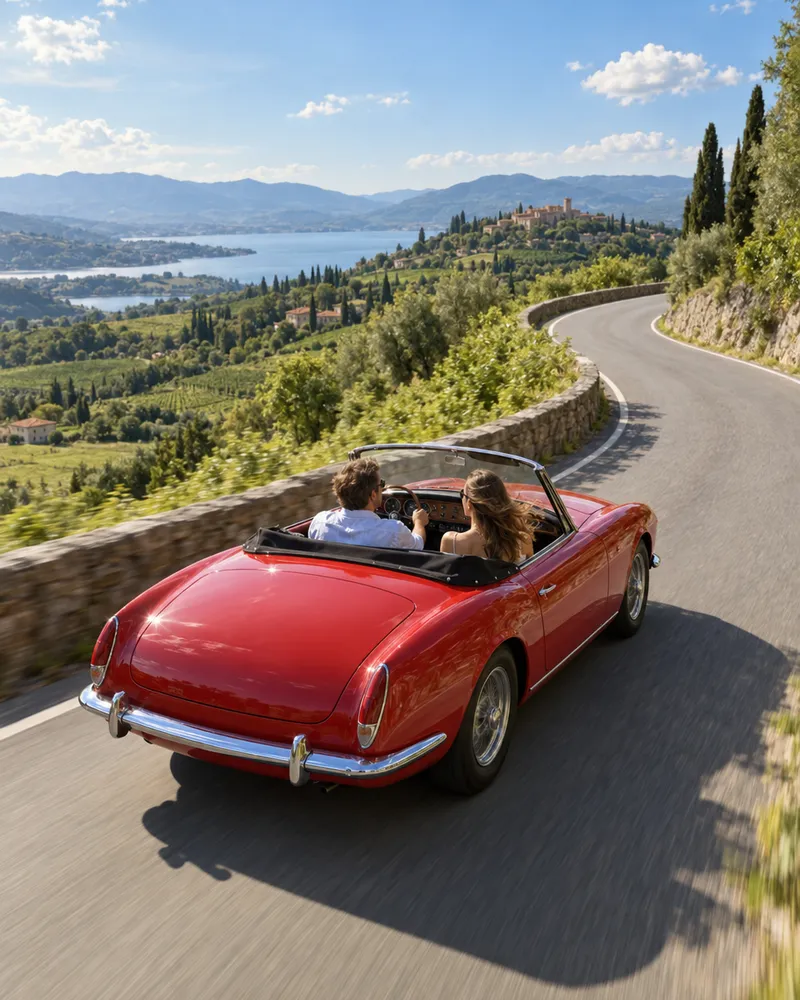
Change anything with words
New wall, new lamp, new rug. Just type it.
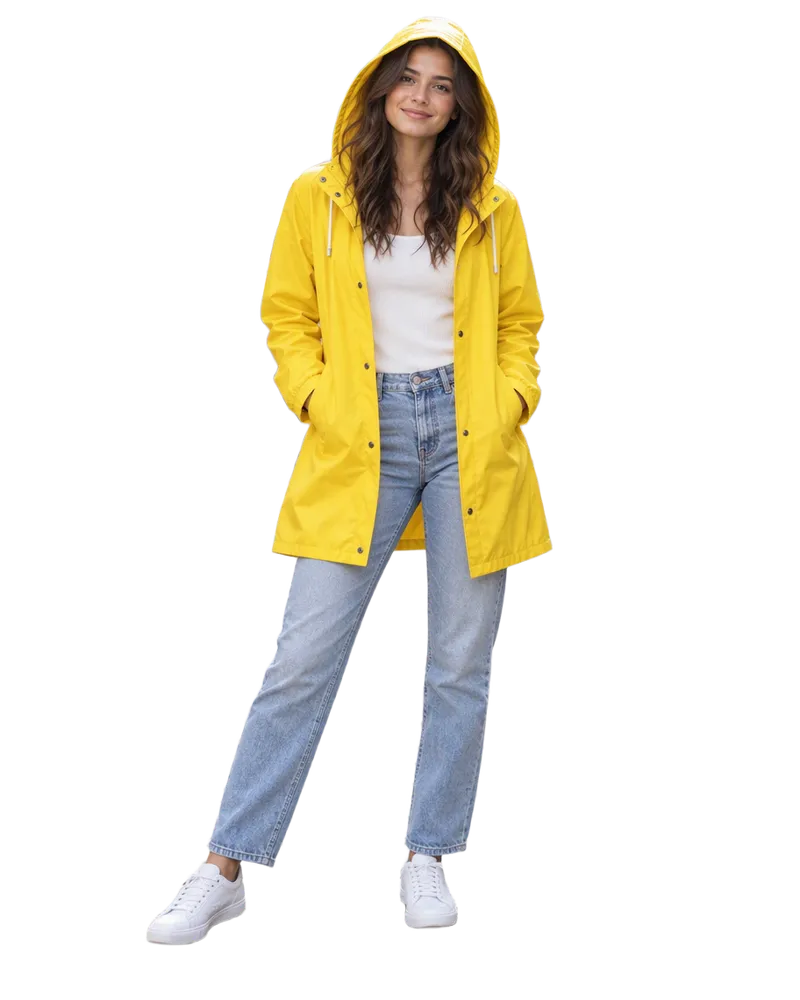

Remove the background
One tap, nothing to type. 2 tokens.
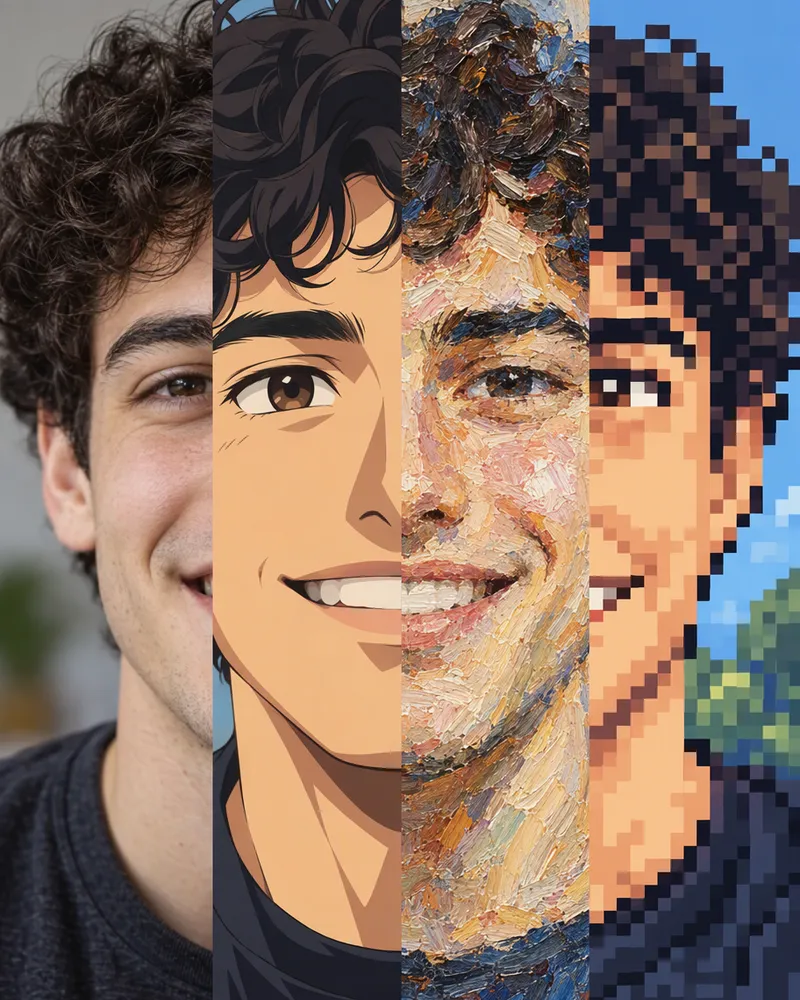
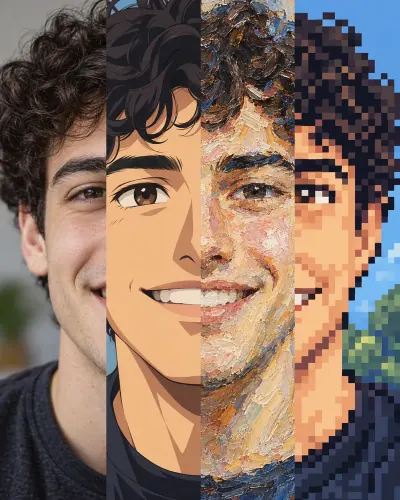
Try a new style
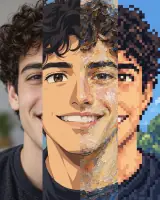
Anime, sketch, oil painting, pixel art and more. 25 looks.
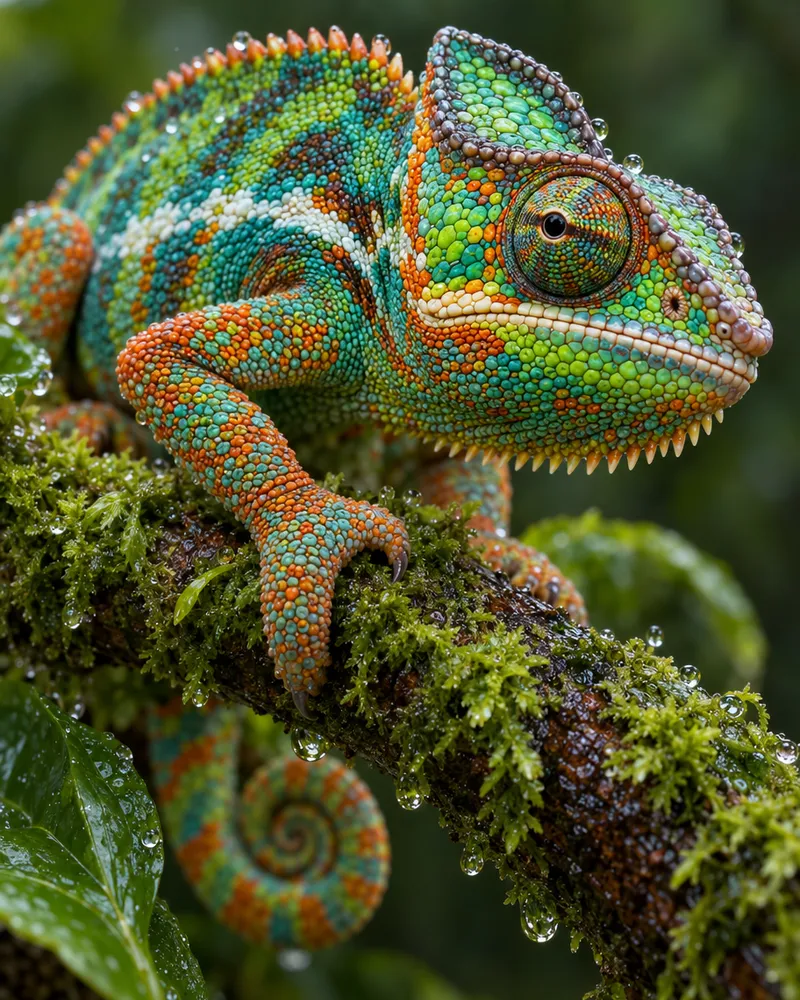 SmallSharp
Make a small photo bigger
Upscale to 2, 4, 6 or 8 megapixels.
Split an image into layers
Pull a poster or photo apart into a clean background and separate layers, then move, restyle or edit each one on its own.
Edit your photo
Upload a photo and type the change
Start now

Erase, fix the light, recolor and more
Seven more tools in the same AI image editor. Tap one to see it.
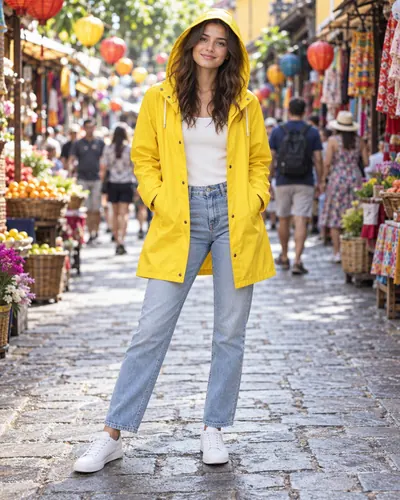
Change Region
Paint an area. Say what goes there.
7 to 20 tokens
Change Light
Golden hour, studio, neon and more.
7 to 20 tokens
Camera Angle
See the same scene from a new angle.
5 tokens
Color Palette
Recolor it with up to 8 colors.
7 to 20 tokens
Adjust
Brightness, contrast, color and blur.
Free, no tokens
Pick your AI model
Each model reads your words a little differently. If one gets it wrong, try another.
| Model | Tokens per edit | Photos per edit | Good for |
|---|---|---|---|
| Qwen Image 2 | 7 | Up to 3 | Your first try. The lowest price. |
| Qwen Image 3 | 9 | Up to 3 | Newer Qwen, set to 2K output. |
| Seedream V5 | 9 | Up to 10 | Several reference photos. |
| Nano Banana 2 Fast | 10 | Up to 14 | Mixing many photos into one. |
| Qwen Image 3 Pro | 11 | Up to 3 | The pro version of Qwen Image 3. |
| Qwen Image 2 Pro | 18 | Up to 3 | Costs more. Try Qwen Image 2 first. |
| GPT Image 2 Edit | 20 | Up to 14 | OpenAI's editor. The highest price. |
- Tokens per edit
- 7
- Photos per edit
- Up to 3
- Good for
- Your first try. The lowest price.
Qwen Image 3
- Tokens per edit
- 9
- Photos per edit
- Up to 3
- Good for
- Newer Qwen, set to 2K output.
- Tokens per edit
- 9
- Photos per edit
- Up to 10
- Good for
- Several reference photos.
- Tokens per edit
- 10
- Photos per edit
- Up to 14
- Good for
- Mixing many photos into one.
Qwen Image 3 Pro
- Tokens per edit
- 11
- Photos per edit
- Up to 3
- Good for
- The pro version of Qwen Image 3.
Qwen Image 2 Pro
- Tokens per edit
- 18
- Photos per edit
- Up to 3
- Good for
- Costs more. Try Qwen Image 2 first.
- Tokens per edit
- 20
- Photos per edit
- Up to 14
- Good for
- OpenAI's editor. The highest price.
- Qwen Image 2Your first try. The lowest price.7Up to 3
- Qwen Image 3Newer Qwen, set to 2K output.9Up to 3
- Seedream V5Several reference photos.9Up to 10
- Nano Banana 2 FastMixing many photos into one.10Up to 14
- Qwen Image 3 ProThe pro version of Qwen Image 3.11Up to 3
- Qwen Image 2 ProCosts more. Try Qwen Image 2 first.18Up to 3
- GPT Image 2 EditOpenAI's editor. The highest price.20Up to 14
How much does it cost?
You see the price before you start.
Most edits cost
2 to 20tokens
The Adjust sliders are free. Every photo comes with no watermark.

More AI tools to try
- Create an image
Type an idea and get a new picture.
- Image reference
Blend your photos into one new picture.
- Image to video
Turn a photo into a short video.
- Edit a video
Change a video by typing what you want.
Questions people ask
Is this AI photo editor free?
You can start for free. New accounts get free tokens, and you do not need a card. The Adjust sliders are always free. AI edits use tokens: 2 to remove a background, 2 or 3 to upscale, 5 for a new camera angle, 7 to 20 for a prompt edit, and 115 or 185 to split a picture into layers. When you need more, plans start at $19, paid one time.
Do I need an account to edit photos?
Yes. The editor needs a free account with a confirmed email, and your edits are saved there. Two tools also work with no account, for 3 photos a day: the AI image enhancer, to sharpen or enlarge a photo, and the background remover.
How do I edit a photo with a text prompt?
Upload your photo and open Edit. Write the change in one or two short sentences, like “Replace the grey sky with a sunset and keep the people the same.” Pick a model and press Generate. The button shows the cost first. Ask for one change at a time, and say what must stay the same. A sharp photo gives a better result, so run Upscale first if yours is soft. Editing a photo from words like this is also called image to image.
Which AI model should I use?
Start with Qwen Image 2. It is the default and costs the least, 7 tokens. To mix in many reference photos, like a product and a logo, use Nano Banana 2 Fast or GPT Image 2 Edit. They take up to 14 photos in one edit. Qwen Image 3 is set to 2K output. Your free tokens work on every model. If one model gets it wrong, try the same words on another.
Can I remove objects or people from a photo?
Yes. Open Magic Eraser, paint over what you want gone, and press Generate. The AI fills the gap to match the scene. It costs the same as a prompt edit on the model you pick, 7 to 20 tokens. Small things on plain backgrounds come out best. Big things on busy scenes can take a second try.
Can I remove the background from a photo?
Yes. Remove Background cuts out the person or product and leaves a transparent background. It costs 2 tokens and there is nothing to type. Want a new background instead? Follow it with a prompt edit that describes the new scene.
Can I turn my photo into anime or a painting?
Yes. Open Style and pick one of 25 looks, like anime, watercolor, oil painting or pixel art. It costs the same as a prompt edit, 7 to 20 tokens. Want a ready made look with no prompt at all? Try the AI photo filter, 20 tokens a photo.
Does Enhance AI add a watermark to edited photos?
No. Enhance AI adds no watermark to your edits, on free tokens or paid ones.
What can I do with the photos I edit?
You own the photos you edit and can use them for personal or commercial work, like ads, client work and products you sell. You are still responsible for the photos you upload and for how you use the results, so only upload photos you own or have permission to use. Section 6 of our Terms has the exact words.
Are my photos used to train AI?
Our Terms say that by default, Enhance AI will not use your personal content for AI model training without your consent.
What photos can I upload? Does it work on a phone?
JPG, PNG and WebP photos up to 10 MB each. The editor works in your browser on a phone or a computer, so there is no app to install.
What can go wrong with an AI edit?
An AI edit redraws the photo, so a face can change a little even when you asked about something else. Add “keep the same face” to your prompt, and compare before you download. Small text on signs and labels can come out wrong. Removing something big from a busy scene can take more than one try. If an edit fails, your tokens go back to your balance and the failed edit does not show in your history. Explicit content is not allowed: our Terms ban it, and new accounts start with a safety filter on.
Edit your photo now
Upload a photo and type what you want changed.
Upload a photo- Free to try
- No app needed
- No watermark
More from Enhance AI