Qwen Image 2 Pro Free Online
Type what you want and get a picture. Write in English or Chinese. Add your own pictures to change them.
- Free to try
- No card needed
- No watermark
Made with Qwen Image 2.1. Tap one to try its prompt.
How to use Qwen Image 2 Pro for free
Three steps. It works on your phone.
- 2 ProQwen Image 2 Pro18 tokens
- Image 2Qwen Image 28 tokens
- Image 2.1Qwen Image 2.16 tokens
Step 1
Pick Qwen Image 2 Pro
It uses 18 tokens an image. Your free tokens work on it.
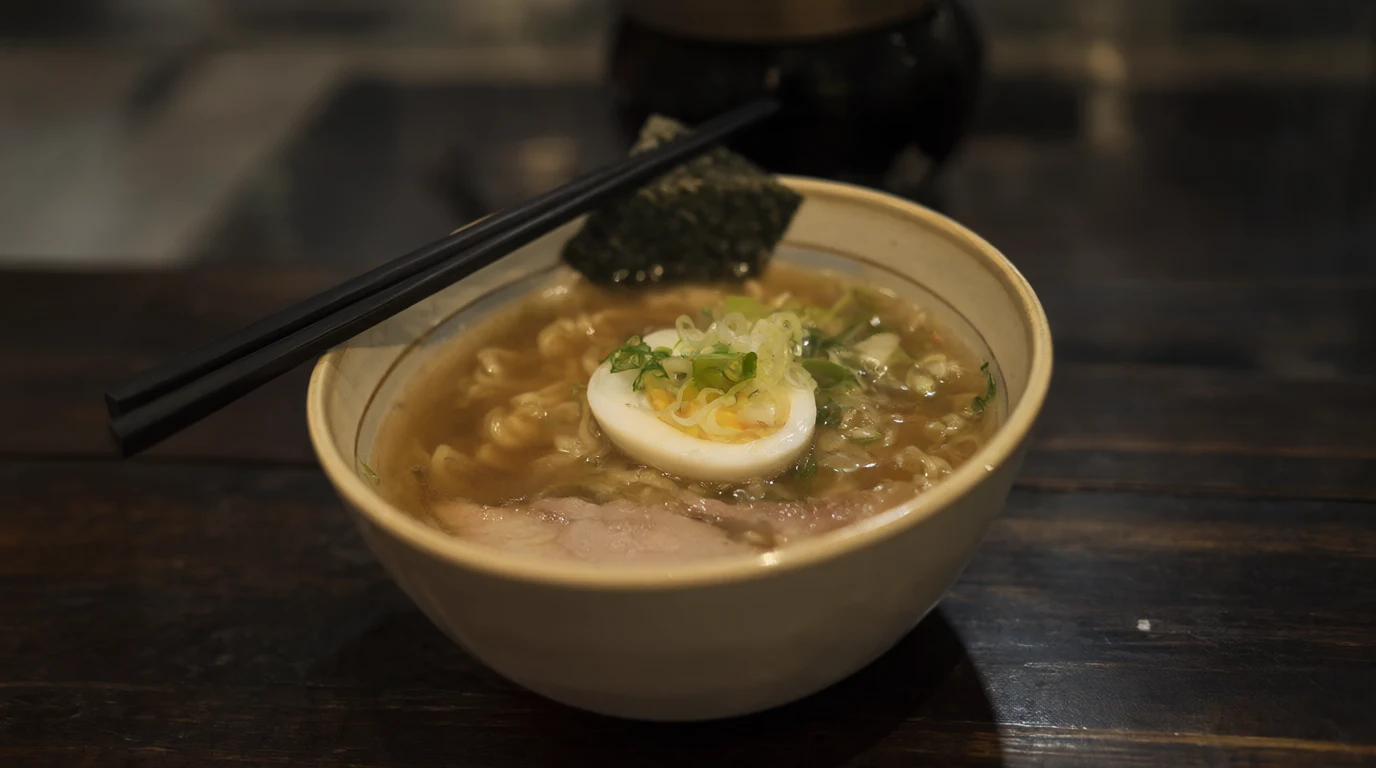
A bowl of steaming ramen on a dark wooden counter, a soft boiled egg, sliced green onions, nori and slices of pork, chopsticks resting on the rim, shallow depth of field, warm evening light.
Up to 3 picturesGenerateStep 2
Type your idea
Say what you want to see. Add up to 3 of your pictures if you want to change them.
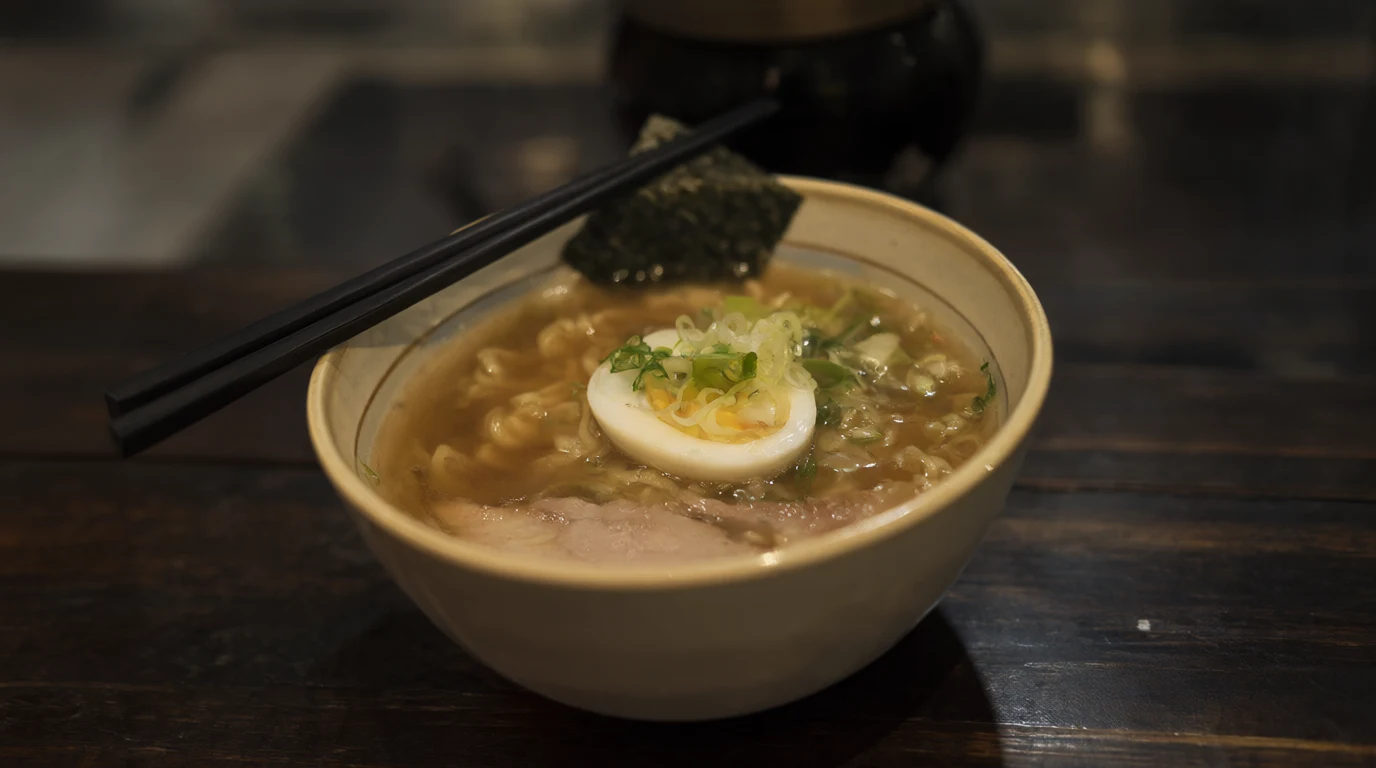 Qwen Image 2.1Made with Qwen Image 2.1Download
Qwen image examples with prompts
Real pictures made with Qwen Image 2.1, each with the exact prompt that made it. Try any prompt on Qwen Image 2 Pro.
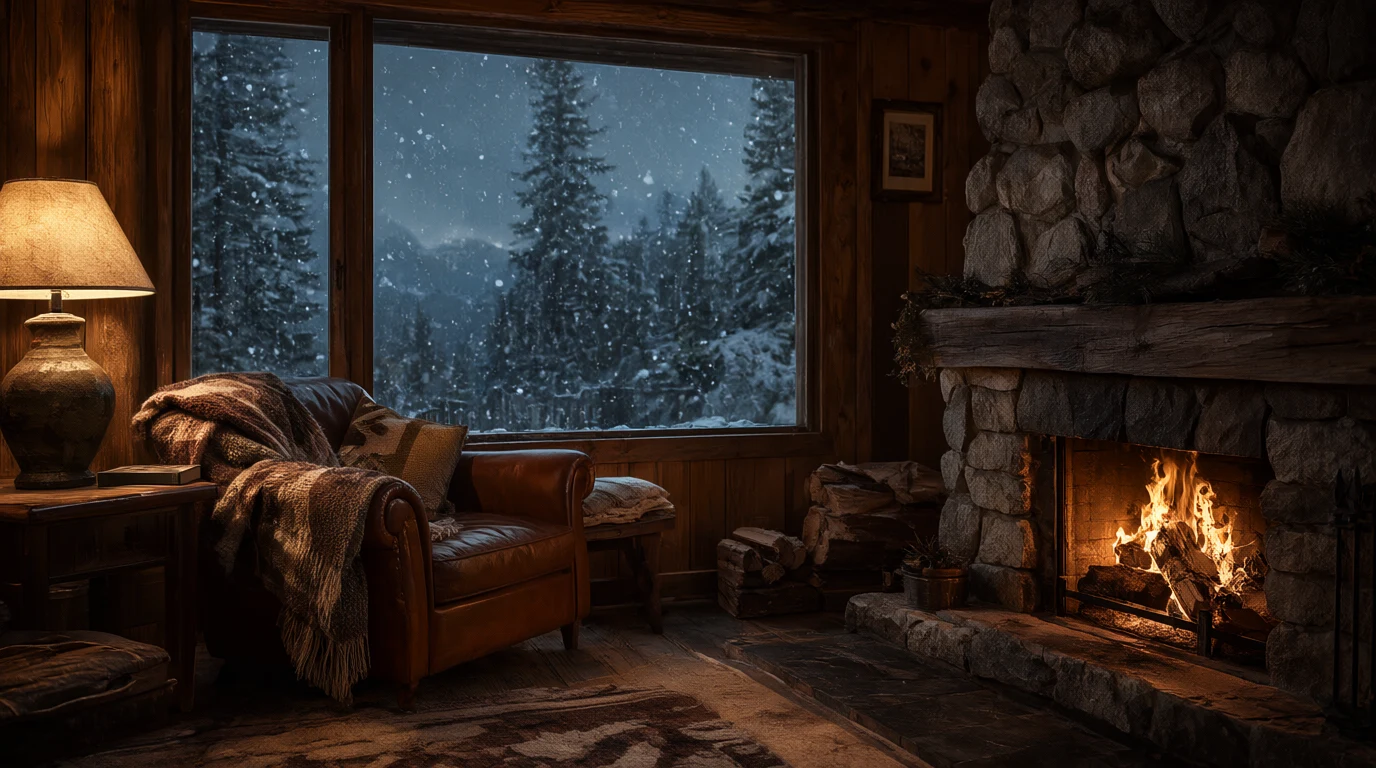
Made with Qwen Image 2.1
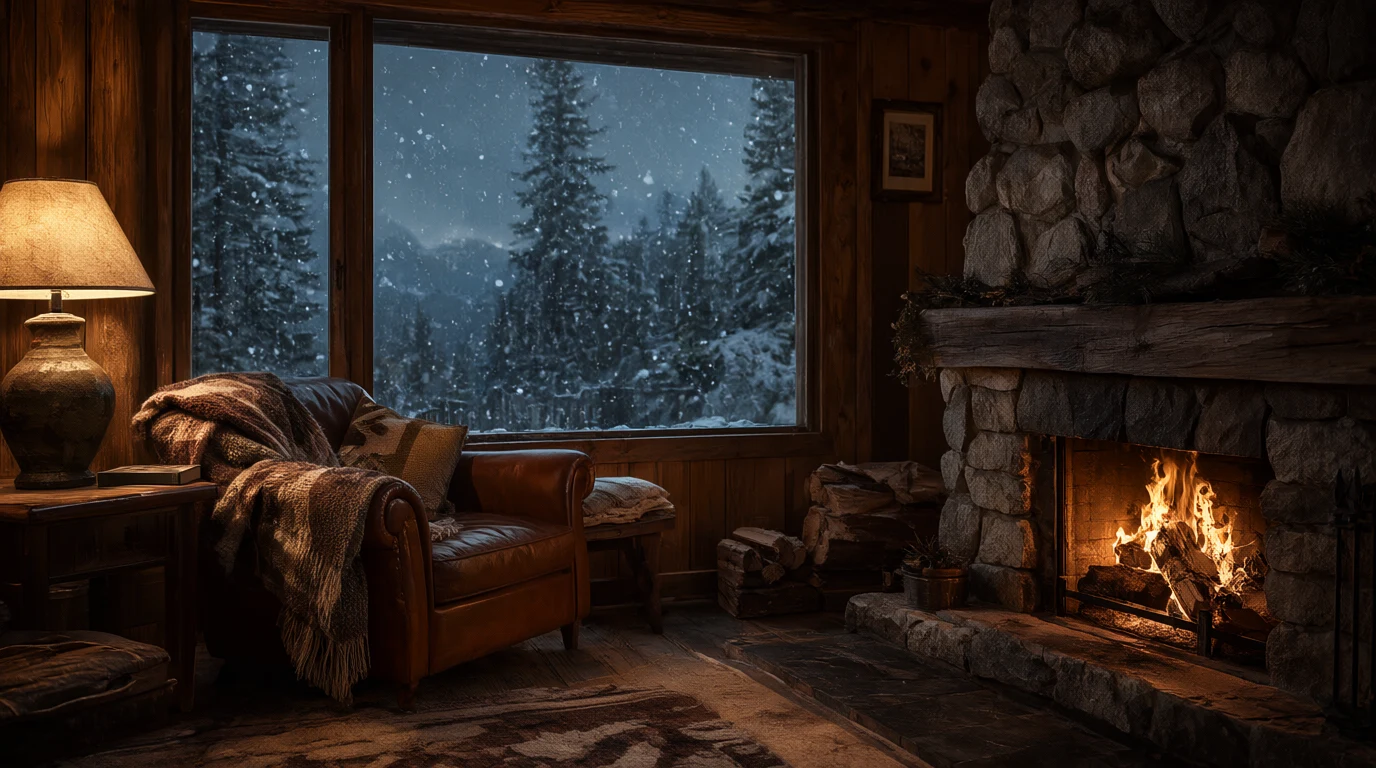
“A cozy mountain cabin interior at dusk, a crackling stone fireplace, a wool blanket over a leather armchair, snow falling past a large window with pine trees outside, warm lamp light, photorealistic.”
Try it on Qwen Image 2 ProMade with Qwen Image 2.1
“A bowl of steaming ramen on a dark wooden counter, a soft boiled egg, sliced green onions, nori and slices of pork, chopsticks resting on the rim, shallow depth of field, warm evening light.”
Try it on Qwen Image 2 Pro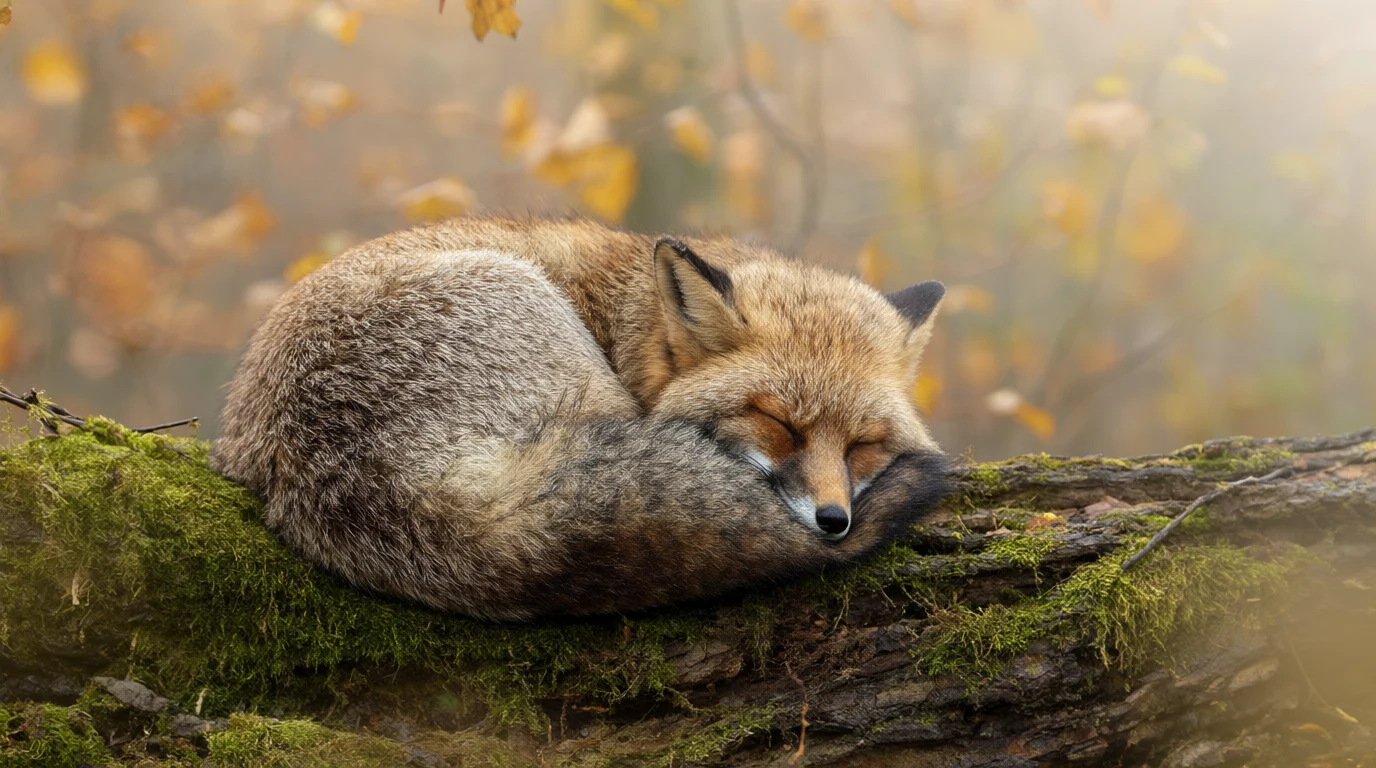
Made with Qwen Image 2.1
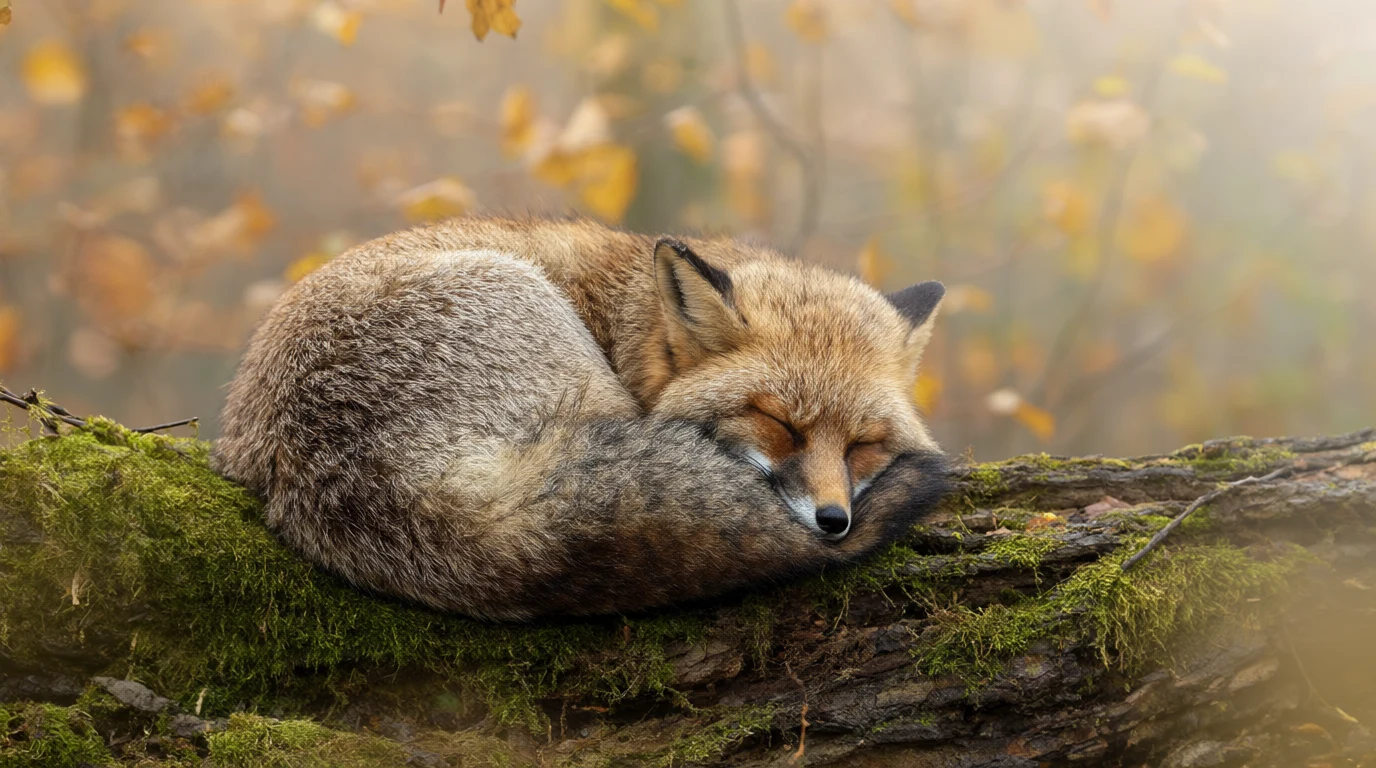
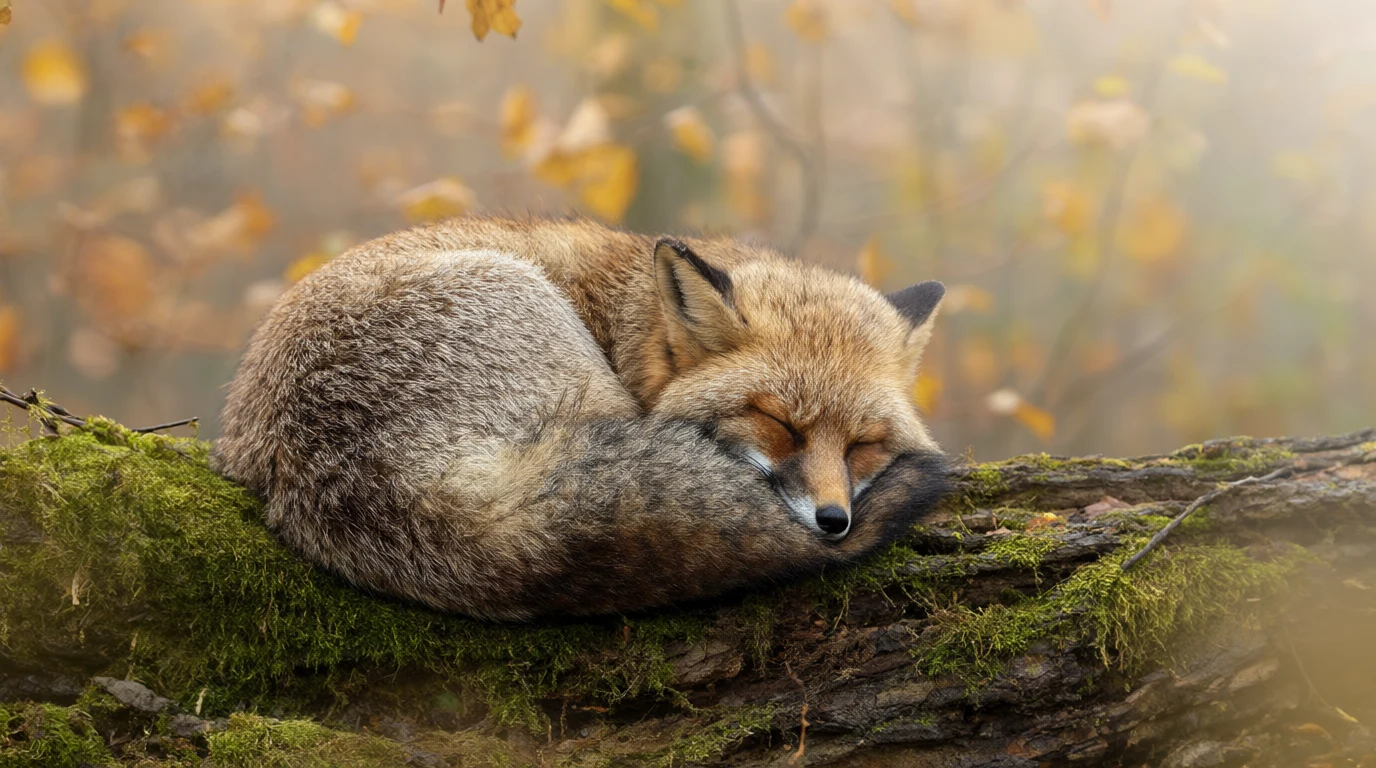
“A red fox curled up asleep on a mossy log in a misty autumn forest, soft morning light through golden leaves, fine fur detail, wildlife photography.”
Try it on Qwen Image 2 Pro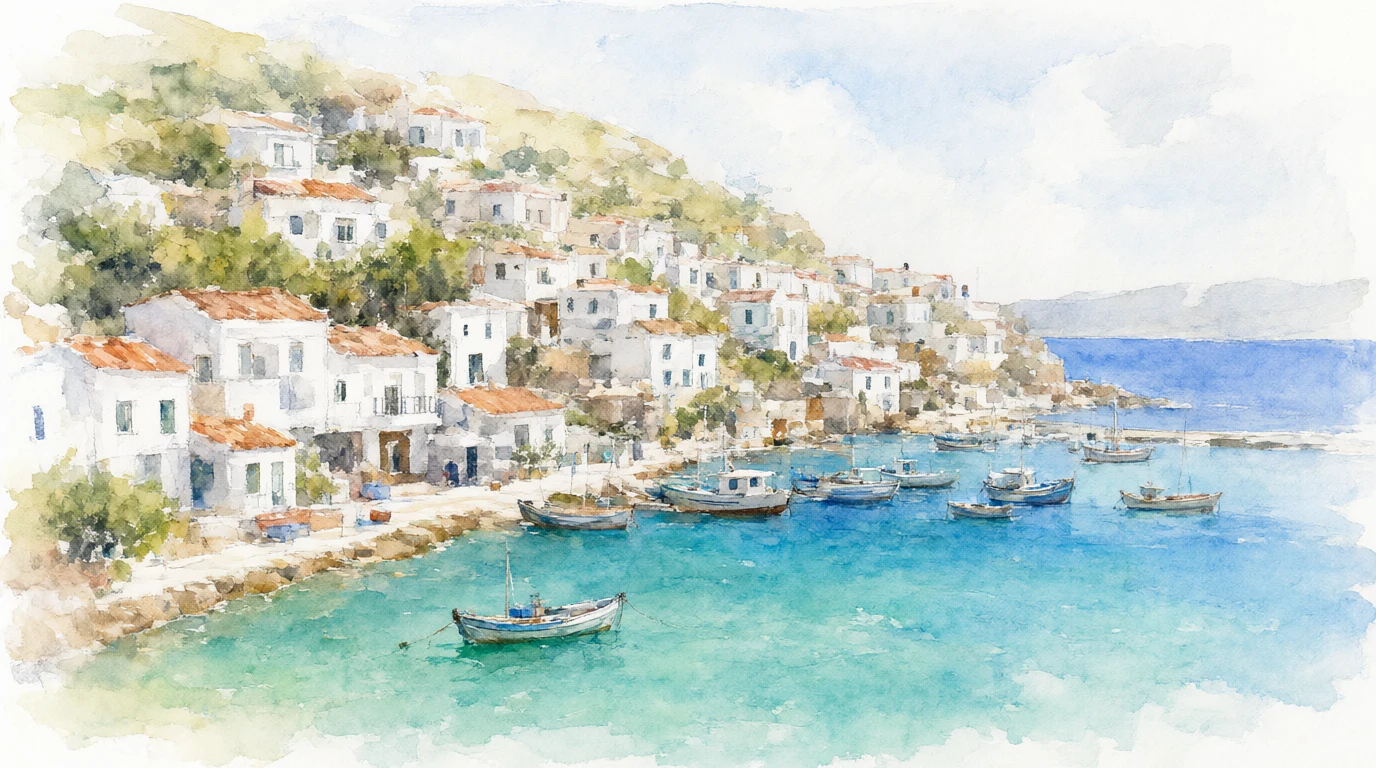
Made with Qwen Image 2.1
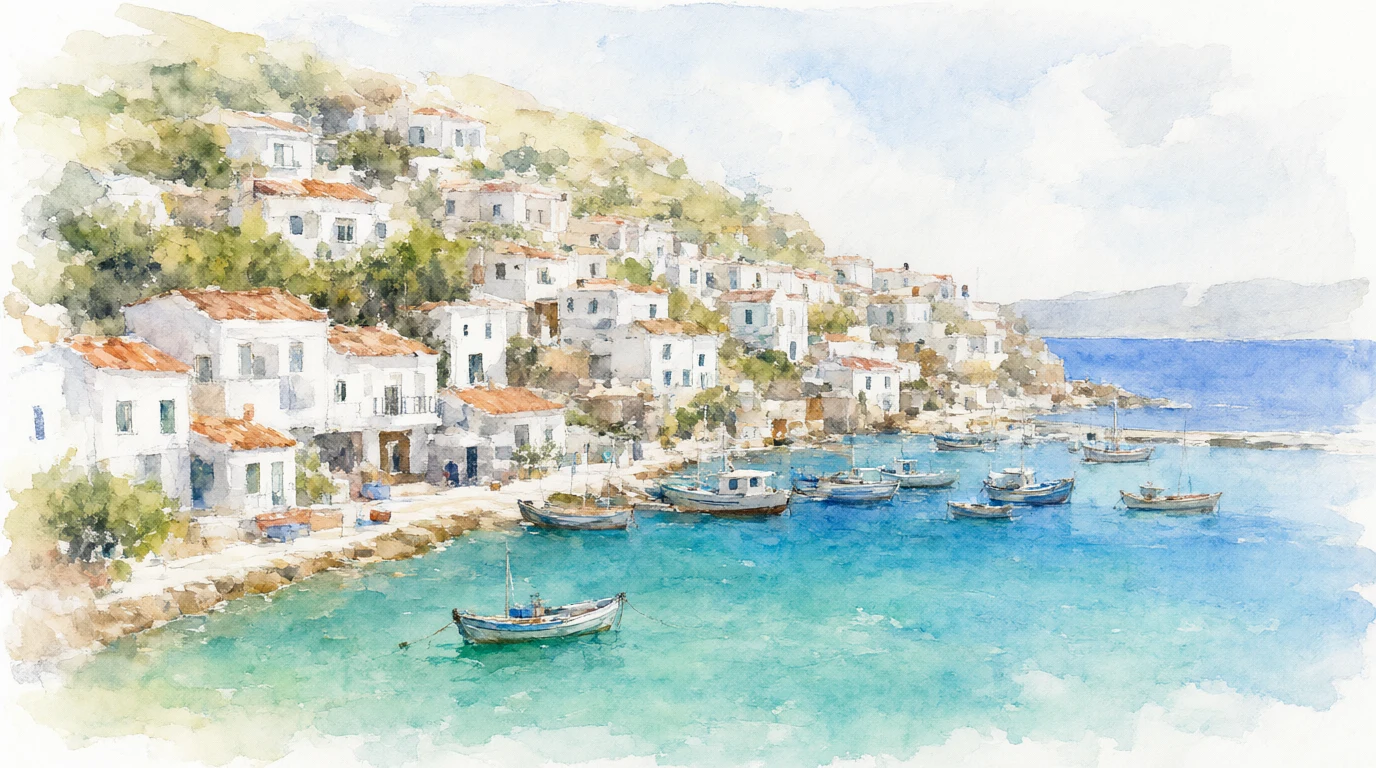
“A watercolor painting of a coastal village with white houses stacked on a hillside above a turquoise bay, small fishing boats in the harbour, loose brush strokes and soft washes of color.”
Try it on Qwen Image 2 Pro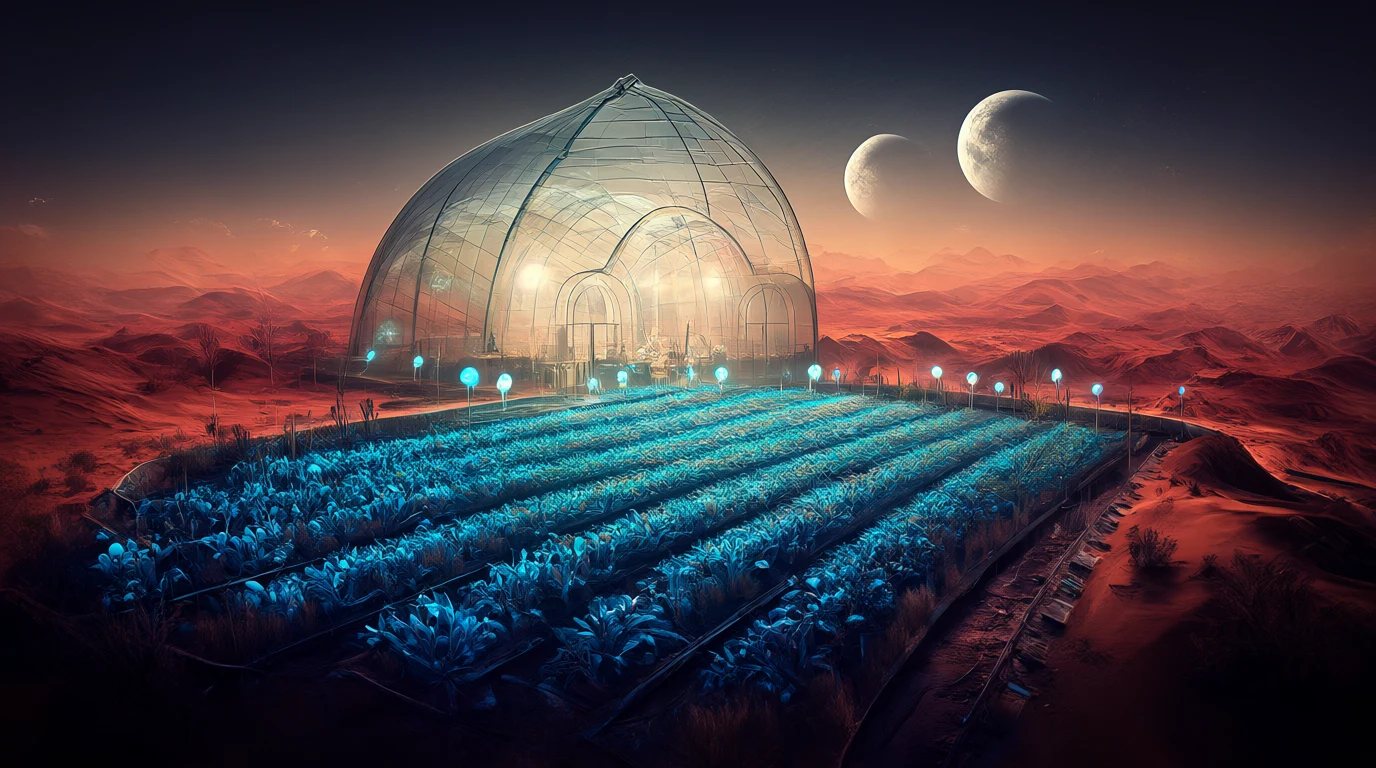
Made with Qwen Image 2.1
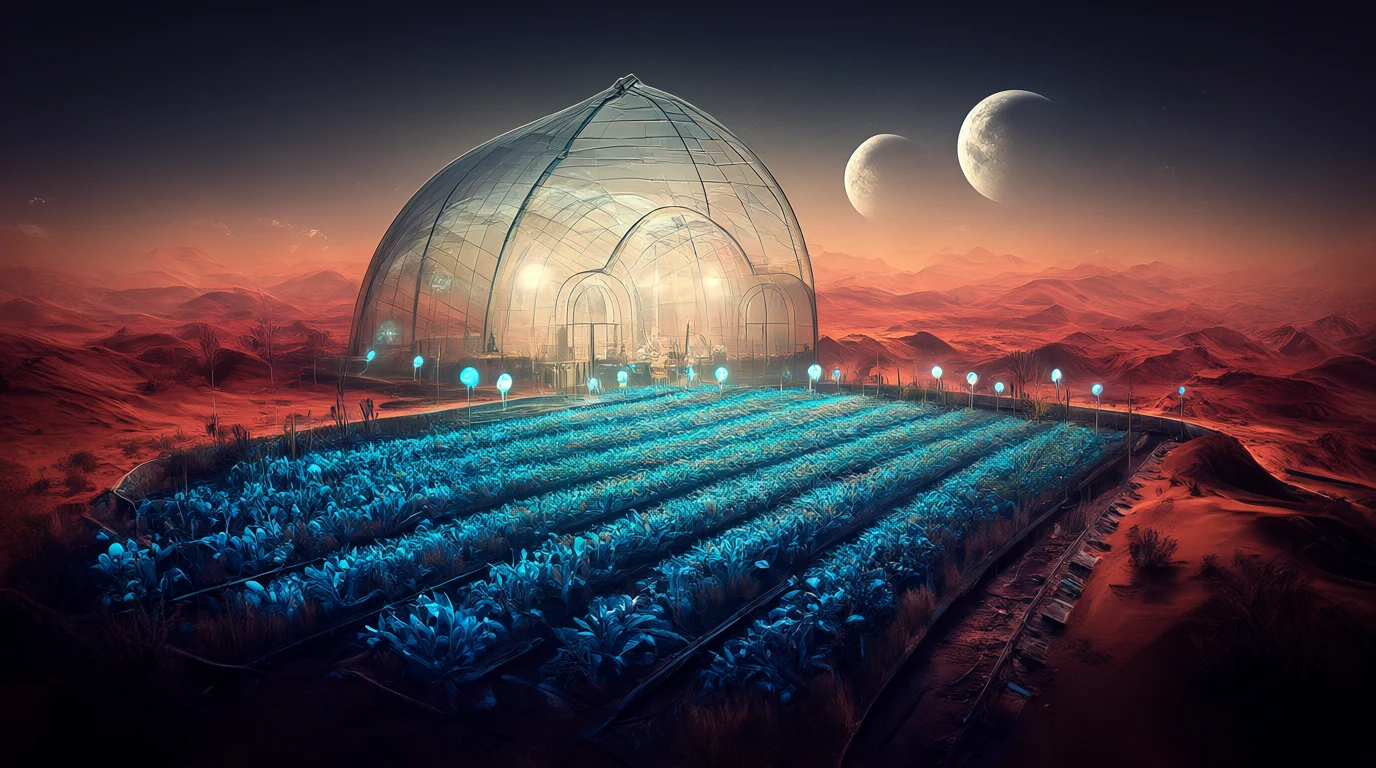
“A glass greenhouse on a desert planet, rows of glowing blue plants under a domed roof, two moons rising over red dunes outside, cinematic concept art.”
Try it on Qwen Image 2 Pro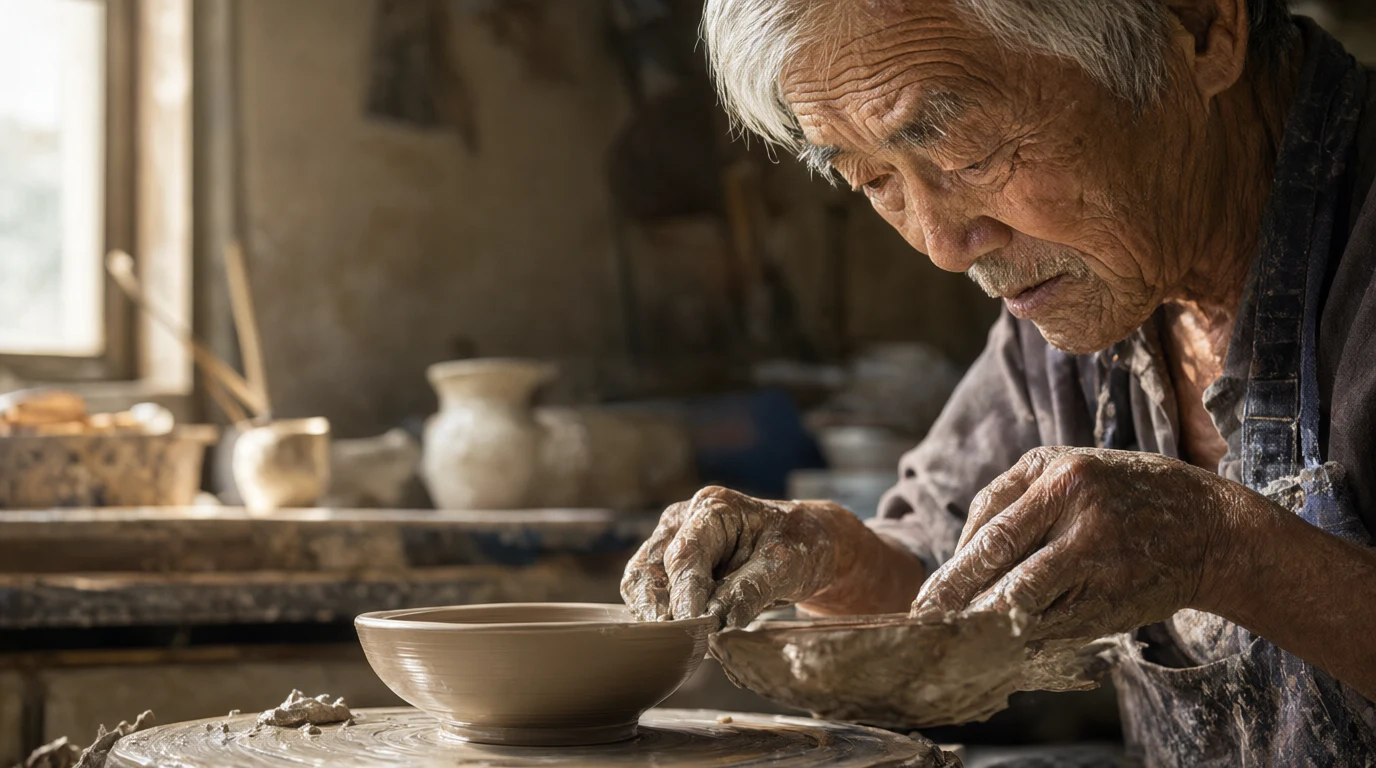
Made with Qwen Image 2.1
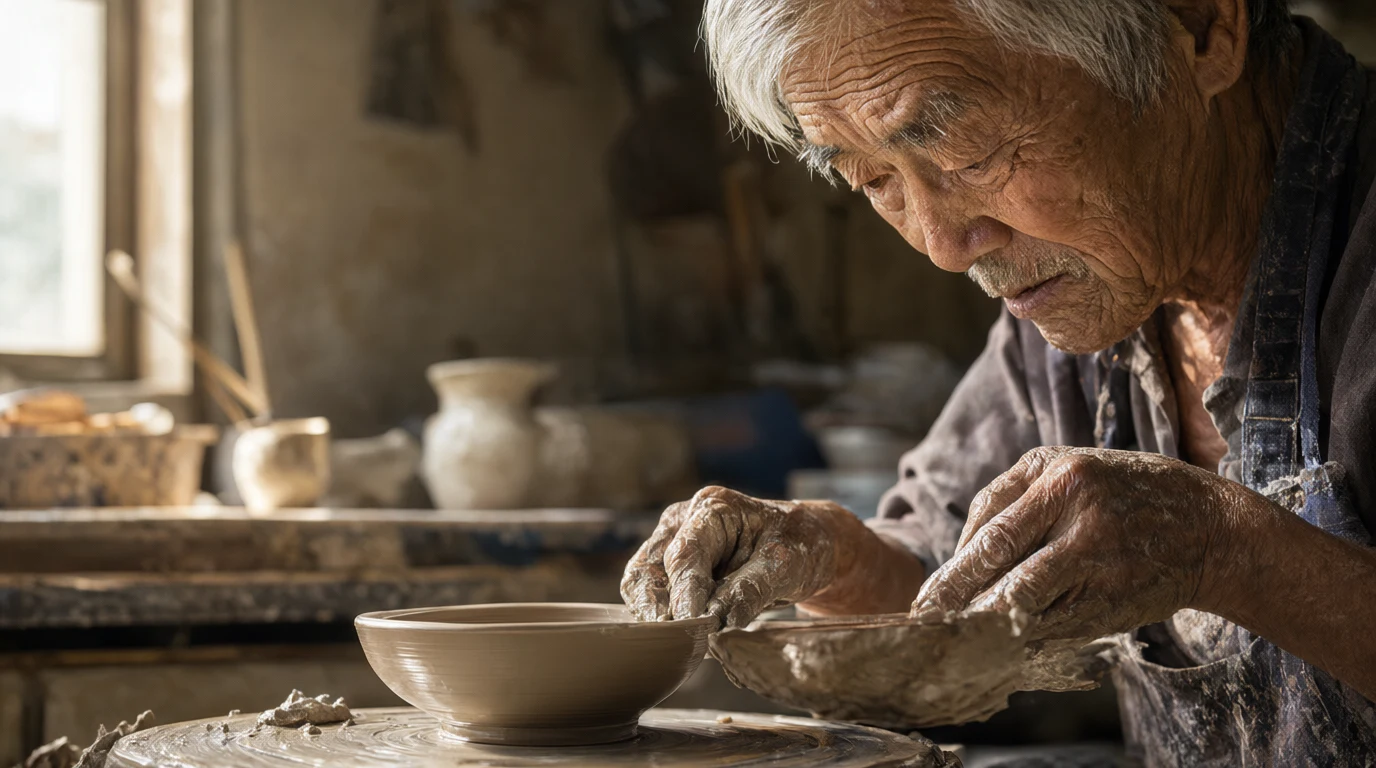
“A portrait of an elderly potter with silver hair and clay covered hands shaping a bowl on a wheel in a sunlit workshop, deep wrinkles and fine skin texture, 85mm photograph.”
Try it on Qwen Image 2 Pro
How to write a good prompt
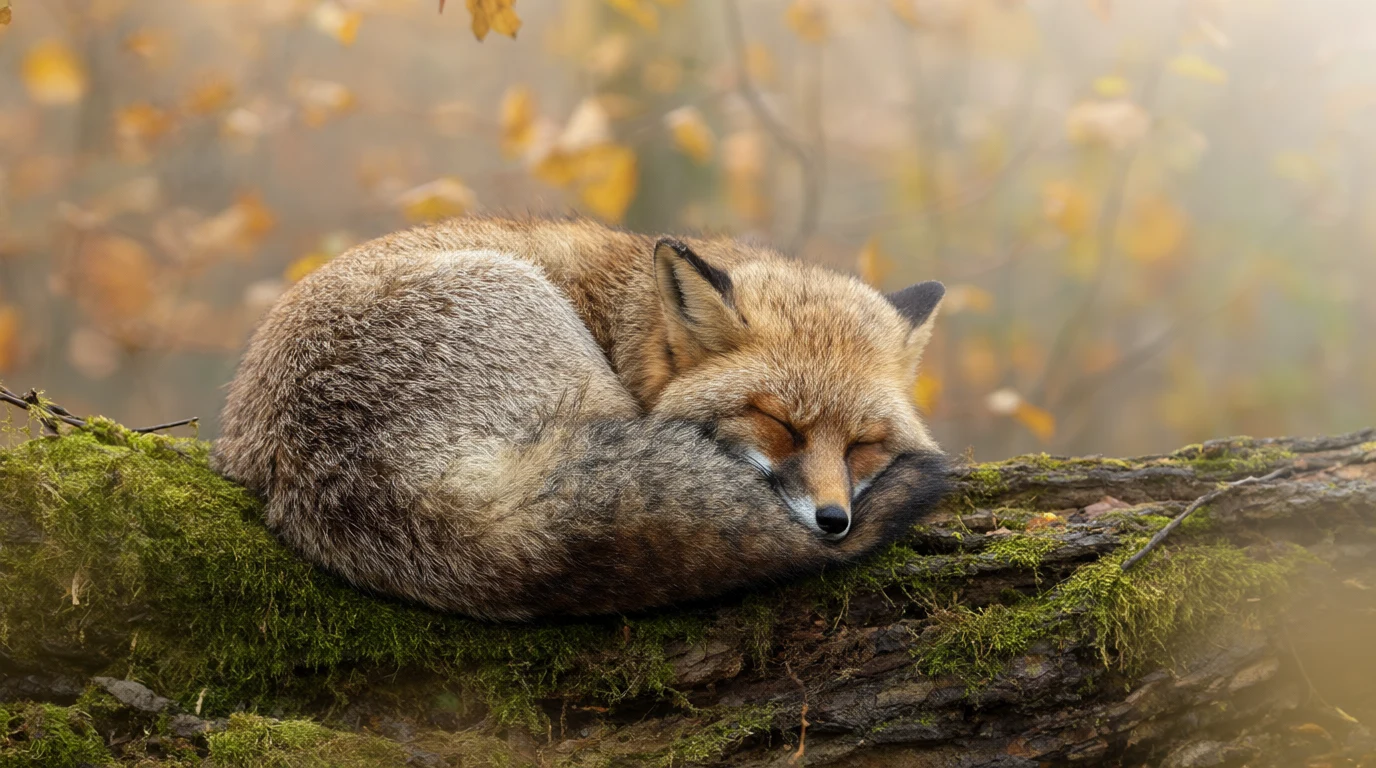
This is the real prompt for the fox picture, split into its five parts.
The prompt
A red fox curled up asleep on a mossy log in a misty autumn forest, soft morning light through golden leaves, fine fur detail, wildlife photography.
- SubjectWhat is in the picture.
- ActionWhat it is doing, and on what.
- SceneWhere it is and the season.
- LightThe time of day and the light.
- CameraThe kind of photo you want.
 Made with Qwen Image 2.1
Qwen Image 2 Pro vs other Qwen models
Qwen Image 2 Pro next to four other Qwen models on Enhance AI. Your free tokens work on all of them.
| Model | Tokens an image | Images for $19 | Your pictures | Shapes |
|---|---|---|---|---|
| Qwen Image 2 Pro | 18 | 111 | Up to 3 | 8 |
| Qwen Image 2 | 8 | 250 | Up to 3 | 8 |
| Qwen Image 2.1 | 6 | 333 | 1 | 10 |
| Qwen Image 3 Pro | 11 | 181 | Up to 3 | 10 |
| Qwen Image Max | 24 | 83 | Up to 6 | 8 |
Qwen Image 2 Pro
- Tokens an image
- 18
- Images for $19
- 111
- Your pictures
- Up to 3
- Shapes
- 8
Qwen Image 2
- Tokens an image
- 8
- Images for $19
- 250
- Your pictures
- Up to 3
- Shapes
- 8
- Tokens an image
- 6
- Images for $19
- 333
- Your pictures
- 1
- Shapes
- 10
- Tokens an image
- 11
- Images for $19
- 181
- Your pictures
- Up to 3
- Shapes
- 10
- Tokens an image
- 24
- Images for $19
- 83
- Your pictures
- Up to 6
- Shapes
- 8
Want to compare more image models? See the AI image generator
How much does Qwen Image 2 Pro cost?
Pay per image with tokens. No subscription.
One Qwen Image 2 Pro image
18tokens
Qwen Image 2 is 8 tokens an image. A failed run gives the tokens back. No watermark.
Free tokens on sign up
New accounts get free tokens, and they work on Qwen Image 2 Pro. No card needed.
Try it freeNeed more?
$19one time
That is 111 Qwen Image 2 Pro images. No subscription. Yearly plans are 20% off.
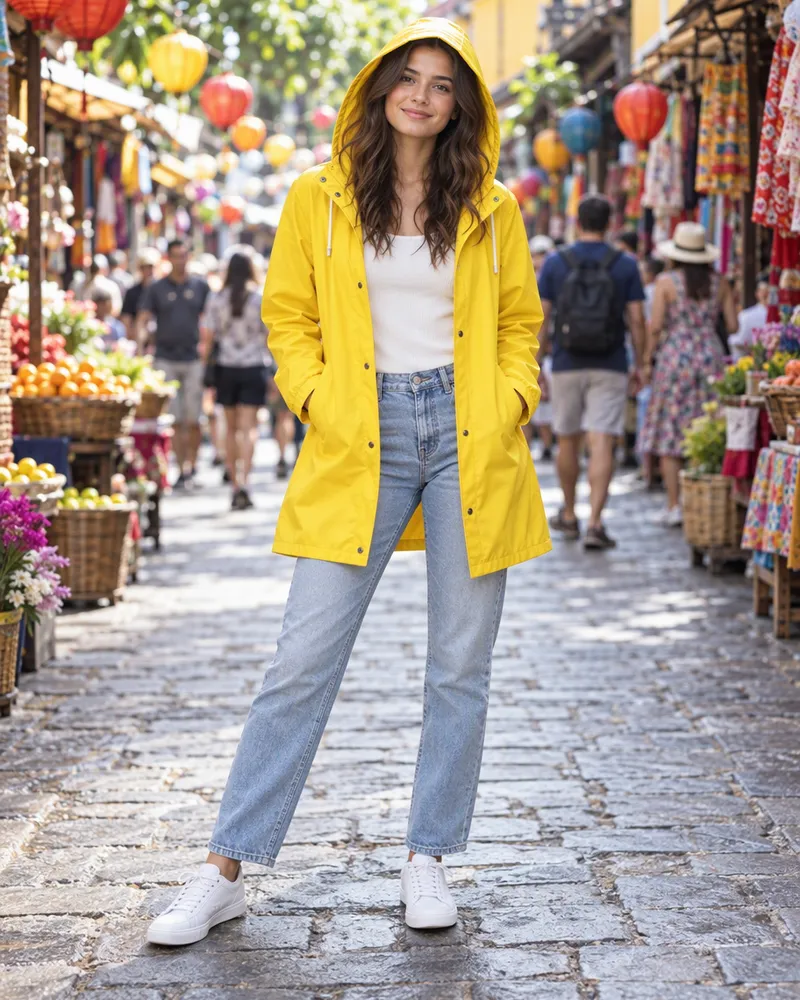
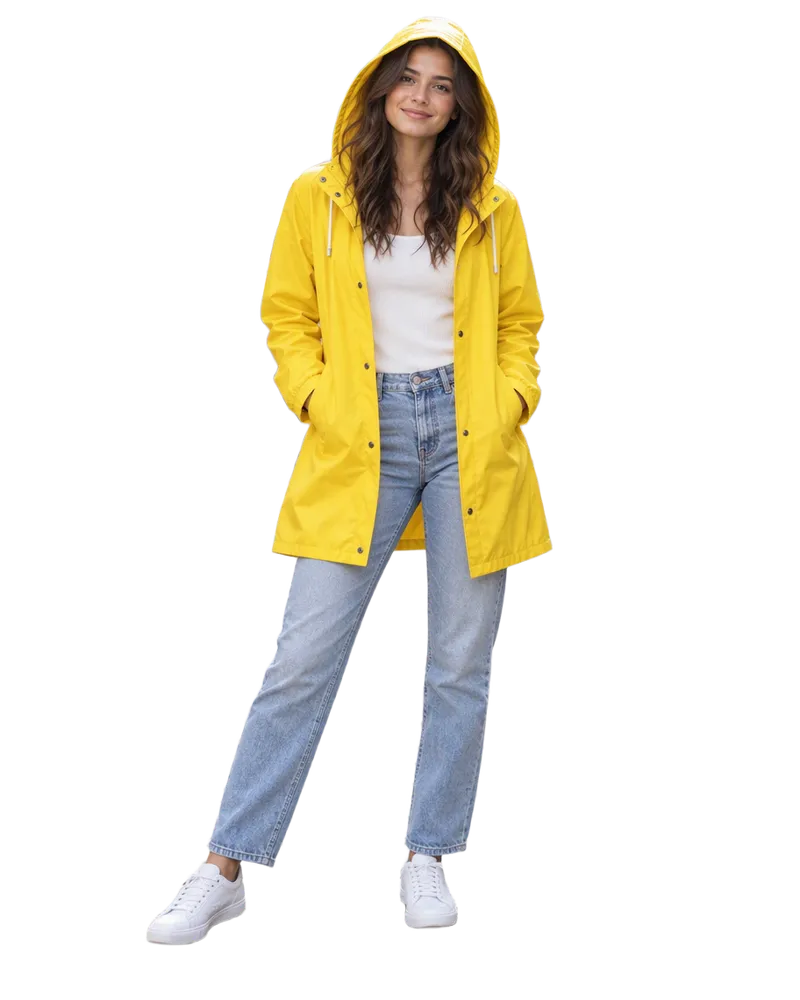
See plansDo more with your image
Edit it with words, make it bigger, cut out the background or make it move.
- Edit an image
Say what to change in your picture.
- Upscale an image
Make it bigger and sharper.
- Remove BG
Cut out the main subject.
- Image to video
Turn your picture into a short video.

Questions people ask
Is Qwen Image 2 Pro free on Enhance AI?
You can try it free. New accounts get free tokens, and they work on Qwen Image 2 Pro. You do not need a card. It uses 18 tokens an image. The free tokens are a one time gift, not a daily refill. When you need more, plans start at $19, paid one time, with no subscription. Plan tokens last 30 days.
What is Qwen Image 2 Pro?
It is an AI image model made by the Qwen team at Alibaba. It is the Pro version of Qwen Image 2.0. You type what you want, and it makes the picture. Alibaba says it has the best text and the most lifelike textures in the Qwen Image 2.0 series. Enhance AI is not part of Alibaba. We let you use it online, next to every major AI model, in one account.
What is the difference between Qwen Image 2 Pro and Qwen Image 2?
Both are in the Qwen Image 2.0 series. Alibaba says Pro draws text and real textures better. On Enhance AI, Qwen Image 2 Pro costs 18 tokens an image and Qwen Image 2 costs 8. Both take up to 3 of your pictures and offer the same 8 shapes. Try your prompt on both and keep the better one.
Can I write my prompt in Chinese?
Yes. Qwen Image 2 Pro reads prompts in English and in Chinese.
Can it put words in the picture?
Yes. Alibaba made the Qwen Image 2.0 series for pictures with words in them, like posters, slides and infographics. Write the exact words you want in your prompt. Always check small print before you use an image, because any AI model can get a letter wrong.
Can Qwen Image 2 Pro edit my photos?
You can change your own pictures with it. In the playground, pick Qwen Image 2 Pro, add up to 3 pictures and say what to change. It costs 18 tokens. When you add pictures, Enhance AI sends the job to the Qwen Image 2.0 edit model. Qwen Image 2 uses that same edit model for 8 tokens. You can also pick Qwen Image 2 Pro in the image editor.
Can I use the cheaper Qwen Image 2 here?
Yes. Pick Image 2 in the switch at the top of this page. Qwen Image 2 costs 8 tokens an image in the playground and takes up to 3 of your pictures. In the photo editor, Qwen Image 2 is the model picked for you at the start, and an edit there is 7 tokens. Your free tokens work on both.
What sizes can I make?
You get 8 shapes: 1:1, 3:2, 2:3, 3:4, 4:3, 4:5, 5:4 and 9:16. Each run makes one image. The model can go up to 2K, but on Enhance AI a square image comes out at 1024 x 1024, and no side is longer than 1152. Need it bigger? Use the image upscaler.
Do I need an Alibaba account or an app?
No. You use Qwen Image 2 Pro with Enhance AI tokens. You do not need an Alibaba Cloud account or an API key. It works online, in the browser on your phone or computer, so there is no app to download.
What happens if a run fails?
If a run fails, the tokens go back to your balance. A finished image costs tokens even if you do not like it, so try short prompts first and add detail as you go.
Which Qwen model should I use?
Pick Qwen Image 2 Pro when the text and fine detail matter most. For cheaper tries, Qwen Image 2 is 8 tokens and Qwen Image 2.1 is 6. Qwen Image 3 Pro is 11 tokens and has more shapes. Qwen Image Max takes up to 6 of your pictures.
Can I use the images for my business?
Yes. You own the images you make and can use them for personal or commercial work, like ads, client work and products you sell. You are responsible for what you create and for any picture you upload. Section 6 of the Terms has the exact words. Enhance AI adds no watermark.
Make your own Qwen image
Type an idea, pick Qwen Image 2 Pro and download it. New accounts get free tokens.
Open Qwen Image 2 Pro- Free to try
- No app needed
- No watermark
More from Enhance AI