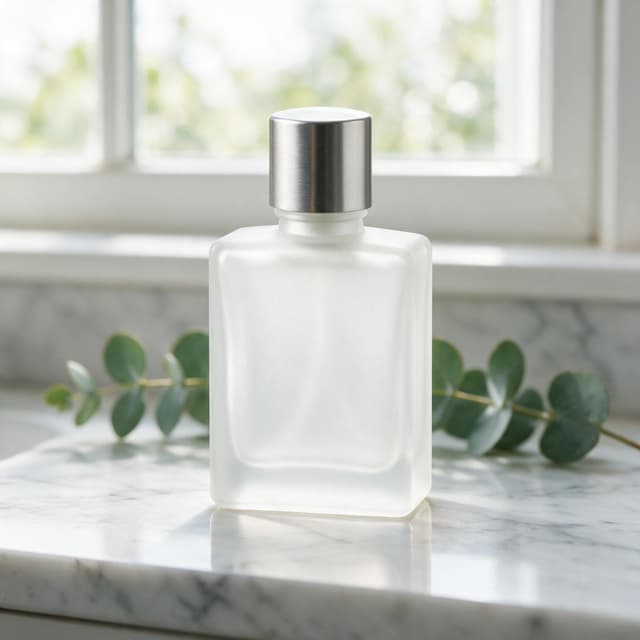
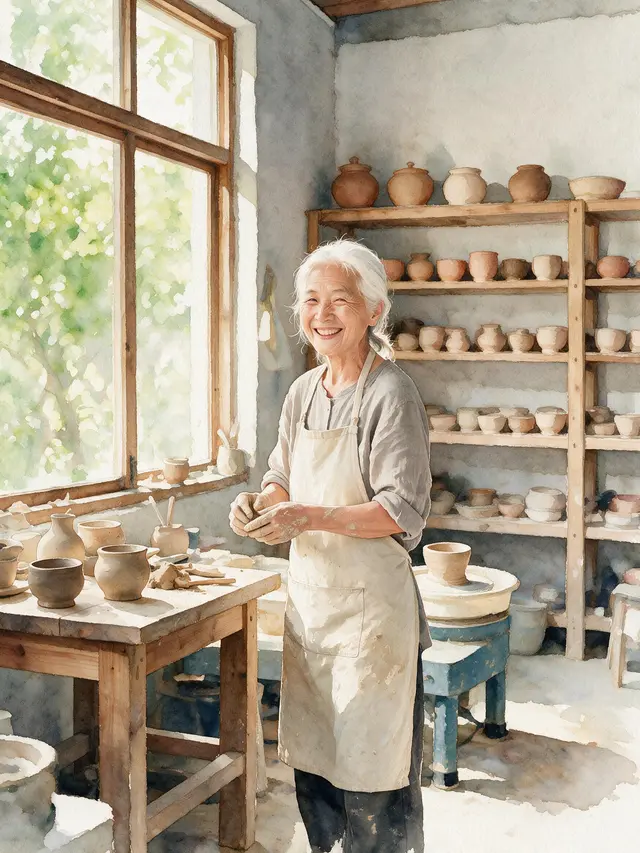
Blend Two Images with AI Online
Upload two pictures. Tell the AI what to take from each one. Get one new picture that mixes both.
- Free tokens to start
- No app needed
- No watermark
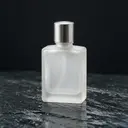
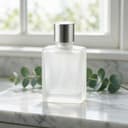
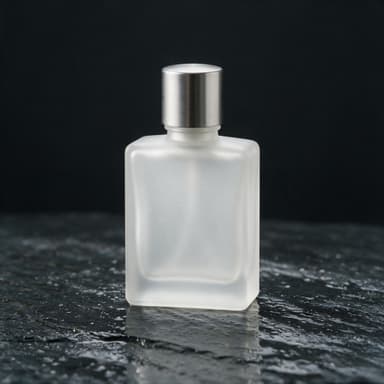 Picture 1
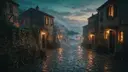
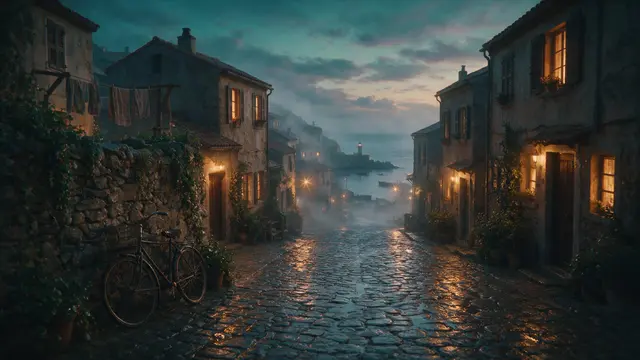 Picture 2
Prompt
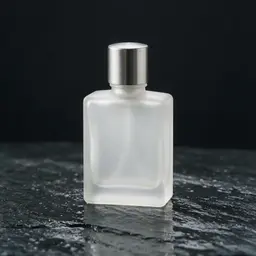
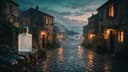
Generate14 tokensTake the frosted glass perfume bottle from the first image and place it standing on top of the stone wall at the left side of the street scene in the second image. Match the warm dusk lighting, correct small scale for the distance, and add a faint reflection on the wet stone beneath it. Keep the street scene otherwise exactly the same.
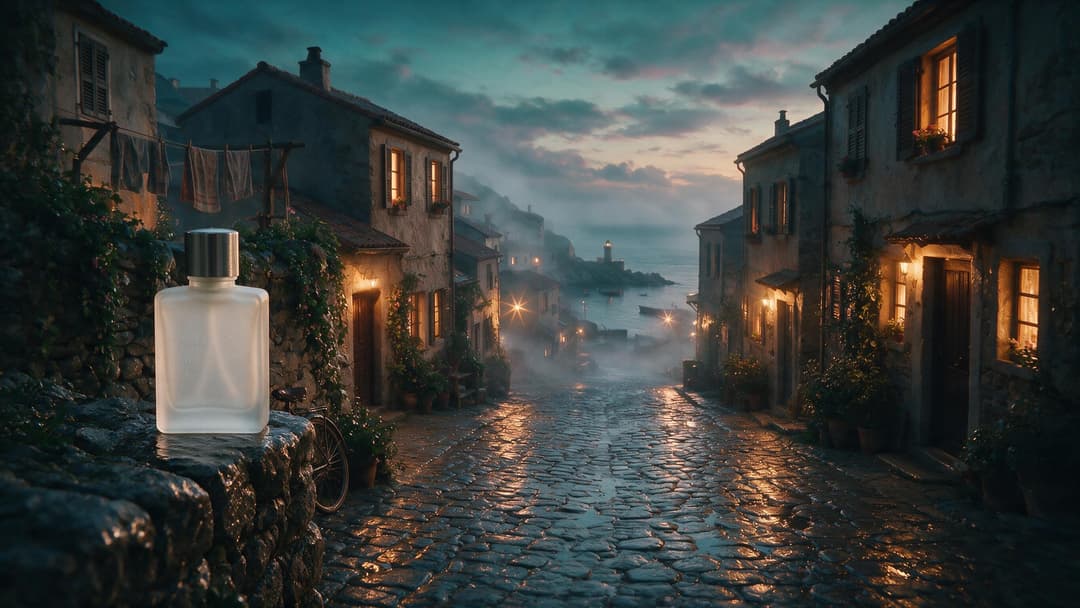 Made with Seedream 5.0 Pro
How to blend images with AI
Three steps. It works on your phone too.
 1
1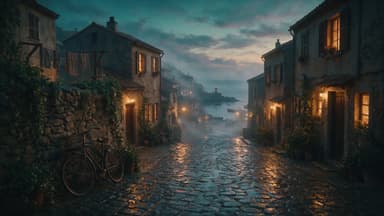 2
2Step 1
Upload your pictures
Add two to five. A product, a face, a place.
Take the frosted glass perfume bottle from the first image and place it standing on top of the stone wall at the left side of the street scene in the second image. Match the warm dusk lighting, correct small scale for the distance, and add a faint reflection on the wet stone beneath it. Keep the street scene otherwise exactly the same.
GenerateStep 2
Say how to mix them
Tell the AI what to take and where it goes.
Step 3
Download your picture
One new picture. No watermark.
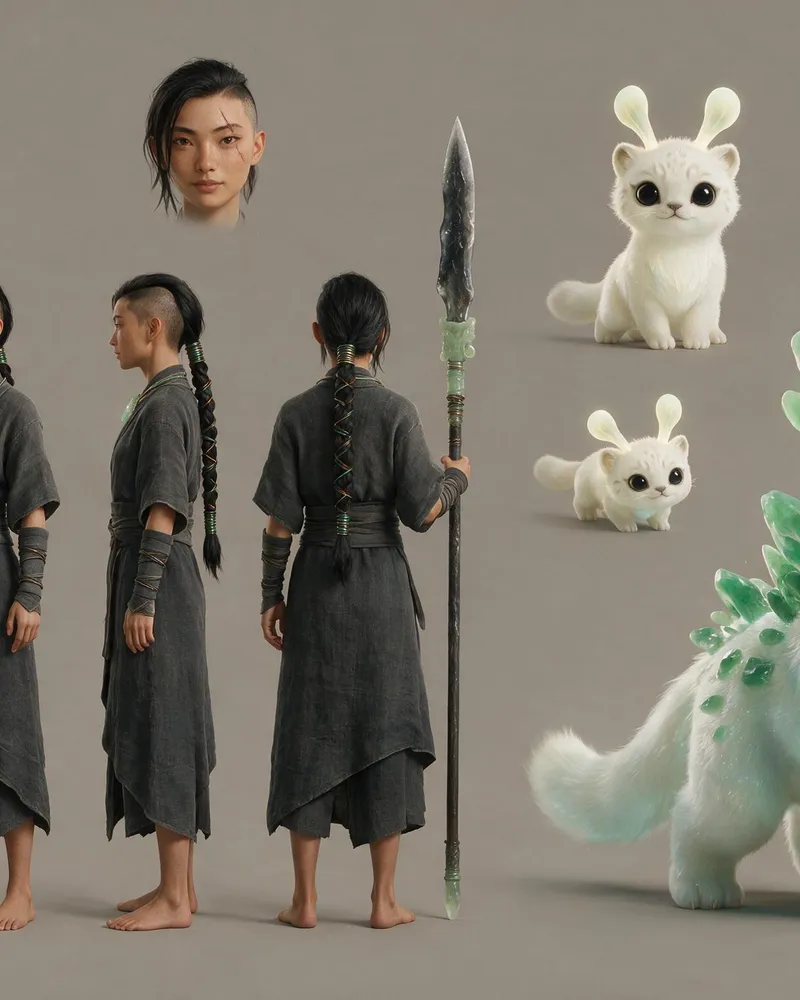
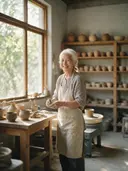
Keep what matters, change the rest
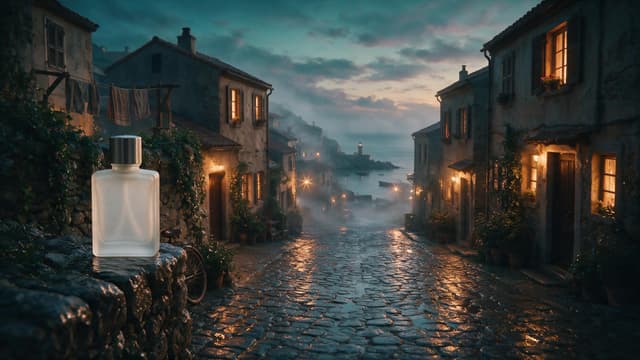
The small circle shows the picture each one started from. All three were made with Seedream 5.0 Pro.
How to write a blend prompt
This is the real prompt that mixed the bottle and the street. Each colour does one job.
The prompt
Take the frosted glass perfume bottle from the first image and place it standing on top of the stone wall at the left side of the street scene in the second image. Match the warm dusk lighting, correct small scale for the distance, and add a faint reflection on the wet stone beneath it. Keep the street scene otherwise exactly the same.
- What to takeName the thing and the picture it is in.
- Where it goesSay the exact spot in the other picture.
- Make it fitAsk for the same light and the right size.
- Small touchesA reflection or a shadow makes it look real.
- What staysSay what must not change.
Made with Seedream 5.0 ProPick a model
Every model here takes two to five pictures. You see the price before you press Generate.
| Model | Price per picture | Why pick it |
|---|---|---|
| GPT Image 2 | 30 tokens | Picked first in the tool |
| Kling Image o3 | 9 tokens | Lowest price |
| Seedream V5 Pro | 14 tokens | Sharp detail. It made the pictures on this page |
| Seedream V4.5 | 13 tokens | Words inside the picture |
| Gemini 3 Pro Image | 43 tokens | Follows your prompt closely |
| Qwen Image Max | 22 tokens | More detail |
- Price per picture
- 30 tokens
- Why pick it
- Picked first in the tool
Kling Image o3
- Price per picture
- 9 tokens
- Why pick it
- Lowest price
- Price per picture
- 14 tokens
- Why pick it
- Sharp detail. It made the pictures on this page
- Price per picture
- 13 tokens
- Why pick it
- Words inside the picture
Gemini 3 Pro Image
- Price per picture
- 43 tokens
- Why pick it
- Follows your prompt closely
- Price per picture
- 22 tokens
- Why pick it
- More detail
How much does it cost?
You see the price before you start.
One picture, from
9tokens
It depends on the model. GPT Image 2 is picked first and uses 30.
Free tokens when you sign up
New accounts get free tokens. They work on every image model. No card needed.
Try it freeMore ways to make pictures
Other tools on Enhance AI that start from a picture or a prompt.
- Create an image
Type an idea, get a picture.
- Image to image
Change one photo with words.
- Styles and filters
Turn a photo into a new style.
- Reference video
Keep a character the same in video.
Questions people ask
How do I blend two images with AI?
Open the image reference tool on Enhance AI. Upload two pictures. Type what to take from each one and where it should go. Press Generate. You get one new picture that mixes both.
Is it free?
You can try it for free. New accounts get free tokens, and you do not need a card. The free tokens work on every image model. One picture costs 9 to 43 tokens, depending on the model. When you need more, plans start at $19, paid one time.
How many pictures can I use?
Two to five pictures at a time. GLM Image takes up to four. Each one can be up to 10MB. JPG, PNG, WebP and GIF files work.
What is an image reference?
It is a picture you give the AI to copy from. It can be a face, a product, a place, a drawing or a character sheet. The AI keeps what you point at and builds a new picture around it.
Which AI models can I use?
GPT Image 2 is picked first. You can switch to any of these: Kling Image o1, Kling Image o3, Seedream V4.5, Nano Banana, Seedream V5 Lite, Seedream V5 Pro, Gemini 3 Pro Image, WAN 2.7, Qwen Image Max or GLM Image. Each one shows its token price before you press Generate.
Can I keep the same face or product?
Yes. Say it in your prompt, like "keep the same face" or "keep the bottle exactly the same". Every example on this page was made that way. It is still AI, so small things can change. Check the picture before you use it.
Can I choose how much the reference changes?
There is no slider for that. You choose with words. Say what must stay the same and what can change. The more exact you are, the closer the result.
Is there a watermark?
No. The picture you download has no watermark.
What if a picture fails?
If the AI cannot make your picture, the tokens go back to your account.
Can I use the pictures for my business?
Yes. You own the pictures you make and can use them for personal or commercial work, like ads, client work and products you sell. You are responsible for the photos you upload. Read the Terms and Conditions for the full details.
What happens to my pictures?
Your pictures and prompt are sent to the AI model you pick, through our AI provider, to make the new picture. The result is saved in your history on Enhance AI, and you can remove it from there. Our privacy policy explains how data is kept.
Is this the same as image to image?
Not quite. Image to image changes one photo with words. Image reference mixes two or more pictures into one new picture. Both work online with no app.
Blend your images today
Upload two pictures, say how to mix them and download one new picture.
Blend my images- Free tokens to start
- No app needed
- No watermark