AI Video Generator Online
Type an idea or add a photo, and get a video. All the top video models are in one place, like Veo 3.1, Kling and Seedance 2.5. You see the price before you pay.
- Text or photo to video
- No app needed
- No watermark
Prompt
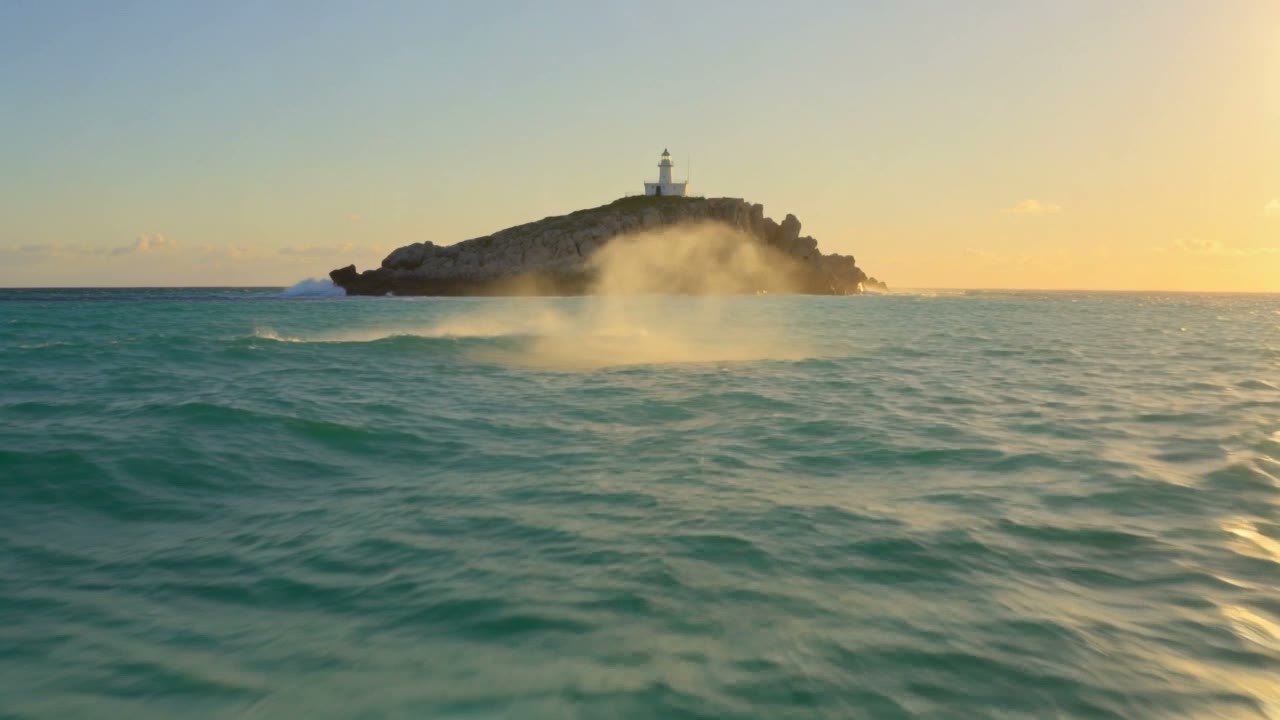
Try this promptA woman figure skater in a dark blue outfit glides across a frozen mountain lake at dusk and spins into a fast pirouette, ice shavings spraying from her blades, snowy peaks behind her.
Kling V3 · 5 seconds · 720p
How to make an AI video
Three steps. It works on your phone too.
Step 1
Type your idea
Say what you want to see. Or add a photo to start from.
Step 2
Pick a model
Choose the length, and wide or tall for Reels. The price shows before you start.
Step 3
Download your video
Most videos are ready in a few minutes. No watermark is added.
Real AI video examples
Each card shows the model and the prompt that made it. Some were made from a photo too.
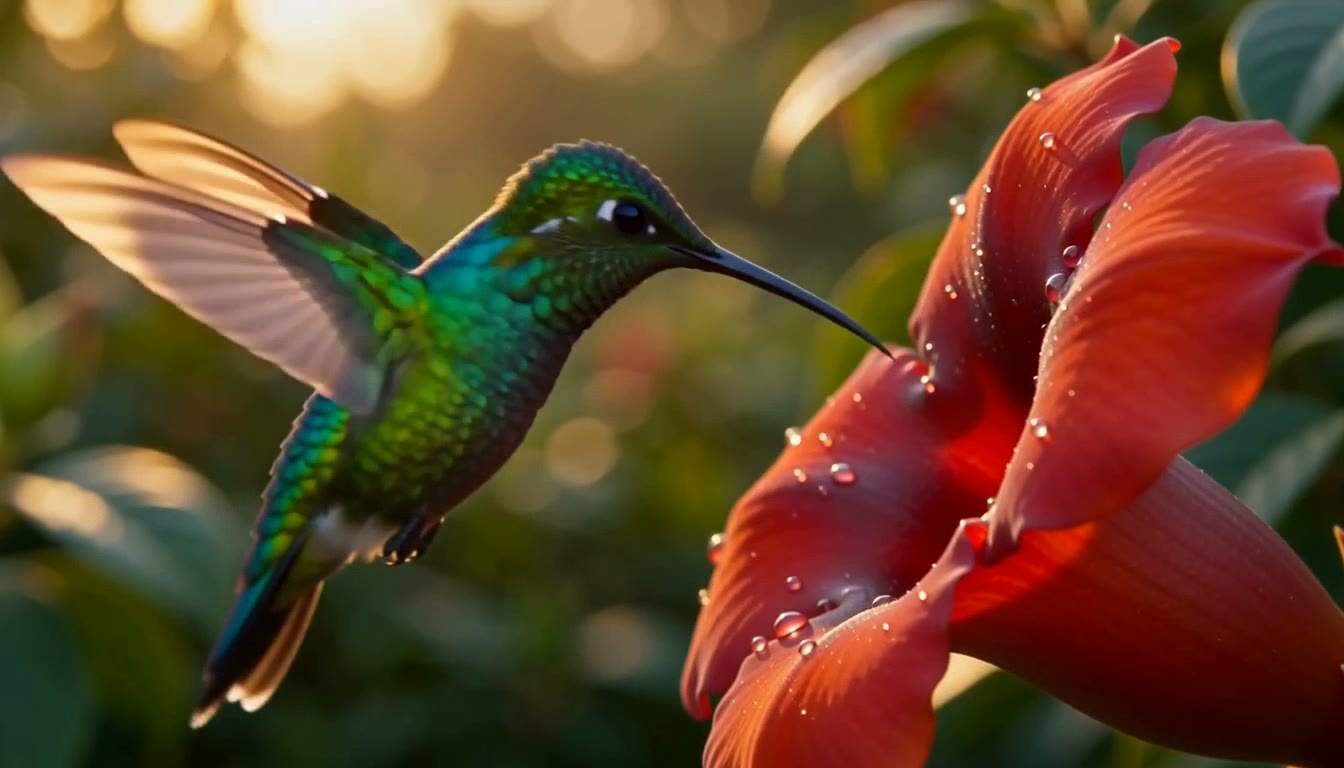
MiniMax H3 Max · 6 seconds · 768p
“Extreme close up of a hummingbird hovering at a red flower, every feather resolved, wings a soft blur. Aerial view gliding forward, golden hour light, warm colour grade…”
Try this prompt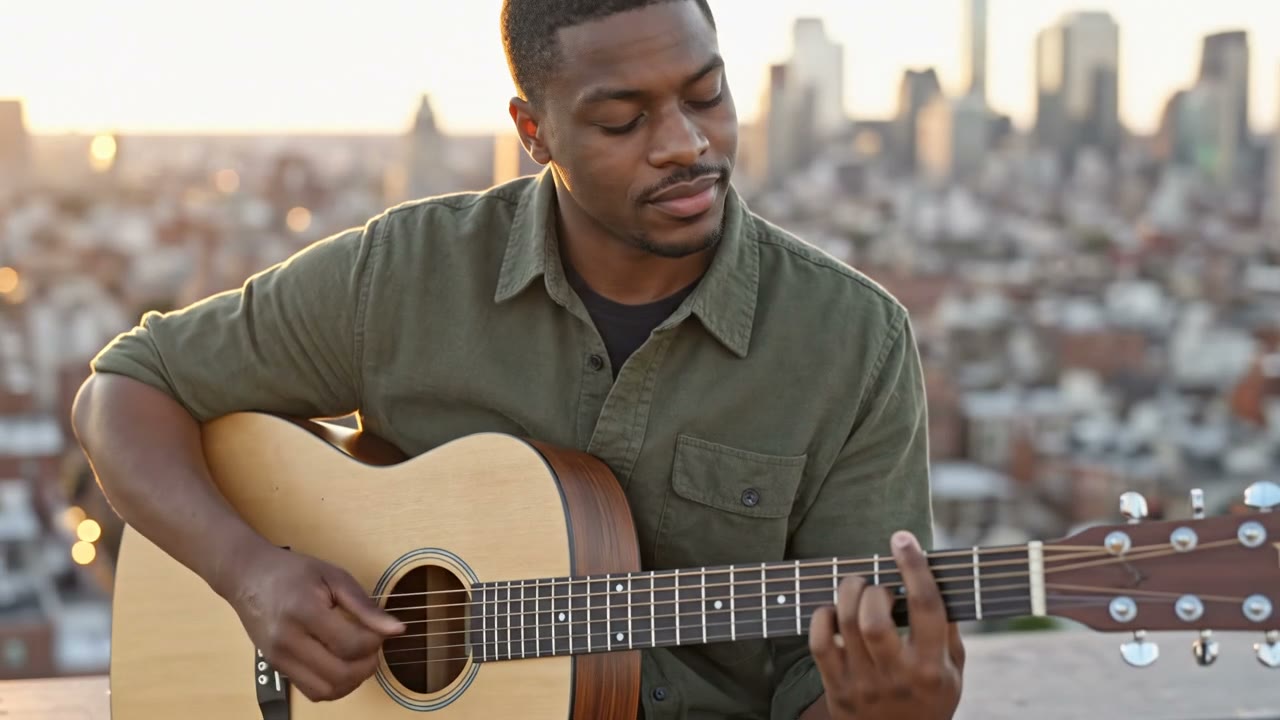

Veo 3.1 Reference · 8 seconds · 720p
“The man from the reference image plays a plain wooden acoustic guitar on a rooftop at golden hour, eyes half closed as he strums, the city softly blurred behind him, slow push in.”
Try this prompt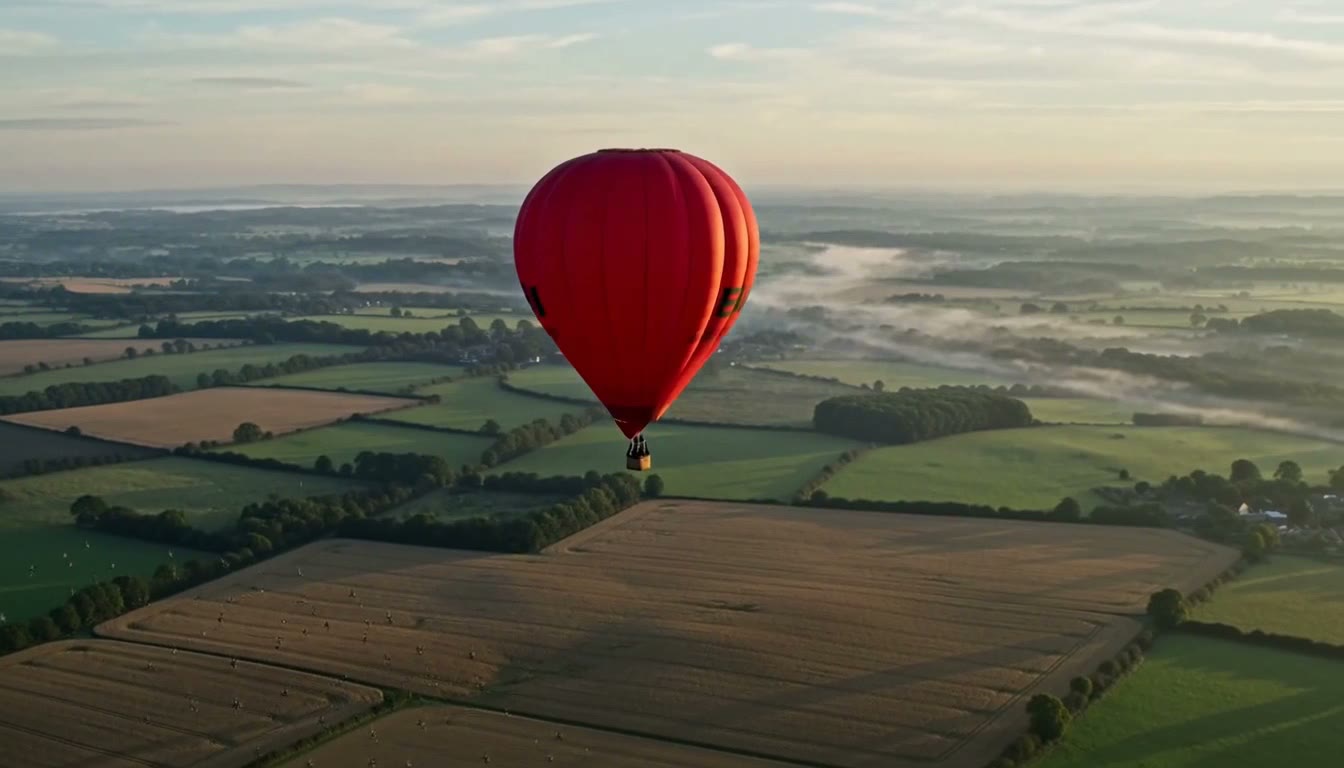
MiniMax H3 Max · 6 seconds · 768p
“A red hot air balloon drifting over patchwork farmland, long morning shadows, a flock of birds crossing below. Slow dolly push in, misty dawn light, desaturated greens…”
Try this prompt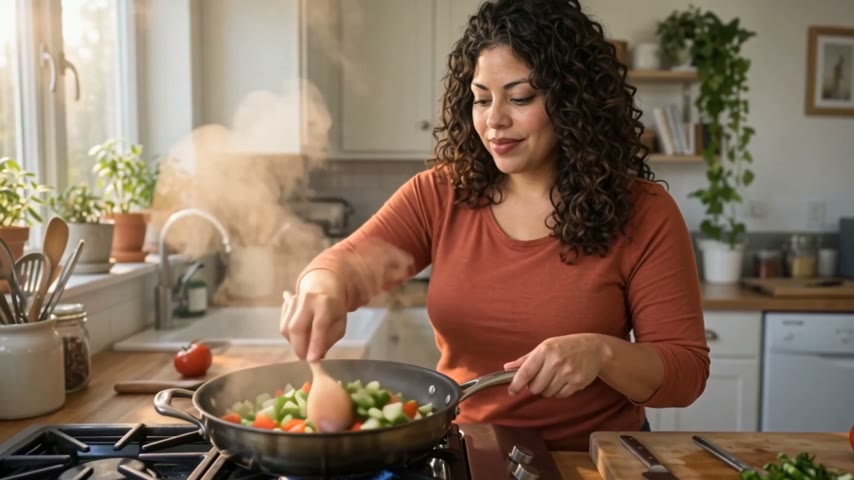

WAN 3.0 Reference · 5 seconds · 480p
“The woman in Image 1 cooks in a bright home kitchen, tossing sliced vegetables in a pan as steam rises, then tastes from a wooden spoon and smiles, warm window light.”
Try this prompt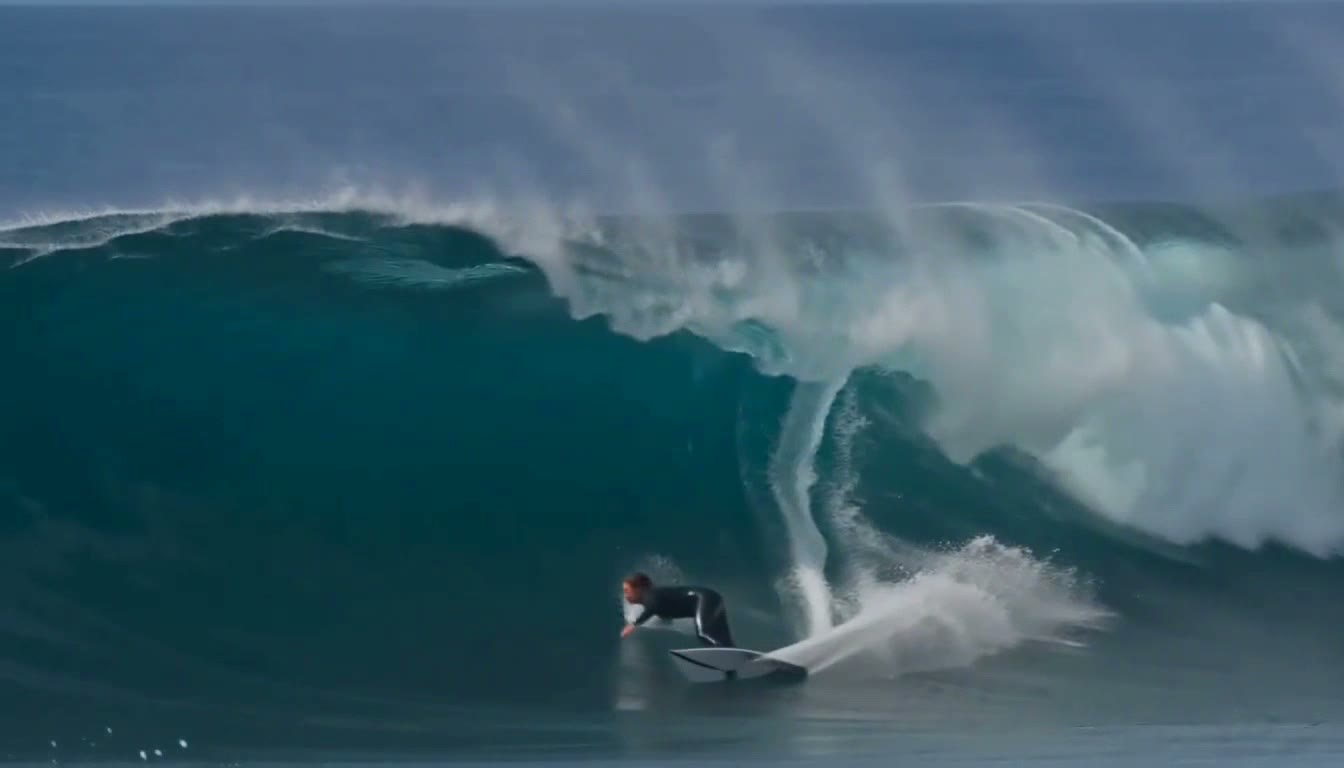
MiniMax H3 Max · 6 seconds · 768p
“A surfer carving a long turquoise wave, water curling overhead, spray catching the light. Static wide shot on a tripod, overcast soft light, muted natural palette…”
Try this prompt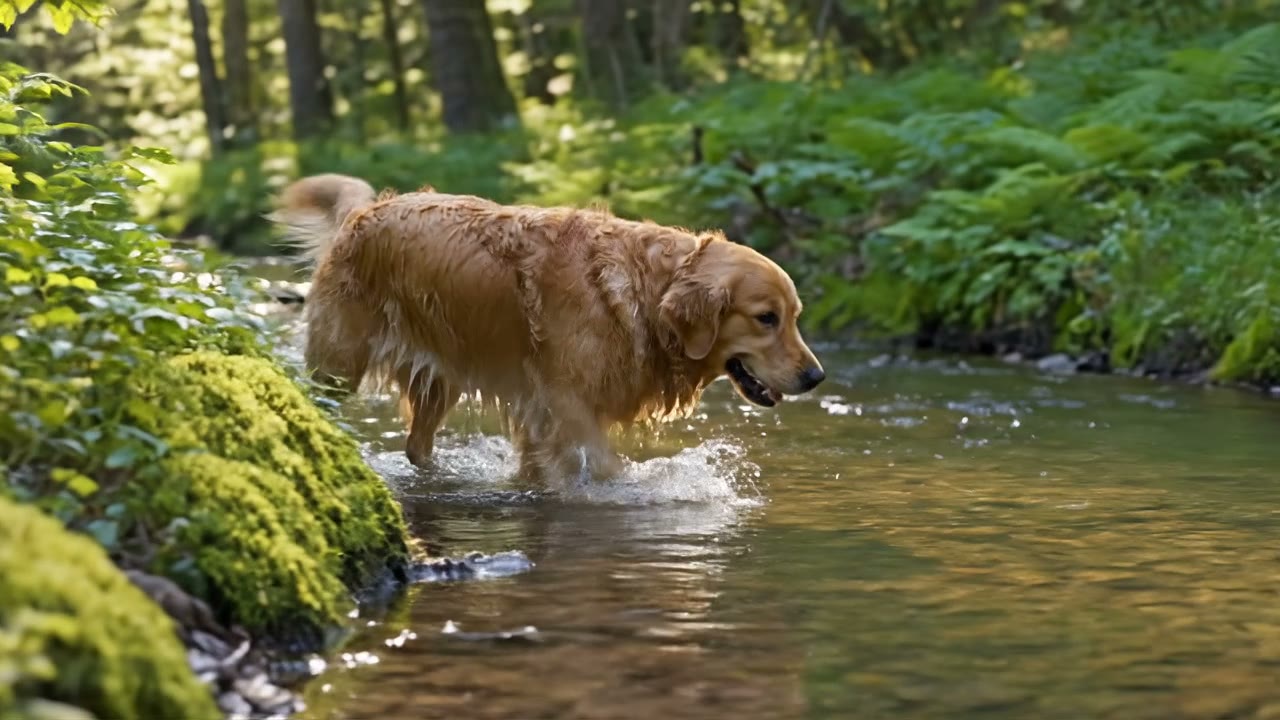

Veo 3.1 Reference · 8 seconds · 720p
“The golden retriever from the reference image splashes through a shallow forest stream, stops and shakes the water from its coat in slow motion, sunlight streaming through the trees.”
Try this prompt
How to write a good video prompt
This prompt made the clip next to it. Each colour is one part.
The prompt
A red fox trots through fresh snow in a quiet birch forest while snowflakes fall, the camera tracks alongside it at ground level, soft blue winter light.
- SubjectWho or what is in the video.
- ActionWhat it does. One thing is best.
- SceneWhere it is, and the weather.
- CameraHow the camera moves.
- LightThe light and the mood.
Compare AI video models
Popular models side by side. Each price is for one clip at the setting shown.
Seedance 2.5$3.60
For 5 seconds at 720p, sound on
Longest clip 30 seconds · Best 4K
Seedance 2.5 Turbo$2.00
For 5 seconds at 720p, sound on
Longest clip 30 seconds · Best 1080p
Seedance 2.0$2.40
For 5 seconds at 720p, sound on
Longest clip 15 seconds · Best 1080p
Veo 3.1$3.20
For 4 seconds at 720p, sound on
Longest clip 8 seconds · Best 4K
Veo 3.1 Lite$0.40
For 4 seconds at 720p
Longest clip 8 seconds · Best 1080p
Kling V3.0 Pro$1.12
For 5 seconds at 1080p, sound off
Longest clip 15 seconds · Best 1080p
WAN 3.0$0.63
For 5 seconds at 720p, sound on
Longest clip 30 seconds · Best 1080p
WAN 2.7$1.00
For 5 seconds at 720p
Longest clip 15 seconds · Best 1080p
Grok$0.60
For 6 seconds at 720p
Longest clip 10 seconds · Best 720p
MiniMax H3 Max$0.80
For 5 seconds at 768p
Longest clip 15 seconds · Best 768p
Pixverse V6$0.45
For 5 seconds at 720p, sound off
Longest clip 15 seconds · Best 1080p
LTX Video 2 19B$0.16
For 5 seconds at 720p
Longest clip 20 seconds · Best 1080p
Kling V4$1.80
For 5 seconds at 720p
Longest clip 30 seconds · Best 1080p
| Model | Price | Priced for | Longest clip | Best quality |
|---|---|---|---|---|
| Seedance 2.5 | $3.60 | 5 seconds at 720p, sound on | 30 seconds | Up to 4K |
| Seedance 2.5 Turbo | $2.00 | 5 seconds at 720p, sound on | 30 seconds | Up to 1080p |
| Seedance 2.0 | $2.40 | 5 seconds at 720p, sound on | 15 seconds | Up to 1080p |
| Veo 3.1 | $3.20 | 4 seconds at 720p, sound on | 8 seconds | Up to 4K |
| Veo 3.1 Lite | $0.40 | 4 seconds at 720p | 8 seconds | Up to 1080p |
| Kling V3.0 Pro | $1.12 | 5 seconds at 1080p, sound off | 15 seconds | Up to 1080p |
| WAN 3.0 | $0.63 | 5 seconds at 720p, sound on | 30 seconds | Up to 1080p |
| WAN 2.7 | $1.00 | 5 seconds at 720p | 15 seconds | Up to 1080p |
| Grok | $0.60 | 6 seconds at 720p | 10 seconds | Up to 720p |
| MiniMax H3 Max | $0.80 | 5 seconds at 768p | 15 seconds | Up to 768p |
| Pixverse V6 | $0.45 | 5 seconds at 720p, sound off | 15 seconds | Up to 1080p |
| LTX Video 2 19B | $0.16 | 5 seconds at 720p | 20 seconds | Up to 1080p |
| Kling V4 | $1.80 | 5 seconds at 720p | 30 seconds | Up to 1080p |
- Price
- $3.60
- Priced for
- 5 seconds at 720p, sound on
- Longest clip
- 30 seconds
- Best quality
- Up to 4K
Seedance 2.5 Turbo
- Price
- $2.00
- Priced for
- 5 seconds at 720p, sound on
- Longest clip
- 30 seconds
- Best quality
- Up to 1080p
- Price
- $2.40
- Priced for
- 5 seconds at 720p, sound on
- Longest clip
- 15 seconds
- Best quality
- Up to 1080p
- Price
- $3.20
- Priced for
- 4 seconds at 720p, sound on
- Longest clip
- 8 seconds
- Best quality
- Up to 4K
Veo 3.1 Lite
- Price
- $0.40
- Priced for
- 4 seconds at 720p
- Longest clip
- 8 seconds
- Best quality
- Up to 1080p
Kling V3.0 Pro
- Price
- $1.12
- Priced for
- 5 seconds at 1080p, sound off
- Longest clip
- 15 seconds
- Best quality
- Up to 1080p
- Price
- $0.63
- Priced for
- 5 seconds at 720p, sound on
- Longest clip
- 30 seconds
- Best quality
- Up to 1080p
- Price
- $1.00
- Priced for
- 5 seconds at 720p
- Longest clip
- 15 seconds
- Best quality
- Up to 1080p
- Price
- $0.60
- Priced for
- 6 seconds at 720p
- Longest clip
- 10 seconds
- Best quality
- Up to 720p
MiniMax H3 Max
- Price
- $0.80
- Priced for
- 5 seconds at 768p
- Longest clip
- 15 seconds
- Best quality
- Up to 768p
- Price
- $0.45
- Priced for
- 5 seconds at 720p, sound off
- Longest clip
- 15 seconds
- Best quality
- Up to 1080p
LTX Video 2 19B
- Price
- $0.16
- Priced for
- 5 seconds at 720p
- Longest clip
- 20 seconds
- Best quality
- Up to 1080p
Kling V4
- Price
- $1.80
- Priced for
- 5 seconds at 720p
- Longest clip
- 30 seconds
- Best quality
- Up to 1080p
Longer or sharper clips cost more. The Generate button always shows the real price.See all models
How much does an AI video cost?
You pay for each video from your wallet. You see the price before you start.
Cheapest clip in our table
$0.16a clip
5 seconds at 720p on LTX Video 2 19B. Bigger models cost more.
Free tokens when you sign up
Use them on the image tools. Videos are paid from your wallet. No card needed to sign up.
Sign up freeAdd money to your wallet
$5to start
Pay only for the videos you make. No subscription. For image tools, plans start at $19, paid one time.
See plansPrice shown before you startMoney back if a video failsNo watermark
More video tools
- Text to video
Turn a few words into a video
- Image to video
Make a photo move
- Reference video
Keep the same person in every shot
- Upscale video
Make a soft clip sharp, up to 4K
- Edit a video
Change a video with a few words
- Motion transfer
Copy the moves from a video onto a photo
- Dubbing
Make your video speak another language
- Reels
Turn photos and music into a Reel






Questions people ask
Is this AI video generator free?
No. Making an account is free and needs no card. But every video is paid from your wallet, and a new wallet starts empty. The free tokens you get when you sign up are for image tools, not for video. You can add money from $5. The cheapest clip in our table is $0.16: a 5 second clip at 720p on LTX Video 2 19B.
How much does an AI video cost?
It depends on the model, the length, the quality and sometimes sound. In our table, one clip costs from $0.16 on LTX Video 2 19B to $3.60 on Seedance 2.5. The Generate button shows the exact price before you press it. Nothing is charged until you do. If a video fails, the money goes back to your wallet on its own.
Do I need a subscription?
No. Add money to your wallet from $5 and pay for each video you make. Plans are optional one time payments from $19, and yearly plans are 20% off. Plans add tokens for image tools, not money for video.
Which AI video model should I start with?
Test your idea on a low cost model first, like LTX Video 2 19B or Veo 3.1 Lite. Then make the final video on a bigger model. For sound in the same video, pick Seedance 2.5, Seedance 2.5 Turbo, Seedance 2.0, Veo 3.1 or WAN 3.0. For clips up to 30 seconds long, pick Seedance 2.5, Seedance 2.5 Turbo, WAN 3.0 or Kling V4.
How long can an AI video be?
It depends on the model. In our table, Veo 3.1 and Veo 3.1 Lite make clips up to 8 seconds long. Seedance 2.5, Seedance 2.5 Turbo, WAN 3.0 and Kling V4 go up to 30 seconds. For a longer video, extend a finished clip with an extend model, or join a few clips in a video editor.
Can I turn a photo into a video?
Yes. Upload a photo and it becomes the first frame of the video. Every model in our table can start from a photo. Most can also take a last frame, so you choose where the shot ends. To put the person or pet from your photo into a new scene, use Veo 3.1 Reference or WAN 3.0 Reference. A clear, bright photo with one main subject works best.
Do the videos have sound?
Some do. Seedance 2.5, Seedance 2.5 Turbo, Seedance 2.0, Veo 3.1 and WAN 3.0 make sound together with the picture, and it is on from the start. Kling V3.0 Pro and Pixverse V6 have a sound switch. Turning it on costs more, for example $1.68 instead of $1.12 on Kling V3.0 Pro. A silent video can get a sound track later for $0.002 a second.
What quality are the videos? Are they HD?
It depends on the model. Most models in our table go up to 1080p, which is full HD. Seedance 2.5 and Veo 3.1 go up to 4K. Grok stops at 720p and MiniMax H3 Max stops at 768p. If a clip looks soft, the video upscaler can make it 1080p, 2K or 4K. It is priced by the length of the clip.
How long does it take to make an AI video?
It depends on the model. We timed finished videos in our studio. A usual video takes under a minute on MiniMax H3 Max and about 5 minutes on Seedance 2.5. On Seedance 2.5, one video in ten takes more than 11 minutes. You can make up to 10 videos at a time and keep working while they finish.
Will my video have a watermark?
No. Enhance AI adds no watermark. You download the same file the model made, with no changes. Videos stay in your history for 15 days and are then deleted, so download the ones you want to keep.
Can I use the videos commercially?
Yes. You own the videos you make and can use them for personal or commercial work, like ads, client work and products you sell. You are responsible for the prompts and files you use, and for what they make. Section 6 of the Terms has the exact words, and the content rules in section 5A apply to every video.
Why does my video not look right?
AI video is not perfect yet. Words and logos often smudge when the picture moves, so add text later in an editor. Faces and hands can change a little in long clips. Busy scenes with fast action go wrong first, so give the model one thing to move. Every try makes a new video, so try again or try another model. Model makers also run their own content filters. If a video fails, the money goes back to your wallet.
Make your first AI video
Type an idea, pick a model and see the price before you start.
Make a video- Top video models in one place
- No app needed
- No watermark
More from Enhance AI