Free AI Image Enhancer
Make a small or blurry photo bigger and sharper, right here in your browser. No app needed.
or drop it here
PNG, JPG or WebP, up to 8MB
3 free photos a day. No sign up, no watermark.
How to enhance photo quality
Three steps. It works on your phone too.
 Small photo
Step 1
Drop your photo
Choose a PNG, JPG or WebP from your phone or computer.
 BeforeAfter
Step 2
Press Enhance photo
The AI draws it again, bigger and sharper. It usually takes under a minute.
Step 3
Compare and download
Drag the slider to compare, then save the full size PNG. No watermark.
See the difference
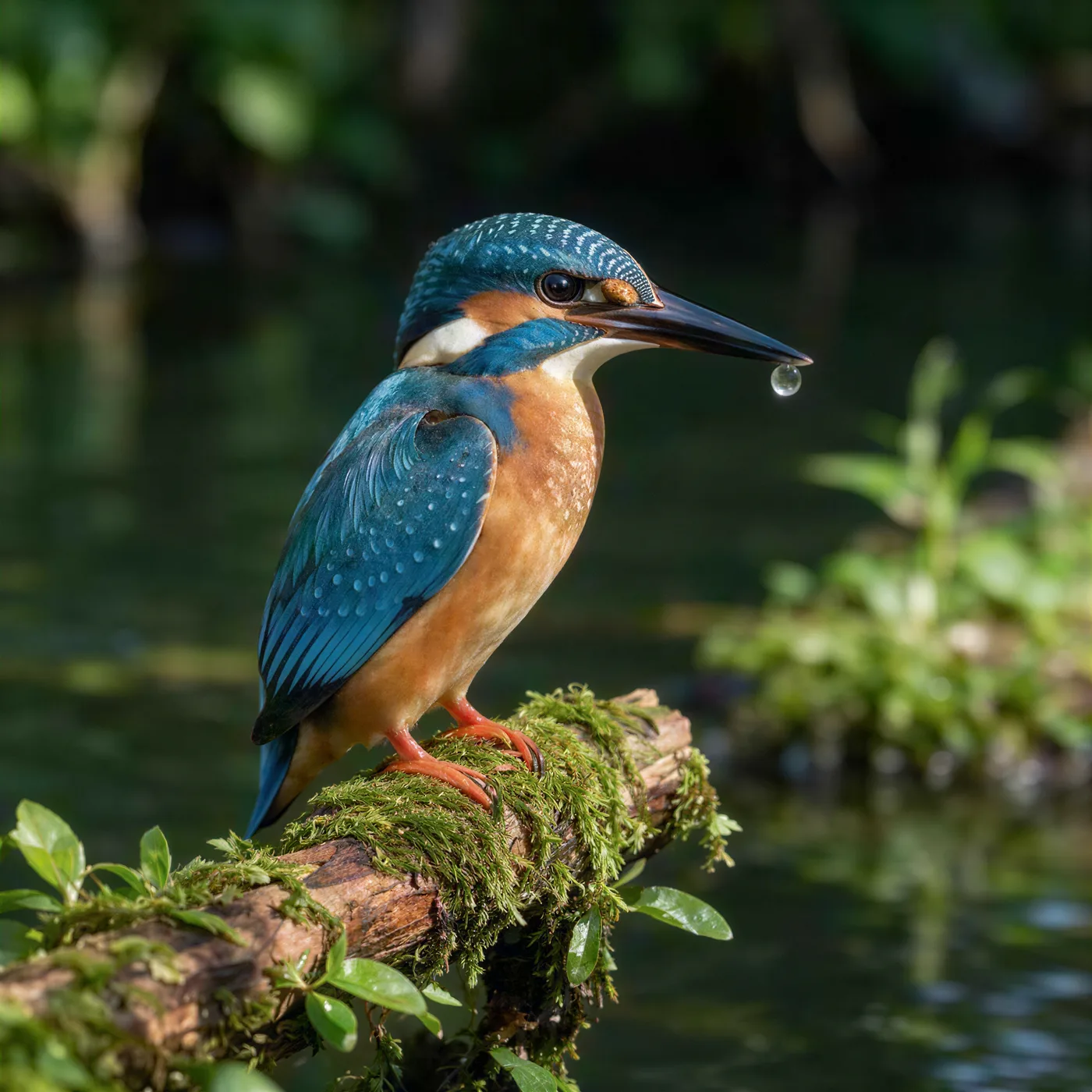
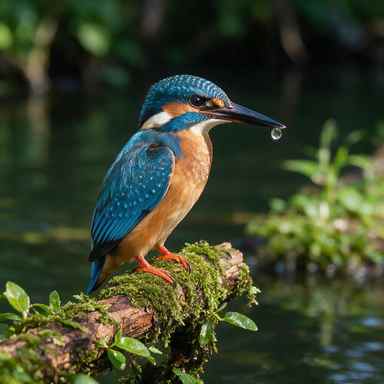
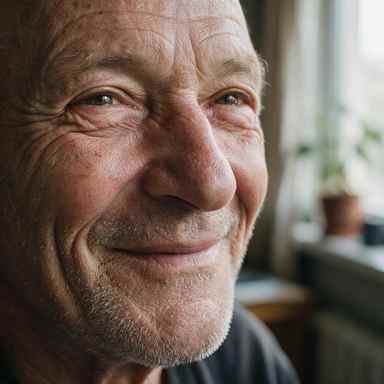
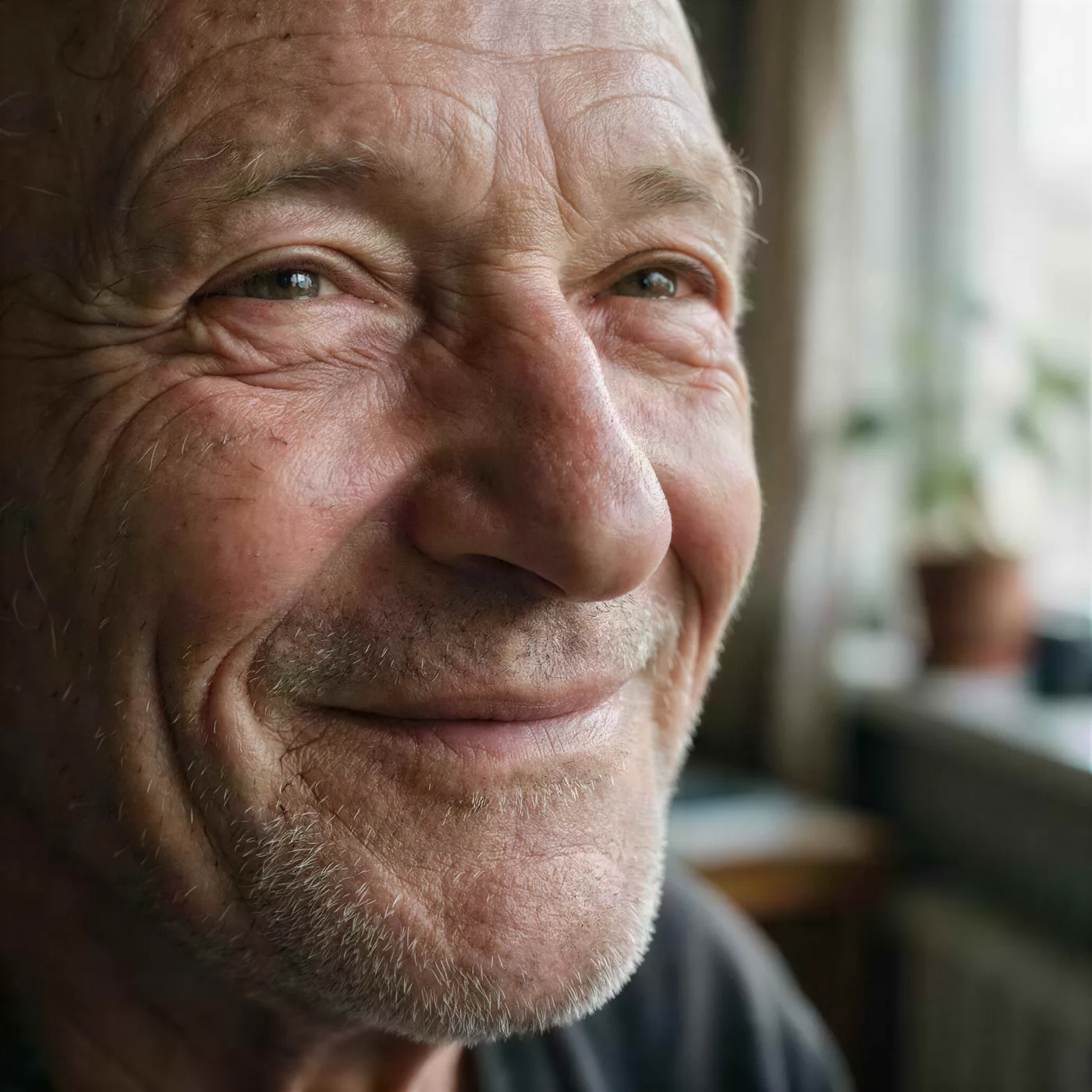
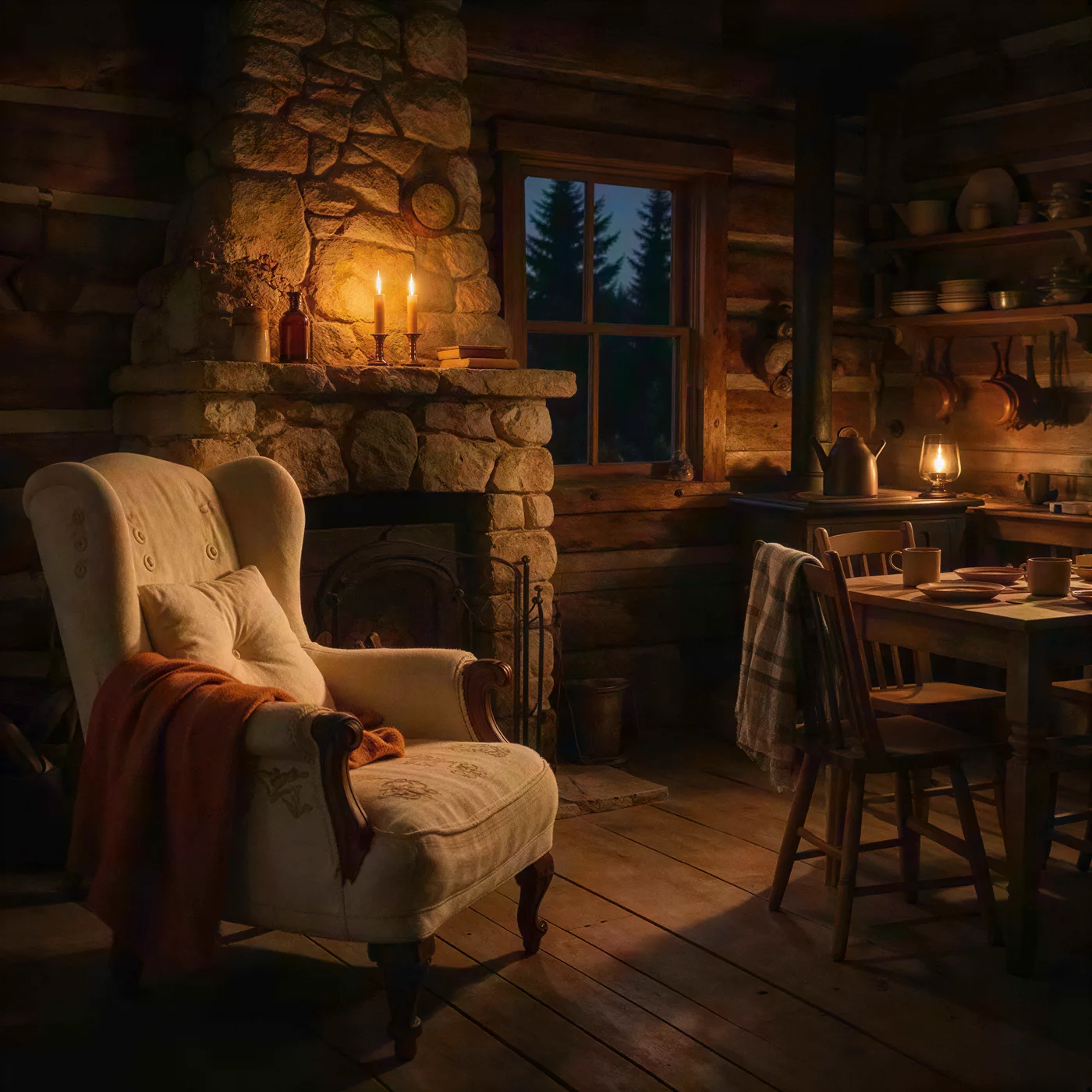
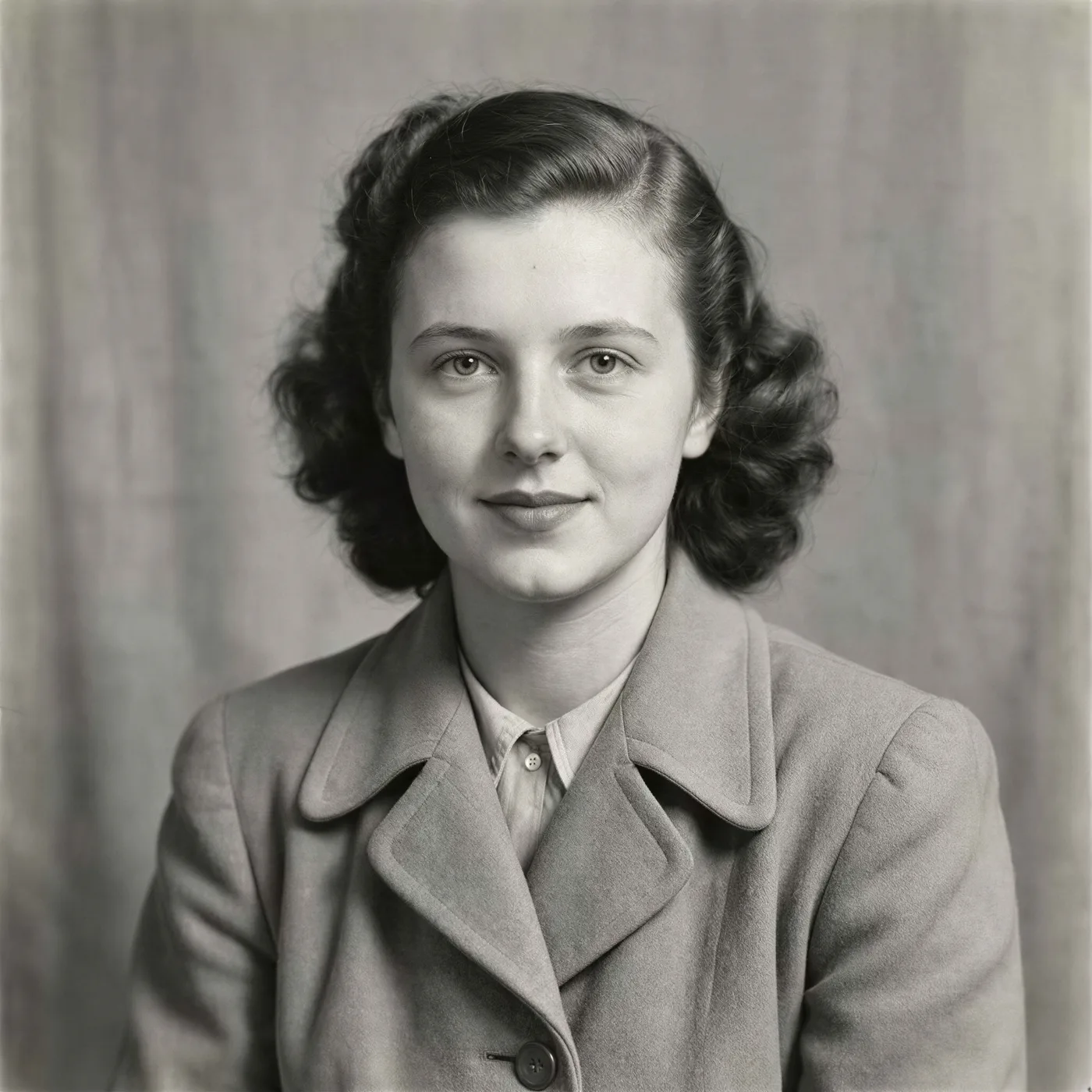
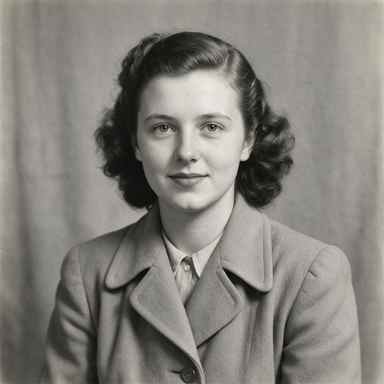
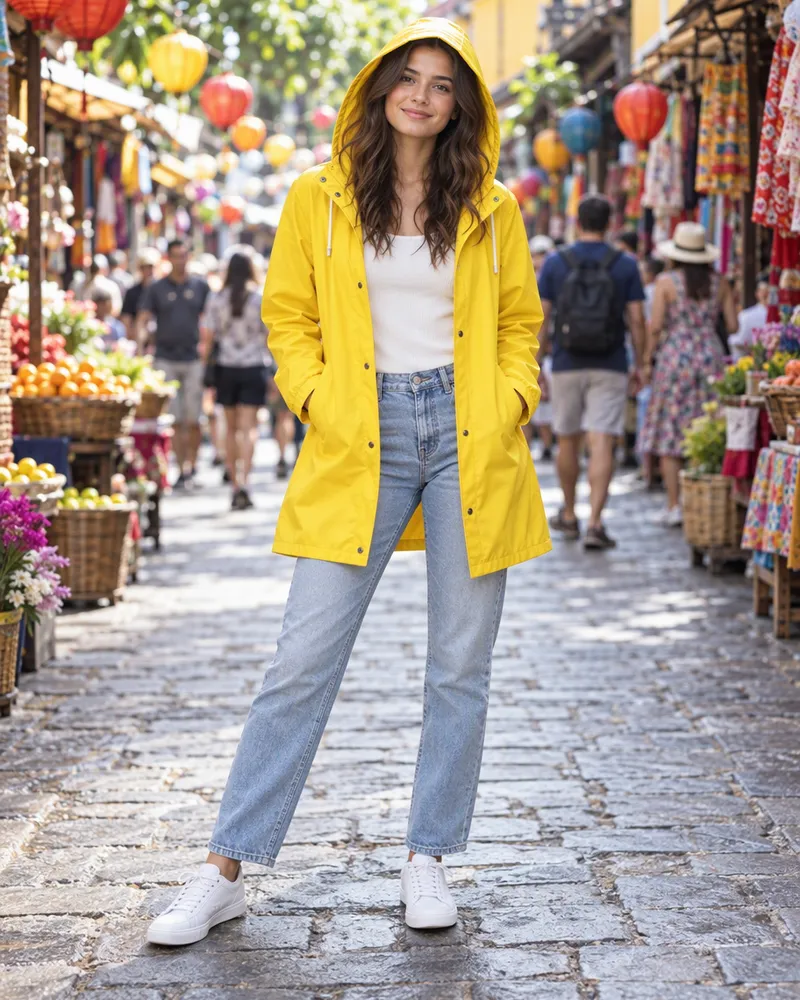
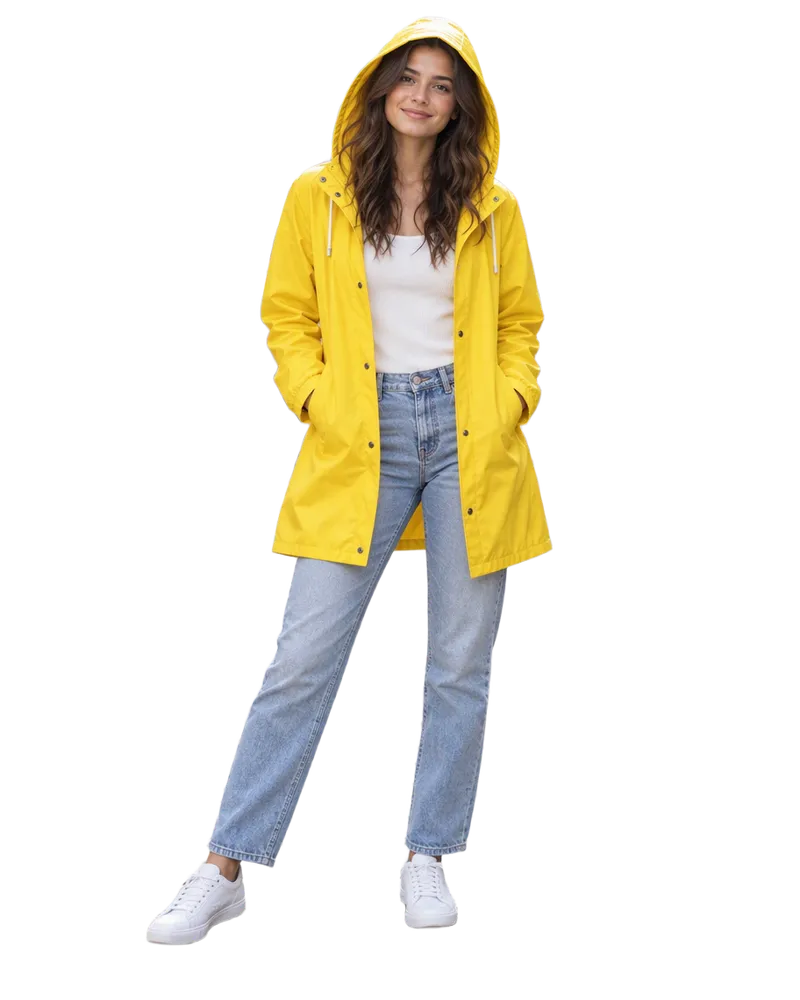
Drag the line to compare, or zoom in. Every before was a tiny 384 pixel photo.

Pick the right fix
This free tool makes photos bigger and sharper. For light, color and marks, use the image editor.
| Your photo | Use this | Cost |
|---|---|---|
| Small, soft or blocky | The free enhancer on this page | Free, 3 a day |
| Needs to be 2K, 4K or 8K | Upscaler, Standard | 2 tokens, or 3 for 8K |
| For a big print | Upscaler, Clarity (up to 64 megapixels) | 6 tokens a megapixel |
| More than 3 a day | Upscaler, Fast (the same AI as this free tool) | 2 or 3 tokens |
| Too dark or faded | Image editor, Adjust sliders | No tokens |
| Dull or harsh light | Image editor, Light | 7 to 20 tokens |
| Scratches, stains or clutter | Image editor, Edit or Magic Eraser | 7 to 20 tokens |
Small, soft or blocky
- Use this
- The free enhancer on this page
- Cost
- Free, 3 a day
Needs to be 2K, 4K or 8K
- Use this
- Upscaler, Standard
- Cost
- 2 tokens, or 3 for 8K
For a big print
- Use this
- Upscaler, Clarity (up to 64 megapixels)
- Cost
- 6 tokens a megapixel
More than 3 a day
- Use this
- Upscaler, Fast (the same AI as this free tool)
- Cost
- 2 or 3 tokens
Too dark or faded
- Use this
- Image editor, Adjust sliders
- Cost
- No tokens
Dull or harsh light
- Use this
- Image editor, Light
- Cost
- 7 to 20 tokens
Scratches, stains or clutter
- Use this
- Image editor, Edit or Magic Eraser
- Cost
- 7 to 20 tokens
How much does it cost?
The enhancer on this page is free. Bigger jobs use tokens.
Free enhancer
3free a day
No account and no email. You get a full size PNG with no watermark.
Free tokens when you sign up
Use them on the Upscaler, the image editor and more. No card needed.
Create free accountDo more with your photo
- AI image upscaler
Make it 2K, 4K or 8K for a big print.
- AI image editor
Fix light, color and marks.
- BG remover
Cut out the person or product.
- Image to video
Make your photo move. Video is priced separately.

Questions people ask
What does an AI image enhancer do?
It makes a photo bigger and draws the fine detail again, so a small, soft or blocky photo comes out sharper and cleaner. A normal resize only stretches the pixels, so edges go soft and JPEG blocks get bigger. The AI draws edges and texture again at the new size instead. The free tool on this page does not change light or color, and it does not add or take away objects.
Is the AI image enhancer free?
Yes. You get three free photos a day with no account, no email and no card. Each result is a full size PNG with no watermark. The three are counted per internet connection, so people on the same network share them. For more, make a free account. New accounts get free tokens, no card needed. Plans start at $19, paid one time, with no subscription.
How do I enhance photo quality online?
Drop your photo in the box at the top of this page. Check it, then press Enhance photo. Most photos are done in under a minute. Drag the slider to compare before and after, then download the PNG. You do not need an app. It works in the browser on your phone or computer.
How big can my photo be? Will the result be HD?
You can upload a PNG, JPG or WebP up to 8MB and 8 megapixels. The result has about four times the pixels, from 2 to 8 megapixels, so even a small photo comes back with more pixels than an HD screen (1280 by 720). Many new phone photos are bigger than 8 megapixels. They are already big, so the tool tells you and does not use one of your three. For 2K, 4K, 8K or up to 64 megapixels, use the Upscaler on a free account. It takes files up to 20MB.
Can it fix a blurry photo?
It depends on the blur. A photo that looks soft because it is small, or because it was saved at low quality, gets much better, like the examples on this page. Blur from a shaky hand or a missed focus is harder. The camera never caught that detail, so the AI can only guess. Our guide on how to unblur an image explains the three kinds of blur.
Can it brighten a dark photo or fix the colors?
Not this free tool. It changes size and detail only. The image editor on a free account can. Adjust has sliders for brightness, contrast, saturation and hue, and they cost no tokens. The Light tool relights a photo from presets such as Studio or Golden Hour, or from your own words, for 7 to 20 tokens, depending on the model you pick.
Does it work on old photos?
It makes a small scan of an old print bigger and crisper. It does not remove scratches, tears, stains or fading. For those, use the image editor on an account. Paint over a mark with Magic Eraser, or type a short instruction in Edit, like "remove the scratches and keep everything else the same". Each fix costs 7 to 20 tokens, depending on the model. Results change from photo to photo, so check faces closely afterwards.
Will it change a face?
It can, a little. There is no separate face fix. The AI draws the whole photo again, faces too, and small faces change the most. Compare the result with your photo before you use it. On an account, the Upscaler's Clarity model has a creativity slider. Lower values stay closer to your photo, so set it to 0, the lowest it goes.
Is an image enhancer the same as an image upscaler?
They overlap. An upscaler makes a photo bigger. An enhancer is about the photo looking better, and the free enhancer here does that by making it bigger and drawing the detail again. For exact sizes like 4K or 8K, or a big print, see the AI image upscaler page. For light, color and marks, use the image editor.
Are the before and after examples real?
Yes. Each before is a real 384 pixel JPEG saved at low quality. Each after is what P Image Upscale by Pruna AI, the same AI the free tool uses, made from that exact file at 4 megapixels. They were only resized for this page, never retouched. Zoom in shows the same spot of both files, made bigger the same way. For a file that small, the free tool aims for 2 megapixels.
What happens to the photo I upload?
On the free tool, your photo goes through our server to the outside AI model that works on it. It is not saved to an account or a gallery, and the free tool keeps no history, so download your result before you leave the page. Our Terms say that, by default, Enhance AI does not use your content to train AI models unless you agree. Our privacy policy has the details.
Can I use the enhanced photo for work?
Yes. You own the result and can use it for personal or commercial work, like ads, client work and products you sell. You need to own the photo you upload, or have permission to use it, and you are responsible for how you use the result. Section 6 of our terms and conditions has the details.
Try it on your own photo
Drop in a small or blurry photo and download a sharper one. It usually takes under a minute.
Enhance my photo- 3 free a day
- No app needed
- No watermark