AI Photo Filter Online
Upload one photo and pick a style. The AI turns it into a cartoon, a toy, a marble statue, an anime scene and a lot more.
- Free to try
- No app needed
- No watermark
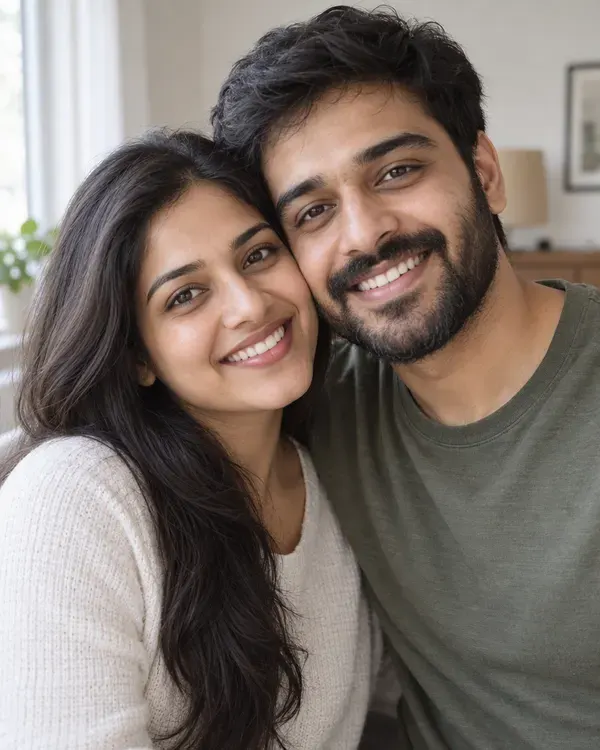 Your photo
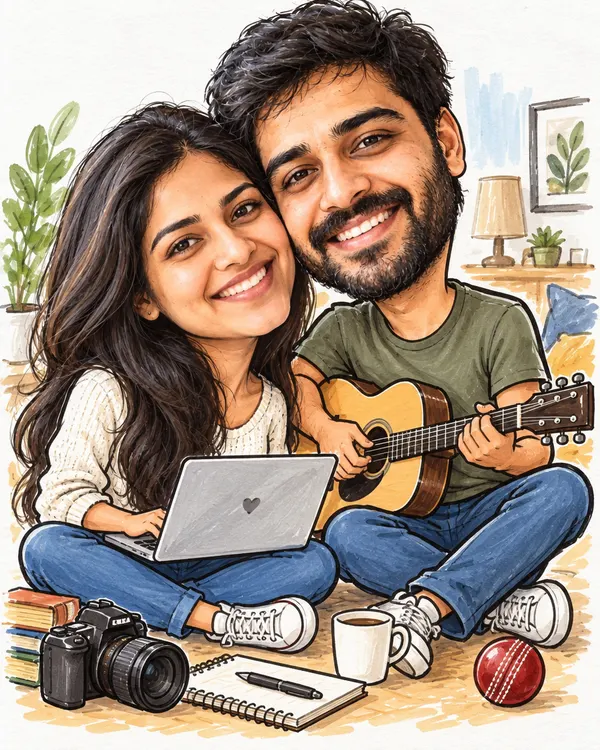 Big Head Caricature
Tap a style
How to use the AI photo filter
Three steps. It works on your phone.
Step 1
Upload your photo
Pick a clear photo from your phone or computer.
Step 2
Pick a style
Tap the look you like, or mix two styles.
- Download
Step 3
Download and share
Save it with no watermark. Post it or send it on WhatsApp.
Trending AI photo filters
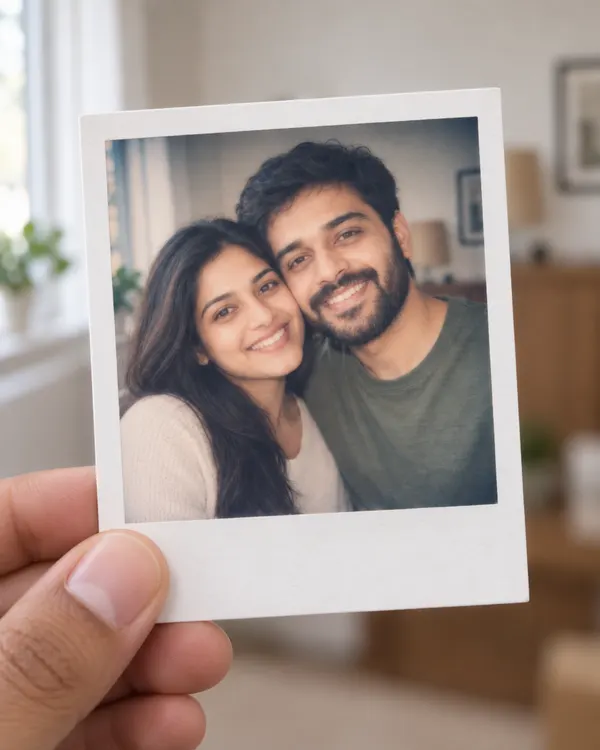
Tap a style to try it on your photo. The small circle shows the photo each example started from.
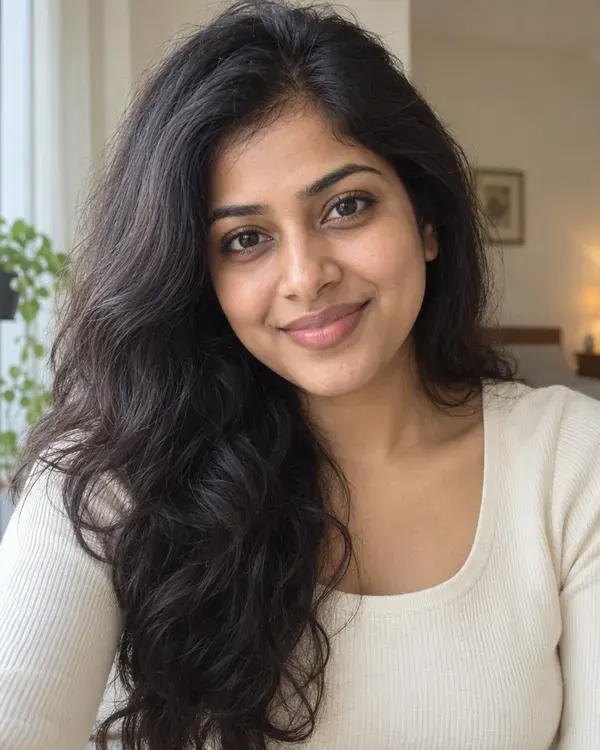
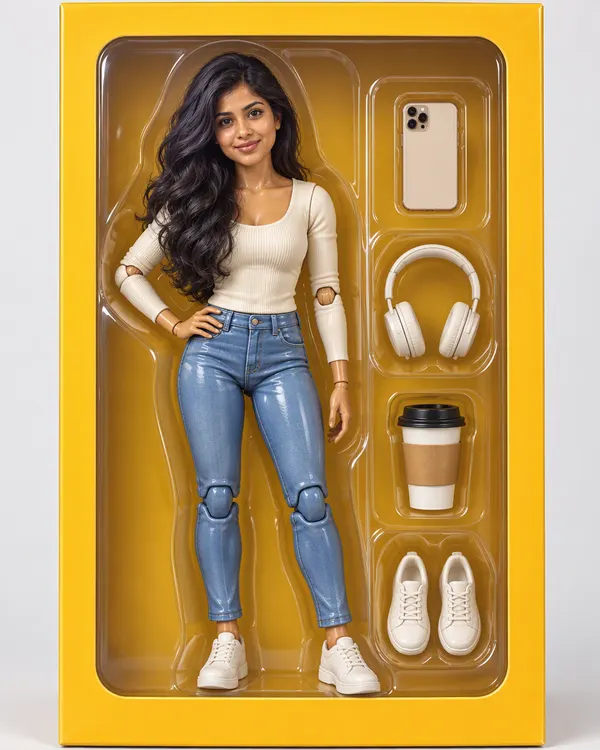
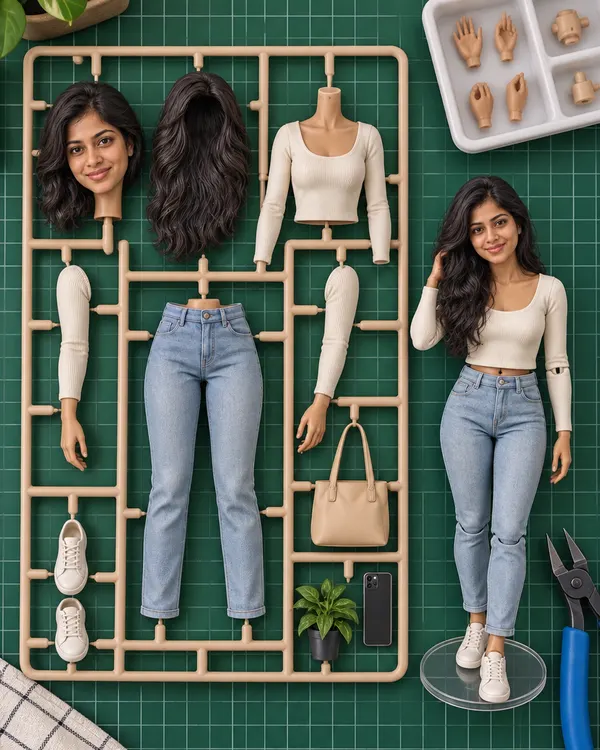
Action Figure Box
You as a boxed collector figure with your own gear
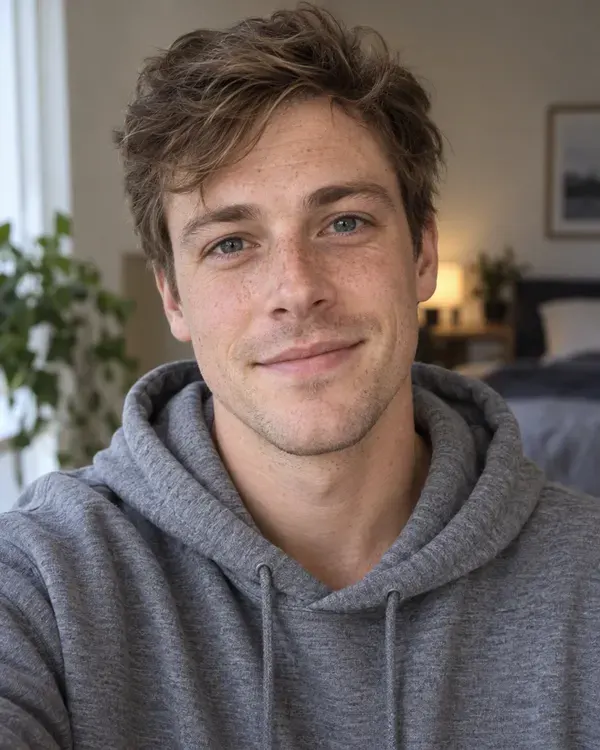
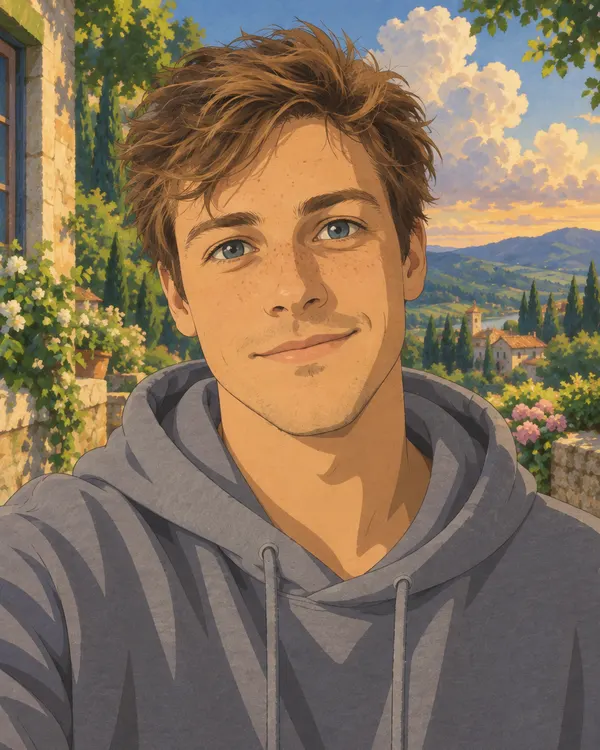
Painted Anime Film
Your photo as a frame from a hand painted anime film
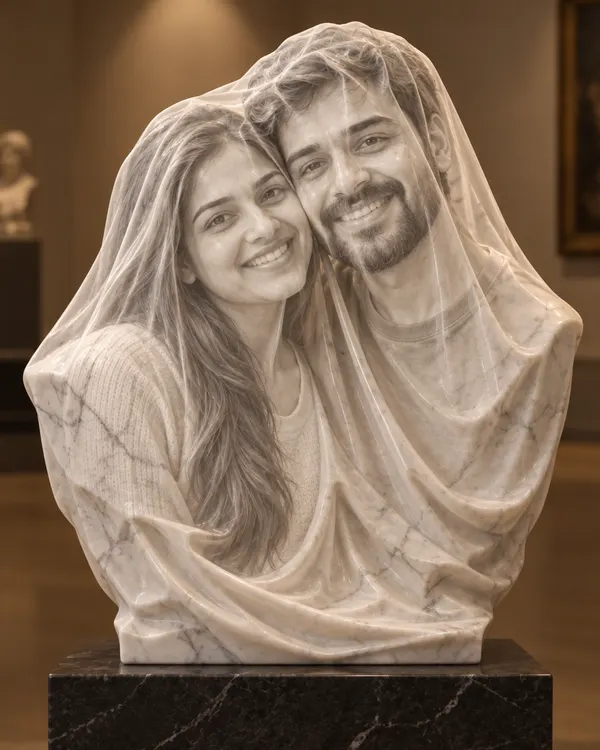
Veiled Marble
Carved in marble behind a veil you can see through
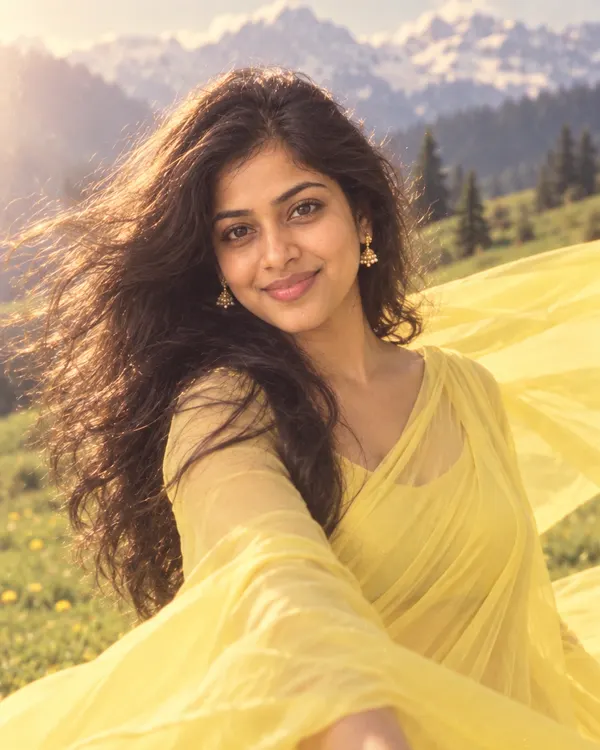
90s Film Song
You in a 90s Hindi movie song, wind in your hair
Big Head Caricature
A funny big head sketch of you with props from your life
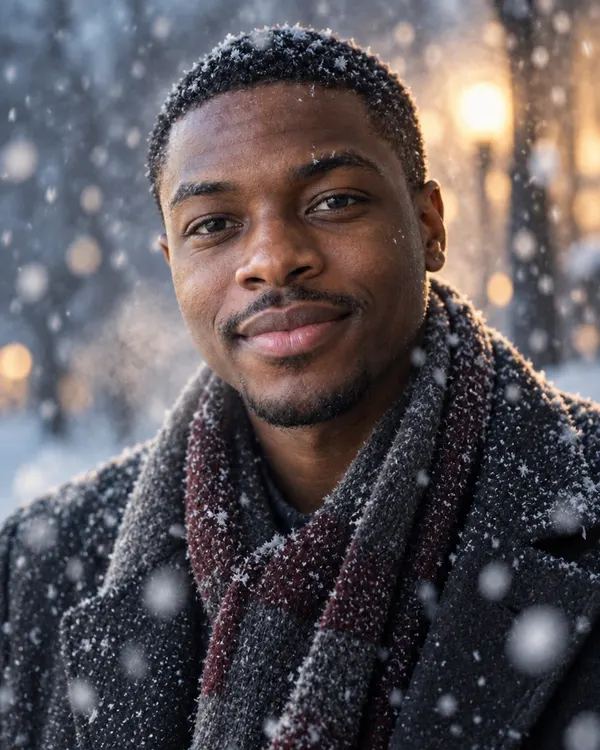
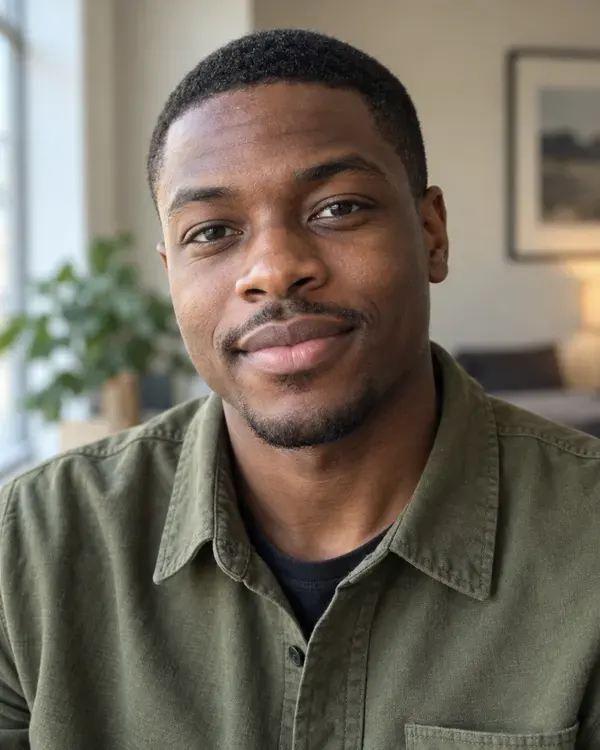
Snowfall Film
Your photo as a quiet movie scene in heavy snow
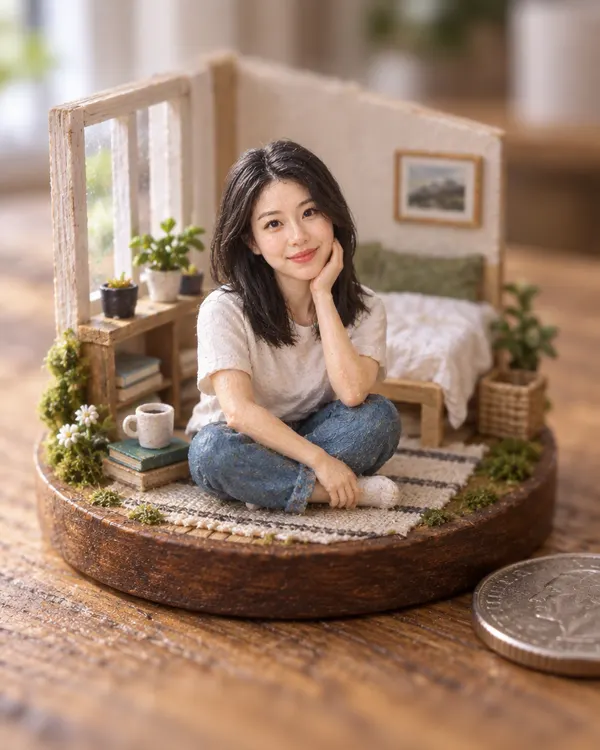
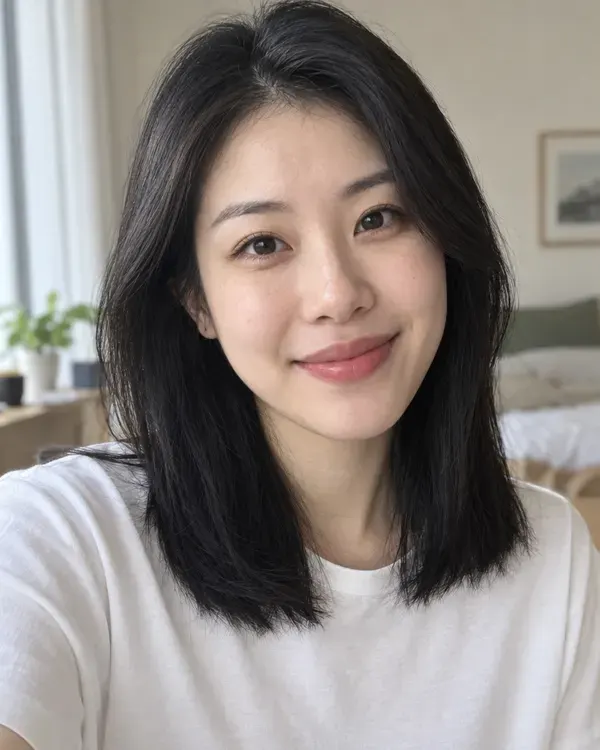
Tiny World
Your scene rebuilt as a tiny handmade model world
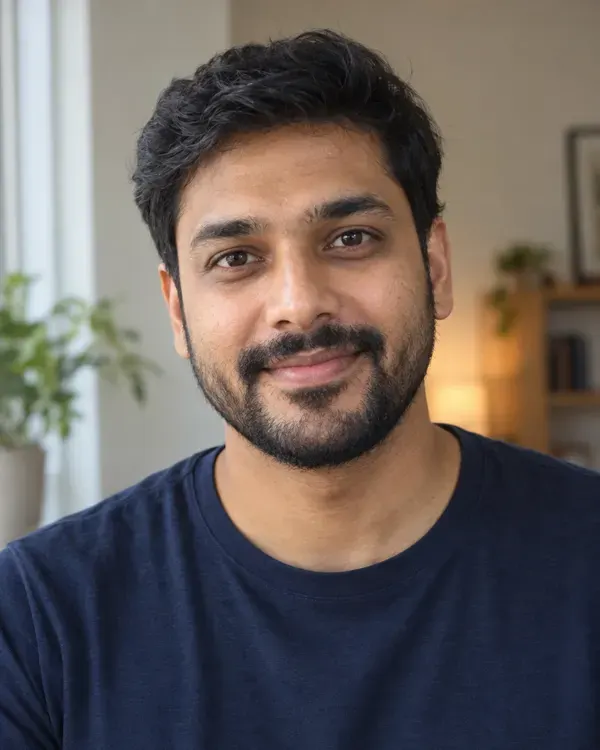
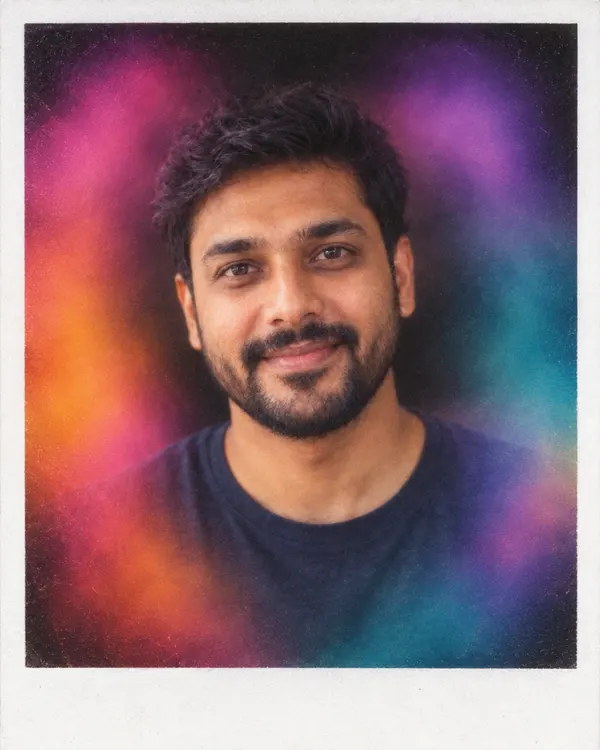
Aura Photo
An aura camera print with color clouds around you
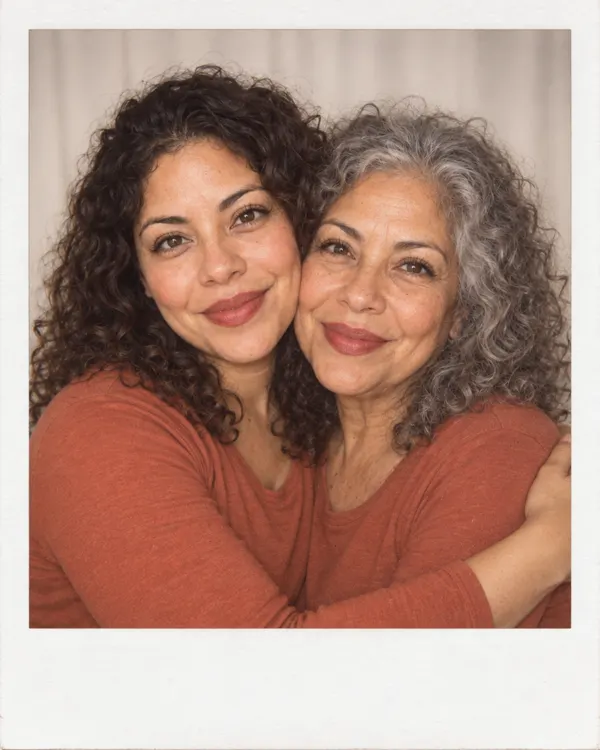
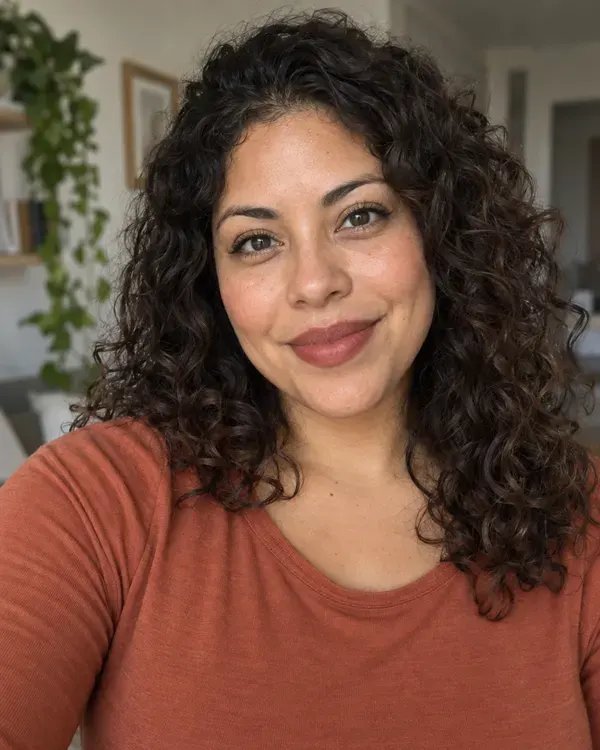
Meet Future Me
Hug the 75 year old version of you
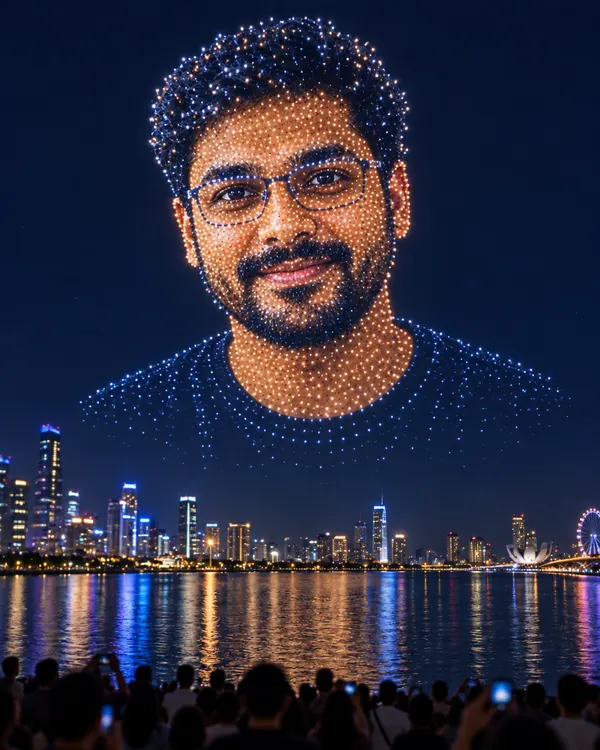
Drone Light Show
Your face drawn in the night sky by hundreds of drones
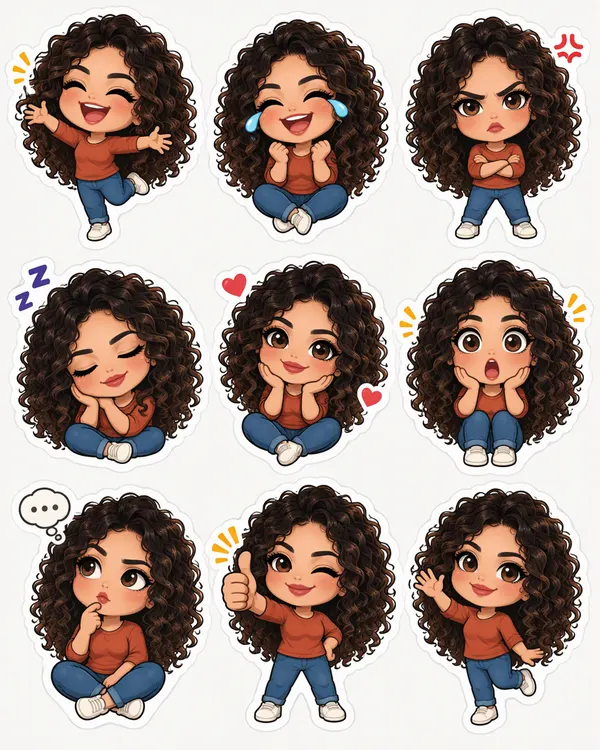
Sticker Sheet
Nine cute sticker faces of you for your chats
Try it on your photo
Upload a photo and pick any trending style
Start now
Browse styles by shelf
Pick a shelf and it opens in the AI photo filter, ready for your photo.
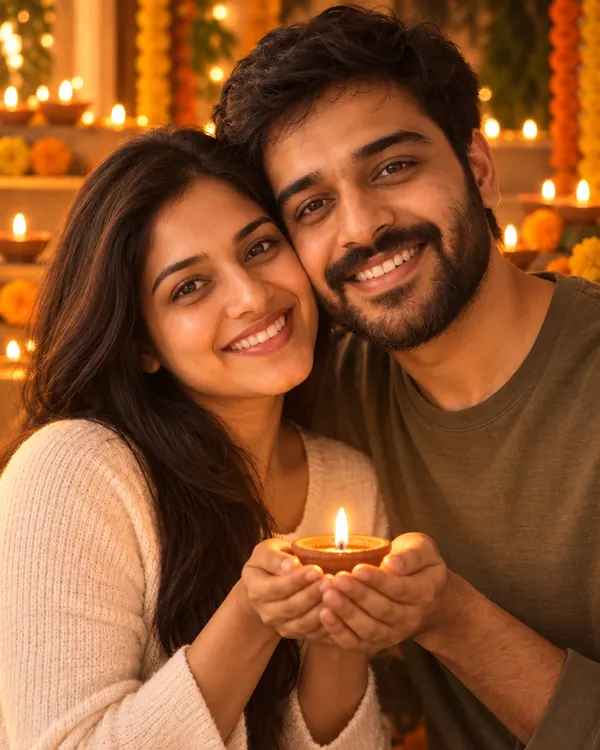
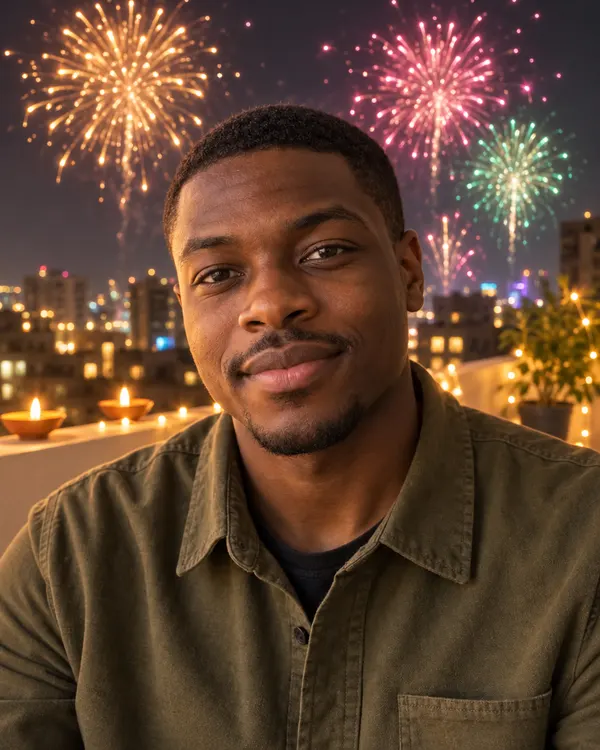
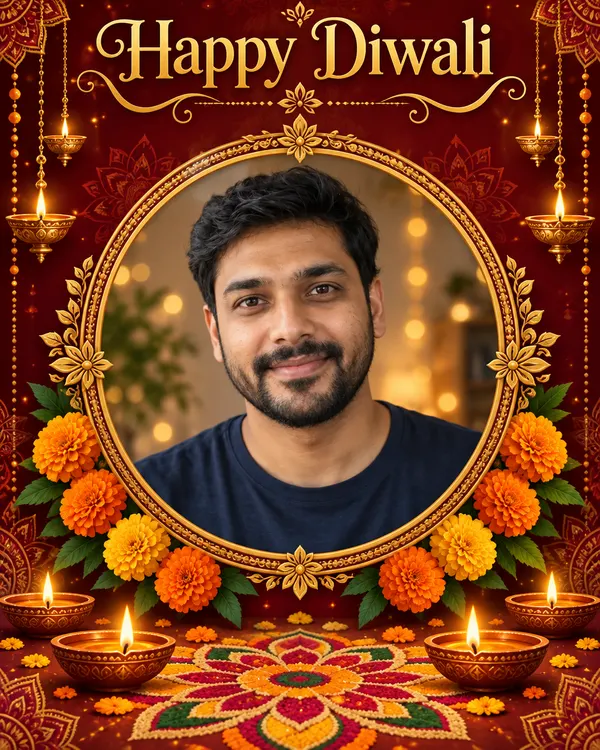 Diwali stylesOpen shelfDiya Glow, Fireworks Terrace and more
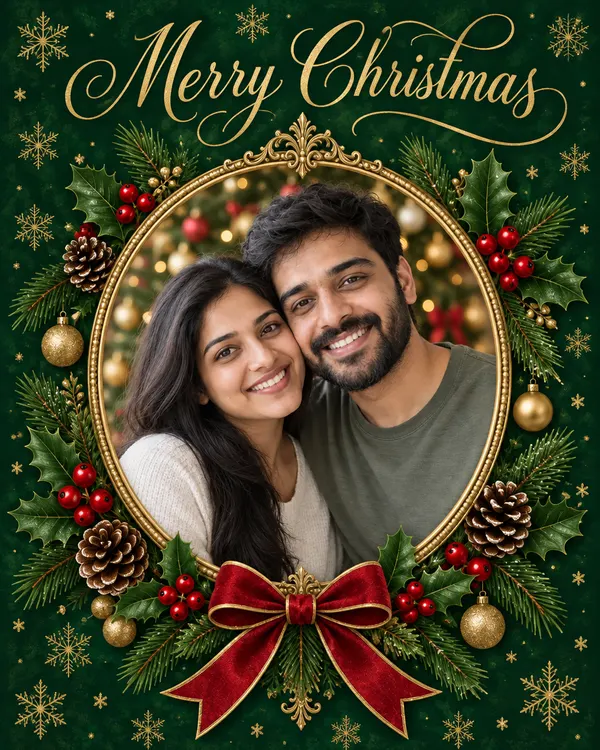
 Christmas stylesOpen shelfSanta Hat Portrait, Christmas Card and more
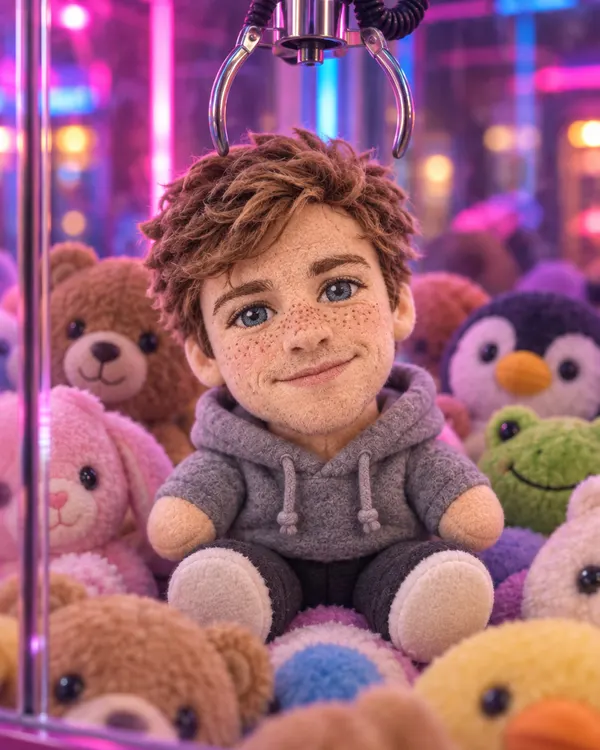
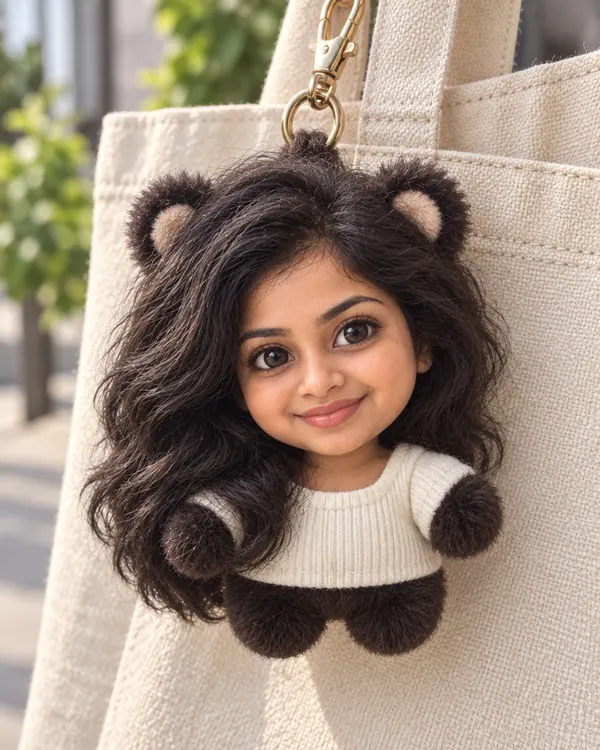
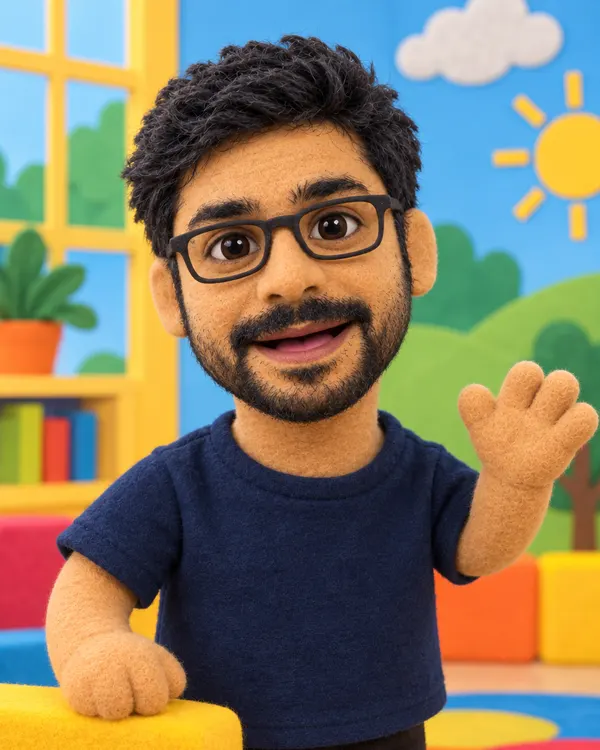 Toys and FiguresClaw Machine Prize, Fuzzy Bag Charm and more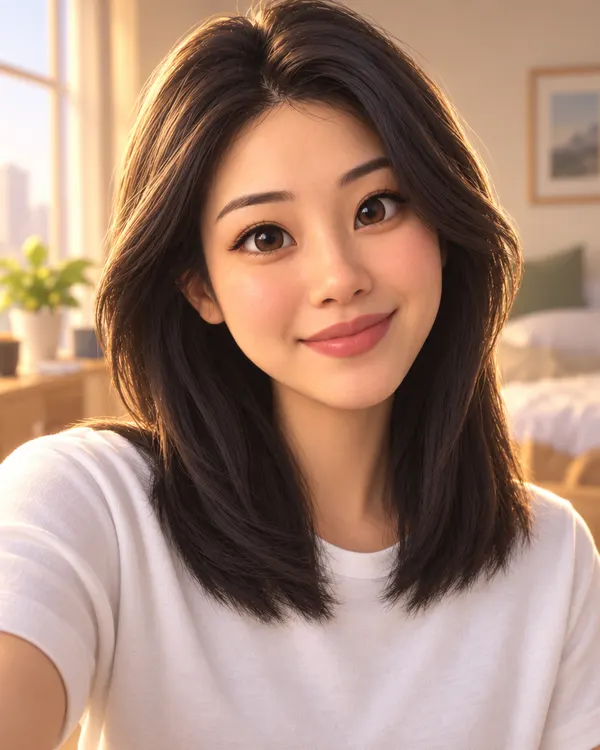
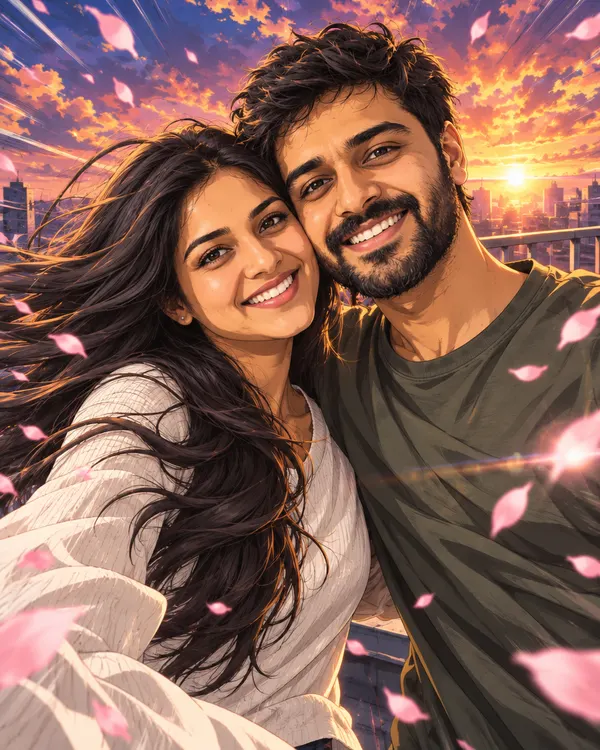
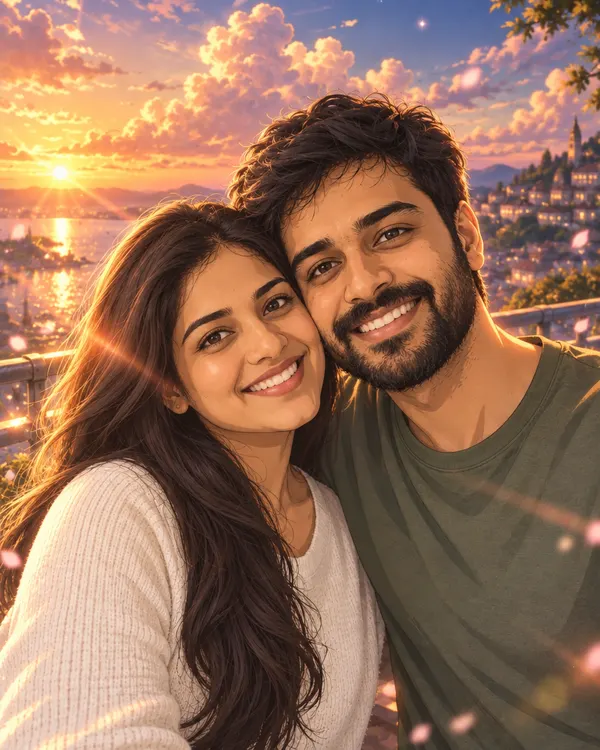 Anime and Cartoon3D Movie Hero, Anime Opening Scene and more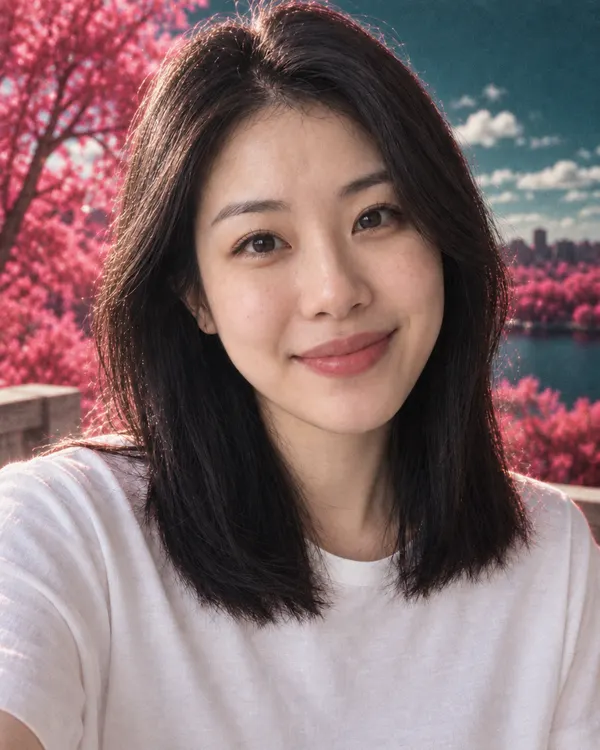
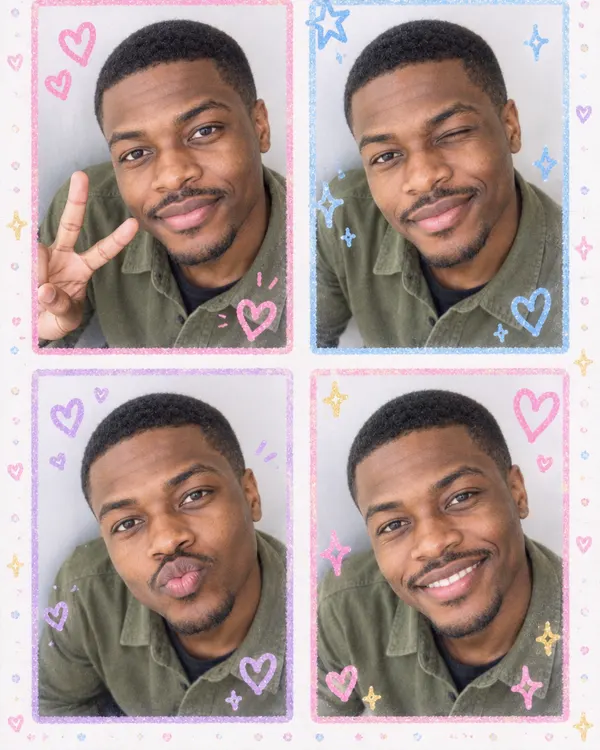
 Film and CameraPink Infrared, Sticker Booth and more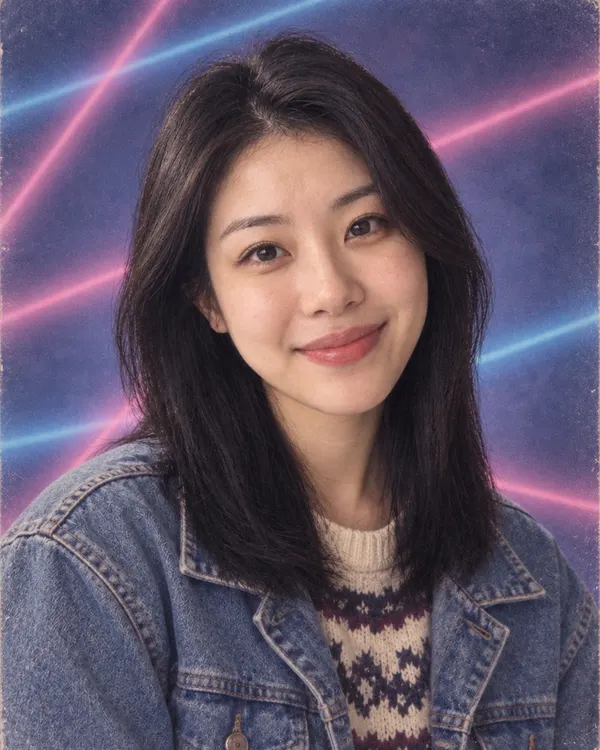
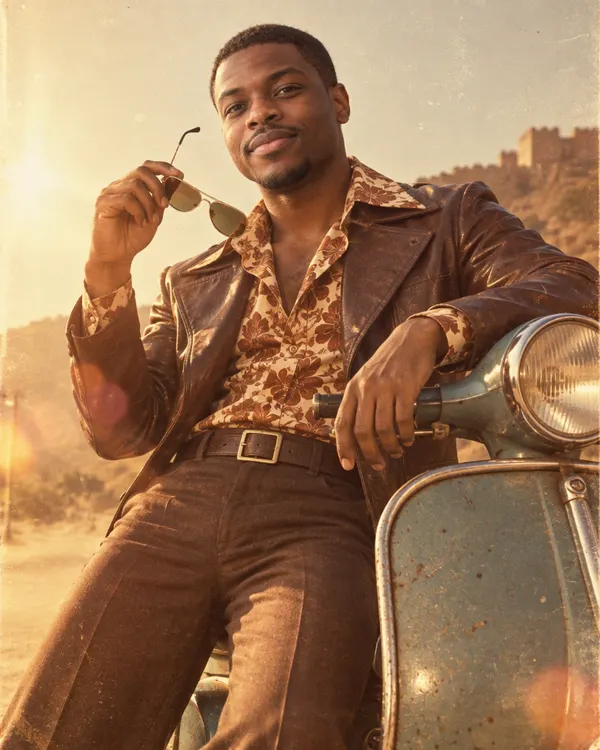
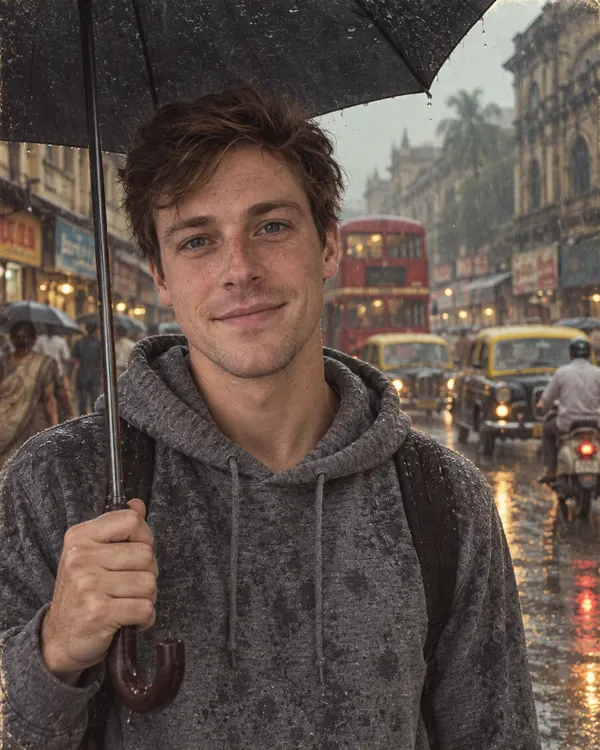 Retro Throwback90s Yearbook, 70s Film Star and more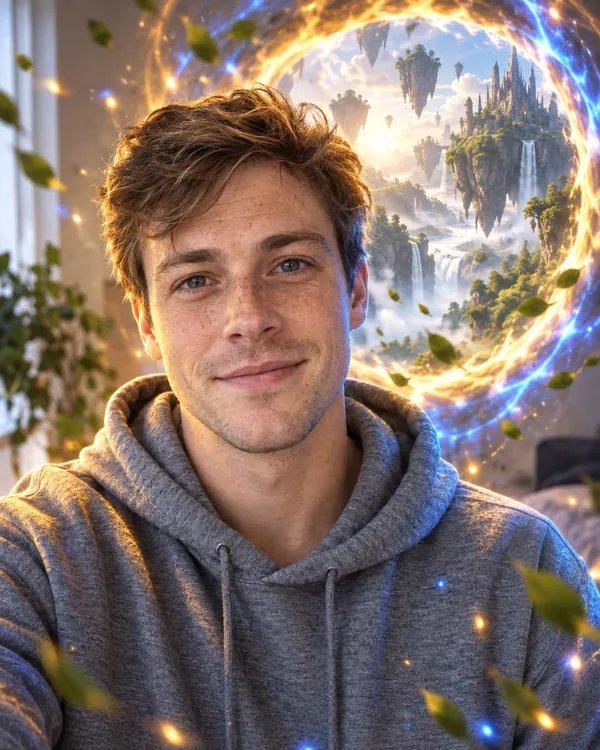
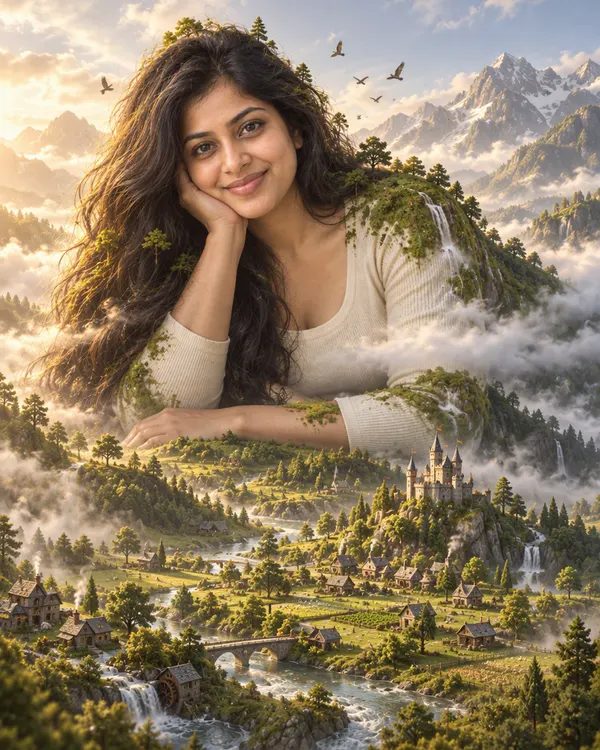
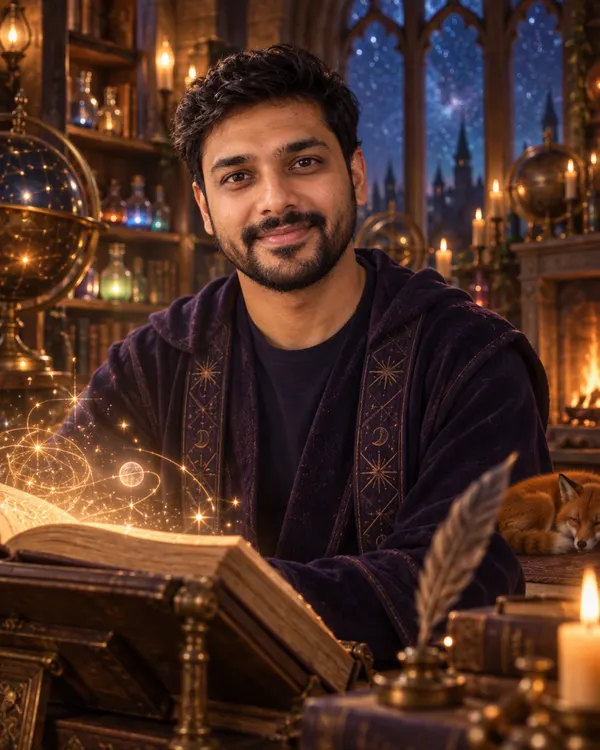 Fantasy WorldsPortal Doorway, Giant Guardian and more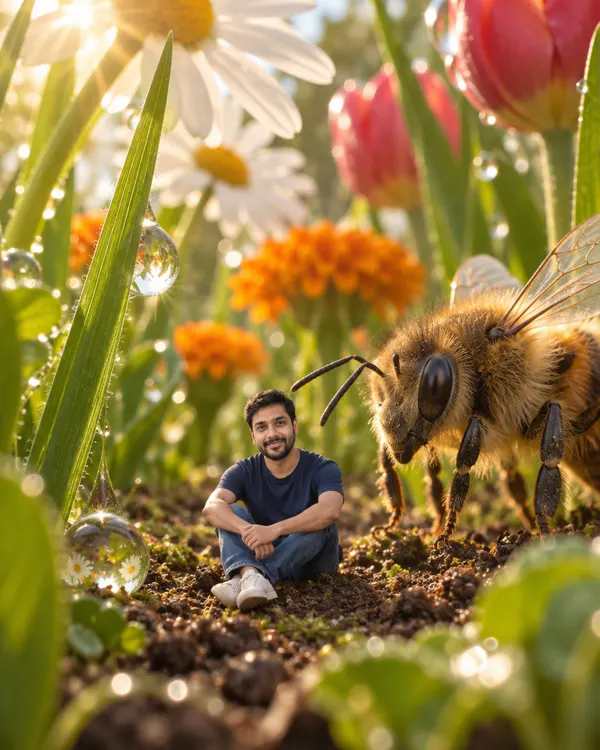
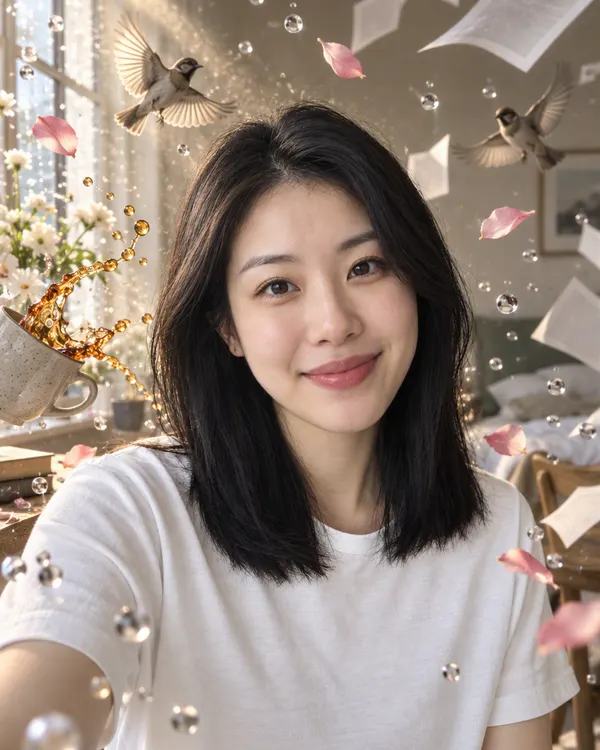
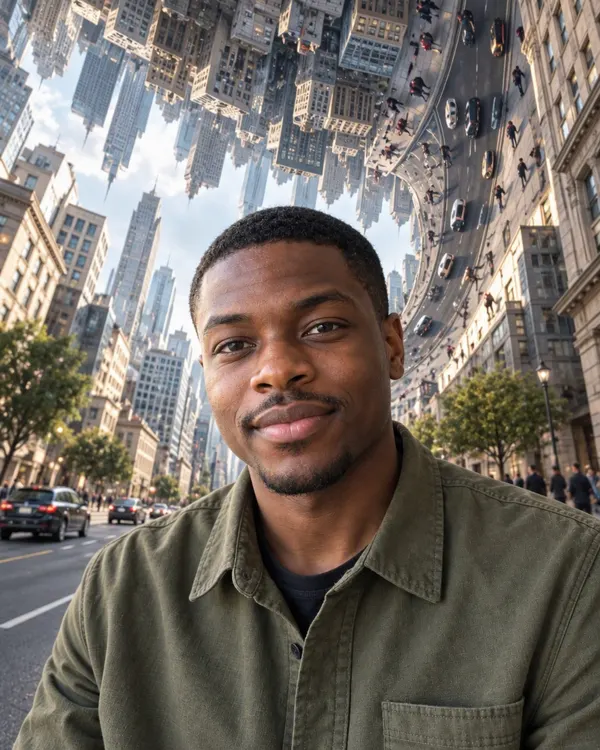 Surreal DreamsGiant Garden, Time Stopped and more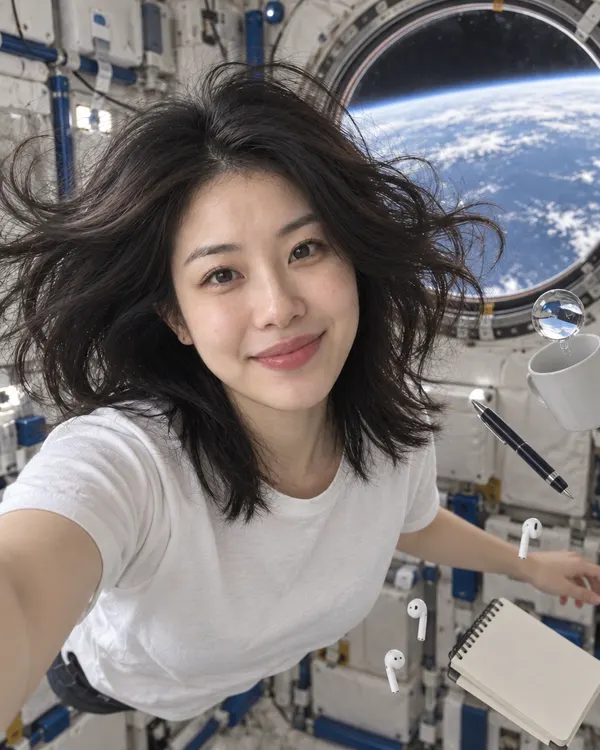

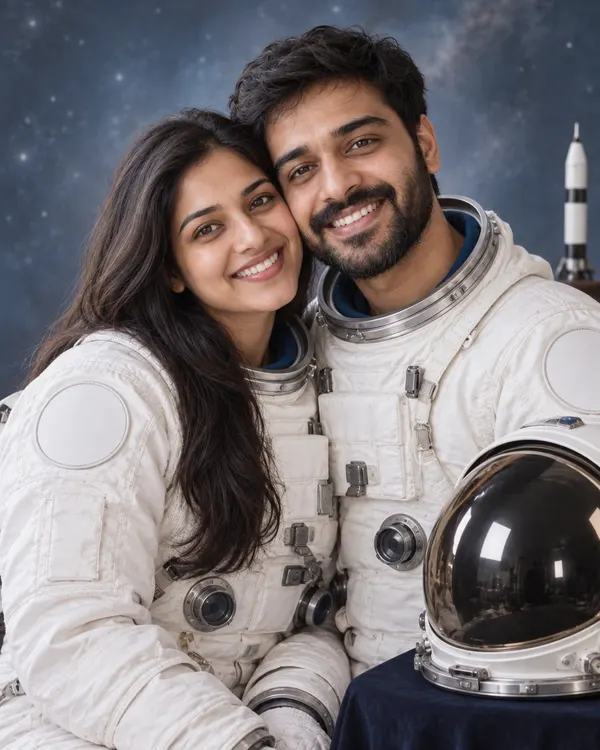 Future and SpaceZero Gravity, Moon Hotel and more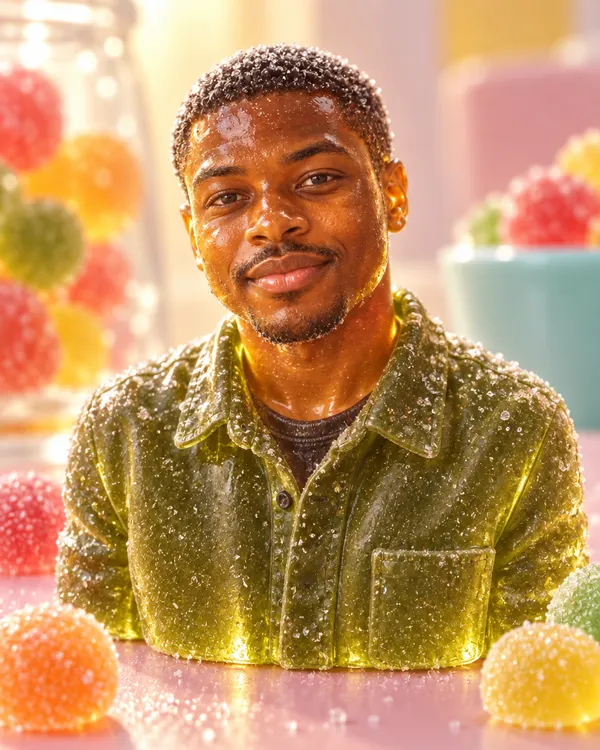
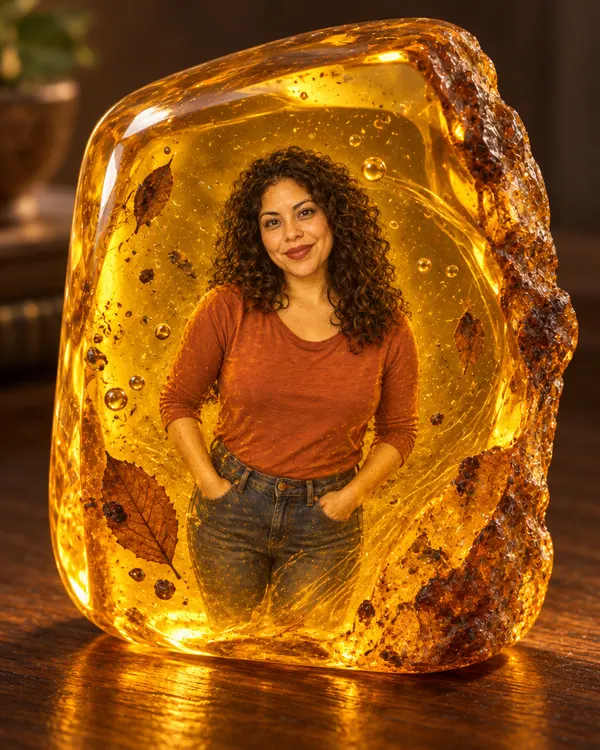
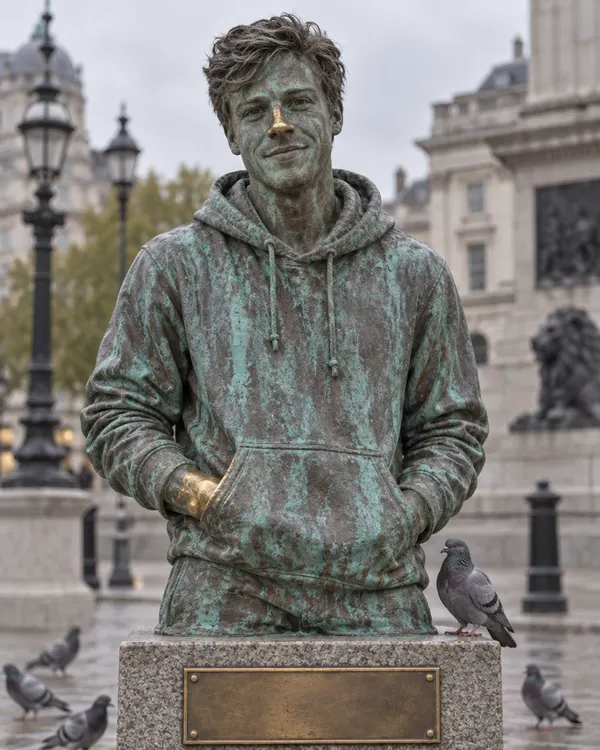 Rare MaterialsGummy Candy, Amber Fossil and more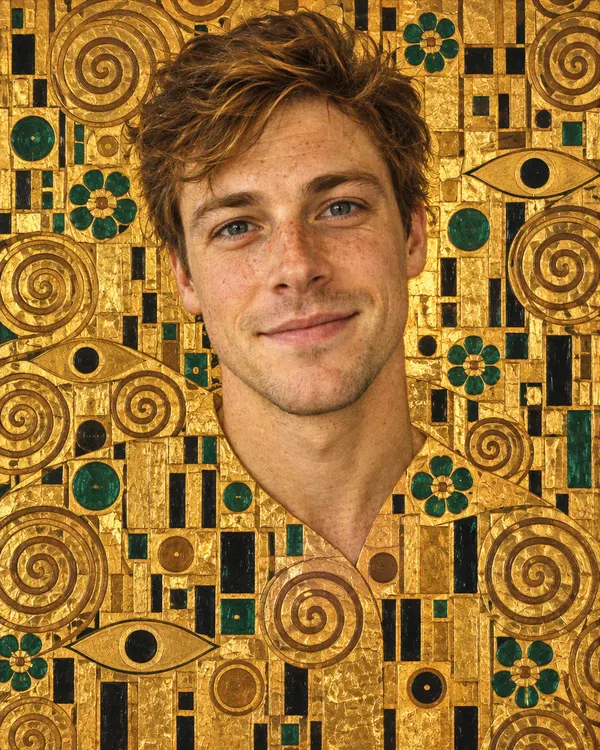
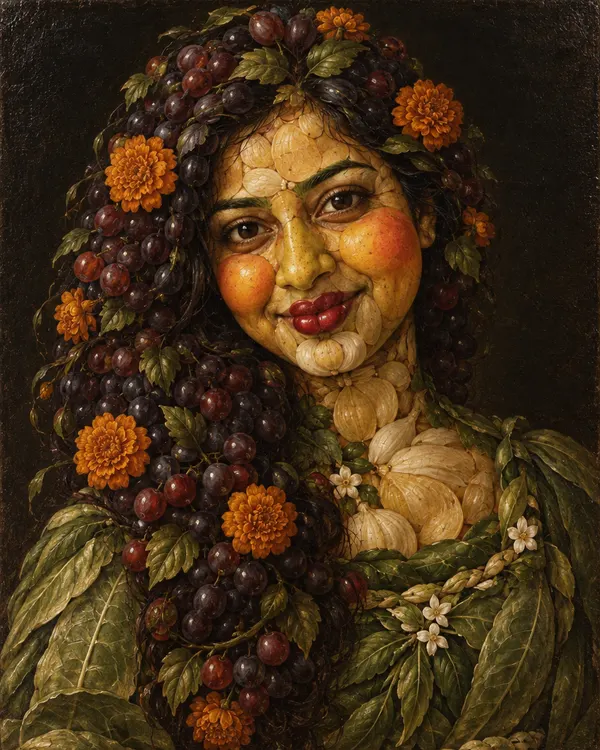
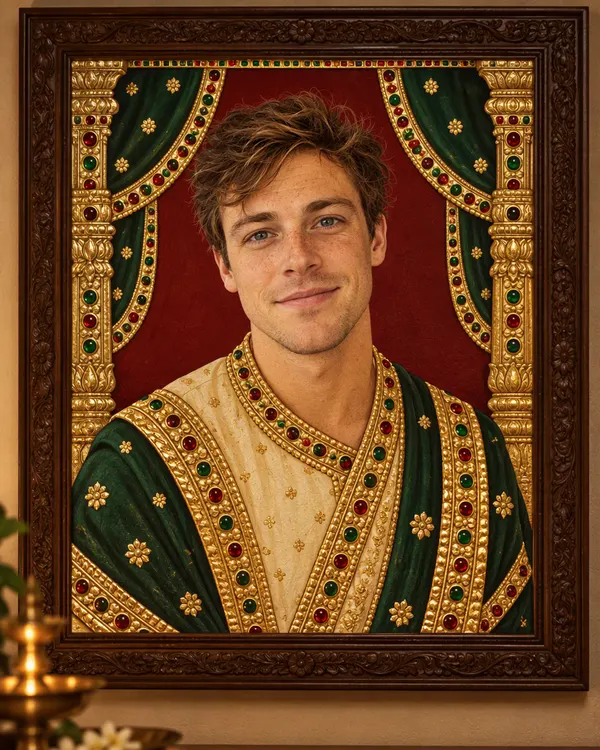
 Classic ArtVienna Gold, Harvest Face and more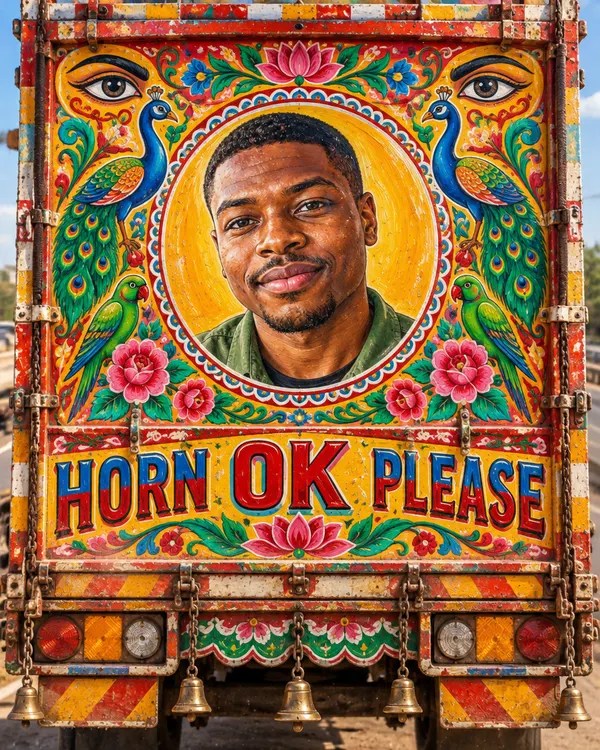
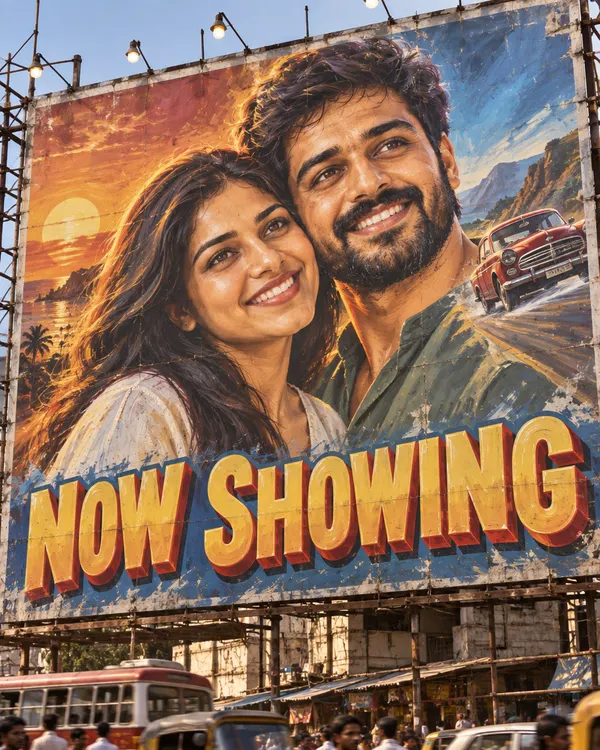
 Indian ArtTruck Art, Filmi Billboard and more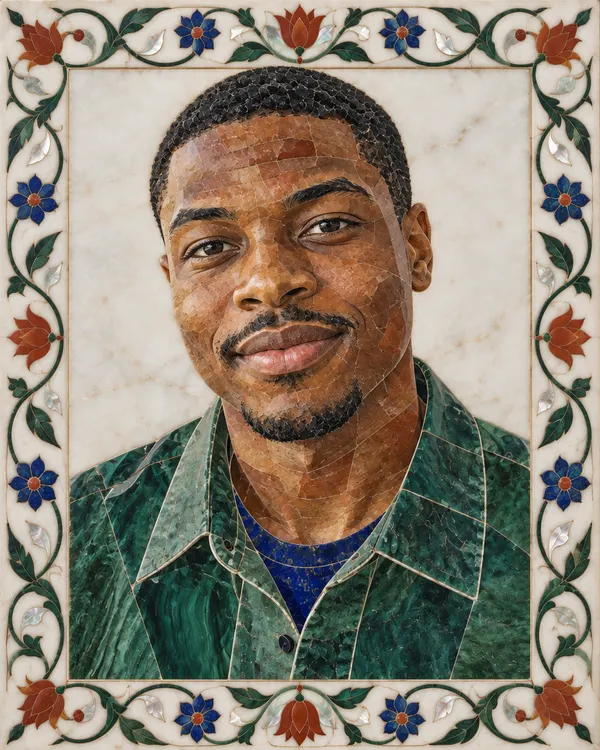
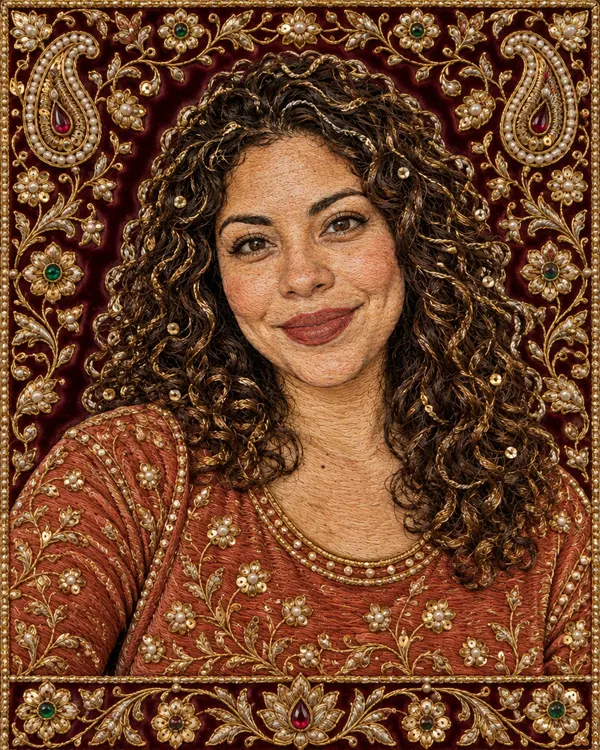
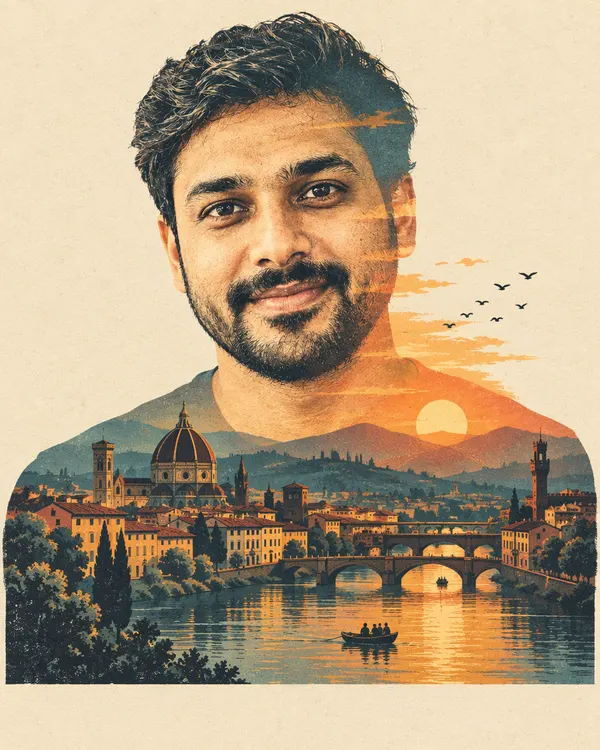
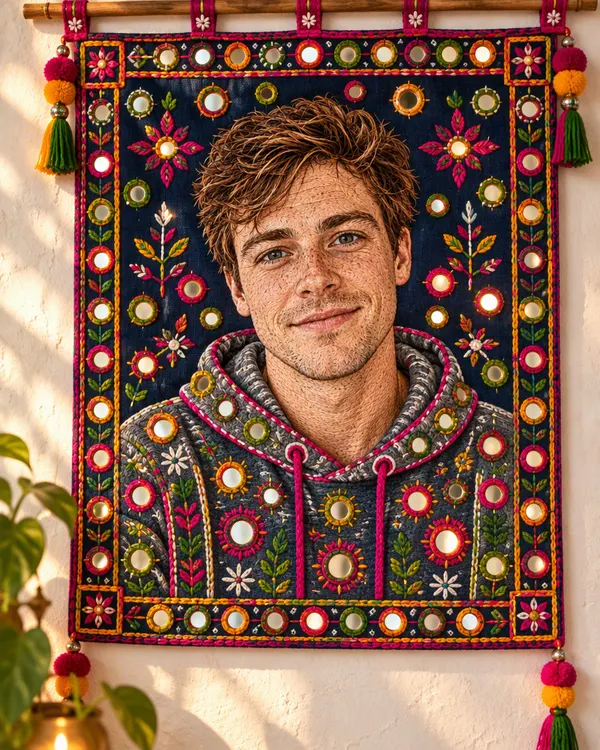 Handmade CraftsPietra Dura, Zardozi Gold and more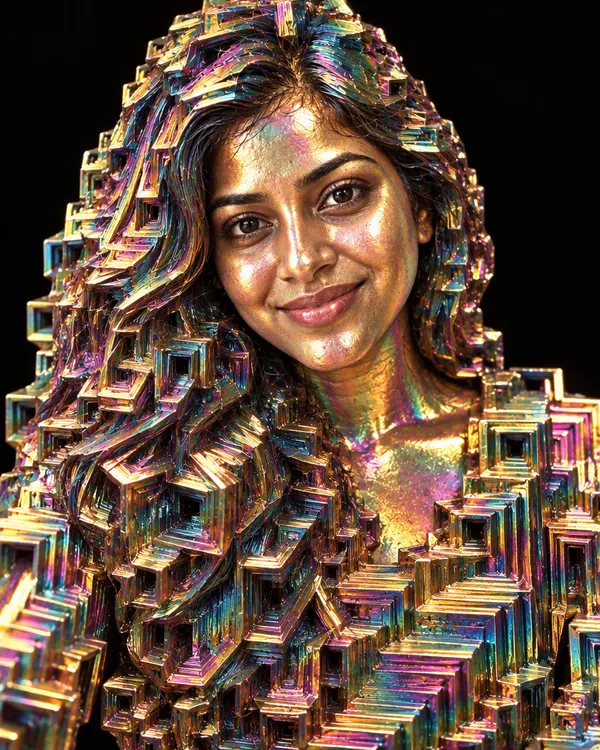
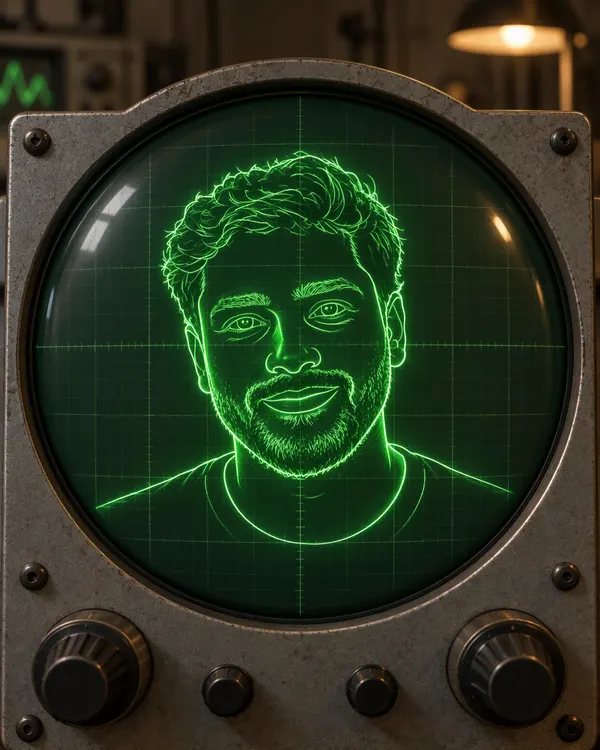
 RareUnusual looks from every shelf
Mix two styles in one photo
Turn on Style mixing, pick two styles and move the slider. A mix costs the same 20 tokens as one style.
70%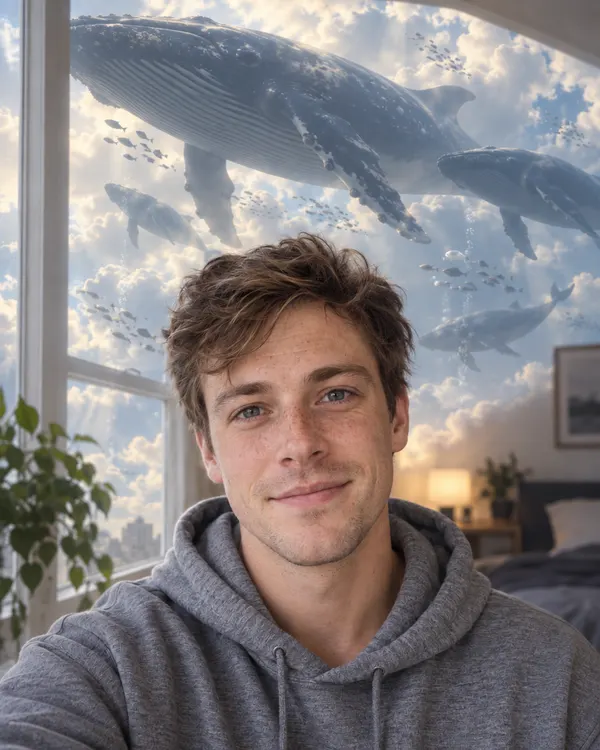 30%
30%Tips for the best result
A better photo in gives a better picture out.
Good Too small Clear, big face
Look at the camera. Keep your face big in the photo.
Good Too dark Good light
Daylight or a bright room works best.
Good Blurry Sharp photo
Hold the phone still and use your best photo.
Good Too many One or two people
Big group? Crop close so every face is bigger.
How much does it cost?
You see the price before you start.
One photo
20tokens
Every style costs the same, and so does a mix of two. No watermark.
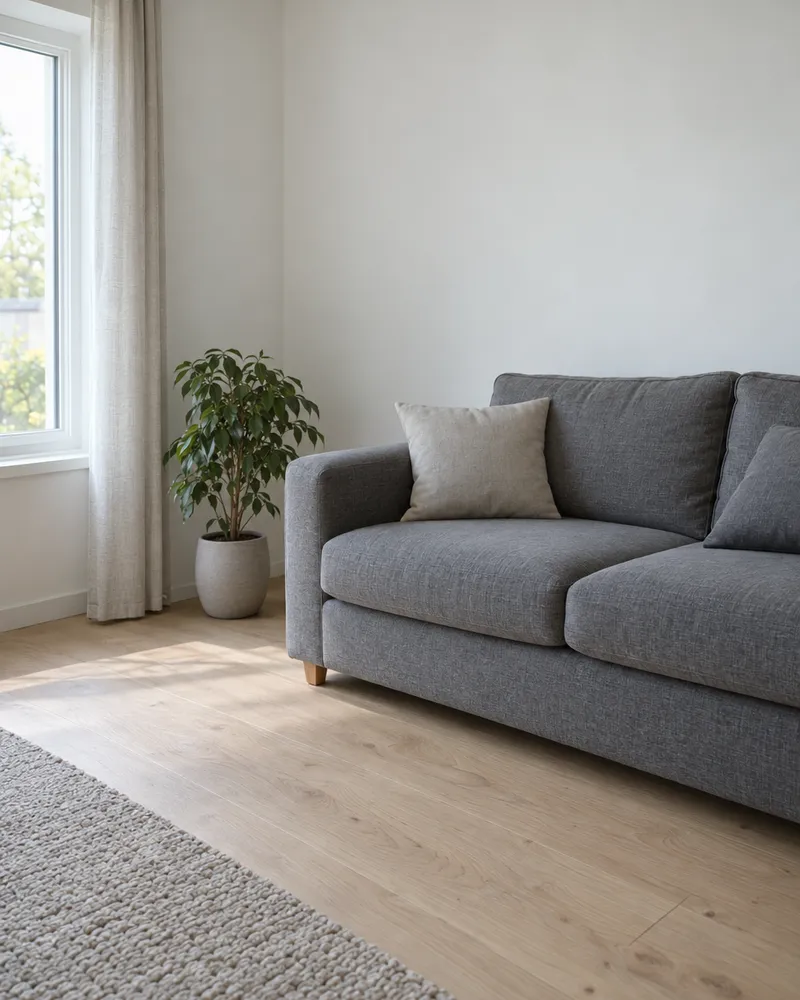
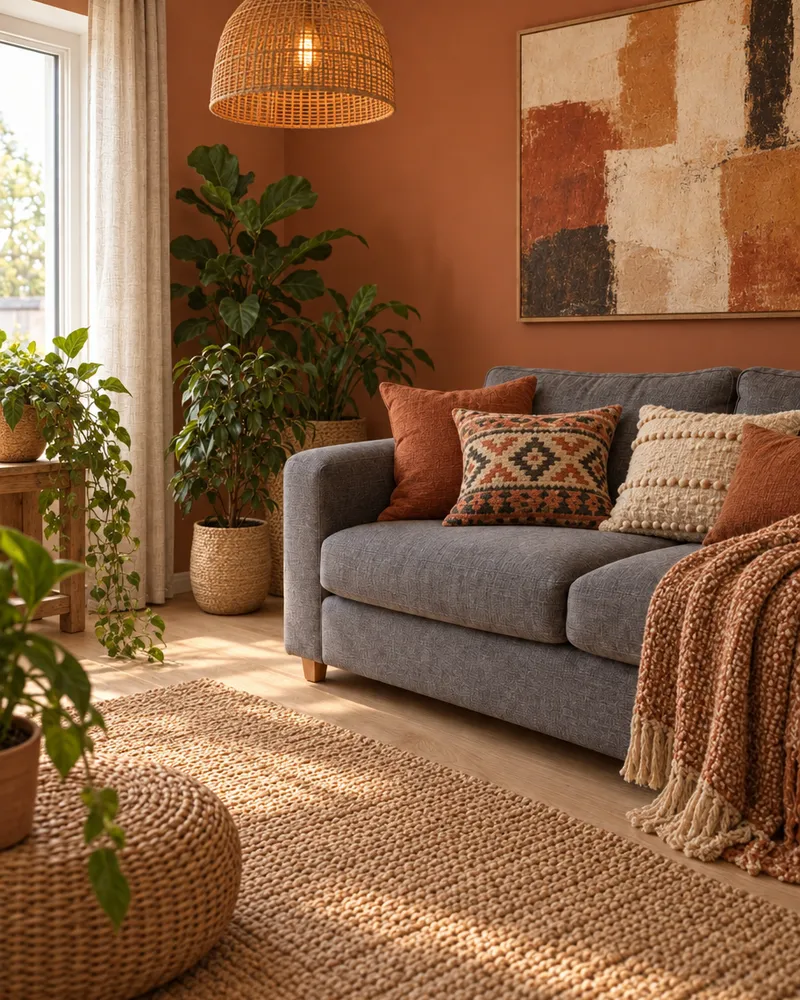
More ways to change your photo
- AI photo editor
Change any part of your photo by typing.
- Image reference
Mix your photo with a picture you pick.
- Image upscaler
Make your new photo bigger for a print.
- Image to video
Make your photo move. Video is priced separately.

Questions people ask
What is an AI photo filter?
It is a filter that draws your photo again in a new style, not just with new colors. Upload one photo and pick a style. The AI makes a new picture of you as a toy, an anime star, a marble statue or an old film photo.
Is the AI photo filter free?
You can try it for free. New accounts get free tokens, and you do not need a card. Each photo uses 20 tokens, for one style or a mix of two. When you need more, plans start at $19, paid one time. Yearly plans are 20% off.
How is it different from a normal photo filter?
A normal filter only changes the colors and the light. An AI photo filter makes a new picture, so your clothes, the place and even what you are made of can change. People also call this photo style transfer. Because the picture is new, small details can come out different.
Can I mix two styles?
Yes. Turn on Style mixing, pick two styles and move the Mix ratio slider to choose how much of each you get. A mix is still one photo for 20 tokens.
Will I still look like me?
It depends on the style and on your photo. The AI draws the whole picture again, so a face can come out a little different, most of all in styles that turn you into a toy, a doll or a statue. A sharp, bright photo with your face big in the frame works best.
What size is the photo? Is there a watermark?
About 1K. That looks sharp on WhatsApp, Instagram and phone screens, but it is not big enough for a large print. For a bigger file, run it through the image upscaler. There is no watermark.
How long does it take?
There is no fixed time. Your picture is made in the background and shows up in the history on the same page, so you can leave and come back to it.
Does it work on photos without people?
Most styles are made for people, so a photo of a person works best. A few, like Tiny World and Pink Infrared, change the whole scene, and the Christmas shelf has a style made for pets. For a product or a place, image to image lets you describe the look in your own words.
Do I need an app or an account?
No app. It works online, in the browser on your phone or computer. You do need an Enhance AI account, and signing up is free.
Which AI model makes the pictures?
The AI photo filter uses OpenAI GPT Image 2, an image editing model. The examples on this page were made with the newer GPT Image 2.5, so your own result can look a little different.
Can I share my new photos?
Yes. There is no watermark. You own the photos you make and can use them for personal or commercial work, like ads, client work and products you sell. Only upload photos you have the right to use, most of all photos of other people.
What happens to my photo?
It is saved in your Enhance AI account and sent to the AI model that makes your picture, OpenAI GPT Image 2, through our AI provider. Our privacy policy explains how long data is kept and how to have it deleted.
See your photo in a new style
Upload one photo, pick a style and download it with no watermark.
Try the AI photo filter- Free to try
- No app needed
- No watermark