AI Sticker Generator from Your Photo
Upload one photo of you or your pet. Get nine cute stickers in nine moods. Send them on WhatsApp.
- Free to try
- No app needed
- No watermark
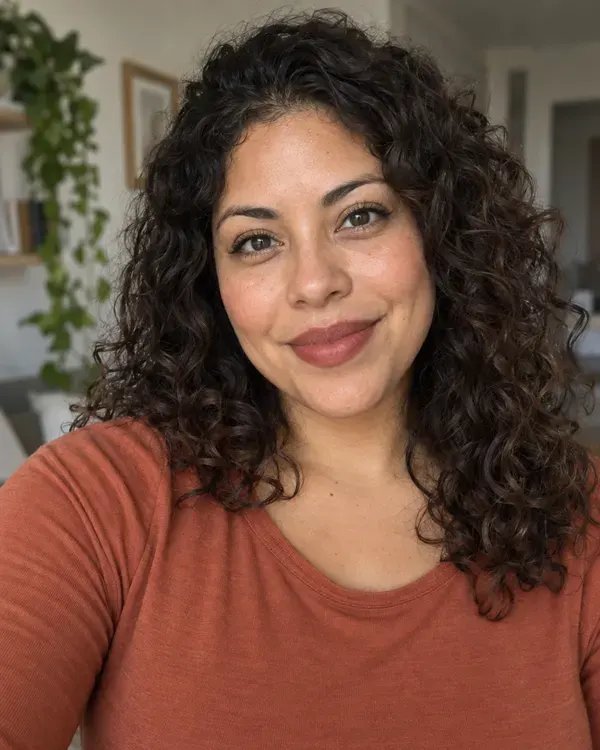 Your photo
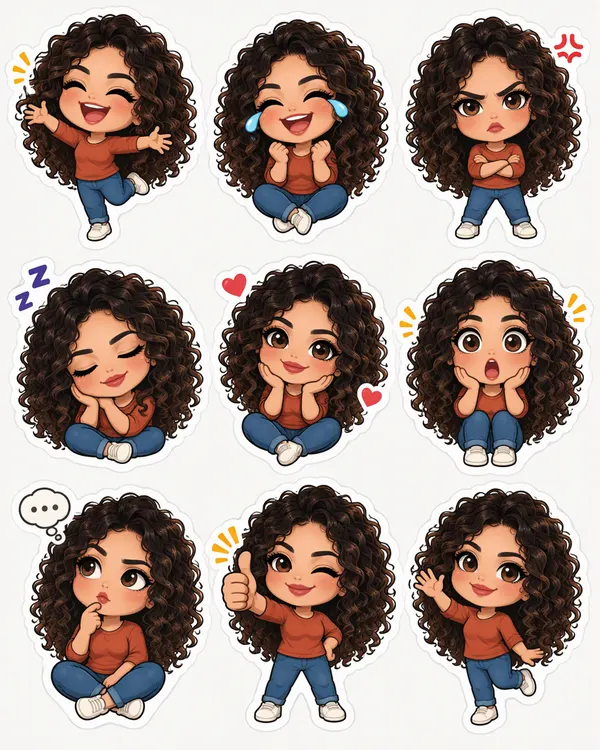 Sticker Sheet
How to make WhatsApp stickers from your photo
Three steps. It works on your phone.
Step 1
Upload your photo
One clear photo with one face. A pet works too.
Step 2
Pick Sticker Sheet
Tap Apply style. You get nine stickers on one sheet.
Step 3
Crop one for WhatsApp
Crop one face with its white border. Add it as a sticker in WhatsApp.
Nine moods on every sticker sheet
Each sticker has a thick white border. Every sheet is drawn fresh, so the poses change a little each time.
Laughing
Happy tears
Angry
Sleepy
In love
Shocked
Thinking
Thumbs up
Waving
Sticker, cartoon and toy styles
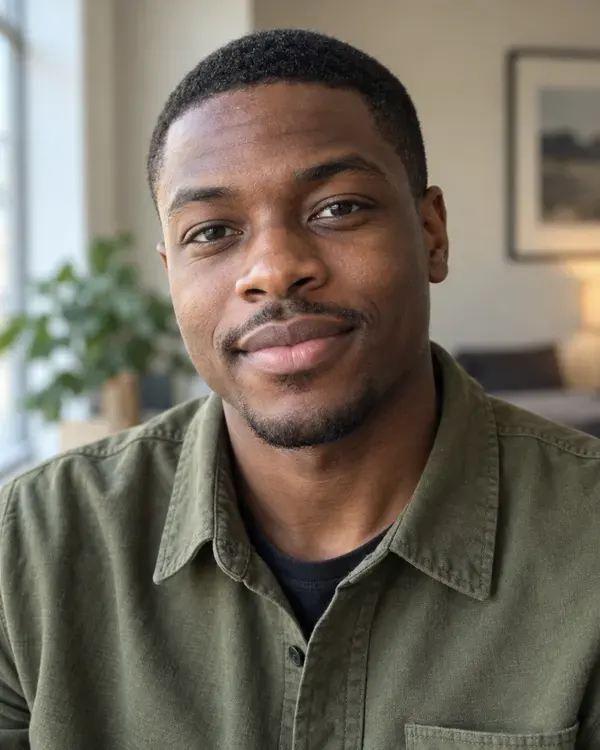
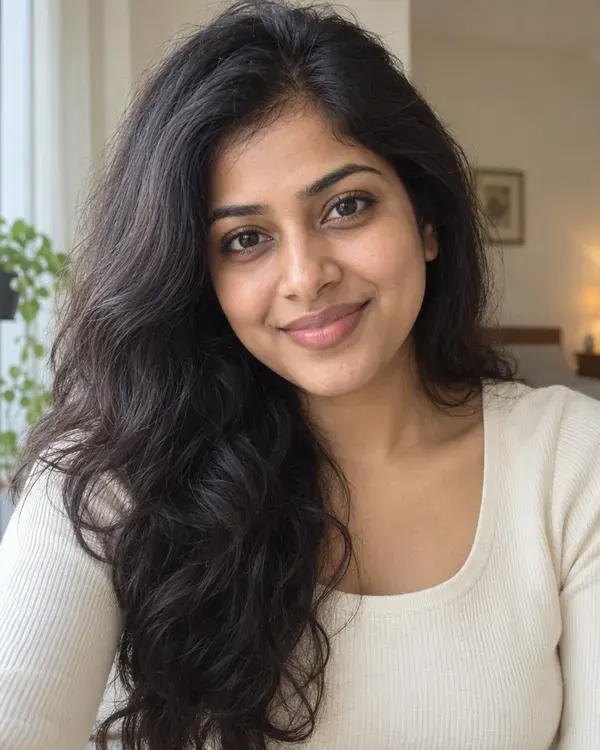
Tap a style to try it on your photo. The small circle shows the photo each example started from.
Sticker Sheet
Nine cute sticker faces of you for your chats
Sticker Booth
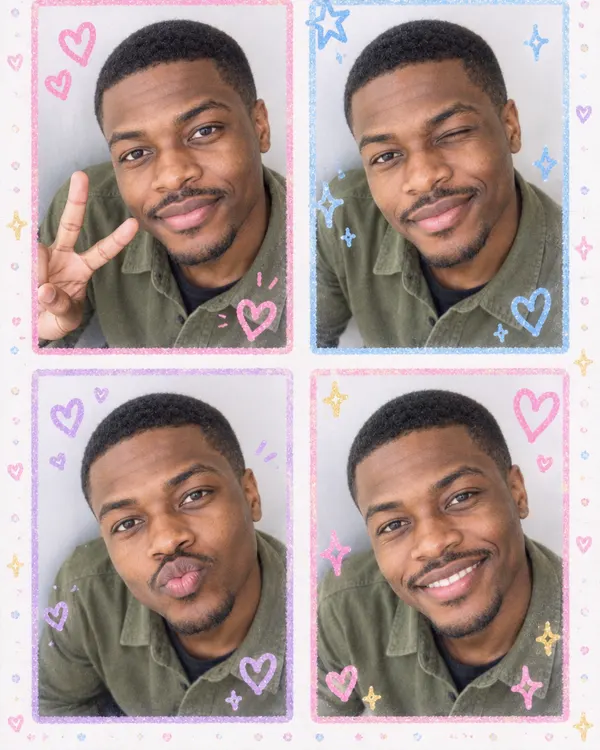
A Japanese sticker booth strip with doodles and hearts
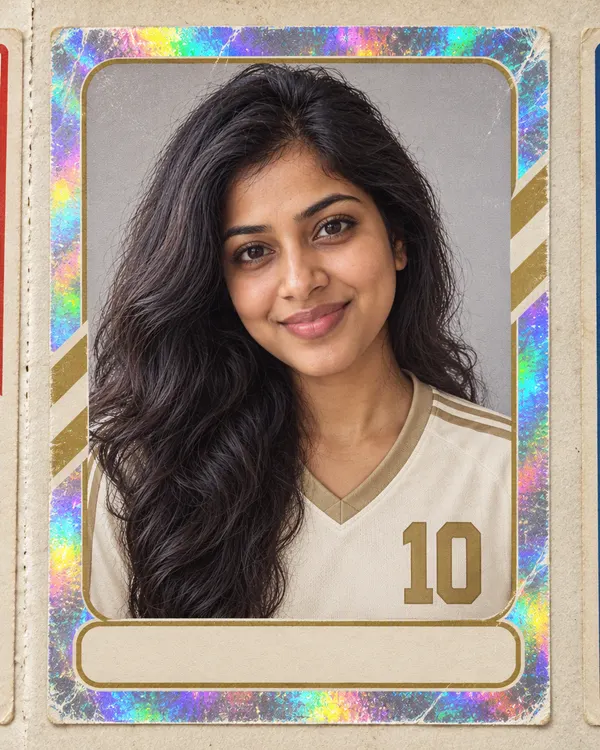
Player Sticker
You on a shiny vintage sports album sticker
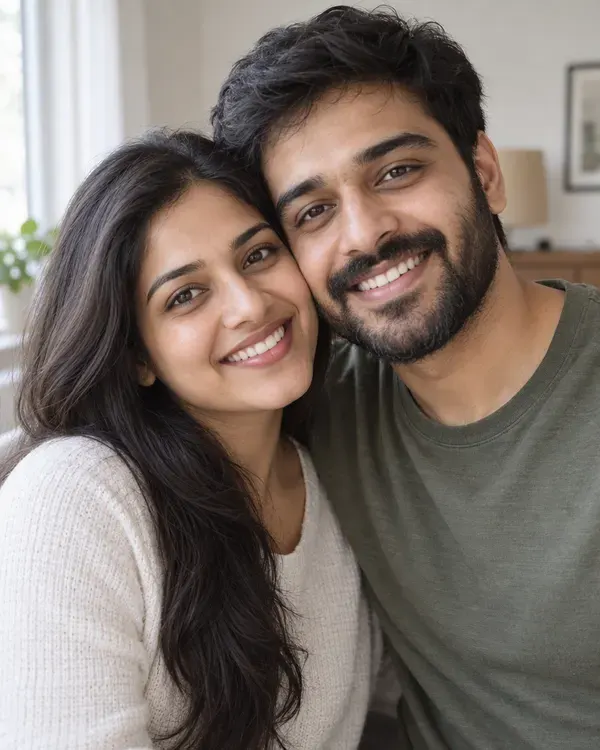
Big Head Caricature
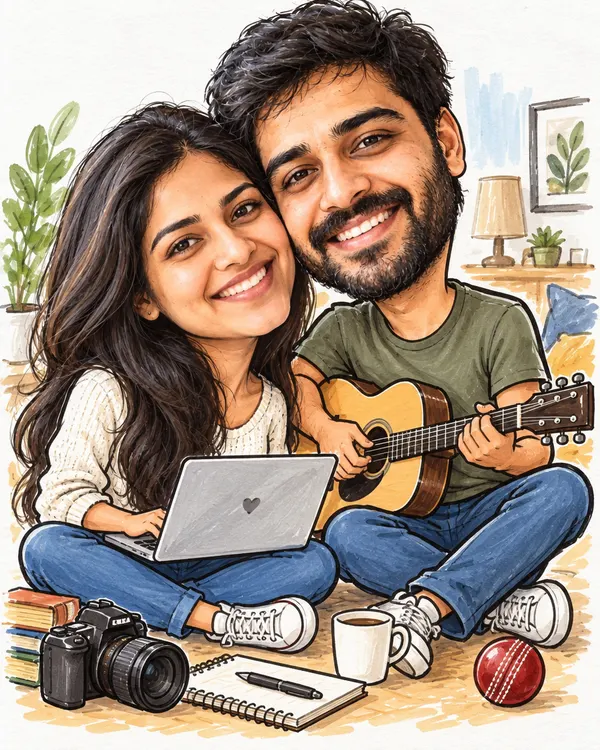
A funny big head sketch of you with props from your life
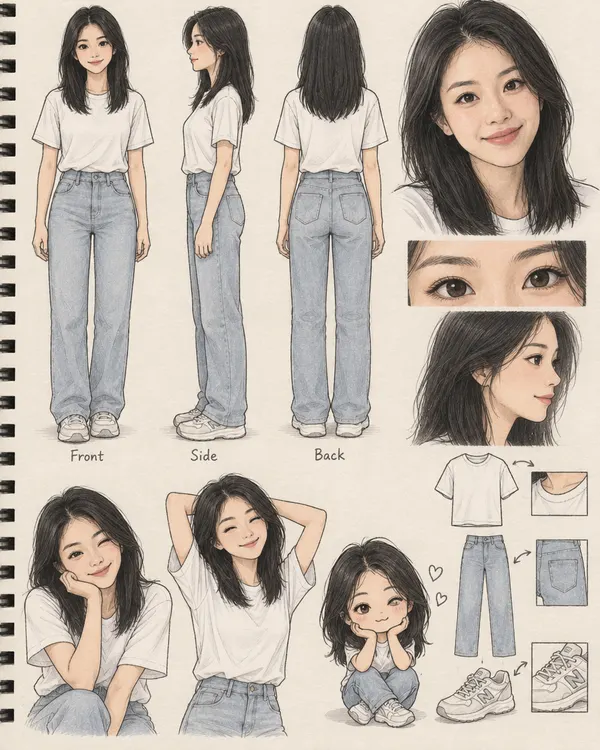

Character Design Sheet
Your own animation character sheet with poses
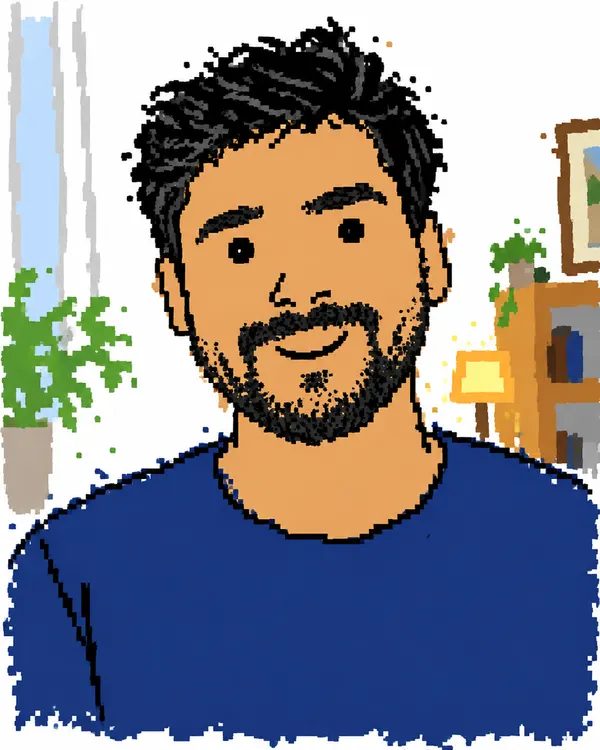

Bad Drawing
Redrawn badly on purpose, like a 90s paint program
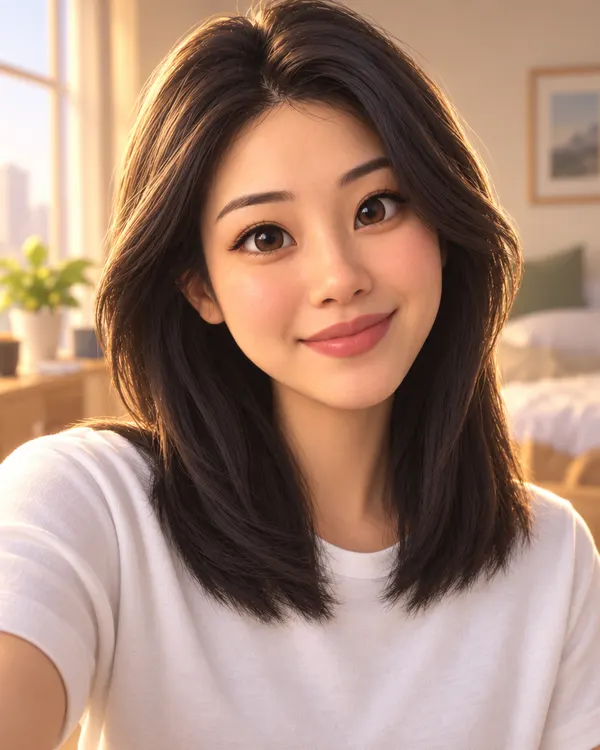
3D Movie Hero
You as the star of a 3D animated family film
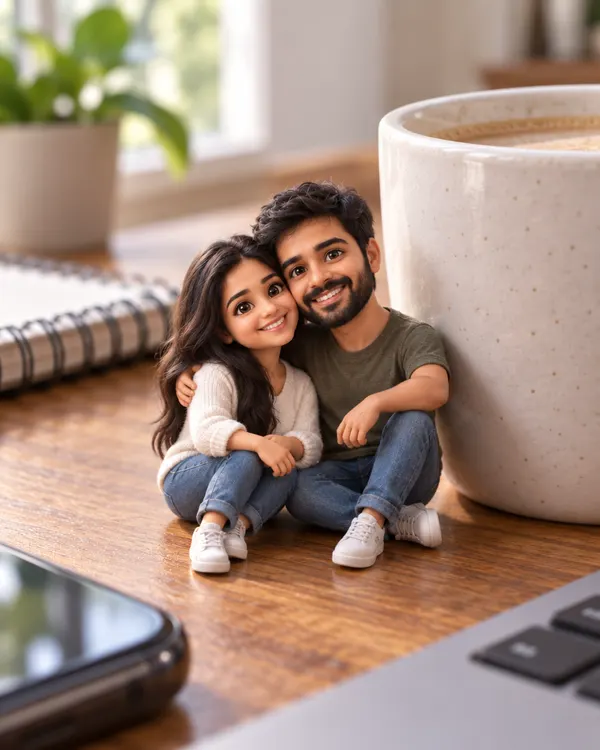
Pocket Sized Me
A tiny animated you, hanging out in your real photo

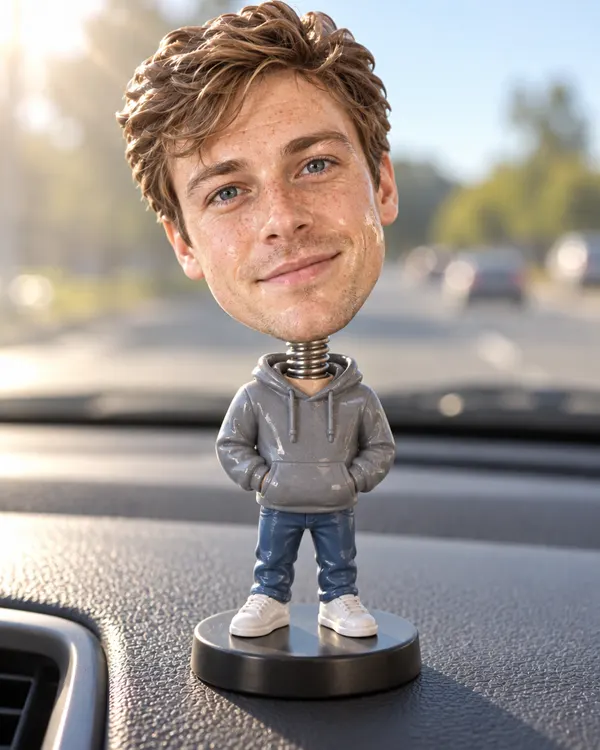
Bobblehead
A big head toy of you nodding on a car dashboard
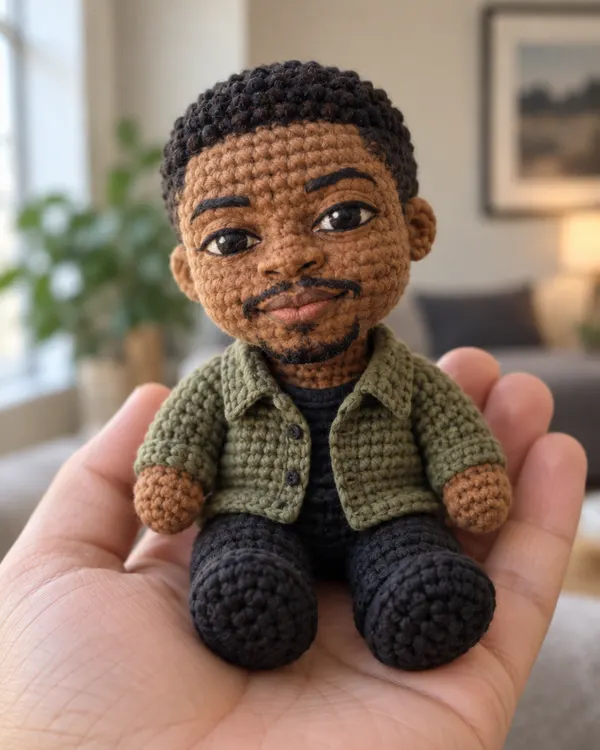
Crochet Doll
A little yarn doll of you, held in someone's hand
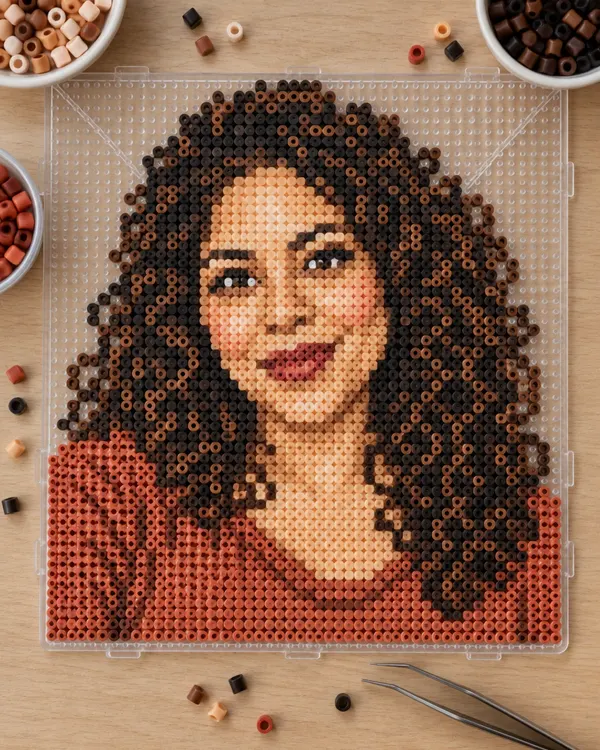
Fuse Bead Art
You made from melted plastic beads on a pegboard
Try it on your photo
Upload one photo and get nine stickers
Start now
Tips for the best stickers
A better photo in gives better stickers out.
Good Too many One person
Crop to one face. The AI draws that person nine times.
Good Too small Big, clear face
Look at the camera. Keep your face big in the photo.
Good Too dark Good light
Daylight shows your real skin tone and hair color.
Good Blurry Sharp photo
Hold the phone still and use your best photo.
No photo? Type your sticker idea
Use the AI image generator for a mascot, a food or anything you like. The price depends on the model you pick.
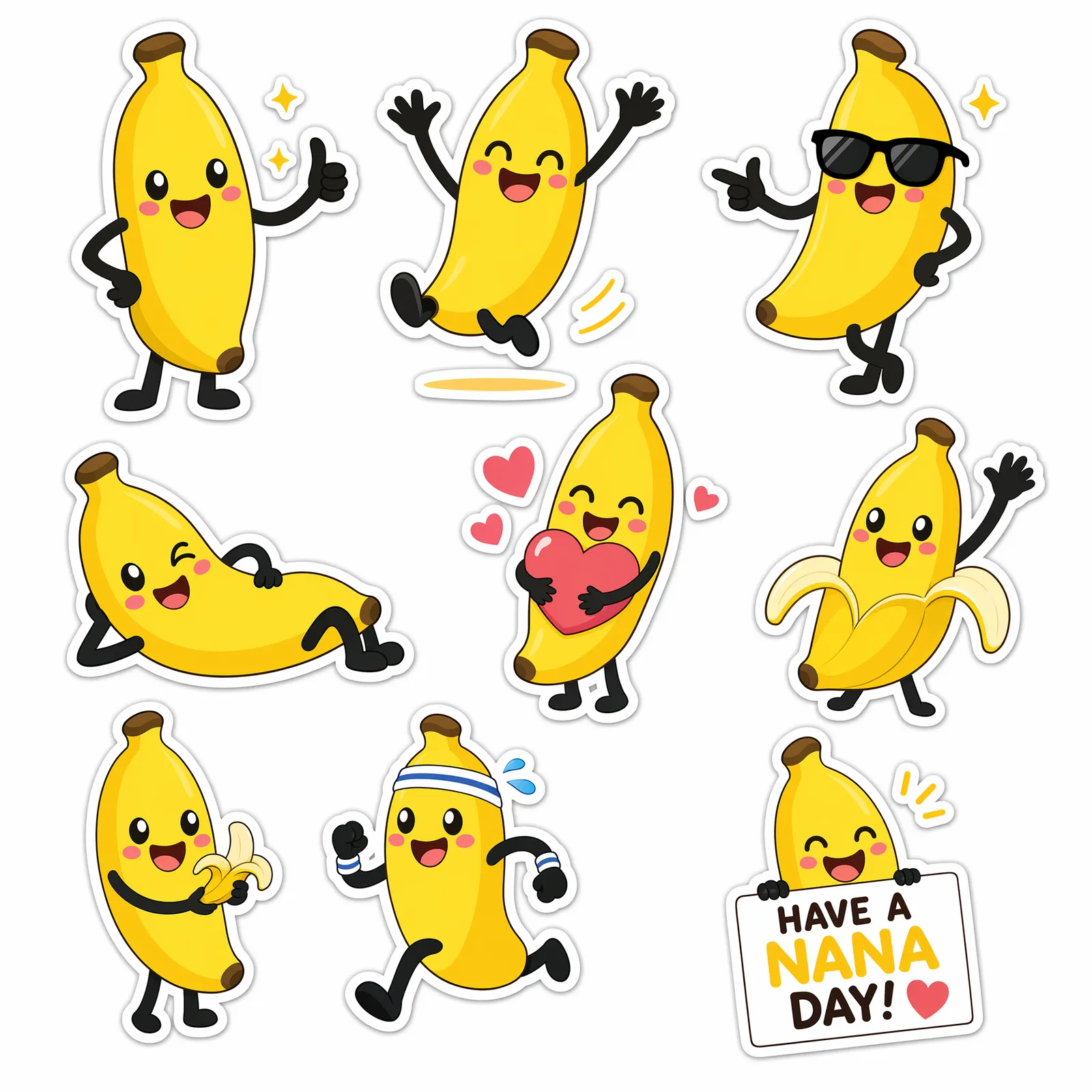
The prompt
Cute sticker sheet of a smiling banana mascot in different poses, bright flat colors, die cut style
- What to makeSticker sheet gives you many stickers at once
- Who is on itYour character and its mood
- PosesEach sticker gets a new pose
- ColorsFlat colors look like real stickers
- Sticker lookDie cut means a white edge around each one
How much does it cost?
You see the price before you start.
One sticker sheet
20tokens
Nine stickers on one sheet, with no watermark. Every style in the tool costs the same.
Questions people ask
How do I make stickers from my photo?
Open the Sticker Sheet style in the AI filter on Enhance AI. Upload one clear photo with one face and tap Apply style. You get one PNG with nine stickers of that person in nine moods, each with a thick white border.
Is this AI sticker generator free?
You can try it for free. New accounts get free tokens, and you do not need a card. Each sticker sheet uses 20 tokens. When you need more, plans start at $19, paid one time, and yearly plans are 20% off.
How do I make a WhatsApp sticker from my photo?
Make a sticker sheet and download it. Crop a square around one face and keep its white border. Then open the sticker panel in a WhatsApp chat and look for the option to create a sticker. Pick your crop. WhatsApp Web has it too.
Do the stickers have a clear background?
No. You get one PNG with a plain light background, not nine separate files. The white borders make each sticker easy to crop. If you need a clear background, try the background remover on your crop.
Does it work with photos of pets?
Yes. For a pet, the style asks the AI to keep the breed, fur colors and markings. Your dog or cat gets nine moods of its own.
Will the stickers look like me?
They are a cute cartoon of you, with a big head and a small body. The style asks the AI to keep your face shape, skin tone, hair, glasses and outfit colors in all nine. Cartoon faces are simpler on purpose, so expect a cute likeness, not a portrait. Every sheet is drawn fresh, so poses change a little each time.
Can I put words on my stickers?
No. The style leaves words off, so the stickers work in any language. Add a caption yourself in any photo editor.
Can I print my stickers?
The whole sheet is about 1K, so each sticker is small. They look good on a phone screen, but they are not big enough for a large print.
I have no photo. Can I still make a sticker?
Yes. Type your idea in the AI image generator, like a mascot or a food character. Say sticker sheet, flat colors and die cut style in your prompt, like the banana example on this page. The price depends on the model you pick, and your free tokens work there too.
Can I share my stickers anywhere?
Yes. There is no watermark, and you own the stickers you make, so you can use them for personal or commercial work, like products you sell. Only upload photos of yourself or of people who said yes, because the stickers show their face.
Do I need to download an app?
No. It works online, in the browser on your phone or computer.
What happens to my photo?
It is saved in your Enhance AI account and sent to the AI model that makes your stickers, OpenAI GPT Image 2, through our AI provider. Our privacy policy explains how long data is kept and how to have it deleted.
Make your stickers today
Upload one photo and send your new stickers to your friends.
Make my stickers- Free to try
- No app needed
- No watermark