Seedream 5.0 Free Online
Make AI pictures with ByteDance's Seedream 5.0. Type your idea, or add up to 10 of your photos.
- Free to try
- No card needed
- No watermark
20 tokens a picture · 9 shapes · Up to 10 photos
Or try one of these
- Chai in the rainA glass of masala chai on a wooden window sill, rain on the window, soft morning light, close up photo
- Steel bottle product photoProduct photo of a plain steel water bottle on a white table, soft shadows, clean light background
- Mumbai street paintingWatercolor painting of a busy Mumbai street with yellow and black taxis, warm evening light
- Cartoon baby elephantCute 3D cartoon baby elephant wearing a red scarf, bright colors, plain background
How to use Seedream 5.0 free
Three steps, right in your browser.
Step 1
Type your idea
Say what you want to see, where it is and how it looks.
Step 2
Add photos if you like
Up to 10. Or skip this and use words only.
Step 3
Pick a shape and go
9 shapes, from square to 16:9. Each picture uses 20 tokens. New here? Sign up free first.
Three ways to use Seedream 5.0
Pick Seedream 5.0 from the model list in each one.
- Playground
Make a new picture from words or photos. 20 tokens.
- Image editor
Change your photo with AI Edit. Up to 10 photos. 9 tokens.
- Chat with edit
Add a photo and say what to change. 20 tokens.

Seedream 5.0 vs other Seedream models
All made by ByteDance. Your free tokens work on every one.
| Model | Where | Tokens a picture | Your photos |
|---|---|---|---|
| Seedream 5.0 | Playground, image editor, Chat with edit | 20, or 9 in AI Edit | Optional, up to 10 |
| Seedream 5.0 Pro | Playground | 10 | Words only |
| Seedream 5.0 Flash | Playground | 8 | Words only |
| Seedream 4.5 | Chat with edit, Image reference | 14 or 13 | Needed, up to 10 |
| Seedream 4 | Playground | 9 | Optional, up to 10 |
Seedream 5.0
- Where
- Playground, image editor, Chat with edit
- Tokens a picture
- 20, or 9 in AI Edit
- Your photos
- Optional, up to 10
- Where
- Playground
- Tokens a picture
- 10
- Your photos
- Words only
- Where
- Playground
- Tokens a picture
- 8
- Your photos
- Words only
- Where
- Chat with edit, Image reference
- Tokens a picture
- 14 or 13
- Your photos
- Needed, up to 10
- Where
- Playground
- Tokens a picture
- 9
- Your photos
- Optional, up to 10
Want other models? See text to image AI, AI image editing and all models.
How much does it cost?
Start free. Then pay for each picture.
One Seedream 5.0 picture
20tokens
In the playground. In the image editor's AI Edit it is 9. Each run makes one picture.
Free tokens on sign up
New accounts get free tokens, and they work on Seedream 5.0. No card needed.
Try it freeNeed more?
$19one time
2,000 tokens for 30 days. That is 100 Seedream 5.0 pictures. No subscription. Yearly plans are 20% off.
See plansMore image tools
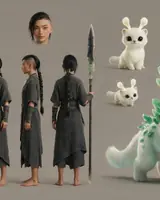
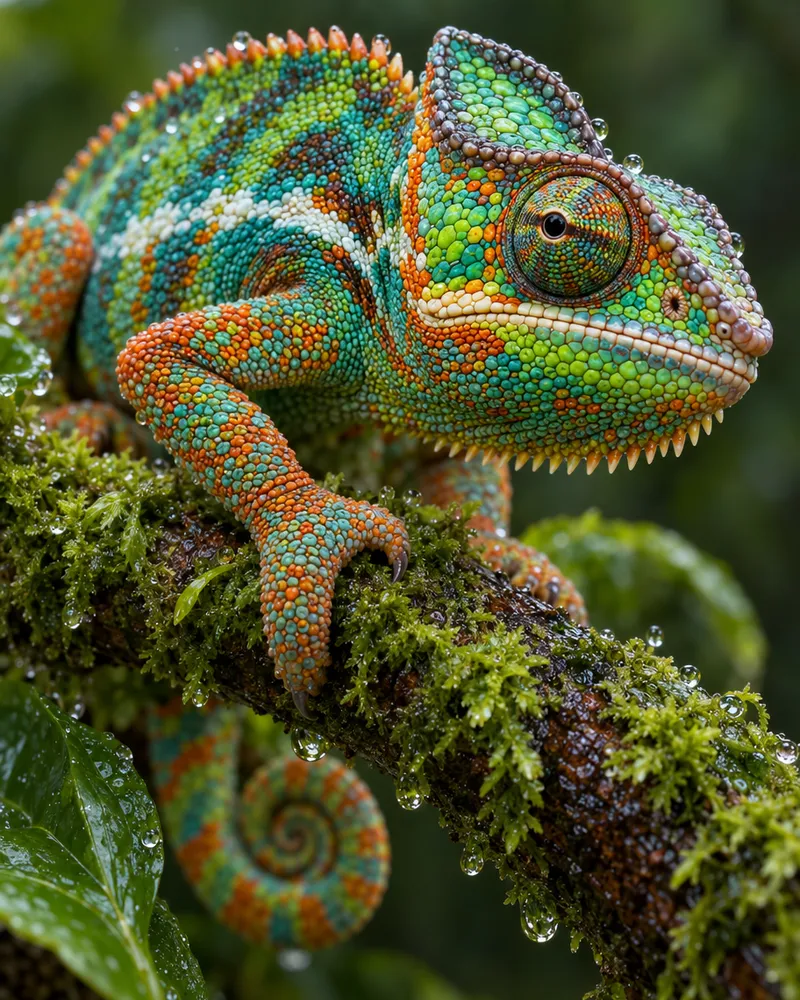
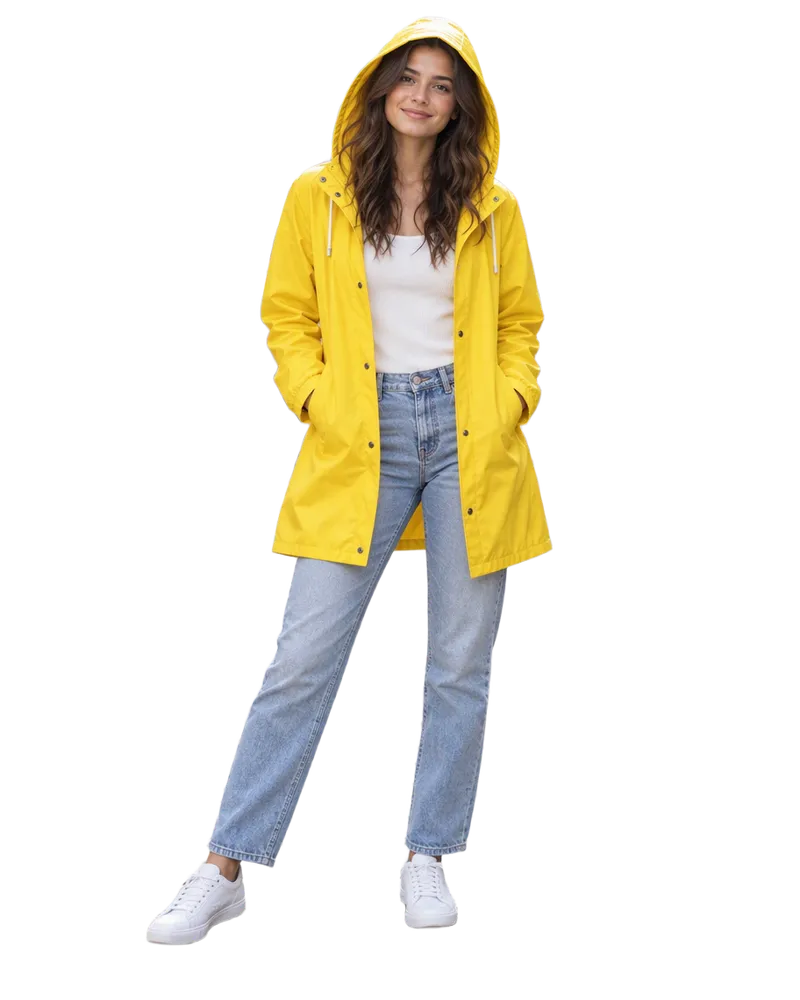
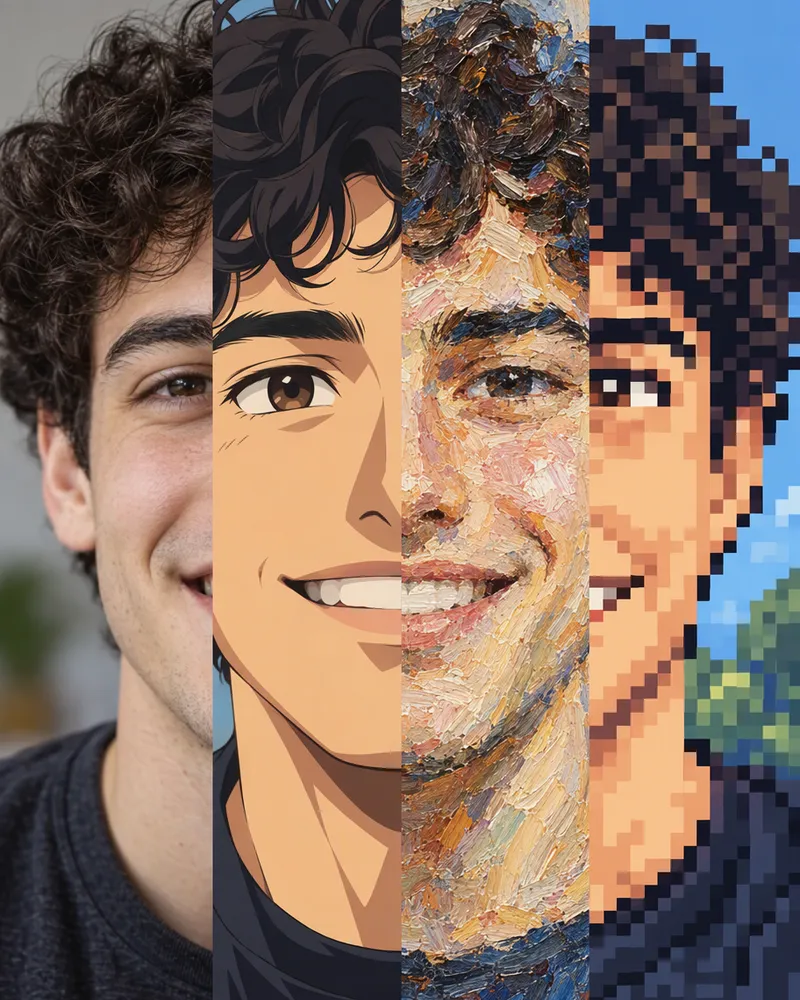
Mix photos, make a picture bigger, cut out a background or try a style.
- Image reference
Mix your photos into one new picture.
- Upscale an image
Make your picture bigger and sharper.
- Remove background
Cut out the background in one tap.
- Styles and filters
Turn your photo into a new style.


Questions people ask
What is Seedream 5.0?
Seedream 5.0 is an AI image model made by ByteDance. You type what you want, and it makes a picture. You can also add your own photos for it to work from. On Enhance AI it runs as Seedream 5.0 Lite, which our model lists call SeeDream V5 Lite.
Is Seedream 5.0 free?
You can try it free. Sign up with no card and you get free tokens. They work on Seedream 5.0. Each picture in the playground uses 20 tokens. The free tokens come once, not every day. After that, plans start at $19, paid one time.
How much does Seedream 5.0 cost?
20 tokens a picture in the playground and in Chat with edit. 9 tokens in AI Edit, inside the image editor. Each run makes one picture. The $19 plan gives 2,000 tokens for 30 days. That is 100 Seedream 5.0 pictures in the playground. There is no subscription. Yearly plans are 20% off.
How do I use Seedream 5.0 online?
Type your idea in the box at the top of this page and press Generate. The Enhance AI playground opens with Seedream 5.0 picked and your words filled in. New here? Sign up first and you come right back. Pick a shape, press Generate, then download your picture. It works in the browser on your phone or computer. No app needed.
Can I use my own photos?
Yes. In the playground, add up to 10 photos and say what to make from them, like the face from photo 1 and the jacket from photo 2. In the image editor's AI Edit, pick Seedream V5 and add up to 10 photos, counting your main one. In Chat with edit, add a photo and say what to change.
What shapes and sizes can I make?
9 shapes: square, 3:2, 2:3, 3:4, 4:3, 4:5, 5:4, tall 9:16 for reels and stories, and wide 16:9 for YouTube. The playground asks Seedream 5.0 for big pictures. For a square, it asks for 1920 by 1920 pixels. Need it bigger? Use the AI image upscaler.
Does Seedream 5.0 search the web?
Not on Enhance AI. The version we run has no web search, so it only knows what you tell it. To show a real place or a real product, add a photo of it and say what to do with it.
Can I make a picture without an account?
Seedream 5.0 needs a free Enhance AI account. With no account at all, the free image generator makes 3 pictures a day.
Seedream 5.0 or Seedream 5.0 Pro: which one should I use?
Pick Seedream 5.0 when you want to add your own photos, or need a tall or wide shape. Pick Seedream 5.0 Pro for pictures made from words alone, like posters and signs. Pro uses 10 tokens a picture and has two shapes, square and 3:2.
Seedream 5.0 or Seedream 4.5?
Seedream 4.5 always needs a photo. It runs in Chat with edit for 14 tokens and in Image reference for 13. Seedream 5.0 also works from words alone, in the playground.
How do I write a good prompt?
Say what is in the picture first, then where it is, then the light and the style. For example: a glass of chai on a window sill, rainy morning, soft light, close up photo. With more than one photo, give each photo a job. Want words in the picture? Put the exact words in quotes.
Is there a watermark? Can I use the pictures?
Enhance AI adds no watermark. And yes, you own the pictures you make and can use them for personal or commercial work, like ads, client work and products you sell. You are responsible for your prompts, your photos and how you use the pictures. Section 6 of the Terms has the exact words.
Try Seedream 5.0 free
Type your idea and see what it makes. Sign up with no card and get free tokens.
Open Seedream 5.0More from Enhance AI