GPT Image 2 Free Online
Type what you want and get an image. It can write real words in the picture, like on signs, posters and charts. GPT Image 2.5 is here too.
- Free to try
- No card needed
- No watermark
All made with GPT Image 2. Tap one to try its prompt.
How to use GPT Image 2 for free
Three steps. It works on your phone.
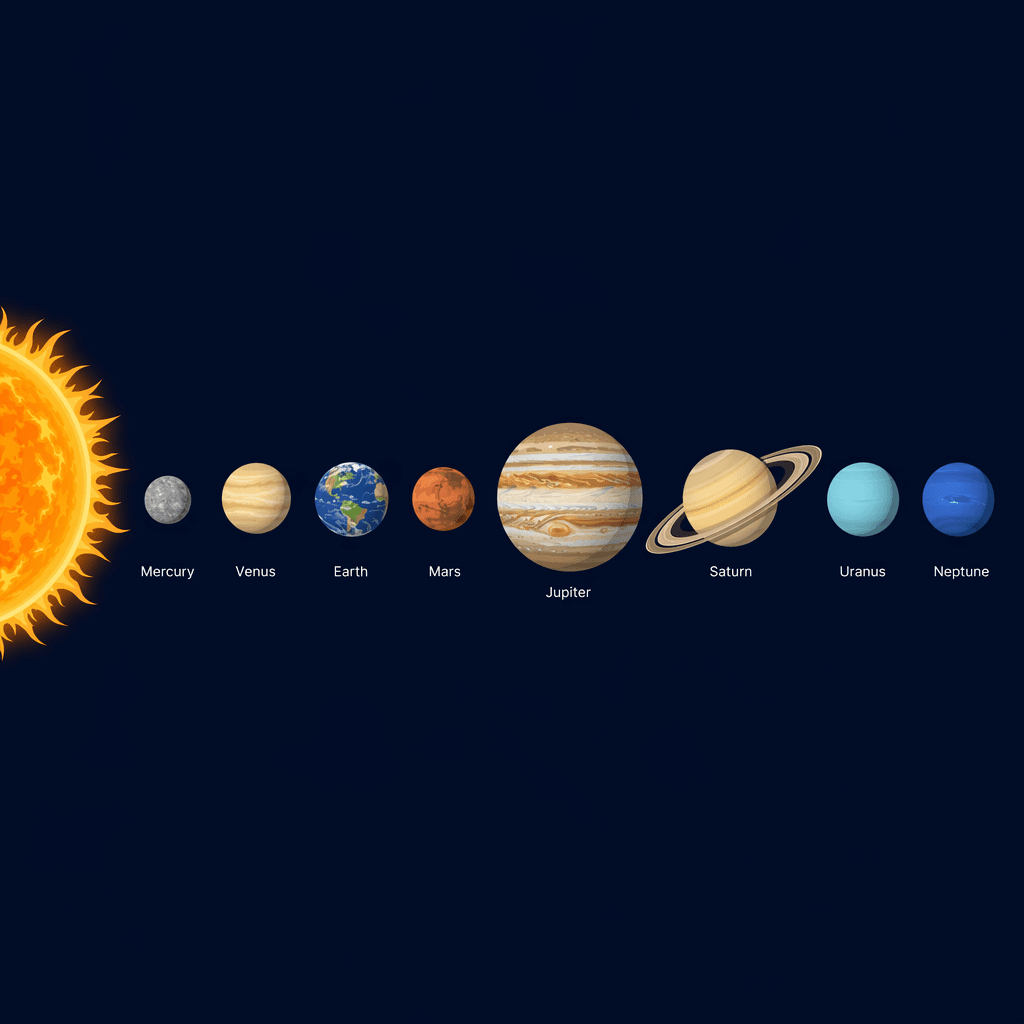
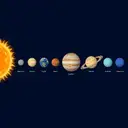
A clean educational diagram of the solar system on a dark navy background. The sun at the far left, then the eight planets in a single row in correct order from the sun: Mercury, Venus, Earth, Mars, Jupiter, Saturn, Uranus, Neptune. Each planet labeled beneath in small clean type, sizes roughly proportional, Saturn with rings, flat vector illustration style. No other text.
GenerateStep 1
Type your idea
Say what you want. Write the exact words you want in the image.
- GPT Image 220 tokens
- 2.5 Flare10 tokens
- 2.5 Sunburst10 tokens
Step 2
Pick a model
GPT Image 2 is 20 tokens an image. GPT Image 2.5 is 10.
 Download
GPT Image 2 and 2.5 examples with prompts
Real images, each with the exact prompt that made it. Pick a model to see its examples.
Got it right
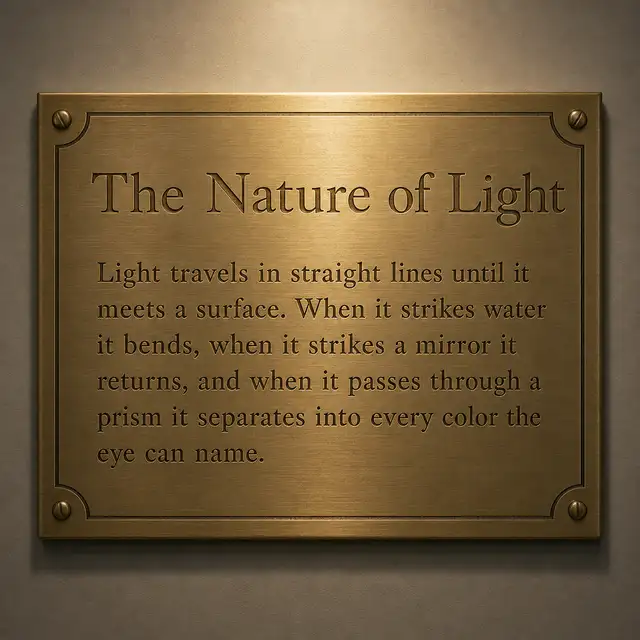
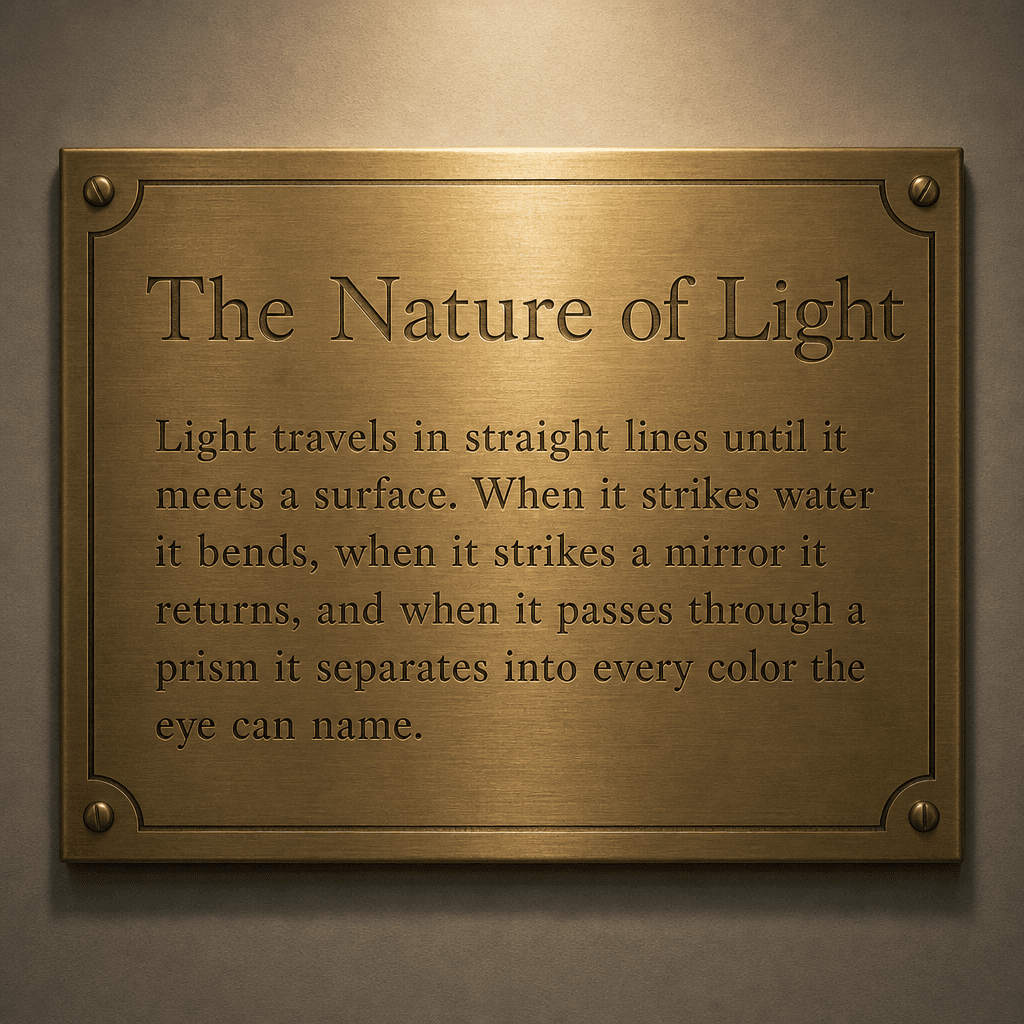
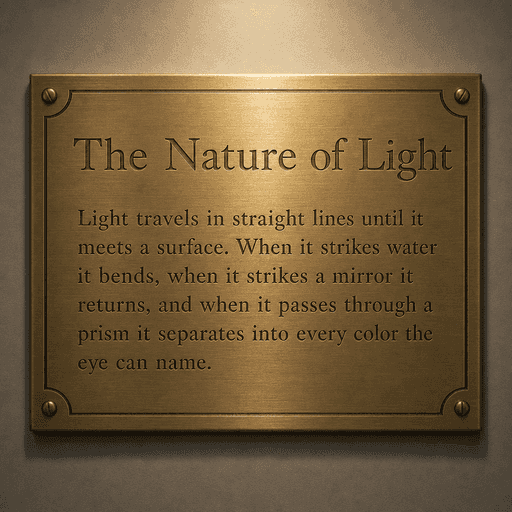
Brass plaque with a paragraph
The heading and all 39 words match the prompt exactly.
Try this promptSee the exact prompt
“A museum wall plaque in brushed brass, softly lit from above. Engraved serif heading reads The Nature of Light. Beneath it an engraved paragraph of small text reads exactly: Light travels in straight lines until it meets a surface. When it strikes water it bends, when it strikes a mirror it returns, and when it passes through a prism it separates into every color the eye can name. No other text.”
Got it right
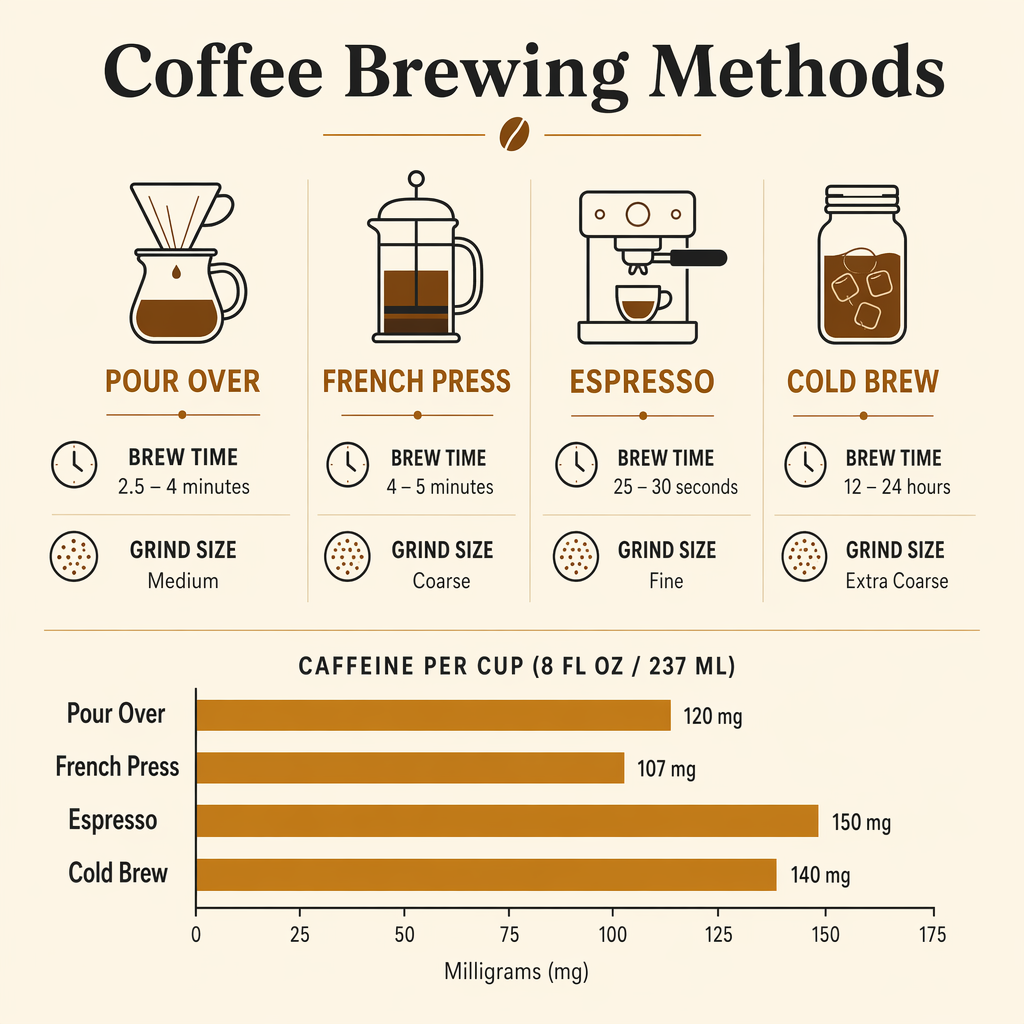
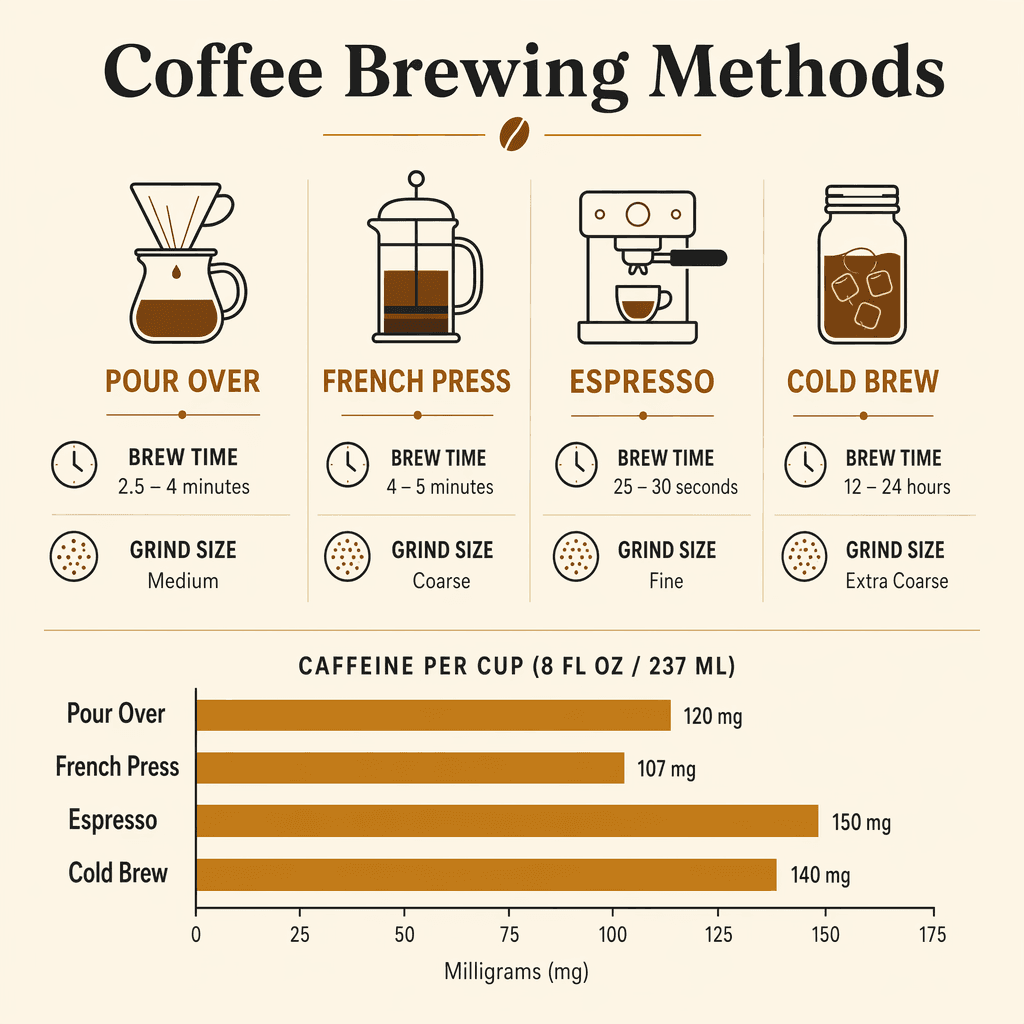
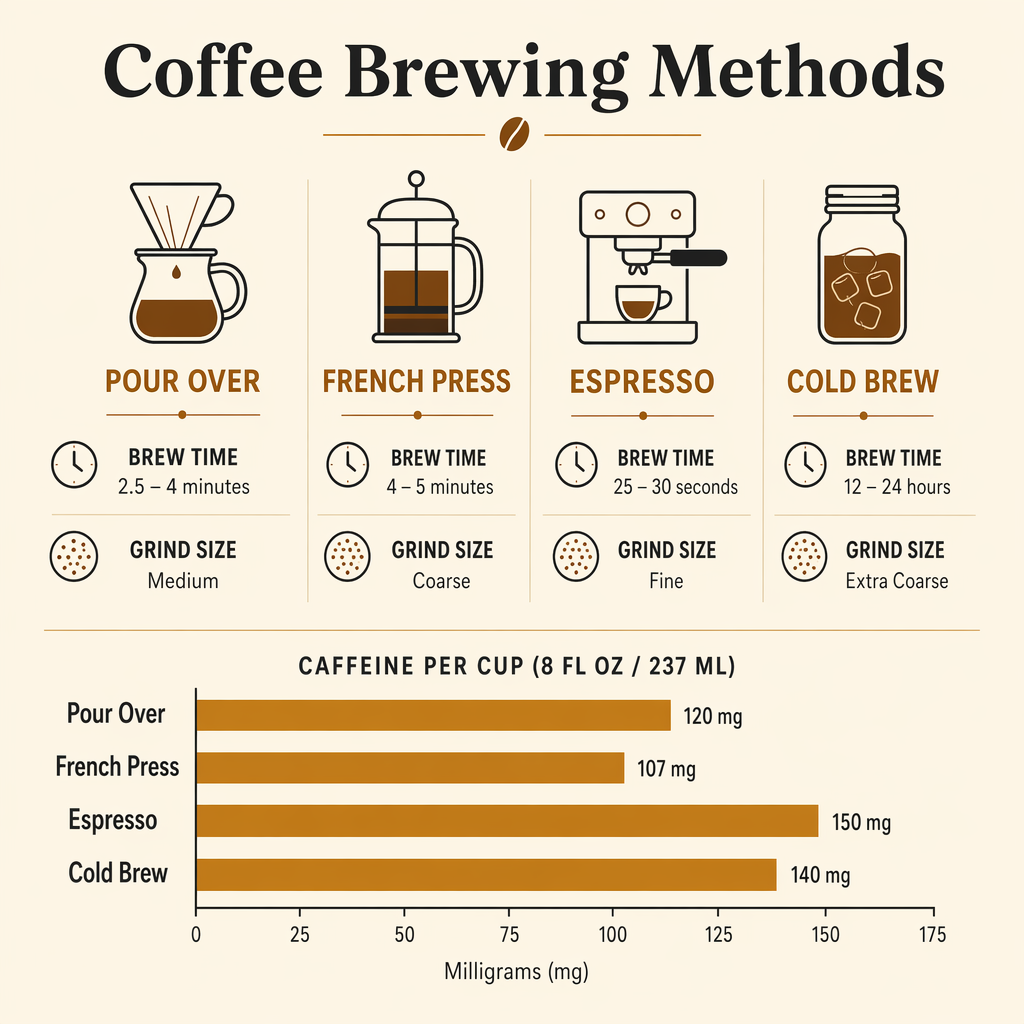
Coffee infographic
Every heading, label and number is spelled right, in all four columns and the chart.
Try this promptSee the exact prompt
“Infographic titled Coffee Brewing Methods comparing pour over, french press, espresso, and cold brew. Four columns, each with a simple line icon, the method name as a heading, and two labeled rows reading brew time and grind size with realistic values. Beneath the columns a horizontal bar chart comparing caffeine per cup across the four methods with axis labels. Flat modern editorial style, warm cream background, charcoal and amber palette. Every word must be real, correctly spelled English.”
Got it right
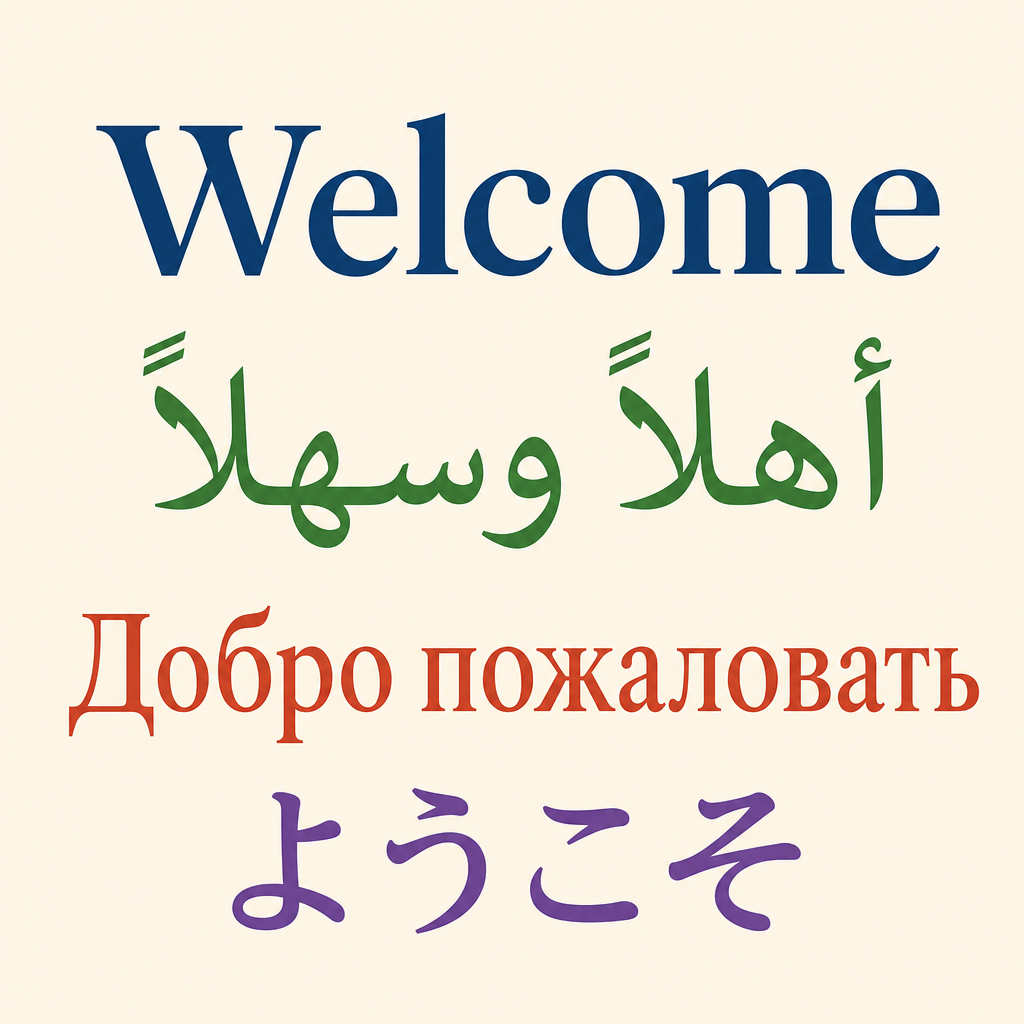
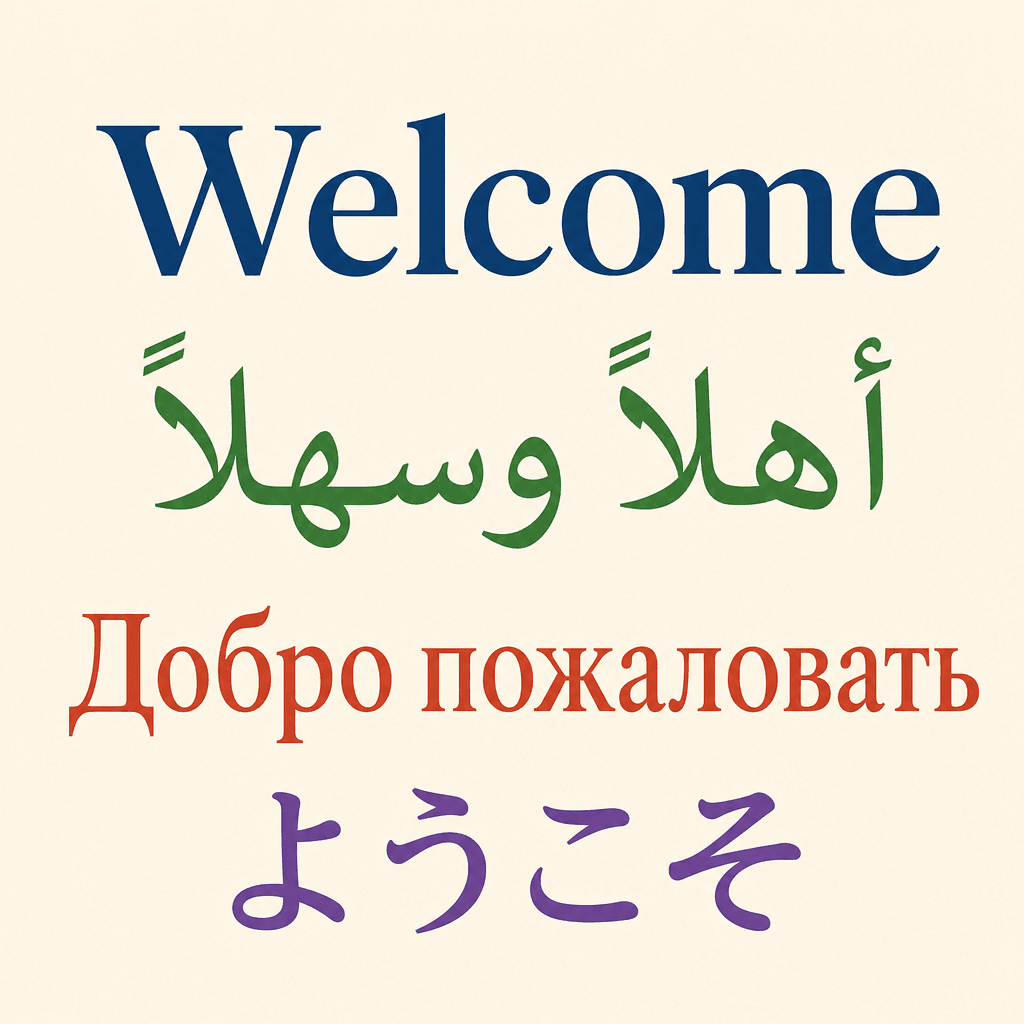
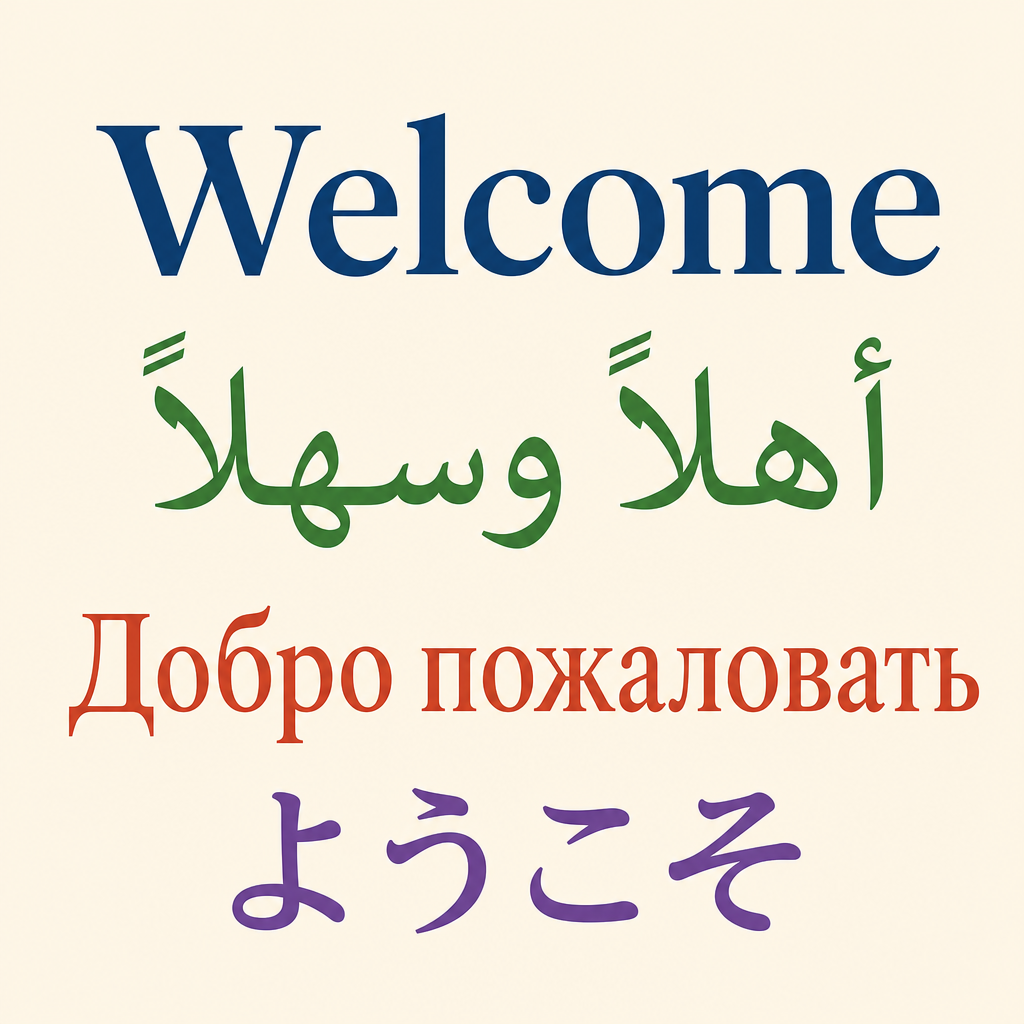
Welcome in four languages
All four greetings are spelled right, each in its own color.
Try this promptSee the exact prompt
“A clean flat travel poster on a cream background with the greeting Welcome written large in four stacked lines, each line in a different script and color: first line English Welcome, second line Arabic أهلاً وسهلاً, third line Russian Добро пожаловать, fourth line Japanese ようこそ. Precise correct spelling in every script, no other text or decoration.”
Got it right
Solar system chart
All eight planets are in the right order with the right names. Saturn has its rings.
Try this promptSee the exact prompt
“A clean educational diagram of the solar system on a dark navy background. The sun at the far left, then the eight planets in a single row in correct order from the sun: Mercury, Venus, Earth, Mars, Jupiter, Saturn, Uranus, Neptune. Each planet labeled beneath in small clean type, sizes roughly proportional, Saturn with rings, flat vector illustration style. No other text.”
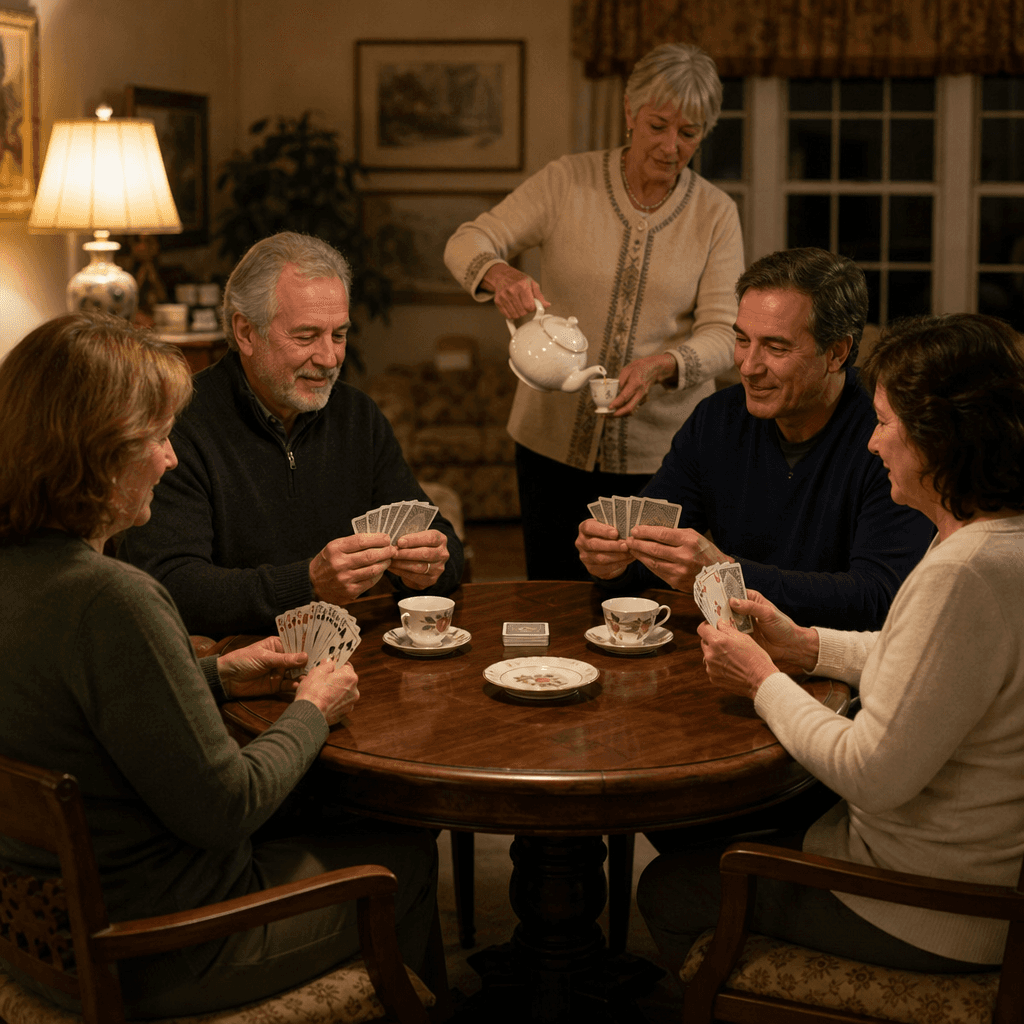
Not quite
Card game at home
The four players and the tea are right. But one player holds far more than five cards.
Try this promptSee the exact prompt
“Photorealistic scene of four people seated around a round wooden table playing cards in warm evening lamplight, each seated person holding exactly five fanned playing cards, and a fifth person standing behind them pouring tea from a white teapot into a cup. Every visible hand anatomically correct with five fingers, natural relaxed faces, cozy living room background, shot on a 35mm lens.”
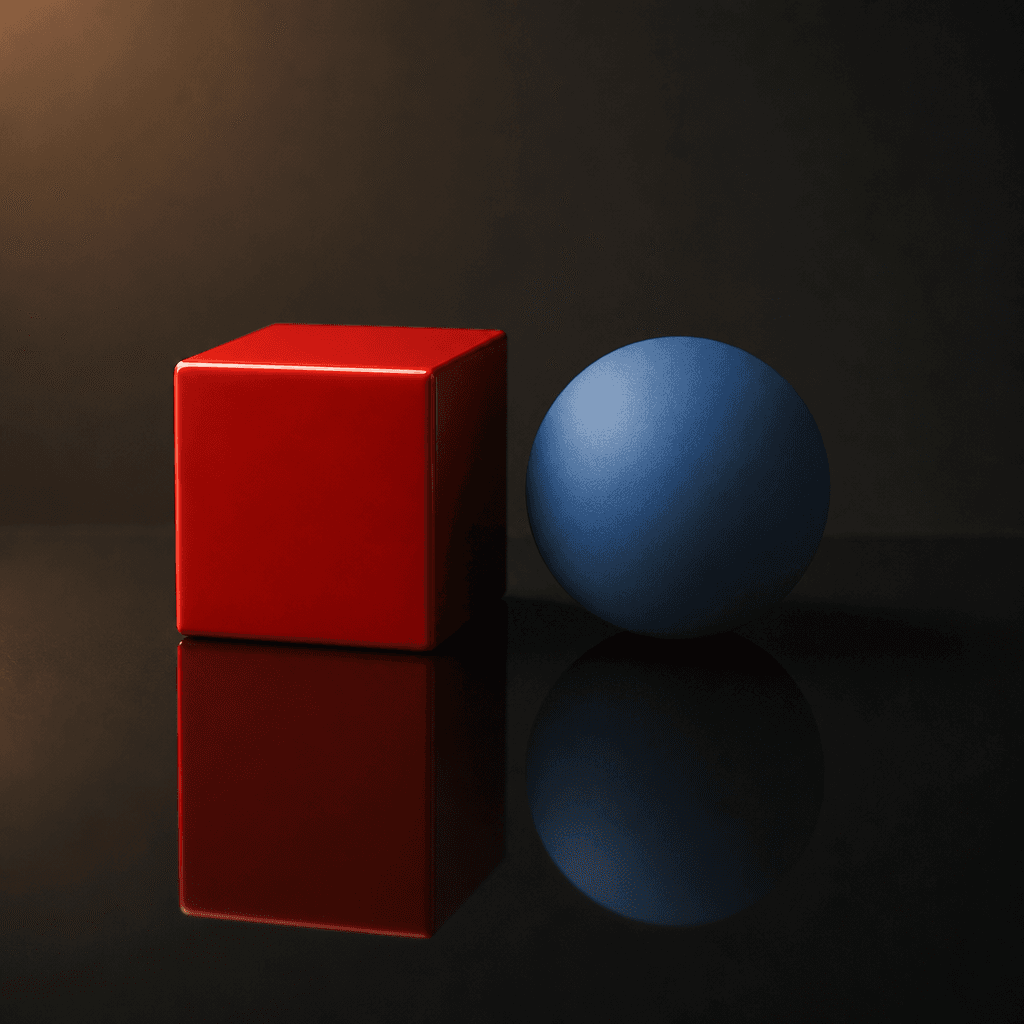
Got it right
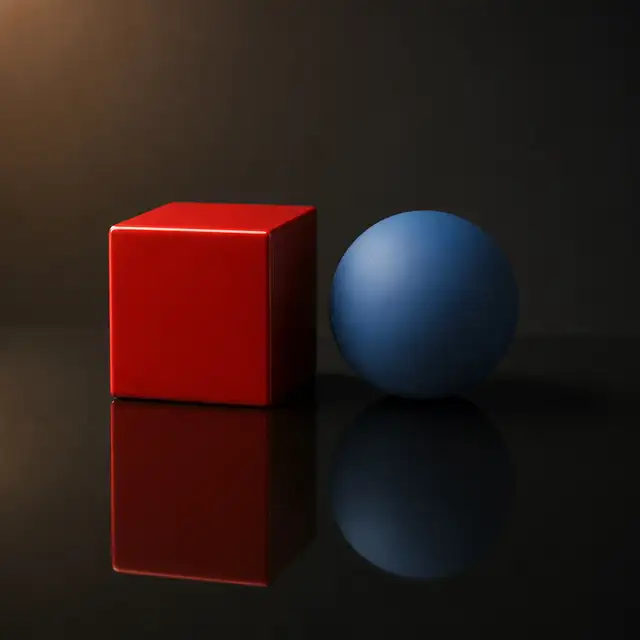
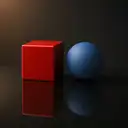
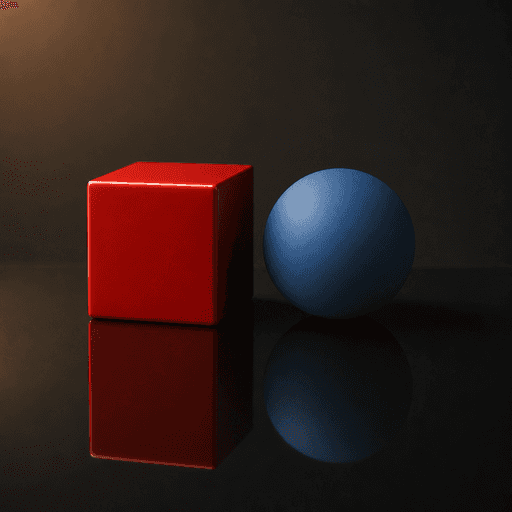
Cube and ball on a mirror
Both shapes show in the mirror, lit by one warm light from the upper left.
Try this promptSee the exact prompt
“A glossy red cube and a matte blue sphere sitting side by side on a polished black mirror surface. One warm light source from the upper left, physically correct mirror reflections of both objects beneath them, consistent soft shadows falling to the lower right, subtle falloff into a dark studio background, photorealistic render. No text.”
The same six prompts on Seedream 5.0 Pro: Seedream 5.0 Pro vs GPT Image 2
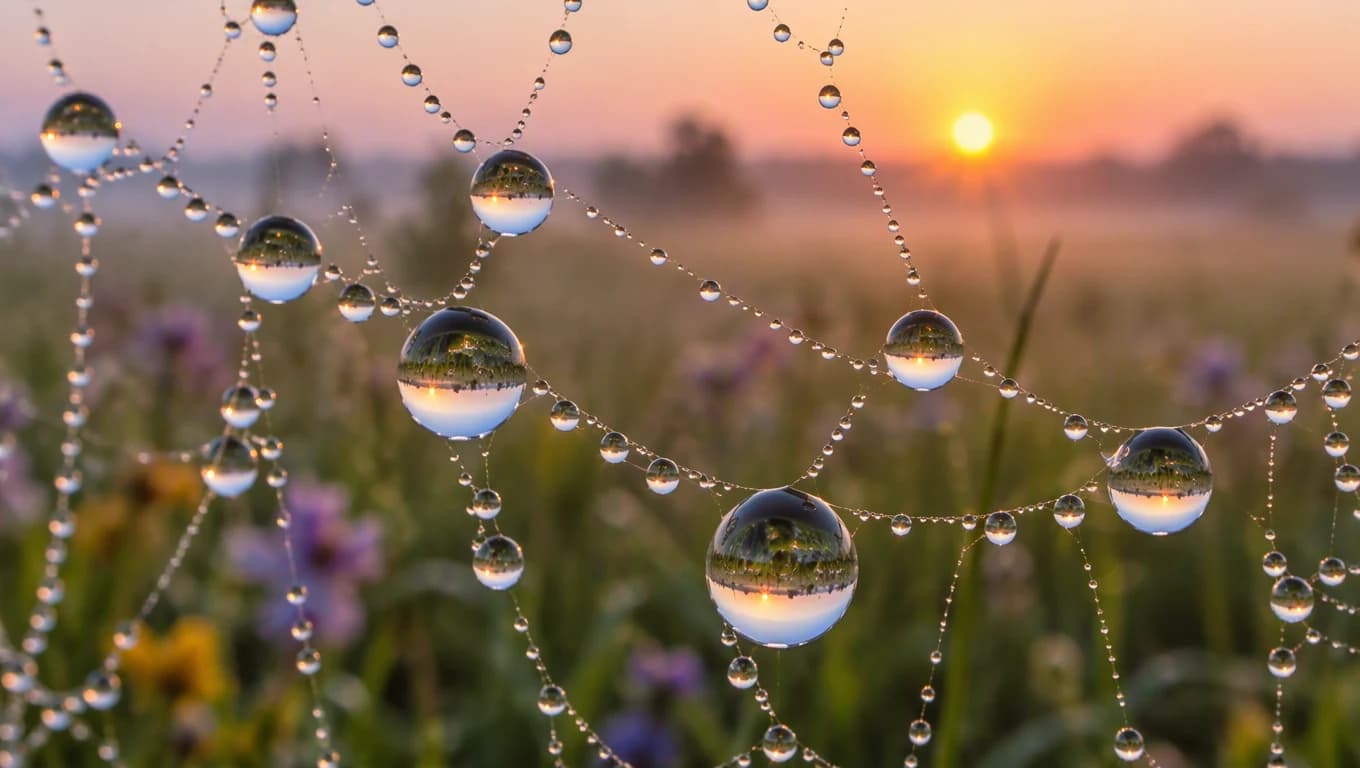
Made with GPT Image 2.5 Sunburst
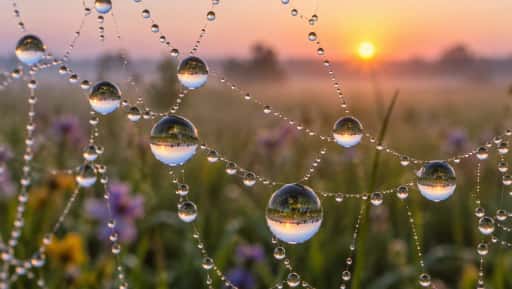
“A macro photograph of a spider web covered in dew at sunrise, each droplet reflecting a tiny upside down meadow, soft pastel bokeh behind.”
Try this prompt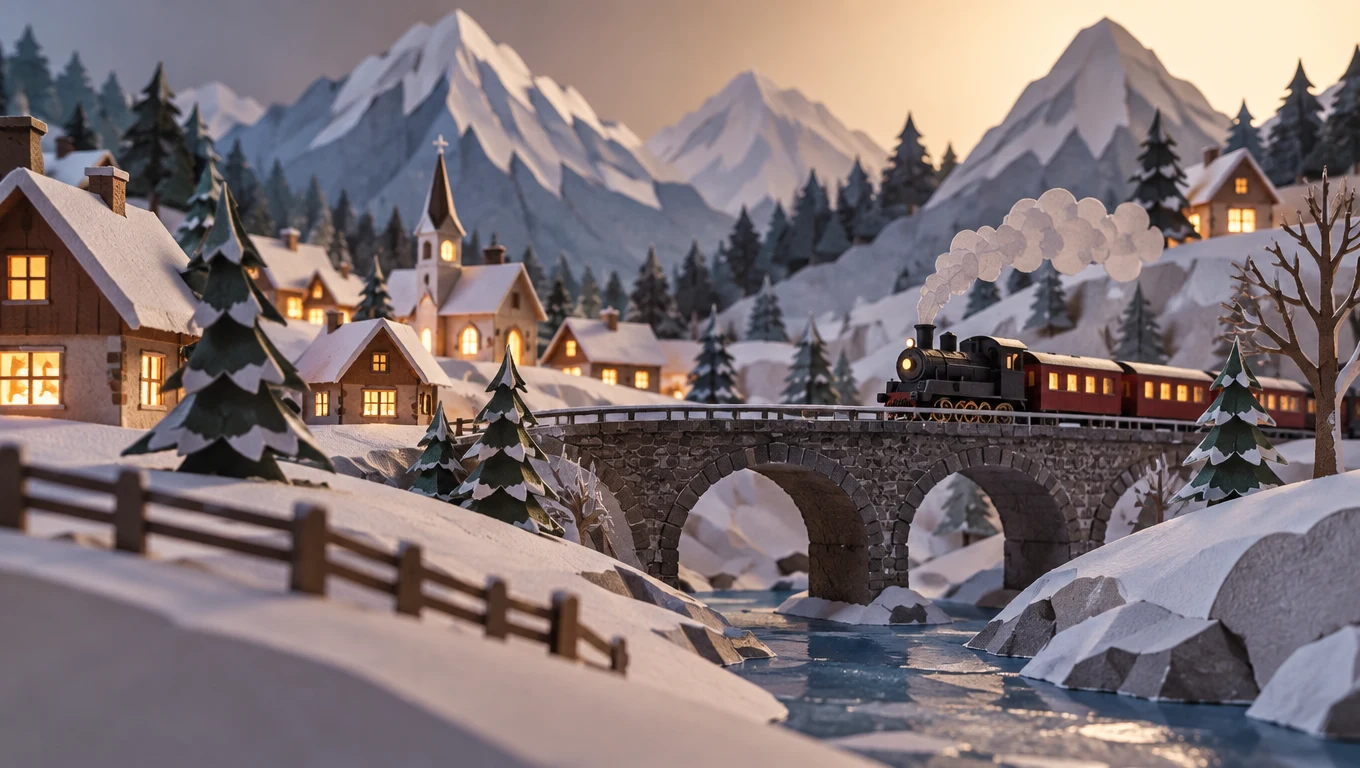
Made with GPT Image 2.5 Sunburst
“A paper craft diorama of a mountain village in winter, layered cut paper hills, tiny houses with glowing windows, a small train crossing a stone bridge, soft studio lighting, low angle photo.”
Try this prompt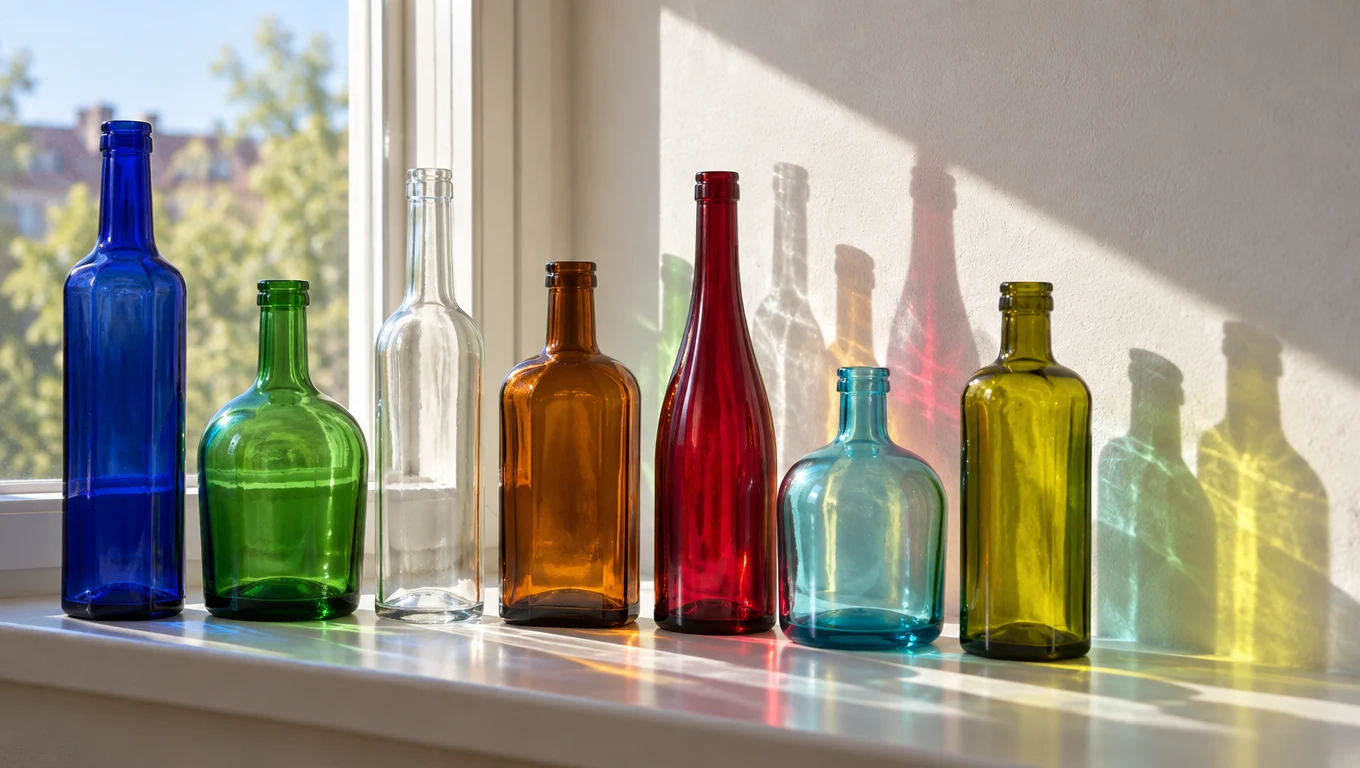
Made with GPT Image 2.5 Sunburst
“Seven plain glass bottles of different shapes and colors lined up on a sunny windowsill, light passing through them and casting colored shadows on a white wall.”
Try this prompt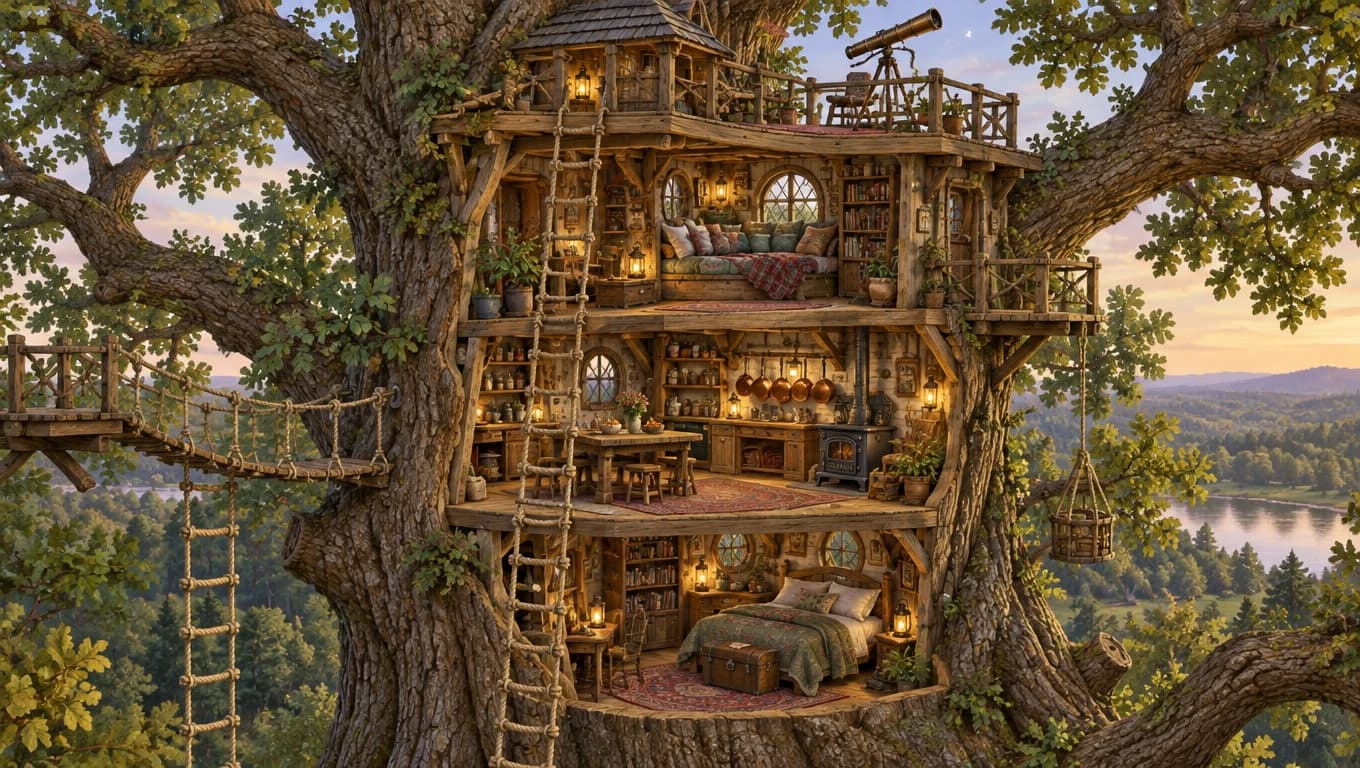
Made with GPT Image 2.5 Sunburst
“A cutaway illustration of a three level treehouse in a giant oak, rope ladders, a reading nook with cushions, a small kitchen with hanging copper pots and a telescope on the roof, detailed storybook style, no labels or text.”
Try this prompt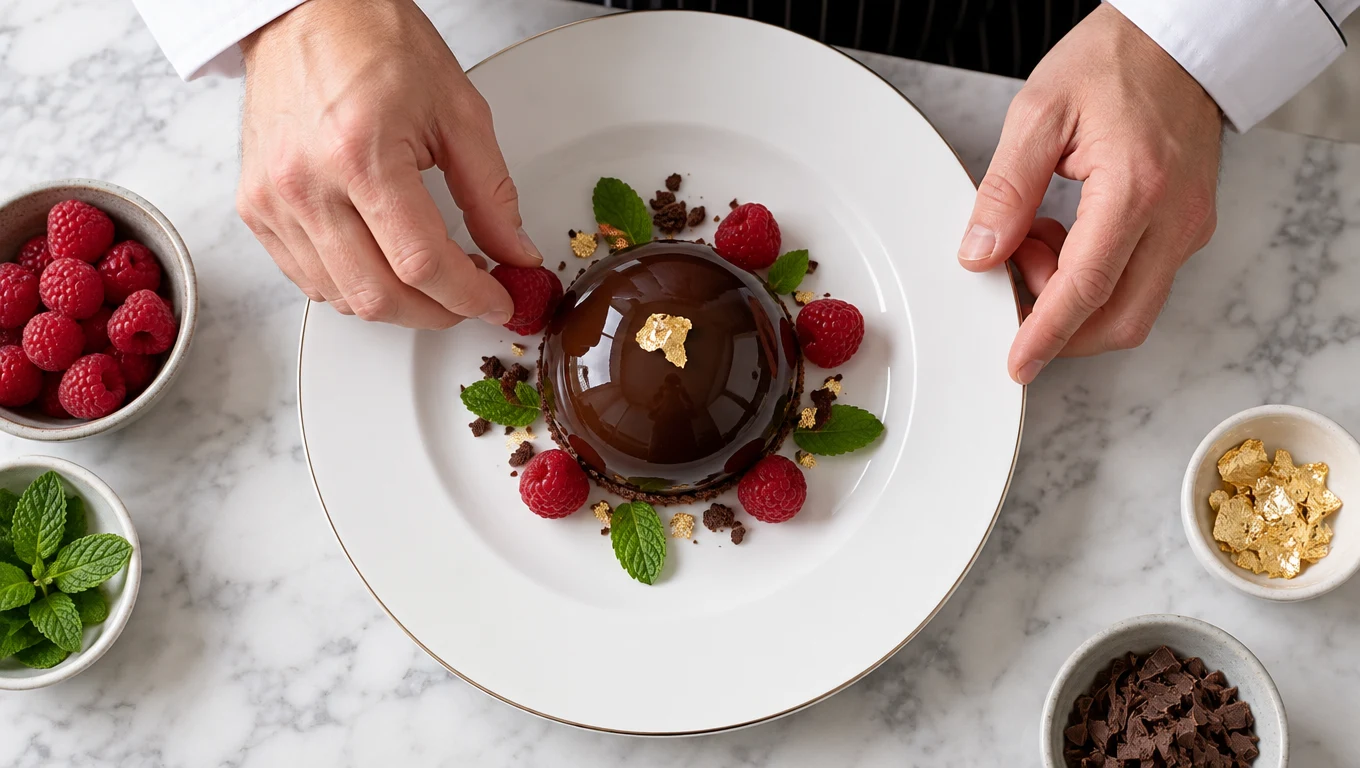
Made with GPT Image 2.5 Sunburst
“Overhead view of a chef's hands placing raspberries around a glossy chocolate dome on a white plate, mint leaves and a flake of gold leaf, marble counter, crisp studio light.”
Try this prompt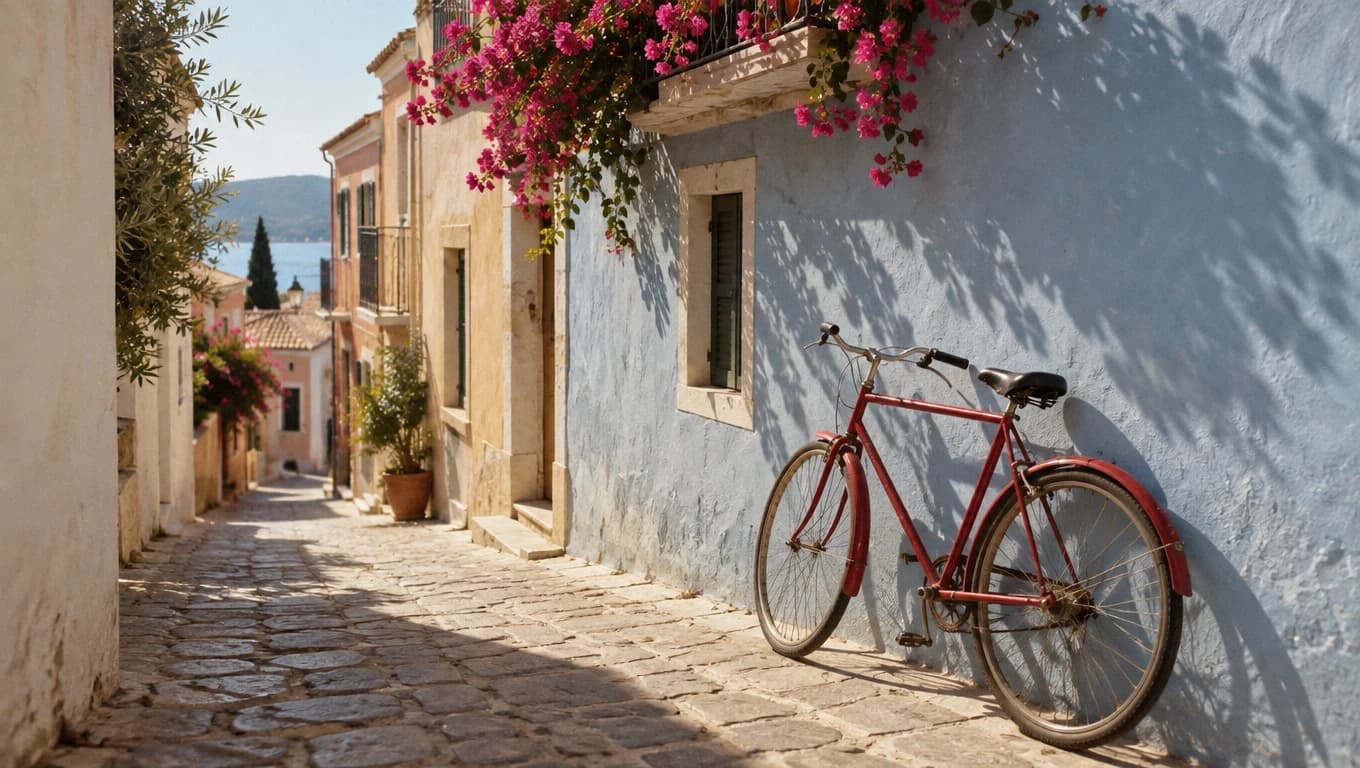
Made with GPT Image 2.5 Sunburst
“A plain red bicycle with no logos leaning against a pastel blue wall in a narrow Mediterranean alley with no signs, pink bougainvillea spilling from a balcony, afternoon sun and long shadows, 35mm film look.”
Try this prompt
More about this model: GPT Image 2.5 Sunburst
How to write a good prompt
This is the real prompt for the bicycle picture, split into its five parts.
The prompt
A plain red bicycle with no logos leaning against a pastel blue wall in a narrow Mediterranean alley with no signs, pink bougainvillea spilling from a balcony, afternoon sun and long shadows, 35mm film look.
- SubjectWhat is in the picture. You can say what to leave out.
- ActionWhat it is doing.
- SceneWhere it is, with a few details.
- LightThe time of day and the light.
- CameraHow the photo should look.
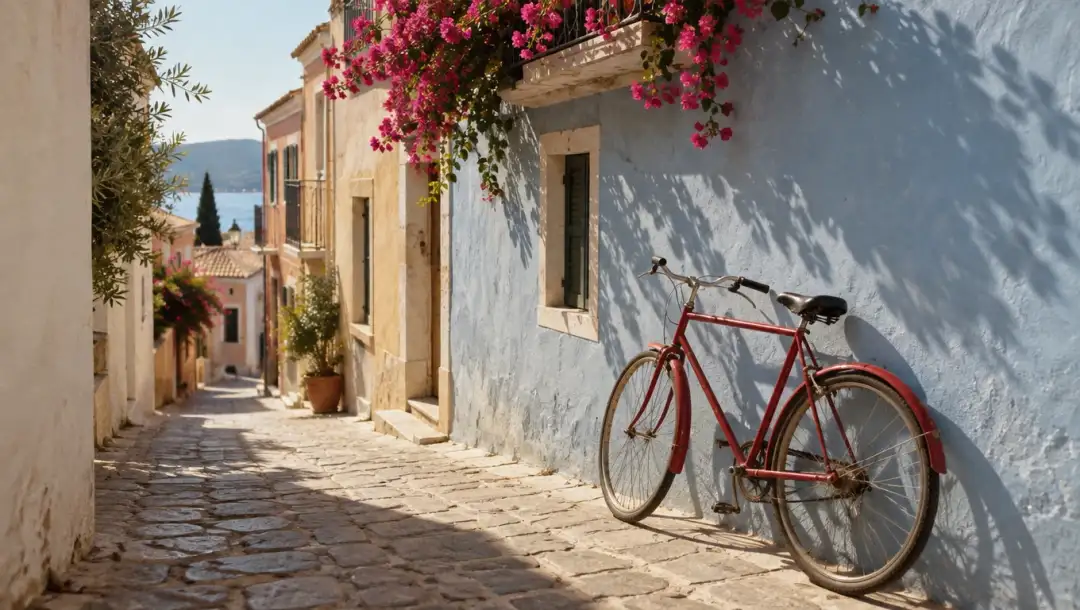 Made with GPT Image 2.5 Sunburst
GPT Image 2 vs GPT Image 2.5
GPT Image 2.5 came out on September 8, 2026, in two versions. Your free tokens work on all three.
| Model | Came out | Best for | Tokens an image | Images for $19 | Edit your image |
|---|---|---|---|---|---|
| GPT Image 2 | April 21, 2026 | Words in pictures, in our tests | 20 | 100 | Yes, one image |
| GPT Image 2.5 Flare | September 8, 2026 | Fast everyday images | 10 | 200 | Yes, one image |
| GPT Image 2.5 Sunburst | September 8, 2026 | Exact edits, but slower | 10 | 200 | Yes, one image |
GPT Image 2
- Came out
- April 21, 2026
- Best for
- Words in pictures, in our tests
- Tokens an image
- 20
- Images for $19
- 100
- Edit your image
- Yes, one image
- Came out
- September 8, 2026
- Best for
- Fast everyday images
- Tokens an image
- 10
- Images for $19
- 200
- Edit your image
- Yes, one image
- Came out
- September 8, 2026
- Best for
- Exact edits, but slower
- Tokens an image
- 10
- Images for $19
- 200
- Edit your image
- Yes, one image
Want to compare more image models? See the AI image generator
How much does GPT Image 2 cost?
Pay per image with tokens. No subscription.
One GPT Image 2 image
20tokens
GPT Image 2.5 Flare and Sunburst are 10 tokens an image. No watermark.
Free tokens on sign up
New accounts get free tokens, and they work on GPT Image 2 and 2.5. No card needed.
Try it freeNeed more?
$19one time
That is 100 GPT Image 2 images, or 200 on GPT Image 2.5. No subscription. Yearly plans are 20% off.
See plansDo more with your image
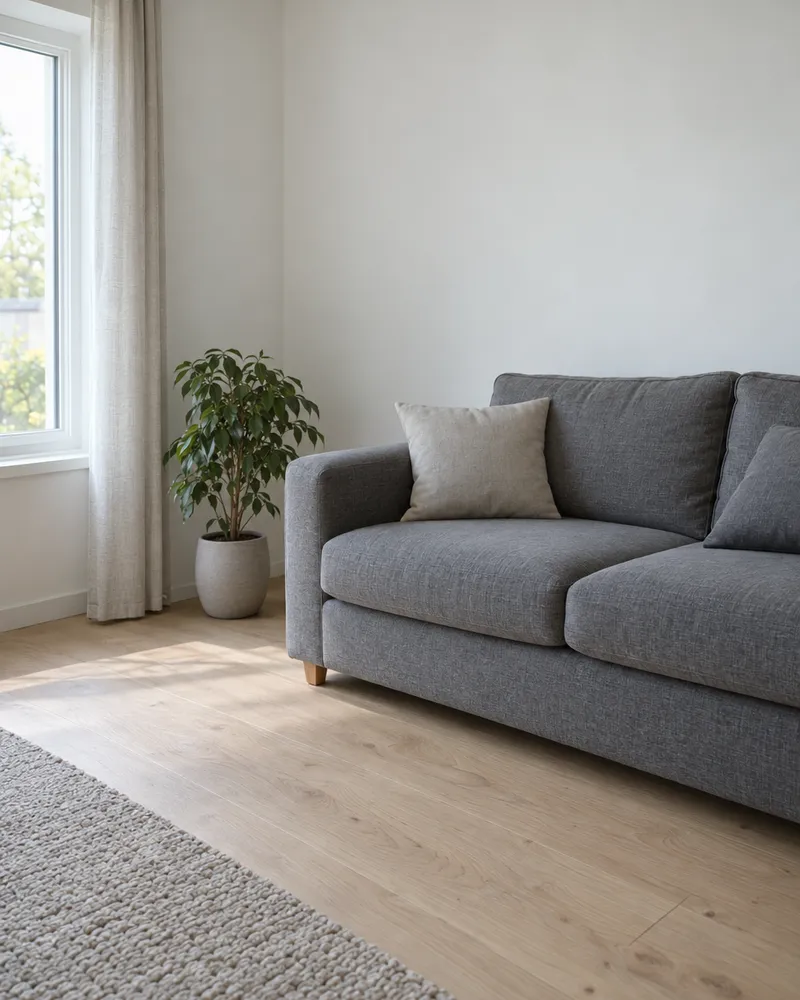
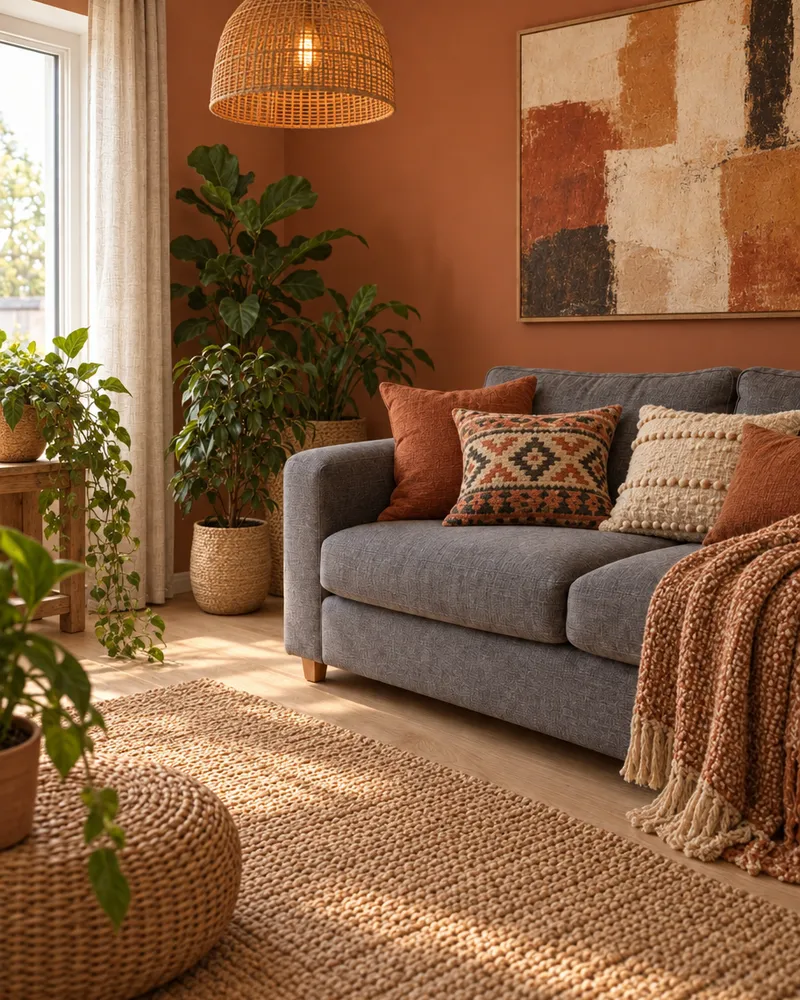
Edit it with words, make it bigger, cut out the background or make it move.
- Edit an image
Say what to change in your picture.
- Upscale an image
Make it bigger and sharper.
- Remove BG
Cut out the main subject.
- Image to video
Turn your picture into a short video.

Questions people ask
Is GPT Image 2 free on Enhance AI?
You can try it free. New accounts get free tokens, and they work on GPT Image 2. You do not need a card. GPT Image 2 starts at 20 tokens an image. The free tokens are a one time gift, not a daily refill. When you need more, plans start at $19, paid one time, with no subscription. Plan tokens last 30 days.
Is GPT Image 2.5 free too?
You can try it free too. The same free tokens work on GPT Image 2.5. Flare and Sunburst start at 10 tokens an image, so your free tokens make more images there.
What is GPT Image 2?
It is an image model made by OpenAI. It makes images from your words and changes images you upload. OpenAI released it on April 21, 2026. GPT Image 2.5 came out after it, on September 8, 2026. GPT Image 2 is still available, and it is not on OpenAI's list of models being shut down.
What is the difference between GPT Image 2 and GPT Image 2.5?
GPT Image 2.5 is newer and comes in two versions. OpenAI calls Flare its fastest model for high quality everyday images. Sunburst is made for edits where precision matters most, and OpenAI says it takes longer than Flare. On Enhance AI, both 2.5 versions cost 10 tokens an image and GPT Image 2 costs 20. In OpenAI's own API the 2.5 versions add two higher quality settings. Our playground has no quality setting, so all three run at their default quality there.
Which one should I use?
Start with GPT Image 2.5 Flare for everyday images and quick tries. Use Sunburst when you upload an image and need an exact change. For posters, labels and charts, GPT Image 2 spelled every word right in our tests. We have not run those tests on 2.5 yet, so try your prompt on both and keep the better one. For lots of cheap drafts, Flux Red costs 1 token an image.
Do I need ChatGPT Plus or an OpenAI account?
No. You use GPT Image 2 and GPT Image 2.5 on Enhance AI with Enhance AI tokens. You do not need a ChatGPT plan, an OpenAI account or an API key. OpenAI started giving ChatGPT users ChatGPT Images 2.5 on September 8, 2026. On Enhance AI you pick GPT Image 2, 2.5 Flare or 2.5 Sunburst by name.
Do I need to download an app?
No. It works online, in the browser on your phone or computer.
How good is GPT Image 2 at text in images?
Good, in our tests. It copied a 39 word paragraph onto a brass plaque exactly. It spelled every label in a coffee infographic right. It wrote Welcome correctly in English, Arabic, Russian and Japanese. OpenAI still says exact text placement can go wrong, so check small print before you use an image.
What does GPT Image 2 get wrong?
Exact counts can slip. We asked for five cards in every hand, and one player got far more. OpenAI also says it can struggle to place things in exact spots, and to keep the same character looking the same across several images. Every finished image costs tokens, even if you do not like it. If a run fails, the tokens go back to your balance.
Can GPT Image 2 edit my photos?
Yes. In the playground, pick GPT Image 2, upload one image and say what to change. In the image editor, pick GPT Image 2 Edit. Both cost 20 tokens a result. GPT Image 2.5 Flare and Sunburst can also edit one uploaded image in the playground.
What sizes can I make?
You get ten shapes: 1:1, 3:2, 2:3, 3:4, 4:3, 4:5, 5:4, 9:16, 16:9 and 21:9. Each run makes one image. The playground has no quality or resolution setting, so every image comes out at the model's default.
Can I use the images for my business?
Yes. You own the images you make and can use them for personal or commercial work, like ads, client work and products you sell. You are responsible for what you create and for any image you upload. Read section 6 of the Terms for the exact words. Enhance AI adds no watermark.
Make your first GPT Image 2 image
Type an idea, pick GPT Image 2 or 2.5 and download it. New accounts get free tokens.
Open GPT Image 2- Free to try
- No app needed
- No watermark
More from Enhance AI