GPT image 2.5 Sunburst: AI image generation
GPT Image 2.5 Sunburst is OpenAI’s high-precision model for complex image generation and targeted editing. Accepting text and reference images, it maintains exact subject consistency and texture quality across revisions. It is available via the Images and Responses APIs with six adjustable quality settings.
Free tokens on signup, no card required. Plans from $19 one time.
Made with GPT image 2.5 Sunburst on Enhance AI
Every clip here was rendered by GPT image 2.5 Sunburst on Enhance AI, with the prompt that made it.
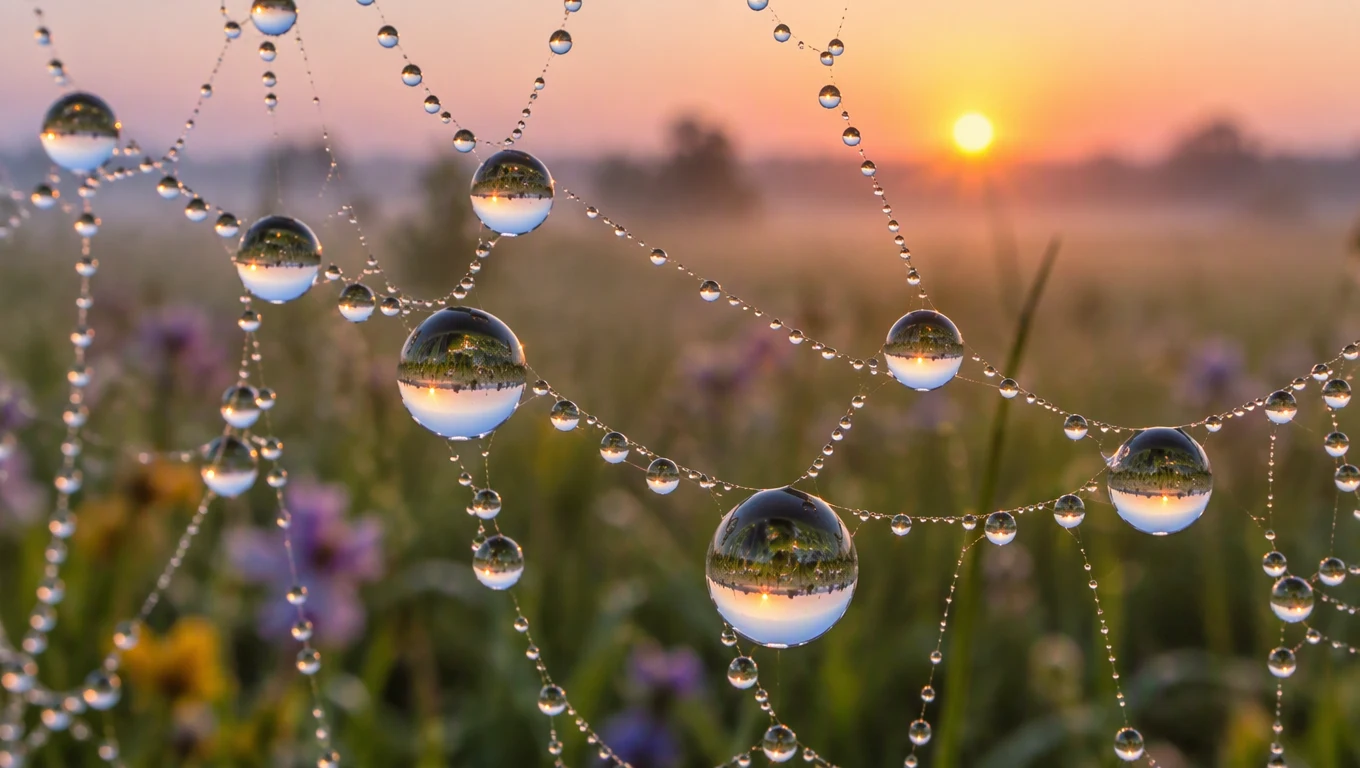
A macro photograph of a spider web covered in dew at sunrise, each droplet reflecting a tiny upside down meadow, soft pastel bokeh behind.
1K
Use this prompt
A paper craft diorama of a mountain village in winter, layered cut paper hills, tiny houses with glowing windows, a small train crossing a stone bridge, soft studio lighting, low angle photo.
1K
Use this prompt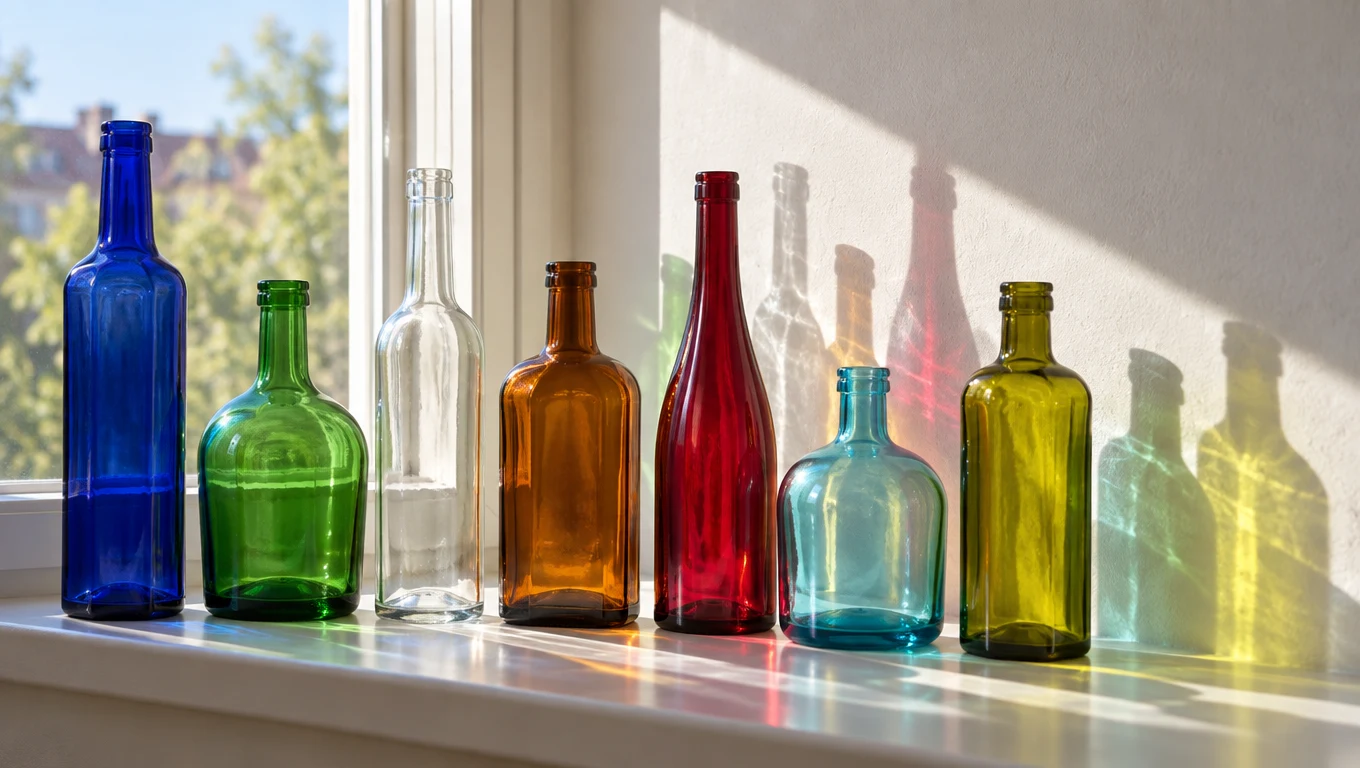
Seven plain glass bottles of different shapes and colors lined up on a sunny windowsill, light passing through them and casting colored shadows on a white wall.
1K
Use this prompt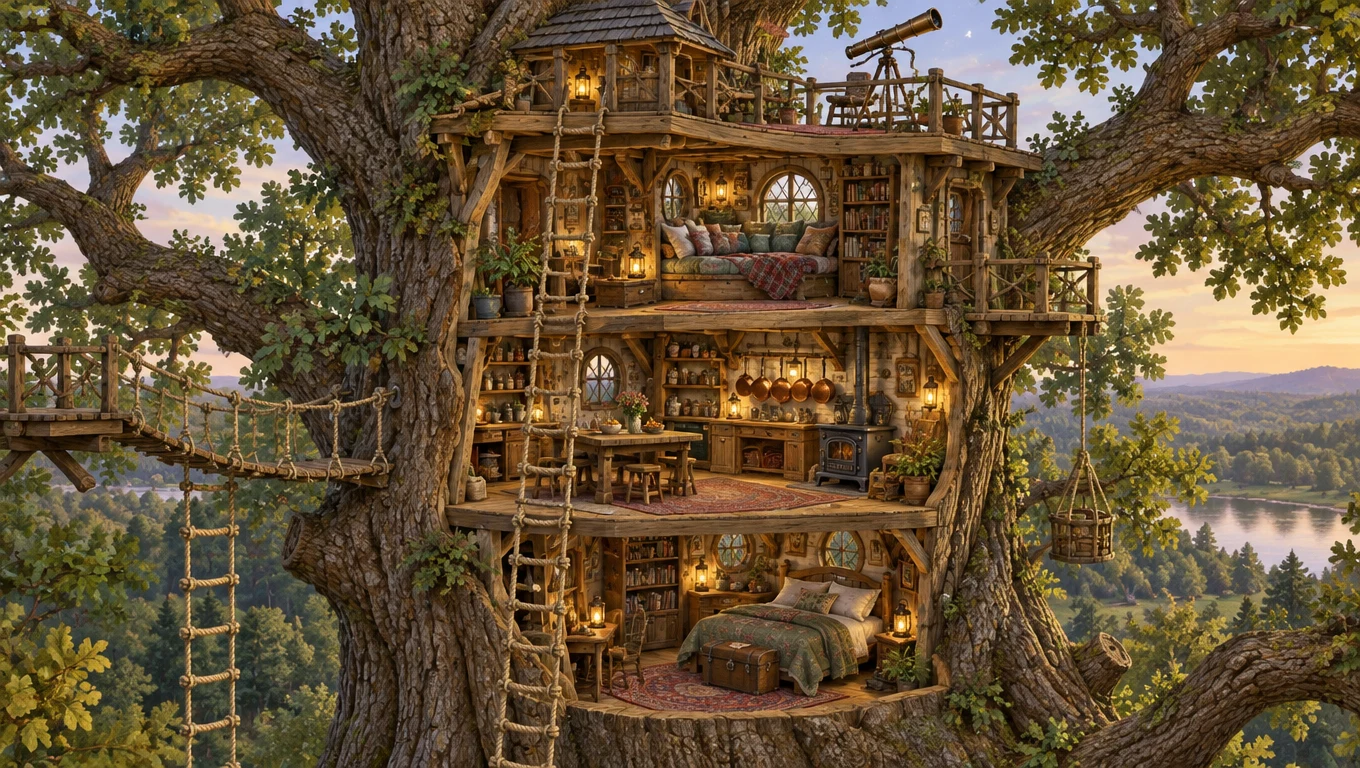
A cutaway illustration of a three level treehouse in a giant oak, rope ladders, a reading nook with cushions, a small kitchen with hanging copper pots and a telescope on the roof, detailed storybook style, no labels or text.
1K
Use this prompt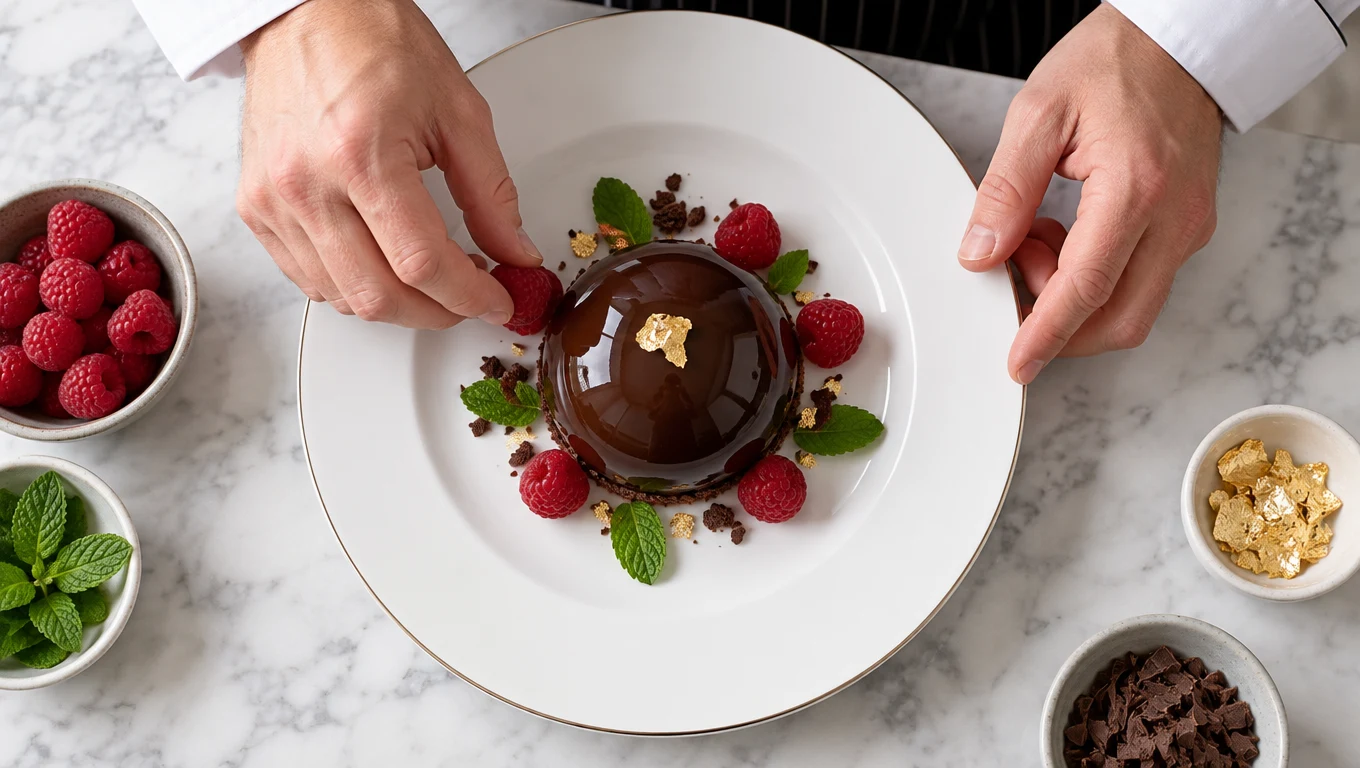
Overhead view of a chef's hands placing raspberries around a glossy chocolate dome on a white plate, mint leaves and a flake of gold leaf, marble counter, crisp studio light.
1K
Use this prompt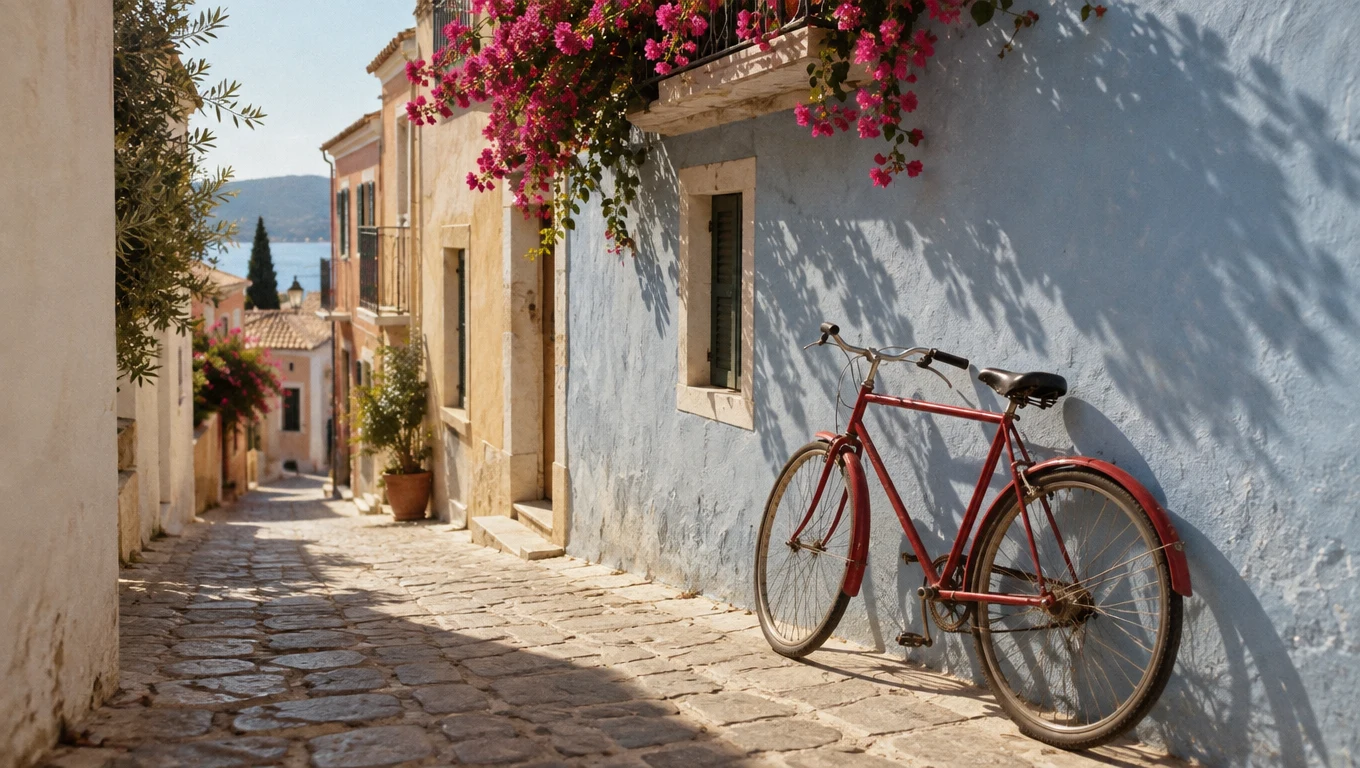
A plain red bicycle with no logos leaning against a pastel blue wall in a narrow Mediterranean alley with no signs, pink bougainvillea spilling from a balcony, afternoon sun and long shadows, 35mm film look.
1K
Use this prompt
Key features
GPT image 2.5 Sunburst turns a written prompt into images inside Enhance AI.
Input modes
GPT image 2.5 Sunburst works from a written prompt. Describe the subject, the setting, the light and the style in plain words and pick a size before you generate. Short, concrete prompts tend to render more reliably than long lists of adjectives, so say less and say it clearly.
Specifications
- Type
- Image
- Modes
- Text to image
How to use GPT image 2.5 Sunburst on Enhance AI
- 1
Sign in and pick GPT image 2.5 Sunburst
Open the Playground on Enhance AI and choose GPT image 2.5 Sunburst from the model list. A new account starts with free tokens and no card is needed. The Try button on this page opens the studio with GPT image 2.5 Sunburst already selected.
- 2
Describe the image
Write what you want to see: the subject, the setting, the light and the style. Pick a size and how many variations you want, and keep the prompt to one idea per image.
- 3
Generate, then download or extend
Press Generate. The images land in your history on Enhance AI, where you can download them, upscale them, edit them or animate one with a video model on the same account. You see the cost before you confirm.
What people make with GPT image 2.5 Sunburst
Product mockups
Put a product in a scene you could not afford to shoot: on a marble counter, in a rainy street, on a mountain at dawn. GPT image 2.5 Sunburst renders the setting from a description, and the image editor on the same Enhance AI account lets you refine the details afterwards.
Concept art and mood boards
Before a shoot, a build or a brief, generate the look with GPT image 2.5 Sunburst: colour, mood, composition, wardrobe. A page of concept images gets a client or a team aligned faster than a paragraph, and each direction costs a render rather than a day of illustration.
Blog and article art
Every post needs a header image and stock rarely fits. GPT image 2.5 Sunburst makes one that matches the article: the right subject, the right palette, the right shape for the layout. Keep a house style in the prompt so a whole site's images look like they belong together.
Common questions
- What is GPT image 2.5 Sunburst?
- GPT image 2.5 Sunburst is an image generation model. It turns a written prompt into images. On Enhance AI it runs on the same account as all the other top models, with no separate subscription.
- Is GPT image 2.5 Sunburst free to try?
- Yes. Every new account gets free tokens on signup, no card required, so you can run GPT image 2.5 Sunburst before paying anything. Plans from $19 one time add more tokens when you need them, and one account covers GPT image 2.5 Sunburst and all the other top models.
- What does it cost to run GPT image 2.5 Sunburst?
- Image generations are billed in tokens, and every new account starts with free tokens. You see the cost before you generate.
- Do I need a separate subscription for GPT image 2.5 Sunburst?
- No. GPT image 2.5 Sunburst runs on the same Enhance AI account as every other model, so you are not paying one provider for video and another for images.
Related models
- GPT Image 2.5 FlareOpenAI GPT Image 2.5 Flare turns natural-language prompts into high-quality images. Flare is the fast, balanced GPT Image 2.5 tier for everyday generation at low latency.View
- GPT Image 2OpenAI GPT Image 2 — high-quality image generation and editingView
- Grok Imagine 2.0Grok Imagine Image V2.0 Text to Image generates images from text prompts with configurable aspect ratio, resolution, and quality.View
- Seedream 5.0 ProSeedream 5.0 Pro - Typography is the hero of the compositionView
- Flux RedEnhanced version of Flux with improved capabilitiesView
- qwen-image-3.0Qwen Image 3.0 text-to-image model with high-quality image generation and advanced prompt understanding. Ready-to-use REST inference API, best performance, no cold starts, affordable pricing.View
More from Enhance AI