Qwen Image 2.1: AI image generation
Qwen Image 2.1 text-to-image generation with 1K, 1.5K, or 2K output and multiple aspect ratios.
From 6 tokens an image. Free tokens on signup, no card required. Plans from $19 one time.
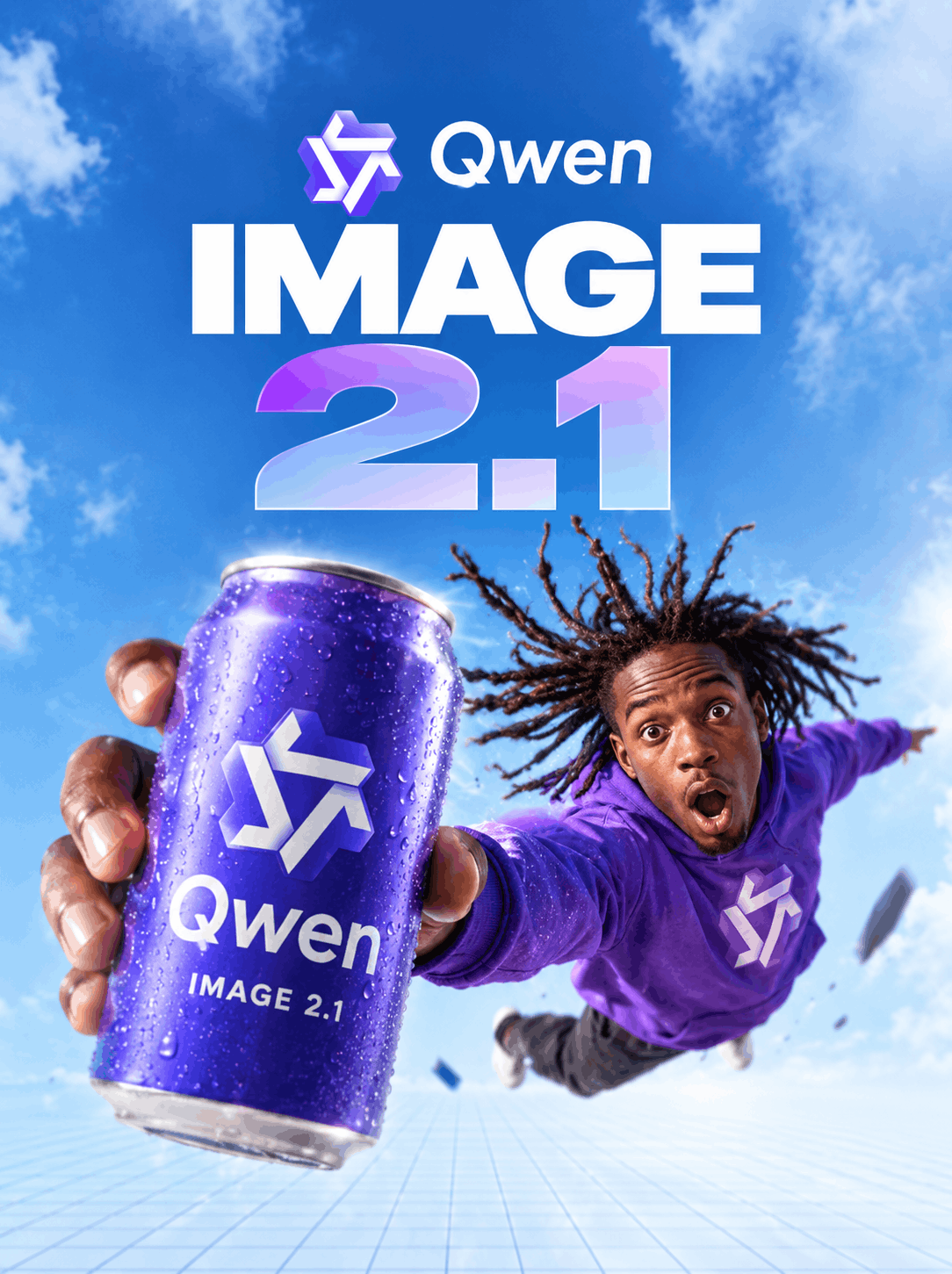
Made with Qwen Image 2.1 on Enhance AI
Every clip here was rendered by Qwen Image 2.1 on Enhance AI, with the prompt that made it.
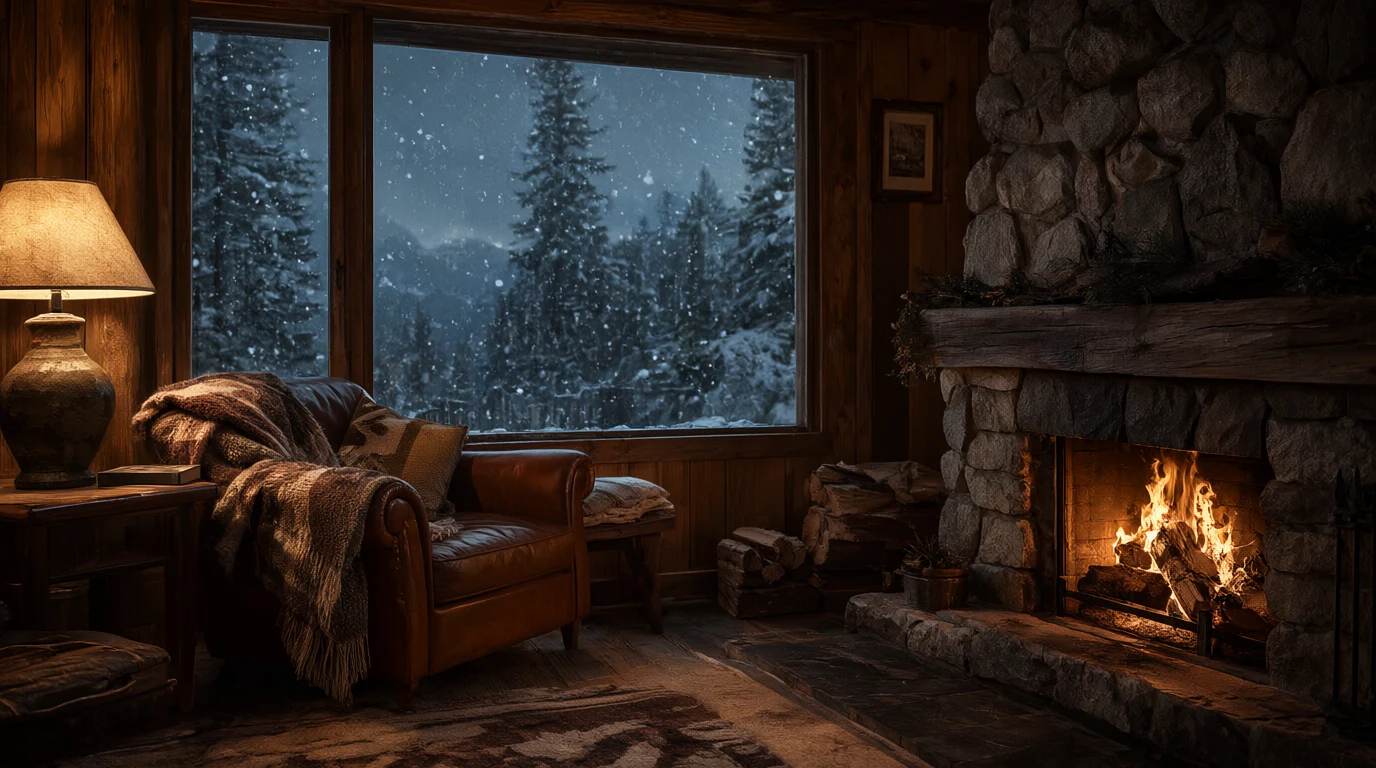
A cozy mountain cabin interior at dusk, a crackling stone fireplace, a wool blanket over a leather armchair, snow falling past a large window with pine trees outside, warm lamp light, photorealistic.
1K
Use this prompt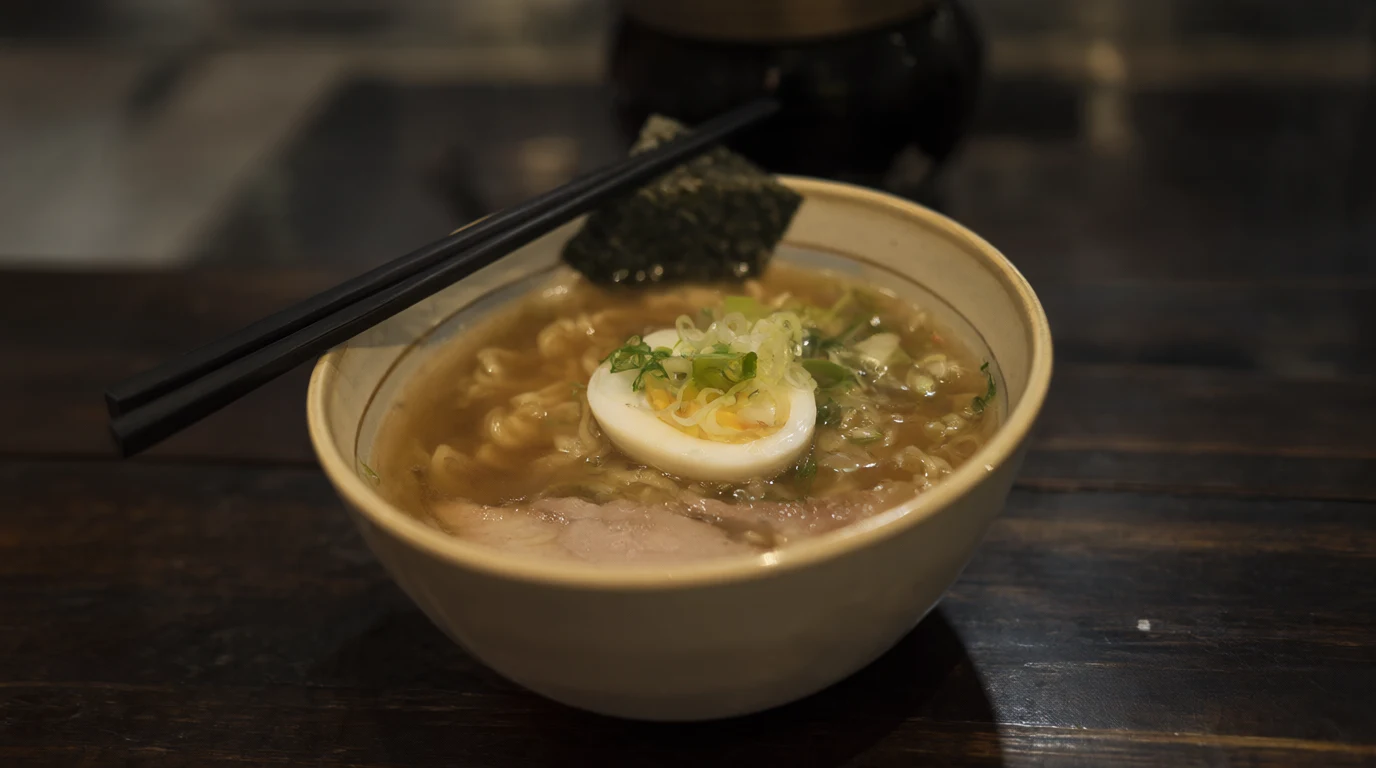
A bowl of steaming ramen on a dark wooden counter, a soft boiled egg, sliced green onions, nori and slices of pork, chopsticks resting on the rim, shallow depth of field, warm evening light.
1K
Use this prompt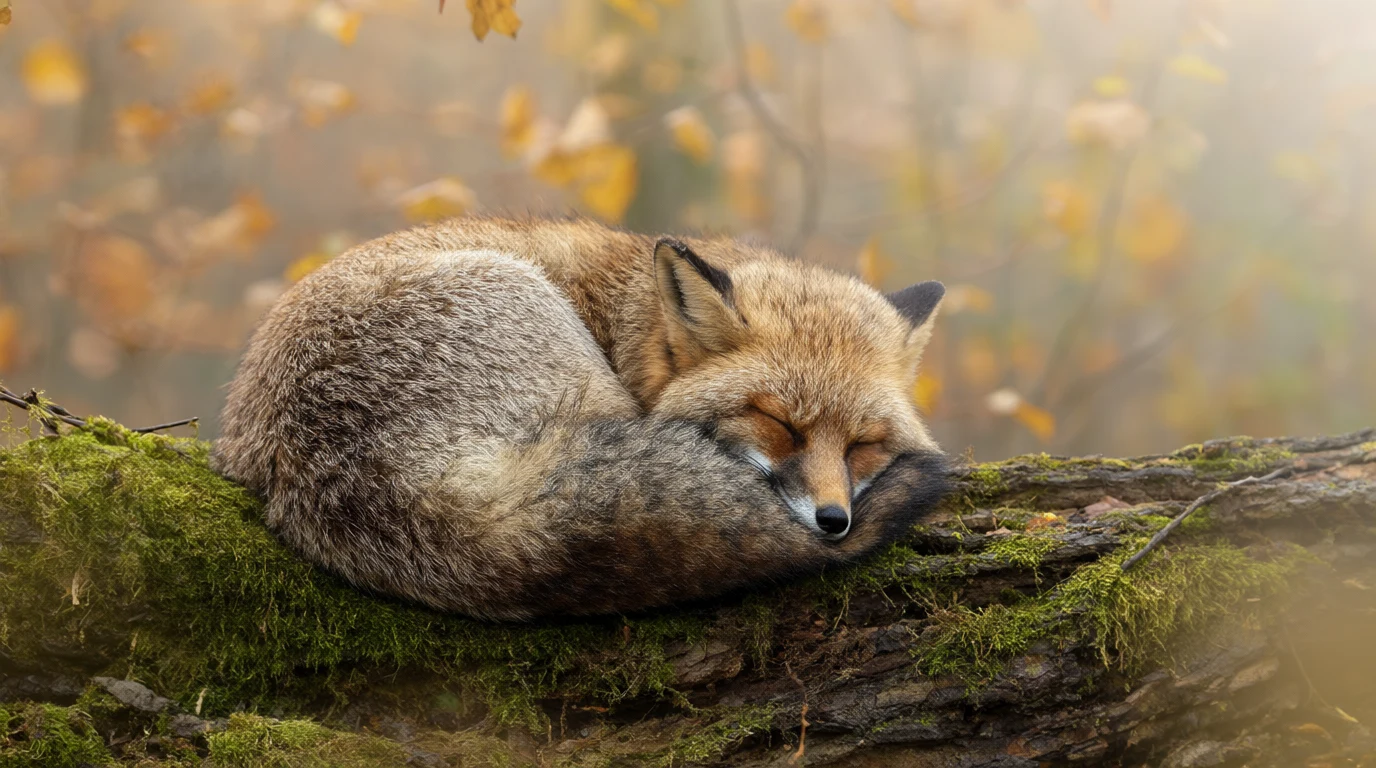
A red fox curled up asleep on a mossy log in a misty autumn forest, soft morning light through golden leaves, fine fur detail, wildlife photography.
1K
Use this prompt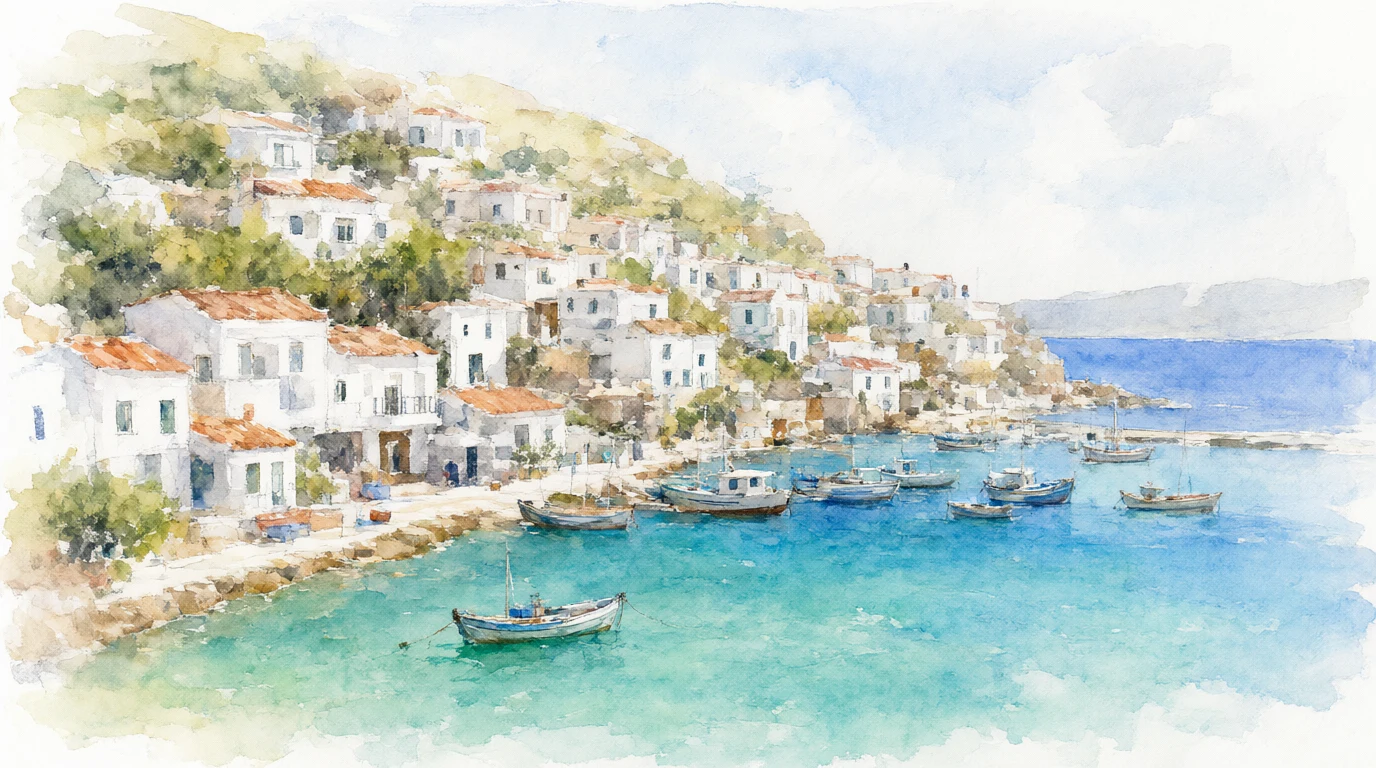
A watercolor painting of a coastal village with white houses stacked on a hillside above a turquoise bay, small fishing boats in the harbour, loose brush strokes and soft washes of color.
1K
Use this prompt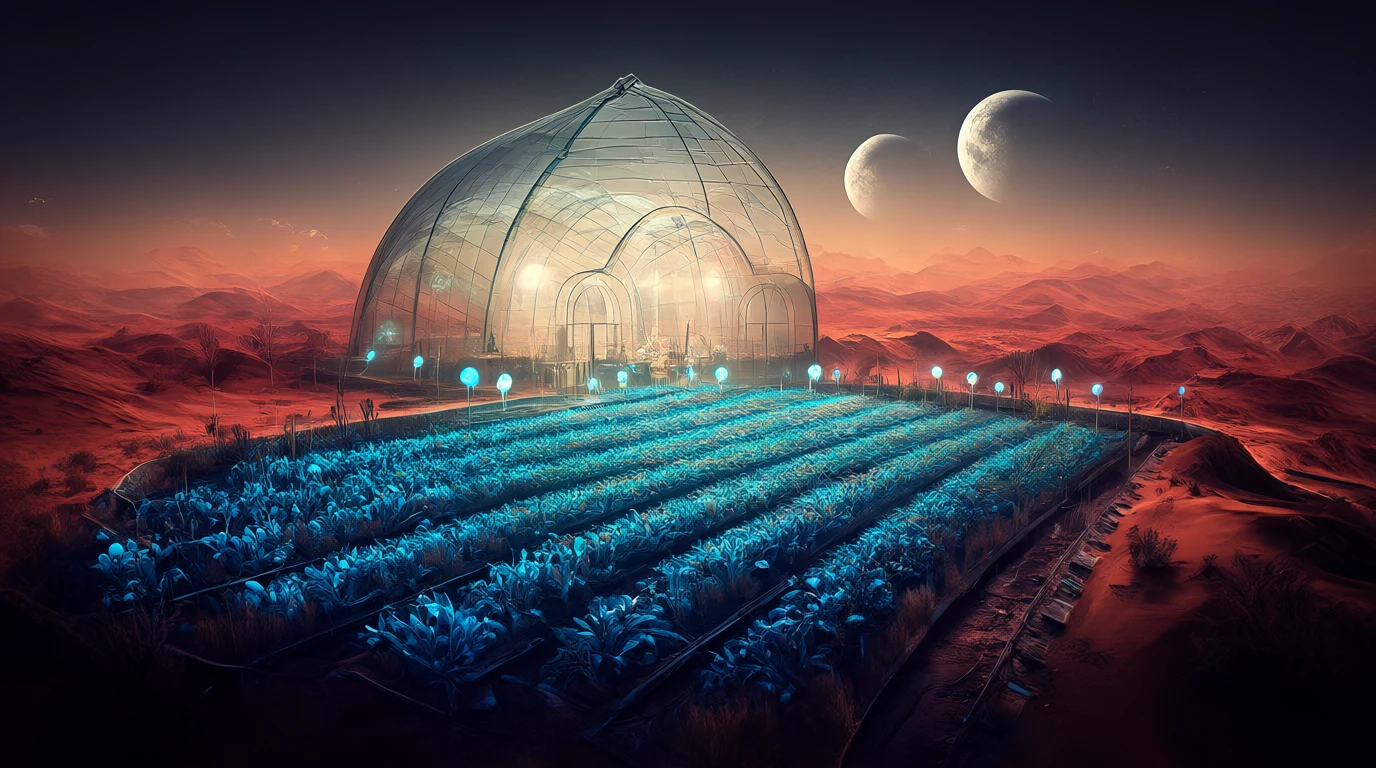
A glass greenhouse on a desert planet, rows of glowing blue plants under a domed roof, two moons rising over red dunes outside, cinematic concept art.
1K
Use this prompt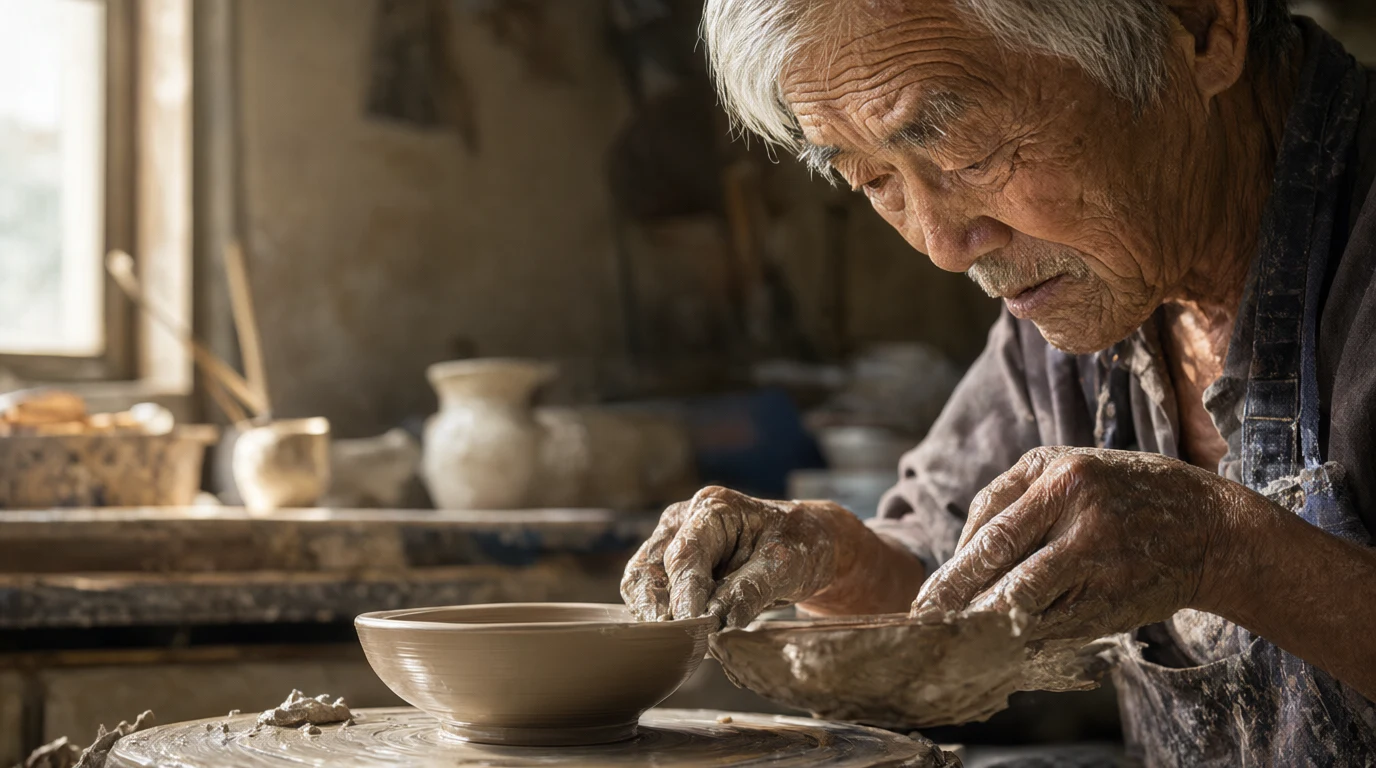
A portrait of an elderly potter with silver hair and clay covered hands shaping a bowl on a wheel in a sunlit workshop, deep wrinkles and fine skin texture, 85mm photograph.
1K
Use this prompt
Key features
Qwen Image 2.1 turns a written prompt into images inside Enhance AI.
Input modes
Qwen Image 2.1 works from a written prompt. Describe the subject, the setting, the light and the style in plain words and pick a size before you generate. Short, concrete prompts tend to render more reliably than long lists of adjectives, so say less and say it clearly.
Specifications
- Price
- From 6 tokens an image
- Type
- Image
- Modes
- Text to image
Qwen Image models on Enhance AI
How to use Qwen Image 2.1 on Enhance AI
- 1
Sign in and pick Qwen Image 2.1
Press Try on this page to open the Playground with Qwen Image 2.1 selected. A new account starts with free tokens, no card needed.
- 2
Describe the image
Write what you want to see: the subject, the setting, the light and the style. Pick a size and how many variations you want, and keep the prompt to one idea per image.
- 3
Generate, then download
Press Generate. You see the cost before you confirm, and the images land in your history, ready to download or edit.
Common questions
- What is Qwen Image 2.1?
- Qwen Image 2.1 is an image generation model. It turns a written prompt into images.
- Is Qwen Image 2.1 free to try?
- Yes. Every new account gets free tokens on signup, no card required, so you can run Qwen Image 2.1 before paying anything. Plans from $19 one time add more tokens when you need them, and one account covers Qwen Image 2.1 and all the other top models.
- What does it cost to run Qwen Image 2.1?
- One Qwen Image 2.1 image costs from 6 tokens. Image generations are billed in tokens, and every new account starts with free tokens. You see the cost before you generate.
Related models
- GPT Image 2OpenAI GPT Image 2 — high-quality image generation and editingView
- Flux 2 TurboUltra-fast Flux 2 Turbo model for rapid high-quality image generationView
- Qwen Image 2 ProQwen Image 2.0 Pro — advanced image generation with Chinese & English supportView
- Qwen ImagePowerful image foundation model with complex text renderingView
- Nano Banana 2Google Nano Banana 2 model for high-quality image generationView
- Nano Banana ProAdvanced Google Pro model with 2K resolution and superior qualityView
More from Enhance AI