Qwen Image: AI image generation
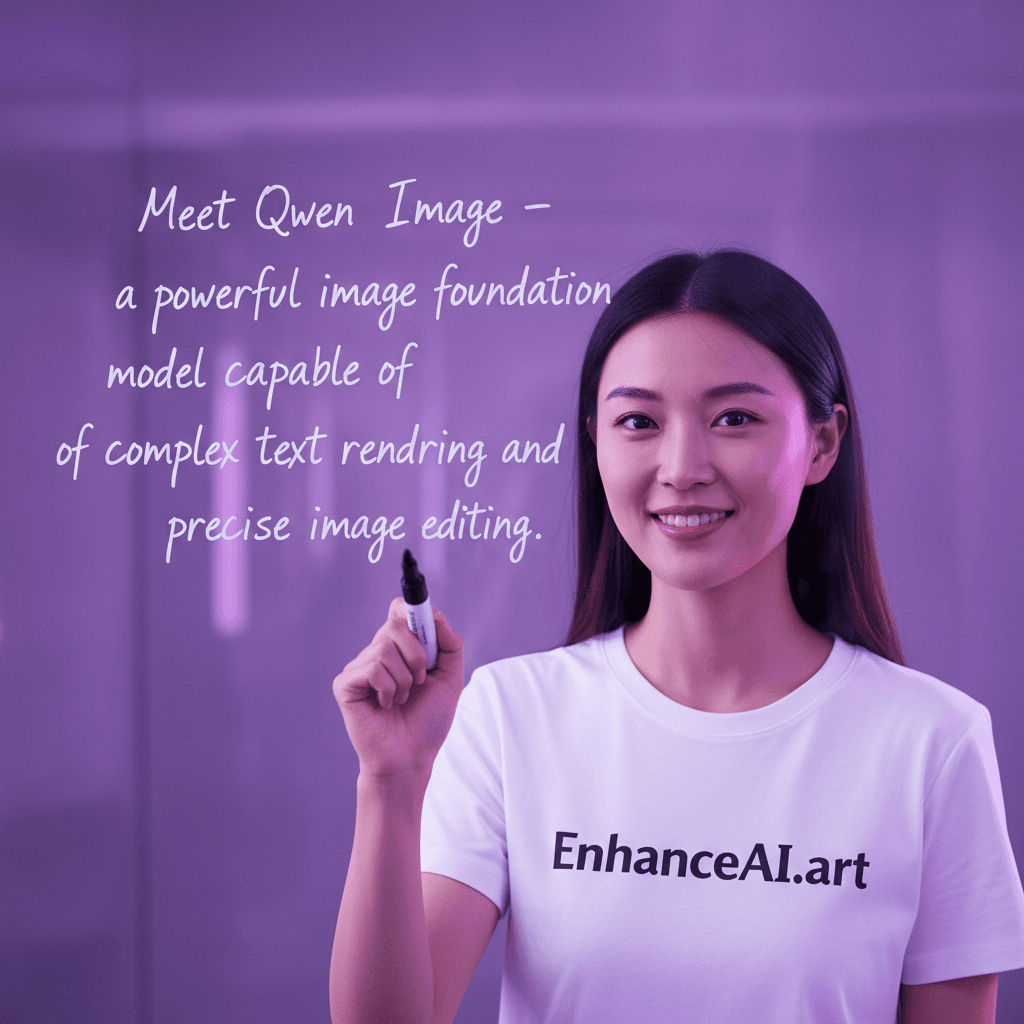
Powerful image foundation model with complex text rendering
Free tokens on signup, no card required. Plans from $19 one time.
Example images made on Enhance AI
These images come from related models on the same account. The model that made each one is named under it.
A mountain lake at sunrise, only the mist moving, a perfect reflection. Slow pull back revealing the wider scene, moody low key lighting, fine film grain. Cinematic and photorealistic, natural motion. Photographic, natural, no text, no lettering, no captions, no subtitles, no watermark, no logo, no brand names, no product labels, no user interface, no screens, no recognisable fictional characters, no celebrities or recognisable real people.
Generated with MiniMax H3 Max
A field of sunflowers at golden hour, heads swaying slightly. Smooth tracking shot moving alongside the subject, overcast soft light, muted natural palette. Cinematic and photorealistic, natural motion. Photographic, natural, no text, no lettering, no captions, no subtitles, no watermark, no logo, no brand names, no product labels, no user interface, no screens, no recognisable fictional characters, no celebrities or recognisable real people.
Generated with MiniMax H3 Max
A studio product shot of an unlabeled frosted glass bottle on wet slate, light slowly sweeping across. Slow orbit around the subject, misty dawn light, desaturated greens. Cinematic and photorealistic, natural motion. Photographic, natural, no text, no lettering, no captions, no subtitles, no watermark, no logo, no brand names, no product labels, no user interface, no screens, no recognisable fictional characters, no celebrities or recognisable real people.
Generated with MiniMax H3 Max
A close portrait of an old fisherman mending a net, eyes catching the light, gulls behind. Aerial view gliding forward, soft window light, gentle contrast. Cinematic and photorealistic, natural motion. Photographic, natural, no text, no lettering, no captions, no subtitles, no watermark, no logo, no brand names, no product labels, no user interface, no screens, no recognisable fictional characters, no celebrities or recognisable real people.
Generated with MiniMax H3 Max
A bowl of ripe figs on a marble table, a fly landing then leaving. Gentle handheld camera, golden hour light, warm colour grade. Cinematic and photorealistic, natural motion. Photographic, natural, no text, no lettering, no captions, no subtitles, no watermark, no logo, no brand names, no product labels, no user interface, no screens, no recognisable fictional characters, no celebrities or recognisable real people.
Generated with MiniMax H3 Max
A minimalist interior with a single armchair by a window, curtain breathing in the breeze. Steady shoulder level follow shot, harsh midday sun, deep shadows. Cinematic and photorealistic, natural motion. Photographic, natural, no text, no lettering, no captions, no subtitles, no watermark, no logo, no brand names, no product labels, no user interface, no screens, no recognisable fictional characters, no celebrities or recognisable real people.
Generated with MiniMax H3 Max
Key features
Qwen Image turns a written prompt into images inside Enhance AI.
Input modes
Qwen Image works from a written prompt. Describe the subject, the setting, the light and the style in plain words and pick a size before you generate. Short, concrete prompts tend to render more reliably than long lists of adjectives, so say less and say it clearly.
Specifications
- Type
- Image
- Modes
- Text to image
How to use Qwen Image on Enhance AI
- 1
Sign in and pick Qwen Image
Open the Playground on Enhance AI and choose Qwen Image from the model list. A new account starts with free tokens and no card is needed. The Try button on this page opens the studio with Qwen Image already selected.
- 2
Describe the image
Write what you want to see: the subject, the setting, the light and the style. Pick a size and how many variations you want, and keep the prompt to one idea per image.
- 3
Generate, then download or extend
Press Generate. The images land in your history on Enhance AI, where you can download them, upscale them, edit them or animate one with a video model on the same account. You see the cost before you confirm.
What people make with Qwen Image
Concept art and mood boards
Before a shoot, a build or a brief, generate the look with Qwen Image: colour, mood, composition, wardrobe. A page of concept images gets a client or a team aligned faster than a paragraph, and each direction costs a render rather than a day of illustration.
Blog and article art
Every post needs a header image and stock rarely fits. Qwen Image makes one that matches the article: the right subject, the right palette, the right shape for the layout. Keep a house style in the prompt so a whole site's images look like they belong together.
Social posts and thumbnails
Most images made with Qwen Image are for a feed, a story or a thumbnail. Describe the subject, the setting and the light in plain words, pick the size the platform wants, and render a few variations. A thumbnail that stops a scroll is worth the extra renders it took.
Common questions
- What is Qwen Image?
- Qwen Image is an image generation model. It turns a written prompt into images. On Enhance AI it runs on the same account as all the other top models, with no separate subscription.
- Is Qwen Image free to try?
- Yes. Every new account gets free tokens on signup, no card required, so you can run Qwen Image before paying anything. Plans from $19 one time add more tokens when you need them, and one account covers Qwen Image and all the other top models.
- What does it cost to run Qwen Image?
- Image generations are billed in tokens, and every new account starts with free tokens. You see the cost before you generate.
- Do I need a separate subscription for Qwen Image?
- No. Qwen Image runs on the same Enhance AI account as every other model, so you are not paying one provider for video and another for images.
Related models
- HiDream FullHigh-fidelity full model for enhanced image generationView
- Dream FastUltra-fast dreamlike image generation with cinematic qualityView
- DreamHigh-quality dreamlike image generation with detailed text renderingView
- Dream ProProfessional image editing and transformation with 2K resolutionView
- SeeDream V5 LiteByteDance latest Seedream V5 Lite model for fast, high-quality image generationView
- SeeDream V4ByteDance advanced model for creative image generationView
More from Enhance AI