Christmas AI Photo Generator
Upload your photo and pick a Christmas style. We add a Santa hat, a cozy fire or falling snow. Your face stays the same.
- Free to try
- No app needed
- No watermark
 Your photo
 Santa Hat Portrait
How to make your Christmas photo
Three steps. It works on your phone.
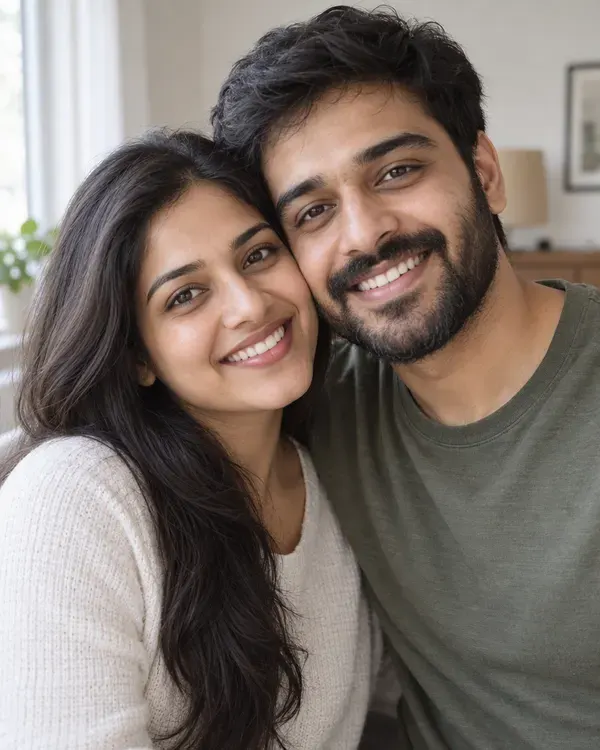
Step 1
Upload your photo
Choose a clear photo from your gallery.

Step 2
Pick a Christmas style
Tap the look you like. There are 10 to choose from.
Step 3
Download and share
Save it and send it as a card, on WhatsApp or on Instagram.
Pick your Christmas style
Tap a style to try it on your photo. The small circle shows the photo each example started from.
Santa Hat Portrait
You in a Santa hat with glowing tree lights behind
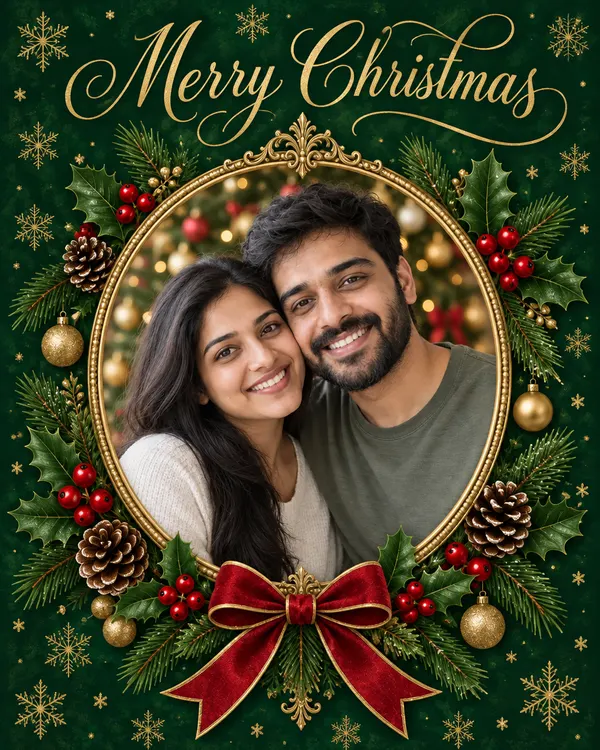
Christmas Card
Your photo framed on a Merry Christmas card

Ugly Sweater
You in a loud knitted Christmas sweater
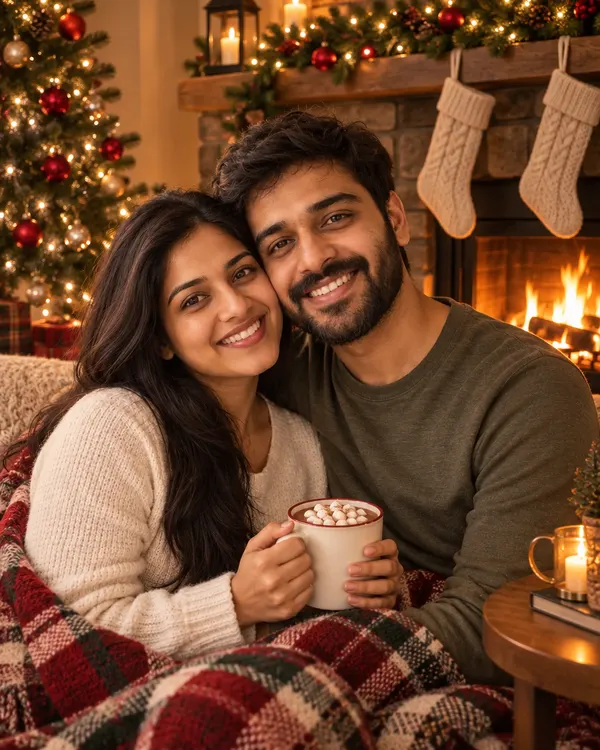
Cozy Fireplace
By a crackling fire with stockings on the mantel
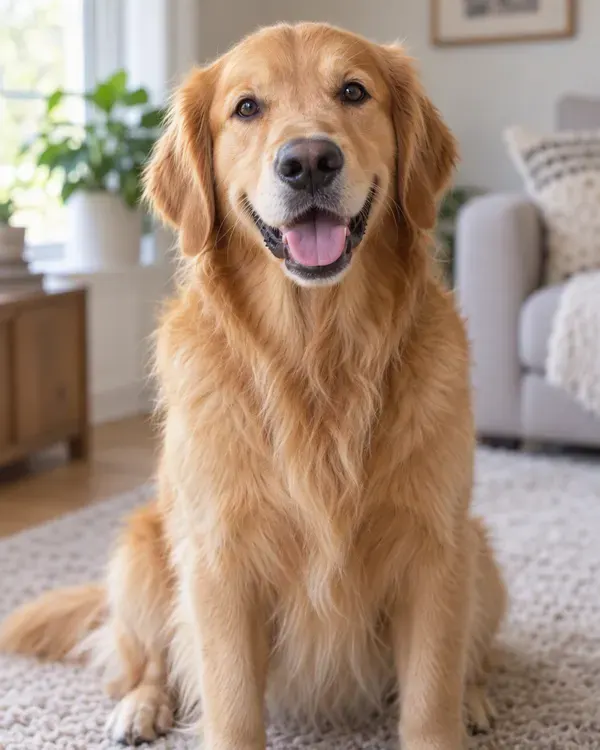
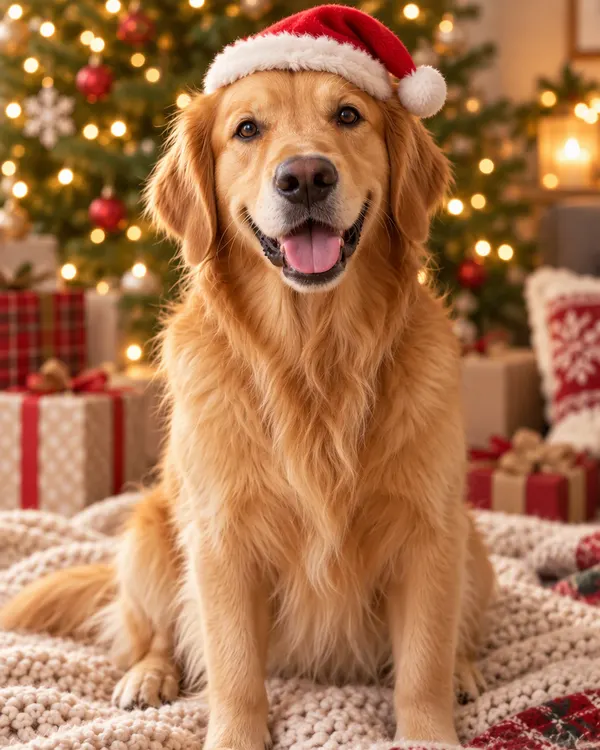
Pet in a Santa Hat
Your pet in a Santa hat by the Christmas tree
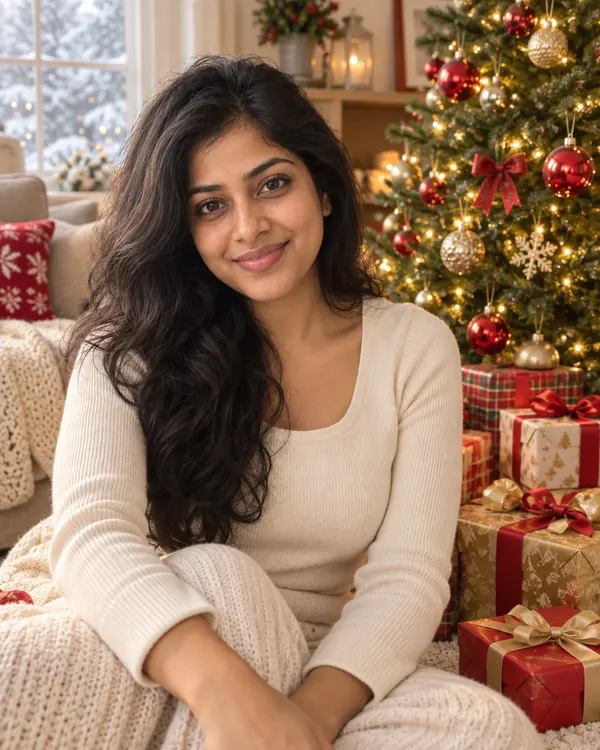
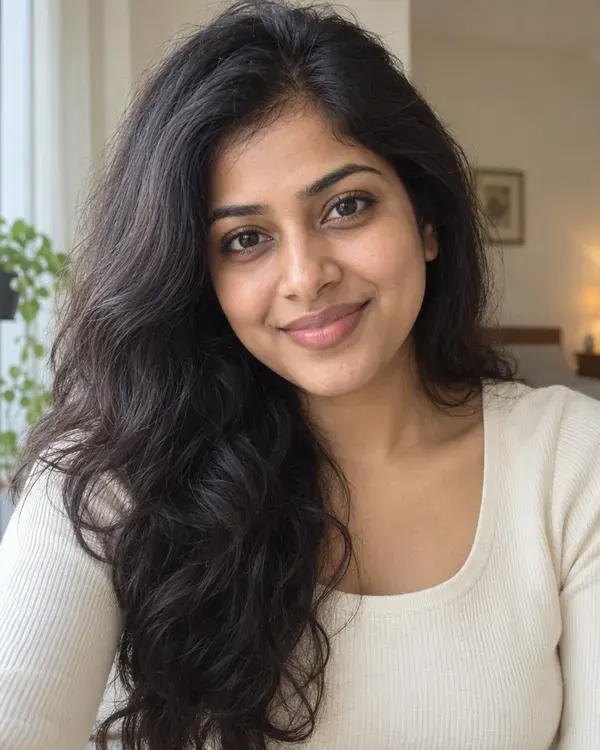
Christmas Morning
By the tree with wrapped gifts in morning light

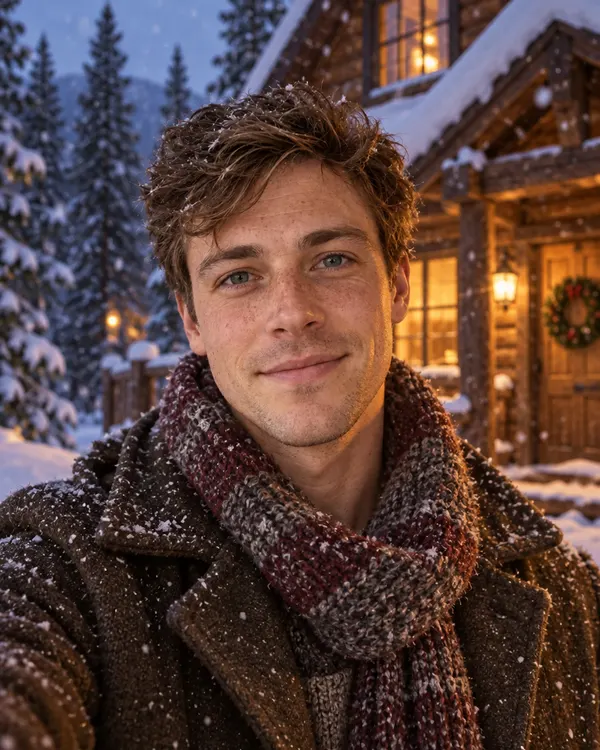
Snowy Cabin
Outside a log cabin in the snow at dusk
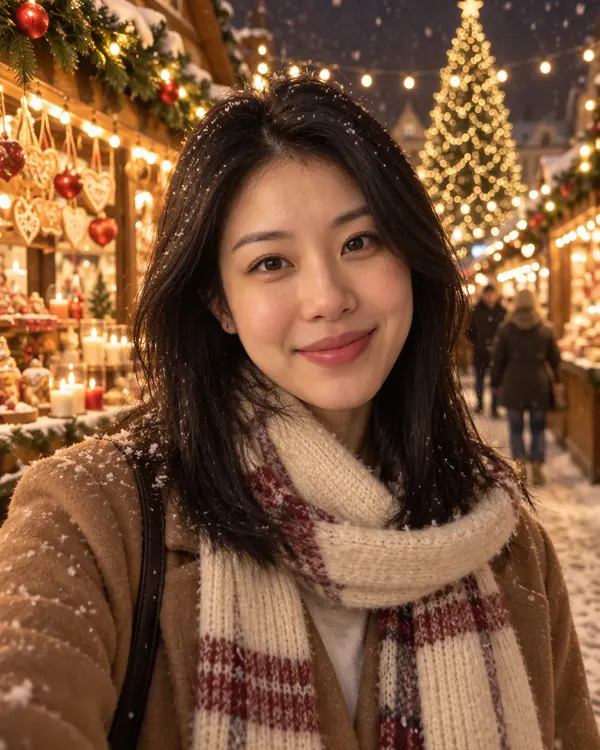
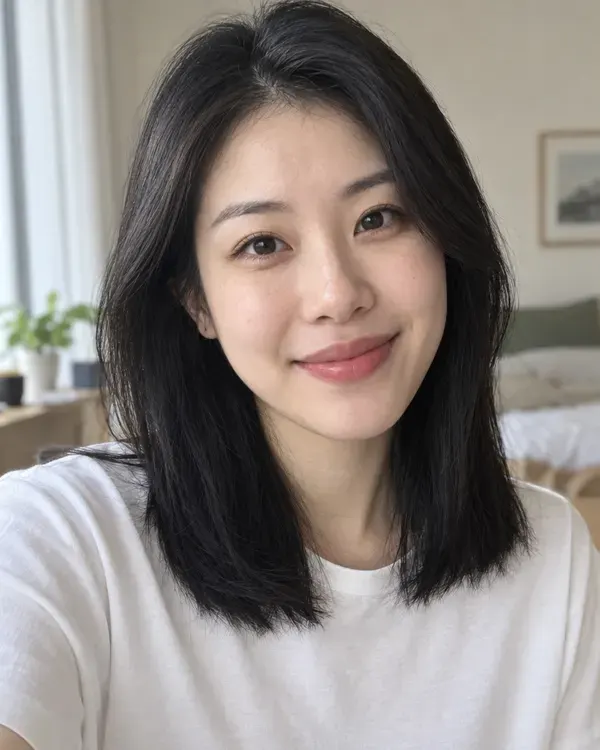
Winter Market Lights
Strolling a Christmas market under string lights
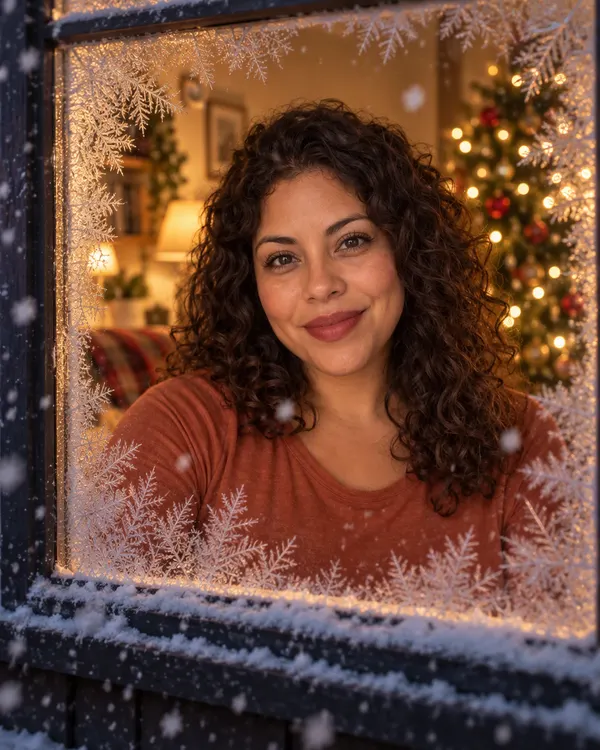
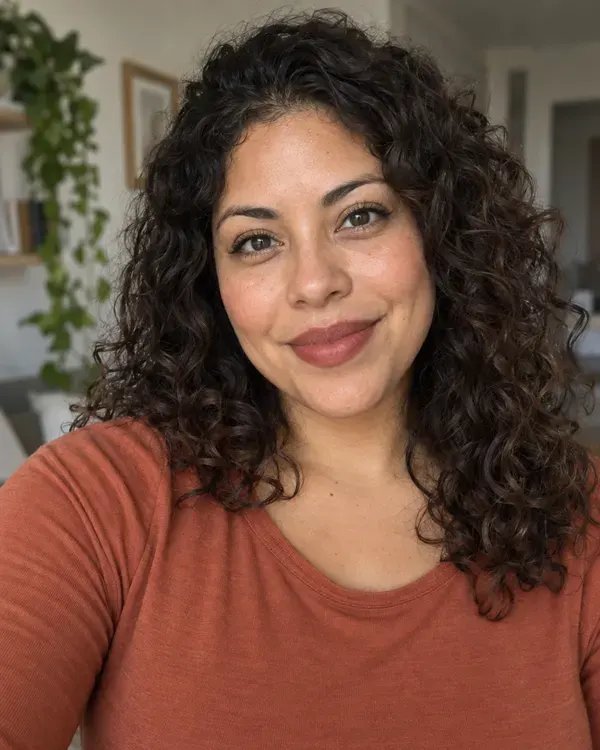
Frosty Window
Seen through a frosted window on a snowy night

Vintage Christmas
A faded 1950s Christmas photo by a tinsel tree
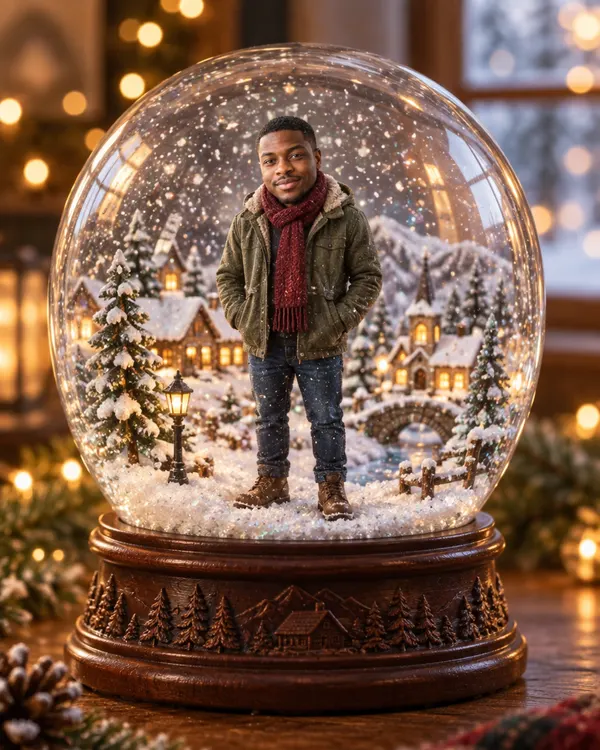
Snow Globe
A tiny you inside a snowy glass globe
Try it on your photo
Upload a photo and pick any Christmas style
Start now
Tips for the best photo
A better photo in gives a better Christmas photo out. Is yours blurry? Sharpen it first with the AI image enhancer.
Good Too small Clear, big face
Look at the camera. Keep your face big in the photo.
Good Too dark Good light
Daylight or a bright room works best.
Good Blurry Sharp photo
Hold the phone still. This goes for pets too.
Good Too many One or two people
Big family? Crop close so every face is bigger.
How much does it cost?
You see the price before you start.
One Christmas photo
20tokens
Every Christmas style costs the same, even when you mix two. Your photo comes with no watermark.
Questions people ask
Is the Christmas AI photo generator free?
You can try it for free. New accounts get free tokens, and you do not need a card. Each Christmas photo uses 20 tokens, and you see the cost before you start. When you need more, plans start at $19, paid one time. Yearly plans are 20% off.
Will my face look the same?
That is the idea. Every Christmas style asks the AI to keep your face, skin tone, hair and expression as they are. It is still AI, so small things can change, and hands can come out odd. Check the photo before you share it.
Can I use a family photo?
Yes. Every Christmas style tries to keep each person the same and together. One or two people give the best result. For a big family photo, crop it close first so every face is bigger.
Can I make a Christmas photo of my pet?
Yes. Pet in a Santa Hat puts a small Santa hat on your pet and keeps its breed, fur colors and markings. Santa Hat Portrait and Christmas Card also keep a pet that is in the photo with you. Use a bright photo where your pet looks at the camera.
Can I add my name to the Christmas card?
No. The Christmas Card style only writes Merry Christmas. Put your name and wishes in the message you send with it.
Will my clothes change?
Some styles change them on purpose. Ugly Sweater turns your top into a knitted Christmas sweater. Snowy Cabin, Winter Market Lights and Snow Globe add a warm coat or scarf. The other styles try to keep your outfit, but the AI redraws the whole photo, so clothes can still change a little.
Can I mix two Christmas styles?
Yes. Turn on Style mixing, pick two styles and choose how much of each you want. A mix costs 20 tokens, the same as one style.
Do I need to download an app?
No. It works online, in the browser on your phone or computer.
What size is the photo? Is there a watermark?
Photos come out at about 1K. That looks sharp on WhatsApp, Instagram and phone screens, but it is too small for a big print. To print a card, make it bigger first with the AI image upscaler. There is no watermark. You own what you make and can use it for personal or commercial work, like ads, client work and cards you sell.
Is this an AI Christmas photo generator?
Yes, one that starts from your own photo. The same tool has 238 photo styles in all, not only Christmas ones. For Christmas pictures made from words only, with no photo, use the AI image generator on Enhance AI.
Can I turn my Christmas photo into a video?
Yes. Upload it to image to video and say what should move, like falling snow or a flickering fire. Your photo becomes the first frame. Video is not free: it is paid from your wallet, not with tokens, and you see the price before you start.
What happens to my photo?
It is saved in your Enhance AI account and sent to the AI model that makes your picture, OpenAI GPT Image 2, through our AI provider. Our privacy policy explains how long data is kept and how to have it deleted.
Make your Christmas photo today
Upload a photo, pick a style and send it to your family before Christmas.
Make my Christmas photo- Free to try
- No app needed
- No watermark
More from Enhance AI