B Roll Video Generator AI
Type the shot you need and get B roll for your edit. Wide 16:9 cutaways, no filming and no stock site.
- No app needed
- See the price first
- No watermark
- Tall, square or wide
Prompt
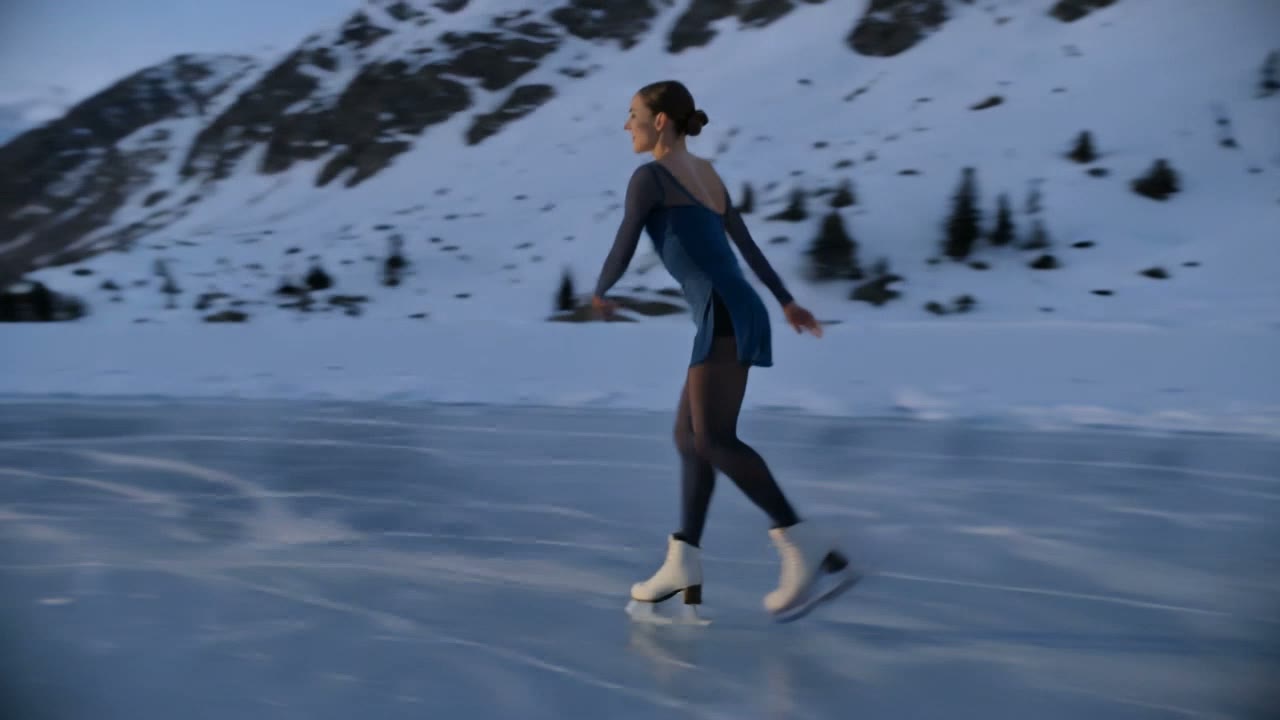
Try this promptA woman figure skater in a dark blue outfit glides across a frozen mountain lake at dusk and spins into a fast pirouette, ice shavings spraying from her blades, snowy peaks behind her.
Kling V3 · 5 seconds · 720p · 16:9
How to make B roll with AI
Three steps. It works on your phone too.
Step 1
Type your idea
Say what you want to see. Or add a photo to start from.
Step 2
Pick 16:9
Set Aspect Ratio to wide 16:9 and pick a length. The price shows on the button.
Step 3
Download your video
Most videos are ready in a few minutes. No watermark is added.
Pick the right shape
B roll is usually wide 16:9, the shape of YouTube videos, ads and films. Make 9:16 cutaways for Reels and Shorts.
- 9:16
Tall
TikTok, Reels, Shorts, Snapchat, Facebook Reels
- 1:1
Square
Feed posts on Instagram, Facebook and LinkedIn
- 16:9
WideB roll
YouTube, Twitch, Kick, websites and B roll
How to write a good video prompt
This prompt made the clip next to it. Each colour is one part.
The prompt
A red fox trots through fresh snow in a quiet birch forest while snowflakes fall, the camera tracks alongside it at ground level, soft blue winter light.
- SubjectWho or what the video is about.
- ActionWhat it does. One clear action.
- SceneWhere it happens.
- CameraHow the camera moves. Pick one move.
- LightThe light sets the mood.
Good video models to start with
Each price is for one 5 second clip. Longer or sharper clips cost more.
LTX Video 2 19B$0.16
9:16, 16:9 · up to 20 seconds
Pixverse V6$0.45
9:16, 1:1, 16:9 · up to 15 seconds · sound if you want it
WAN 3.0$0.63
9:16, 1:1, 16:9 · up to 30 seconds · sound on
MiniMax H3 Max$0.80
9:16, 1:1, 16:9 · up to 15 seconds
Kling V3$0.84
9:16, 1:1, 16:9 · up to 15 seconds · sound if you want it
Seedance 2.5$3.60
9:16, 1:1, 16:9 · up to 30 seconds · sound on
| Model | 5 seconds | Shapes | Longest clip | Sound |
|---|---|---|---|---|
| LTX Video 2 19B | $0.16 | 9:16, 16:9 | 20 seconds | Not listed |
| Pixverse V6 | $0.45 | 9:16, 1:1, 16:9 | 15 seconds | You choose |
| WAN 3.0 | $0.63 | 9:16, 1:1, 16:9 | 30 seconds | Yes |
| MiniMax H3 Max | $0.80 | 9:16, 1:1, 16:9 | 15 seconds | Not listed |
| Kling V3 | $0.84 | 9:16, 1:1, 16:9 | 15 seconds | You choose |
| Seedance 2.5 | $3.60 | 9:16, 1:1, 16:9 | 30 seconds | Yes |
LTX Video 2 19B
- 5 seconds
- $0.16
- Shapes
- 9:16, 16:9
- Longest clip
- 20 seconds
- Sound
- Not listed
- 5 seconds
- $0.45
- Shapes
- 9:16, 1:1, 16:9
- Longest clip
- 15 seconds
- Sound
- You choose
- 5 seconds
- $0.63
- Shapes
- 9:16, 1:1, 16:9
- Longest clip
- 30 seconds
- Sound
- Yes
MiniMax H3 Max
- 5 seconds
- $0.80
- Shapes
- 9:16, 1:1, 16:9
- Longest clip
- 15 seconds
- Sound
- Not listed
- 5 seconds
- $0.84
- Shapes
- 9:16, 1:1, 16:9
- Longest clip
- 15 seconds
- Sound
- You choose
- 5 seconds
- $3.60
- Shapes
- 9:16, 1:1, 16:9
- Longest clip
- 30 seconds
- Sound
- Yes
How much does it cost?
You pay for each video from your wallet. You see the price before you start.
One 5 second clip, from
$0.16a clip
On LTX Video 2 19B at 720p. Bigger models cost more.
Free tokens when you sign up
Use them on the image tools. Videos are paid from your wallet. No card needed to sign up.
Sign up freeAdd money to your wallet
$5to start
Pay only for the videos you make. No subscription. For image tools, plans start at $19, paid one time.
See plansPrice shown before you startMoney back if a video failsVideos kept for 15 days
B roll tips
What is a B roll video generator?
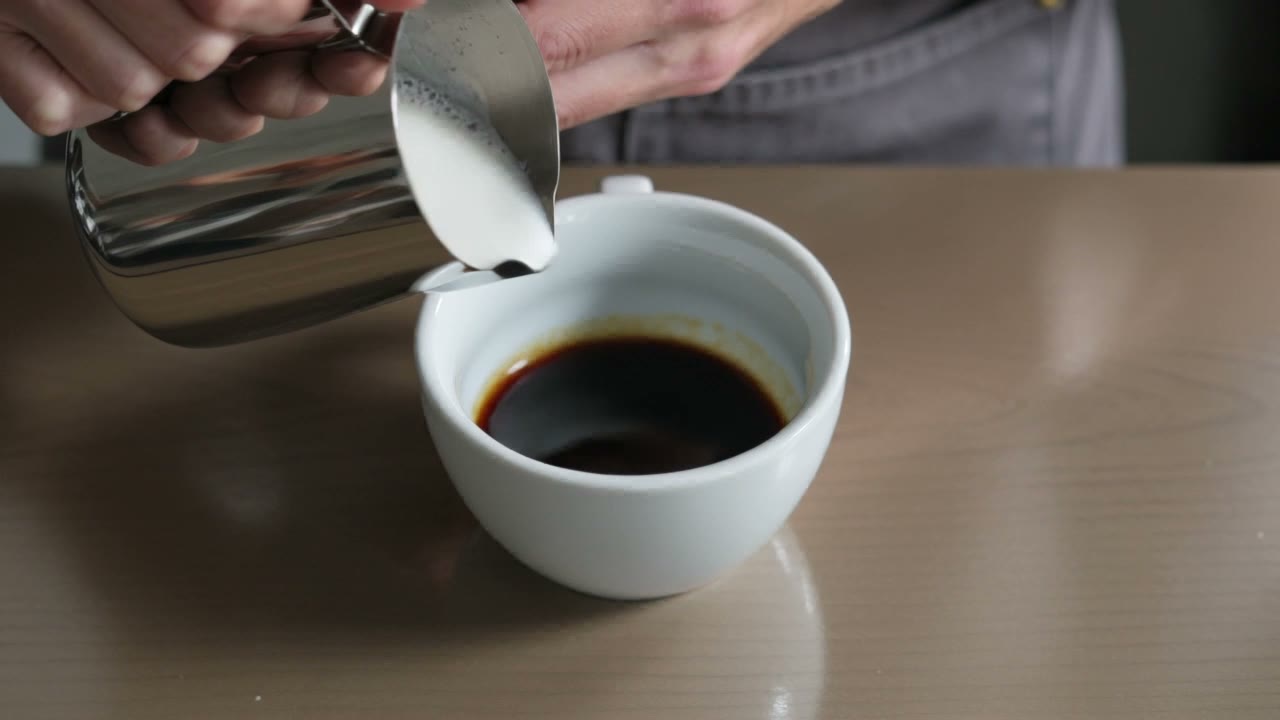
B roll is the extra footage you cut to over your main shot: a product close up, a city view, hands typing, coffee being poured. It sets the scene and hides jump cuts. An AI B roll generator makes that footage from your words or a photo, so you do not film it or search a stock site.
Formats for AI B roll
- Wide 16:9 for YouTube, ads and films. Tall 9:16 and square 1:1 too.
- 5 seconds for a quick cutaway, 10 for a wide opening shot.
- Some models go up to 30 seconds for slow scenic shots.
- You download an MP4 with no watermark, ready for any editor.
Ways people use AI B roll
- Cutaways for YouTube and talking head videos
- Product close ups and lifestyle shots for ads
- Places and ideas you cannot film for a documentary
- Breaks in course and tutorial screen recordings
- Office, city and nature shots for brand films
Tips for better AI B roll
- Say the camera move, like slow push in or drone shot.
- Say the light and time of day, like golden hour.
- Keep one clear subject in each shot.
- Make a few takes and pick the best in your editor.
- Start from a photo of your set to match your main footage.
More video tools
- Reels
Turn photos and music into a Reel
- Text to video
Turn a few words into a video
- Image to video
Make a photo move
- Upscale video
Make a soft clip sharp, up to 4K
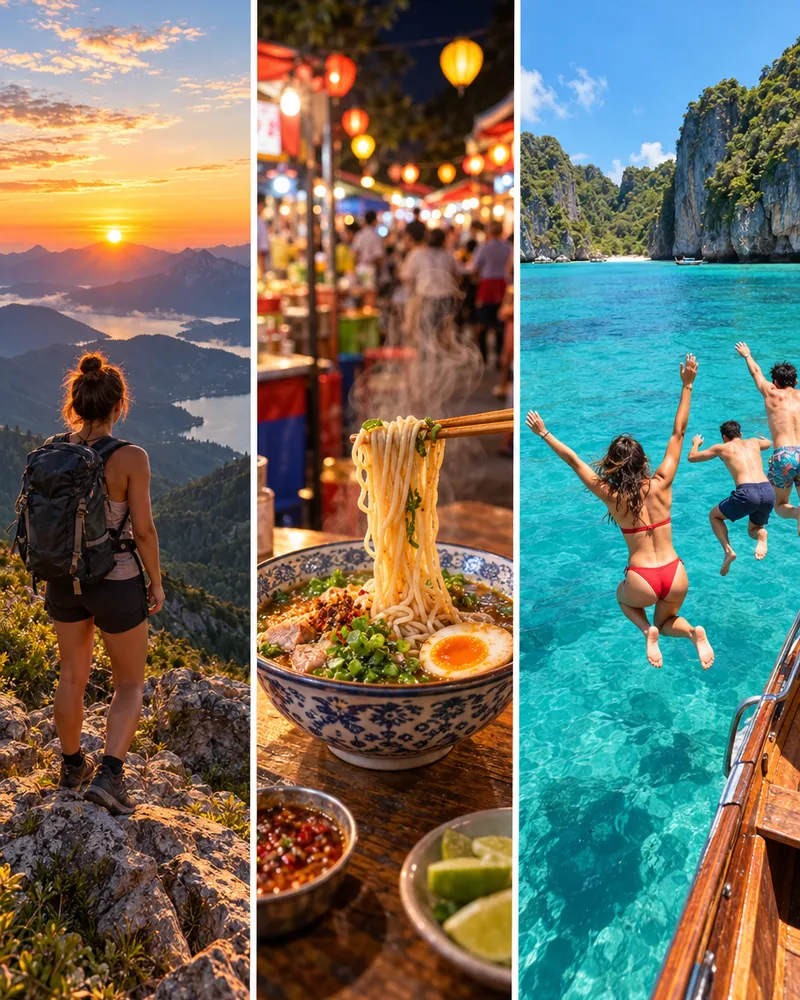
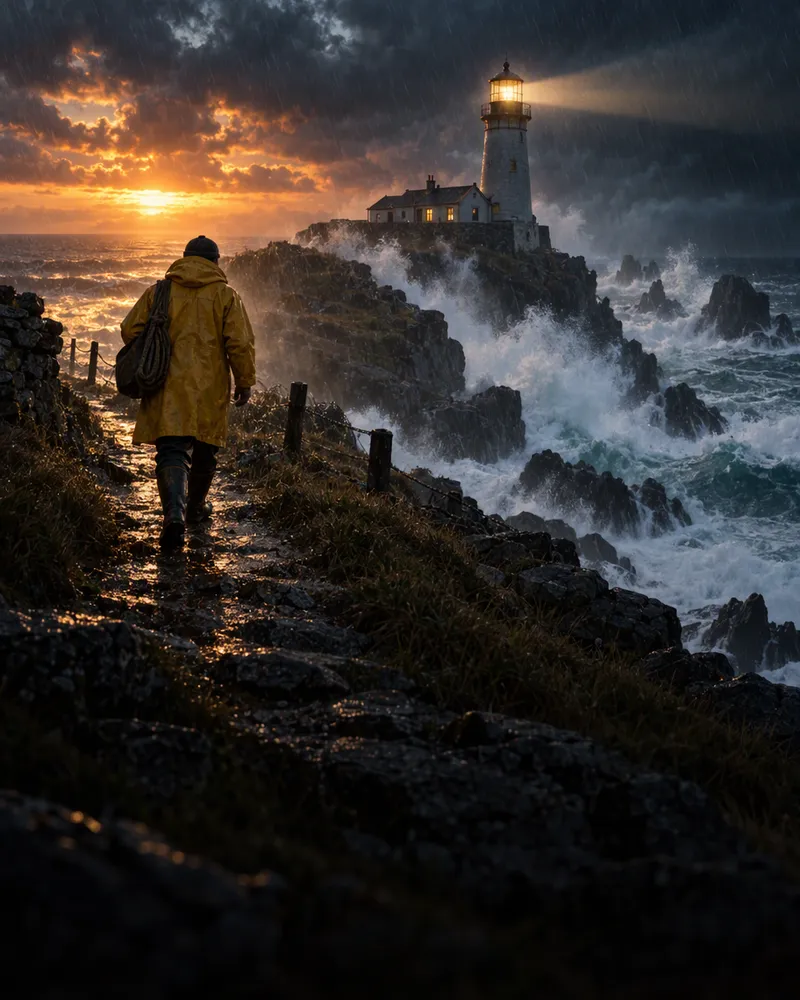

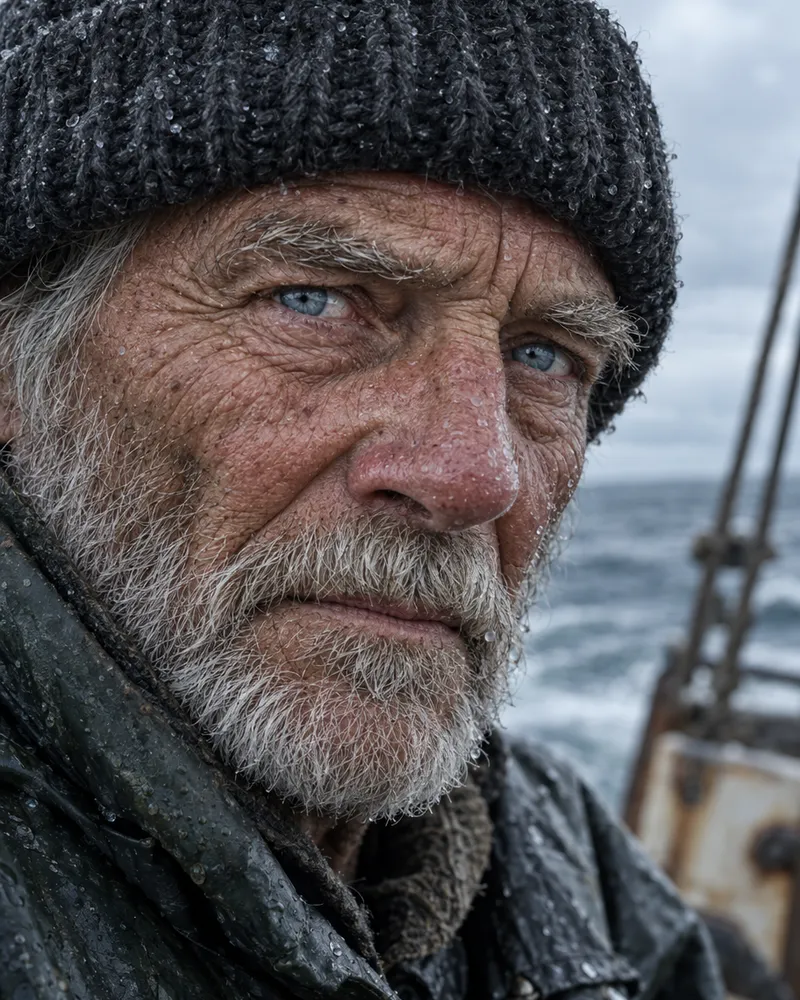

TikTok video generatorReels generatorShorts generatorShort video generator15 second video generatorPinterest video generator
Questions people ask
What is a B roll video generator AI?
B roll is the extra footage you cut to over your main shot to set a scene or hide an edit. A B roll video generator AI makes that footage from your words or a photo, so you do not have to film it or buy stock. Enhance AI has all the top AI video models in one place for wide 16:9 cutaways.
Is it free?
No. Each video is paid from your wallet, and the Generate button shows the price before you start. New accounts get free tokens, but those are for the image, music and speech tools, not video. There is no subscription.
What aspect ratio is best for B roll?
Wide 16:9, because most YouTube videos, ads and films are edited in 16:9. Many models also offer tall 9:16 and square 1:1 for Reels and Shorts cutaways.
How long are the clips?
Most B roll clips are 5 to 15 seconds. 5 seconds suits a quick cutaway and 10 an opening shot. Some models, like WAN 3.0 and Seedance 2.5, go up to 30 seconds for slow scenic footage.
Are there watermarks?
No. Enhance AI does not add a watermark or a logo. You download a plain MP4 that drops into Premiere Pro, Final Cut, DaVinci Resolve, CapCut or any other editor.
Can I use my own footage or photos?
You can start from a photo. Add a product shot, a place or a brand picture in the studio and say how the camera should move. Your photo becomes the first frame.
Can I use the videos commercially?
Yes. You own the clips you make and can use them in ads, client work and products you sell. You are also responsible for what you upload and make, so read the Terms for the full rules.
Does the footage include sound?
Some models make sound with the picture, like WAN 3.0 and Seedance 2.5. For most B roll you will mute the clip and put your own music or voice over it.
How is this different from stock footage sites?
Stock sites only have clips someone already filmed, so you settle for a close enough angle or mood. With AI B roll you describe the exact shot you want and get it in a few minutes, with no stock subscription.
What models can I use?
All the top video models are in one place, like Kling, Veo, WAN, Seedance and MiniMax. The table on this page shows good ones to start with and what 5 seconds costs on each.
Make your first B roll clip
Type an idea, pick a model and see the price before you start.
Make a video- Top video models in one place
- No app needed
- No watermark