Snapchat Video Generator AI
Type an idea or add a photo and get a tall video for Snapchat Stories, Spotlight or Snap Ads. No camera needed.
- No app needed
- See the price first
- No watermark
- Tall, square or wide
Prompt
A street food cook flips a golden paratha on a hot iron griddle at night, steam and small sparks rising, warm market lights glowing behind, close up, handheld camera.
Kling V3 · 5 seconds · 720p · 9:16
Try this promptHow to make a Snapchat video
Three steps. It works on your phone too.
Step 1
Type your idea
Say what you want to see. Or add a photo to start from.
Step 2
Pick 9:16
Set Aspect Ratio to tall 9:16 and pick a length. The price shows on the button.
Step 3
Download your video
Most videos are ready in a few minutes. No watermark is added.
Pick the right shape
Snapchat is all tall 9:16 video. Make it 9:16 from the start, so it fills the screen with no black bars.
- 9:16
TallSnapchat
TikTok, Reels, Shorts, Snapchat, Facebook Reels
- 1:1
Square
Feed posts on Instagram, Facebook and LinkedIn
- 16:9
Wide
YouTube, Twitch, Kick, websites and B roll
How to write a good video prompt
This prompt made the clip next to it. Each colour is one part.
The prompt
A red fox trots through fresh snow in a quiet birch forest while snowflakes fall, the camera tracks alongside it at ground level, soft blue winter light.
- SubjectWho or what the video is about.
- ActionWhat it does. One clear action.
- SceneWhere it happens.
- CameraHow the camera moves. Pick one move.
- LightThe light sets the mood.
Good video models to start with
Each price is for one 5 second clip. Longer or sharper clips cost more.
LTX Video 2 19B$0.16
9:16, 16:9 · up to 20 seconds
Pixverse V6$0.45
9:16, 1:1, 16:9 · up to 15 seconds · sound if you want it
WAN 3.0$0.63
9:16, 1:1, 16:9 · up to 30 seconds · sound on
MiniMax H3 Max$0.80
9:16, 1:1, 16:9 · up to 15 seconds
Kling V3$0.84
9:16, 1:1, 16:9 · up to 15 seconds · sound if you want it
Seedance 2.5$3.60
9:16, 1:1, 16:9 · up to 30 seconds · sound on
| Model | 5 seconds | Shapes | Longest clip | Sound |
|---|---|---|---|---|
| LTX Video 2 19B | $0.16 | 9:16, 16:9 | 20 seconds | Not listed |
| Pixverse V6 | $0.45 | 9:16, 1:1, 16:9 | 15 seconds | You choose |
| WAN 3.0 | $0.63 | 9:16, 1:1, 16:9 | 30 seconds | Yes |
| MiniMax H3 Max | $0.80 | 9:16, 1:1, 16:9 | 15 seconds | Not listed |
| Kling V3 | $0.84 | 9:16, 1:1, 16:9 | 15 seconds | You choose |
| Seedance 2.5 | $3.60 | 9:16, 1:1, 16:9 | 30 seconds | Yes |
LTX Video 2 19B
- 5 seconds
- $0.16
- Shapes
- 9:16, 16:9
- Longest clip
- 20 seconds
- Sound
- Not listed
- 5 seconds
- $0.45
- Shapes
- 9:16, 1:1, 16:9
- Longest clip
- 15 seconds
- Sound
- You choose
- 5 seconds
- $0.63
- Shapes
- 9:16, 1:1, 16:9
- Longest clip
- 30 seconds
- Sound
- Yes
MiniMax H3 Max
- 5 seconds
- $0.80
- Shapes
- 9:16, 1:1, 16:9
- Longest clip
- 15 seconds
- Sound
- Not listed
- 5 seconds
- $0.84
- Shapes
- 9:16, 1:1, 16:9
- Longest clip
- 15 seconds
- Sound
- You choose
- 5 seconds
- $3.60
- Shapes
- 9:16, 1:1, 16:9
- Longest clip
- 30 seconds
- Sound
- Yes
How much does it cost?
You pay for each video from your wallet. You see the price before you start.
One 5 second clip, from
$0.16a clip
On LTX Video 2 19B at 720p. Bigger models cost more.
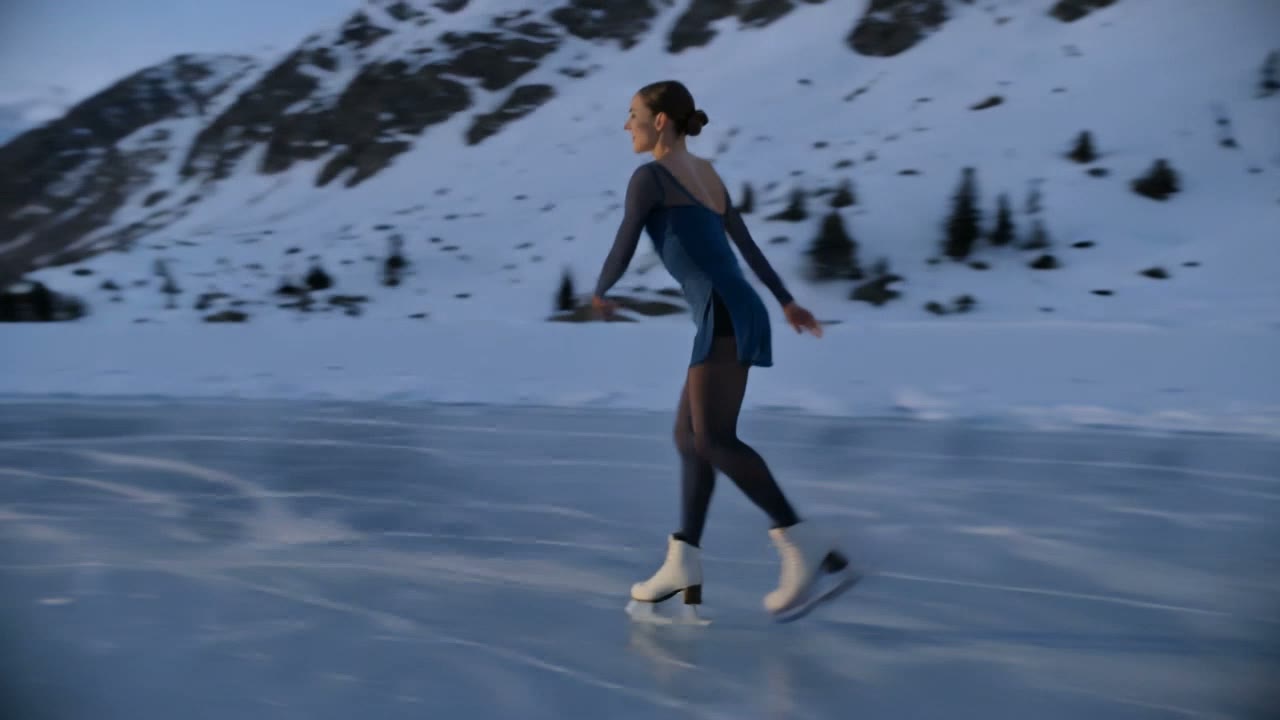
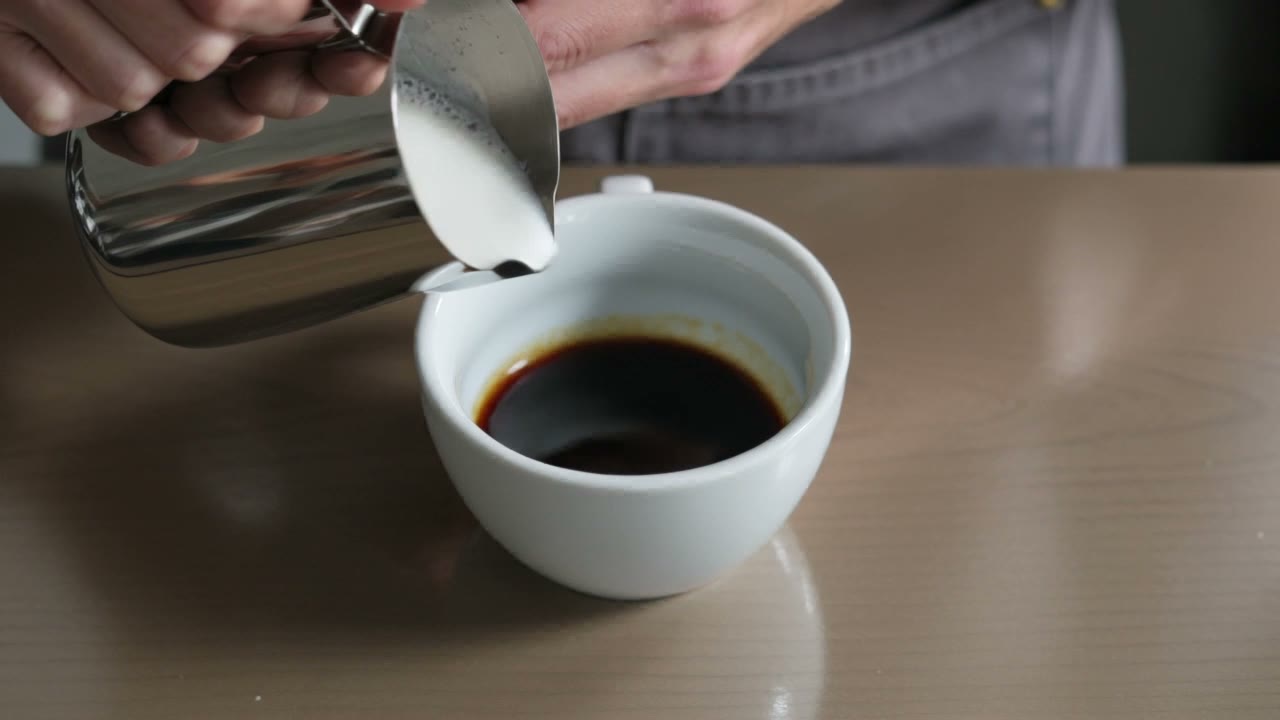
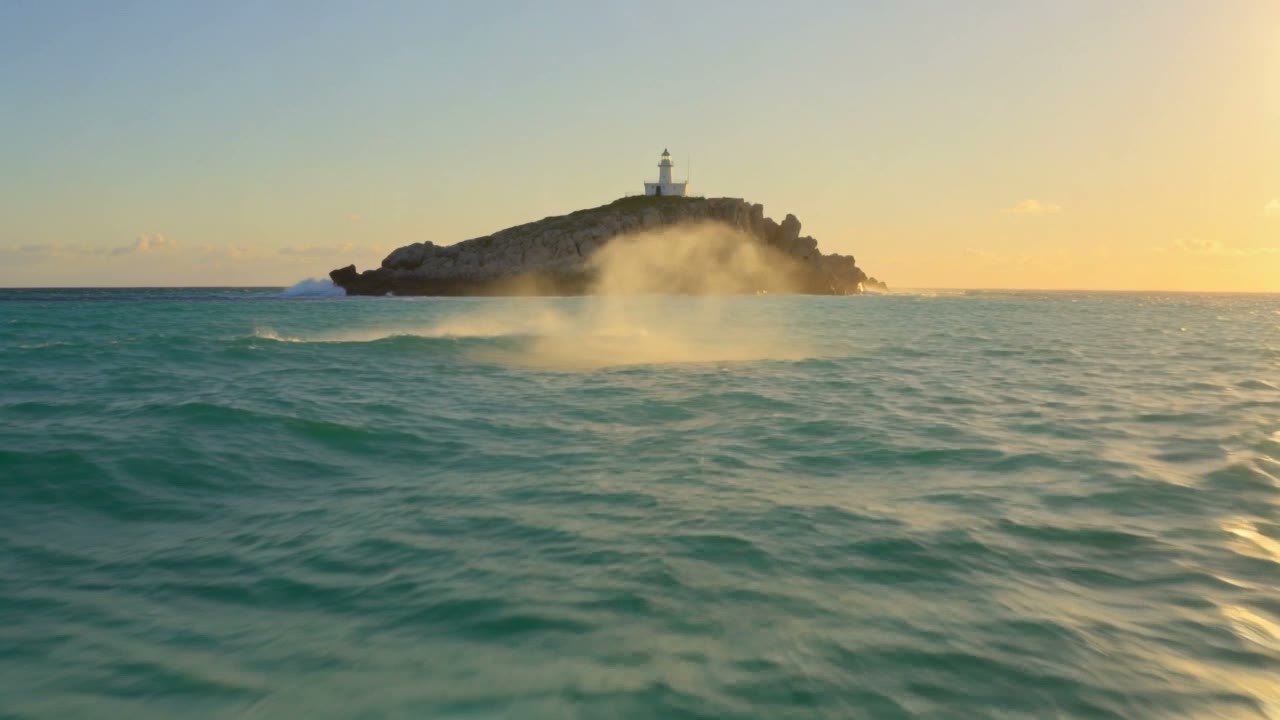
Free tokens when you sign up
Use them on the image tools. Videos are paid from your wallet. No card needed to sign up.
Sign up freeAdd money to your wallet
$5to start
Pay only for the videos you make. No subscription. For image tools, plans start at $19, paid one time.
See plansPrice shown before you startMoney back if a video failsVideos kept for 15 days
Snapchat video tips
What is a Snapchat video generator?
It is a tool that turns a prompt or one photo into a tall 9:16 video for Snapchat. You describe the Snap you want and the model makes a finished clip in minutes. All the top video models are in one place, for Stories, Spotlight or Snap Ads.
Snapchat video size and format
- Shape: tall 9:16, full screen.
- Size: 1080 by 1920 pixels keeps it sharp on phones.
- File: you download an MP4.
- Sound: some models make it, or add Snapchat music in the app.
Ways creators use AI for Snapchat
- Fresh Story posts on days with nothing to film
- Short, eye catching Spotlight clips
- Product reveals for Snap Ads
- Mood clips to tease a new song
- Food, products or a shop shown off by a small business
Tips for better Snapchat videos
- Start with a bold, bright first frame.
- Choose 9:16 in the studio and say it in your prompt.
- Slow motion and close ups look great on a small screen.
- Start from the same photo to keep a product the same.
- Run it through the video upscaler before you post.
More video tools
- Reels
Turn photos and music into a Reel
- Text to video
Turn a few words into a video
- Image to video
Make a photo move
- Upscale video
Make a soft clip sharp, up to 4K
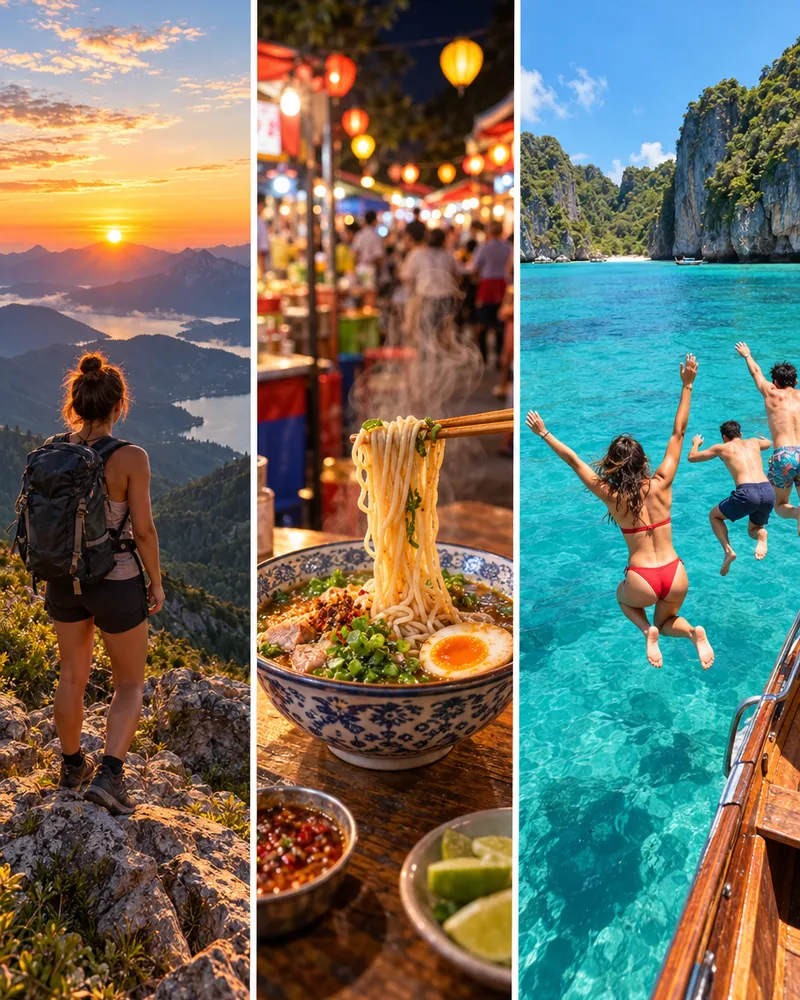
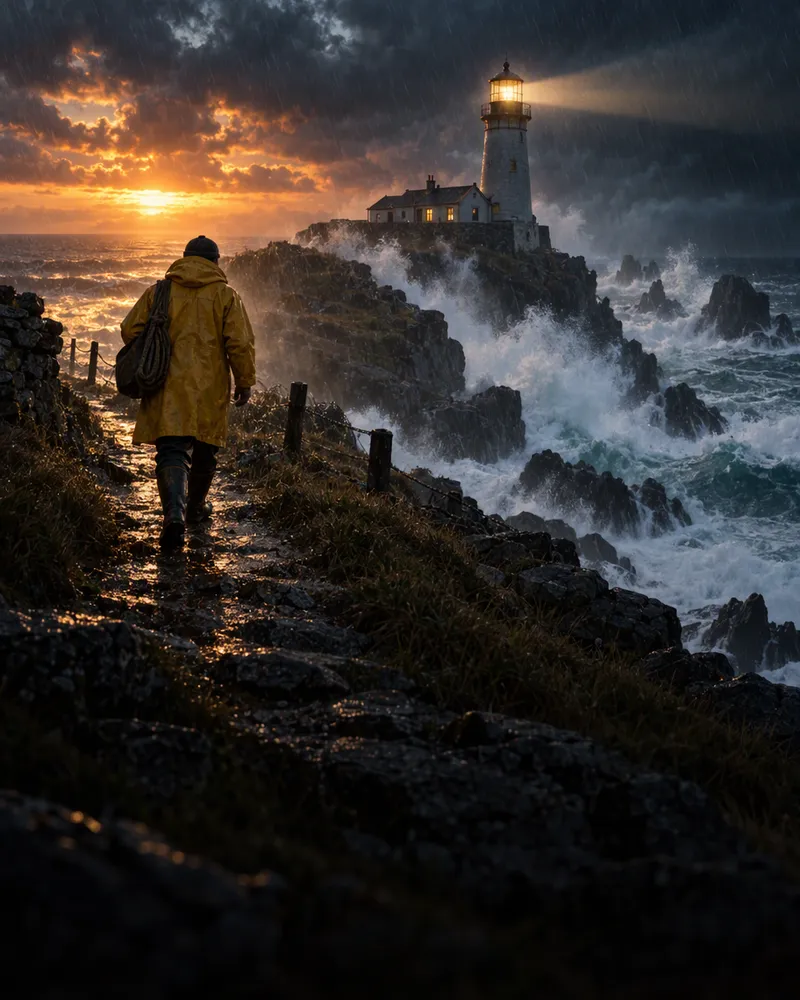
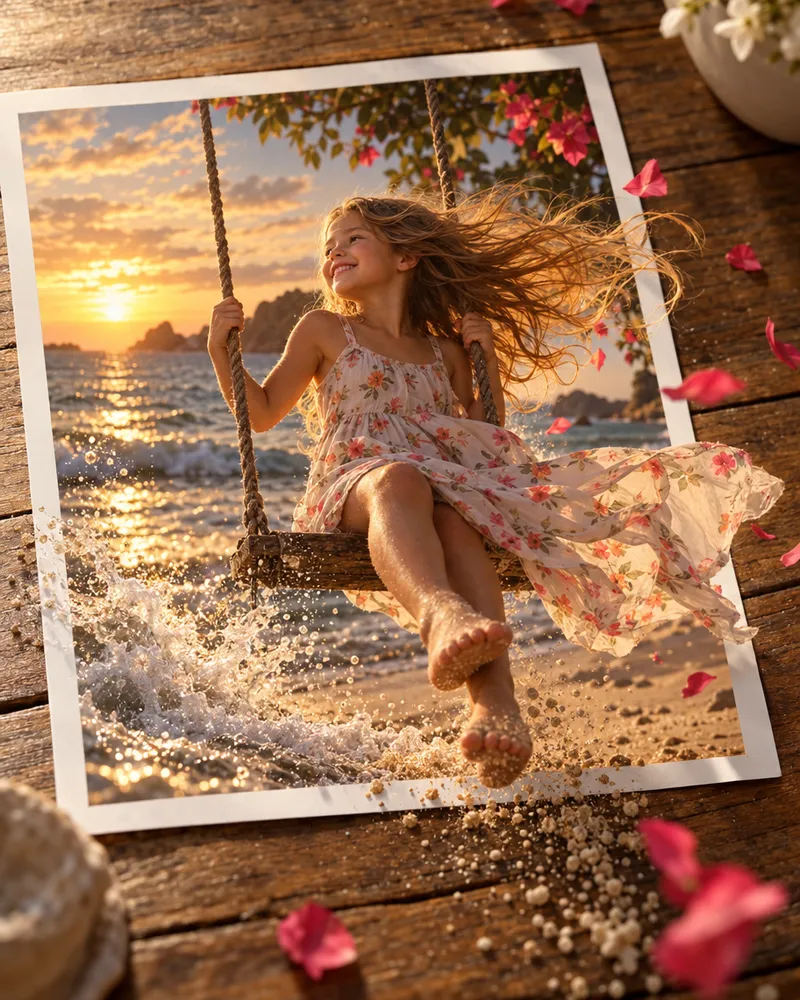
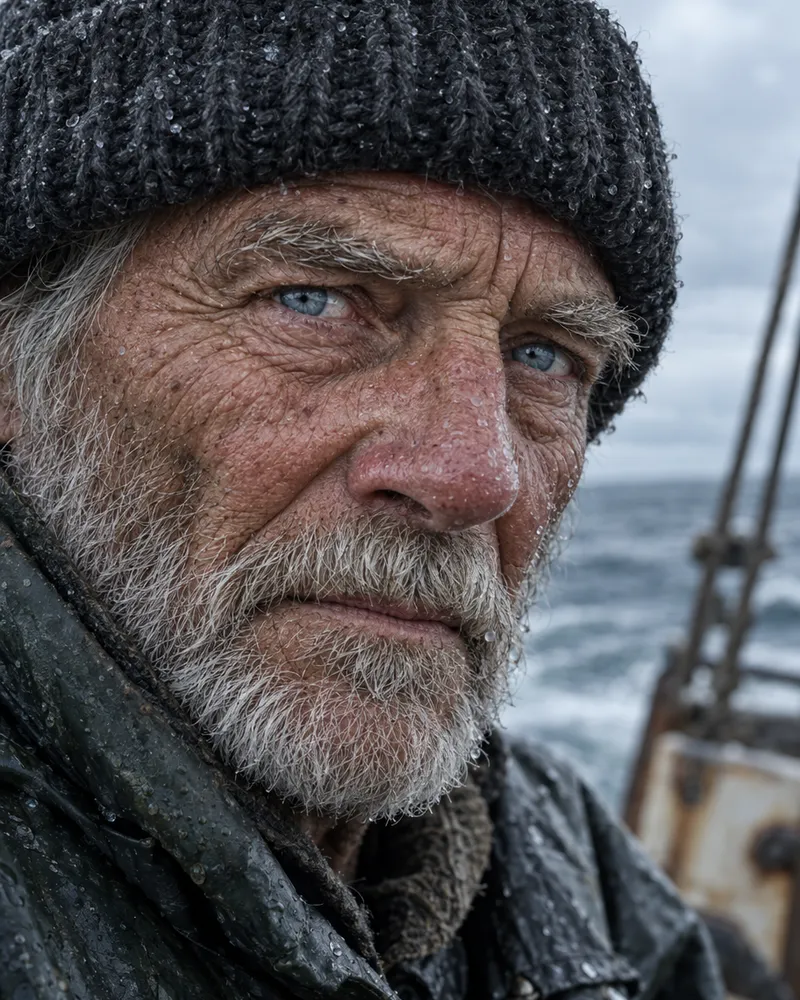

TikTok video generatorReels generatorShorts generatorShort video generator15 second video generatorPinterest video generator
Questions people ask
What is a Snapchat video generator AI?
It makes tall 9:16 videos for Snapchat from your words or a photo. Enhance AI has all the top video models in one place, so you can pick the right look for Stories, Spotlight or Snap Ads without switching apps.
Is it free?
No. Each video is paid from your wallet, and the Generate button shows the price before you start. New accounts get free tokens, but those are for the image, music and speech tools, not video. There is no subscription.
What aspect ratio and resolution does Snapchat use?
Snapchat uses tall 9:16 full screen video, usually 1080 by 1920 pixels. Many models offer 9:16, like WAN 3.0, Kling V3 and Seedance 2.5. Set Aspect Ratio to 9:16 before you press Generate.
How long can a Snapchat AI video be?
Stories play short clips, and Spotlight takes longer ones. The AI makes one clip at a time, from a few seconds up to 30 seconds depending on the model. Join clips for a longer Story or keep it short for a fast hook.
Are there watermarks?
No. Enhance AI does not add a watermark or a logo. You download a plain MP4, ready to upload to Snapchat from your phone or computer.
Can I use my own images?
Yes. Add a product photo, a selfie, a logo or a drawing in the studio and say what should move. Your photo becomes the first frame of a tall 9:16 clip.
Do I get commercial rights for Snap Ads?
Yes. You own the videos you make and can use them for personal or commercial work, like Snap Ads, client work and products you sell. You are also responsible for what you upload and make.
Can I add sound to my Snapchat videos?
Some models make sound with the picture, like WAN 3.0 and Seedance 2.5. You can also add sound to a finished clip with Add audio in the studio, or add Snapchat music or your voice in the app.
How do I make my Snaps higher resolution?
Pick a higher quality setting in the studio, then run the clip through the AI video upscaler, which goes up to 4K. Your Snaps stay sharp on big phone screens.
Do I need video editing skills?
No. You describe the Snap in plain words, pick 9:16 and a length, and press Generate. There is no timeline, no camera and no editing app to learn.
Make your first Snapchat video
Type an idea, pick a model and see the price before you start.
Make a video- Top video models in one place
- No app needed
- No watermark