Qwen Image 2 Free Online
Type your idea in English or Chinese and get a picture. Alibaba made it to put clear words on posters and signs. It can change your photos too.
- Free to try
- No card needed
- No watermark
Made with Qwen Image 2.1. Tap one to try it.
How to use Qwen Image 2 for free
Three steps. It works on your phone.
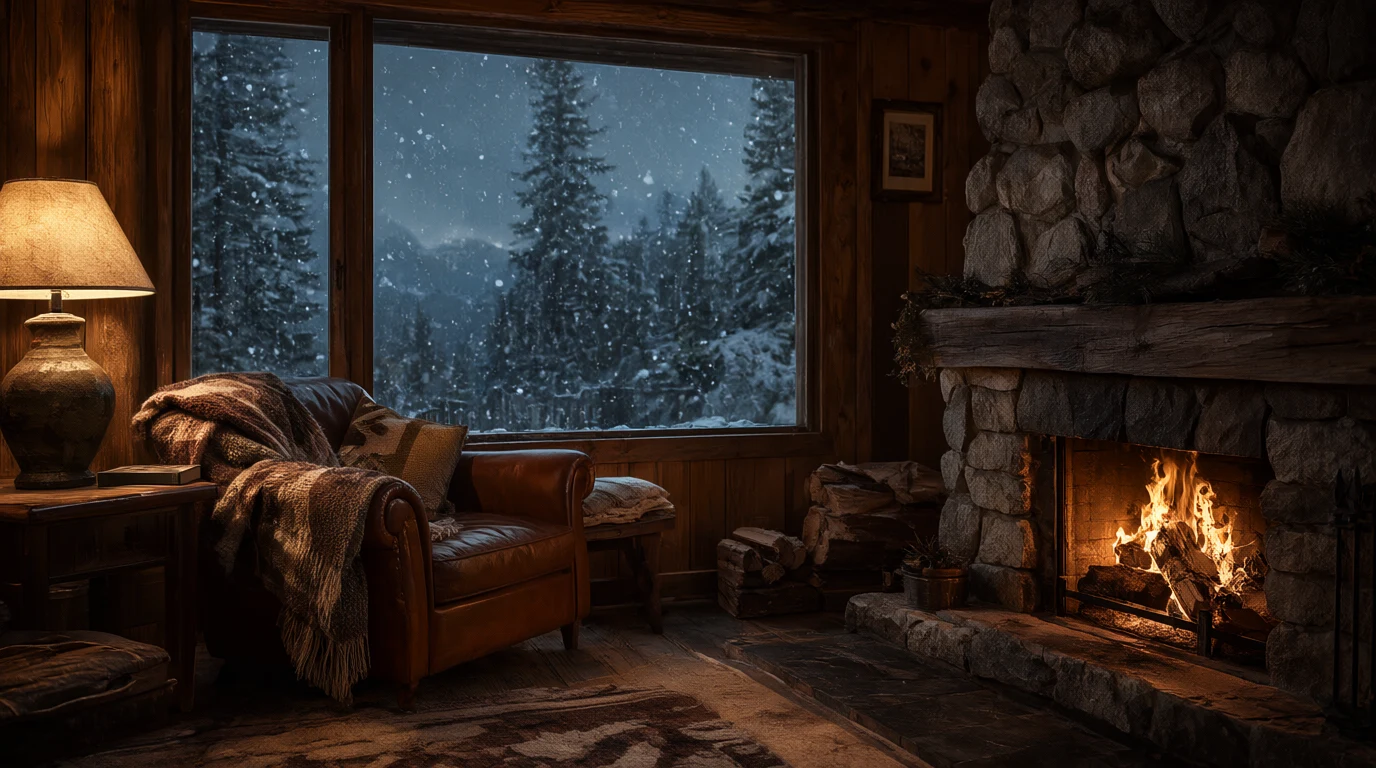
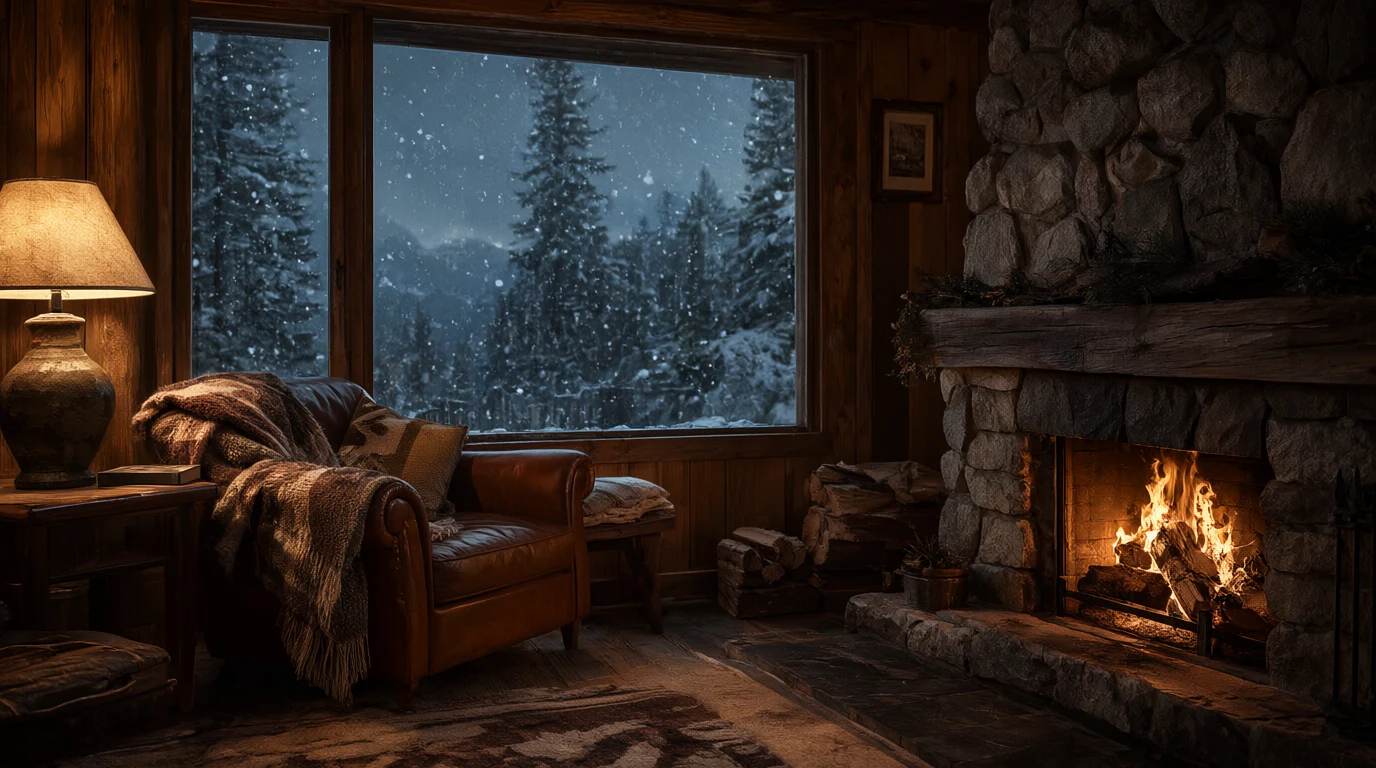
A cozy mountain cabin interior at dusk, a crackling stone fireplace, a wool blanket over a leather armchair, snow falling past a large window with pine trees outside, warm lamp light, photorealistic.
GenerateStep 1
Type your idea
Say what you want to see. Put any words you want in the picture in quotes.
- Qwen 2Qwen Image 28 tokens
- Qwen 2.1Qwen Image 2.16 tokens
- Qwen 2 ProQwen Image 2 Pro18 tokens
Step 2
Pick a Qwen model
Qwen Image 2 is 8 tokens an image. Qwen Image 2.1 is 6.
 Download
Qwen Image examples with prompts
Real pictures made with Qwen Image 2.1, the newer version, each with the exact prompt that made it.
Made with Qwen Image 2.1
“A cozy mountain cabin interior at dusk, a crackling stone fireplace, a wool blanket over a leather armchair, snow falling past a large window with pine trees outside, warm lamp light, photorealistic.”
Try this prompt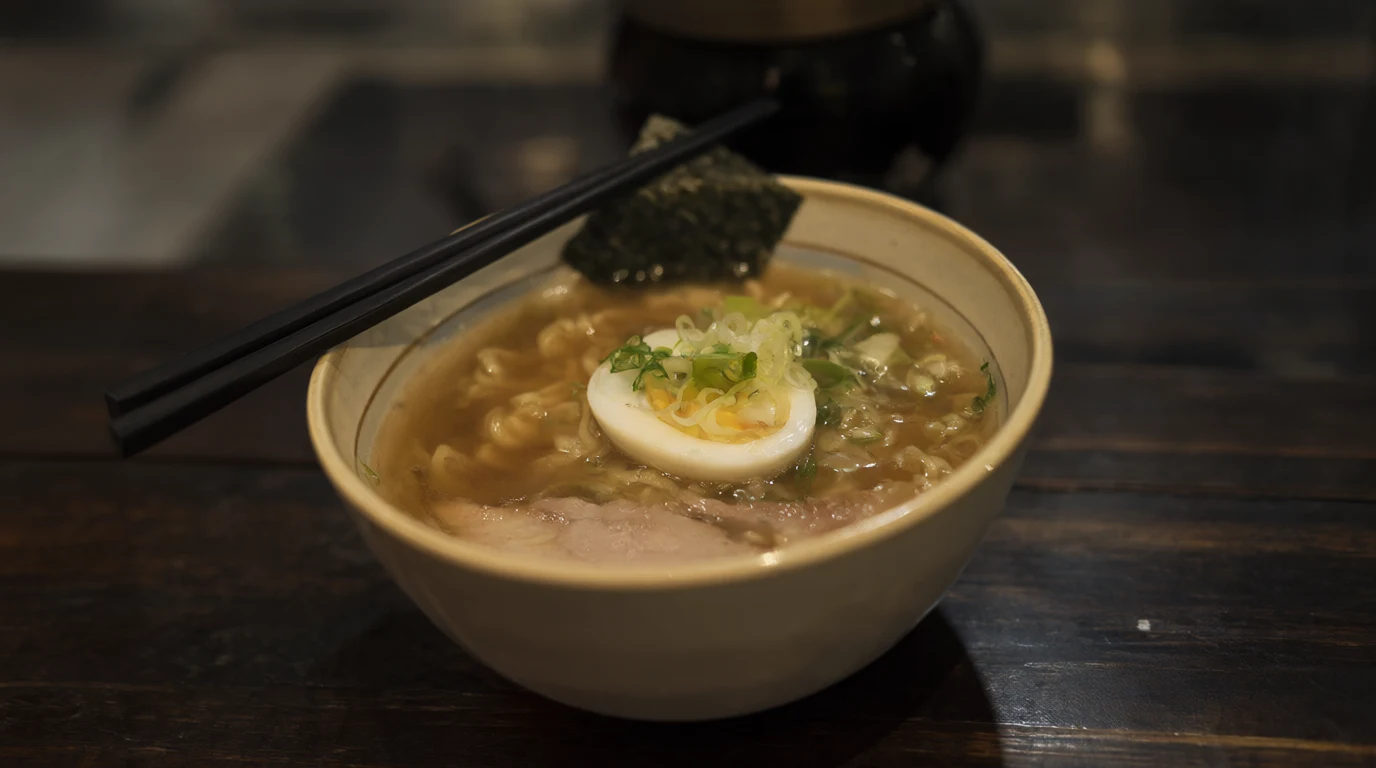
Made with Qwen Image 2.1
“A bowl of steaming ramen on a dark wooden counter, a soft boiled egg, sliced green onions, nori and slices of pork, chopsticks resting on the rim, shallow depth of field, warm evening light.”
Try this prompt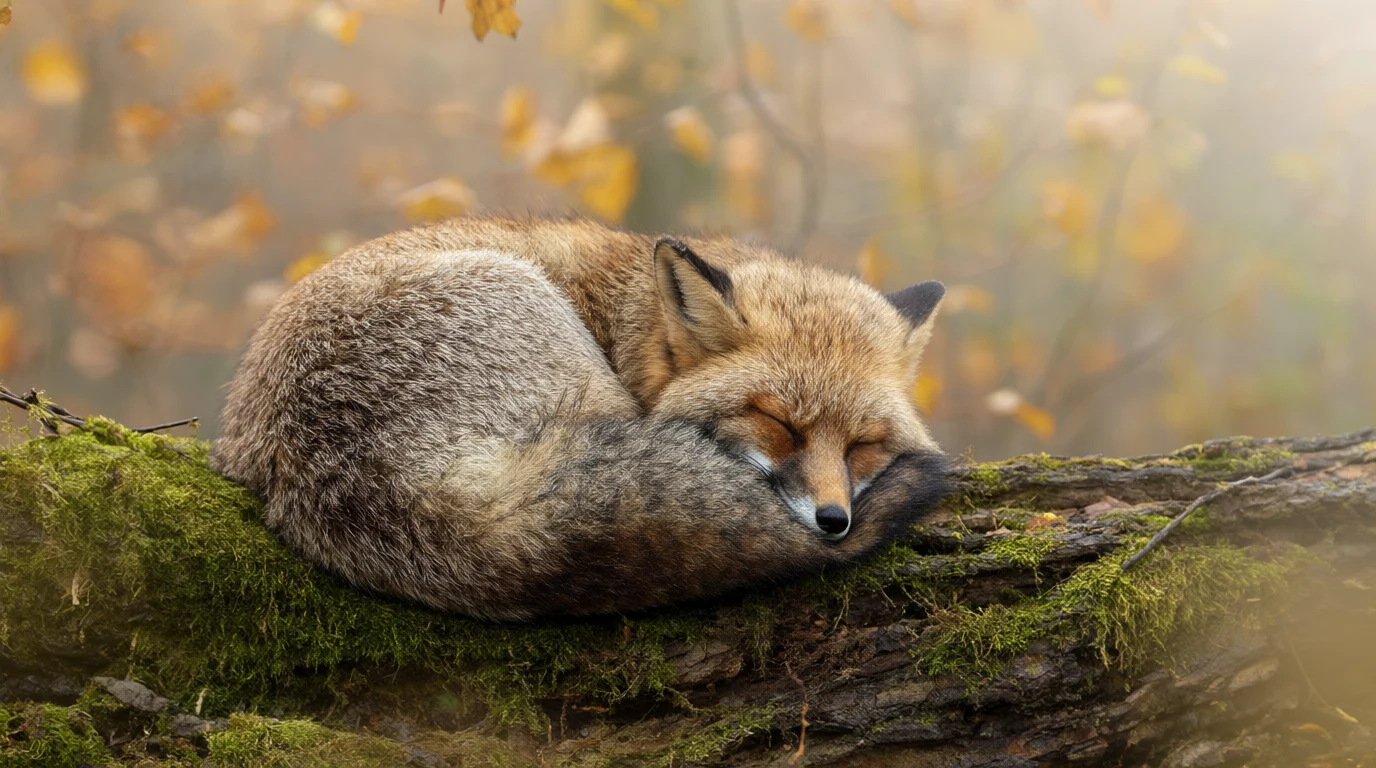
Made with Qwen Image 2.1
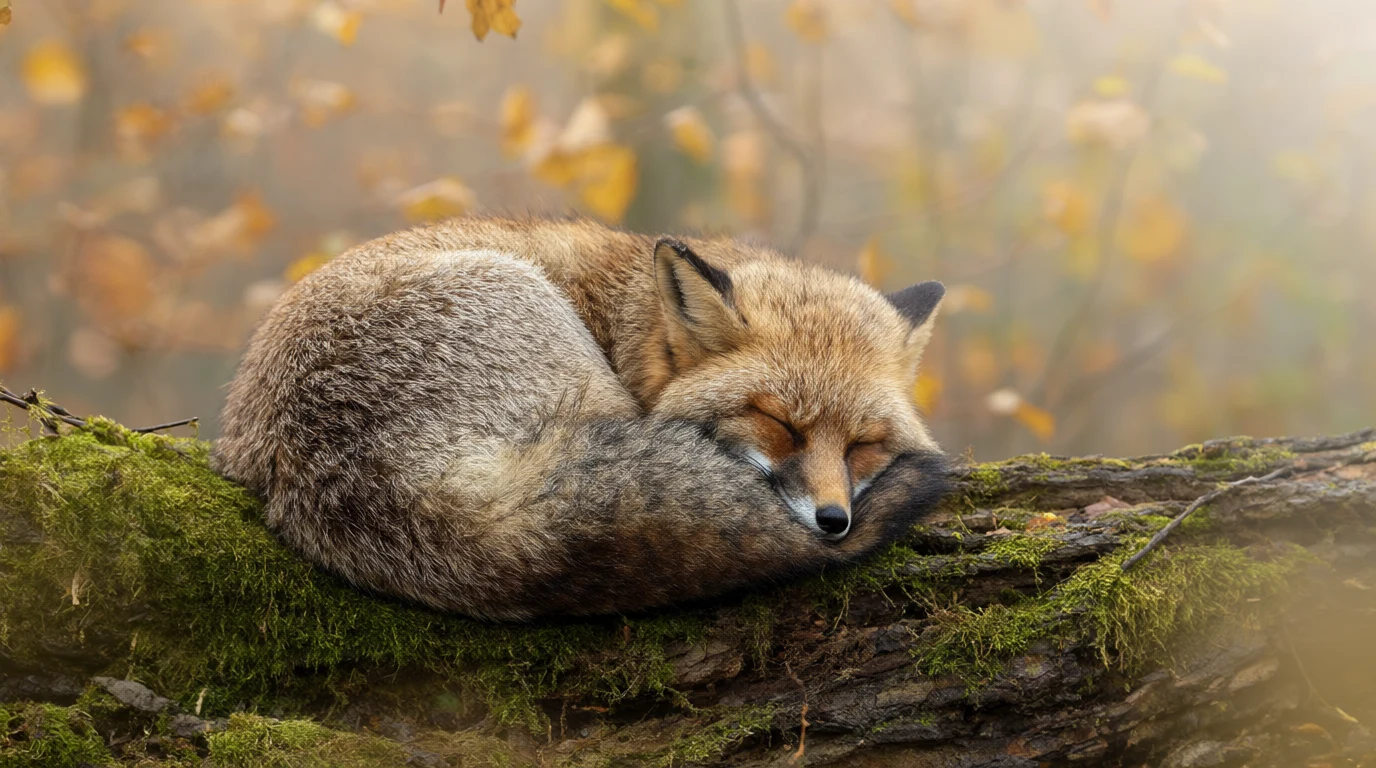
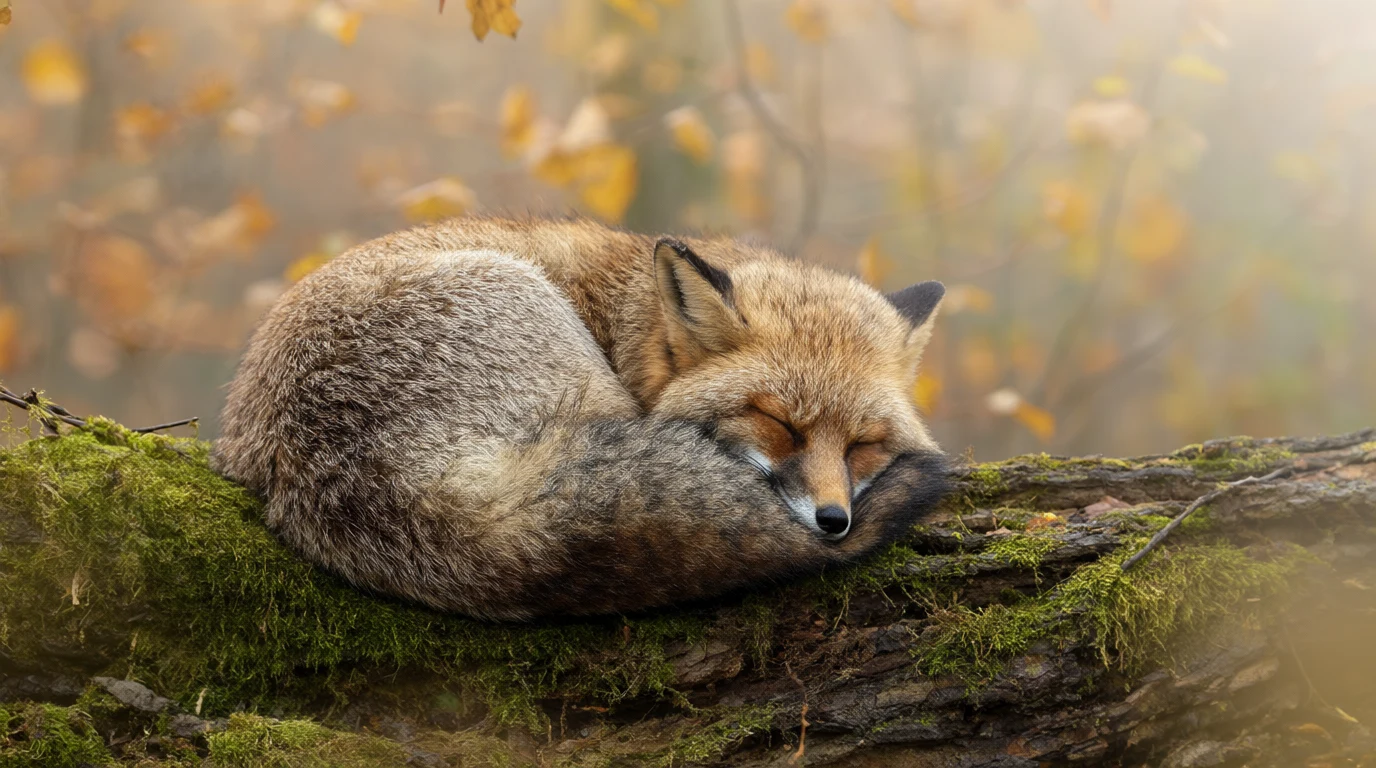
“A red fox curled up asleep on a mossy log in a misty autumn forest, soft morning light through golden leaves, fine fur detail, wildlife photography.”
Try this prompt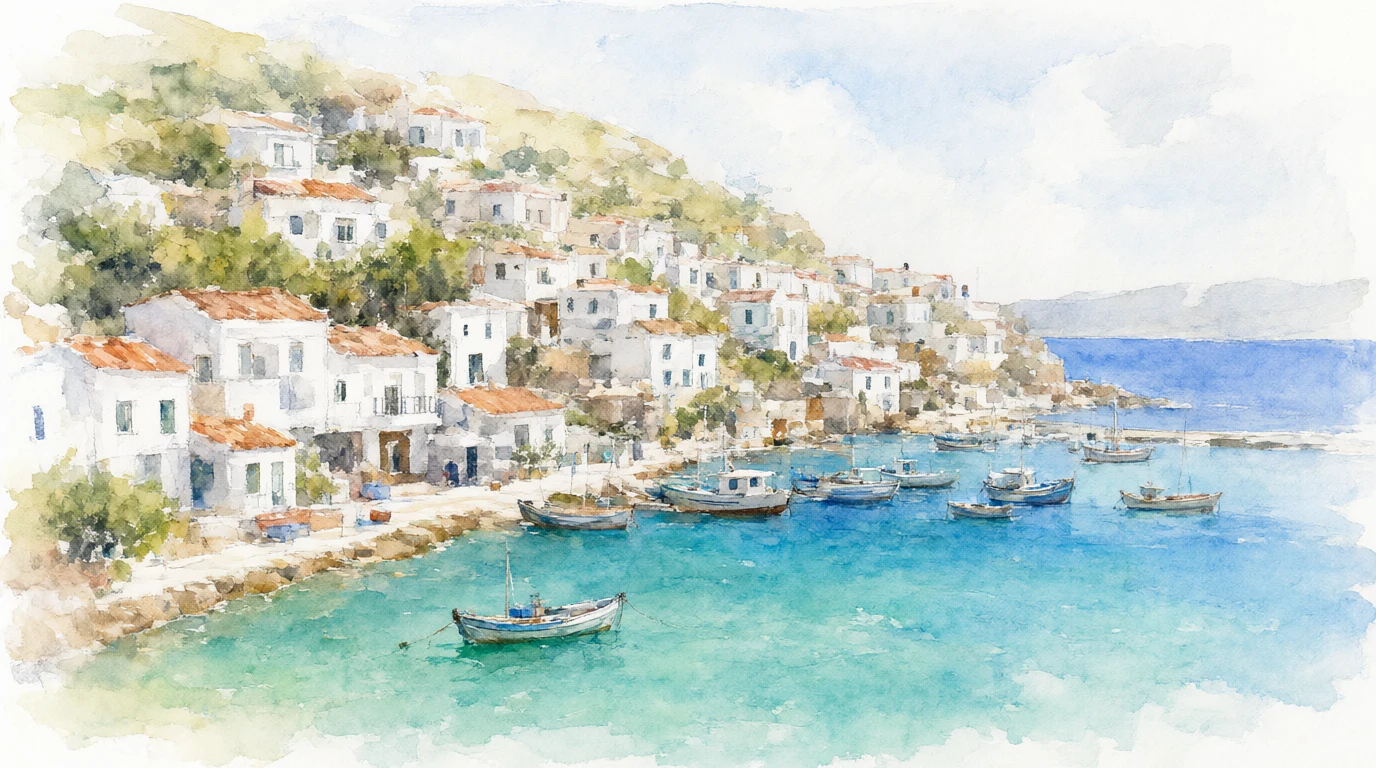
Made with Qwen Image 2.1
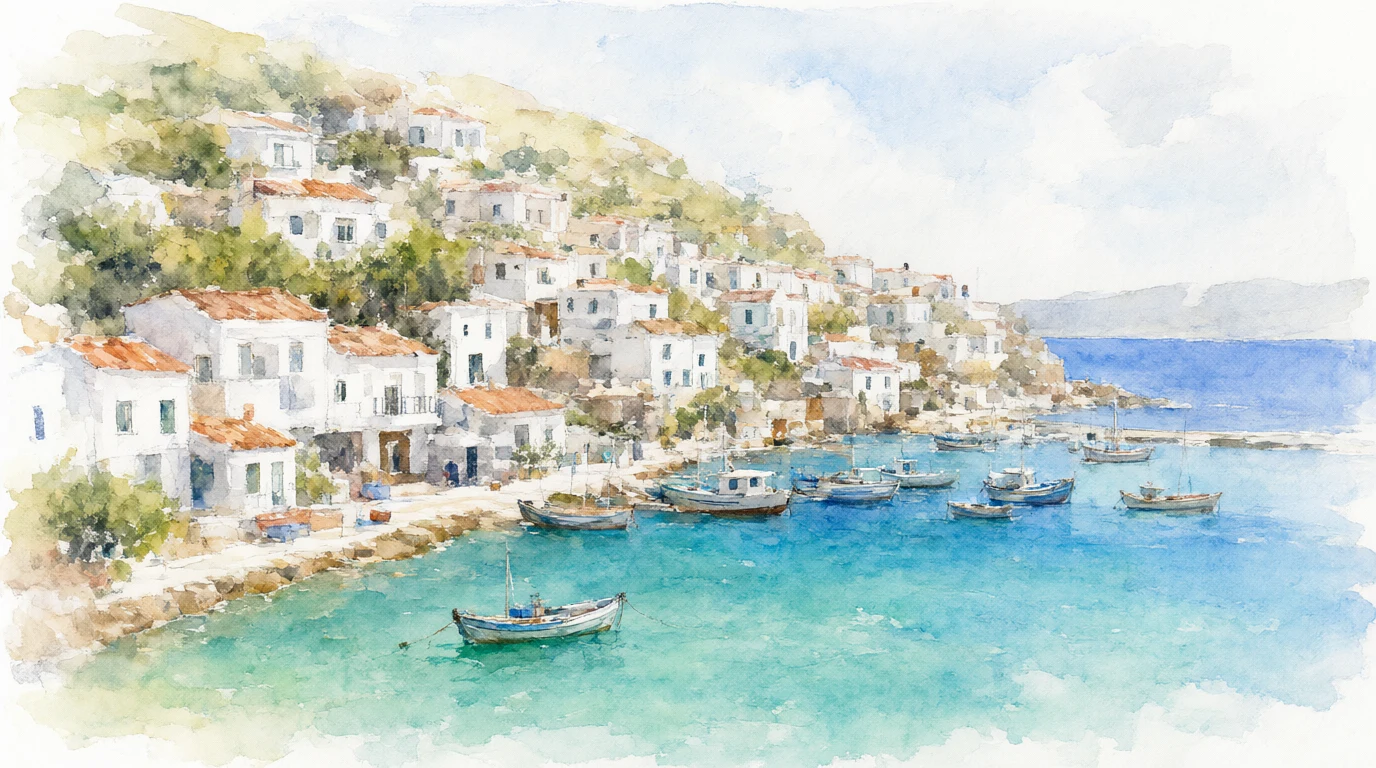
“A watercolor painting of a coastal village with white houses stacked on a hillside above a turquoise bay, small fishing boats in the harbour, loose brush strokes and soft washes of color.”
Try this prompt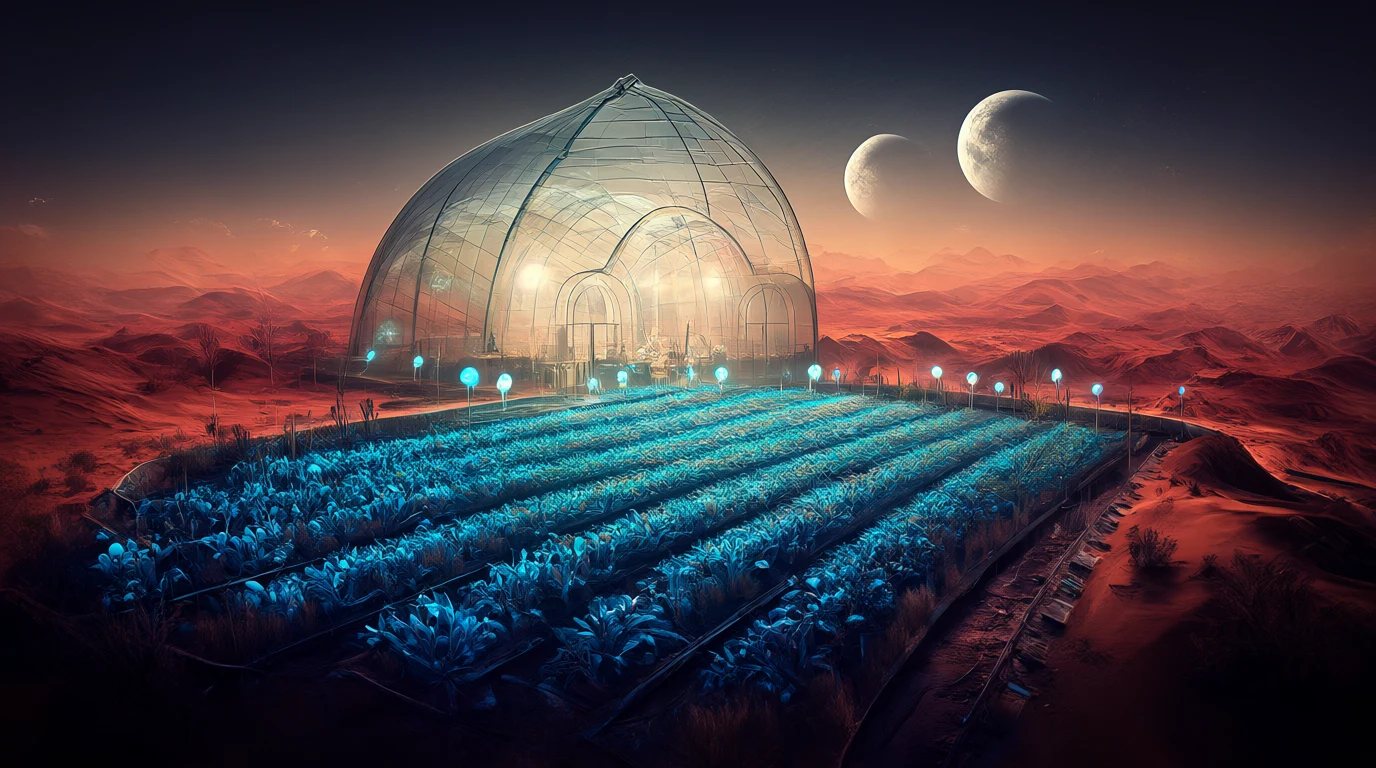
Made with Qwen Image 2.1
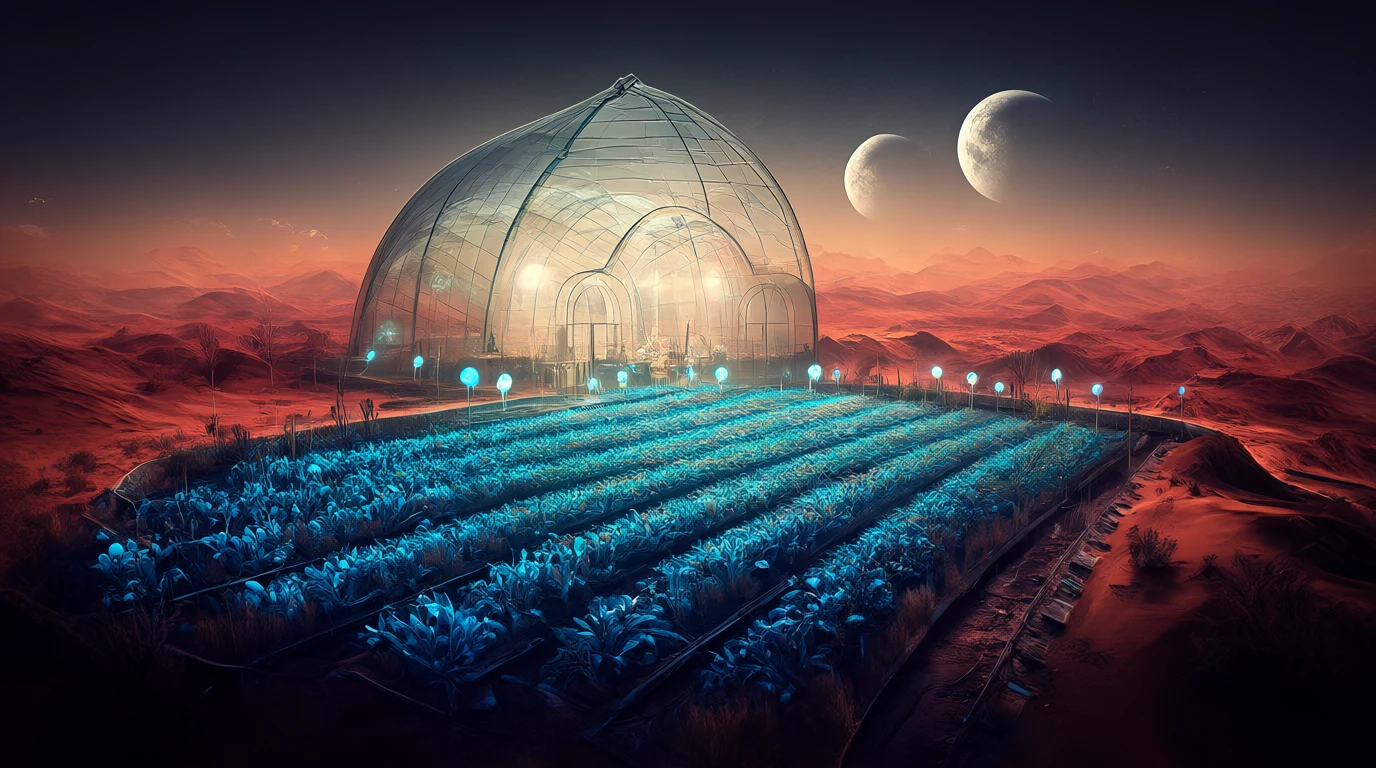
“A glass greenhouse on a desert planet, rows of glowing blue plants under a domed roof, two moons rising over red dunes outside, cinematic concept art.”
Try this prompt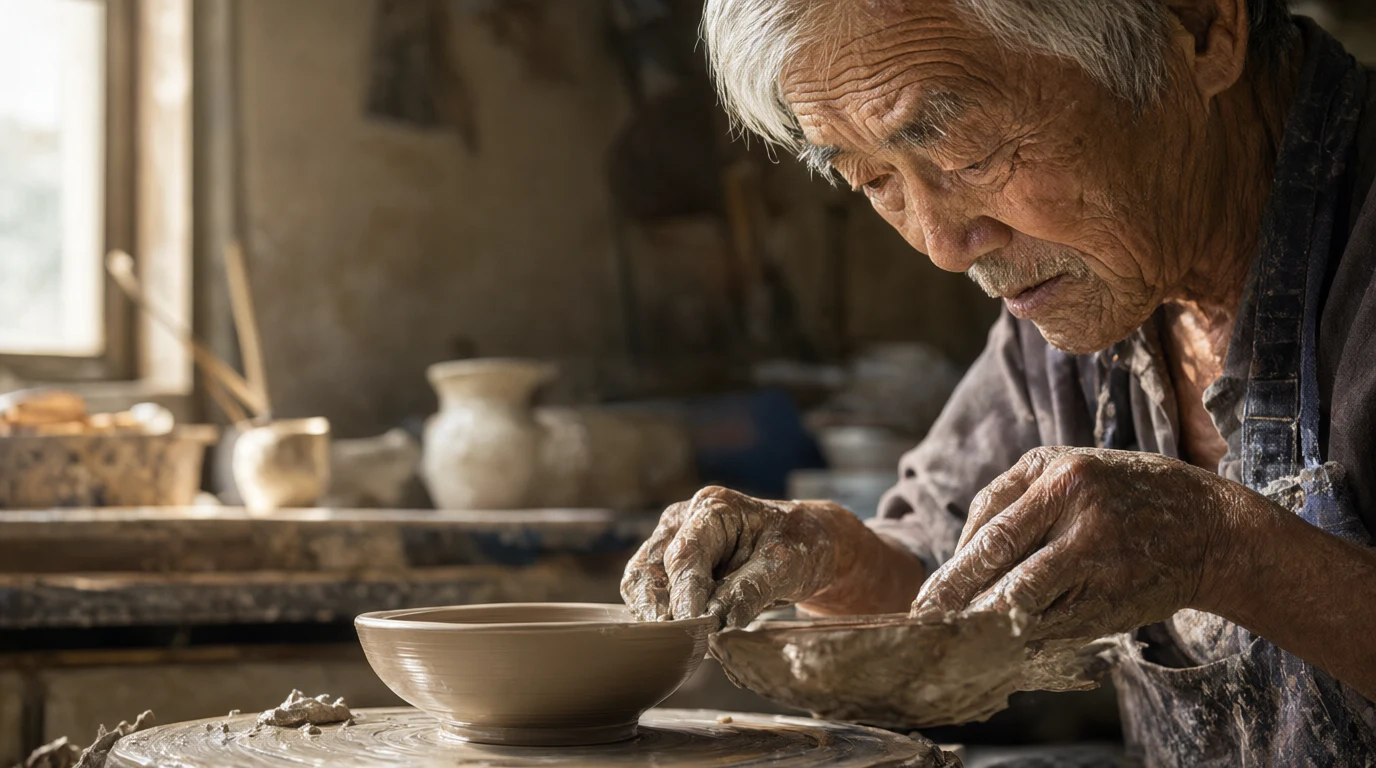
Made with Qwen Image 2.1
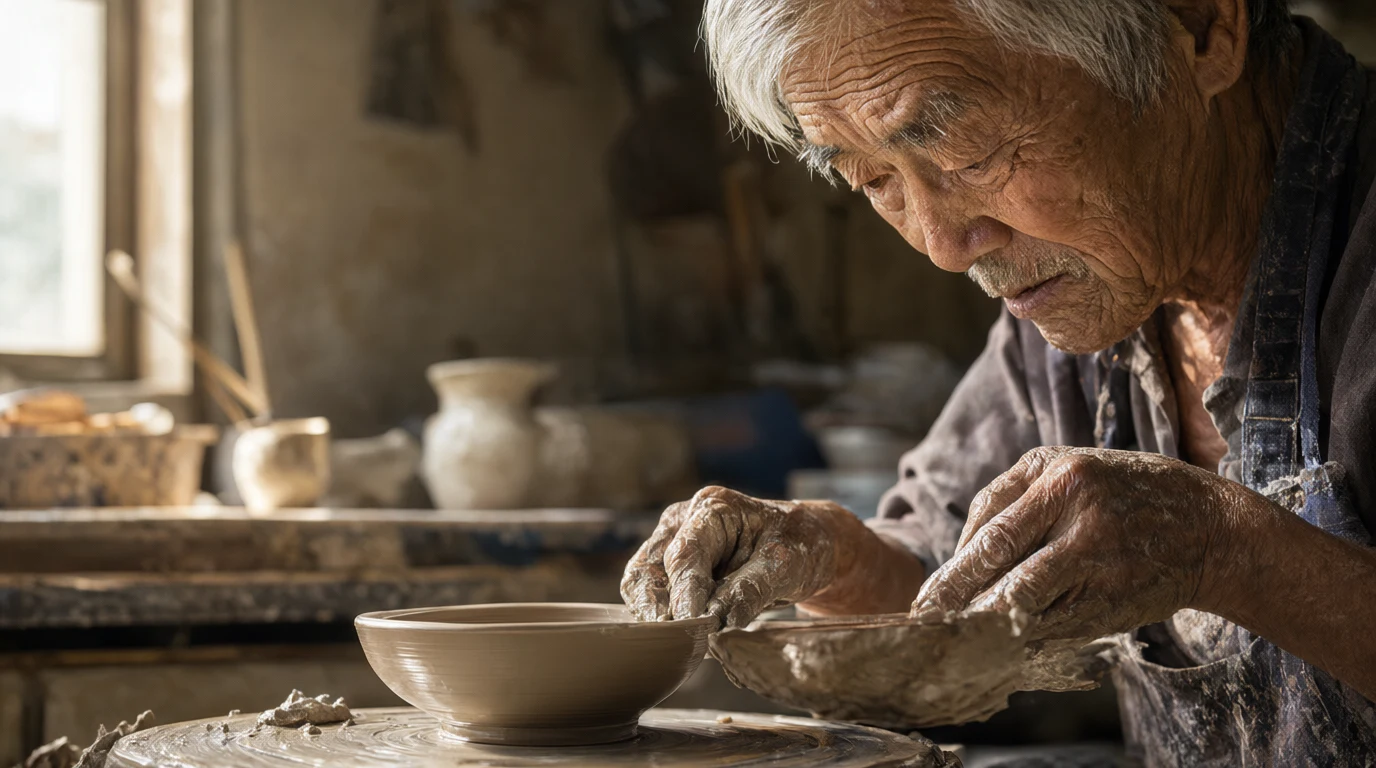
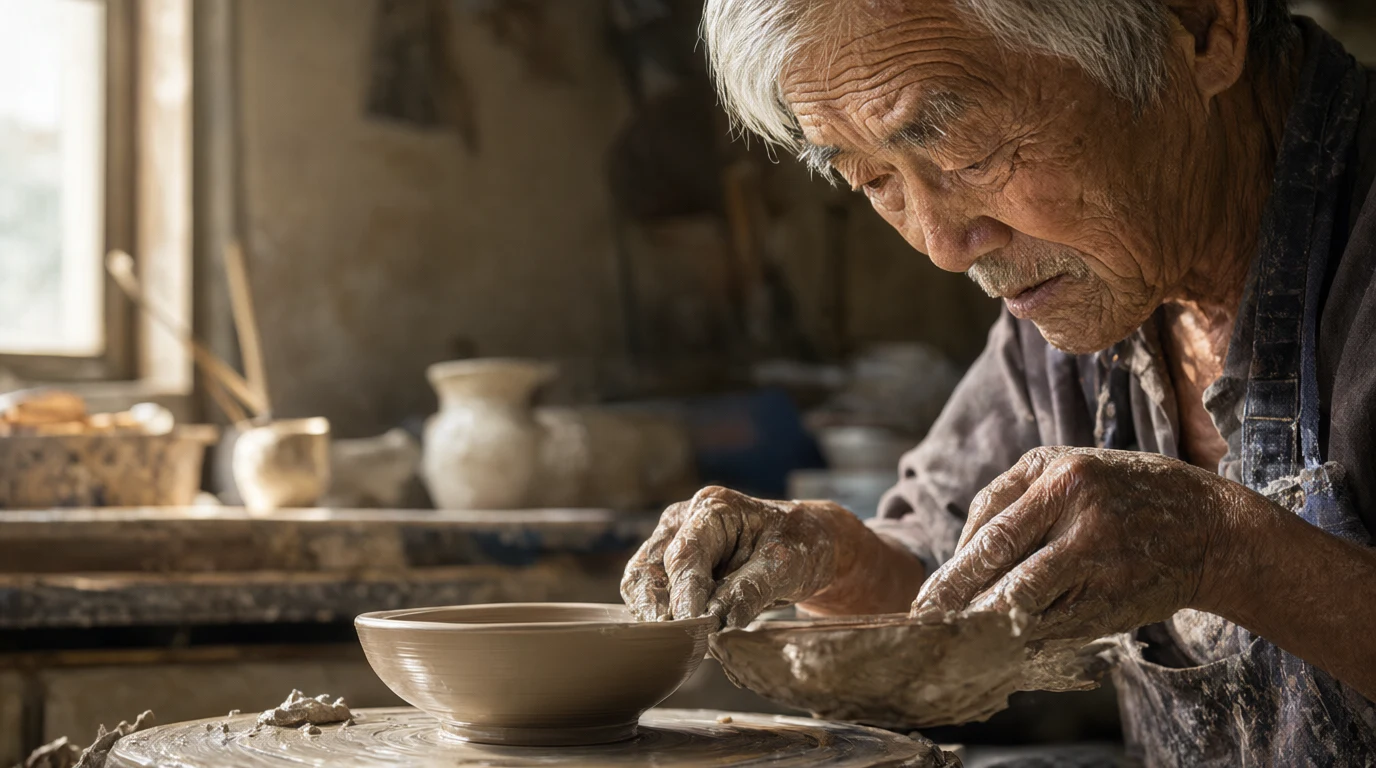
“A portrait of an elderly potter with silver hair and clay covered hands shaping a bowl on a wheel in a sunlit workshop, deep wrinkles and fine skin texture, 85mm photograph.”
Try this prompt
How to write a good prompt
This is the real prompt for the fox picture, split into its five parts.
The prompt
A red fox curled up asleep on a mossy log in a misty autumn forest, soft morning light through golden leaves, fine fur detail, wildlife photography.
- SubjectWho or what is in the picture.
- ActionWhat it is doing.
- SceneWhere it is.
- LightThe time of day and the light.
- CameraHow the photo should look.
 Made with Qwen Image 2.1
Qwen Image 2 vs other Qwen models
Your free tokens work on every one of them.
| Model | Good for | Tokens an image | Images for $19 |
|---|---|---|---|
| Qwen Image 2 | Words in English or Chinese. Edit up to 3 photos. | 8 | 250 |
| Qwen Image 2.1 | Newer. Realistic photos and art. | 6 | 333 |
| Qwen Image 3 | Newer still. Edit up to 3 photos. | 9 | 222 |
| Qwen Image 2 Pro | The pro version. Edit up to 3 photos. | 18 | 111 |
| Qwen Image Max | Edit up to 6 photos. | 24 | 83 |
Qwen Image 2
- Good for
- Words in English or Chinese. Edit up to 3 photos.
- Tokens an image
- 8
- Images for $19
- 250
- Good for
- Newer. Realistic photos and art.
- Tokens an image
- 6
- Images for $19
- 333
- Good for
- Newer still. Edit up to 3 photos.
- Tokens an image
- 9
- Images for $19
- 222
- Good for
- The pro version. Edit up to 3 photos.
- Tokens an image
- 18
- Images for $19
- 111
- Good for
- Edit up to 6 photos.
- Tokens an image
- 24
- Images for $19
- 83
Want to compare more image models? See the AI image generator
How much does Qwen Image 2 cost?
Pay per image with tokens. No subscription.
One Qwen Image 2 image
8tokens
A Qwen Image 2 edit in the photo editor is 7 tokens. No watermark.
Free tokens on sign up
New accounts get free tokens, and they work on Qwen Image 2. No card needed.
Try it freeNeed more?
$19one time
That is 250 Qwen Image 2 images. No subscription. Yearly plans are 20% off.
See plansDo more with your image
Edit it with words, make it bigger, cut out the background or make it move.
- Edit an image
Change a photo with words. Qwen Image 2 is ready there.
- Upscale an image
Make it bigger and sharper.
- Remove BG
Cut out the main subject.
- Image to video
Turn your picture into a short video.

Questions people ask
Is Qwen Image 2 free on Enhance AI?
You can try it free. New accounts get free tokens, and they work on Qwen Image 2. You do not need a card. Qwen Image 2 uses 8 tokens an image. The free tokens are a one time gift, not a daily refill. When you need more, plans start at $19, paid one time, with no subscription. Plan tokens last 30 days.
What is Qwen Image 2?
Qwen Image 2, also called Qwen Image 2.0, is an AI image model from Alibaba's Qwen team. It makes a picture from your words, and it can change photos you upload. You can write your prompt in English or Chinese.
Can Qwen Image 2 write words in a picture?
Alibaba made it for pictures with words in them, like posters, slides and signs. Put the exact words in quotes in your prompt, like a sign that says "OPEN". Check the spelling before you use the picture, because any AI model can get a letter wrong.
Can Qwen Image 2 edit my photos?
Yes. In the playground, pick Qwen Image 2, add up to 3 photos and say what to change. That is 8 tokens. In the photo editor, Qwen Image 2 is the model picked for you at the start. An edit there is 7 tokens, also with up to 3 photos.
Does Qwen Image 2 make 2K images?
Not on Enhance AI. In the playground the long side of a Qwen Image 2 picture is about 1,000 pixels, like 1024 by 1024 for a square. Want a bigger file? Use the image upscaler after.
What sizes can I make?
You get eight shapes: 1:1, 3:2, 2:3, 3:4, 4:3, 4:5, 5:4 and 9:16. Each run makes one image.
What is the difference between Qwen Image 2, 2.1 and 2 Pro?
Qwen Image 2.1 is newer and costs 6 tokens an image. Qwen Image 2 costs 8 and can use up to 3 of your photos. Qwen Image 2 Pro costs 18. Your free tokens work on all of them, so try one prompt on two models and keep the better picture.
How is Qwen Image 2 different from Qwen Image Max?
Qwen Image Max costs 24 tokens an image and can use up to 6 of your photos. Qwen Image 2 costs 8 and can use up to 3.
Do I need an Alibaba account or an API key?
No. You use Qwen Image 2 on Enhance AI with Enhance AI tokens. You do not need an Alibaba account or an API key.
Do I need to download an app?
No. It works online, in the browser on your phone or computer.
What if I do not like the picture?
Every finished image costs tokens, even if you do not like it. Change a few words and try again. If a run fails, the tokens go back to your balance.
Can I use the images for my business?
Yes. You own the images you make and can use them for personal or commercial work, like posters, ads and products you sell. You are responsible for what you create and for any photo you upload. Read section 6 of the Terms for the exact words. Enhance AI adds no watermark.
Make your first Qwen Image 2 picture
Type an idea, pick a Qwen model and download it. New accounts get free tokens.
Open Qwen Image 2- Free to try
- No app needed
- No watermark
More from Enhance AI