Free Canva Alternative with AI
Canva is great for laying out a design by hand. Enhance AI makes the picture for you. Type what you want, or upload a photo and say what to change.
- 3 free images a day, no account
- Works online, no app needed
- No watermark
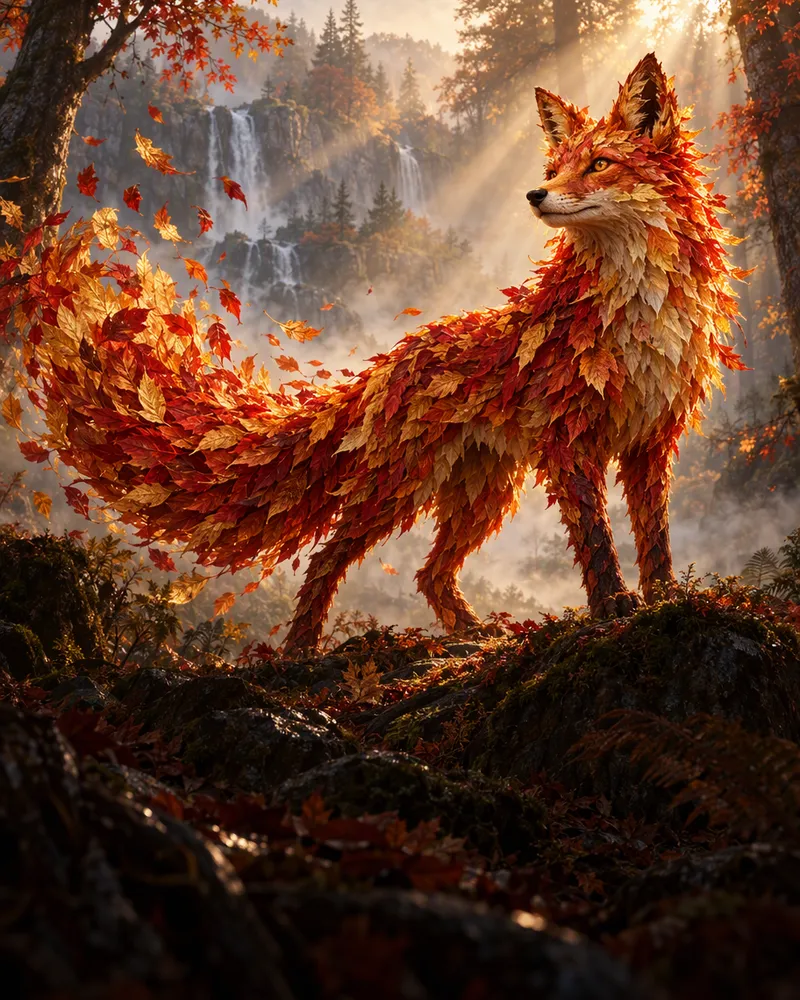
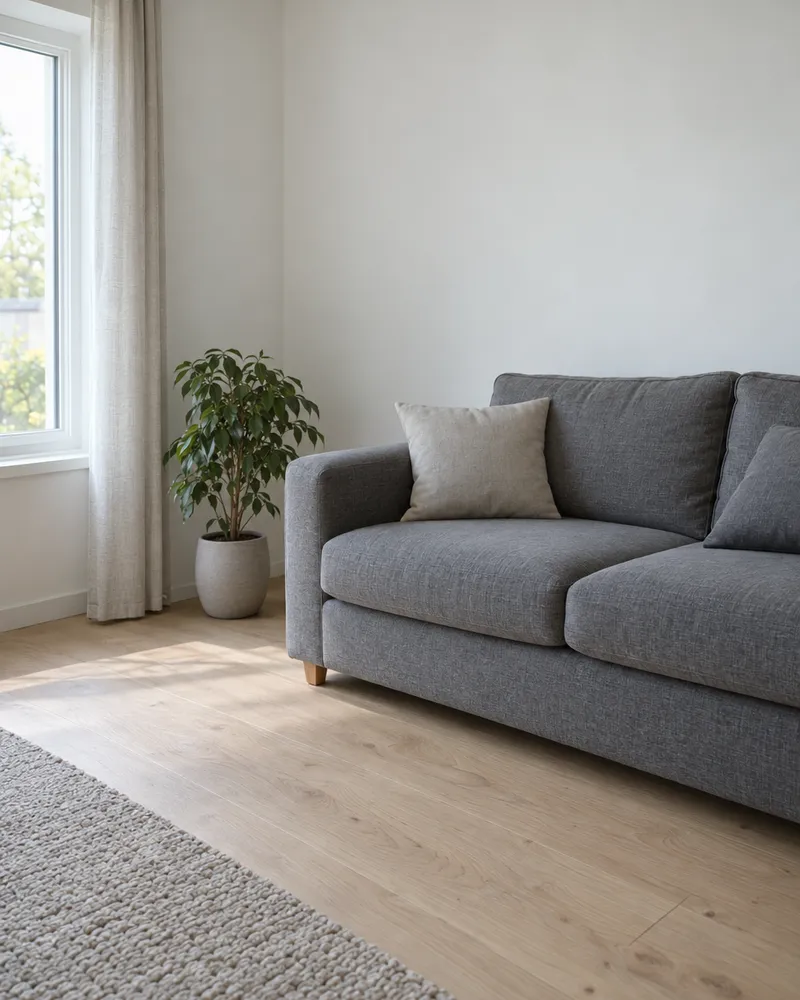
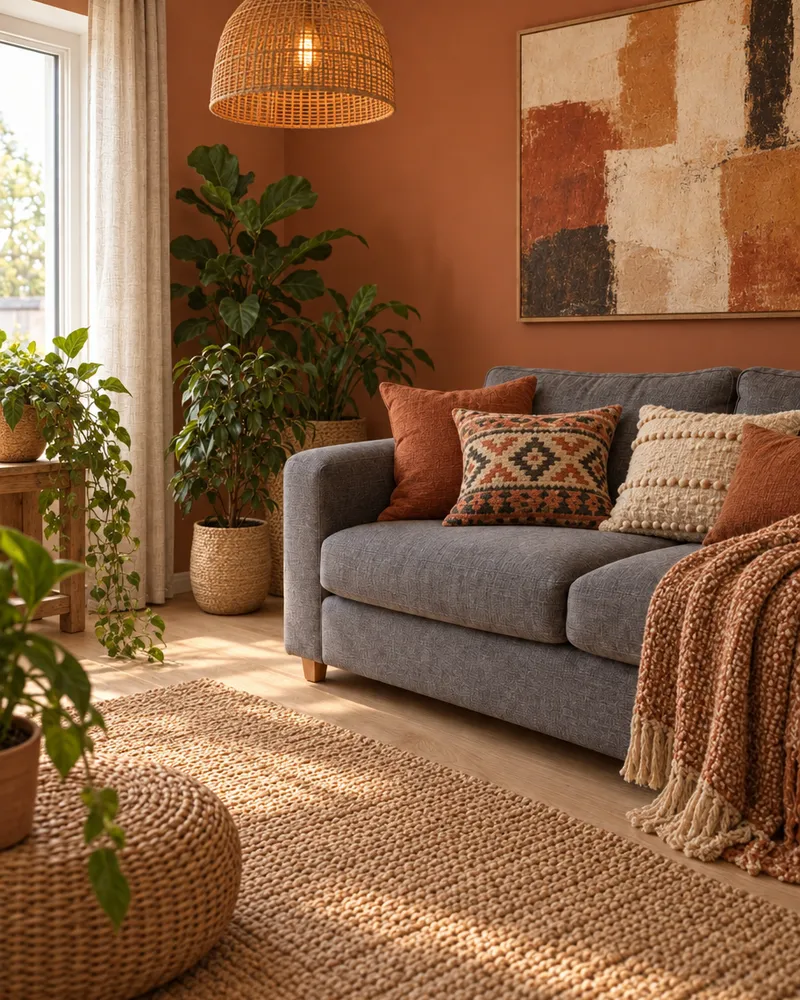
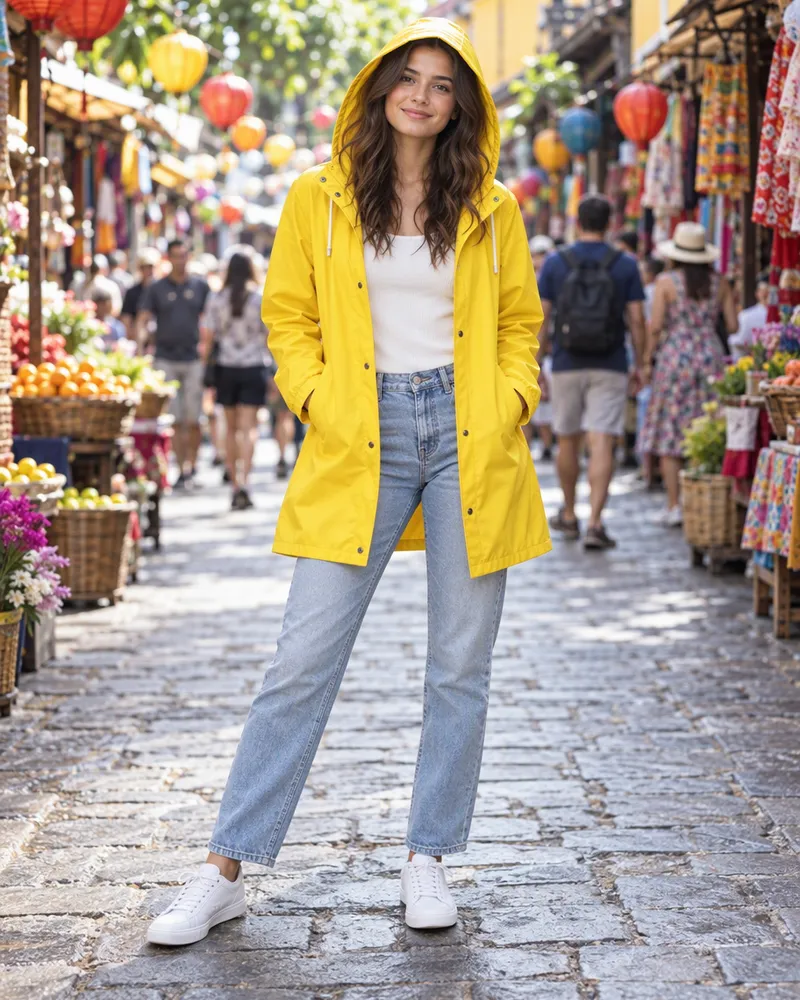
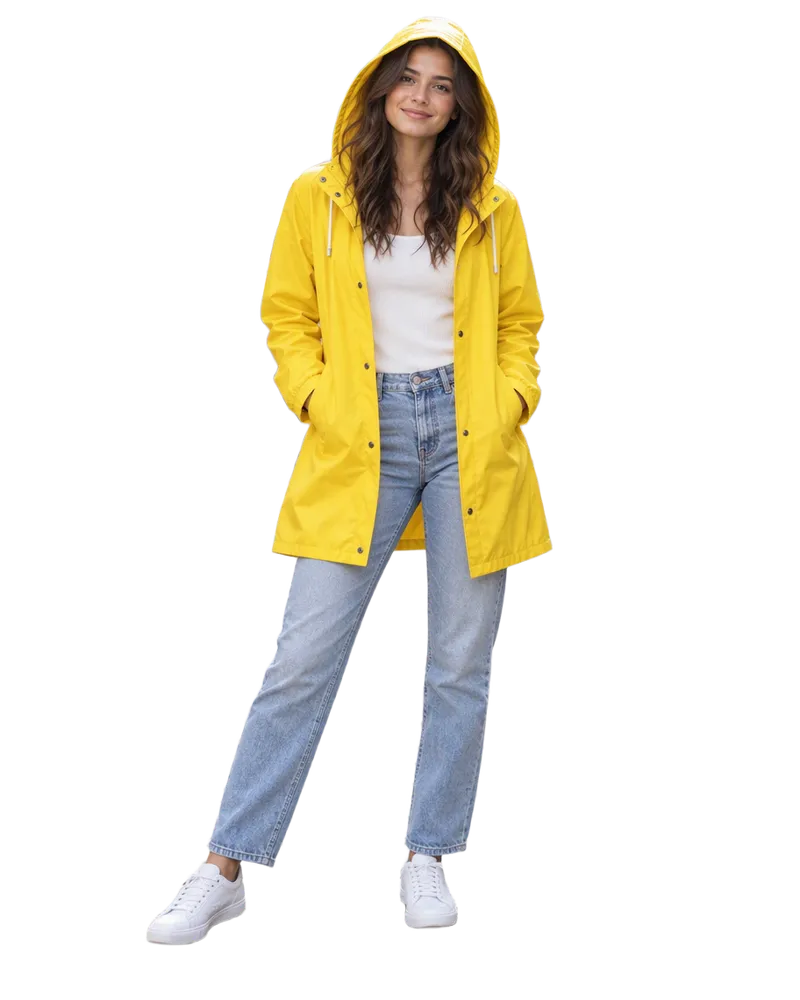
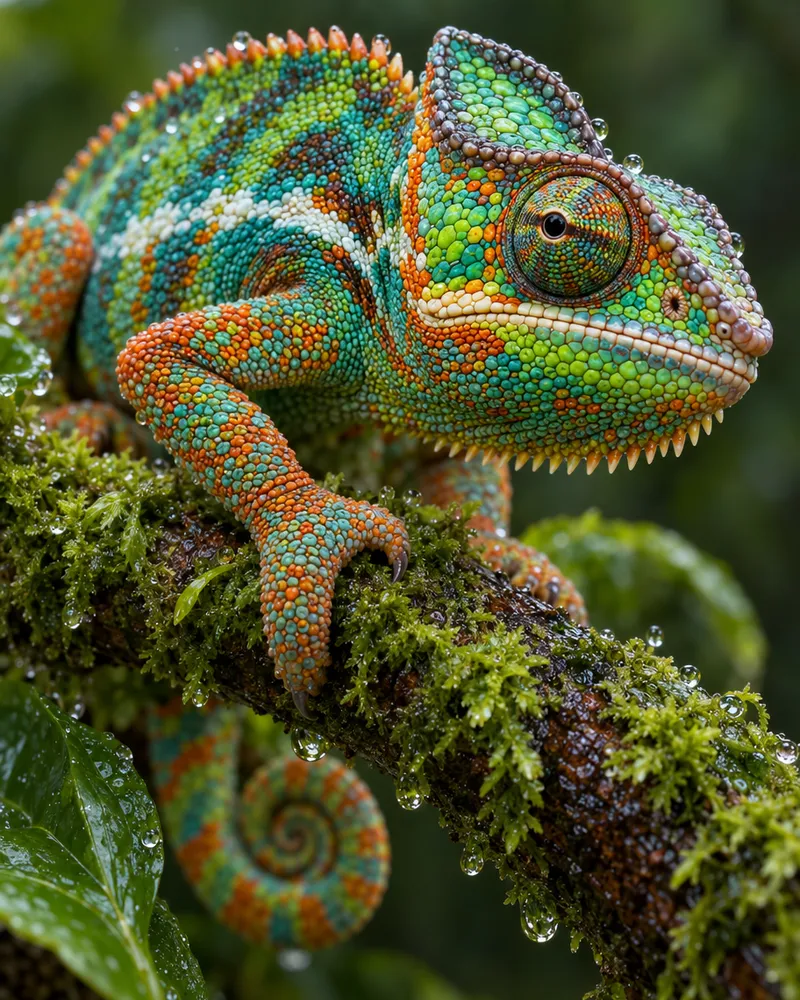

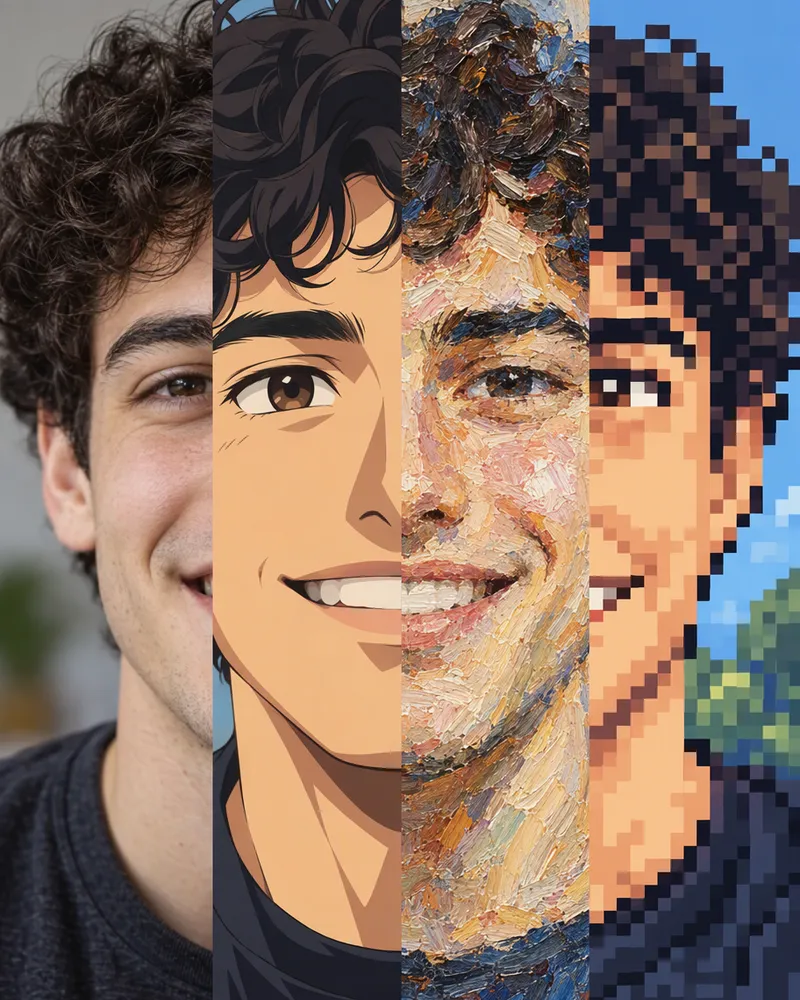
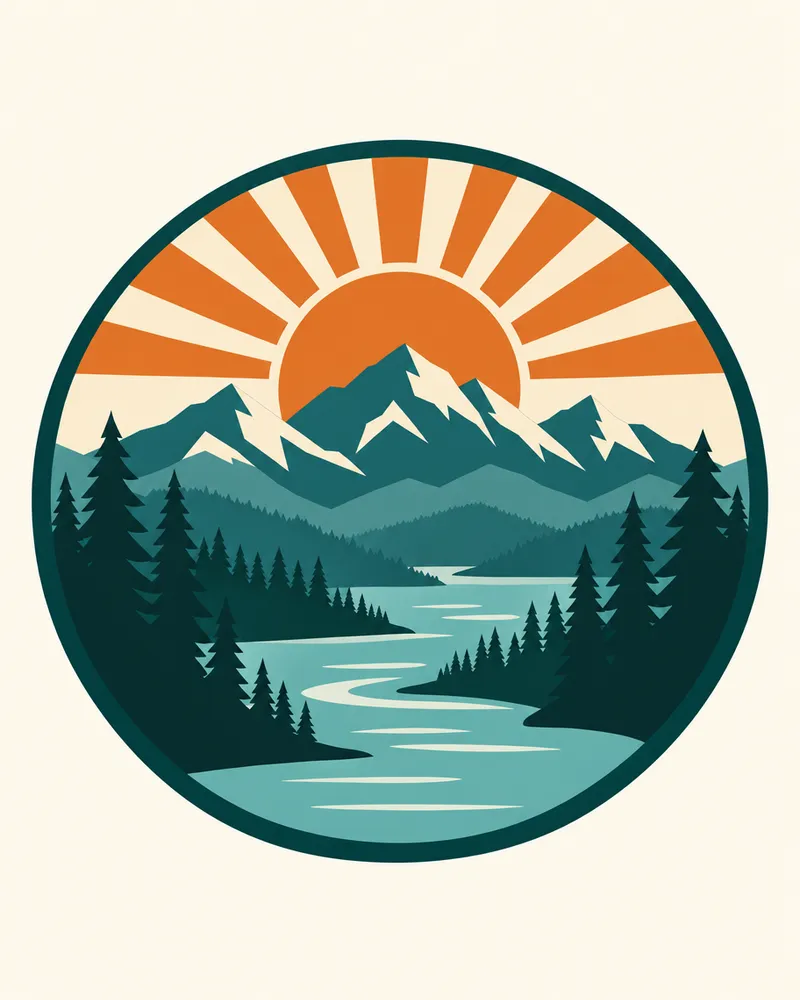
The same tools you get in your account. Tap one to see it.
How to make a picture with AI
Three steps. It works on your phone too.
Step 1
Type your idea
Say what you want to see. Or upload a photo to change.
Step 2
Pick a model
Each model has its own look. You see the token price first.
Step 3
Download it
Save your picture and use it in your post, slide or poster.
What a few words can make
Each picture shows the prompt that made it. Tap to try it yourself.
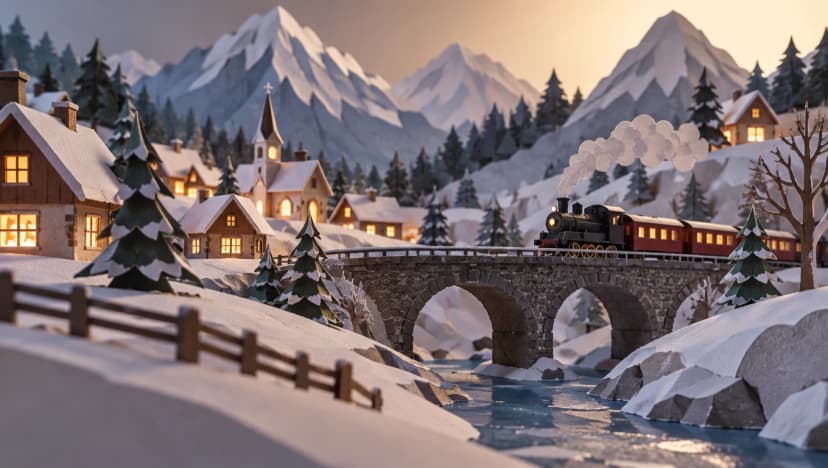
Made with GPT Image 2.5 Sunburst
“A paper craft diorama of a mountain village in winter, layered cut paper hills, tiny houses with glowing windows, a small train crossing a stone bridge, soft studio lighting, low angle photo.”
Try this prompt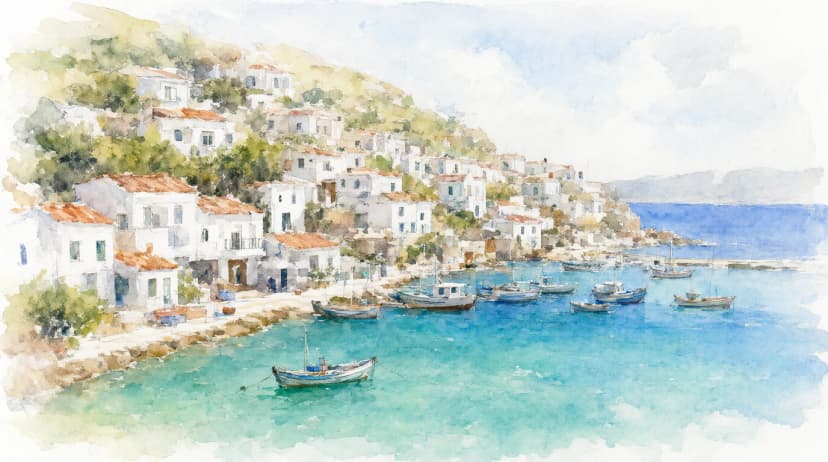
Made with Qwen Image 2.1
“A watercolor painting of a coastal village with white houses stacked on a hillside above a turquoise bay, small fishing boats in the harbour, loose brush strokes and soft washes of color.”
Try this prompt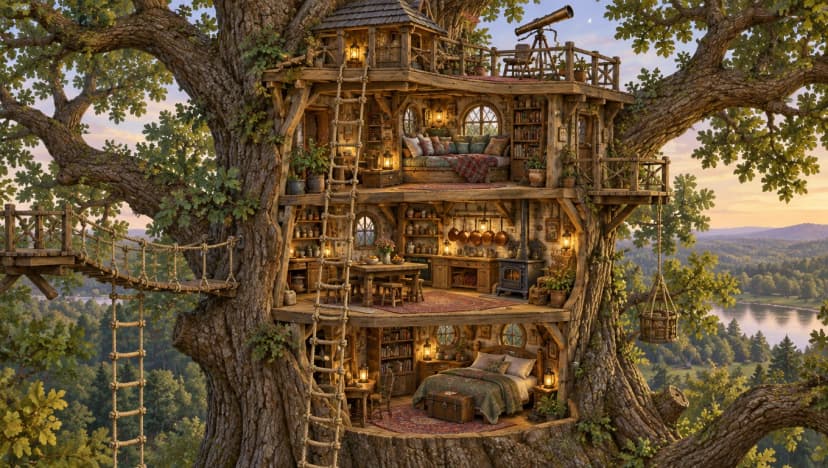
Made with GPT Image 2.5 Sunburst
“A cutaway illustration of a three level treehouse in a giant oak, rope ladders, a reading nook with cushions, a small kitchen with hanging copper pots and a telescope on the roof, detailed storybook style, no labels or text.”
Try this prompt
Made with GPT Image 2.5 Sunburst
“A paper craft diorama of a mountain village in winter, layered cut paper hills, tiny houses with glowing windows, a small train crossing a stone bridge, soft studio lighting, low angle photo.”
Try this promptMade with Qwen Image 2.1
“A watercolor painting of a coastal village with white houses stacked on a hillside above a turquoise bay, small fishing boats in the harbour, loose brush strokes and soft washes of color.”
Try this promptMade with GPT Image 2.5 Sunburst
“A cutaway illustration of a three level treehouse in a giant oak, rope ladders, a reading nook with cushions, a small kitchen with hanging copper pots and a telescope on the roof, detailed storybook style, no labels or text.”
Try this prompt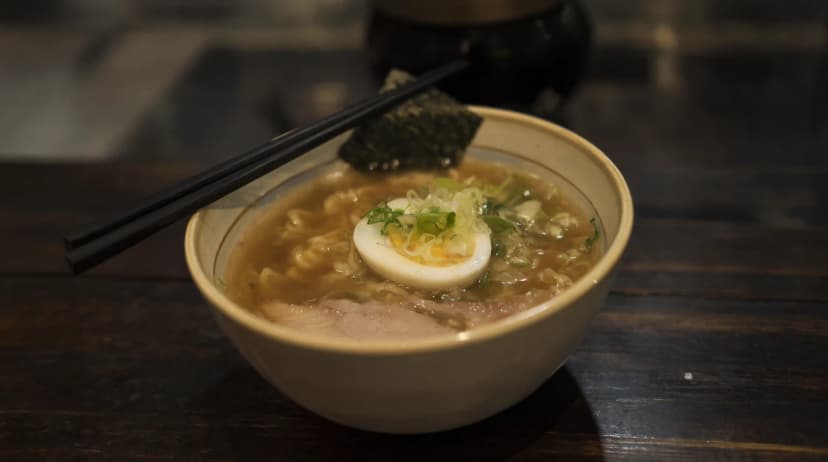
Made with Qwen Image 2.1
“A bowl of steaming ramen on a dark wooden counter, a soft boiled egg, sliced green onions, nori and slices of pork, chopsticks resting on the rim, shallow depth of field, warm evening light.”
Try this prompt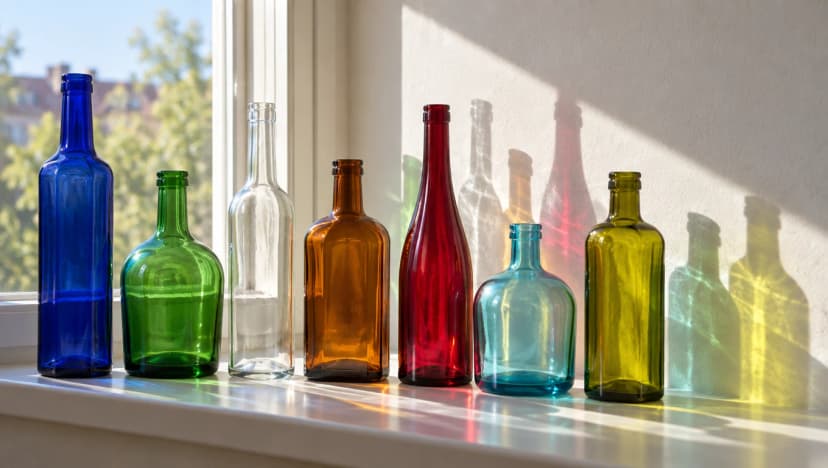
Made with GPT Image 2.5 Sunburst
“Seven plain glass bottles of different shapes and colors lined up on a sunny windowsill, light passing through them and casting colored shadows on a white wall.”
Try this prompt
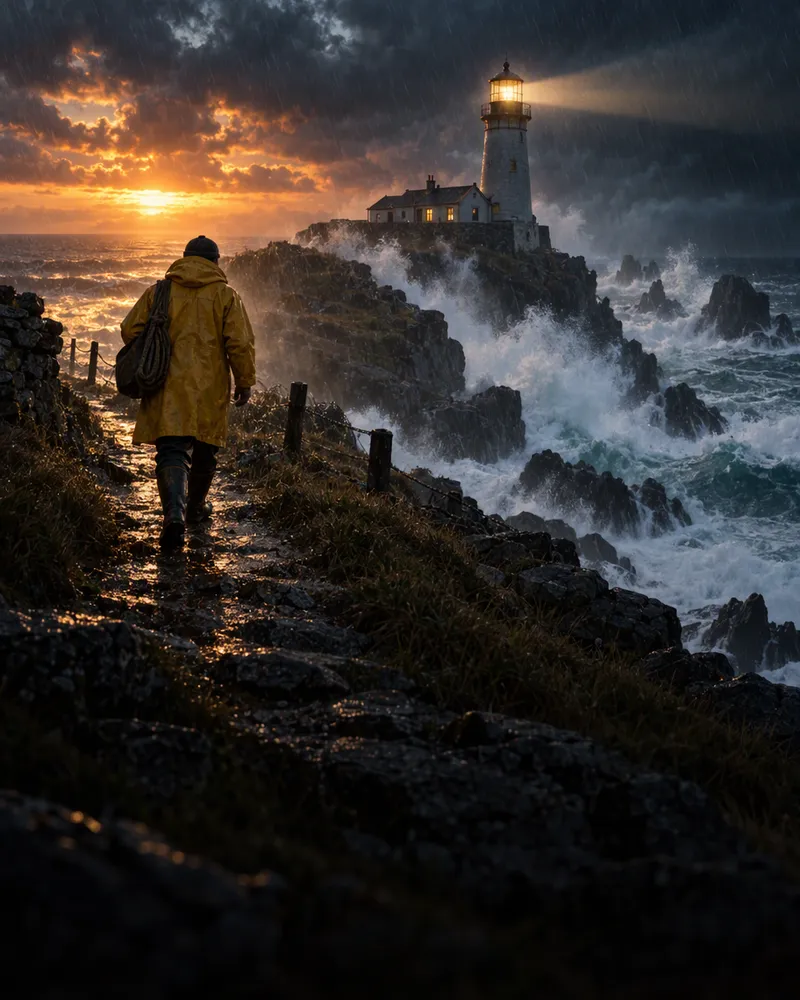
Made with Qwen Image 2.1
“A glass greenhouse on a desert planet, rows of glowing blue plants under a domed roof, two moons rising over red dunes outside, cinematic concept art.”
Try this prompt
Canva vs Enhance AI
They do different jobs. Here is which one to use.
| You want to | Use | Why |
|---|---|---|
| Lay out a post, slide or poster from a template | Canva | It is a design tool made for this. |
| Move text, shapes and photos around by hand | Canva | Its drag and drop editor is built for it. |
| Make a new picture from a few words | Enhance AI | All the top image models, like GPT Image and Seedream. |
| Change a photo by typing what you want | Enhance AI | Edit with words, like “paint the wall blue”. |
| Make a logo or icon as an SVG file | Enhance AI | The vector tool draws it from your words. |
| Make a video, song or voiceover with AI | Enhance AI | Video, music and voice tools in one account. |
| Put AI pictures into a finished design | Both | Make the picture here, then lay it out in Canva. |
Lay out a post, slide or poster from a template
- Use
- Canva
- Why
- It is a design tool made for this.
Move text, shapes and photos around by hand
- Use
- Canva
- Why
- Its drag and drop editor is built for it.
Make a new picture from a few words
- Use
- Enhance AI
- Why
- All the top image models, like GPT Image and Seedream.
Change a photo by typing what you want
- Use
- Enhance AI
- Why
- Edit with words, like “paint the wall blue”.
Make a logo or icon as an SVG file
- Use
- Enhance AI
- Why
- The vector tool draws it from your words.
Make a video, song or voiceover with AI
- Use
- Enhance AI
- Why
- Video, music and voice tools in one account.
Put AI pictures into a finished design
- Use
- Both
- Why
- Make the picture here, then lay it out in Canva.
Canva is a trademark of its owner. This is our own view, not endorsed by Canva.
Video, music and voice too
All in the same account. Videos are paid from your wallet.
- Text to video
Turn a few words into a video
- Image to video
Make a photo move
- Music
Make a song or a background track
- Voice
Turn your text into a voiceover
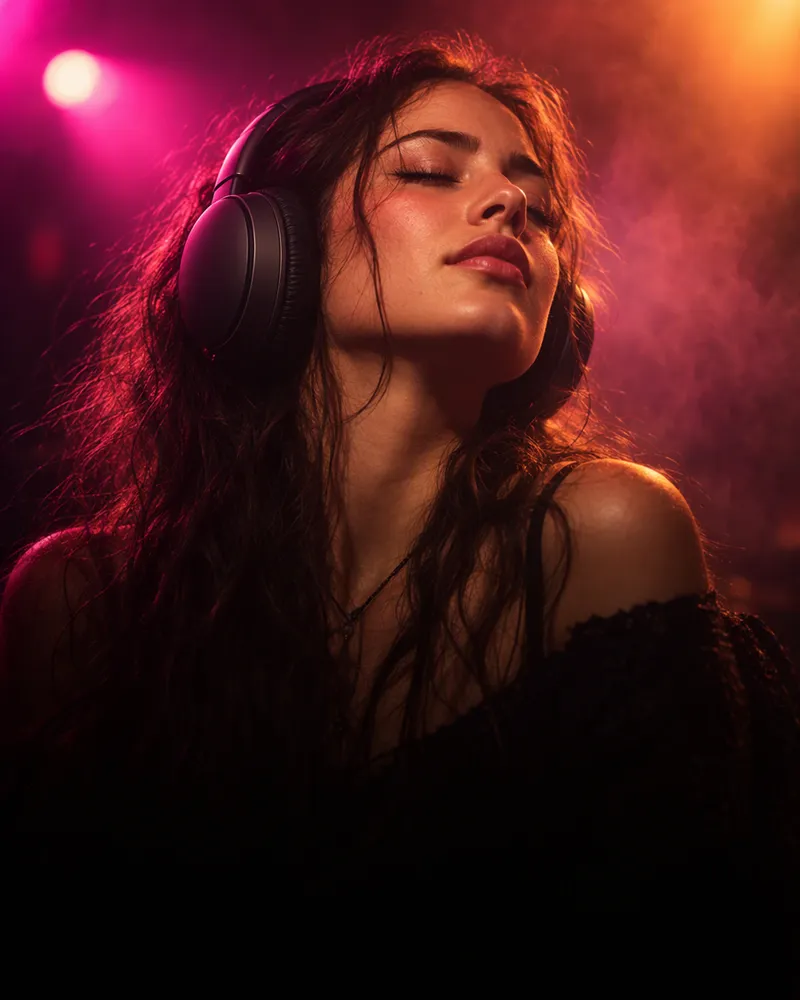
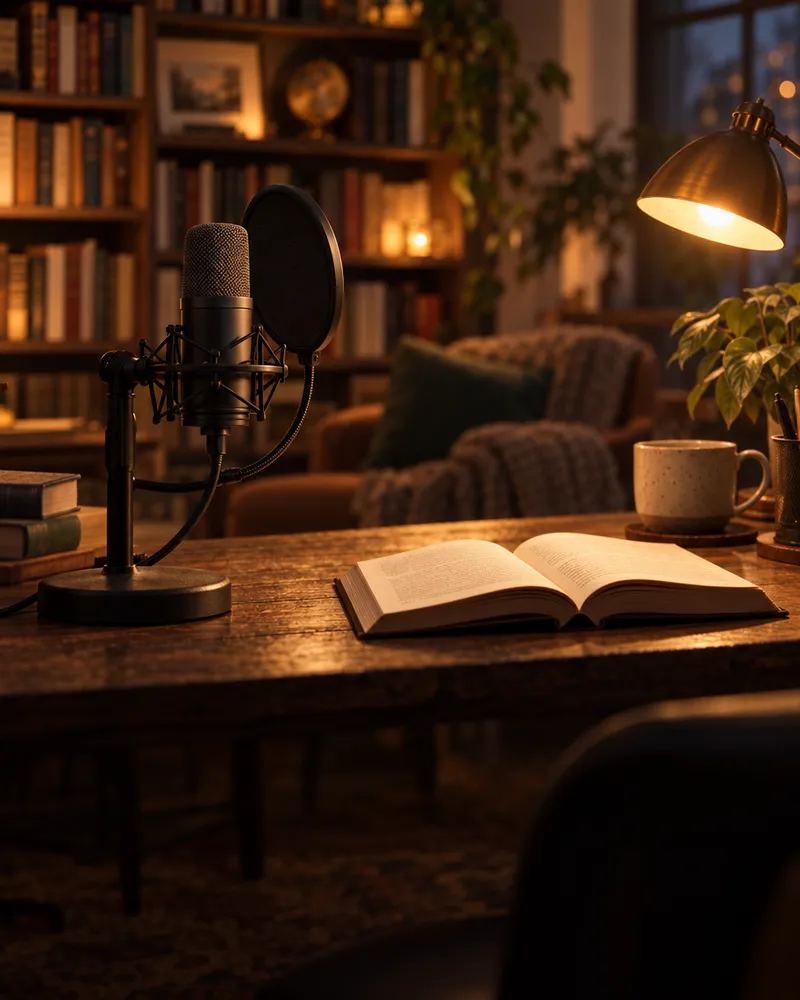
How much does it cost?
Start free. You see the price before you make anything.
Free image generator
3images a day
No account needed. The background remover and photo enhancer give you 3 free a day too.
Free tokens to start
Use them on any image model, plus music and voice. Videos are paid from your wallet. No card needed.
Sign up freeNo watermarkNo app neededPrice shown before you start
Questions people ask
Is Enhance AI a good Canva alternative?
Yes, if you want AI to make the picture for you. Canva is a design tool: you pick a template and move text and photos around by hand. Enhance AI makes new pictures from a few words and edits your photos when you say what to change. You can use both: make the picture on Enhance AI, then put it into a design in Canva.
What is the difference between Enhance AI and Canva?
Canva is built for laying out designs, like posts, slides and posters, with templates and a drag and drop editor. Enhance AI is built for making new media with AI: images, video, music and voice, all from a prompt, with every major AI model in one place.
Does Enhance AI have templates like Canva?
No, there are no drag and drop templates. There are styles instead: upload a photo, tap a style and AI redraws your photo in that look. For a brand new picture, you type what you want to see.
Can I use it free without an account?
Yes, for three tools. The free image generator makes 3 images a day with no account. The background remover and the photo enhancer also give you 3 free a day with no account. Make a free account when you want more.
Is Enhance AI free to start?
Yes. New accounts get free tokens, and you do not need a card. The tokens work on any image model and on the music and voice tools. Video is not free: every video is paid from your wallet, and a new wallet starts empty.
Do I need a subscription like Canva Pro?
No. Plans start at $19, paid one time, and yearly plans are 20% off. Canva has a free plan and paid plans of its own, so check Canva for its prices.
Can it write words on a picture, like on a poster?
Some models can. GPT Image 2 and Seedream 5.0 Pro are good at clear words on posters and signs. AI can still get a letter wrong, so check the spelling. For exact text, like a phone number, add it later in a design tool.
Can I make a logo?
Yes. The vector tool turns your words into a logo or icon as an SVG file, which stays sharp at any size. It costs 25 tokens, or 70 for Vector Pro.
Can Enhance AI make videos and music too?
Yes. The video studio has all the top video models in one place, like Kling, Veo and Seedance. There are music and voice tools too. Music and voice use tokens. Videos are paid from your wallet.
Do I need to download an app?
No. Enhance AI works online, in the browser on your phone or computer.
Is there a watermark?
No. Enhance AI does not add a watermark to the pictures and videos you make.
Can I use what I make for my business?
Yes. You own what you make and can use it for personal or commercial work, like ads, client work and products you sell. You are still responsible for what you put in and what you post.
Make your first AI picture
Type an idea and get a picture you can use in your next design.
Make an image free- Free to try
- No app needed
- No watermark
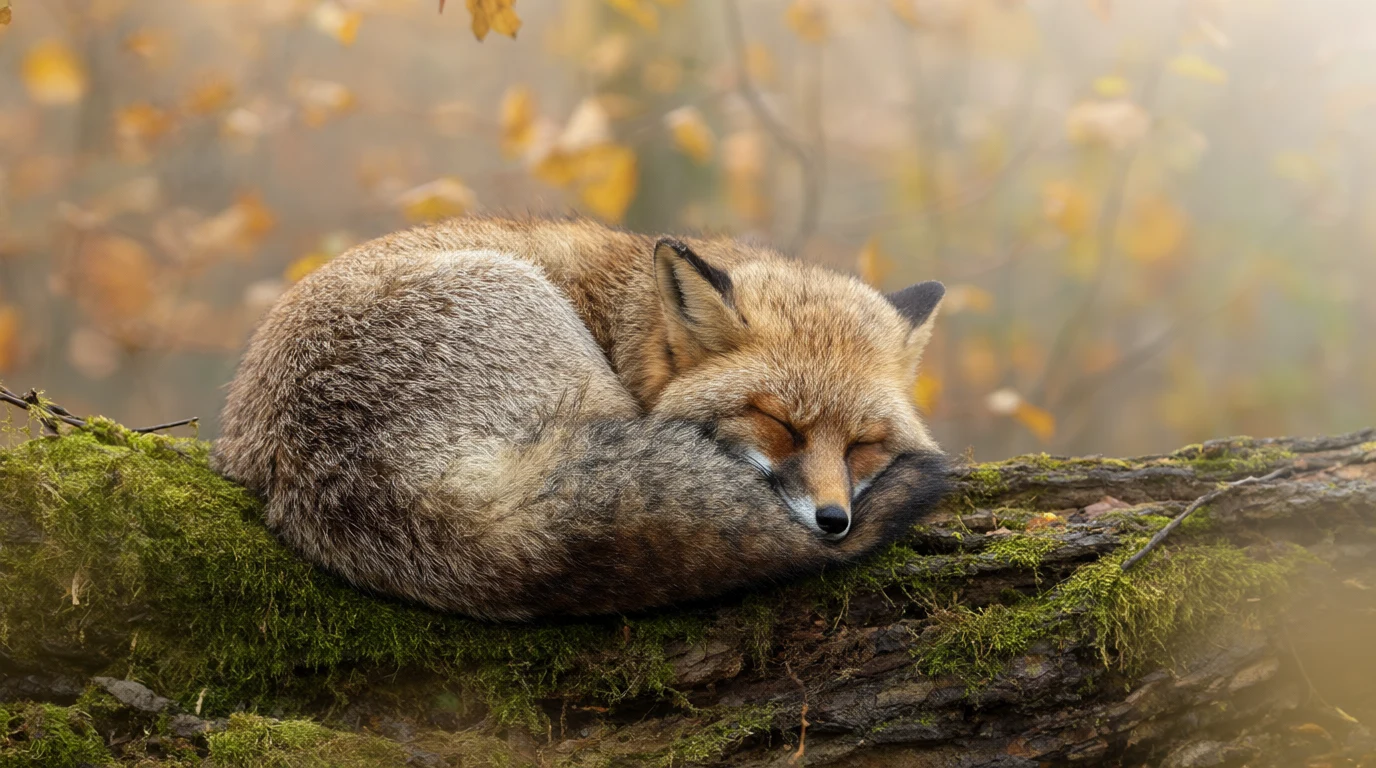
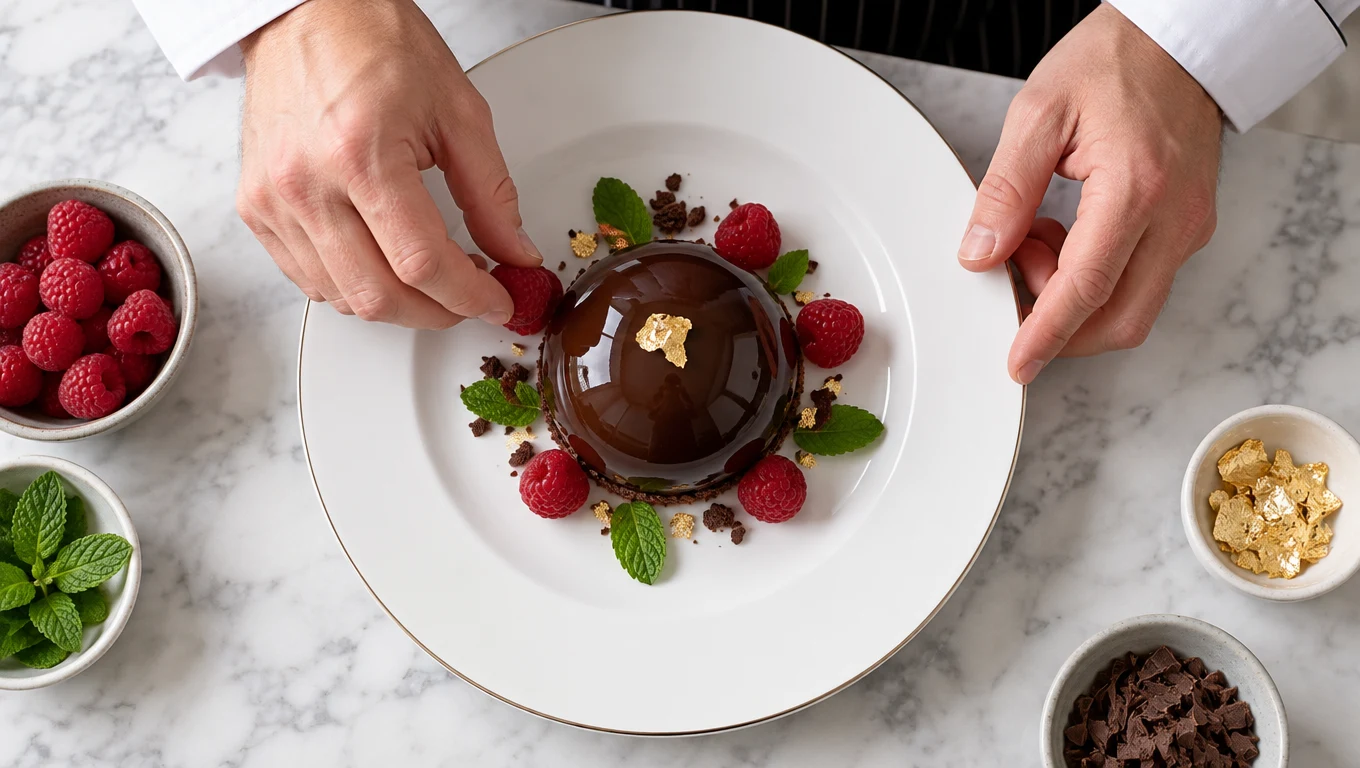
More from Enhance AI