Kling 3 AI image generator
Kling Image V3 — cinematic quality image generation
Free tokens on signup, no card required. Plans from $19 one time.
Key features
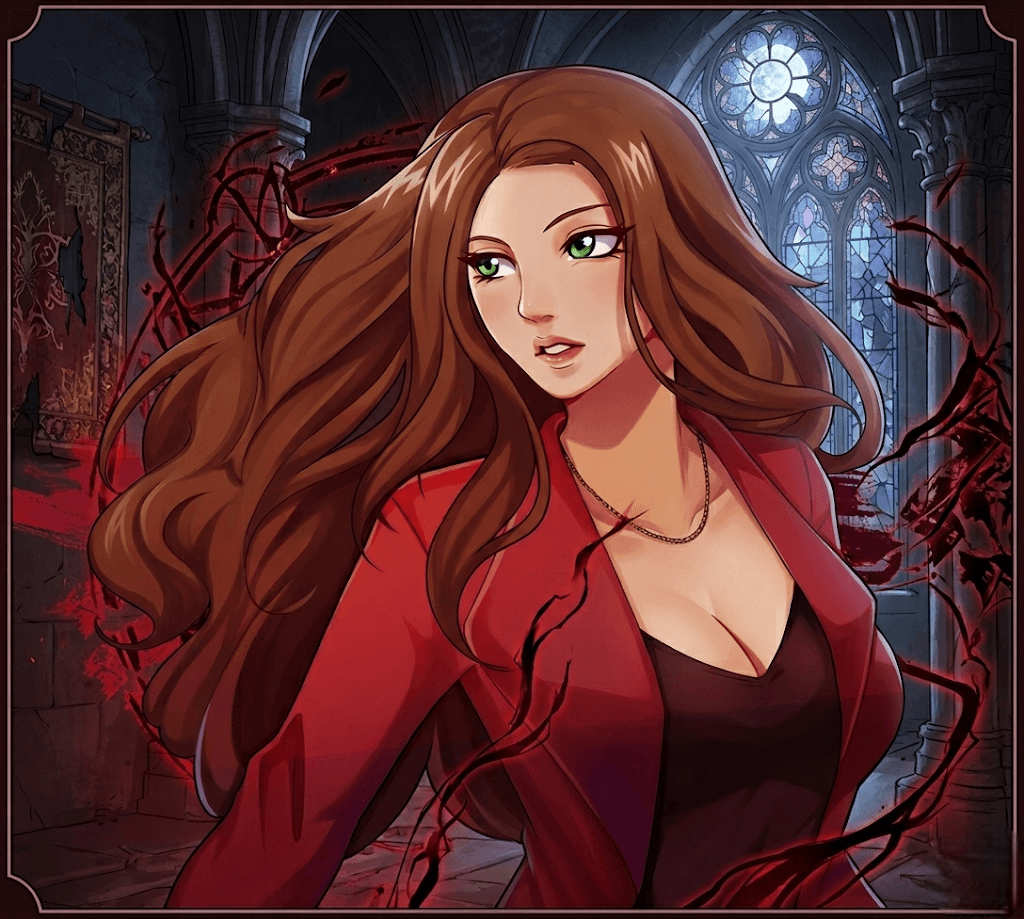
Kling 3 turns a written prompt into images inside Enhance AI.
Input modes
Kling 3 works from a written prompt. Describe the subject, the setting, the light and the style in plain words and pick a size before you generate. Short, concrete prompts tend to render more reliably than long lists of adjectives, so say less and say it clearly.
Specifications
- Type
- Image
- Modes
- Text to image
How to use Kling 3 on Enhance AI
- 1
Sign in and pick Kling 3
Open the Playground on Enhance AI and choose Kling 3 from the model list. A new account starts with free tokens and no card is needed. The Try button on this page opens the studio with Kling 3 already selected.
- 2
Describe the image
Write what you want to see: the subject, the setting, the light and the style. Pick a size and how many variations you want, and keep the prompt to one idea per image.
- 3
Generate, then download or extend
Press Generate. The images land in your history on Enhance AI, where you can download them, upscale them, edit them or animate one with a video model on the same account. You see the cost before you confirm.
What people make with Kling 3
Social posts and thumbnails
Most images made with Kling 3 are for a feed, a story or a thumbnail. Describe the subject, the setting and the light in plain words, pick the size the platform wants, and render a few variations. A thumbnail that stops a scroll is worth the extra renders it took.
Product mockups
Put a product in a scene you could not afford to shoot: on a marble counter, in a rainy street, on a mountain at dawn. Kling 3 renders the setting from a description, and the image editor on the same Enhance AI account lets you refine the details afterwards.
Concept art and mood boards
Before a shoot, a build or a brief, generate the look with Kling 3: colour, mood, composition, wardrobe. A page of concept images gets a client or a team aligned faster than a paragraph, and each direction costs a render rather than a day of illustration.
Common questions
- What is Kling 3?
- Kling 3 is an image generation model. It turns a written prompt into images. On Enhance AI it runs on the same account as all the other top models, with no separate subscription.
- Is Kling 3 free to try?
- Yes. Every new account gets free tokens on signup, no card required, so you can run Kling 3 before paying anything. Plans from $19 one time add more tokens when you need them, and one account covers Kling 3 and all the other top models.
- What does it cost to run Kling 3?
- Image generations are billed in tokens, and every new account starts with free tokens. You see the cost before you generate.
- Do I need a separate subscription for Kling 3?
- No. Kling 3 runs on the same Enhance AI account as every other model, so you are not paying one provider for video and another for images.
Related models
- Grok ImagineGrok Imagine Image - Text-to-image and image-to-image generationView
- Recraft V4Recraft V4 — professional design-grade image generationView
- CogView 4Z-AI CogView-4 — precise prompt understanding with high-quality image generationView
- WAN 2.7 ProAlibaba WAN 2.7 Pro — professional-grade image generation with 17 tokensView
- EA Imagefast, high-quality image generationView
- Seedream 5.0 FlashSeedream 5.0 Flash is ByteDance's fast, lower-cost image generation model for text-to-image generation.View
More from Enhance AI